Retail chains running UKG across 20+ locations face a punch compliance architecture problem — not a scheduling one. Shared kiosks, high turnover enrollment gaps, and multi-state attestation rules create hidden payroll leakage and audit exposure. Here's where it originates and how to close it.



Table of Contents
- How UKG Ready and Pro WFM Handle Time Capture for Retail
- The Shared-Kiosk Problem at Peak Hours
- High Turnover and the Enrollment Cycle That Drains HR
- Multi-State Attestation: Why 18 States Have Different Rules and One Configuration Can’t Prompt for All of Them
- What the Correction Overhead Actually Costs
- CloudApper AI TimeClock for UKG: What Retail Chains Actually Evaluate
- Frequently Asked Questions
Shared kiosks at multi-location retailers create hidden payroll costs in UKG when they don’t prompt for state-required break attestations at the end of every shift. The pattern shows up in the quarterly compliance review: someone pulls the missing-attestation report across 23 stores, and the misses cluster in the same four states and on the same shift types. For a payroll analyst at a regional chain running UKG Ready, that means the kiosks aren’t prompting for attestation at clock-out, corrections are manual and slow, and the next DOL review will ask about it. CloudApper AI TimeClock for UKG adds those prompts at the kiosk. Before choosing hardware, it helps to see how shared kiosks, high turnover and multi-state rules combine to cause the problem.
How UKG Ready and Pro WFM Handle Time Capture for Retail
UKG Ready and UKG Pro WFM both support time capture across multiple channels: the proprietary Intouch DX terminal, mobile punch via the UKG app, browser-based entry, and telephony. For frontline retail workers who clock in at a shared station, the Intouch DX or Intouch 9000 terminal handles biometric enrollment, PIN entry, and badge swipe. Native UKG also covers exception management — the Missing Punches report surfaces every employee with an outstanding missed punch, by store and by date, so managers can initiate correction workflows before payroll close. For a retail chain running standard shifts with a stable workforce at each location, this architecture works.

The challenge is that retail rarely runs standard shifts with a stable workforce. When the operational realities of high turnover, peak-hour kiosk queues, and multi-jurisdiction compliance requirements pile onto the same hardware, UKG’s native time capture becomes dependent on correction workflows that are reactive by design — and the cost of running those corrections at scale shows up in payroll hours, grievance exposure, and occasionally, regulatory review.
The Shared-Kiosk Problem at Peak Hours
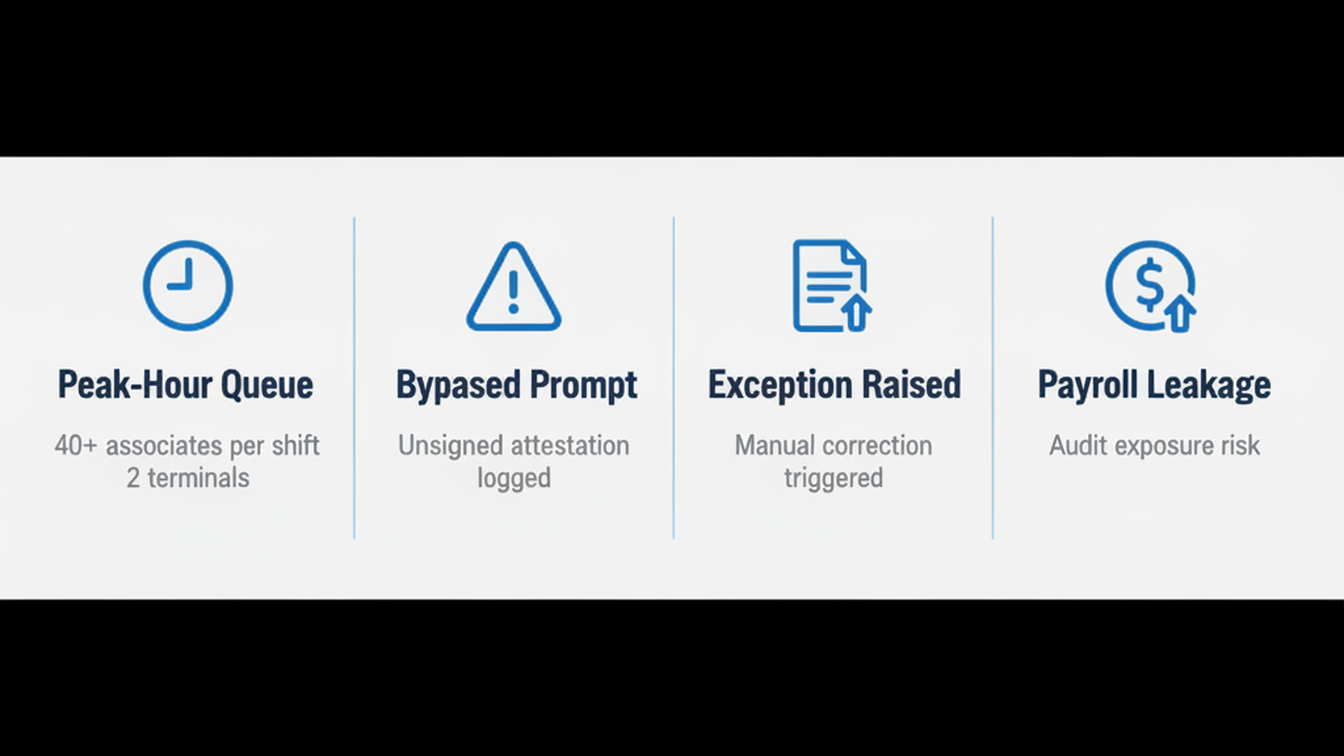
Most retail stores deploy one or two time clock terminals per location. For a store with 60 associates per shift, that means a queue at clock-in and clock-out during the five minutes before and after a shift change. Associates under time pressure skip the confirmation prompt, clock in for someone else to move the line, or tap out before their shift technically ends to avoid the queue. Buddy punching is a well-documented result of this configuration — industry estimates consistently place time theft losses at 2–5% of payroll in hourly, frontline environments — but the less-discussed consequence is how the physical queuing behavior degrades attestation compliance.
A UKG Intouch terminal can be configured to prompt for meal break attestation at clock-out. In a high-pressure queue, that prompt gets bypassed. The system records an unsigned attestation. The manager’s Missing Punches report shows the unsigned record, the manager initiates a correction, the associate responds (or does not), and the payroll analyst closes it before payroll runs. That sequence — prompt bypassed, exception raised, correction initiated, associate response awaited, record closed — is the hidden labor cost of the shared-kiosk design. At 20 stores across three states, run that sequence daily, and the correction workflow itself becomes a material HR overhead. The punch audit trail framework used in union grievance defense requires exactly this kind of clean attestation record — and when the record starts as a bypass, the audit work becomes exponentially harder.
High Turnover and the Enrollment Cycle That Drains HR
Retail turnover in the United States averages 60% annually — and in some segments, hourly associate turnover runs higher. For a store with 80 associates, that means re-enrolling roughly 48 people per year at the biometric time clock. For a chain with 25 stores, that is 1,200 enrollment events annually, each of which requires a manager or HR coordinator to be physically present at the Intouch terminal with the new hire, run through the biometric capture sequence, confirm the record in UKG, and associate the employee record with the device. When those 1,200 events are distributed across 25 locations with varying manager availability, the enrollment queue creates gaps.
The specific gap that creates punch compliance risk is the window between a new associate’s first shift and their completed biometric enrollment. During that window, the associate clocks in via PIN or badge swipe — and if the store is running an attestation prompt that is tied to the biometric record, the PIN-entry path can bypass the prompt entirely. Biometric enrollment friction during seasonal hiring is a documented operational problem even at organizations with established UKG deployments — at retail chains where seasonal hiring and standard turnover overlap, the gap is essentially continuous.
Multi-State Attestation: Why 18 States Have Different Rules and One Configuration Can’t Prompt for All of Them
A retail chain operating across multiple states faces a compliance architecture problem that does not appear in most time clock discussions: the attestation prompts required at clock-out vary by jurisdiction. California requires a meal period waiver for shifts under six hours. New York has specific requirements for rest period documentation for certain hourly classifications. Illinois has predictive scheduling rules that affect shift modification records. Washington has its own set of requirements for break periods for minors. A UKG Intouch terminal deployed at a single location can be configured for that location’s state requirements — but the configuration is hardware-specific and does not travel with the employee when they float between stores in different states.
The payroll compliance analyst who pulls the attestation exception report before a DOL review sees the output of this configuration gap: consistent exception patterns in the same states, across the same shift types, because the terminal at that location was configured for the dominant jurisdiction when it was installed, and the edge cases were not mapped into the device configuration. Fair Workweek and predictive scheduling compliance at the time clock level adds another layer to this — when a retail chain operates in cities with local predictive scheduling ordinances, the compliance prompt architecture becomes a multi-layer configuration problem that standard hardware handles poorly at scale.
The enterprise rollout IT planning framework for multi-location UKG time clock deployments addresses the provisioning architecture but not the attestation configuration layer — and that is where most multi-state retail deployments develop their compliance gaps.
What the Correction Overhead Actually Costs
Retail HR teams running UKG across 20+ locations typically spend 3–5 hours per payroll period per location managing missed punch and attestation correction workflows. At 20 locations, that is 60–100 hours per payroll period in correction-only overhead — before accounting for any payroll errors that result from records not corrected in time. The ROI case a CFO needs to approve a time clock hardware change is built on this number: if the correction overhead costs more than the hardware differential, the business case writes itself. Most retail chains do not have a precise cost per correction event, which is why the ROI case stalls at the anecdotal stage.
The adjacent cost — which surfaces in payroll audits rather than HR budget reviews — is the overpayment risk from unsigned attestations that result in unchallenged overtime or missed meal period deductions. Warehouse operations face the same issue with job transfer punches and wave shift compliance, but retail adds the multi-jurisdiction attestation layer that makes the exposure harder to quantify at a corporate level.
CloudApper AI TimeClock for UKG: What Retail Chains Actually Evaluate
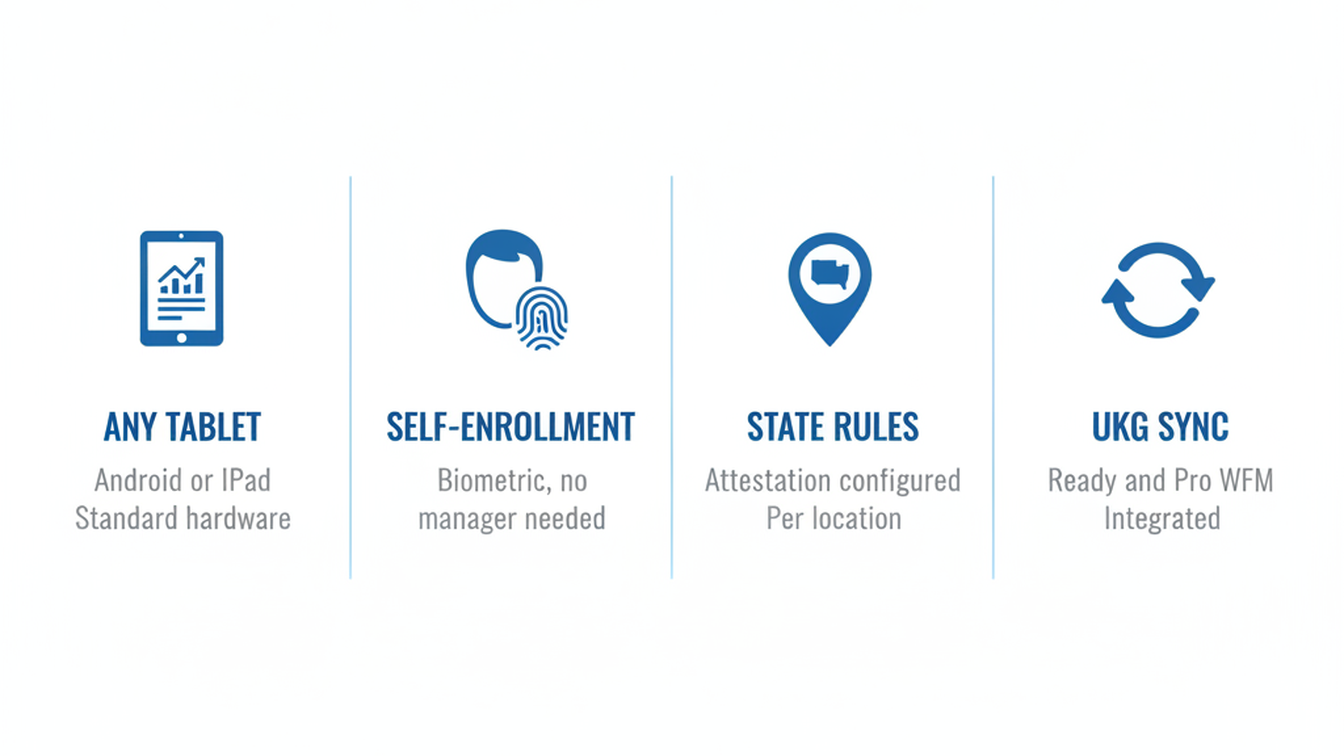
CloudApper AI TimeClock for UKG replaces proprietary Intouch hardware with standard Android tablets or iPads that run a dedicated kiosk application and sync punch records directly to UKG Ready and Pro WFM. For retail chains evaluating the hardware, three capabilities address the gaps described above directly.
First, the attestation prompt configuration is software-defined — it lives in the CloudApper application layer, not in the hardware firmware, which means that a 25-store chain can deploy location-specific attestation prompt sets from a central admin interface and push updates without physically reconfiguring each terminal. When Illinois adds a predictive scheduling notification requirement or California updates its meal waiver language, the configuration change happens in the platform and propagates to all enrolled devices. The same device that runs California attestation logic in a Fresno store can run Washington state logic in a Tacoma store with a configuration change, not a hardware change.
Second, biometric enrollment in CloudApper runs from the tablet camera with a self-enrollment flow that does not require a manager to be physically present at a dedicated enrollment station. A new associate can complete facial recognition enrollment from any CloudApper-enrolled tablet in the store — during onboarding, before their first shift, without a queue. For a 25-store chain processing 1,200 enrollment events per year, eliminating the enrollment queue reduces both the window of PIN-only access and the manager time required per enrollment. The cost comparison between proprietary UKG hardware and tablet-based alternatives at 25% of InTouch pricing across a 25-location deployment makes the enrollment capability a secondary benefit behind the hardware cost differential — but for HR directors who track turnover costs, the enrollment overhead reduction is often the number that matters most in year two.
Third, CloudApper AI TimeClock supports deployment of multiple tablets per location without the per-device licensing structure of dedicated hardware terminals. A store that currently runs two Intouch terminals and has a persistent queue problem can deploy four CloudApper tablets without a proportional hardware cost increase, reducing peak-hour queue depth and the bypass behavior that drives unsigned attestations. The punch records sync to UKG Ready or Pro WFM through the same integration path used by the Intouch terminals — the UKG admin sees clean punch records in the timecard module without a workflow change.
Frequently Asked Questions
Q: Can CloudApper AI TimeClock sync directly with UKG Ready and UKG Pro WFM for retail store punch records?
Yes. CloudApper AI TimeClock integrates directly with UKG Ready and UKG Pro WFM via API, syncing punch records, employee roster data, and schedule information. The UKG admin sees punch records in the standard timecard module without a workflow change. CloudApper AI TimeClock is a hardware replacement, not a software replacement — UKG remains the system of record for time and attendance.
Q: How does CloudApper handle multi-state attestation requirements across retail locations in different jurisdictions?
Attestation prompt configuration in CloudApper is software-defined and managed centrally. Each enrolled device can be assigned a location-specific attestation set that reflects the applicable state or local requirements. When requirements change, the configuration update pushes to all devices from the admin interface without physical reconfiguration of hardware at each store. This is the primary operational advantage over firmware-based attestation configuration in proprietary terminal hardware.
Q: What happens to punch records from a shared CloudApper kiosk if the store loses internet connectivity?
CloudApper AI TimeClock supports offline time capture. Punch records are stored locally on the device and sync to UKG Ready or Pro WFM when connectivity is restored. The sync handles conflict resolution automatically, and the UKG admin can review offline punch records with timestamps that reflect actual punch time, not sync time. This is particularly relevant for retail stores in areas with unreliable connectivity or during network maintenance windows.
Q: How many tablets can be deployed per retail location, and is there a per-device cost?
Deployment of multiple tablets per location is supported without the per-device cost structure of proprietary Intouch terminals. A store experiencing peak-hour queue problems can add additional enrolled tablets using standard Android hardware or iPads. Contact CloudApper for current per-location licensing details at ukg.cloudapper.ai.
Q: Does biometric enrollment in CloudApper require a manager to be present at a dedicated enrollment station?
No. Facial recognition enrollment in CloudApper runs from the tablet camera using a self-enrollment flow. A new associate can complete enrollment from any CloudApper-enrolled tablet in the store during the onboarding session. The enrolled biometric record syncs to the CloudApper platform and is available immediately across all enrolled devices at that location. This eliminates the enrollment queue and the window of PIN-only access that creates missed attestation risk for newly hired associates.
Q: What does the UKG admin see differently in the timecard module when CloudApper is the punch device?
Nothing materially different — punch records appear in the standard UKG timecard module with timestamps, punch type, and device identifier. Exceptions raise in the same Missing Punches report that UKG uses for any other punch device. The difference is upstream: CloudApper’s attestation enforcement at the device level reduces the exception rate before records reach the UKG timecard module, which means fewer correction workflow events per payroll period for the UKG admin to manage.
Retail chains running UKG Ready or Pro WFM across multiple locations do not have a scheduling problem — they have a punch compliance architecture problem that shows up as correction overhead, attestation exceptions, and unquantified audit exposure. Reviewing the specific configuration options and integration documentation is available at ukg.cloudapper.ai.



November 5, 2026
Tablet Time Clocks in Cold, Wet and Dusty Sites: Who Answers the Work Order When the Screen Fogs Over
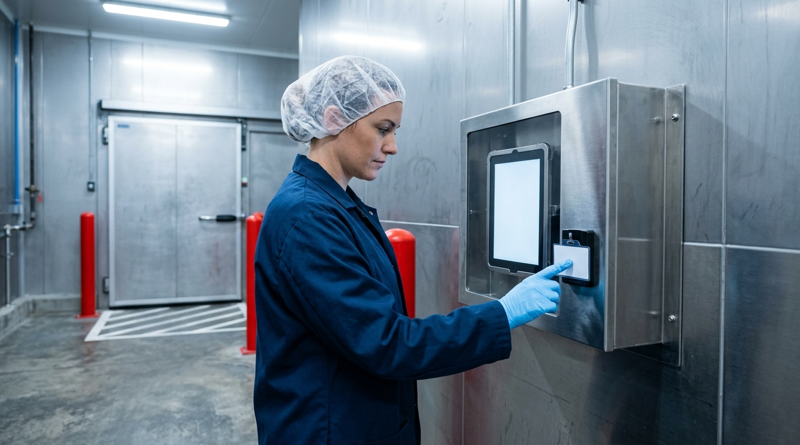
Putting a tablet time clock in cold storage, a washdown line or a dusty dock works when ownership is settled first. This guide gives UKG admins placement rules, fallback punch options, a test plan and a named support owner for each site.
November 4, 2026
Weekend Cutover from Intouch DX to Tablet Time Clocks: The Rollback Rule to Agree Before Friday
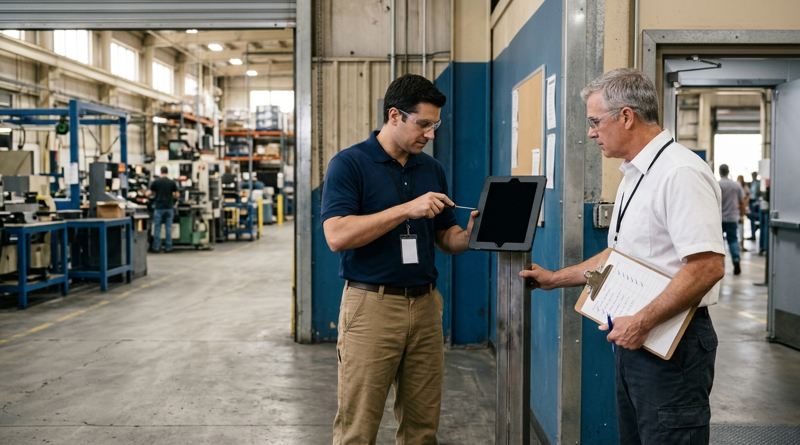
A weekend swap from Intouch DX to tablet time clocks works only when the rollback rule is agreed first. This runbook gives UKG admins a Friday to Monday sequence, plant manager acceptance criteria, and a payroll-based trigger for reverting a site.

November 3, 2026
Wi-Fi Site Survey for UKG Tablet Time Clocks: Who Owns the Network Before the First iPad Is Mounted
Moving from wired UKG clocks to tablets shifts a hidden dependency onto your wireless network. This guide shows UKG admins and IT how to survey each clock position, test outage behavior, and assign ownership of access point fixes before go-live.

November 2, 2026
Changing the Time Clock in a Union Shop on UKG: What to Settle Before the First Tablet Ships
Changing the time clock in a union workplace is a labor relations task as much as an IT one. This checklist shows UKG admins and HR leaders what to settle first: agreement review, frozen pay rules, steward briefings, biometric consent alternatives, and a one-site pilot.