A weekend swap from Intouch DX to tablet time clocks works only when the rollback rule is agreed first. This runbook gives UKG admins a Friday to Monday sequence, plant manager acceptance criteria, and a payroll-based trigger for reverting a site.


Table of Contents
- What UKG Already Handles
- Where Weekend Cutovers Go Wrong
- What to Do Inside UKG First
- Where Fixed Terminals Run Out
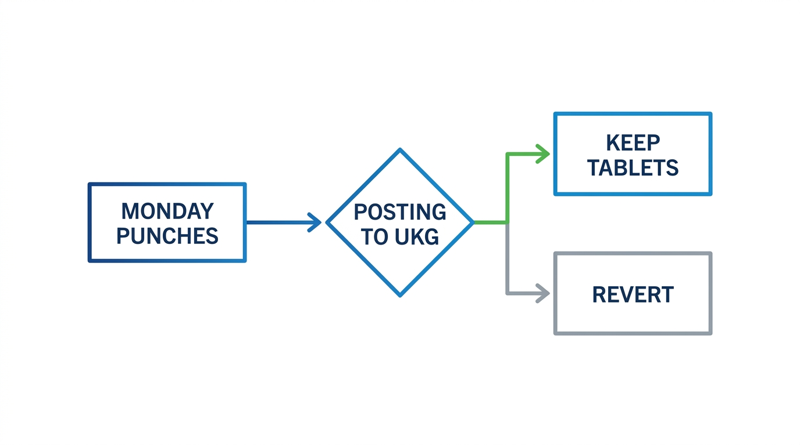
Send this sentence to your plant manager and CFO before Friday: “If Monday’s first-shift punches are not posting to UKG by 7:00 a.m., we revert that site to the Intouch DX terminals and re-test the next weekend.” If you cannot write that sentence, you are not ready to swap clocks. A cutover to CloudApper AI TimeClock, the iPad and tablet layer that syncs with UKG Ready and Pro WFM, is a 48-hour job only when the rollback rule exists in advance.
What UKG Already Handles
Your pay rules, accruals, and schedules live in UKG Ready or Pro WFM, and they do not change when the capture device does. The terminal is an endpoint. That is why a weekend swap is realistic at one site, and why pay configuration should stay untouched during it.
Where Weekend Cutovers Go Wrong
Four failures cause most Monday-morning calls: employee IDs that do not match UKG, transfers and pay codes nobody mapped on the new device, punches supervisors cannot see, and a rollback decision made at 6:45 a.m. with no agreed trigger. The integration test script covers the first two before anyone mounts a tablet.
What to Do Inside UKG First
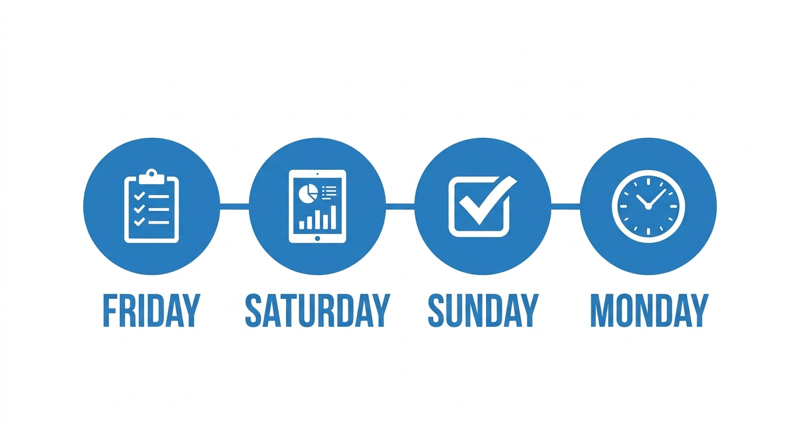
Run the swap only after a pilot has passed the criteria in the pilot success memo, and capture your current exception rate using the missed punch baseline method so Monday has something to compare against. Then work the weekend in order:

- Friday close: confirm the last Intouch DX punches have synced, announce the change to crews.
- Saturday install: mount tablets in kiosk mode per the MDM configuration guide, and confirm coverage at each spot as described in the Wi-Fi site survey article.
- Sunday validation: punch with test employees across every pay code, transfer, and attestation, then confirm each appears in UKG with the right timestamp.
- Monday first shift: have the UKG admin and one supervisor watch punches post in real time, with the rollback rule posted where both can see it.
Give the plant manager criteria too: crews clock in without help, and no grievance on day one.
Where Fixed Terminals Run Out
Keeping the Intouch DX terminals in place for a week is the safest rollback, and the side-by-side guide shows how. The limit is cost: terminals for every site make a staged rollout expensive. CloudApper AI TimeClock uses standard tablets you can stage and reset without a hardware purchase order.
CloudApper AI TimeClock for the Cutover Weekend
CloudApper AI TimeClock supports face recognition, custom forms for pay codes and transfers, and offline capture that syncs to UKG Ready or Pro WFM when connectivity returns. Per CloudApper’s pricing comparison, it costs roughly 25% of traditional clocking hardware. The Intouch DX replacement guide covers the full comparison.
Frequently Asked Questions
Q: How do you replace an Intouch DX with a tablet time clock without changing UKG?
Register the tablet as an endpoint, map employees and pay codes, and leave pay rules untouched. Validate every punch type before the first shift.
Q: Can a time clock cutover be done in one weekend?
Yes, at a single site, if a pilot has passed and the integration is tested.
Q: What should a UKG admin check on the first Monday shift?
Confirm punches post with correct timestamps, pay codes apply, and supervisors can see them.
Q: What is a good rollback trigger for a time clock swap?
Tie it to payroll, not uptime. If first-shift punches are not posting to UKG by an agreed hour, revert that site and retest the next weekend.
Q: Should the old Intouch DX terminals stay installed during cutover?
Yes, keep them powered and registered for the first week. They are the fastest rollback if validation fails.
If you are planning a site cutover and want a rollback checklist your plant manager and CFO can sign, book a demo of CloudApper AI TimeClock for UKG and walk through it with the team.


November 5, 2026
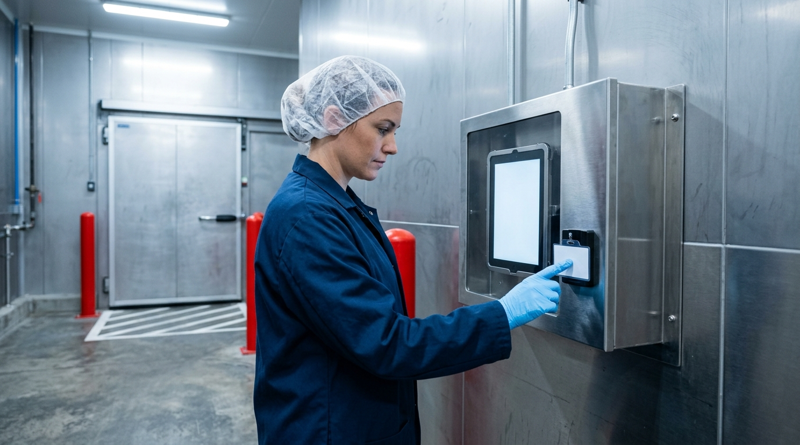
Tablet Time Clocks in Cold, Wet and Dusty Sites: Who Answers the Work Order When the Screen Fogs Over
Putting a tablet time clock in cold storage, a washdown line or a dusty dock works when ownership is settled first. This guide gives UKG admins placement rules, fallback punch options, a test plan and a named support owner for each site.

November 3, 2026
Wi-Fi Site Survey for UKG Tablet Time Clocks: Who Owns the Network Before the First iPad Is Mounted
Moving from wired UKG clocks to tablets shifts a hidden dependency onto your wireless network. This guide shows UKG admins and IT how to survey each clock position, test outage behavior, and assign ownership of access point fixes before go-live.

November 2, 2026
Changing the Time Clock in a Union Shop on UKG: What to Settle Before the First Tablet Ships
Changing the time clock in a union workplace is a labor relations task as much as an IT one. This checklist shows UKG admins and HR leaders what to settle first: agreement review, frozen pay rules, steward briefings, biometric consent alternatives, and a one-site pilot.
October 30, 2026
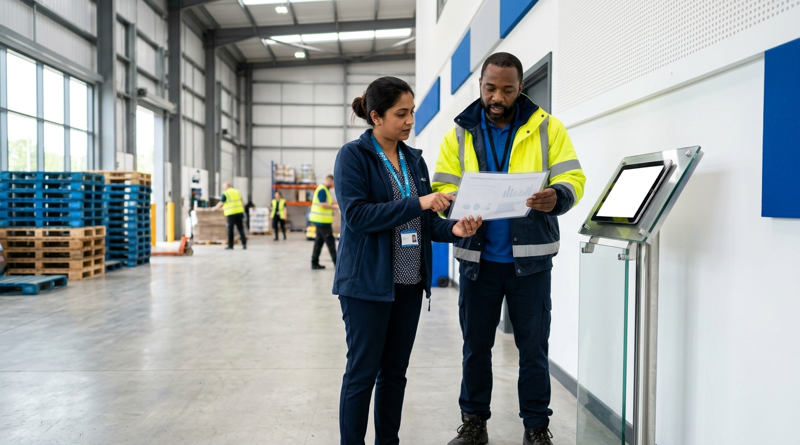
Running Intouch DX Terminals and Tablet Time Clocks Side by Side in One UKG Environment
Replacing UKG clocking hardware does not have to happen on one date. This guide shows UKG admins how to run Intouch DX terminals and CloudApper AI TimeClock tablets side by side, with site-by-site move or hold rules, exception owners, and rollback triggers.