Between 10 p.m. and 6 a.m., UKG exception queues fill with punch corrections verified by the same supervisor who created them. This guide shows UKG admins where the overnight control gap opens, what to fix inside UKG first, and how tablet-based time capture with offline buffering and biometric verification closes the gap.


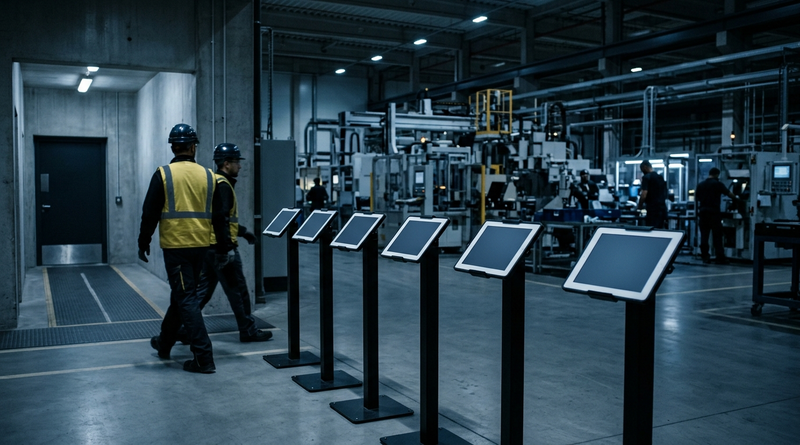
Table of Contents
- Night-Shift Time Records in UKG: Who Owns the Exception Queue After 10 p.m.?
- What UKG Handles Natively on Overnight Shifts
- Where the Overnight Control Gap Opens
- What to Address Inside UKG First
- Where Fixed Terminals Run Out
- How CloudApper AI TimeClock Closes the Overnight Gap
- Frequently Asked Questions
Night-Shift Time Records in UKG: Who Owns the Exception Queue After 10 p.m.?
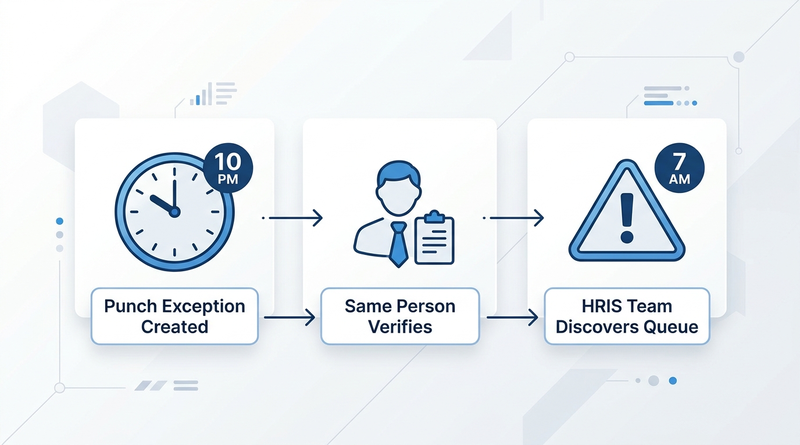
Pull up your UKG exception queue at 7 a.m. on any Monday. Count the entries timestamped after 10 p.m. Now ask: who verified them? In most organizations running UKG Ready or UKG Pro WFM, the answer is the overnight supervisor, working from memory, with no corroborating record. That is a control problem, and CloudApper AI TimeClock was built to close it before the HRIS team inherits the mess.
What UKG Handles Natively on Overnight Shifts
UKG Ready and UKG Pro WFM process overnight punches like any other shift. Shift spanning rules handle day-boundary crossings, pay rules, overtime calculations, and meal and rest break compliance apply regardless of the hour. Missed punch workflows route exceptions for supervisor review from the mobile app. None of that changes at midnight.
Where the Overnight Control Gap Opens
The gap is not in UKG’s software. It is in the physical time capture layer. Between 10 p.m. and 6 a.m., the person verifying a punch exception is often the same supervisor who generated the correction, creating a single-party audit trail. When a fixed terminal loses connectivity, no IT resource is awake to restore it and paper becomes the fallback. The payroll team does not see the volume until the next morning, compressing the correction window before payroll close. According to the American Payroll Association, organizations spend an average of 26 minutes correcting each payroll exception. Multiply that across a dozen overnight exceptions and the HRIS team loses half its day.
What to Address Inside UKG First
Set schedule-based exception rules so any punch deviation triggers a flag. Configure attestation prompts for overnight shifts so employees confirm hours at clock-out, and assign a secondary approver for overnight timecard edits so no single supervisor signs off on their own corrections.
Where Fixed Terminals Run Out
Process controls assume the punch happened. When it did not because the terminal was down, the exception queue fills with entries that have no originating transaction. The UKG admin reconstructs the record from a paper sheet or a supervisor’s email. That is where offline punch buffering and biometric verification become architectural answers, and where CloudApper AI TimeClock fits.
How CloudApper AI TimeClock Closes the Overnight Gap
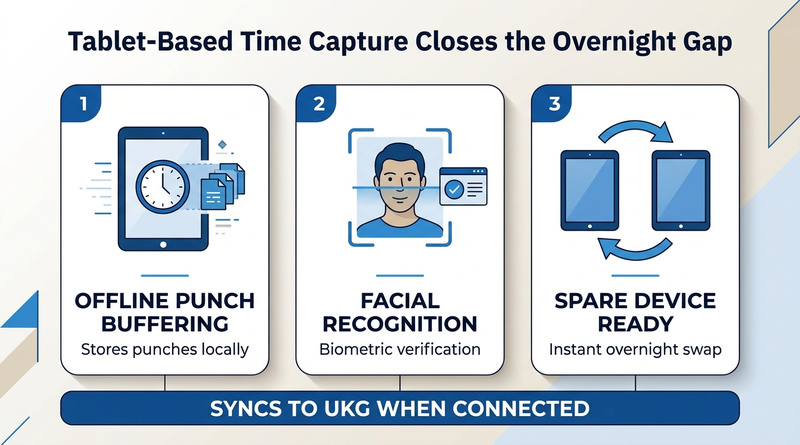
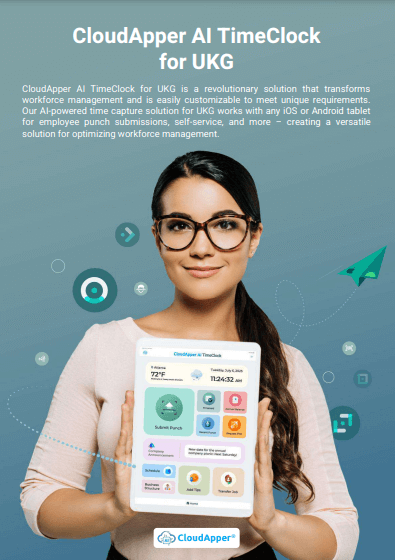
CloudApper AI TimeClock runs on standard Android tablets or iPads at roughly 25% of the cost of proprietary UKG hardware like the Intouch DX or 9000 series (per CloudApper’s pricing comparison). For overnight operations, three capabilities matter. Offline time capture stores punches locally and syncs when connectivity returns, so a 2 a.m. network drop does not become 40 missing punches. Facial recognition at no extra licensing cost ties each punch biometrically to the employee, eliminating badge sharing during unsupervised hours. And at a fraction of the cost of fixed terminals, sites can keep a spare tablet on hand for overnight swaps.
Frequently Asked Questions
Q: Why do UKG exception queues spike after overnight shifts?

Reduced IT and HR coverage means missed punches and connectivity failures go uncorrected until the next business morning, compressing the review window before payroll close.
Q: Can UKG handle overnight shift-spanning punches?
Yes. UKG’s shift-spanning rules correctly assign punches crossing midnight to the originating shift. The gap is in what happens when the physical punch does not occur.
Q: What is offline punch buffering?
The device stores punches locally when the network is unavailable. Once connectivity returns, buffered punches sync to UKG automatically.
Q: How does CloudApper AI TimeClock prevent buddy punching on night shifts?
CloudApper AI TimeClock uses facial recognition at no extra licensing cost. Each punch is biometrically verified, so a badge or PIN cannot be shared during unsupervised overnight hours.
Q: Does CloudApper AI TimeClock replace UKG software?
No. It replaces proprietary hardware. CloudApper AI TimeClock syncs directly with UKG Ready and UKG Pro WFM as the time capture layer.
If your overnight exception queue is the first thing your HRIS team dreads every morning, the problem is the gap between when punches should have been captured and when they actually were. Schedule a call with CloudApper to see how tablet-based time capture with offline buffering and biometric verification closes that gap before your next payroll deadline.


November 6, 2026
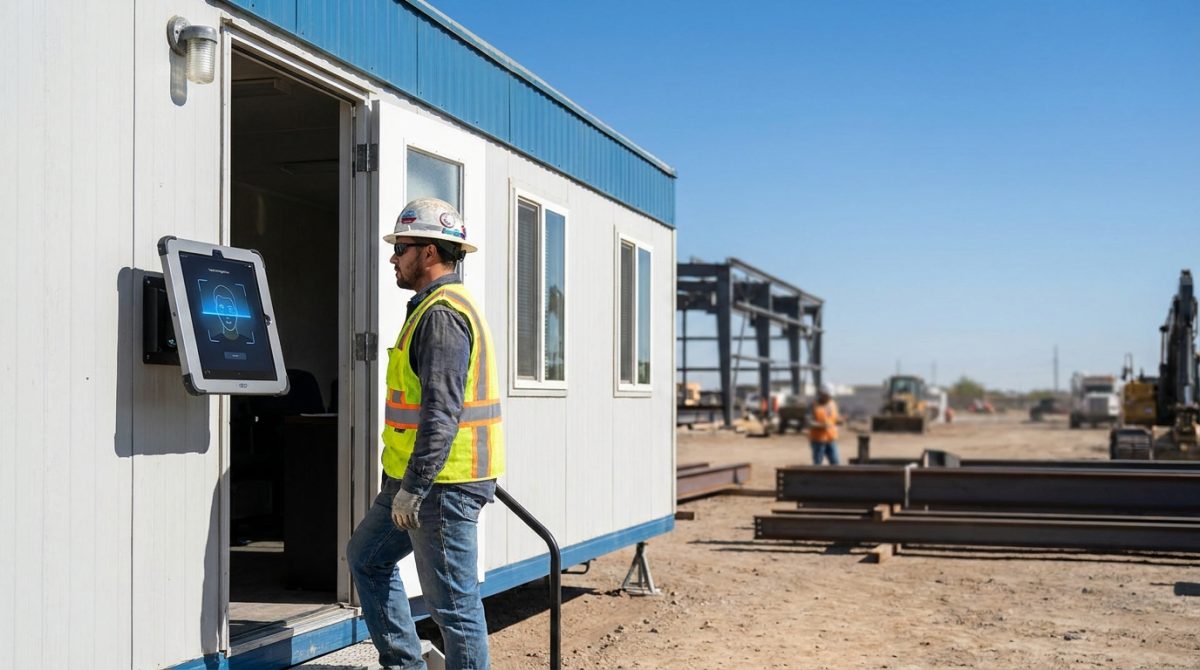
Biometric Kiosks at the Job Trailer: What Construction IT Teams Need to Know Before Extending UKG Pro WFM Time Capture
Construction IT teams extending UKG Pro WFM to job trailers must validate middleware compatibility, offline punch buffering, and PPE-ready facial recognition before deploying biometric tablet kiosks. CloudApper hrPad and Crew Punch address each evaluation checkpoint as embedded capabilities.
November 5, 2026
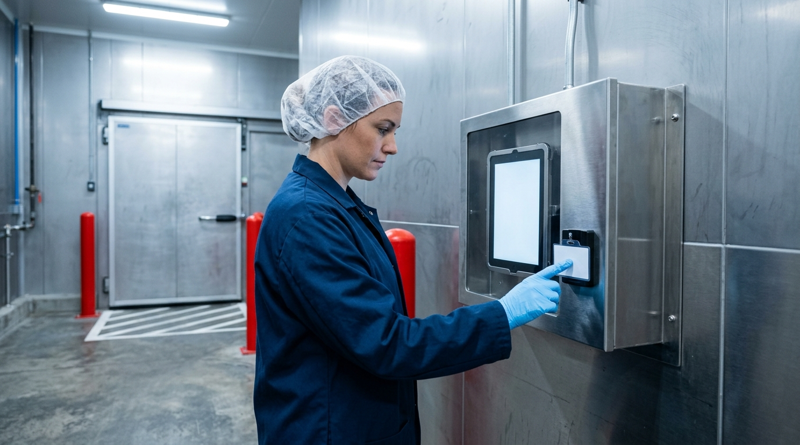
Tablet Time Clocks in Cold, Wet and Dusty Sites: Who Answers the Work Order When the Screen Fogs Over
Putting a tablet time clock in cold storage, a washdown line or a dusty dock works when ownership is settled first. This guide gives UKG admins placement rules, fallback punch options, a test plan and a named support owner for each site.
November 4, 2026
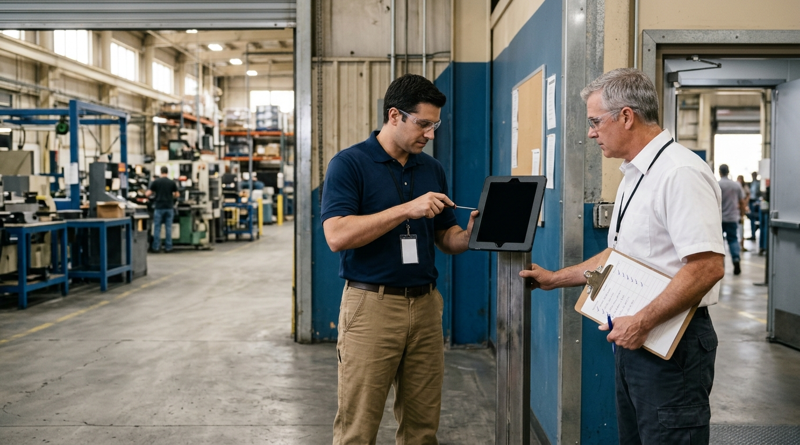
Weekend Cutover from Intouch DX to Tablet Time Clocks: The Rollback Rule to Agree Before Friday
A weekend swap from Intouch DX to tablet time clocks works only when the rollback rule is agreed first. This runbook gives UKG admins a Friday to Monday sequence, plant manager acceptance criteria, and a payroll-based trigger for reverting a site.

November 3, 2026
Wi-Fi Site Survey for UKG Tablet Time Clocks: Who Owns the Network Before the First iPad Is Mounted
Moving from wired UKG clocks to tablets shifts a hidden dependency onto your wireless network. This guide shows UKG admins and IT how to survey each clock position, test outage behavior, and assign ownership of access point fixes before go-live.