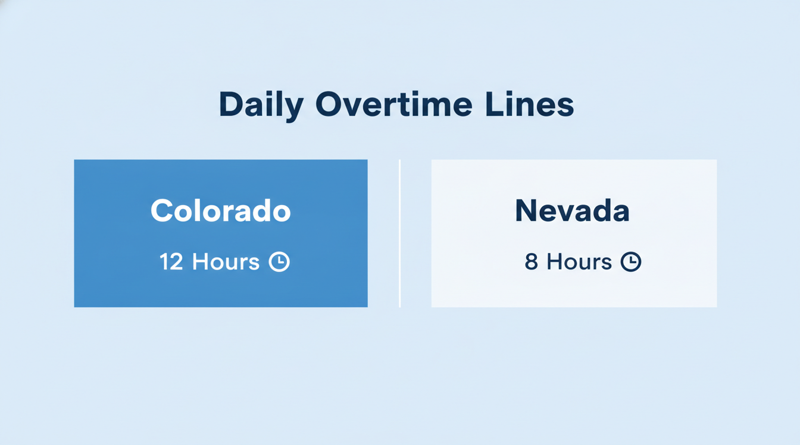
Colorado pays overtime after 12 hours in a day or 12 consecutive hours, while Nevada requires daily overtime after 8 hours for lower-paid employees. This guide covers mapping both in UKG, testing edge cases, and how CloudApper AI TimeClock for UKG supplies clean, location-tagged punches.




Table of Contents
- What UKG Does Natively
- Where the Friction Shows Up
- What to Do Within UKG First
- Where Native Tools Run Out
Twelve and eight. Same company, same payroll calendar, two daily overtime lines. An employee who works 11 hours in Denver owes no daily overtime, while a lower-paid hourly employee who works 9 hours in Las Vegas does. CloudApper AI TimeClock for UKG is a tablet clock that sends clean, location-tagged punches into UKG, which is the data every overtime rule depends on.
What UKG Does Natively
UKG Ready and Pro WFM calculate weekly, daily and consecutive-hour overtime through pay rules you assign by location, employee group or job. The pattern is covered in configuring overtime rules in UKG Pro WFM Dimensions and tracking work hours across multiple states.
Where the Friction Shows Up
According to the Colorado Department of Labor and Employment’s COMPS Order guidance, overtime is owed after 40 hours in a workweek, 12 hours in a workday, or 12 consecutive hours, whichever produces the higher pay. Under NRS 608.018, Nevada requires overtime after 8 hours in a workday for employees earning under 1.5 times the minimum wage, unless they agree in writing to a four day, 10 hour schedule. Higher-paid Nevada employees are generally weekly only. Exemptions exist, so confirm yours with counsel.

The thresholds are manageable. The edge cases take testing:
- A shift that crosses midnight and trips the 12 consecutive hour test.
- A mid-shift transfer between a Colorado and a Nevada location.
- A 4 by 10 agreement missing from the employee’s pay rule.
- A rate change that crosses the 1.5 times minimum wage line.
What to Do Within UKG First
Treat this as configuration and testing, not legal advice:
- Assign state-specific pay rules by home location and document the logic.
- Build test timecards for each edge case above before relying on the rules.
- Store 4 by 10 agreements with the affected employees.
- Review cost-center treatment as in cost center specific overtime calculation in UKG.
Where Native Tools Run Out
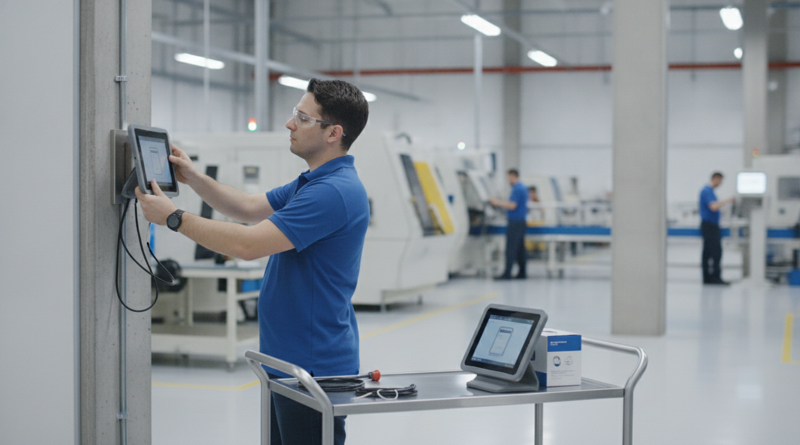
UKG applies the rules to the punches it receives. If a site records transfers late, the overtime math starts from reconstructed data. CloudApper AI TimeClock for UKG captures the location, transfer and break events at the moment they happen, so the pay rules you configured run against accurate inputs. It leaves your UKG pay rules untouched.
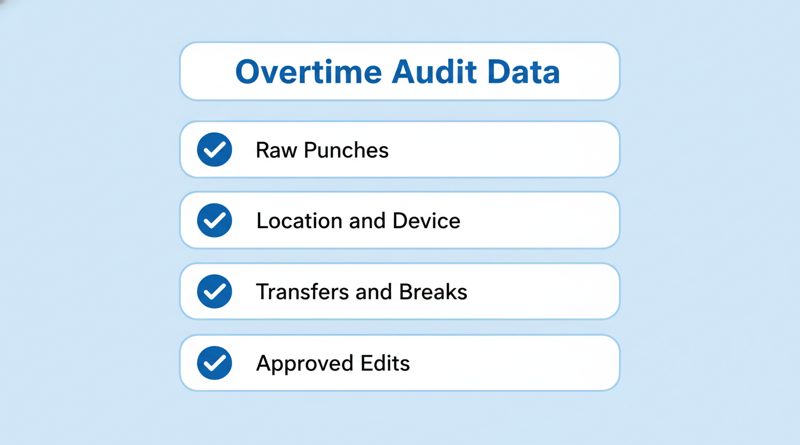
The audit question is whether you can show the raw punches behind every daily overtime line. See transferring hours between locations in UKG Pro, California seventh day overtime and the Colorado meal break rule.
CloudApper AI TimeClock for UKG
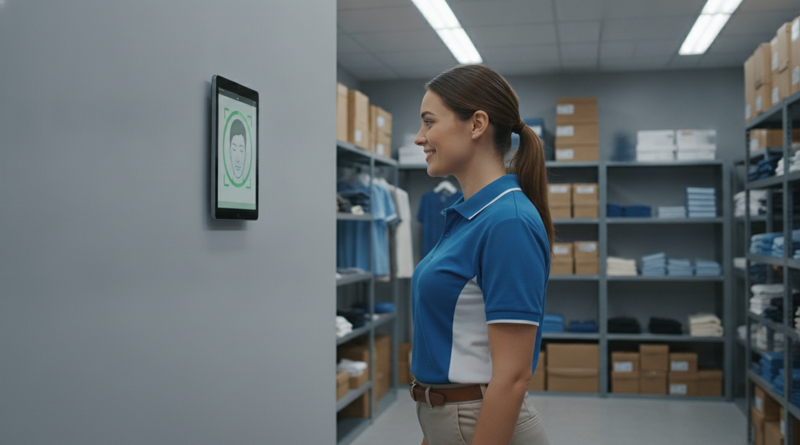
CloudApper AI TimeClock for UKG is an iPad and tablet based, affordable alternative to InTouch DX and other legacy UKG (Kronos) clocks, at roughly 25% of the cost of traditional UKG clocking hardware. It includes face recognition, job transfer prompts, custom attestations and offline capture, and syncs to UKG Ready and Pro WFM with audit trails. A tablet makes smaller sites practical.
Frequently Asked Questions
Q: When is daily overtime owed in Colorado?
After 12 hours in a workday or 12 consecutive hours, as well as after 40 hours in a workweek, whichever pays more. Confirm current rules with the state.
Q: Does Nevada require daily overtime?
For employees earning under 1.5 times the minimum wage, Nevada requires overtime after 8 hours in a workday, unless a written 4 day, 10 hour schedule applies. Higher-paid employees are generally weekly only.
Q: Can UKG apply different overtime rules by state?
Yes. UKG pay rules can be assigned by location or employee group, so each state can have its own daily and weekly thresholds.
Q: What is the 12 consecutive hour rule?
A Colorado test that counts a 12 hour stretch regardless of when the workday starts or ends.
Q: What punch data should I keep for overtime audits?
Raw punches with location and device, transfers, breaks, attestations and approved edits.
If you manage Colorado and Nevada sites, book a demo of CloudApper AI TimeClock for UKG and test your edge cases with your UKG admin.


November 26, 2026
Who Owns the Tablet Clock? A Spare, Swap and Refresh Runbook for UKG Sites
Most multi-site UKG customers have zero spare time clocks. This guide covers who owns the device, the punch record and the site, plus a five part spare, swap, recovery, maintenance and retirement runbook, and how CloudApper AI TimeClock for UKG fits.

November 24, 2026
Oregon Meal Periods in UKG: What the Punch Record Must Prove When Lunch Is Under 30 Minutes
Oregon meal periods are 30 minutes with narrow paid 20 to 29 minute exceptions. This guide covers the common UKG configuration traps, the evidence set to review at each site, and how CloudApper AI TimeClock for UKG captures meal punches and attestations at the break room.

November 23, 2026
When Punches Cannot Reach Payroll: The Outage Evidence Packet Auditors Ask For
When punches cannot reach payroll, auditors ask for the original time. This guide covers FLSA recordkeeping basics, a written continuity procedure, the five item outage evidence packet, and how CloudApper AI TimeClock for UKG keeps device-side punch times intact for UKG.
November 19, 2026
Enroll Once, Punch Anywhere? Biometric Enrollment for Floaters and Cross-Site Staff on UKG
Float pool staff punch at several sites, so one enrollment has to work in many places. This guide covers home versus visiting rules, transfers, consent by jurisdiction, fallback options, and a five step cross-site test, plus how CloudApper AI TimeClock for UKG fits.