Review an InTouch DX G2 quote line by line, decide which options each site needs, and see where an iPad or tablet based CloudApper AI TimeClock fits as an affordable, highly customizable layer that syncs with UKG Ready and Pro WFM while UKG remains your system of record.



Table of Contents
- What UKG Includes Natively
- Where Quote Costs Add Up
- Reviewing the Quote Within UKG First
- Where Hardware Options Run Out
- CloudApper AI TimeClock: An iPad and Tablet Alternative to UKG (Kronos) Time Clocks
- Frequently Asked Questions
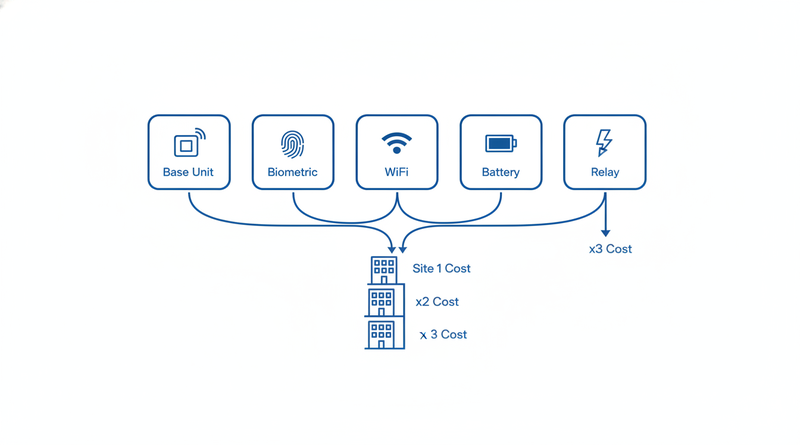
The quote arrives as a PDF: a base unit, a biometric option, a Wi-Fi adapter, a backup battery and a relay. Finance asks one question: do we need all of it, at every site? Answering well is part of running UKG hardware, and so is knowing that CloudApper AI TimeClock exists as an iPad and tablet based capture layer that syncs with UKG Ready and UKG Pro WFM when the answer differs by location.
What UKG Includes Natively
UKG’s InTouch DX brochure describes a purpose-built terminal with a rugged enclosure, broad badge format support, and optional TouchFree ID face biometrics or Touch ID Plus finger scan. The options list also covers an external proximity reader, a bar code scanner, a backup battery, a universal relay and a Wi-Fi adapter.
Where Quote Costs Add Up
Every option is sound engineering for the right site. The budget question is multiplication. A relay is essential where a clock controls a door and unused where it does not. Batteries matter where power is unstable. Biometrics matter where badge sharing is a risk. Multiply each option by clocks and sites, add installation and network drops, and a spec sheet becomes a capital plan. Finance teams usually frame it as CapEx versus OpEx.
Reviewing the Quote Within UKG First
Review the quote in this order:

- Base unit: size clock count to the shift-change peak, not headcount.
- Biometric option: match it to badge-sharing exposure, starting with your highest-risk sites.
- Wi-Fi adapter or wired: confirm what each site network supports.
- Battery and relay: keep them only where power events or door control exist.
- Support and refresh terms: align them with your renewal timeline.
A trimmed quote, built on a clear ROI case for your CFO, is often the right outcome.
Where Hardware Options Run Out
A well-trimmed quote still carries per-device capital and a standard punch flow. Sites that need custom data capture, union rule prompts or extra attestation steps often look at a tablet layer, and CloudApper AI TimeClock fits that need while UKG stays the system of record. Reviewing tablet time clock ownership costs is a sensible parallel step.
CloudApper AI TimeClock: An iPad and Tablet Alternative to UKG (Kronos) Time Clocks
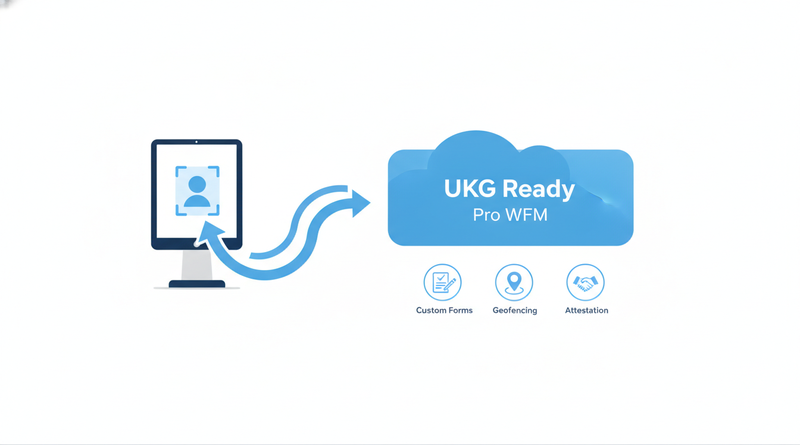
CloudApper AI TimeClock turns tablets you already own into biometric time clocks and self-service kiosks that sync directly with UKG Ready and Pro WFM. It does not replace UKG software.
It is highly customizable, so workflow automation and custom data capture follow your process: job transfers, pay codes, custom forms, geofencing and attestation prompts. In manufacturing it can enforce meal-break attestation, and on a construction site it can capture cost codes at the punch. Rules run at the clock with audit trails, which supports labor law compliance. CloudApper states its pricing is about 25% of traditional UKG clocking hardware, with facial recognition included, so it saves money and improves ROI.
Frequently Asked Questions
Q: What options come with a UKG InTouch DX G2?
UKG’s brochure lists TouchFree ID face biometrics, Touch ID Plus finger scan, an external proximity reader, a bar code scanner, a backup battery, a universal relay and a Wi-Fi adapter. Quote contents vary by contract and reseller.
Q: Do I need every option on every InTouch DX G2?
No. Match each option to site conditions: biometrics for badge sharing, a battery for unstable power, a relay for door control, and Wi-Fi where wiring is not available.
Q: Can a tablet time clock work with UKG Ready or UKG Pro WFM?
Yes. CloudApper AI TimeClock runs on iPads and Android tablets and syncs punches directly with both. UKG remains the system of record.
Q: Can CloudApper AI TimeClock capture custom data?
Yes. It supports custom data capture forms, job transfers, pay codes and attestation prompts.
Q: How does CloudApper AI TimeClock pricing compare with UKG clocking hardware?
CloudApper states its pricing is about 25% of traditional UKG clocking hardware, with facial recognition included in licensing. Request a quote based on your site count.
If your next quote needs a second opinion, see how CloudApper AI TimeClock works alongside your UKG environment and book a short walkthrough with our team.


November 26, 2026
Who Owns the Tablet Clock? A Spare, Swap and Refresh Runbook for UKG Sites
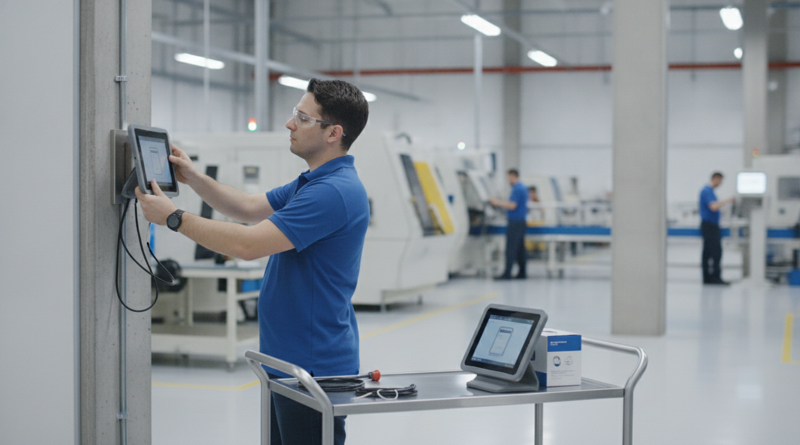
Most multi-site UKG customers have zero spare time clocks. This guide covers who owns the device, the punch record and the site, plus a five part spare, swap, recovery, maintenance and retirement runbook, and how CloudApper AI TimeClock for UKG fits.
November 25, 2026
Colorado and Nevada Daily Overtime in One UKG Environment: Two Thresholds, One Punch Record
Colorado pays overtime after 12 hours in a day or 12 consecutive hours, while Nevada requires daily overtime after 8 hours for lower-paid employees. This guide covers mapping both in UKG, testing edge cases, and how CloudApper AI TimeClock for UKG supplies clean, location-tagged punches.
November 24, 2026
Oregon Meal Periods in UKG: What the Punch Record Must Prove When Lunch Is Under 30 Minutes
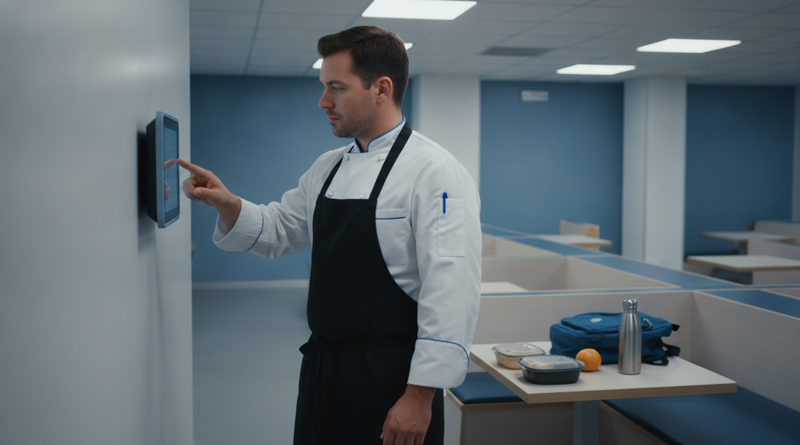
Oregon meal periods are 30 minutes with narrow paid 20 to 29 minute exceptions. This guide covers the common UKG configuration traps, the evidence set to review at each site, and how CloudApper AI TimeClock for UKG captures meal punches and attestations at the break room.

November 23, 2026
When Punches Cannot Reach Payroll: The Outage Evidence Packet Auditors Ask For
When punches cannot reach payroll, auditors ask for the original time. This guide covers FLSA recordkeeping basics, a written continuity procedure, the five item outage evidence packet, and how CloudApper AI TimeClock for UKG keeps device-side punch times intact for UKG.