When a remote site loses its connection, punches, job transfers and attestations can go missing from UKG. See how CloudApper AI's employee time clock for UKG stores records on standard tablets during 8- or 48-hour outages, keeps original timestamps and syncs everything to UKG Pro WFM or UKG Ready automatically.



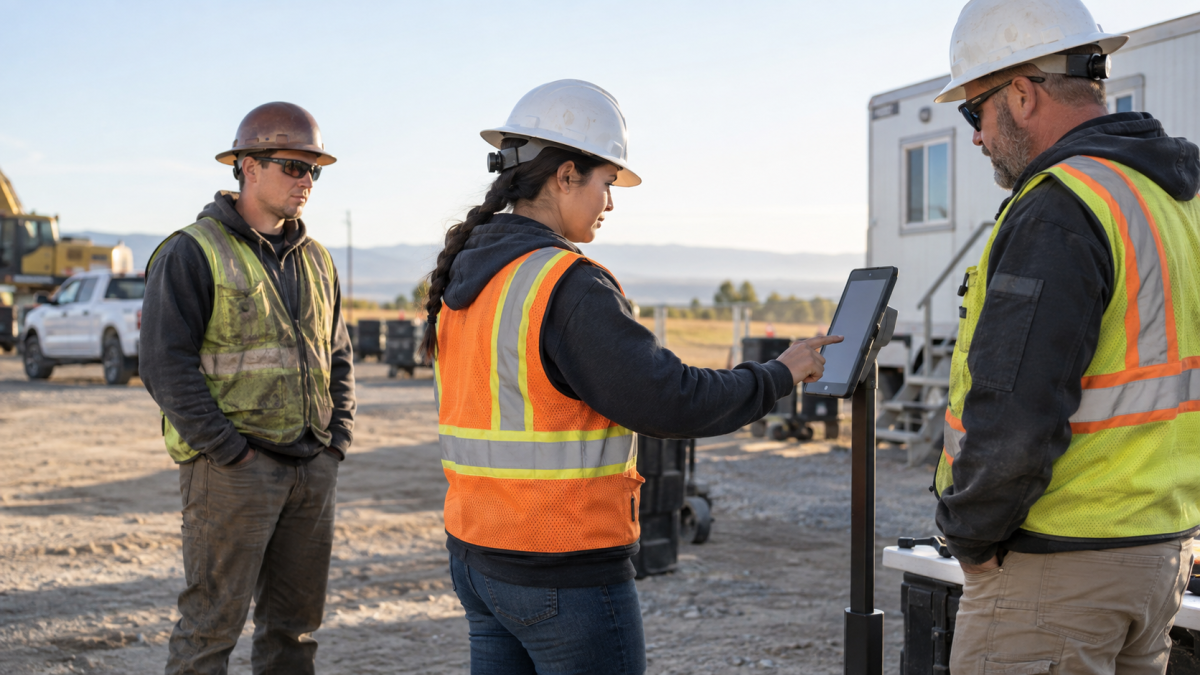
Table of Contents
- TL;DR
- What happens to a punch when the network drops
- Where offline capture needs a tablet
- How offline punch buffering works in CloudApper AI’s Employee Time Clock for UKG
When a remote site loses its internet connection, clock-ins don’t stop, but recording them gets messy. Supervisors write times on paper, employees miss punches, and payroll fixes timecards by hand days later. UKG’s dedicated terminals handle offline capture reliably and suit permanent facilities best. Farms, job sites and seasonal locations usually need a setup that’s portable and quick to deploy. CloudApper AI’s employee time clock for UKG works as a UKG offline time clock on standard iPad and Android tablet kiosks. It saves punches, job transfers and attestations with their original timestamps and syncs them to UKG automatically when the connection returns, which helps payroll get complete records from remote sites.
TL;DR
- CloudApper AI’s employee time clock for UKG stores offline punches on the tablet with its actual timestamp, plus GPS location when geofencing is on.
- Facial recognition keeps running offline because it matches against templates stored on the device.
- No timer limits how long an outage can last. Over longer outages, power, device security and the device clock matter most.
- On reconnect, the queue syncs to UKG Pro WFM or UKG Ready automatically, and UKG pay rules evaluate the original punch times.
- Pull the network for a full shift during your pilot and reconcile punch counts before you sign off.
What happens to a punch when the network drops
UKG’s InTouch DX terminals handle offline capture well at the location where they’re installed. This is called offline punch buffering: when the connection drops, the clock saves each punch on the device with its original timestamp and sends it to UKG once the connection returns. Employees working away from that terminal have no device to record their time during an outage, and each missing record causes a specific problem in UKG.

Without a punch, the timecard shows a missed-punch exception. Without a job transfer, hours stay in the original cost center or labor category. Without an attestation, there’s no record confirming meal or rest breaks. When a supervisor adds the times later, they’re entered as timecard edits instead of original punches, so overtime and break rules run on reconstructed times, not captured ones. In a 2022 EY survey, fixing missing and incorrect time punches was the most time-consuming payroll correction, taking companies 26 minutes per employee, and each payroll error cost an average of $291.
Where offline capture needs a tablet
Some of the hardest places to track time are the ones that change the most. A construction company might open a new job trailer every few months. A farm might run harvest crews that move between fields several times a day. A seasonal operation might only run for a few weeks. These sites share two problems: the connection is often weakest right where people work, and there’s rarely a permanent spot to mount a fixed terminal. For those teams, the time clock has to be portable, quick to set up and able to store punches until it can sync to UKG.
How offline punch buffering works in CloudApper AI’s Employee Time Clock for UKG
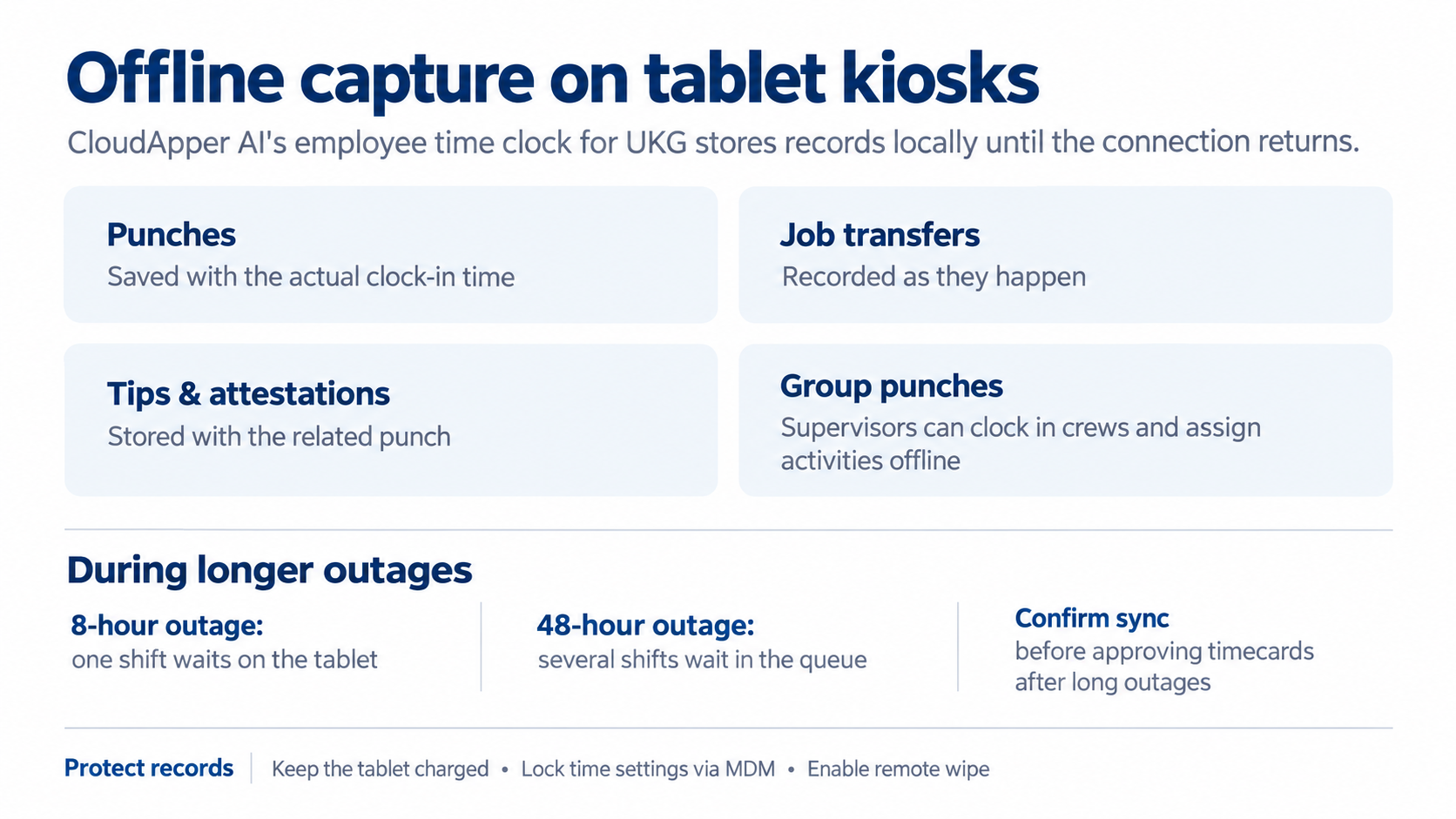
CloudApper AI’s employee time clock for UKG runs on a standard iPad or Android tablet and stores offline records on the device with no time limit. Outage length changes how much waits in the queue, not how capture works.
What’s captured offline:
- Punches: saved with the actual clock-in time, so UKG’s overtime and break rules apply to when people actually worked.
- Job transfers: recorded as they happen, so hours are assigned to the job the employee selected.
- Tips and attestations: stored with the punch they belong to.
- Group punches: supervisors can clock in whole crews and assign activities offline.
In an 8-hour outage, one shift of records waits on the tablet. In a 48-hour outage, several shifts wait, and managers may see missed-punch alerts until the sync finishes, so confirm the sync before approving timecards if the outage crosses the end of a pay period. Either way, keeping the tablet charged, locking its time setting through MDM and enabling remote wipe helps protect the records until they reach UKG.
Auto-sync on reconnect: what lands in UKG
When the connection returns, CloudApper AI’s employee time clock for UKG automatically syncs stored records to UKG Ready or UKG Pro WFM, in order and over TLS-encrypted connections. Each punch arrives as a standard time entry with its original timestamp, so UKG’s overtime and break rules are based on actual hours worked, and GPS data comes along with each punch when geofencing is turned on. Before rolling out, a structured pilot should confirm that punch counts, timestamps and job codes in UKG match the device log after a full shift offline, with no duplicate or missing records.
For some teams, a dropped connection happens every day. If your remote sites lose punches when the network goes down, contact us to see how a UKG offline time clock would work in your setup.
UKG Offline Time Clock FAQs
Does it work offline with both UKG Pro WFM and UKG Ready?
Yes. CloudApper AI’s employee time clock for UKG captures time offline for both UKG Pro WFM (formerly Dimensions) and UKG Ready. Punches, transfers, tips and attestations sync to the UKG timecard once the device reconnects.
How long can a tablet store punches without an internet connection?
There’s no fixed time limit. Punches stay in the local queue until the device reconnects. The practical limits are device power and storage, so keep tablets plugged in during long outages.
Will offline punches show the sync time instead of the actual punch time?
No. Each punch keeps the timestamp from when the employee clocked in or out, so UKG pay rules are based on the actual work time.
Does facial recognition work when the tablet is offline?
Yes. Face matching runs against templates stored on the device, so identity checks continue without a connection.
Can supervisors clock in a whole crew while offline?
Yes. With CloudApper AI’s employee time clock for UKG, supervisors can record group punches and assign activities offline. The records sync to UKG when the tablet reconnects.
Can offline punches be lost or duplicated during sync?
CloudApper AI’s employee time clock for UKG syncs stored punches to UKG in chronological order as standard time entries. During your pilot, reconcile device logs against UKG timecards to confirm nothing is missing or duplicated.
Does UKG have an offline time clock option?
Yes. UKG’s InTouch DX terminals store punches when the connection drops and send them to UKG once it returns. For sites without a fixed terminal, such as job sites, farms and seasonal locations, CloudApper AI’s employee time clock for UKG adds the same offline capture on standard iPad and Android tablets.


November 5, 2026
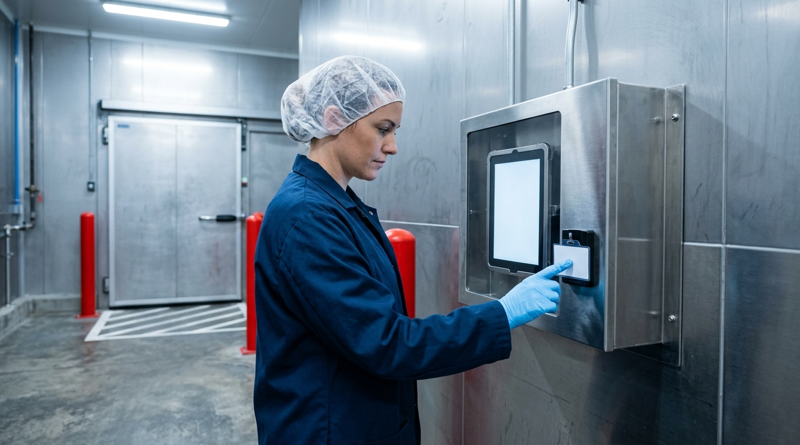
Tablet Time Clocks in Cold, Wet and Dusty Sites: Who Answers the Work Order When the Screen Fogs Over
Putting a tablet time clock in cold storage, a washdown line or a dusty dock works when ownership is settled first. This guide gives UKG admins placement rules, fallback punch options, a test plan and a named support owner for each site.
November 4, 2026
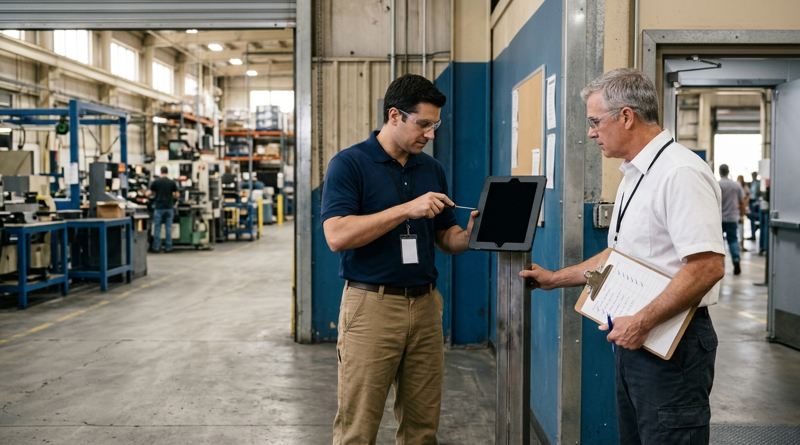
Weekend Cutover from Intouch DX to Tablet Time Clocks: The Rollback Rule to Agree Before Friday
A weekend swap from Intouch DX to tablet time clocks works only when the rollback rule is agreed first. This runbook gives UKG admins a Friday to Monday sequence, plant manager acceptance criteria, and a payroll-based trigger for reverting a site.
November 3, 2026
Wi-Fi Site Survey for UKG Tablet Time Clocks: Who Owns the Network Before the First iPad Is Mounted
Moving from wired UKG clocks to tablets shifts a hidden dependency onto your wireless network. This guide shows UKG admins and IT how to survey each clock position, test outage behavior, and assign ownership of access point fixes before go-live.

November 2, 2026
Changing the Time Clock in a Union Shop on UKG: What to Settle Before the First Tablet Ships
Changing the time clock in a union workplace is a labor relations task as much as an IT one. This checklist shows UKG admins and HR leaders what to settle first: agreement review, frozen pay rules, steward briefings, biometric consent alternatives, and a one-site pilot.