Evaluating a UKG Intouch DX replacement? This guide covers integration reality, total five-year ownership costs, the pre-deployment checklist your IT team needs, and where CloudApper AI TimeClock for UKG changes the hardware cost calculation.



Table of Contents
- What UKG Intouch DX Delivers by Design
- Where the Hardware Cost Equation Breaks Down
- What Tablet Deployment Actually Costs to Own
- Where CloudApper AI TimeClock Changes the Calculation
Replacing a UKG Intouch DX with a tablet time clock makes sense at some sites and not at others, and the deciding factors are what each site needs the clock to do and what it can justify spending. The Intouch DX is purpose-built, UKG-certified hardware with an integrated support model and a strong record in demanding manufacturing, healthcare and logistics environments. CloudApper AI TimeClock for UKG is the tablet-based time clock and self-service kiosk many UKG admins evaluate when dedicated terminal costs are hard to justify across secondary locations or a tight refresh budget. This guide compares what each approach delivers, the real ownership costs and what to test first.
What UKG Intouch DX Delivers by Design
The Intouch DX is a purpose-built device. It handles biometric verification, offline punch storage, badge and barcode scanning, and multi-clock schedule enforcement out of the box — engineered for the environments most UKG customers operate in: dusty plant floors, cold storage, high-traffic entry points. UKG maintains the firmware cycle, the hardware is certified for UKG Pro WFM and UKG Ready, and the support path when something breaks runs through a single channel. For IT teams with low tolerance for third-party integration troubleshooting, that certification matters. Before evaluating any UKG Intouch DX replacement, it is worth mapping exactly what the Intouch DX provides natively in UKG Pro WFM and confirming which of those capabilities your deployment actually uses.
Where the Hardware Cost Equation Breaks Down
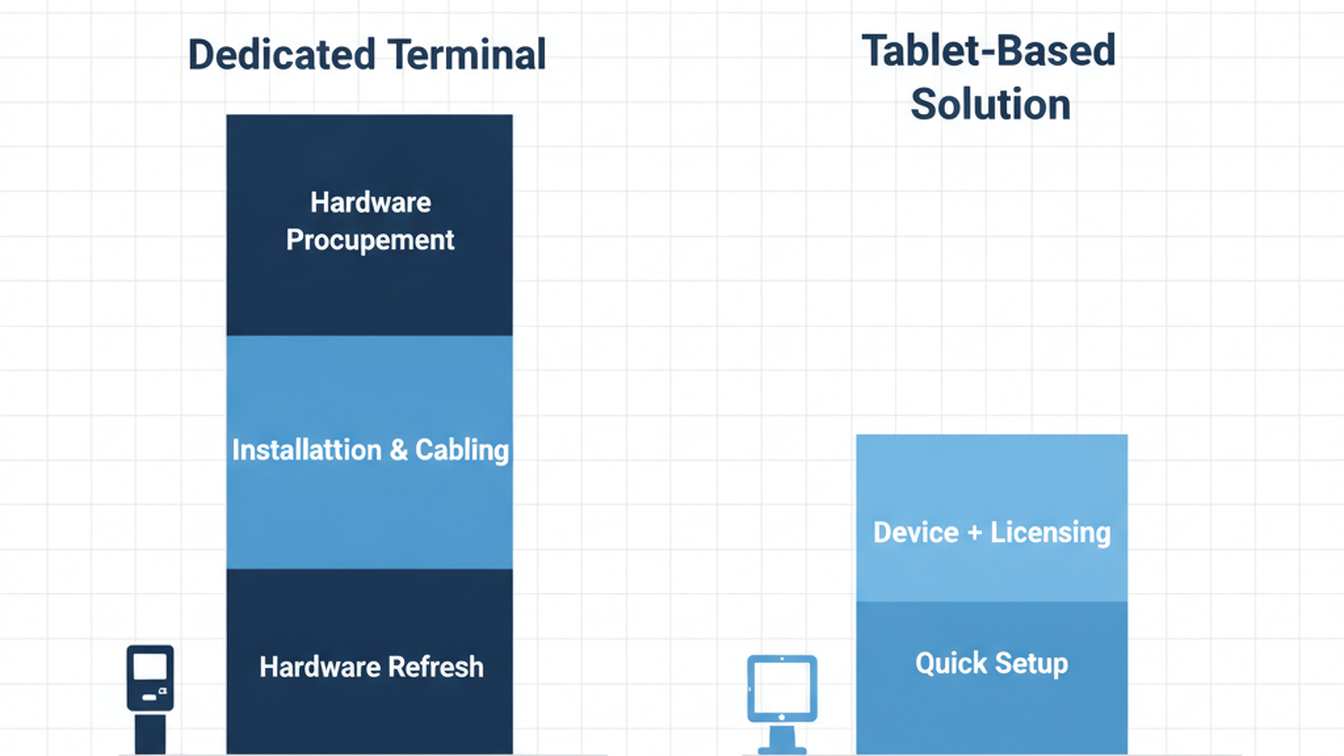
The cost problem is not unit price — it is the full lifecycle. Each terminal carries procurement, installation, preventive maintenance, and a hardware refresh every four to six years. Organizations that standardized on the Intouch 9000 or earlier models now facing end-of-life have already done this math. The five-year total per terminal is typically two to three times the unit price, and that calculation does not include what the Intouch DX does not do: custom attestation forms, configurable data capture at clock-in, employee self-service on the same device, or cost-effective deployment at locations where a $1,400 kiosk would not survive the environment.

These are not criticisms of UKG hardware design — they reflect what the device was built to do. The gap they create is where tablet-based alternatives earn their consideration. The same hardware lifecycle calculus applies to the UKG 4000 and 4500 models facing end-of-life, where organizations had to make this evaluation under pressure rather than ahead of a planned refresh cycle.
What Tablet Deployment Actually Costs to Own
This is where most hardware comparison conversations stop short. Running a certified UKG integration on a tablet is not a turn-on-and-walk-away deployment. The operational ownership belongs to the HR or IT team, not a UKG-certified hardware vendor. Someone at the site level is responsible for keeping the device charged, network-connected, updated, and physically secured — and in most deployments, that person is the plant or shift supervisor.
A practical pre-deployment checklist for any UKG Intouch DX replacement evaluation:
- Confirm the tablet’s IP rating against your facility’s dust and moisture environment
- Test offline punch queue behavior at your network’s weakest coverage zone before go-live
- Define who manages OS updates and app updates at each site
- Verify that facial recognition enrollment can be completed without an IT team on-site
- Confirm UKG labor level and cost center configuration maps correctly before the first live shift
Organizations that have executed a structured plan for replacing outdated UKG Pro time clock hardware consistently flag the site supervisor communication step as the most underinvested part of the rollout — not the integration.
Where CloudApper AI TimeClock Changes the Calculation
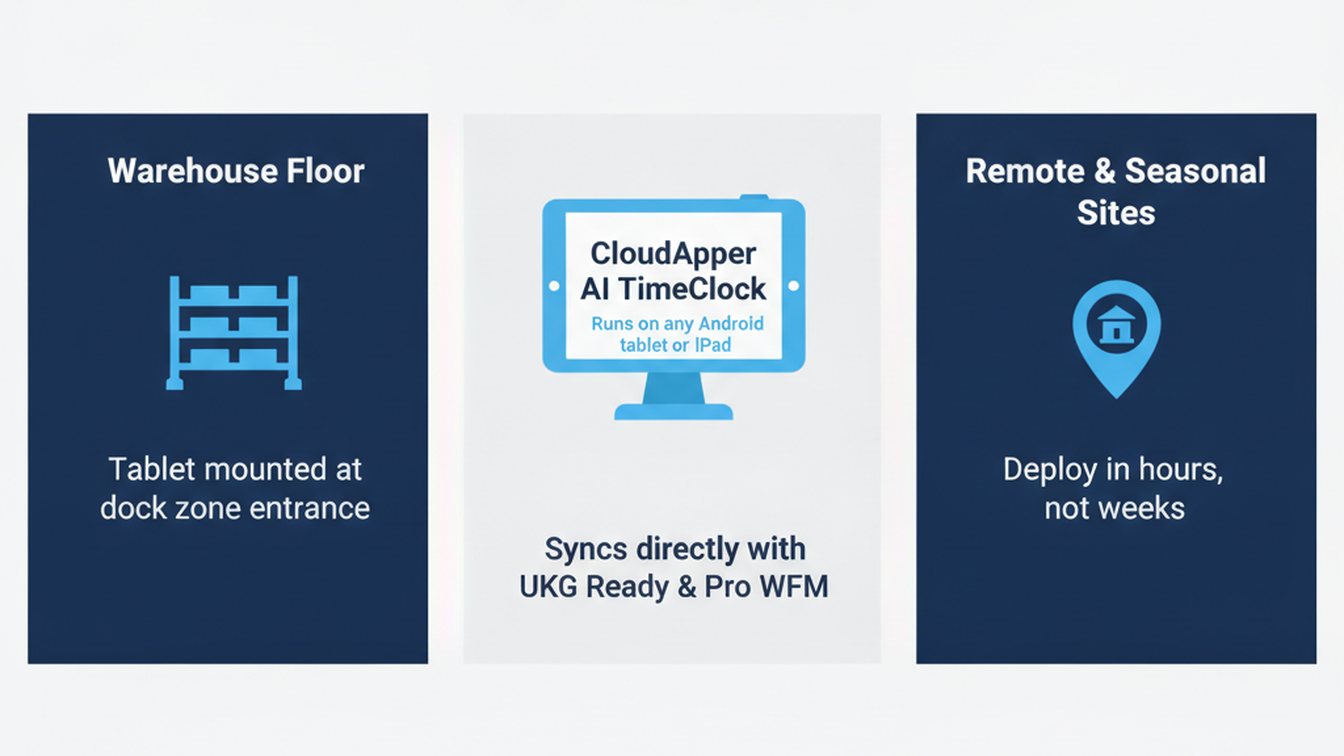
CloudApper AI TimeClock for UKG is an InTouch hardware replacement, not a UKG replacement. It runs on any standard Android tablet or iPad, syncing directly with UKG Ready and Pro WFM through the same API path the Intouch DX uses. At roughly 25% of the cost of traditional UKG clocking hardware, it changes what is economically feasible: tablet kiosks at dock zones, break areas, remote sites, and seasonal expansion locations that would not justify a dedicated Intouch DX terminal. The biometric accuracy that makes dedicated hardware worth the premium is replicated in CloudApper’s facial recognition — FIPS 140-2 and HIPAA certified, included in licensing rather than priced as an add-on.
The capability the Intouch DX does not offer is the self-service layer: employees view their schedule, submit PTO requests, initiate shift swaps, and get answers to HR policy questions from the same kiosk they use to clock in. For HR teams absorbed by repetitive frontline queries, that self-service layer reduces ticket volume in ways the CFO cost comparison often misses. The terminal replacement cost avoidance is the visible ROI; the HR ticket reduction is the one that compounds.
Where the Intouch DX remains the right choice: environments with physical requirements a tablet cannot meet, or organizations where a certified hardware paper trail is a hard procurement requirement. CloudApper is not the right answer for every environment — it is the right answer where the tablet form factor works and the total cost of proprietary hardware is no longer defensible. For teams working through that evaluation, the full breakdown of tablet-based time clocks versus traditional UKG terminal costs covers the cost structure in detail.
Frequently Asked Questions
Q: Does a tablet running CloudApper sync with UKG Ready the same way an Intouch DX does?
Yes. CloudApper AI TimeClock for UKG connects to UKG Ready and Pro WFM through the standard API integration. Punch records, transfer events, and pay code data sync to UKG timecards the same way Intouch DX data does. The UKG admin sees identical punch records in the timecard module — the change is in the capture hardware, not the data model.
Q: What happens if a tablet time clock loses connectivity mid-shift?
CloudApper AI TimeClock stores punch records locally on the device during connectivity loss and syncs automatically when the connection restores, with timestamps reflecting actual punch time. This mirrors the offline behavior of the Intouch DX. The same offline buffer applies to transfer punches and attestation captures.
Q: Can the Intouch DX be replaced site by site rather than all at once?
Yes. A phased transition is common. CloudApper tablets and Intouch DX terminals can run in parallel, each syncing to the same UKG configuration. The UKG admin manages punch exceptions and timecard records from the same interface regardless of which device the employee used to clock in.
Q: Is facial recognition on a tablet as accurate as on the Intouch DX?
CloudApper AI TimeClock uses facial recognition meeting FIPS 140-2 and HIPAA certification standards for biometric data handling in UKG deployments. Accuracy in practice depends on lighting conditions and device placement — the same considerations that apply to any biometric terminal installation.
Q: Who handles support for a tablet time clock if the hardware fails?
CloudApper provides application-level support. Hardware support falls to the tablet manufacturer’s standard warranty process. This is a genuine difference from the Intouch DX model, where UKG handles both application and hardware support through a single channel. IT teams should factor this into their escalation path design before deploying.
Q: How long does a CloudApper tablet deployment take at a new site?
Deployment is typically measured in hours, not weeks. The CloudApper application is configured to the site’s UKG labor and cost center setup, and employees complete facial recognition enrollment at the device. There is no hardware installation cycle comparable to mounting and cabling a dedicated Intouch DX terminal — an advantage that matters most at seasonal ramp-ups and new facility openings.
For teams actively evaluating a UKG Intouch DX replacement, CloudApper AI TimeClock for UKG is worth a direct look. It runs on standard tablets, syncs with UKG Ready and Pro WFM, and includes biometric facial recognition, offline capture, and employee self-service in a single licensed solution at a fraction of the cost of proprietary hardware. See what the integration looks like for your UKG configuration at https://ukg.cloudapper.ai/affordable-ukg-kronos-time-clock/.



October 28, 2026
The UKG Time Clock Pilot Memo: Success Criteria Your CFO and Admin Will Both Sign
A UKG time clock pilot succeeds or fails on criteria written before day one. This guide shows UKG admins and CFOs how to set scope, baseline, pass marks, and rollback triggers, and where CloudApper AI TimeClock fits as a tablet-based challenger beside existing UKG terminals.
October 27, 2026
Multilingual Time Clocks for UKG: Making Sure Workers Understand What They Attest To
An attestation is only as defensible as the employee's understanding of the question. Learn how UKG Pro WFM and UKG Ready handle languages, where custom prompts fall short, and how CloudApper AI TimeClock delivers multilingual attestation on affordable tablets.
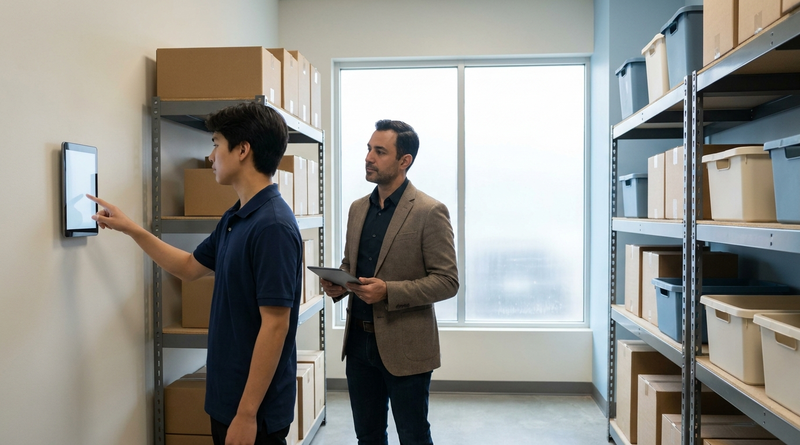
October 26, 2026
California Seventh Consecutive Day Overtime in UKG: Flagging It at Clock-In
California pays premium rates on the seventh consecutive workday in a workweek, even when total hours stay at 40. Learn how UKG Pro WFM and UKG Ready calculate it, why the cost decision happens before the punch, and how CloudApper AI TimeClock flags it at clock-in.
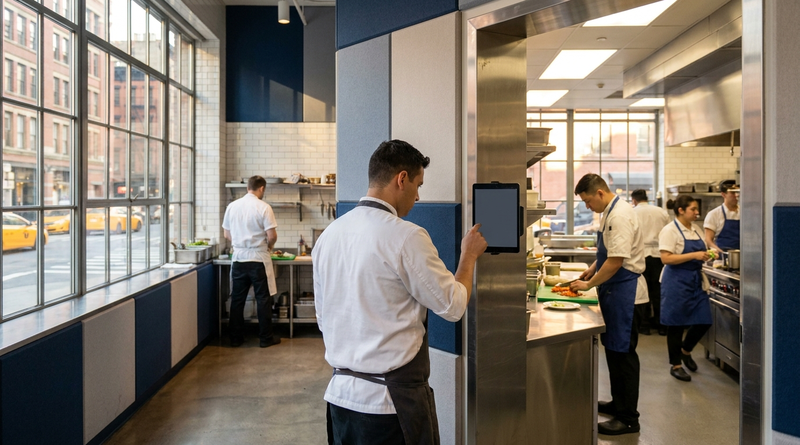
October 23, 2026
New York Spread of Hours Pay in UKG: Catching the 10-Hour Span Before Payroll Does
New York owes an extra hour of pay when a workday spans more than 10 hours or includes a split shift. Learn how UKG Pro WFM and UKG Ready calculate the premium, why missed split-shift punches hide it, and how CloudApper AI TimeClock keeps punches accurate on affordable tablets.