Moving from UKG Ready through a reseller to UKG direct, or from Ready to Pro WFM, changes endpoints, credentials, ID maps and pay codes behind every tablet clock. This checklist covers what to verify, how to plan the cutover window, and how CloudApper AI TimeClock for UKG fits.



Table of Contents
- What UKG Does Natively
- Where the Friction Shows Up
- What to Do Within UKG First
- Where Native Tools Run Out
Friday, 6 p.m.: the old UKG environment stops taking changes. Monday, 5:45 a.m.: first shift reaches the clock. Everything that can go wrong happens in between. Whether you are moving from UKG Ready through a reseller to UKG direct, or from Ready to Pro WFM, the clocks are the part employees touch first. CloudApper AI TimeClock for UKG is a tablet layer that syncs to whichever UKG tenant you point it at, so the clock side of the move can be planned like any other integration.
What UKG Does Natively
UKG and your implementation partner build the new tenant: employees, pay codes, labor levels and the endpoints and credentials your integrations use. UKG’s own clocks follow UKG’s provisioning process for the new environment.
Where the Friction Shows Up
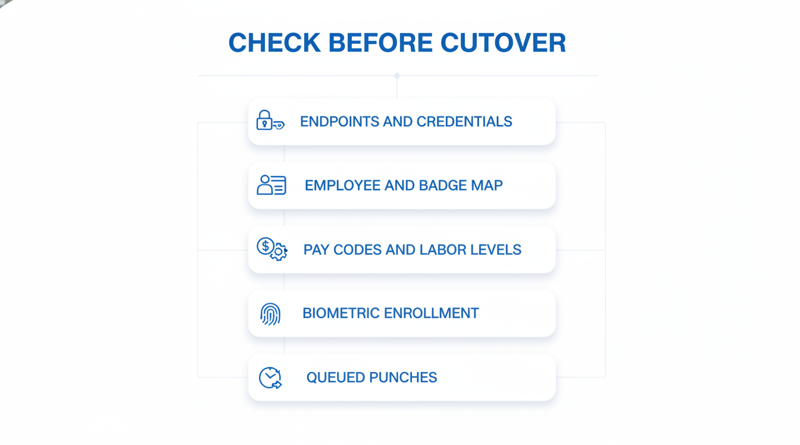
Several things are tenant specific and do not follow you automatically:

- Endpoints and API credentials for any connected clock.
- Employee, badge and person number mapping.
- Pay codes and labor levels, which may be structured differently in the new environment.
- Biometric enrollments tied to the old environment.
- Punches queued on a device during the gap.
The cost shows up as punches that map to the wrong code or person. Each one becomes a correction, and in a union shop it can become a grievance. Aim for a short, known exposure window.
What to Do Within UKG First
- Get the new tenant’s endpoints and credentials in a test environment before cutover day.
- Export the employee and badge map from the old tenant and compare it line by line with the new one.
- Confirm pay codes and labor levels; see understanding UKG pay types and pay codes.
- Agree the rollback rule in writing, as in this weekend cutover and rollback guide.
Where Native Tools Run Out
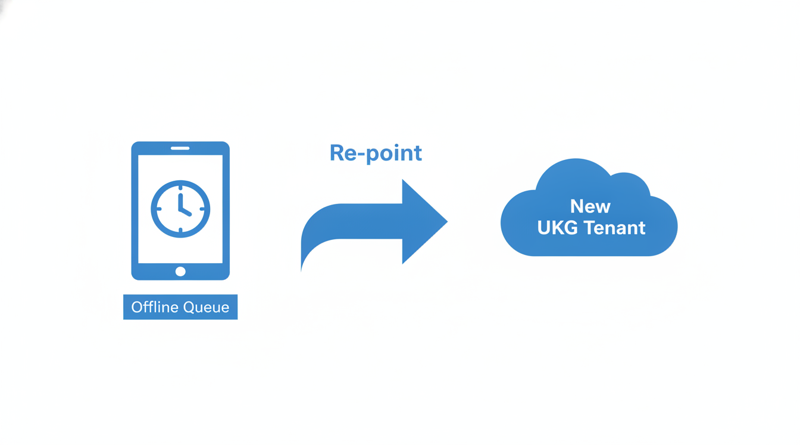
UKG can confirm what landed in the new tenant. It cannot show what a third-party device still holds in its own queue, so a tablet clock needs its own parallel check. CloudApper AI TimeClock for UKG can be re-pointed to the new tenant in configuration, and your UKG admin can validate punches in the new environment before you commit, using a script like the one in how a UKG admin validates a third-party time clock integration.
If templates do not carry over, plan re-enrollment and consent, and see what happens to biometric templates when hardware leaves for the old ones.
CloudApper AI TimeClock for UKG
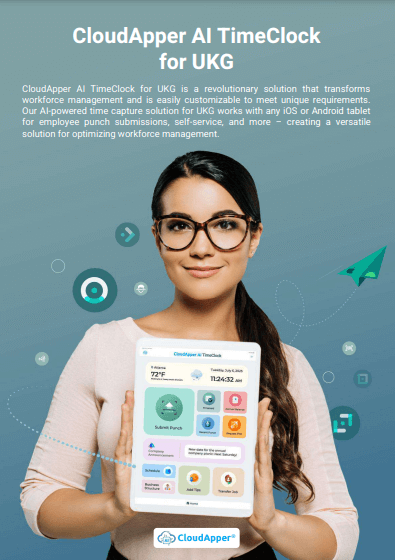
CloudApper AI TimeClock for UKG runs on an iPad or Android tablet, an affordable alternative to InTouch DX and other legacy UKG (Kronos) clocks at roughly 25% of the cost of traditional UKG clocking hardware. It syncs punches to UKG Ready and Pro WFM, captures time offline, and keeps audit trails, so a tenant change is a configuration task rather than a hardware project. Pilot one site against a written success memo, and run side by side if InTouch terminals stay.
Frequently Asked Questions
Q: Do tablet time clocks need new credentials after a UKG tenant change?
Yes. Endpoints and credentials are specific to each UKG tenant, so validate the new values in a test environment first.
Q: Do employee and badge IDs have to match between the old and new UKG tenant?
They need to map correctly. Compare the old and new employee and badge lists before cutover.
Q: What happens to punches captured during the cutover window?
They can queue on a device that captures offline and sync once the connection validates.
Q: Do biometric enrollments carry over when moving from UKG Ready to Pro WFM?
Do not assume so. Confirm with your UKG team and clock vendor.
Q: Can I roll back if the cutover fails?
Yes, if you agree the rollback rule in writing first and keep the old configuration until the new one is validated.
If a tenant change is on your calendar, book a demo of CloudApper AI TimeClock for UKG and have your UKG admin validate the sync against the new environment.


November 17, 2026
Which UKG Time Clocks to Replace First: A Site-Risk Ranking for a Mixed InTouch Fleet
Replacing every UKG InTouch clock at once rarely makes sense. This guide ranks a mixed 9000, 9100 and DX fleet by support exposure, failure history, site criticality, payroll risk and cost, then shows where CloudApper AI TimeClock for UKG offers an affordable tablet alternative for the swaps you choose.
November 13, 2026
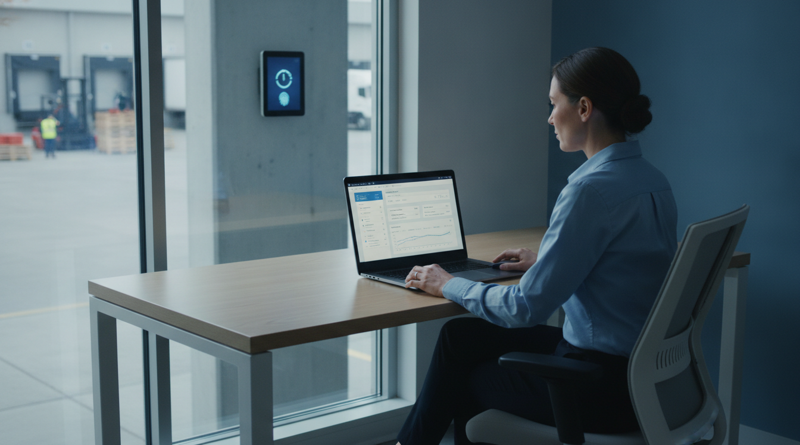
Who Owns the Ticket When a Punch Goes Missing on a Tablet Clock Synced to UKG
A punch goes missing on a tablet clock synced to UKG, and the ticket bounces between IT, HR and a vendor. This guide separates capture, delivery and timecard layers, suggests an ownership rule and escalation packet, and shows how CloudApper AI TimeClock for UKG fits as an affordable tablet alternative.

November 11, 2026
Moving UKG Time Clocks From Fingerprint to Face: Re-Enrollment, Consent and the Fallback Window
Moving UKG time clocks from fingerprint to face recognition means re-enrolling every employee, refreshing biometric consent, and keeping a fallback window open. This guide covers what UKG supports natively, where costs appear, and how tablet-based CloudApper AI TimeClock for UKG offers an affordable alternative.
November 10, 2026
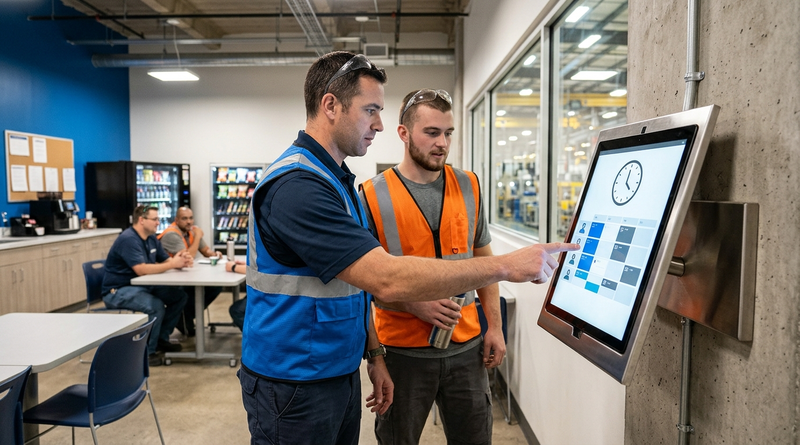
Self-Service Time Clock Kiosks on UKG: Cutting HR Help Desk Volume Without Cutting Corners on Compliance
Learn how a self-service time clock kiosk connected to UKG Ready or Pro WFM can cut HR help desk ticket volume by giving frontline workers direct access to PTO balances, schedules, punch corrections, and policy answers at the point of work.