A punch goes missing on a tablet clock synced to UKG, and the ticket bounces between IT, HR and a vendor. This guide separates capture, delivery and timecard layers, suggests an ownership rule and escalation packet, and shows how CloudApper AI TimeClock for UKG fits as an affordable tablet alternative.


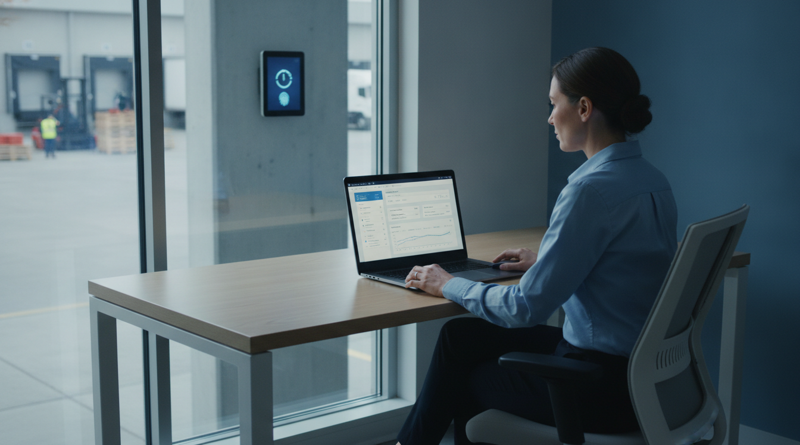
Table of Contents
- What UKG Does Natively
- Where the Friction Shows Up
- What to Do Within UKG First
- Where Native Tools Run Out
Subject: Missing punch, Dana R., Dock 4, Tuesday 6:02 a.m. Assigned to: nobody.

Every UKG admin who has added a tablet clock has watched a ticket like that bounce between IT, HR and a vendor while payroll closes. Agree on who owns which layer before the first punch is captured. CloudApper AI TimeClock for UKG is the hardware layer that syncs into UKG Ready and Pro WFM, so UKG stays the system of record and the boundary is easy to draw.
What UKG Does Natively
UKG owns the timecard, pay rules, schedules and the missed punch workflow, including attestation prompts, edits and exception reporting. With UKG’s own InTouch DX, device and application sit under one support relationship, which is a real convenience.
Where the Friction Shows Up
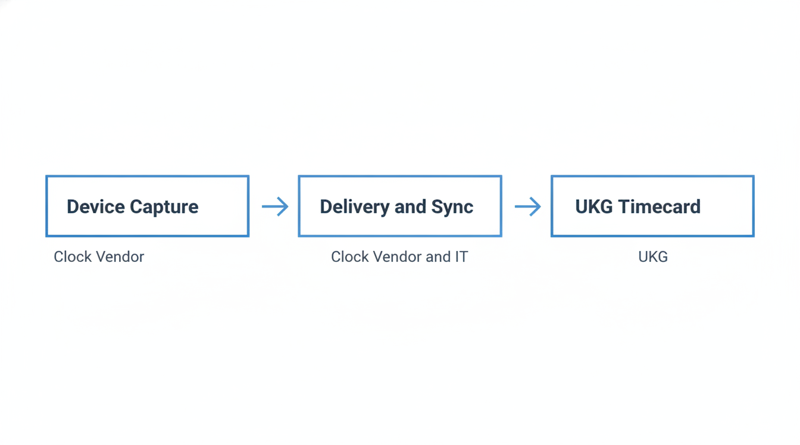
A tablet clock adds capture and delivery between the employee and the timecard. A “missing” punch can fail at three layers: never captured on the device, captured but not delivered, or delivered and then handled unexpectedly by a pay rule. Each layer has a different owner.
What to Do Within UKG First
- Check the timecard for the punch, a pending attestation and any exception.
- Confirm the schedule and labor category.
- Run the exception report to see whether it arrived unprocessed.
Keep a baseline, as in how to baseline your missed punch rate in UKG to spot a real spike.
Where Native Tools Run Out
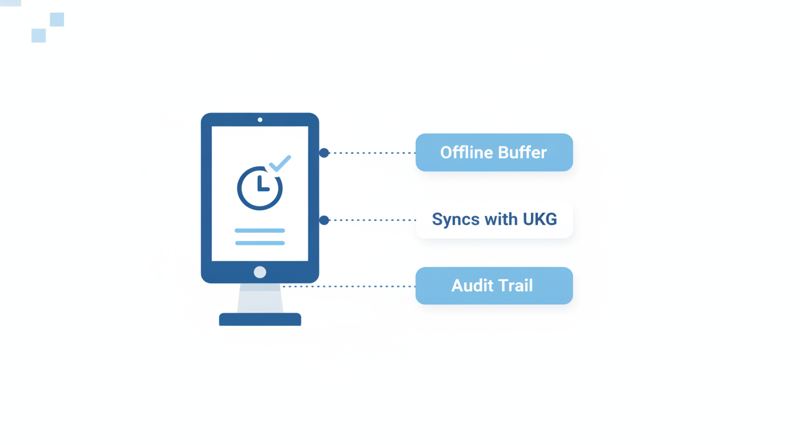
UKG can show you what arrived. It cannot show what a device held back, so any non-UKG clock needs its own evidence trail. Network is the usual culprit, so the Wi-Fi site survey for UKG tablet clocks should name an owner. CloudApper AI TimeClock for UKG buffers punches offline.
My recommended ownership rule, to confirm in your contract:
- No punch on the device: clock vendor and site IT.
- On the device, not in UKG: clock vendor first, UKG Support if it reached UKG.
- In UKG but wrong: UKG admin and UKG Support.
Write an escalation packet into the agreement: employee ID, site, device ID, local time and zone, punch type, sync status, and whether it shows in UKG. Add response times by severity. Test it during integration validation and show it to IT in the security review. After hours, see who owns the exception queue after 10 p.m.
CloudApper AI TimeClock for UKG
CloudApper AI TimeClock for UKG runs on an iPad or Android tablet, an affordable alternative to InTouch DX and other legacy UKG (Kronos) clocks at roughly 25% of the cost of traditional UKG clocking hardware. Punches land on the same UKG timecards with audit trails. It aims to cut the tickets that reach UKG and leaves timecard and pay rule questions with UKG. Running terminals and tablets side by side uses the same rule per device.
Frequently Asked Questions
Q: Who investigates a missing punch in UKG when the employee used a third-party tablet clock?
Start with the clock vendor when the punch is absent from the device or never reached UKG. Involve UKG Support when it reached UKG but did not process correctly. Confirm the boundary in your support agreement.
Q: What should I send when escalating a missing punch?
Send the employee ID, site, device ID, local time and time zone, punch type, sync status, and whether it shows in UKG.
Q: Can UKG Support help with a punch from a third-party clock?
UKG Support can help with what happens inside your UKG environment, such as timecards and pay rules. Device behavior belongs with the clock vendor.
Q: What support terms should procurement ask a clock vendor for?
Response times by severity, a named escalation contact, a defined evidence packet and a process for punches captured offline.
Q: Does offline capture prevent missing punches?
It reduces them, because punches are held on the device and synced later.
To see the escalation model on a real tablet, book a demo of CloudApper AI TimeClock for UKG and have your UKG admin validate the sync.


November 11, 2026
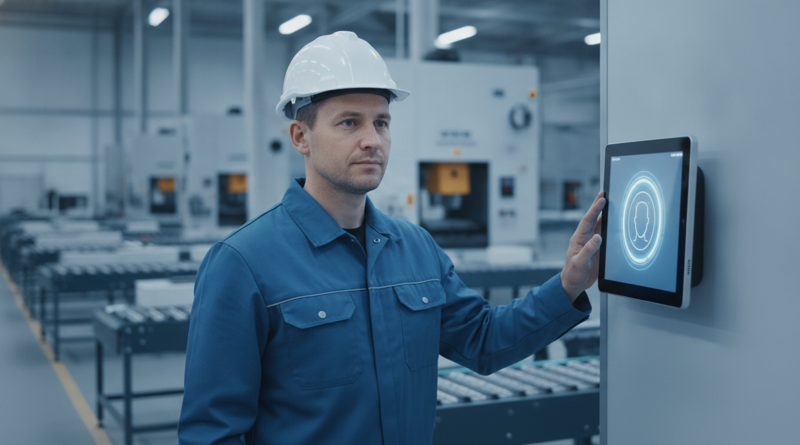
Moving UKG Time Clocks From Fingerprint to Face: Re-Enrollment, Consent and the Fallback Window
Moving UKG time clocks from fingerprint to face recognition means re-enrolling every employee, refreshing biometric consent, and keeping a fallback window open. This guide covers what UKG supports natively, where costs appear, and how tablet-based CloudApper AI TimeClock for UKG offers an affordable alternative.
November 10, 2026
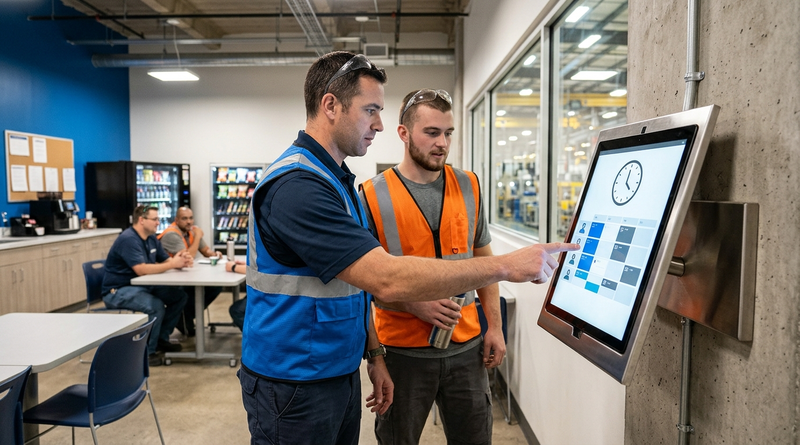
Self-Service Time Clock Kiosks on UKG: Cutting HR Help Desk Volume Without Cutting Corners on Compliance
Learn how a self-service time clock kiosk connected to UKG Ready or Pro WFM can cut HR help desk ticket volume by giving frontline workers direct access to PTO balances, schedules, punch corrections, and policy answers at the point of work.
November 9, 2026
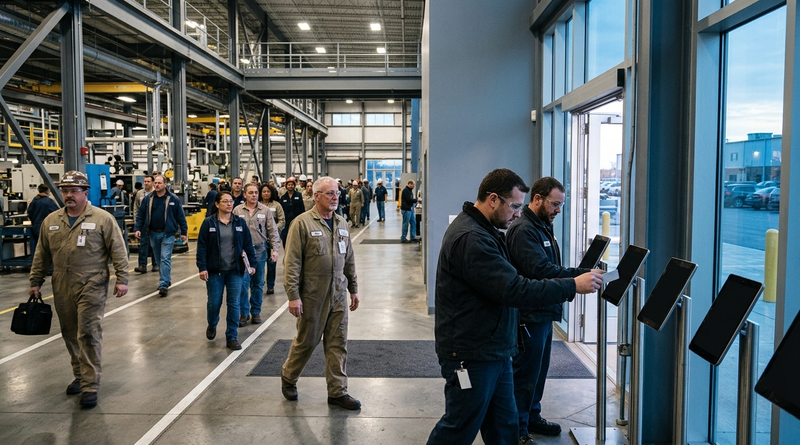
Tablet Time Clock Queue Times at Shift Change: How Long Is Too Long and What Fixes It on UKG
Shift-change queues at UKG time clocks are a transaction speed problem, not a device count problem. Learn how to diagnose per-punch cycle time, optimize native UKG settings, and deploy CloudApper AI TimeClock to cut queue wait from five minutes to under two.
November 6, 2026
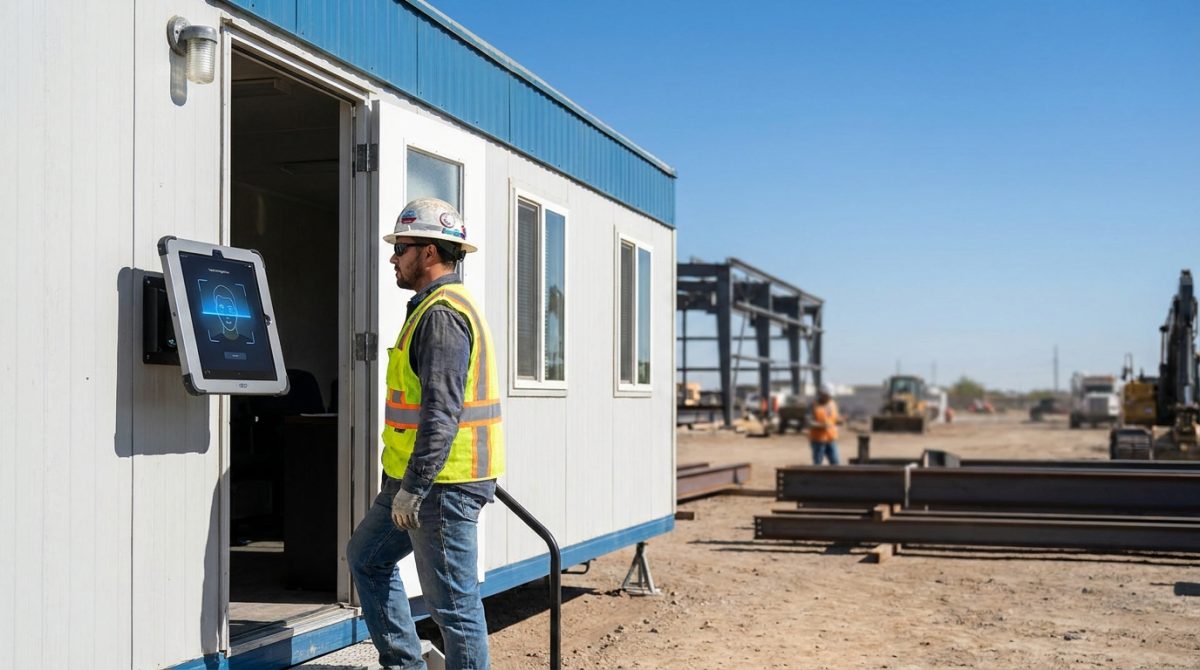
Biometric Kiosks at the Job Trailer: What Construction IT Teams Need to Know Before Extending UKG Pro WFM Time Capture
Construction IT teams extending UKG Pro WFM to job trailers must validate middleware compatibility, offline punch buffering, and PPE-ready facial recognition before deploying biometric tablet kiosks. CloudApper hrPad and Crew Punch address each evaluation checkpoint as embedded capabilities.