Learn how a self-service time clock kiosk connected to UKG Ready or Pro WFM can cut HR help desk ticket volume by giving frontline workers direct access to PTO balances, schedules, punch corrections, and policy answers at the point of work.


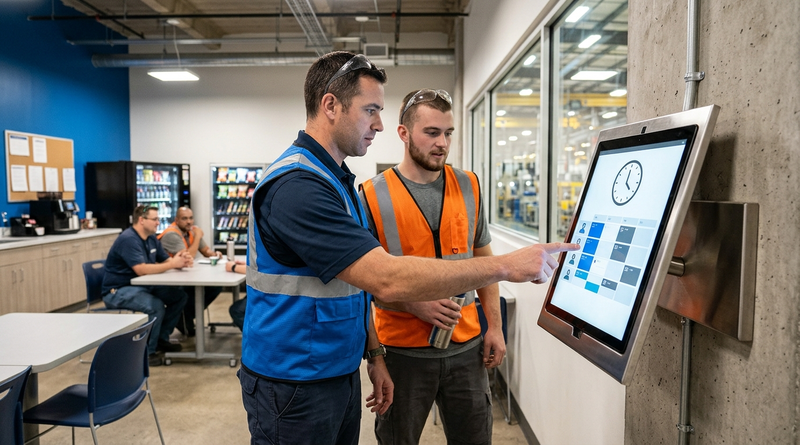
Table of Contents
- What UKG Already Offers for Employee Self-Service
- Where the Gap Shows Up for Frontline Workers
- What to Configure Inside UKG First
- Where Native Tools and Hardware Run Out
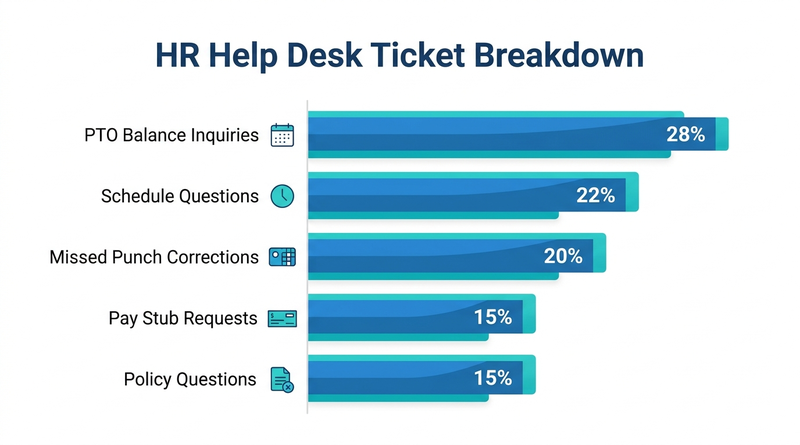
Your HR team fields the same five questions every shift. What is my PTO balance? When is my next shift? Why was my punch flagged? Can I swap Tuesday for Thursday? Where is my last pay stub? Multiply that across 2,000 hourly workers, and the help desk becomes a bottleneck that no staffing increase will fix. A self-service time clock kiosk connected to UKG Ready or Pro WFM can deflect the bulk of those tickets, but only if the deployment answers the compliance and governance questions your IT and legal teams will ask before the first tablet is mounted. CloudApper AI TimeClock is one such kiosk solution that pairs time capture with built-in self-service on any iPad or Android tablet, syncing directly with UKG.
What UKG Already Offers for Employee Self-Service
UKG provides native self-service through its web portal and mobile app. Employees can view schedules, request time off, check accrual balances, and review timecards from any browser or smartphone. For desk-based workers, these tools handle the majority of routine inquiries without HR involvement. UKG’s own shift swap and schedule management capabilities are well built and continuously improved.
Where the Gap Shows Up for Frontline Workers
The friction starts when the workforce is deskless. Line workers in manufacturing, CNAs on hospital floors, retail associates on the sales floor, and warehouse pickers do not carry smartphones on shift or have time to log into a web portal during a 10-minute break. Research from Sapient Insights Group found that only 40% of employees rated self-service for time, leave, and pay as easy to use, pointing to an access and usability problem rather than a feature gap. When frontline workers cannot self-serve, every routine question routes to HR. A mid-size organization with 1,500 hourly employees can generate 300 to 500 missed punch correction requests per pay period alone, each one requiring manual admin time.
What to Configure Inside UKG First
Before adding any external kiosk, maximize what native UKG already provides. Enable mobile punch for roles that allow personal devices. Turn on self-service PTO and accrual visibility for every employee group. Configure automatic notifications for schedule changes so workers are not calling HR to confirm shifts. Set up audit trail logging for punch edits. These steps reduce ticket volume at zero additional cost.
Where Native Tools and Hardware Run Out
The limit arrives at the physical point of work. Proprietary UKG terminals like the Intouch DX are time clocks first and self-service devices second. They capture punches reliably, but they were not designed to answer an employee’s PTO question, display a full weekly schedule, or walk a night-shift worker through an attestation in their preferred language. Adding self-service to those devices requires either expensive configuration or a parallel system. According to a 2025 benchmark from Gartner, leading HR functions deflect 65 to 75% of routine requests through effective self-service, but that deflection rate depends on the self-service tool being physically accessible where employees work and usable without training. A wall-mounted terminal with a small screen and no AI assistant does not meet that bar for a frontline workforce.
How CloudApper AI TimeClock Closes the Gap
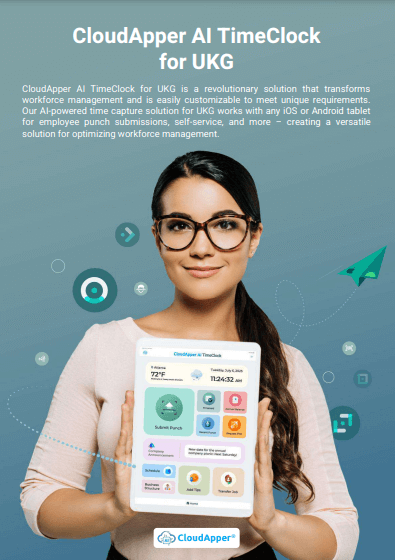
CloudApper AI TimeClock turns any iPad or Android tablet into a 2-in-1 device: biometric time clock and employee self-service kiosk. It syncs directly with UKG Ready and Pro WFM, so punch data, PTO requests, shift swaps, and schedule views all flow through the same integration layer. The built-in AI assistant handles policy questions 24/7 in multiple languages, which means a second-shift worker can get an answer about bereavement leave without waiting for HR to open at 8 a.m. Because it runs on standard tablets at roughly 25% of the cost of traditional UKG clocking hardware (per CloudApper’s pricing comparison), organizations can place kiosks at every break room, entry point, and nurse station instead of limiting self-service to a single terminal per floor.

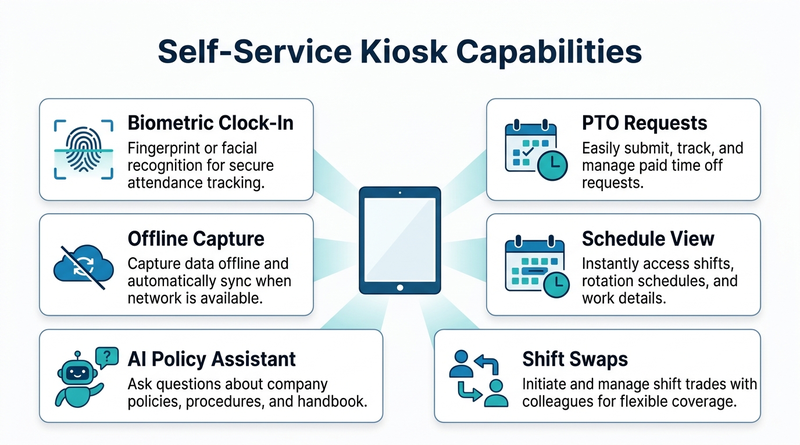
For IT and compliance teams, the critical questions are covered. CloudApper is a UKG Technology Partner with HIPAA, FIPS 140-2, GDPR, and CCPA certifications. Offline punch capture with automatic sync means remote and field locations stay operational without constant connectivity. Biometric facial recognition is included at no extra cost, and full audit trails are maintained for every transaction.
Frequently Asked Questions
Q: Can a self-service kiosk on UKG handle missed punch corrections without HR involvement?
Yes. Employees can submit missed punch requests directly from the kiosk, which routes the correction through UKG’s existing approval workflow. HR only intervenes on exceptions that require manual review.
Q: Does adding a third-party kiosk affect UKG’s audit trail or compliance posture?
CloudApper AI TimeClock syncs all data directly with UKG Ready and Pro WFM through a certified integration. Every punch, PTO request, and attestation is logged in UKG’s native audit trail.
Q: What self-service tasks can frontline employees complete at a tablet time clock kiosk?
Common tasks include checking PTO and accrual balances, viewing upcoming schedules, requesting shift swaps, submitting time-off requests, reviewing recent punches, and asking the AI assistant policy questions.
Q: Is a self-service kiosk practical for sites with unreliable internet?
Yes. CloudApper AI TimeClock captures punches and self-service requests offline and syncs automatically when connectivity returns. Employees are not blocked from clocking in or checking their schedule during an outage.
Q: How do you measure whether a kiosk is actually reducing HR help desk tickets?
Track the baseline monthly ticket count for time-and-attendance categories before deployment, then measure the same categories monthly after go-live. Organizations using CloudApper AI TimeClock have reported missed punch rates dropping from 25 to 30% per week to less than 5%, which directly reduces the ticket volume tied to punch corrections.
Q: Does the kiosk work with both UKG Ready and UKG Pro WFM?
Yes. CloudApper AI TimeClock integrates with both UKG Ready WFM and UKG Pro WFM, covering the full range of mid-market and enterprise UKG deployments.
If your HR team is spending more time answering routine frontline questions than solving strategic problems, the math on a self-service kiosk is worth running. CloudApper AI TimeClock gives your workforce direct access to the information they need, on a device they can use, at a cost that does not require a capital budget request. See how it works.


November 11, 2026
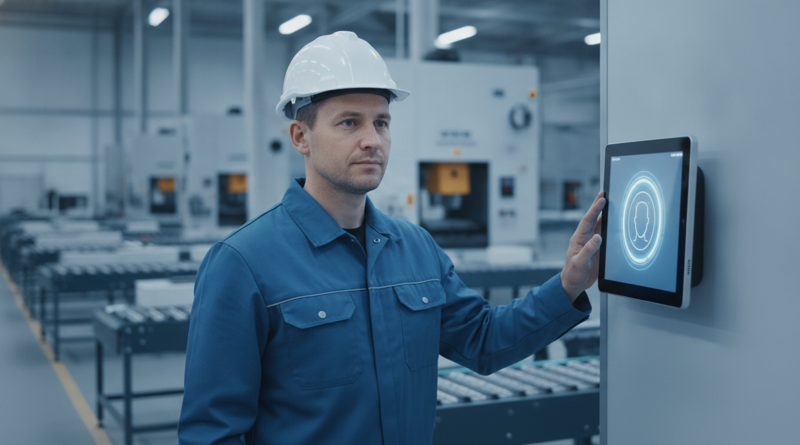
Moving UKG Time Clocks From Fingerprint to Face: Re-Enrollment, Consent and the Fallback Window
Moving UKG time clocks from fingerprint to face recognition means re-enrolling every employee, refreshing biometric consent, and keeping a fallback window open. This guide covers what UKG supports natively, where costs appear, and how tablet-based CloudApper AI TimeClock for UKG offers an affordable alternative.
November 9, 2026
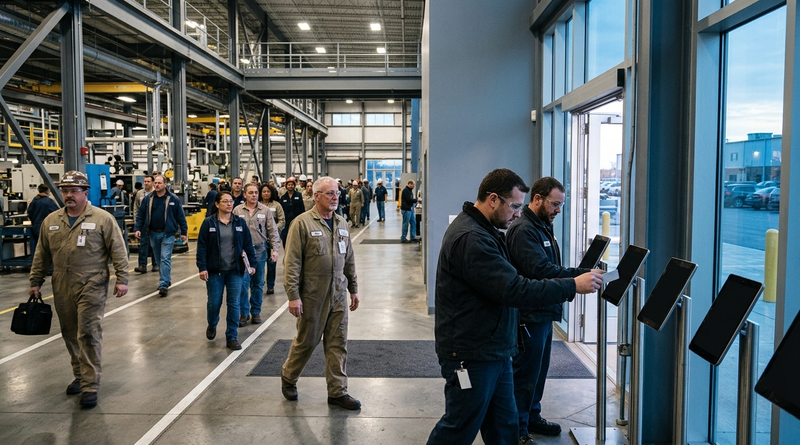
Tablet Time Clock Queue Times at Shift Change: How Long Is Too Long and What Fixes It on UKG
Shift-change queues at UKG time clocks are a transaction speed problem, not a device count problem. Learn how to diagnose per-punch cycle time, optimize native UKG settings, and deploy CloudApper AI TimeClock to cut queue wait from five minutes to under two.
November 6, 2026
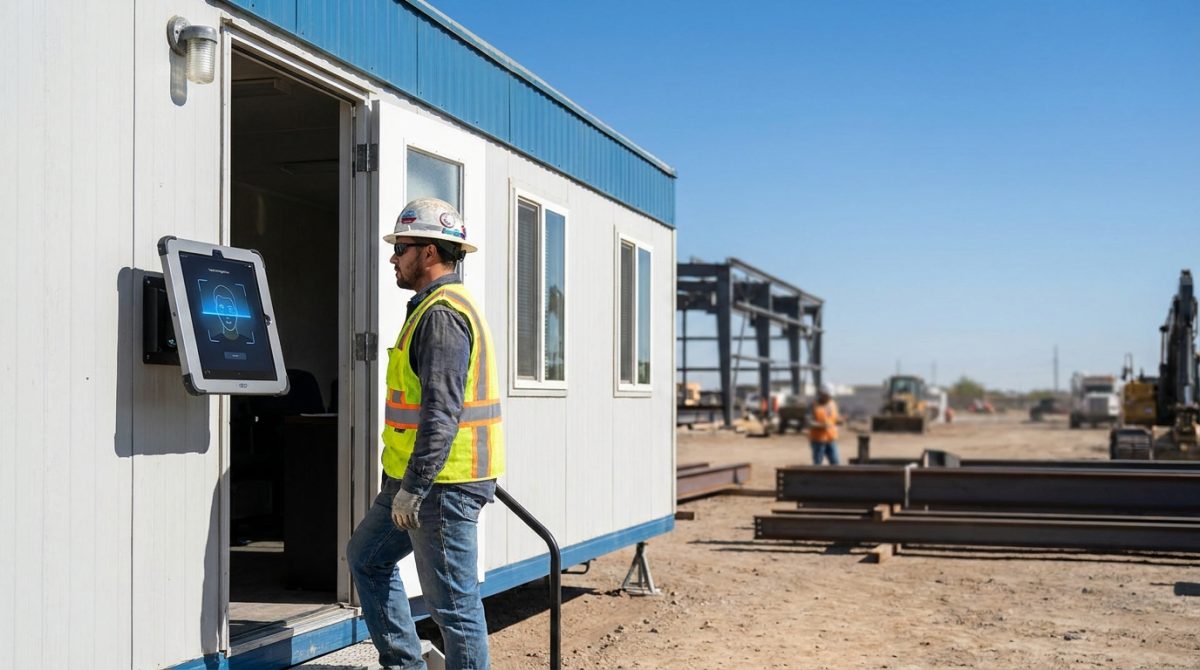
Biometric Kiosks at the Job Trailer: What Construction IT Teams Need to Know Before Extending UKG Pro WFM Time Capture
Construction IT teams extending UKG Pro WFM to job trailers must validate middleware compatibility, offline punch buffering, and PPE-ready facial recognition before deploying biometric tablet kiosks. CloudApper hrPad and Crew Punch address each evaluation checkpoint as embedded capabilities.
November 6, 2026
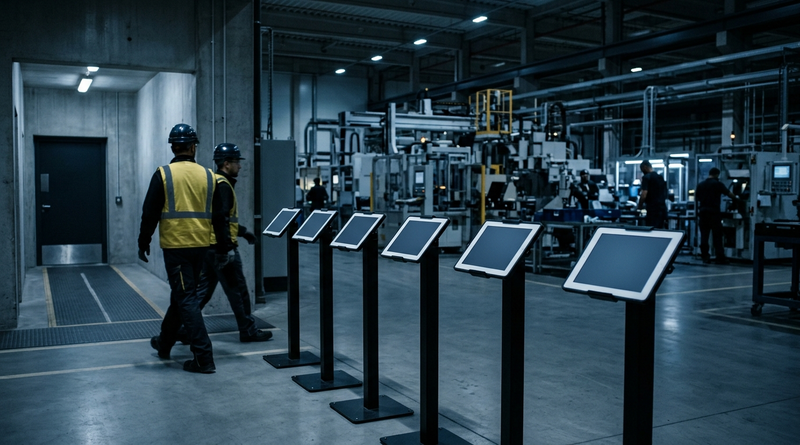
Night-Shift Time Records in UKG: Who Owns the Exception Queue After 10 p.m.?
Between 10 p.m. and 6 a.m., UKG exception queues fill with punch corrections verified by the same supervisor who created them. This guide shows UKG admins where the overnight control gap opens, what to fix inside UKG first, and how tablet-based time capture with offline buffering and biometric verification closes the gap.