Shift-change queues at UKG time clocks are a transaction speed problem, not a device count problem. Learn how to diagnose per-punch cycle time, optimize native UKG settings, and deploy CloudApper AI TimeClock to cut queue wait from five minutes to under two.


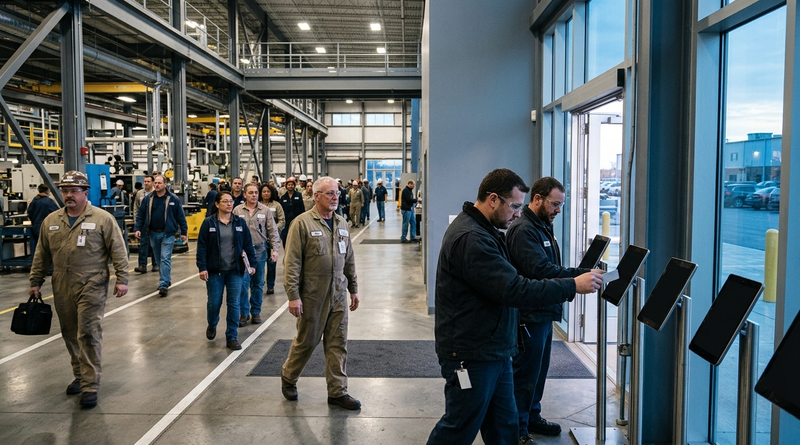
Table of Contents
- The Queue Problem Nobody Diagnoses Correctly
- What UKG Handles Natively at Shift Change
- Where the Real Bottleneck Lives
- What to Fix Inside UKG First
- Where Fixed Terminals Run Out
- How CloudApper AI TimeClock Fixes the Transaction
- Frequently Asked Questions
The Queue Problem Nobody Diagnoses Correctly
It is 2:58 p.m. and 30 employees are lined up behind two Intouch terminals. The instinct is to order a third. Three weeks later, the queue is back. The problem was never the number of screens. It was the 18 seconds each punch takes when attestation prompts, PIN retries, and network round-trips stack inside a single transaction. CloudApper AI TimeClock addresses both ends: facial recognition cuts per-punch time to under two seconds, and running on standard tablets makes it practical to add capacity where needed.
What UKG Handles Natively at Shift Change
UKG Ready WFM and UKG Pro WFM provide scheduling, rounding rules, and exception management for shift transitions. Grace periods round punches to the correct time, and scheduling restriction settings prevent early check-ins that inflate pre-shift labor costs. Web and mobile punch options offer capture channels beyond fixed hardware.
Where the Real Bottleneck Lives
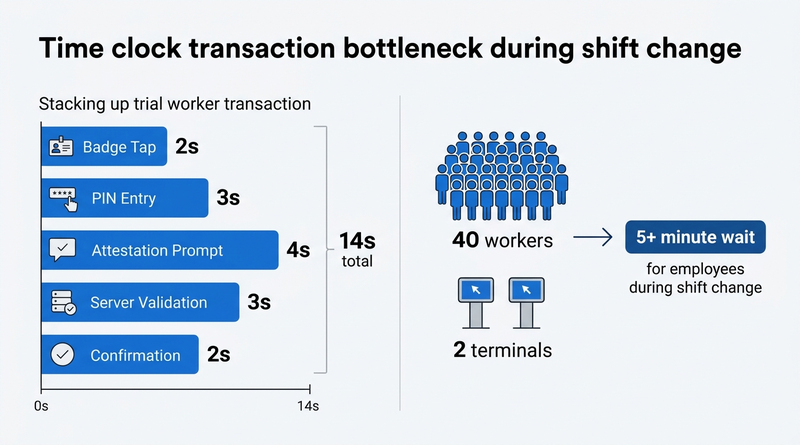
The friction is in the punch transaction at the physical clock, not UKG’s software. A standard Intouch DX cycle includes badge tap or PIN entry, attestation prompt, server validation, and confirmation, taking 8 to 12 seconds under ideal conditions. Add meal-break attestation or union acknowledgment, and it stretches past 15 seconds. Forty employees sharing two terminals at 15 seconds each means the last person waits over five minutes, producing missed punches, inflated exception queues, and hours of supervisor corrections. Per the American Payroll Association, correcting a single timecard error averages $6.
What to Fix Inside UKG First
Before adding hardware, time 20 consecutive punches at your busiest clock during shift change. If the 95th percentile exceeds 10 seconds, audit what stacks inside the transaction. Move attestation to pre-shift windows where UKG Ready supports it. Simplify authentication where policy allows. Enable mobile punch for eligible roles. These adjustments cut transaction time without new hardware.
Where Fixed Terminals Run Out
Native fixes have a ceiling. Intouch DX, 9000, 9100, and 4500 are fixed-location devices with a set transaction architecture. Adding another means another capital purchase and maintenance contract. For distributed sites, deploying proprietary terminals everywhere is impractical. CloudApper AI TimeClock runs on any Android tablet or iPad at roughly 25% of the cost, per CloudApper’s pricing comparison, making it viable to deploy multiple units across a facility.
How CloudApper AI TimeClock Fixes the Transaction
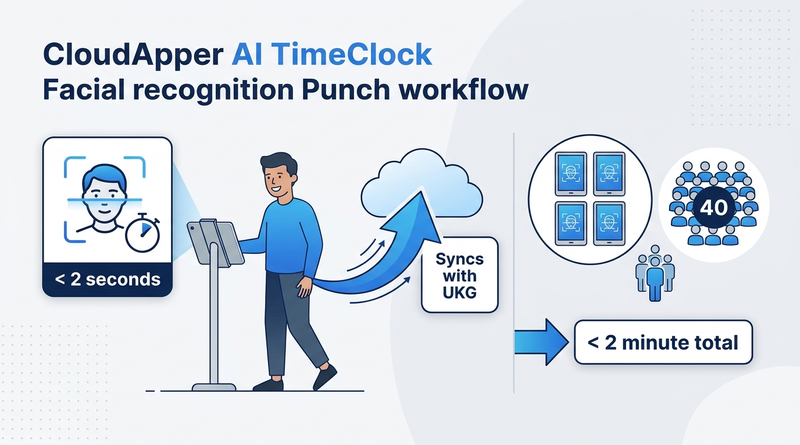
CloudApper AI TimeClock syncs with UKG Ready and Pro WFM, preserving scheduling and pay code logic in UKG. Facial recognition removes the slowest variable: employee input. No PIN, no badge tap, no retry. Offline punch buffering completes the transaction even when the network drops. Shift change requests and self-service happen on the same device. The result: 40 employees clear four tablets in under two minutes instead of five-plus at two proprietary terminals.
Frequently Asked Questions
Q: How long should a time clock punch take during shift change?

Target under 5 seconds at the 95th percentile. Anything above 10 seconds during peak shift change produces visible queues and missed punches.
Q: Can UKG Ready or UKG Pro WFM reduce queue times without new hardware?
Yes. Configuring pre-shift attestation windows, enabling mobile punch, and simplifying authentication can reduce transaction duration within native UKG.
Q: How does CloudApper AI TimeClock reduce per-punch transaction time?
Facial recognition completes identity verification in under two seconds, removing PIN entry and badge tap delays. It syncs with UKG Ready and Pro WFM.
Q: What does CloudApper AI TimeClock cost compared to an Intouch DX?
It runs on standard Android tablets or iPads at roughly 25% of the cost of traditional UKG clocking hardware, per CloudApper’s pricing comparison.
Q: Does CloudApper AI TimeClock work offline during shift change surges?
Yes. It captures punches offline and syncs when connectivity returns, preventing network congestion from causing missed punches.
Q: How many tablet clocks per shift-change location?
One device per 10 to 15 employees punching within the same five-minute window. For a 60-person shift change, four to six tablets keep wait under 30 seconds.
If shift-change queues are producing missed punches and payroll rework, the fix is a faster transaction on a device you can deploy everywhere. Schedule a demo with CloudApper to see how AI TimeClock cuts per-punch cycle time in your UKG environment.



November 6, 2026
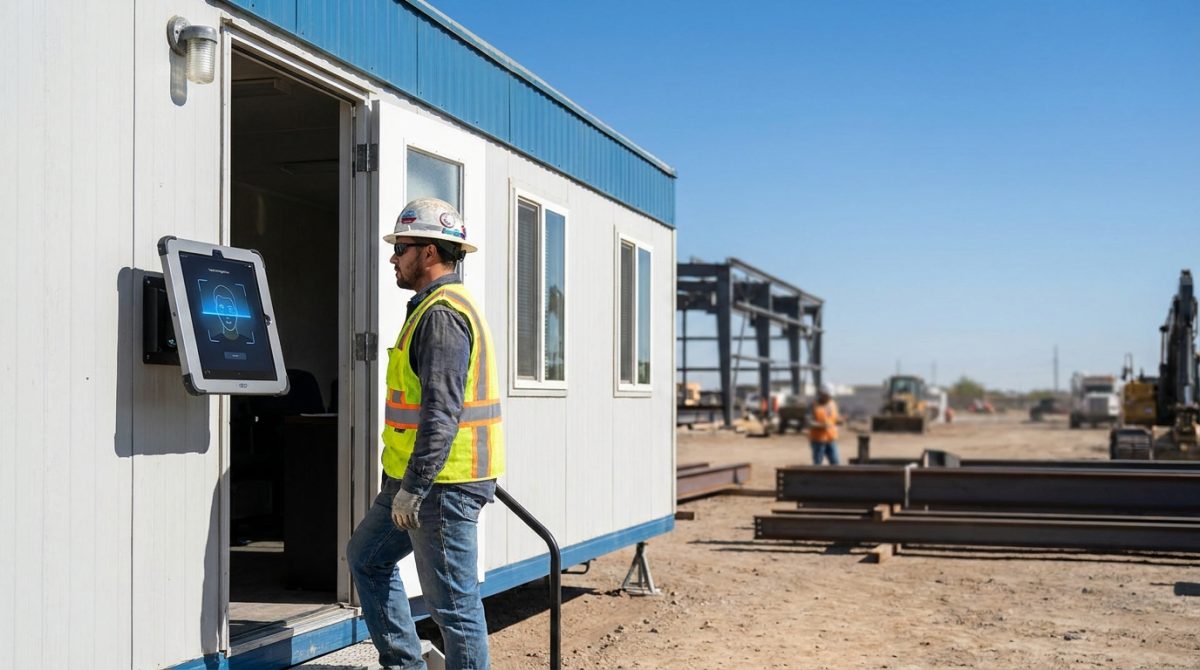
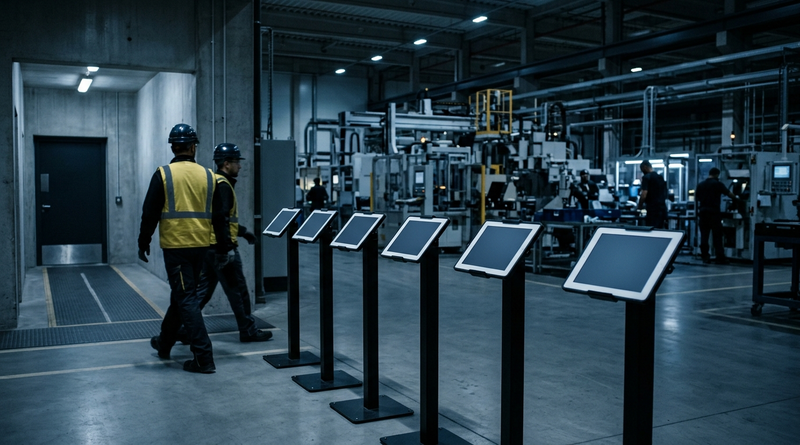
Biometric Kiosks at the Job Trailer: What Construction IT Teams Need to Know Before Extending UKG Pro WFM Time Capture
Construction IT teams extending UKG Pro WFM to job trailers must validate middleware compatibility, offline punch buffering, and PPE-ready facial recognition before deploying biometric tablet kiosks. CloudApper hrPad and Crew Punch address each evaluation checkpoint as embedded capabilities.
November 6, 2026
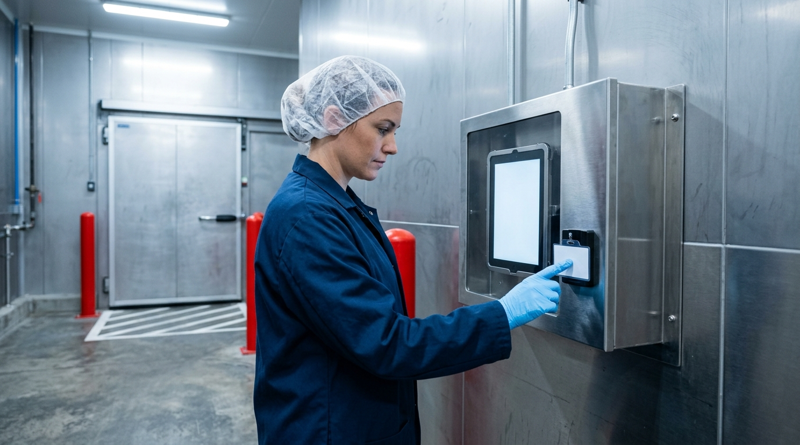
Night-Shift Time Records in UKG: Who Owns the Exception Queue After 10 p.m.?
Between 10 p.m. and 6 a.m., UKG exception queues fill with punch corrections verified by the same supervisor who created them. This guide shows UKG admins where the overnight control gap opens, what to fix inside UKG first, and how tablet-based time capture with offline buffering and biometric verification closes the gap.
November 5, 2026
Tablet Time Clocks in Cold, Wet and Dusty Sites: Who Answers the Work Order When the Screen Fogs Over
Putting a tablet time clock in cold storage, a washdown line or a dusty dock works when ownership is settled first. This guide gives UKG admins placement rules, fallback punch options, a test plan and a named support owner for each site.
November 4, 2026
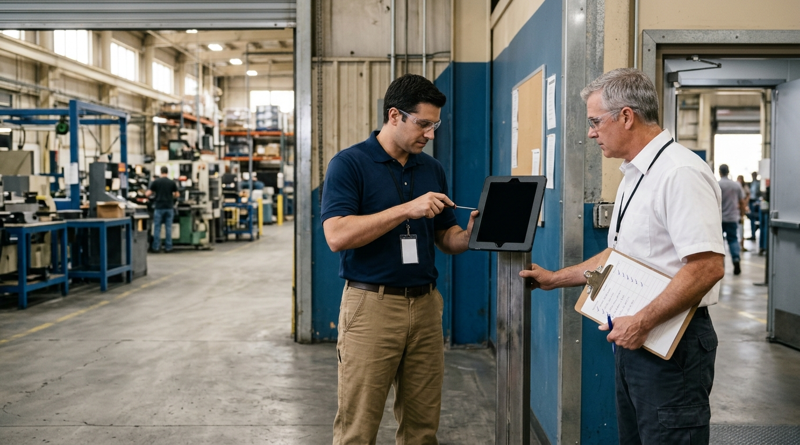
Weekend Cutover from Intouch DX to Tablet Time Clocks: The Rollback Rule to Agree Before Friday
A weekend swap from Intouch DX to tablet time clocks works only when the rollback rule is agreed first. This runbook gives UKG admins a Friday to Monday sequence, plant manager acceptance criteria, and a payroll-based trigger for reverting a site.