Distribution centers and 3PL operators running UKG Ready or Pro WFM face a recurring payroll problem: dock workers who move between client cost centers mid-shift without a transfer punch. This article examines the hardware placement gap that causes billing errors, the limits of native Intouch terminals in high-movement environments, and how CloudApper AI TimeClock for UKG closes the dock-level transfer punch gap.


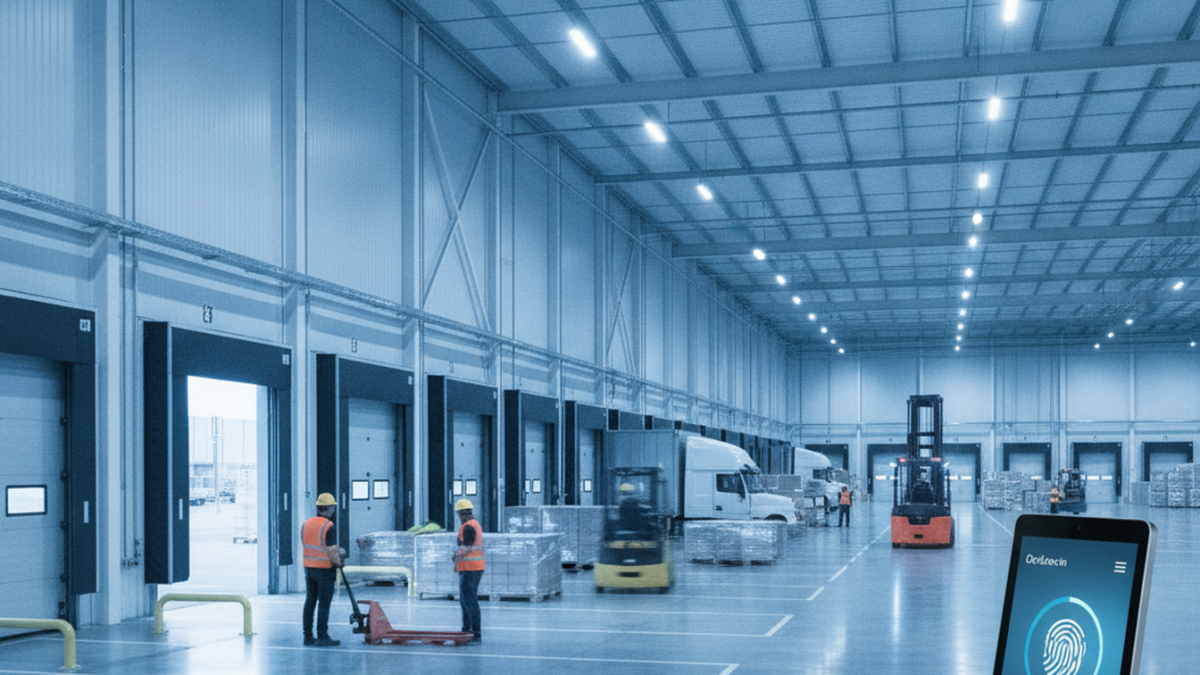
Table of Contents
- How UKG Ready and Pro WFM Handle Labor Cost Allocation for 3PL Operations
- The Dock-Level Transfer Punch Gap That Produces Client Billing Errors
- Where Native UKG Hardware Creates the Constraint
- CloudApper AI TimeClock for UKG: What 3PL Operators Evaluate
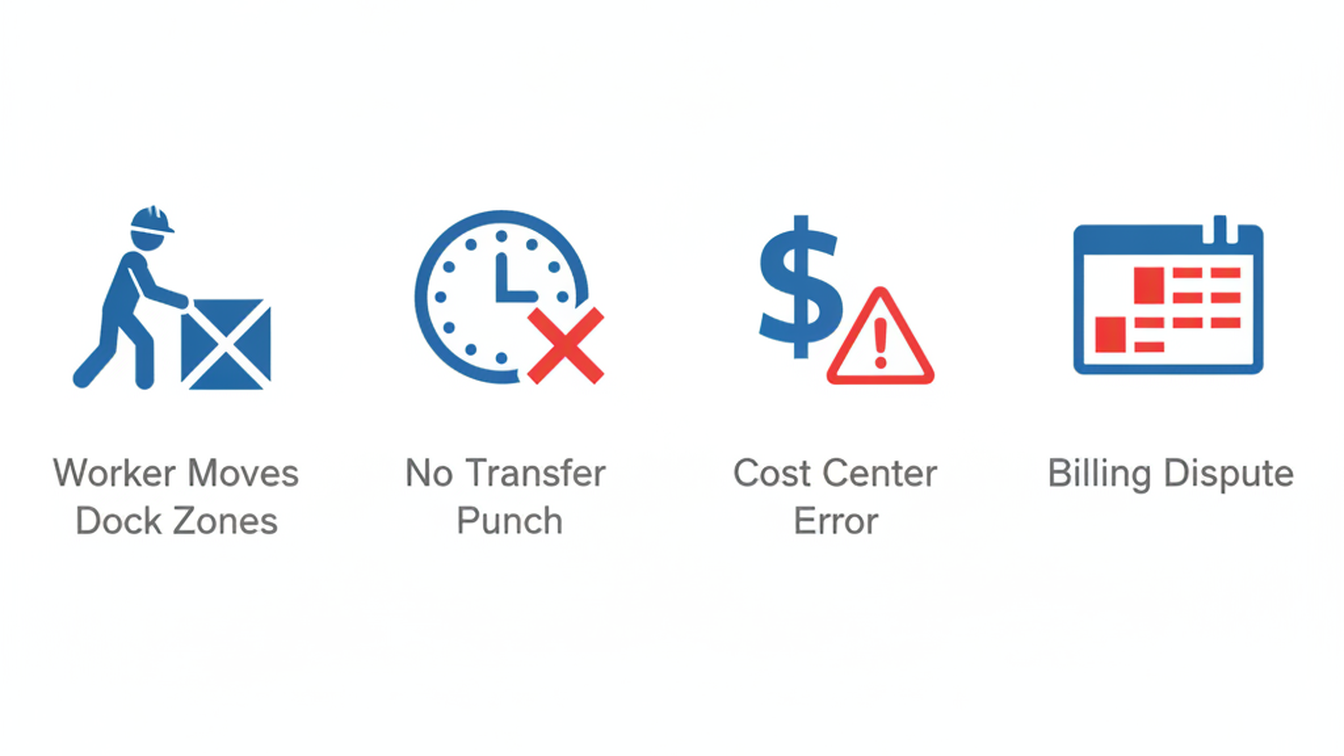
In 3PL and distribution centers, UKG payroll errors usually trace back to job and dock transfers the time clock never captured. The client billing cycle closes on Friday, and the labor allocation report for your largest retail client shows $17,000 in dock labor charged to a general warehouse cost center instead of the client’s dedicated one. The dock workers were assigned correctly at shift start. During the shift they moved between dock doors, two hours on Client A’s inbound and three on Client B’s staging, and punched out wherever they ended up. CloudApper AI TimeClock for UKG records job transfers at the dock as they happen, not only at the start and end of the shift. First, though, it helps to see why transfers go uncaptured in standard deployments.
How UKG Ready and Pro WFM Handle Labor Cost Allocation for 3PL Operations
UKG Ready and UKG Pro WFM both support cost center allocation, labor level transfers, and client-specific work rules — including the ability to assign dock workers to client-specific cost centers, capture job code changes mid-shift, and report labor hours by cost center for billing reconciliation. The punch transfer function in native UKG allows an employee to switch cost centers at the time clock by initiating a transfer punch — entering a new labor level, cost center, or job code before continuing to work. For 3PL operations where client billing depends on accurate labor attribution, this function is the architecture that makes UKG viable as a workforce management system in a multi-client environment.

The problem is the enforcement gap between what UKG supports and what dock workers actually do at the terminal during a shift. Transfer punches require employee-initiated action at the clock. When the terminal is a proprietary Intouch 9000 or Intouch DX station mounted at one fixed location on the dock, a worker who moves from one area to another has to walk back to the terminal, initiate a transfer, enter the correct cost center code, and confirm — in the middle of a busy shift, under a dock supervisor who is managing inbound volume, with 40 other people in line behind them.
The Dock-Level Transfer Punch Gap That Produces Client Billing Errors
Transfer punches in 3PL environments require the same things that attestation prompts require in retail: time, a willing employee, and a terminal that is in the right place. When none of those conditions exist simultaneously, the transfer doesn’t happen, and the labor hours accrue to whatever cost center the employee was assigned at clock-in. For a distribution center running three major retail clients across 12 dock doors on two shifts, the uncaptured transfer hours accumulate quickly. Industry estimates for labor cost misallocation in multi-client 3PL operations range from 8–15% of billable hours per week — a figure that compounds across monthly billing cycles into five-figure reconciliation disputes.
The payroll exposure is different from the billing exposure, but it runs in parallel. When workers move between client accounts that carry different pay codes — a client-specific differential, a hazmat staging premium, or a union-negotiated rate for specific product handling — the missed transfer punch means the differential doesn’t trigger. The correction workflow in UKG requires a manager to identify the missed transfer, reconstruct the actual movement from supervisor logs or camera footage, and manually adjust the timecard before payroll close. The challenge of tracking and allocating employee hours across locations in UKG Pro is documented at both the software configuration level and the operational process level — but the configuration alone cannot compensate for missed transfer events at the punch. For a DC with 200 dock workers across two shifts, this correction cycle runs weekly. The job transfer and wave shift compliance problem in warehouse operations follows the same correction pattern — but 3PL billing dependency makes the downstream cost of each missed transfer significantly higher.
Where Native UKG Hardware Creates the Constraint
The transfer punch problem in 3PL environments is not a UKG software limitation — it is a hardware placement limitation. Proprietary Intouch terminals are fixed installations. A distribution center designed around two or three centralized clock stations assumes that workers will initiate transfers at the station. When dock assignments require movement across 200,000 square feet between inbound, outbound, and staging areas, the centralized terminal model is incompatible with the transfer frequency the operation requires.
Adding more Intouch terminals addresses coverage but compounds the hardware cost: at roughly four times the cost of a standard Android tablet, adding terminal density to a distribution center to cover multiple dock zones is a capital expenditure that most 3PL operations cannot justify per-client. The cost comparison between proprietary UKG hardware and tablet-based alternatives at 25% of Intouch pricing is where the 3PL business case starts — but the operational argument is terminal placement density, not just unit cost.
The secondary constraint is driver check-in. Many 3PL operations include a fleet component — drivers who check in at a facility they are not based at, clock time for loading or unloading, then depart. A fixed Intouch terminal at the dock office handles this if the driver walks to it. When the dock is active and the office is 300 feet away, drivers punch on paper or skip the punch entirely. The geofencing time clock framework for field workers in UKG addresses the remote-site punch problem, but driver check-in at a client DC is a different scenario — the worker is physically present, just not near a terminal.
CloudApper AI TimeClock for UKG: What 3PL Operators Evaluate
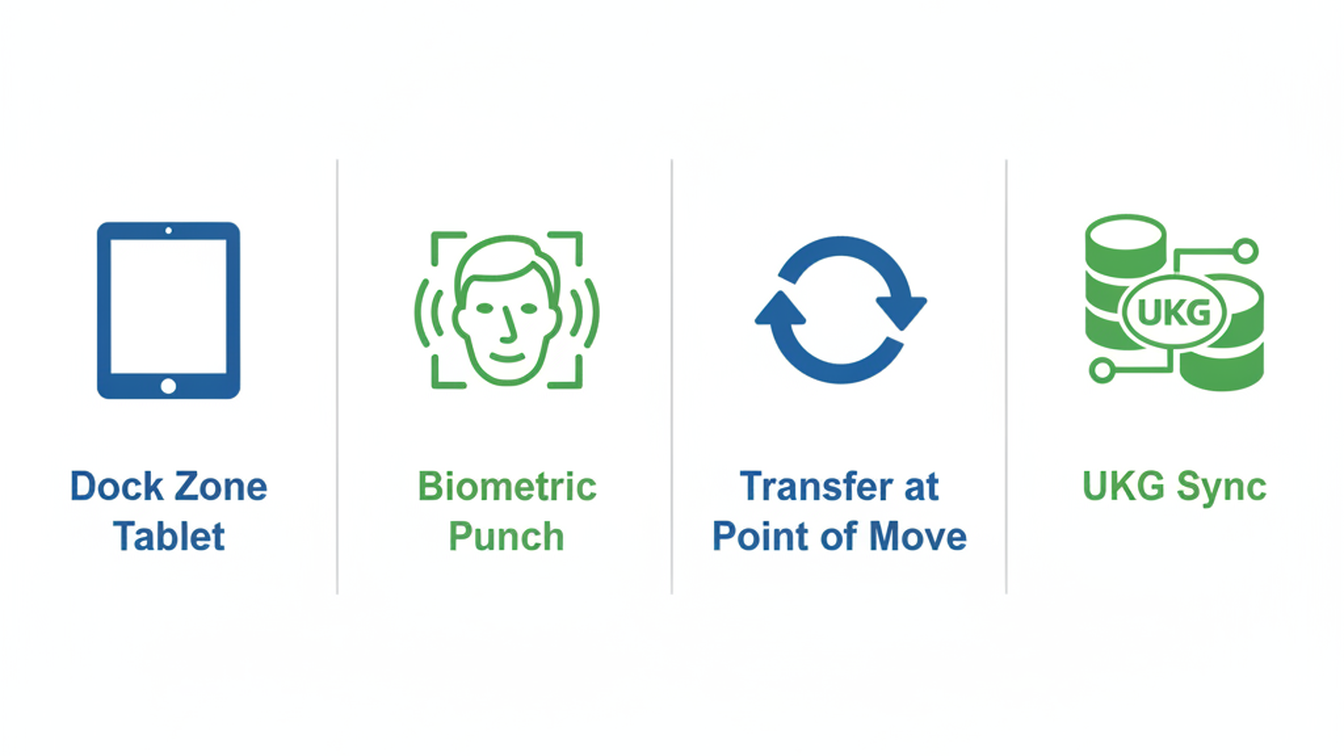
CloudApper AI TimeClock for UKG runs on any Android tablet or iPad, which means a distribution center can deploy clock stations at each dock zone — inbound, outbound, hazmat staging, client-specific areas — without purchasing additional Intouch terminals. Each tablet operates as a full UKG time clock: biometric facial recognition, QR and barcode punch, transfer punch initiation, and offline capture when the dock network drops. Punch records and transfer events sync directly to UKG Ready or Pro WFM through the standard integration path — the UKG admin sees the complete transfer history in the timecard module, including the cost center sequence for each shift.
For driver check-in at a 3PL facility, a CloudApper tablet at the dock entrance handles the punch without requiring the driver to enter the building. The facial recognition enrollment can be completed in advance by the driver’s home DC and propagated to all enrolled CloudApper devices at client facilities — the driver presents at the tablet, facial recognition confirms identity, and the punch records to the correct cost center in UKG without manual entry. The offline time capture capability for UKG ensures that punch records survive dock network outages, which are common in high-forklift-traffic environments where wireless coverage is inconsistent.
The labor allocation report that produces client billing disputes closes differently when transfer punches are captured at the dock rather than reconstructed from supervisor logs after the fact. That is the operational change 3PL HR and operations directors are evaluating when they look at tablet-based alternatives to Intouch hardware. The UKG integration stays the same; the capture architecture changes.
Frequently Asked Questions
Q: Can CloudApper AI TimeClock capture job transfer punches mid-shift in a UKG distribution center deployment?
Yes. CloudApper AI TimeClock supports transfer punch initiation at the device level — employees can select a new cost center, job code, or labor level directly from the tablet interface during a shift. The transfer event syncs to UKG Ready or Pro WFM with a timestamp, creating a complete cost center sequence in the timecard record for that shift. This replaces the requirement for workers to walk to a centralized Intouch terminal to initiate a transfer.
Q: How does CloudApper handle distribution centers with multiple client cost centers in UKG?
CloudApper AI TimeClock maps directly to UKG cost center and labor level configuration. Each client-specific cost center in UKG is available as a selectable option at the tablet during punch or transfer. The UKG admin configures which cost centers are accessible by location, job class, or employee group — the same configuration that governs Intouch terminal access. No separate cost center configuration is required in CloudApper beyond what already exists in UKG.
Q: What happens to punch records if a dock tablet loses network connectivity during a shift?
CloudApper AI TimeClock stores punch and transfer records locally on the device when connectivity is lost. Records sync to UKG Ready or Pro WFM automatically when the connection is restored. The sync includes all transfer events that occurred during the offline window, with timestamps reflecting actual punch time. This is particularly relevant in distribution centers where forklift traffic and racking density create wireless dead zones in specific dock areas.
Q: Can drivers who check in at a 3PL facility use CloudApper if they’re not enrolled at that specific location?
Biometric enrollment in CloudApper can be propagated across facilities. A driver enrolled at their home DC can have their facial recognition profile made available at client facilities on the CloudApper network, allowing check-in at dock entrance tablets without re-enrollment. Enrollment administration and cross-facility profile management are handled through the CloudApper admin interface, with punch records syncing to the driver’s UKG employee record at the home entity.
Q: How many tablets can a 3PL distribution center deploy per CloudApper license?
Multiple tablets per location are supported without the per-terminal cost structure of proprietary Intouch hardware. For a distribution center with multiple dock zones requiring transfer punch capture at point of assignment, deploying tablets at each zone is operationally practical at CloudApper’s licensing model. Contact CloudApper at ukg.cloudapper.ai for current per-location pricing details.
Q: Will switching from Intouch terminals to CloudApper tablets require changes to UKG configuration?
No UKG configuration changes are required. CloudApper AI TimeClock connects to UKG Ready and Pro WFM through the standard API integration path. Employee records, cost centers, pay rules, and work rules remain in UKG as configured. The UKG admin sees the same punch records, transfer events, and exception flags in the timecard module — the change is in the capture hardware, not the UKG configuration or data model.
3PL and distribution center operators running UKG do not have a software problem — they have a terminal placement problem that produces client billing disputes and payroll reconciliation overhead week over week. Reviewing CloudApper AI TimeClock for UKG’s distribution center configuration and integration documentation is available at ukg.cloudapper.ai.
Comments are closed.



November 5, 2026
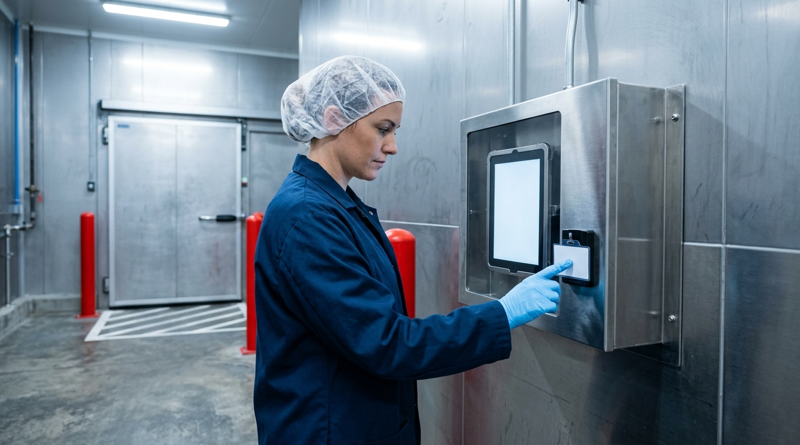
Tablet Time Clocks in Cold, Wet and Dusty Sites: Who Answers the Work Order When the Screen Fogs Over
Putting a tablet time clock in cold storage, a washdown line or a dusty dock works when ownership is settled first. This guide gives UKG admins placement rules, fallback punch options, a test plan and a named support owner for each site.
November 4, 2026
Weekend Cutover from Intouch DX to Tablet Time Clocks: The Rollback Rule to Agree Before Friday
A weekend swap from Intouch DX to tablet time clocks works only when the rollback rule is agreed first. This runbook gives UKG admins a Friday to Monday sequence, plant manager acceptance criteria, and a payroll-based trigger for reverting a site.

November 3, 2026
Wi-Fi Site Survey for UKG Tablet Time Clocks: Who Owns the Network Before the First iPad Is Mounted
Moving from wired UKG clocks to tablets shifts a hidden dependency onto your wireless network. This guide shows UKG admins and IT how to survey each clock position, test outage behavior, and assign ownership of access point fixes before go-live.

November 2, 2026
Changing the Time Clock in a Union Shop on UKG: What to Settle Before the First Tablet Ships
Changing the time clock in a union workplace is a labor relations task as much as an IT one. This checklist shows UKG admins and HR leaders what to settle first: agreement review, frozen pay rules, steward briefings, biometric consent alternatives, and a one-site pilot.

One reply on “UKG Time Clock for 3PL and Distribution Centers: The Job Transfer and Dock Assignment Gap Driving Payroll Errors”
[…] and remote crews often work where there’s no dedicated time clock and only a weak connection. In 3PL warehouses, every new client brings new cost centers and checks, and those have to come off the clock when the […]