
Easily configure UKG Pro WFM (Dimensions) time clock so certain cost centers do not count toward overtime using CloudApper AI TimeClock integration. Capture essential data (job codes, cost centers) at punch-in, transmit accurately to UKG, apply tailored overtime rules, and customize workflows for precise control, compliance, and efficiency in diverse workforce environments.



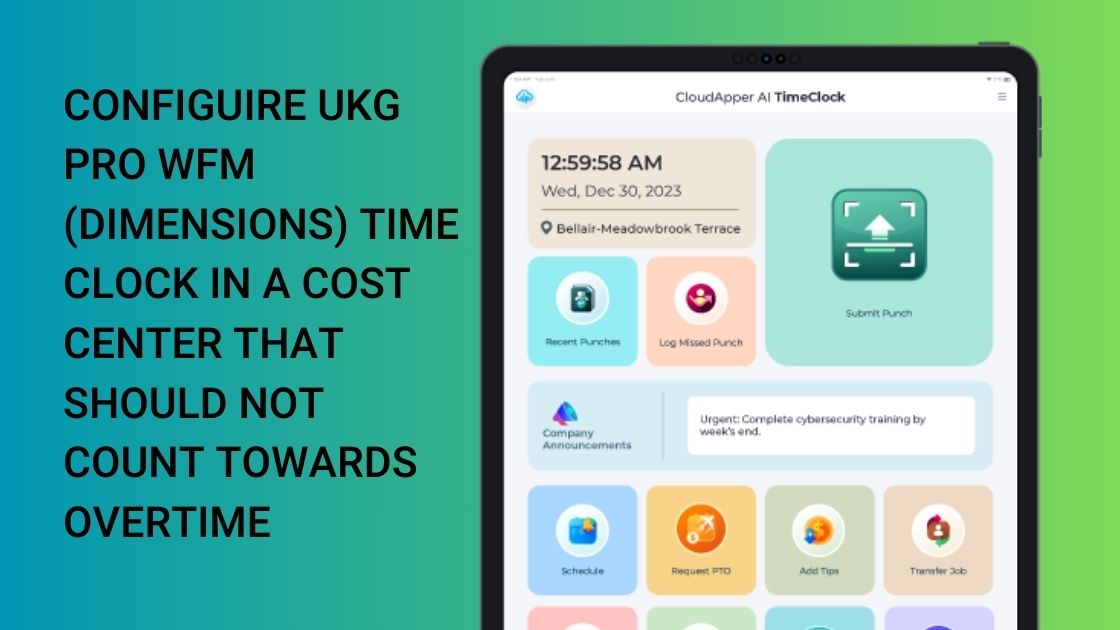
Table of Contents
Choosing a reliable and customizable time clock solution is critical for labor management initiatives that aim to boost efficiency and compliance. To set up cost centers without overtime calculations, this article discusses the integration of CloudApper AI TimeClock with UKG Pro WFM (Dimensions). It highlights CloudApper AI TimeClock’s configurable workflows and easy integration features.
TL;DR
Configure UKG Pro WFM (Dimensions) time clocks to exclude overtime accrual for specific cost centers using CloudApper AI TimeClock: Capture job/cost center data at clock-in, sync seamlessly, apply custom UKG rules for non-OT cost centers, enable flexible punch methods (biometric/mobile), and customize workflows — ideal for industries with varied labor costing needs like manufacturing or construction.
How to Configure a Cost Center that Should Not Count Towards Overtime
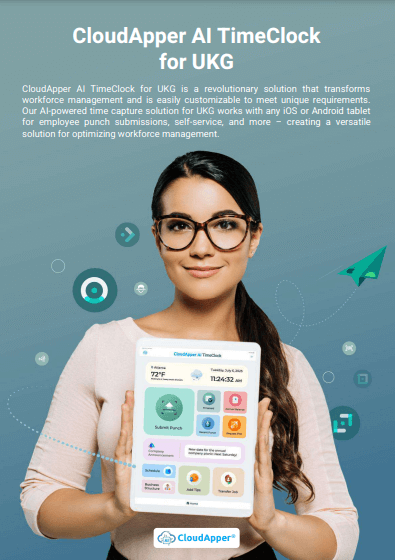
To configure a UKG Pro WFM (Dimensions) Time Clock to not calculate cost centers without overtime, organizations can leverage CloudApper AI TimeClock, and tailored solutions can be customized to meet specific organization needs. CloudApper AI TimeClock offers seamless integration with industry-leading HR and payroll systems, including UKG, providing customizable features and AI-driven capabilities. By capturing essential data at clock-in, offering versatile clock-in methods, and synchronizing time data with UKG with custom rules based on cost center requirements.
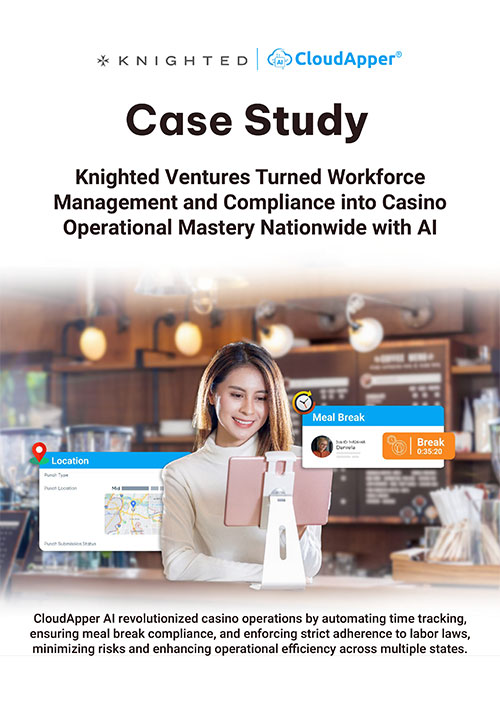
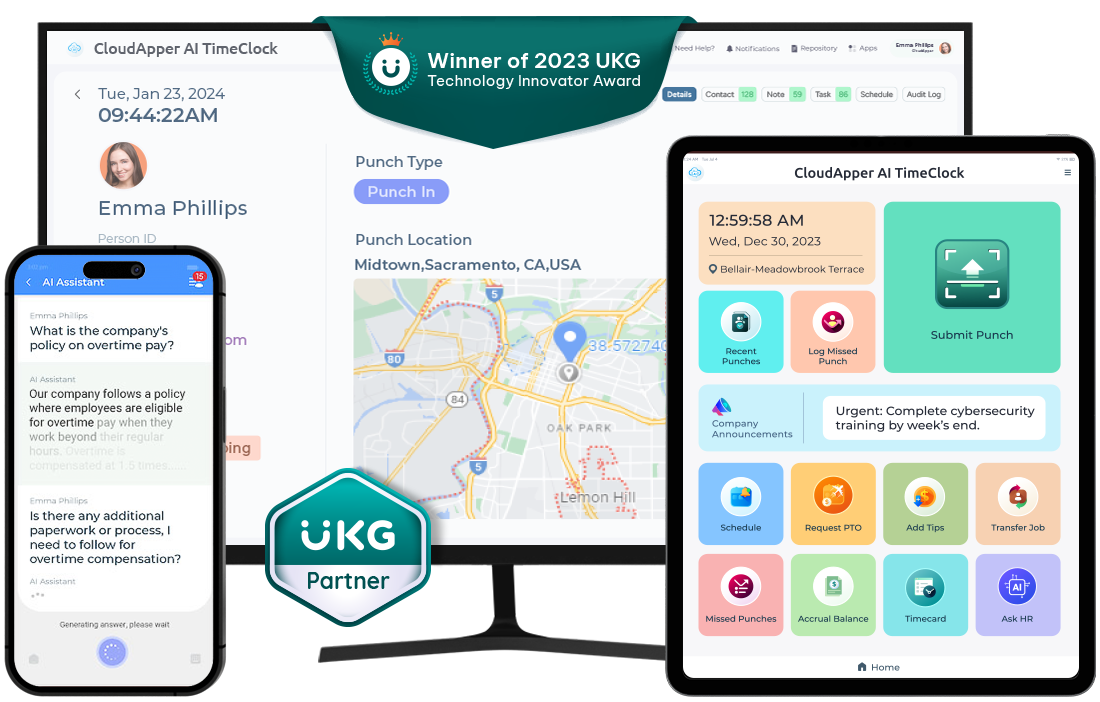
CloudApper AI TimeClock streamlines overtime calculations while ensuring compliance and accuracy. Real-life scenarios where this customization could be beneficial include managing diverse cost center requirements for overtime calculations, enhancing workforce productivity through AI-driven analytics, empowering employees with self-service options for time management tasks, and ensuring seamless integration with various payroll systems besides UKG. Ultimately, CloudApper AI TimeClock revolutionizes workforce management by offering efficient time tracking solutions tailored to organizational needs and regulatory standards.
Real-Life Scenarios
- Retail Industry: In retail settings where strict budgeting is crucial, configuring cost centers without overtime calculations using CloudApper AI TimeClock can help businesses maintain financial discipline.
- Healthcare Sector: To effectively manage staffing costs, healthcare facilities often require precise time tracking without overtime. CloudApper AI TimeClock’s customization features can address this need seamlessly.
- Manufacturing Environment: In manufacturing plants where operational costs are closely monitored, integrating CloudApper AI TimeClock with UKG Pro WFM (Dimensions) can optimize workforce management by eliminating unnecessary overtime expenses.
FAQ
How do I configure a cost center in UKG Pro WFM to not count towards overtime?
Use CloudApper AI TimeClock to capture cost center data at clock-in, then set up custom overtime rules in UKG Pro WFM (Administration > Pay Policies > Work Rules > Overtimes) to exclude or modify accrual for specific cost centers based on your policies.
What role does CloudApper AI TimeClock play in UKG Pro overtime configuration?
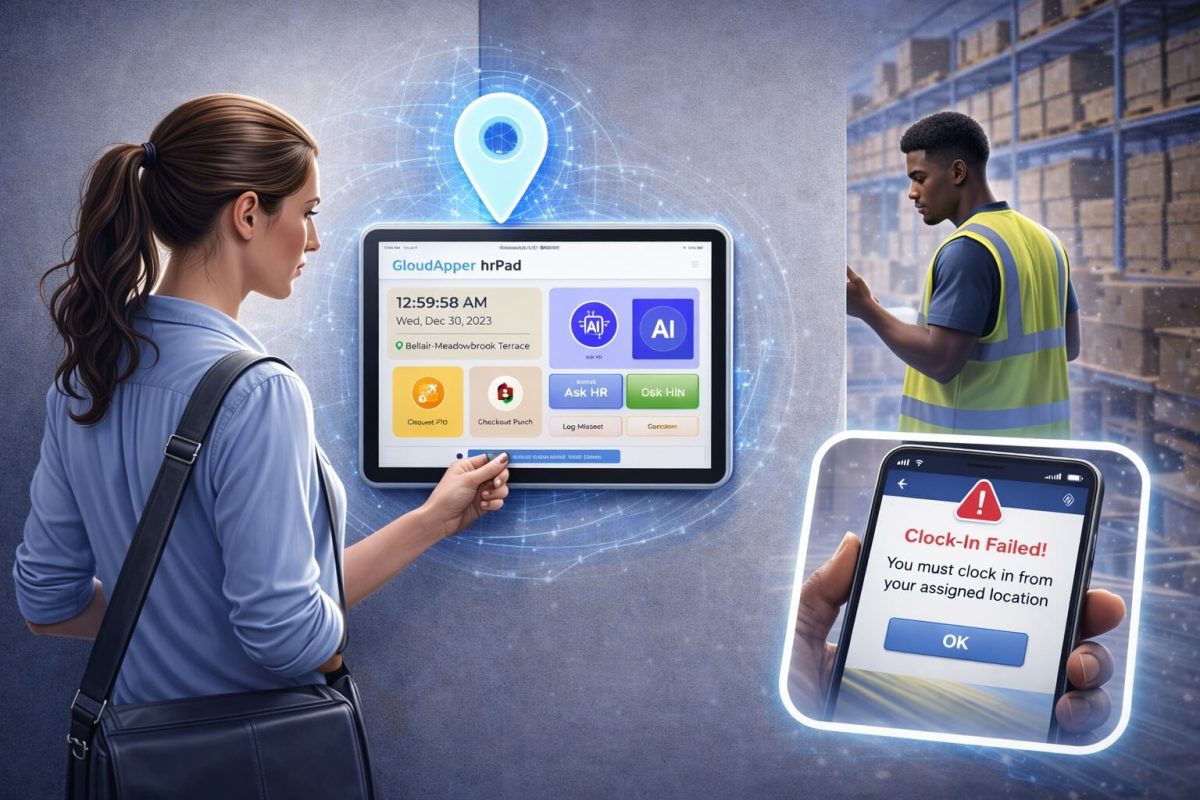
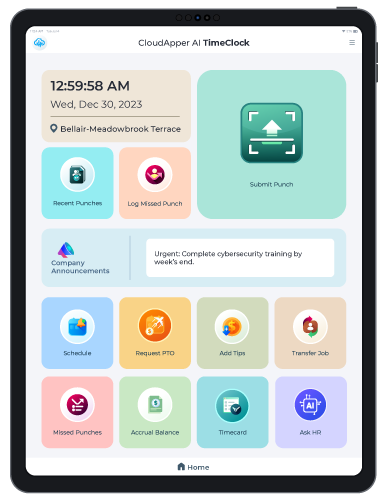
It provides seamless integration, captures job codes/cost centers during punch-in (via Face ID, mobile, tablet), supports configurable workflows, and ensures accurate data sync to UKG for applying tailored rules that prevent overtime in designated cost centers.
Can I exclude specific cost centers from overtime in UKG Pro Dimensions?
Yes — configure custom work rules and pay policies in UKG to define overtime thresholds/resets, then use CloudApper to enforce cost-center-specific logic at the time clock level for accurate, non-OT tracking in selected areas.
Why configure cost centers to exclude overtime in UKG Pro?
It prevents unintended OT accrual in non-qualifying areas (e.g., certain projects/departments), controls labor costs, ensures compliance with policies/union rules, and streamlines payroll in industries with complex costing like manufacturing, healthcare, or construction.
Does this setup support compliance and accuracy in UKG Pro time tracking?
Absolutely — CloudApper’s AI-driven capture, real-time sync, and customizable rules reduce errors, support audit trails, and align with UKG’s overtime frameworks while empowering employee self-service and managerial oversight.
Companies can improve workforce management efficiency, boost compliance, and transform their time tracking operations by combining CloudApper AI TimeClock with UKG Pro WFM (Dimensions). This cutting-edge integration will usher in a new age of efficiency and accuracy in human resource management.