Generating Missed Punch Reports is vital for maintaining accurate time tracking and optimizing workforce management. While UKG solutions offer a way to access these reports, CloudApper AI Time Clock provides a more efficient and customizable solution.



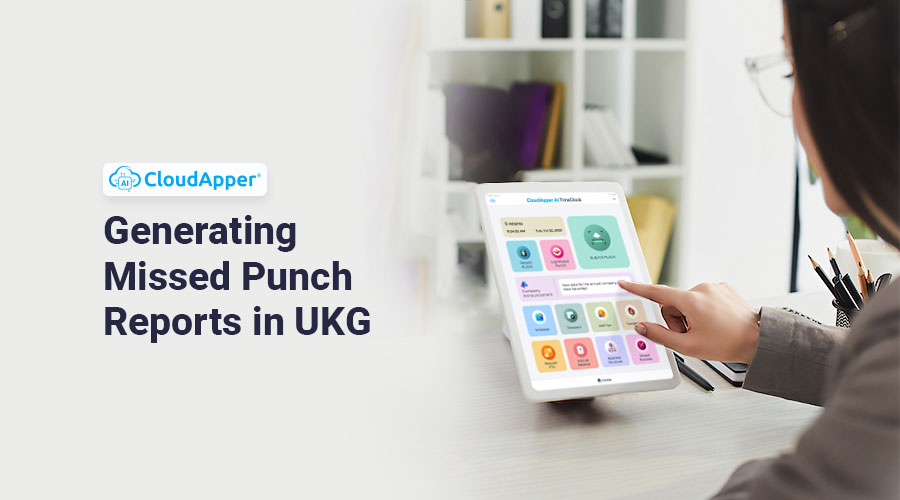
Table of Contents
- Why Generating Missed Punch Reports is Important
- Missed Punch Reports in UKG Time Clock
- Missed Punch Reports in CloudApper AI Time Clock
- Why CloudApper AI is Better
- Punch Reports That Show the Punch Method (UKG Ready)
- Related Missed-Punch Guides
- FAQ: Missed Punch Reports in UKG
A Missed Punch Report in UKG shows which employees failed to clock in or out for scheduled shifts, so payroll discrepancies get caught before pay day. You can pull it from UKG’s reporting tools or generate it automatically from time clock data — both approaches are covered below.

Accurate time tracking is essential for workforce management, ensuring fair compensation for employees and compliance with labor regulations. When employees fail to clock in for their scheduled shifts, it can lead to payroll discrepancies and disrupt operational efficiency. To address this issue, organizations rely on Missed Punch Reports to identify instances where employees have not punched in as scheduled. In this blog, we will explore the importance of generating Missed Punch Reports in UKG and how it can be achieved efficiently using both UKG Time Clocks and CloudApper AI Time Clock.
- Missed Punch Reports are crucial for identifying instances where employees fail to clock in or out, helping maintain accurate time tracking.
- These reports empower managers with insights into attendance patterns, facilitating informed decisions on scheduling and resource allocation.
- Prompt detection of missed punches through reports aids in compliance with labor laws, mitigating risks of penalties and legal issues.
- CloudApper AI Time Clock offers a streamlined process for generating Missed Punch Reports, enhancing efficiency and customization options.
- Automated report scheduling in CloudApper AI Time Clock ensures timely access to attendance data, reducing manual effort for administrators.
Why Generating Missed Punch Reports is Important
Generating Missed Punch Reports is of utmost importance for effective workforce management and maintaining accurate time tracking. These reports act as a vital tool to identify instances where employees fail to clock in or out for their scheduled shifts. By promptly detecting missed punches, organizations can take immediate action to address attendance issues and prevent potential payroll errors.
By having access to detailed Missed Punch Reports, managers can gain valuable insights into employee attendance patterns. This empowers them to make informed decisions regarding workforce scheduling, staffing, and resource allocation. By optimizing the workforce management process, organizations can enhance operational efficiency and productivity.
Additionally, Missed Punch Reports play a crucial role in ensuring compliance with labor laws and regulations. By promptly addressing attendance issues, organizations can avoid potential penalties and legal complications that may arise due to non-compliance.
Furthermore, these reports serve as a basis for evaluating employee performance and behavior. Persistently missed punches could indicate a pattern of absenteeism or tardiness, allowing managers to address the issue with the respective employees and implement necessary corrective actions.
Missed Punch Reports in UKG Time Clock
While UKG offers a comprehensive suite of workforce management solutions, generating Missed Punch Reports directly from UKG Time Clocks is not possible. Instead, organizations can generate these reports using UKG solutions like UKG Pro, Ready or Dimension. By accessing the Reports menu and selecting the Timekeeping > Exceptions report, users can filter the report to display only certain exception types, such as missed punches. While this process can provide valuable information, it may lack some customization options and may not be as user-friendly as desired.
 Missed Punch Reports in CloudApper AI Time Clock
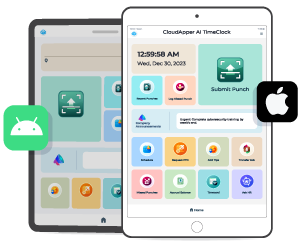
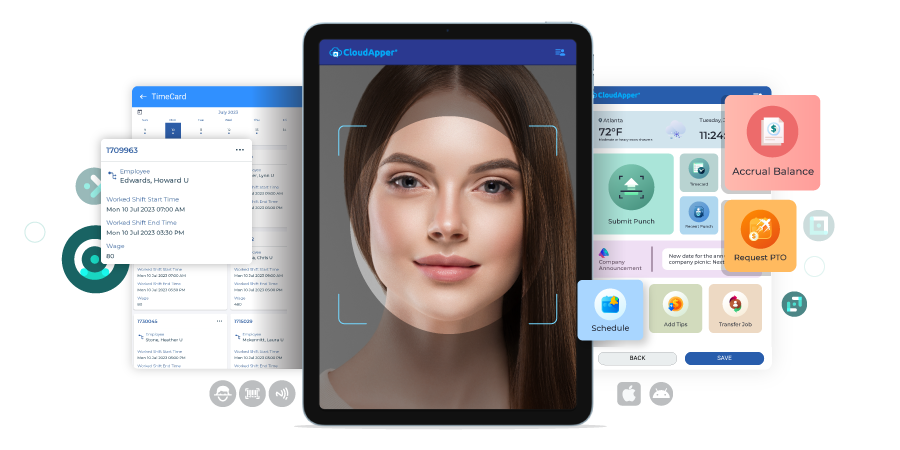
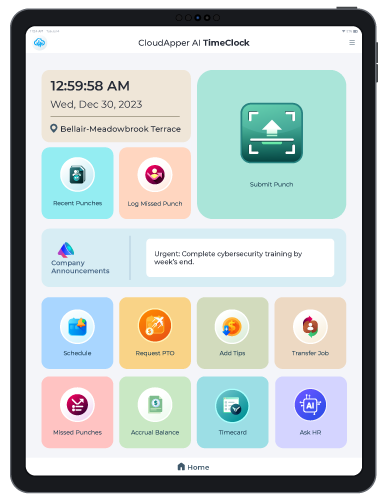
CloudApper AI Time Clock offers a seamless and efficient way to generate Missed Punch Reports. Administrators can easily access this feature by tapping on the “Missed Punches” tile within the time clock interface. From there, they can specify the desired time period for the report.
With just a few taps, CloudApper AI Time Clock automatically generates the Missed Punch Report, providing valuable insights into instances of missed punches within the organization. This enables managers to identify attendance issues promptly and take necessary actions to ensure accurate time tracking and compliance with labor laws.
One of the key advantages of CloudApper AI Time Clock is its flexibility in report scheduling. Users can set up the system to automatically send the Missed Punch Report to their preferred email address at regular intervals. This automation feature ensures that relevant stakeholders have access to timely attendance data without the need for manual report generation and distribution.
AI TimeClock for UKG
US Fuel Forecourt Merchant Deployed Affordable UKG Pro Time Clock
Why CloudApper AI is Better
CloudApper AI Time Clock offers several advantages over other time clocks, making it a superior choice for organizations seeking efficient time-tracking solutions.
First and foremost, CloudApper AI Time Clock boasts an intuitive and user-friendly interface, making it easy for employees to clock in and out effortlessly. The streamlined process minimizes the chances of missed punches and reduces the learning curve for employees, ultimately improving overall time-tracking accuracy.
Moreover, CloudApper AI Time Clock offers enhanced customization options, allowing organizations to tailor the time tracking process to their specific needs. From punch submission methods to data capture preferences, businesses can configure the system according to their unique requirements, fostering a more personalized and efficient time-tracking experience.
One of the standout features of CloudApper AI Time Clock is its ability to generate Missed Punch Reports with ease. Unlike UKG Time Clocks, which may lack the capability to generate such specific reports, CloudApper AI Time Clock offers pre-made reports for missed punches. With just a few clicks, managers can access vital data on missed punches, enabling them to promptly address attendance issues and ensure fair and accurate time tracking.
Generating Missed Punch Reports in UKG is vital for maintaining accurate time tracking and optimizing workforce management. While UKG solutions offer a way to access these reports, CloudApper AI Time Clock provides a more efficient and customizable solution. By leveraging CloudApper AI’s advanced reporting features, organizations can proactively address attendance issues, improve payroll accuracy, and ultimately create a more productive and compliant workforce.
Punch Reports That Show the Punch Method (UKG Ready)
Some teams need reports that show not only when an employee punched, but how — fingerprint, face recognition, QR code, barcode, or another approved method. UKG Ready punch data can be extended into a punch-method report by using a processing layer such as the CloudApper AI platform, which pulls existing punch data, builds the report with the punch method included, and routes it to the right manager or team on a schedule. This is especially useful for compliance-sensitive environments that must prove verified punch methods were used.
Related Missed-Punch Guides
Found missed punches in the report? See how to add missed punches in UKG Ready for the correction steps, the ultimate guide to solving the UKG missed punch problem for prevention, and missed punch policy best practices for the rules side.
FAQ: Missed Punch Reports in UKG
What is a missed punch report in UKG?
A missed punch report identifies employees who did not clock in or out for their scheduled shifts, letting managers correct timecards before payroll runs and spot patterns of repeated missed punches.
Can a UKG punch report show how the employee punched?
UKG Ready punch data can be extended into reports that include the punch method – such as fingerprint, face recognition, QR code, or barcode – by processing the punch data through a platform layer like CloudApper and routing the finished report to managers.



October 16, 2026
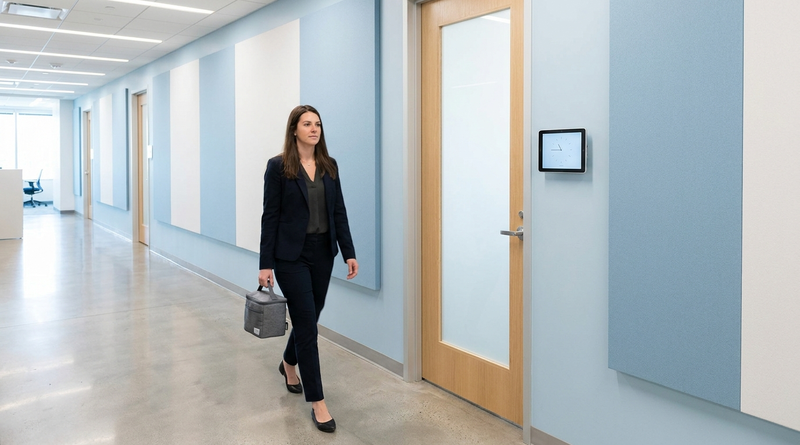
Heat Illness Recovery Breaks in UKG for Construction and Logistics Crews
State heat rules in California, Washington and beyond require cool-down breaks that payroll must be able to prove. Learn how UKG Ready and UKG Pro WFM track recovery periods, and how CloudApper AI TimeClock captures them on an affordable jobsite tablet that works offline.
October 15, 2026
PUMP Act Lactation Breaks in UKG: Tracking Them Without Breaking Meal Rules
Lactation breaks protected by the PUMP Act often show up as meal break exceptions in UKG. Learn what federal law requires, how to configure UKG Ready and UKG Pro WFM pay codes, and how CloudApper AI TimeClock records these breaks privately on an affordable tablet clock.
October 14, 2026
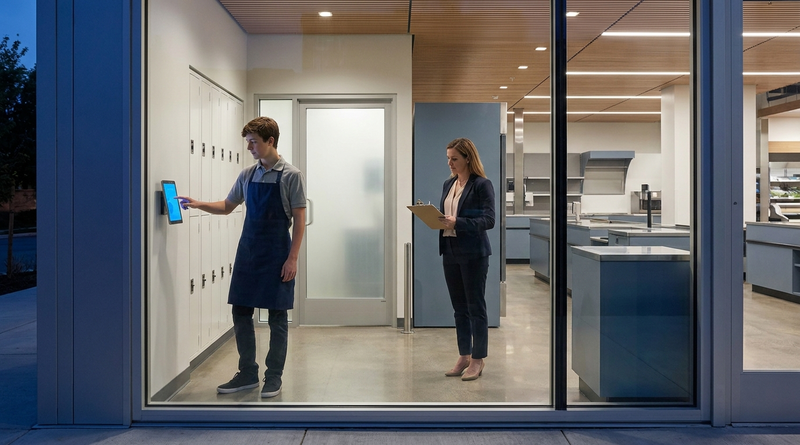
Enforcing Minor Work Hour Limits at the UKG Time Clock
Child labor hour limits are usually built into UKG schedules, but violations happen at the punch. Learn the federal rules for 14 to 17 year olds, how UKG Pro WFM and UKG Ready handle minor rules, and how CloudApper AI TimeClock adds age-based checks on an affordable tablet clock.
October 13, 2026
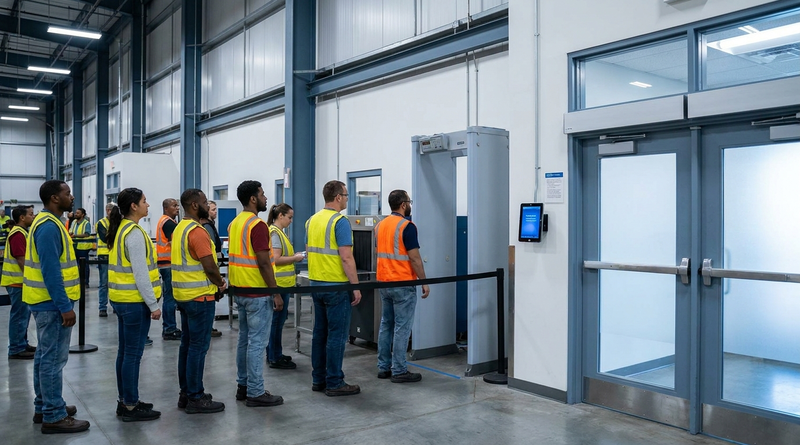
Security Screening and Bag Check Time in UKG: Where Post-Shift Minutes Become Payable
Exit bag checks and security screening can be paid time under California and Pennsylvania law. Learn how UKG Ready and UKG Pro WFM handle screening time, what to configure first, and how CloudApper AI TimeClock places an affordable tablet clock past every checkpoint.