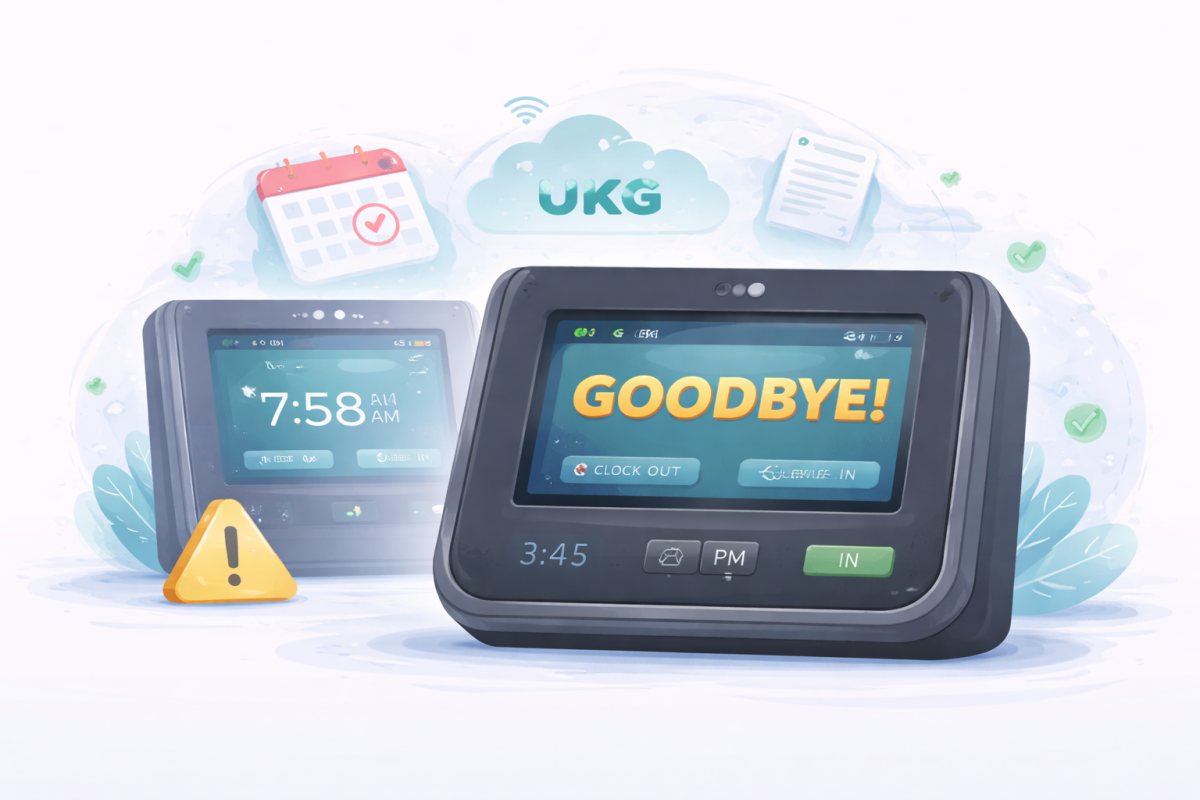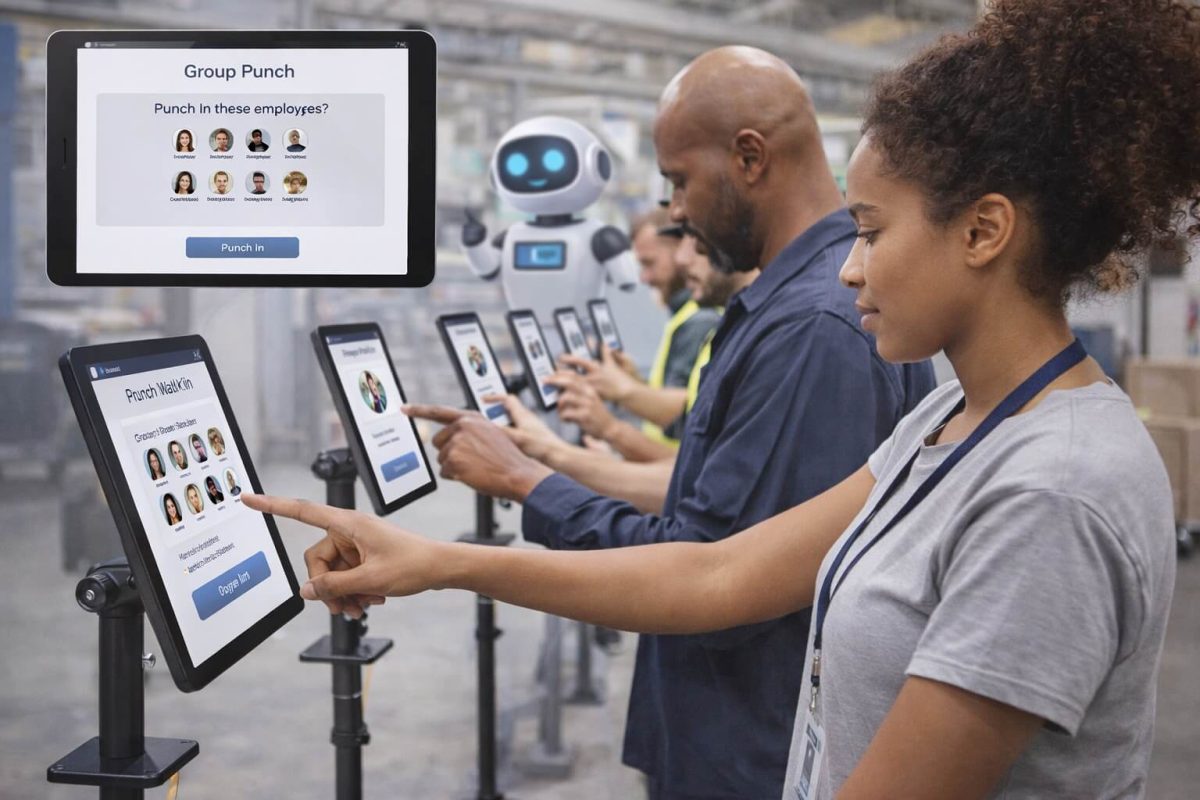
Require employees to clock in and out from assigned UKG time clock locations to eliminate buddy punching, ensure accurate payroll, and meet compliance standards. This guide explains native UKG Ready device/group restrictions and how CloudApper hrPad adds geofencing, facial recognition, custom rules, and employee self-service on affordable tablets—ideal for shift-based workforces.



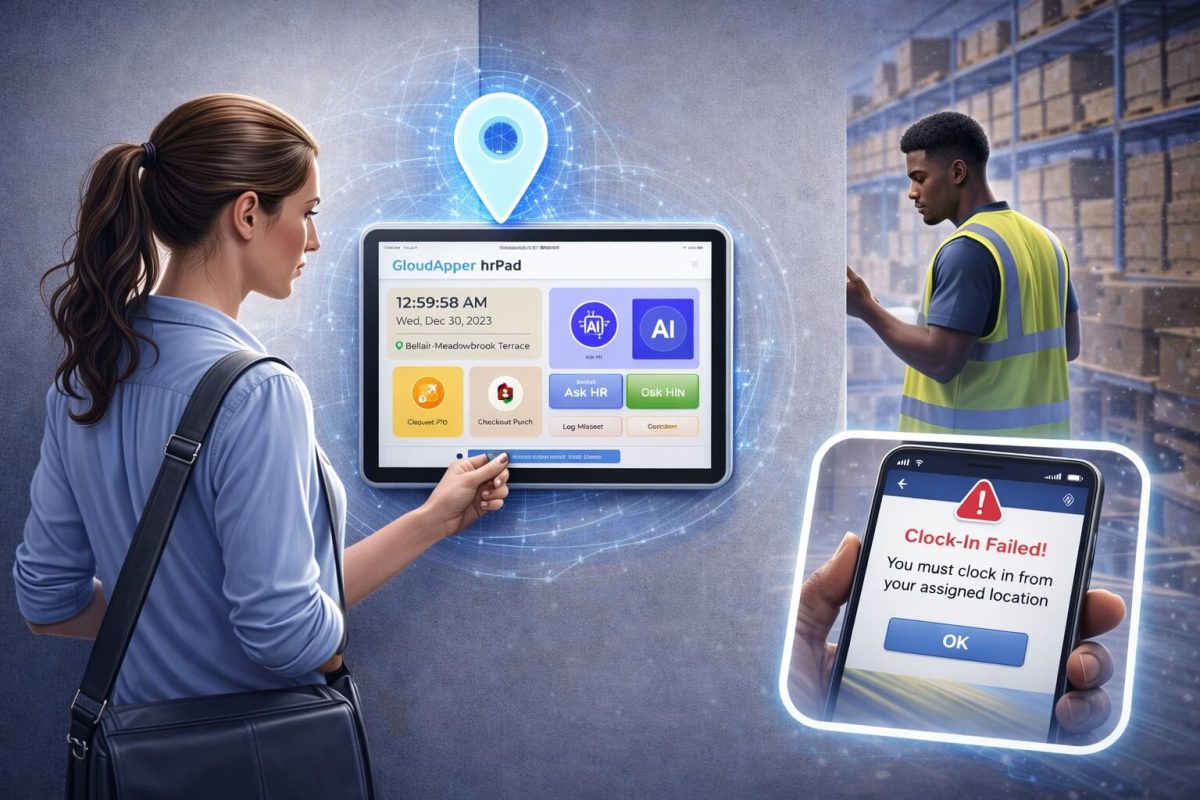
Table of Contents
Accurate time tracking is the foundation of fair payroll, legal compliance, and operational trust—especially in industries like manufacturing, retail, and healthcare where shift-based work and high employee turnover are common. For UKG Ready users, implementing time clock restrictions—such as requiring employees to clock in and out from specific assigned time clocks or locations—can streamline operations and enhance security. Whether you’re dealing with high-volume environments in manufacturing, retail, or healthcare, enforcing assigned time clocks in UKG Ready helps prevent unauthorized punches, ensures location-based verification, and supports geofencing for UKG time tracking. This guide explores how to set up these controls natively in UKG Ready and elevate your system with AI-powered solutions like CloudApper hrPad for even greater customization and automation.
By focusing on UKG employee location verification and custom time clock rules, you can reduce errors, boost accountability, and integrate seamlessly with your existing UKG setup. Let’s dive into why this matters and how to implement it effectively.
TL;DR
Force employees to clock in and out from assigned UKG time clock devices or locations in UKG Ready to prevent time theft and improve accuracy:
- Native: Restrict each time clock to specific employees/groups via InTouch Installations settings.
- Advanced: Use CloudApper hrPad (AI tablet) for geofencing, biometric verification, dynamic rules, 24/7 self-service, and instant HR chatbot. Eliminates buddy punching, supports multi-site/field teams, integrates natively with UKG Ready, and scales for high-volume hourly operations in manufacturing, retail, healthcare, and logistics.
Why Enforce Assigned Time Clocks in UKG Ready?
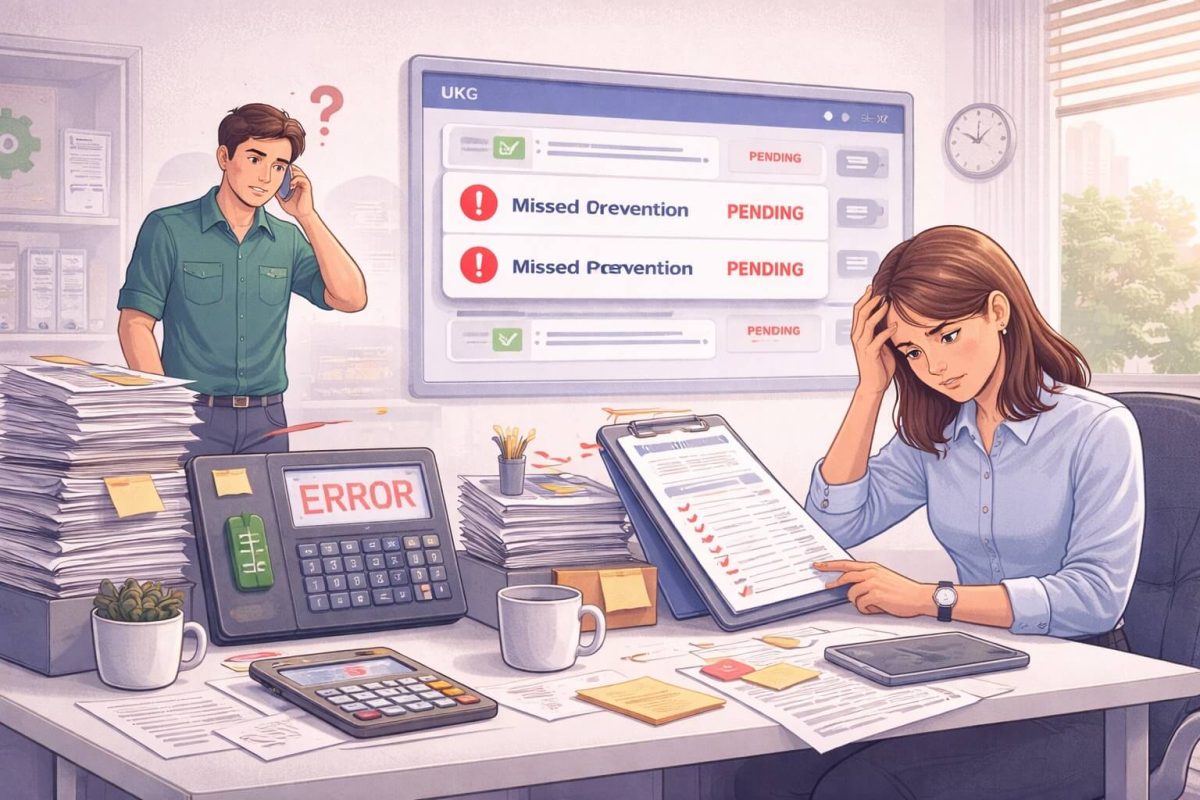
Time theft, such as buddy punching—where one employee clocks in for another—costs US businesses billions annually in inaccurate payroll. In industries with distributed workforces, like construction sites, warehouses, or multiple retail outlets, unrestricted clock-ins can lead to compliance violations, disputed hours, and operational inefficiencies. UKG Ready time clock enforcement addresses these challenges by tying punches to designated devices or locations, ensuring that employees are physically present where they’re supposed to be.
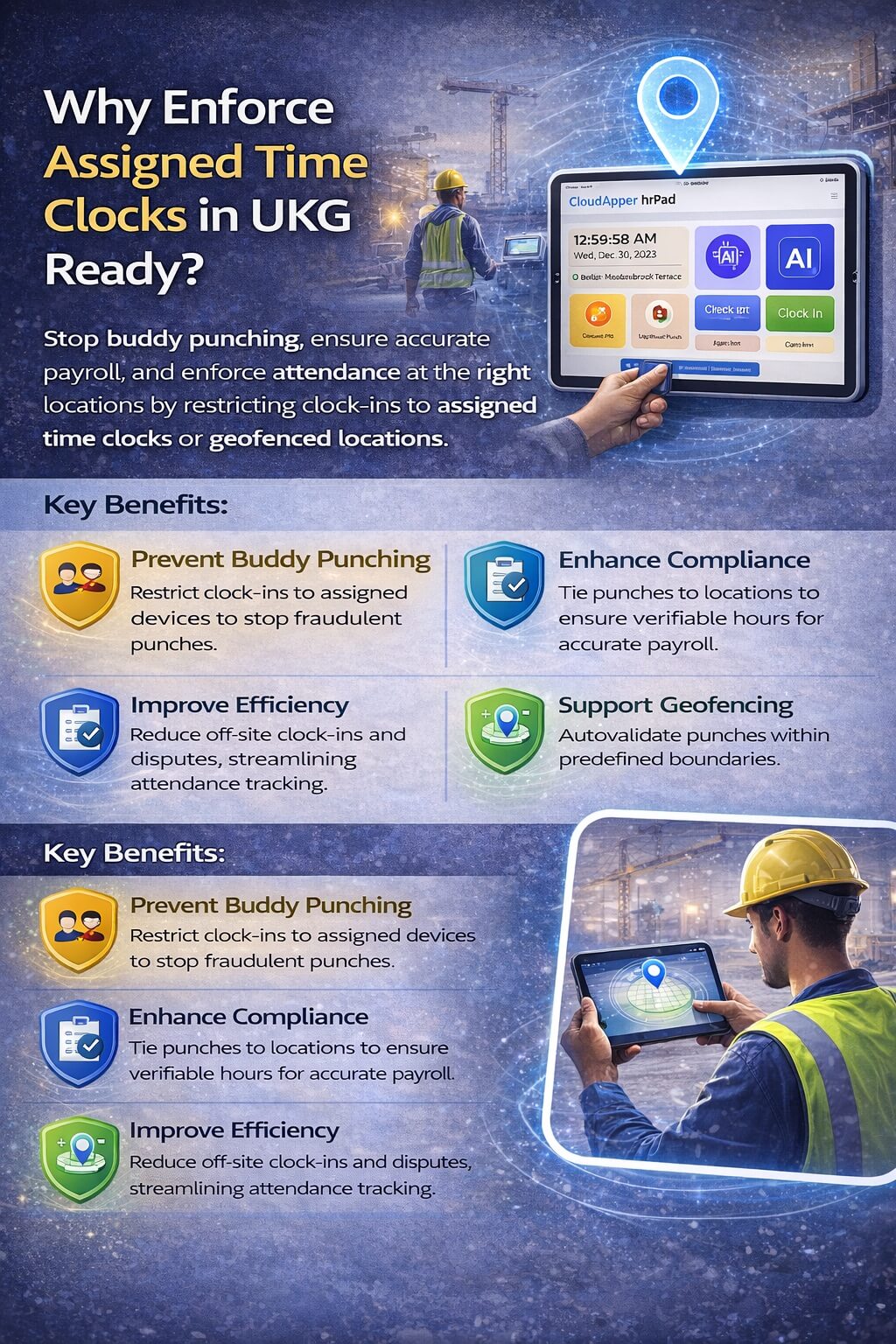
Key benefits include:
- Preventing Buddy Punching in UKG: By restricting access to assigned time clocks, you eliminate opportunities for fraudulent punches, promoting a culture of accountability.
- Enhancing Compliance and Accuracy: Location-based restrictions support labor laws requiring verifiable work hours, reducing audit risks and ensuring precise payroll processing.
- Improving Operational Efficiency: Custom rules prevent off-site clock-ins, minimizing disputes and allowing managers to focus on core tasks rather than verifying attendance.
- Supporting Geofencing for UKG Time Tracking: Integrate location-aware features to automatically validate punches within predefined boundaries, ideal for field-based or multi-site teams.
For organizations searching for “restrict clock-in to specific locations UKG” or “UKG time tracking compliance solutions,” these features transform UKG Ready from a basic timekeeper into a robust, secure system. Native configurations provide a solid foundation, but for advanced needs—like AI-driven verification or employee self-service—third-party integrations take it further.
Native UKG Ready Configuration for Assigned Time Clock Validation
UKG Ready offers built-in tools to enforce time clock restrictions without complex coding. Administrators can set up device-specific access through the system’s intuitive interface, ensuring only authorized employees can use particular clocks.
Here’s a step-by-step guide to setting up employees to clock in and out with assigned time clocks:
- Access Company Settings: Log in to your UKG Ready dashboard and navigate to “Company Settings” > “System” > “InTouch Installations” (or equivalent for your time capture devices).
- Configure Device Lists: For each time clock or device, create or edit the installation profile. Add a list of employees or employee groups permitted to use that specific clock. By default, clocks allow all users, but customizing this restricts access.
- Assign Employee Groups: Group employees by department, shift, or location (e.g., warehouse team for Clock A, office staff for Clock B). UKG Ready will validate punches against these lists—if an employee isn’t on the approved list for a device, the punch is rejected.
- Test and Deploy: Simulate punches to verify restrictions, then roll out across your facilities. Monitor logs for any issues and adjust as needed.
This setup is straightforward for basic UKG time clock enforcement, but it may lack advanced features like real-time geofencing or biometric verification. For organizations needing more flexibility—such as “prevent off-site punching UKG” or “automated time clock assignment UKG”—AI-enhanced solutions provide the next level of control.
Elevate UKG Ready with CloudApper hrPad: AI-Powered Time Clock Restrictions and Beyond
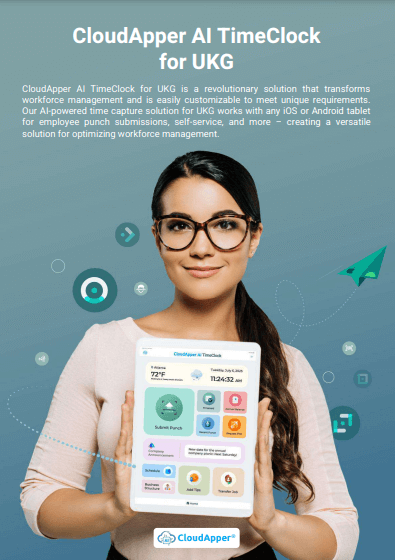
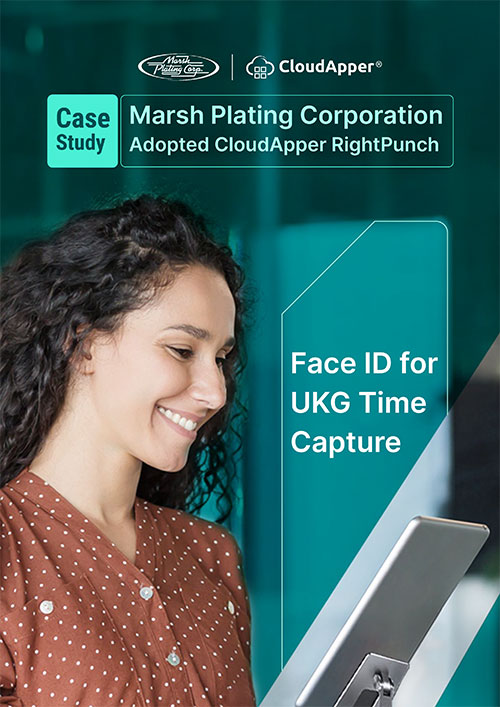
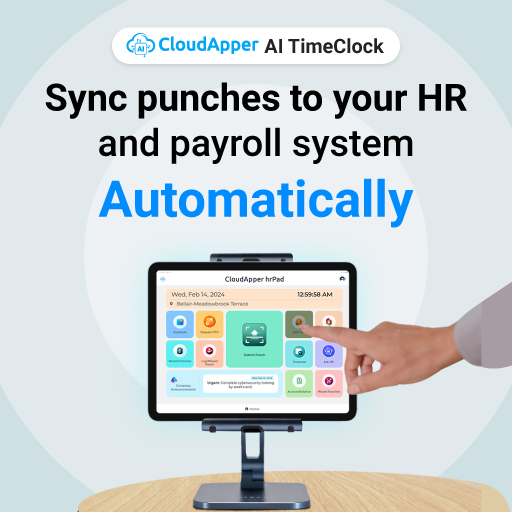
For UKG Ready users seeking to supercharge their time tracking, CloudApper hrPad turns standard tablets (Android or iPad) into intelligent, location-aware time clocks. This AI-driven solution not only enforces assigned time clocks but also integrates seamlessly with UKG Ready to automate workflows, prevent buddy punching, and offer employee self-service—all while being highly customizable.
How CloudApper hrPad Enforces UKG Employee Location Verification
Once integrated with UKG Ready, hrPad can be configured to restrict clock-ins to designated devices or locations:
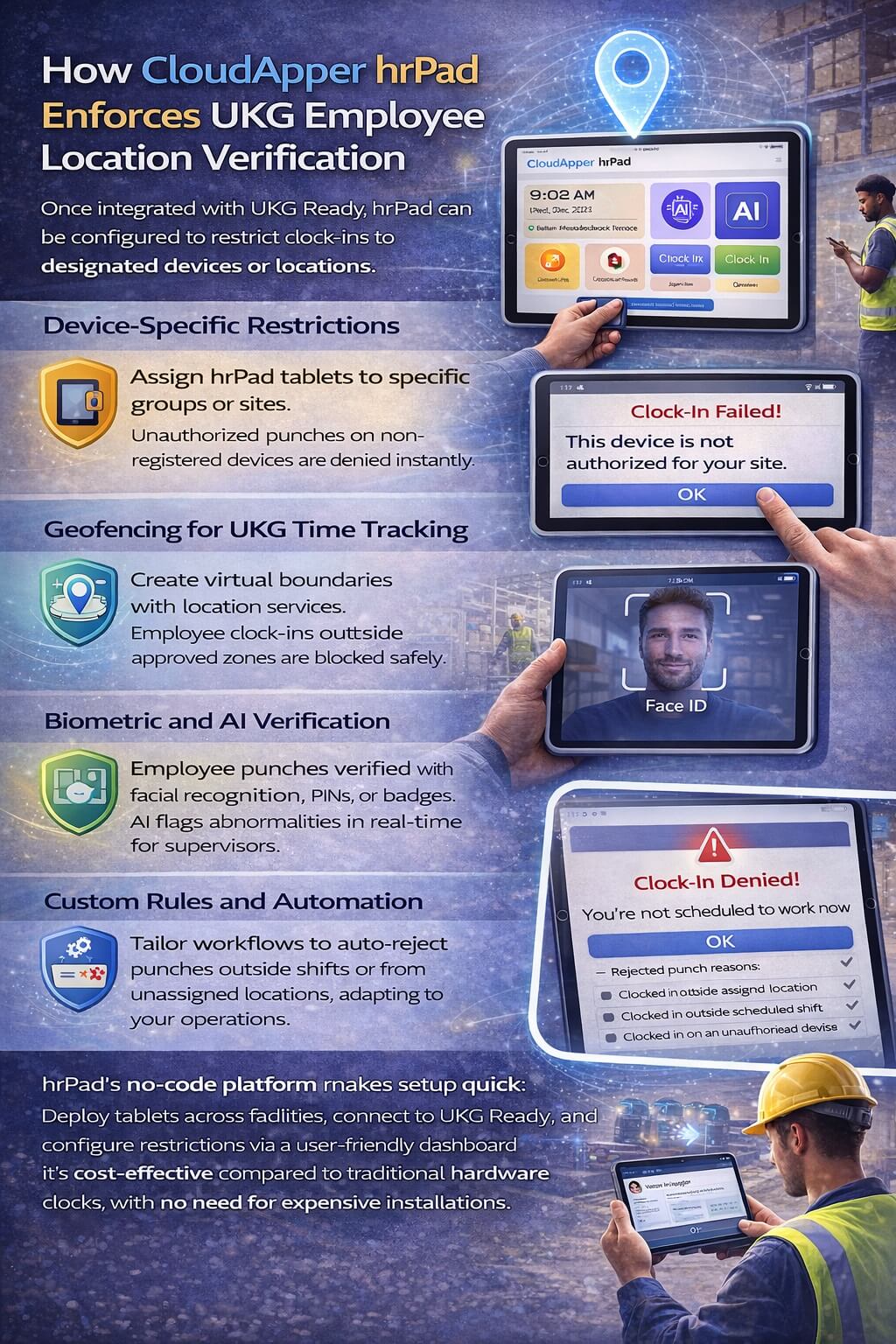
- Device-Specific Restrictions: Assign hrPad tablets to specific groups or sites. When an employee attempts to punch in, the system checks against predefined lists—if they’re not authorized for that device, the punch is denied instantly.
- Geofencing for UKG Time Tracking: Leverage built-in location services to create virtual boundaries. Employees can only clock in/out within approved zones, preventing off-site punches and enhancing security for remote or mobile teams.
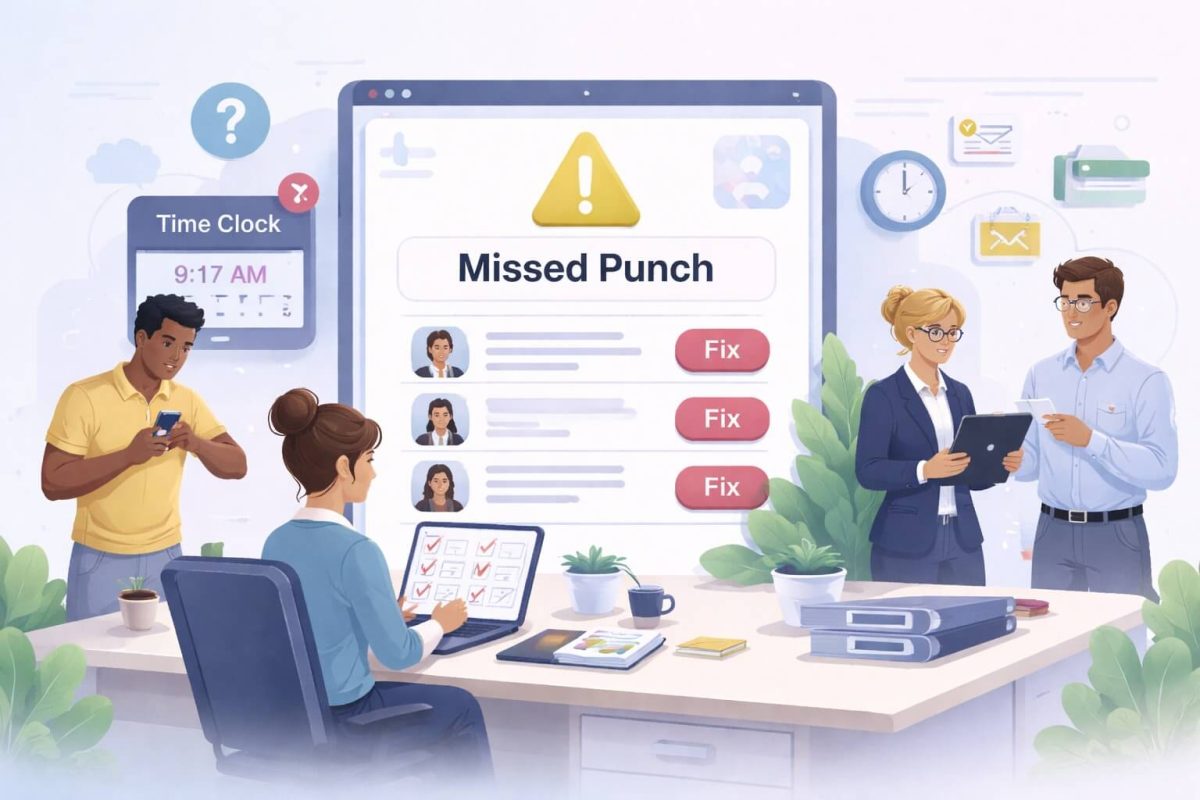
- Biometric and AI Verification: Prevent buddy punching in UKG with facial recognition, PINs, or badges. AI analyzes punches in real-time, flagging anomalies for review.
- Custom Rules and Automation: Tailor workflows to your needs—e.g., auto-reject punches outside shift hours or from unassigned locations. This goes beyond native UKG features, offering “custom time clock rules UKG” that adapt to your operations.
hrPad’s no-code platform makes setup quick: Deploy tablets across facilities, connect to UKG Ready, and configure restrictions via a user-friendly dashboard. It’s cost-effective compared to traditional hardware clocks, with no need for expensive installations.
Additional Capabilities of CloudApper hrPad for Comprehensive Workforce Management
hrPad isn’t just about time clock restrictions—it’s a full HR assistant that augments UKG Ready:
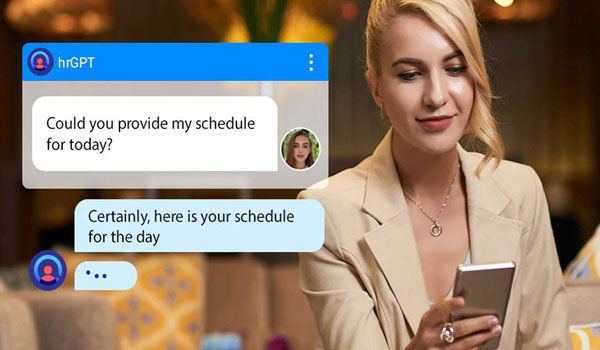
- 24/7 AI-Powered HR Support: An integrated chatbot answers employee queries on policies, benefits, or schedules, reducing HR workload and supporting shift workers.
- Custom Data Capture: Collect attestations, tips, surveys, or health checks during punches, aiding “UKG time tracking compliance” and recordkeeping.
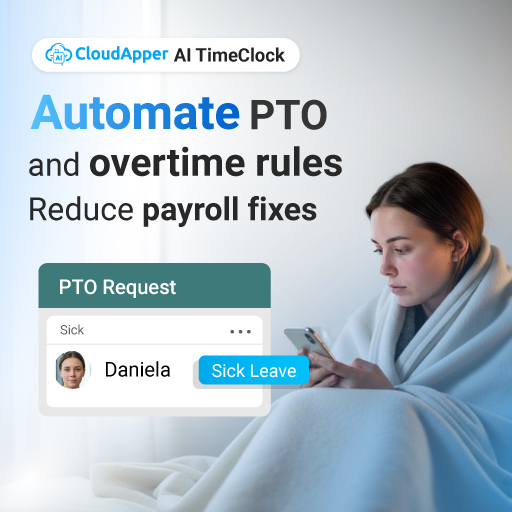
- Employee Self-Service Features: Allow staff to request PTO, view timecards, check accruals, or swap shifts directly from the tablet, boosting engagement and efficiency.
- Seamless Integration and Customization: Connect UKG with third-party systems for payroll, scheduling, or analytics. Customize interfaces to match your branding and workflows.
For businesses searching for “enforce assigned time clocks UKG Ready” or “UKG Ready time clock enforcement,” hrPad delivers precision and scalability. Learn more about CloudApper hrPad.
Explore More CloudApper Solutions to Customize, Automate, and Integrate UKG
CloudApper offers a suite of AI-powered tools designed to extend UKG’s capabilities, helping you automate processes, integrate systems, and customize experiences without coding. Whether you’re optimizing time capture, talent acquisition, or HR service delivery, these solutions ensure your UKG investment scales with your needs.
- CloudApper AI Recruiter: Automate high-volume hiring with conversational chatbots that screen, schedule, and engage candidates, integrating directly with UKG for seamless onboarding.
- CloudApper AI TimeClock: Beyond basic tracking, this solution adds AI insights for anomaly detection and predictive scheduling, perfect for “prevent buddy punching UKG” in dynamic environments.
- Custom UKG Integrations: Build tailored automations for data syncing between UKG and other platforms like ERP or CRM, ensuring real-time accuracy.
- HR Service Delivery Enhancements: Use AI agents to handle routine tasks, from benefits enrollment to compliance reporting, freeing your team for strategic work.
These tools support “automated time clock assignment UKG” and broader customizations, making UKG more agile. Discover the full range at https://ukg.cloudapper.ai/.
FAQ: Clock In and Out from Assigned UKG Time Clock
How do I set up employees to clock in and out from assigned UKG time clock devices?
In UKG Ready, go to Company Settings → System → InTouch Installations. Edit each time clock profile and restrict access to specific employees, departments, or custom groups. Unauthorized users will be blocked from punching on that device.
Can geofencing be used to ensure employees clock in and out from assigned UKG time clock locations?
Native UKG Ready does not include built-in geofencing. CloudApper hrPad adds powerful location-based boundaries—employees can only clock in and out from assigned UKG time clock zones when physically present within the defined geofence on the assigned tablet.
Does restricting clock in and out from assigned UKG time clock prevent buddy punching?

Yes—especially when paired with biometric checks (facial recognition or badge scan) or PIN verification on devices like CloudApper hrPad. This ensures the correct person is at the assigned UKG time clock, drastically reducing buddy punching.
Which industries benefit from requiring employees to clock in and out from assigned UKG time clock?
Shift-based, multi-site, or high-turnover industries such as manufacturing, retail, healthcare, logistics, hospitality, and construction see the biggest gains—lower payroll errors, fewer compliance issues, and reduced time-theft disputes.
How does CloudApper hrPad help employees clock in and out from assigned UKG time clock?
CloudApper hrPad turns tablets into smart, UKG-integrated time clocks with device/group restrictions, geofencing, AI-powered anti-fraud (biometrics), custom punch rules, employee self-service, and a 24/7 HR chatbot—all without coding and fully synced with UKG Ready.
Secure Your Time Tracking with UKG Ready and CloudApper
Enforcing UKG Ready time clock restrictions is essential for accurate, compliant workforce management. By combining native configurations with advanced solutions like CloudApper hrPad, you can prevent off-site punching, implement geofencing for UKG time tracking, and unlock AI-driven efficiencies. Whether you’re focused on “restrict clock-in to specific locations UKG” or broader automations, CloudApper empowers you to customize and integrate UKG seamlessly.
Ready to transform your time capture? Contact CloudApper today to explore hrPad and other solutions tailored for UKG users.