A rural community hospital already runs CloudApper hrPad kiosks on UKG Pro, and its HR lead wants to know what else the kiosk can carry. This piece shows the one-page inventory an HR lead can bring to a director: what is live, what can be turned on, and what still runs by hand.


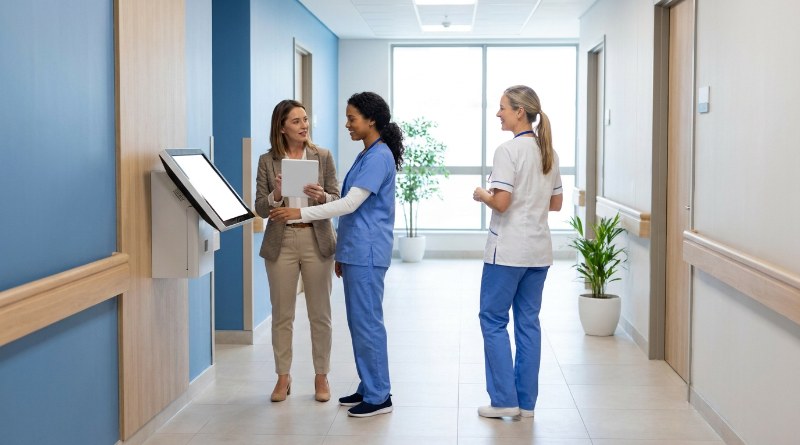
Table of Contents
Most HR leads at a small hospital are not short on ideas for the next improvement. They are short on a way to show a director what the current system already does and what still runs on paper. A rural community hospital in the Midwest is a clear example. Its employees clock in on CloudApper hrPad for UKG kiosks, every transaction flows into UKG Pro, and the HR team is now asking what else that kiosk could carry.
What Is Already on the Wall
The hospital runs UKG Pro for HR, payroll and workforce management. hrPad handles time capture and basic self-service at the kiosk stations, so the foundation is live. The HR lead’s question is a practical one: what is the team not using from tools already in place? The answer is rarely a single feature. For this team, the related pieces of document management, e-signature and connected apps are, in the HR lead’s words, a case where “there’s a lot of pieces to the puzzle.”

That is a normal place to be. UKG gives a hospital a deep platform, and each addition raises its own questions about licensing, ownership and sequence. When security review comes up, this look at HIPAA and BAA questions for time clock vendors covers what that review turns on.
The Manual Handoffs Nobody Counts
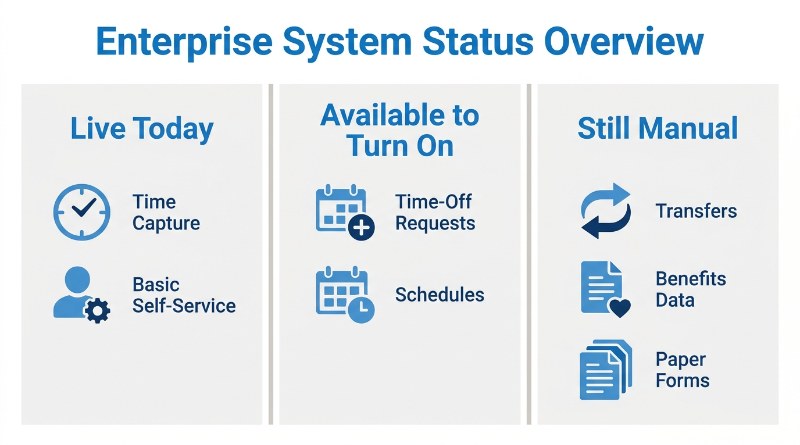
The HR team named three workflows that still depend on people moving information by hand: employee transfers between positions or departments, data exchange with the benefits provider, and paper documents and signatures. Standard reports are also hard for HR and leadership to read, so seeing the data takes effort. Each is easy to overlook because it lives in someone’s weekly routine, not in a system.
“I’m in awe right now because it’s like, there’s like no apps out there that does… And if they do, they cost a lot of money.”
HR Team Lead, rural community hospital
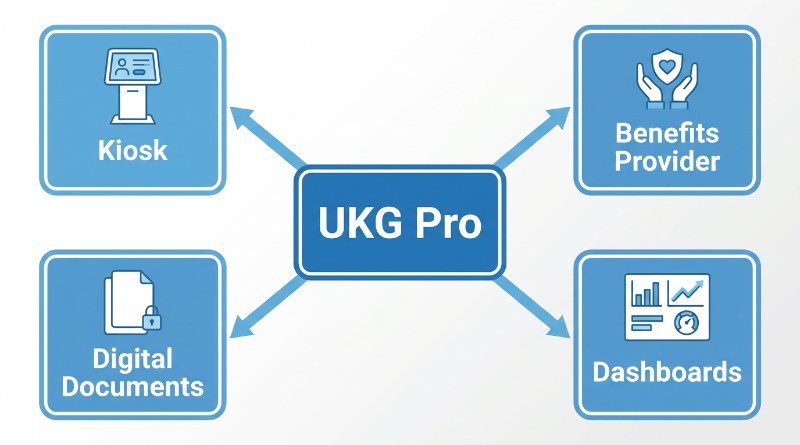
The comment came during a working session on what the kiosk could take on next. CloudApper hrPad can add time-off requests, accrual balances, schedule views and missed punch review at the same station, as described in this guide to simplifying PTO requests with an employee self-service kiosk. For the outside systems, CloudApper iPaaS for UKG connects UKG Pro to benefits providers and other platforms so HR stops re-keying records. The CloudApper AI Platform for UKG covers digitized documents, e-signature steps and dashboard views.
Three Columns for the Director
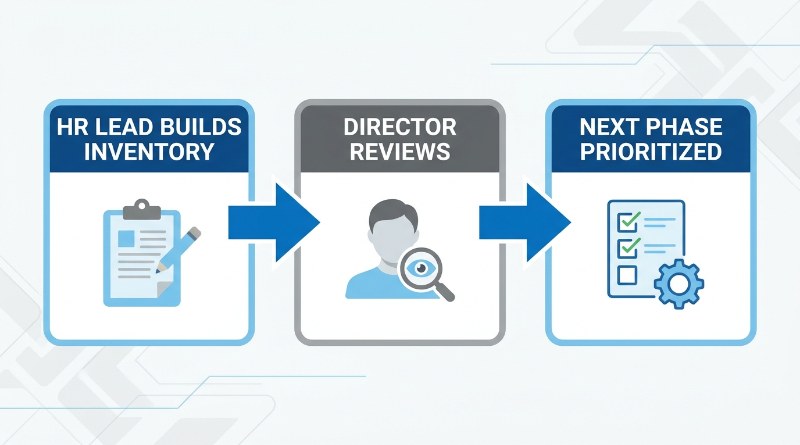
The most useful thing an HR lead can bring upward is a one-page inventory with three columns. The first lists what is live today, such as kiosk time capture and self-service connected to UKG Pro. The second lists what the current setup can already do but is not yet turned on. The third lists the handoffs that still run by hand, each with the person who does it and how often. A director reading that page sees the whole picture without a vendor in the room.
Document handling is usually the longest line in the third column. For signed forms, a connected workflow can be the answer instead of a new system, as shown in this walkthrough of integrating UKG with DocuSign for onboarding paperwork.
Why the Message Lands Better From HR
The HR lead sees the manual steps every week, so the inventory carries more weight coming from that desk than from a sales deck. A director can then decide what to schedule, in what order, and who needs to review it. The same approach fits any lean UKG team, in a hospital or elsewhere. Count what is live, name what is still manual, and let the next phase follow from that list. This account of paperless HR at a rural hospital on UKG covers the document and benefits side in more detail.
If your HR team is sizing up what a UKG kiosk could carry next, talk with the CloudApper team about how CloudApper hrPad and the CloudApper AI Platform for UKG can fit the inventory you build.


November 23, 2026
When Two Employees Look Identical: Fixing Biometric Time Clock Conflicts in UKG
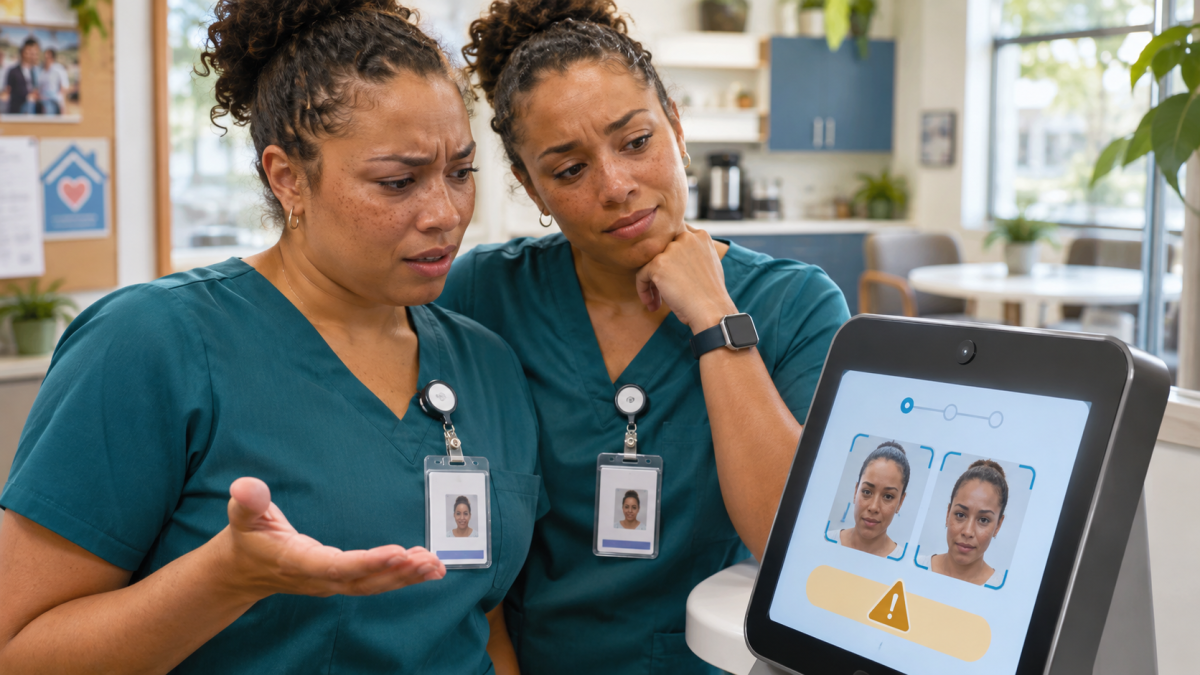
Two employees who look alike enough to confuse a UKG time clock shouldn't mean a slower shift for everyone else. hrPad by CloudApper AI gives HR admins two simple, employee-friendly ways to resolve it, so every frontline worker keeps punching in without a hitch.
November 17, 2026
Open enrollment for hourly workers on UKG: a last-two-weeks plan
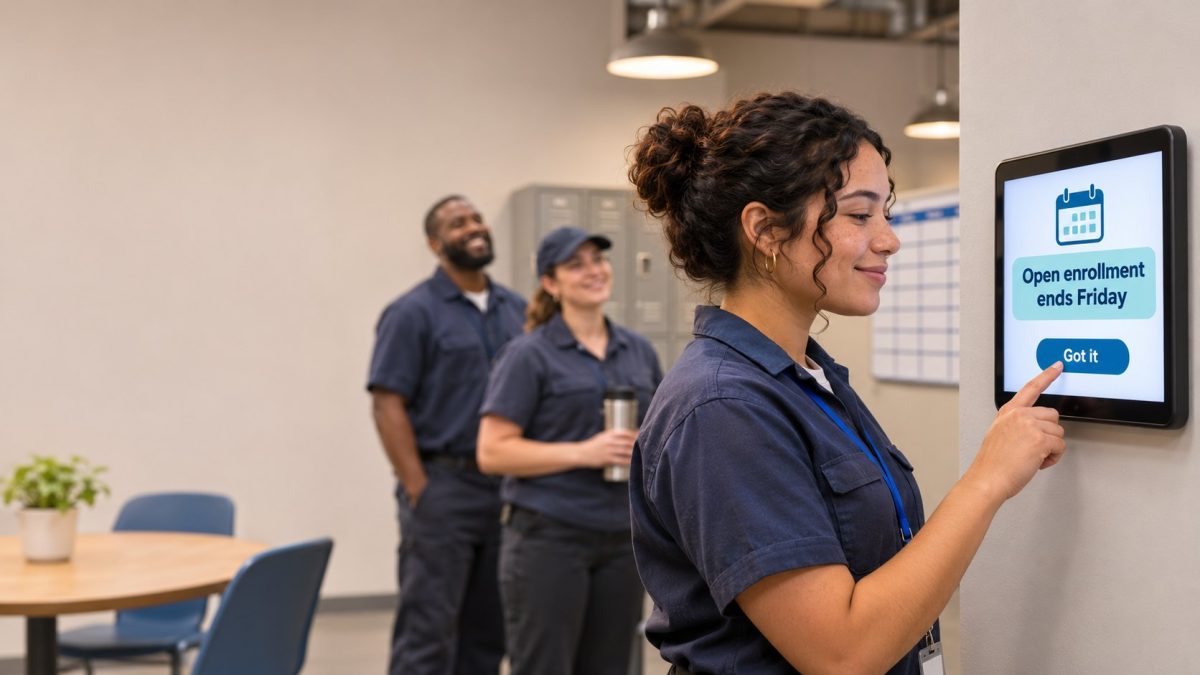
Hourly workers miss open enrollment because they share devices, have no company email, or work shifts that never overlap with HR. Here is a two-week plan that reaches them at the time clock.


November 9, 2026
Emergency Accountability at Scale: Why Large Manufacturers Build Live Muster Rosters on UKG Punch Data
Large manufacturers face a complex emergency accountability problem across multiple workforce populations. CloudApper AI Platform extends UKG punch and schedule data into a live muster roster, giving safety teams real-time visibility at every assembly point with offline support for distant outdoor locations.
November 5, 2026
Per-Employee or Per-Location Time Clock Pricing: Which Fits Your Retail Stores?
Choosing between per-employee and per-location time clock pricing comes down to three numbers: store count, employees per store and holiday peak. See how to run the comparison, with a worked example and vendor questions.



