A rural hospital using CloudApper hrPad as its UKG time clock still handled much of HR on paper. Its next step is extending the same kiosk to documents, e-signatures and transfers, with CloudApper iPaaS moving benefits data to providers, all within network rules that block external AI services.


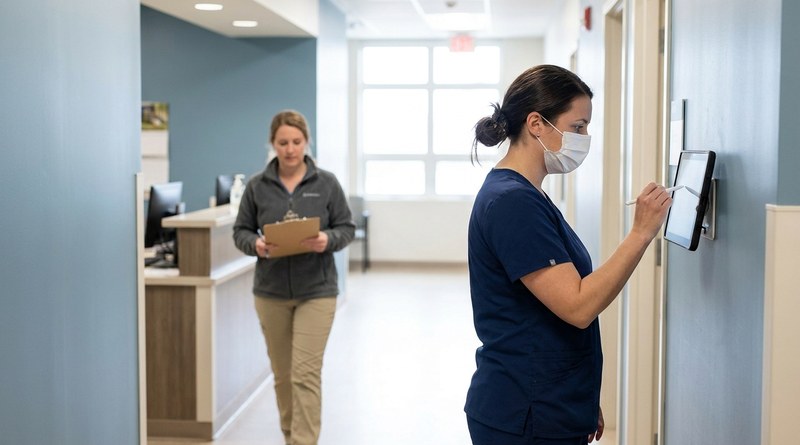
Table of Contents
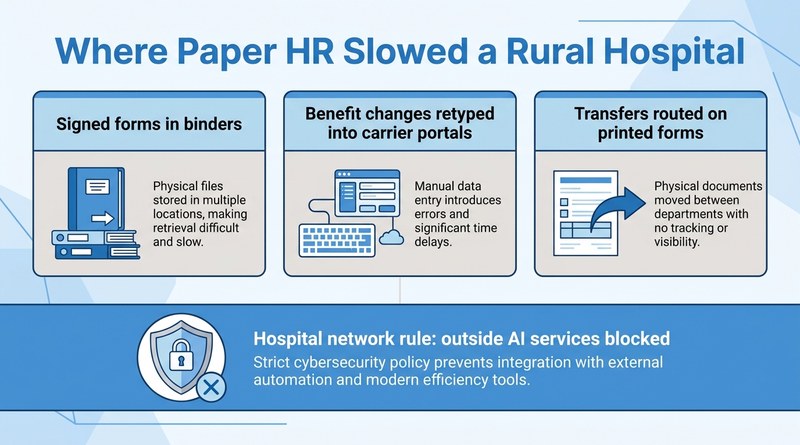
Paperless HR at a rural hospital usually starts with a device the staff already use every day. A rural hospital in the Midwest had run CloudApper hrPad as its UKG time clock and self-service kiosk for some time, yet most of HR still lived on paper. Employee documents and signatures were on paper, benefit data moved to outside providers by hand, and transfers were handled manually. The hospital’s next step is extending that same hrPad deployment to digitize employee documents, capture e-signatures, exchange benefit data with providers and handle transfers, all inside a network that IT keeps closed to outside AI services.
Why Paper Lasted So Long in a Small Hospital HR Office
A rural hospital HR team is small and covers everything, while its employees work rotating shifts across nursing, lab, dietary and environmental services. Paper keeps working until an audit, an open enrollment or a transfer dispute shows how long it takes to find one signed form.

As the HR Team Lead at the rural hospital put it, “I was mainly looking for making things electronically, like the documentation.” The kiosk was the natural front door for documents that belong in UKG, much as hrPad complements UKG’s Document Manager at other organizations.
The deciding factor is the network, not the software. Hospital security policy blocks traffic to external AI domains, and every new tool has to work within those rules. HR records held by a hospital in its role as employer are generally outside HIPAA’s definition of protected health information, as the HIPAA and BAA review for time clock vendors explains, but hospital IT applies the same controls to everything on its network.
Extending the Kiosk Instead of Adding Another System
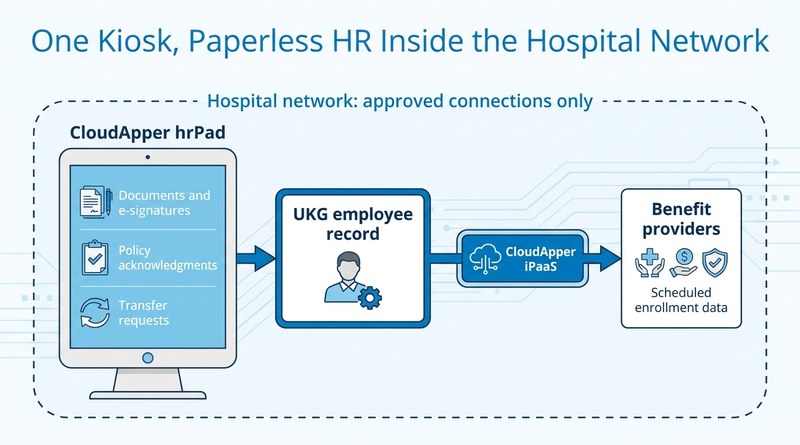
CloudApper and the HR team scoped the expansion on the existing hrPad deployment rather than introducing a new application for staff to learn. In that design, employees complete and sign HR forms and acknowledgments at the kiosk, with each signed document stored with their employee record. Department transfers start at the same screen and connect to UKG Pro, the same self-service pattern behind employee-managed job transfers in UKG.
“Since I think it’s AI integrated, IT has it blocked. And I was supposed to get with CloudApper to see what it all entails, AI wise, with our HIPAA violations policy.”
HR Team Lead, rural hospital
Benefit provider data exchange is designed around CloudApper iPaaS for UKG, using prebuilt UKG Pro connectors and custom API connectors so benefits data moves between UKG and the provider without HR re-keying it, extending the kind of benefits administration support available to UKG users to the provider side of the process. Because IT blocks AI-related domains by default, every new capability has to clear IT review under the hospital’s HIPAA policy, and the optional AI assistant at the kiosk stays a choice rather than a requirement.
“More so make it user friendly… easier for the employee to log on and not have to question where they’re at. And then, just making everything more automated.”
HR Team Lead, rural hospital
What the Expansion Is Designed to Change
The goal is to retire paper-based HR documentation. When signed forms and acknowledgments are stored in the employee record as they are captured, an audit request becomes a search instead of a trip to the file room. Transfers follow a defined path into UKG Pro, and benefit data reaches providers without re-entry. The kiosk also takes on self-service features already included in the hrPad subscription: time-off requests, accrual balances, schedule views and missed punch review.
“What are we not utilizing that we could be, that would be more efficient than what we’re doing.”
HR Team Lead, rural hospital
The Lesson for Rural and Community Hospitals on UKG
Rural hospitals rarely have the HR or IT headcount for a new platform rollout, and their security rules leave little room for tools that reach outside the network. The faster path to paperless HR is extending a device employees already use. Start with IT’s network rules, then decide which paper processes move first. With CloudApper extending UKG through the hrPad kiosk and iPaaS, the hospital’s path to paperless HR runs through a device its staff already use, not a new system.
If your hospital is still running HR on paper beside a UKG time clock, talk to CloudApper about extending the kiosk your staff already use.


October 28, 2026
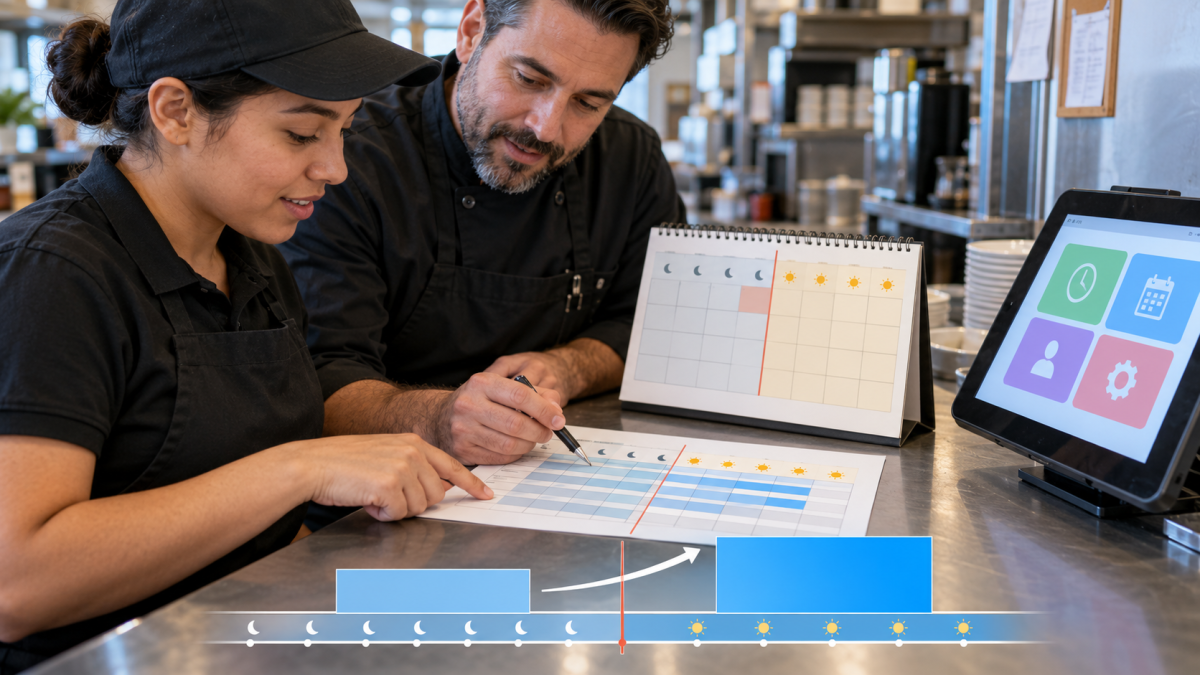
2027 Minimum Wage Increase: A UKG Payroll Cutover Checklist for January 1
Minimum wage rises on January 1, 2027 in Washington, California, Connecticut, Colorado, Michigan and Seattle. This dated UKG runbook shows what to map, load, test and verify, from November through the first payroll of the new year.
October 23, 2026
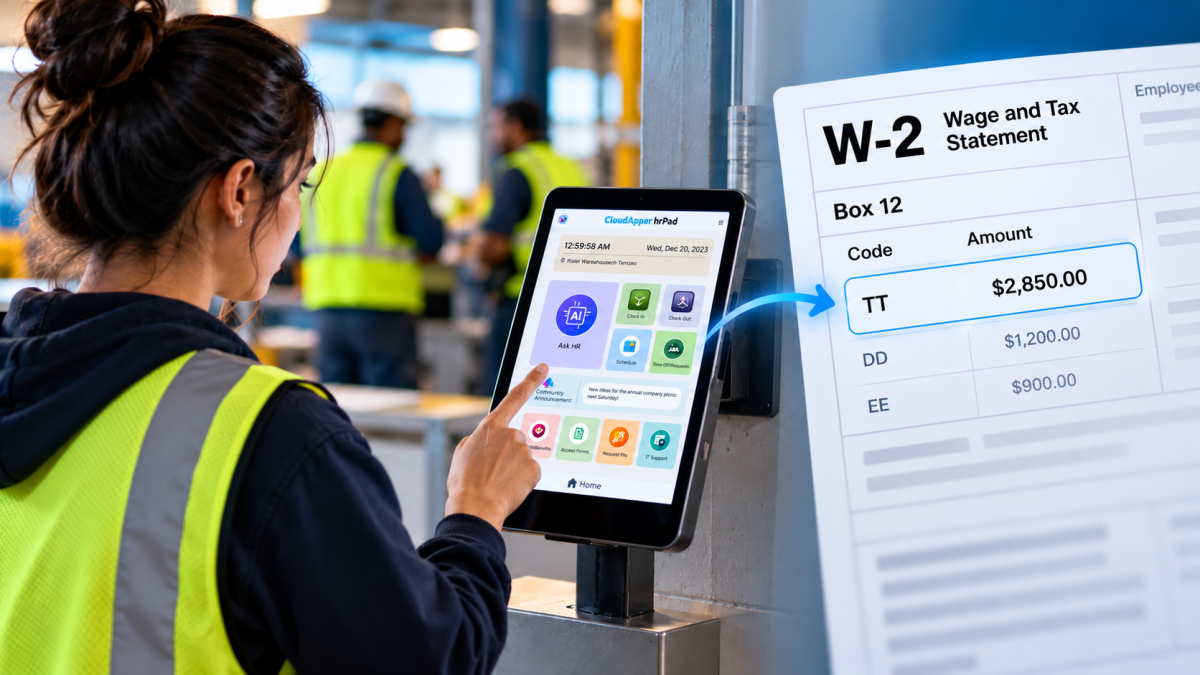
No Tax on Overtime: What It Means for Your UKG Payroll
Starting with 2026 wages, employers using UKG must report qualified overtime in W-2 Box 12 (code TT), and only part of the overtime you pay counts. hrPad by CloudApper AI helps capture the details at the time clock.

October 23, 2026
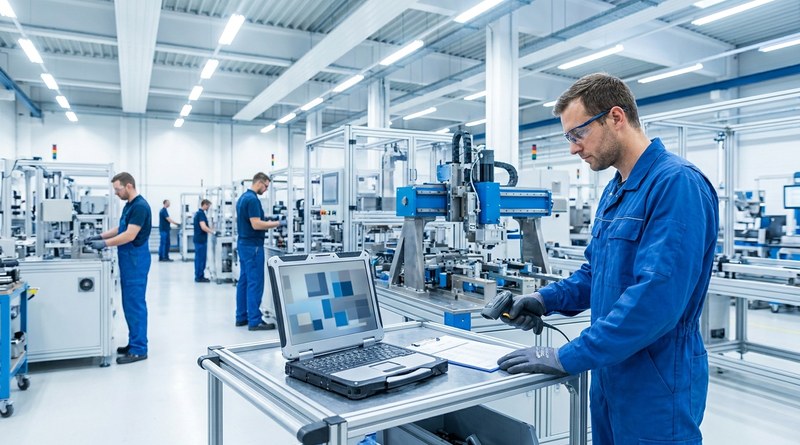
Barcode Labor Tracking on UKG Ready: Two Clocks, One Labor Record, and an ERP-Validated Hierarchy
Some plants keep attendance on the clocks at the door and capture job labor at the workstation. This piece looks at that two-clock model on UKG Ready: scan-only capture for gloved operators, work orders validated against the ERP, and how CloudApper adds that layer using the PCs and scanners already on the line.
October 7, 2026
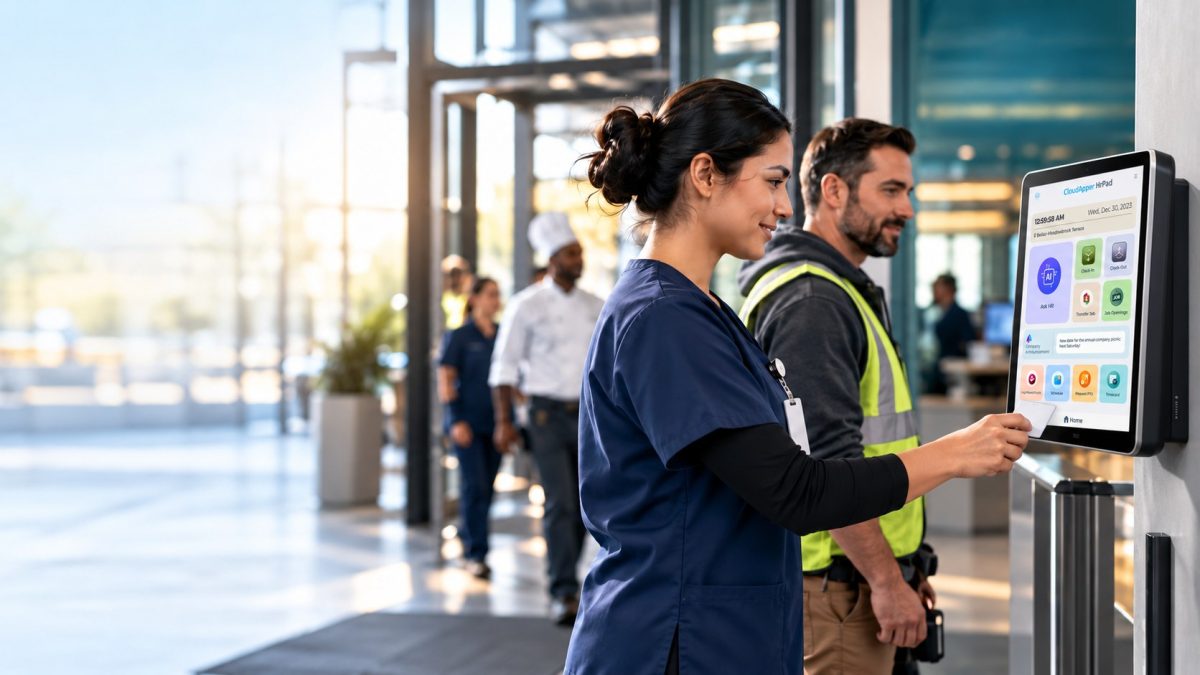
Shared Tablet SSO in UKG: One Time Clock for Every Login Type
Hourly staff on basic UKG logins and managers on SSO can share one tablet time clock without login mix-ups. This guide explains each login type in plain English, compares three shared-tablet setups and shows how hrPad by CloudApper AI makes it work.