Hourly workers miss open enrollment because they share devices, have no company email, or work shifts that never overlap with HR. Here is a two-week plan that reaches them at the time clock.


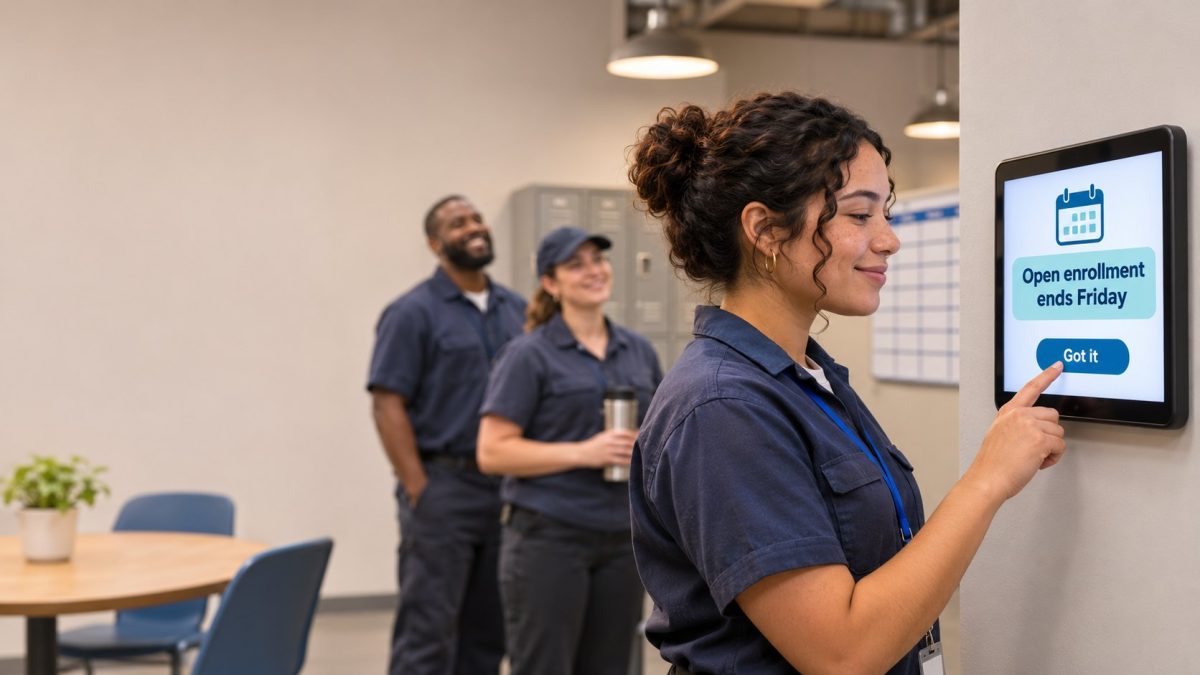
Table of Contents
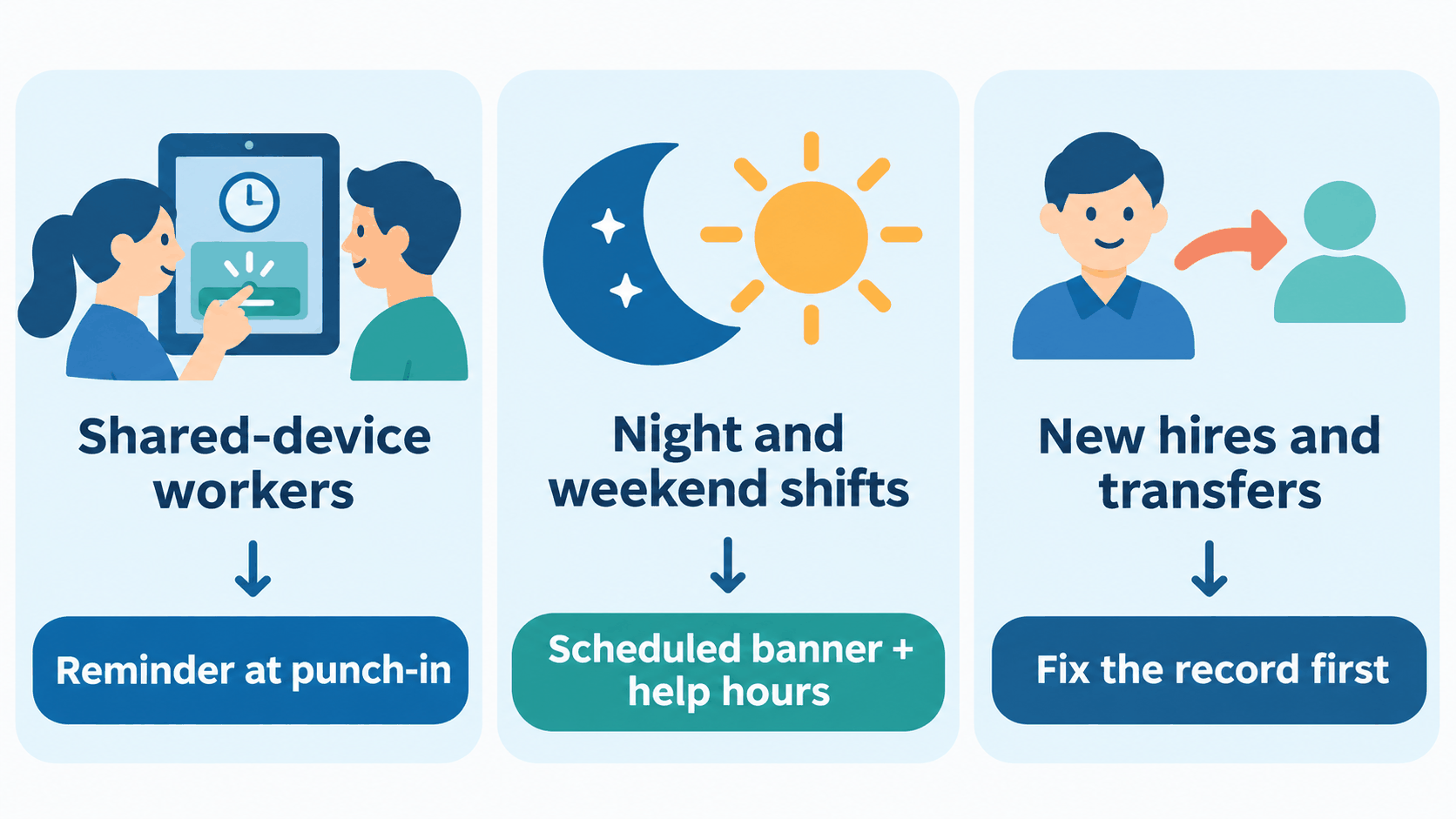
To get hourly workers through open enrollment, reach them during their shift, give each site one completion number, and chase only the names still open. The workers who miss the window are rarely careless. They share devices, have no company email, or work shifts that never overlap with HR’s hours.

Email reminders assume an inbox, and a break room tablet shared by forty people doesn’t have one. From the HR office everything looks fine, because every reminder went out on schedule and every address received it. What nobody can see is whether the worker read it.
hrPad by CloudApper AI is the tablet clock built for UKG users who need HR messages to reach people who never open email. It extends the punch your workers already make, so the reminder lands when every one of them is already touching UKG. It works alongside UKG, not in place of it.
How the solution works
At clock-in and clock-out, hrPad shows a banner with your enrollment reminder. You set the start and end dates ahead of time, so the banner goes live when the window opens and expires on deadline day. You can aim it at a site or a group, which lets the night shift see a message written for the night shift. Our guide to announcements at punch-in covers the setup.
Workers tap to acknowledge, or answer a short survey question such as “Have you finished enrolling?” Those answers are self-reported, so use them to decide where to follow up, not as proof. Your enrollment source remains the record of who finished.
The last two weeks
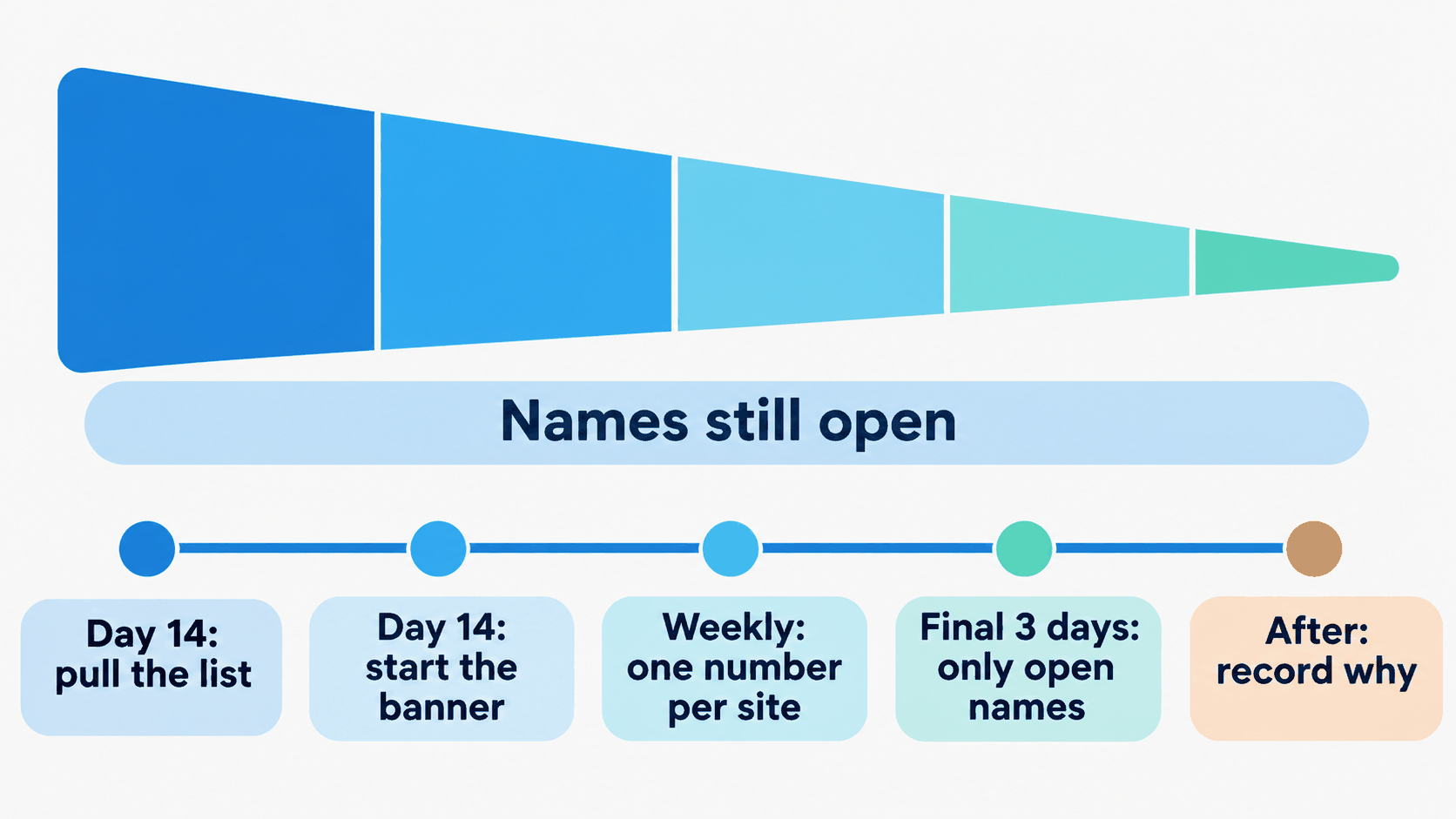
- Fourteen days out, pull the not-enrolled list from your enrollment source and sort it by site and manager. Check each name’s location and benefit group first. It is the cheapest fix on the list, and a wrong record means the wrong plan options.
- Schedule the hrPad banner to start now and expire on deadline day, so it never outlives the window.
- Give each site manager one number, the share of their team still open. A single number is easier to act on than a long list of names.
- In the final three days, narrow outreach to the names still open. Ask payroll whether enrollment time counts as paid time before managers release anyone mid-shift.
- After the deadline, record who missed it and why, and start next year’s plan from that list.
Why hrPad stands out for UKG users
Email, portals and apps all ask workers to go somewhere new. hrPad shows up where they already are. Every worker punches, so every worker sees the message, without a new login or an app to download. Because it works alongside UKG, your pay rules, records and enrollment process stay where they are. It runs on standard tablets, and the same tablet-based kiosk can carry your next announcement, from a shift policy update to a safety alert.
For a UKG administrator, that is one change at the clock rather than a new system to run.
Want a reminder plan for your sites?
Contact CloudApper with your site count and enrollment deadline, and we will show how hrPad by CloudApper AI would carry the reminder.



November 9, 2026
Emergency Accountability at Scale: Why Large Manufacturers Build Live Muster Rosters on UKG Punch Data
Large manufacturers face a complex emergency accountability problem across multiple workforce populations. CloudApper AI Platform extends UKG punch and schedule data into a live muster roster, giving safety teams real-time visibility at every assembly point with offline support for distant outdoor locations.

November 5, 2026
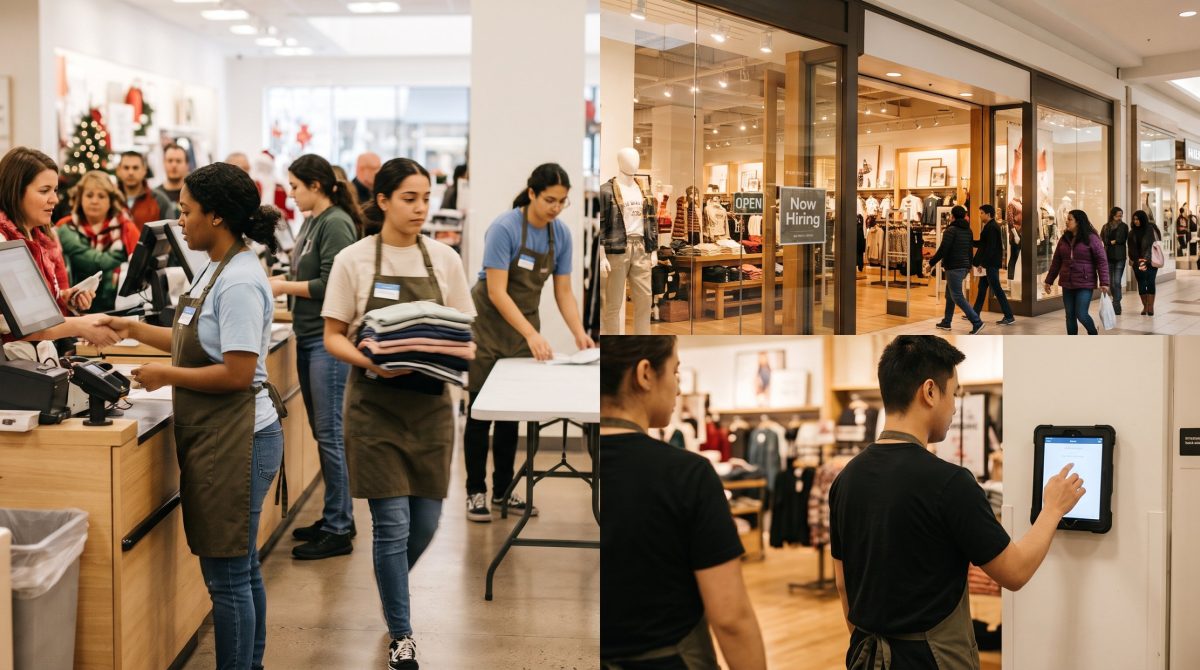
Per-Employee or Per-Location Time Clock Pricing: Which Fits Your Retail Stores?
Choosing between per-employee and per-location time clock pricing comes down to three numbers: store count, employees per store and holiday peak. See how to run the comparison, with a worked example and vendor questions.
October 28, 2026
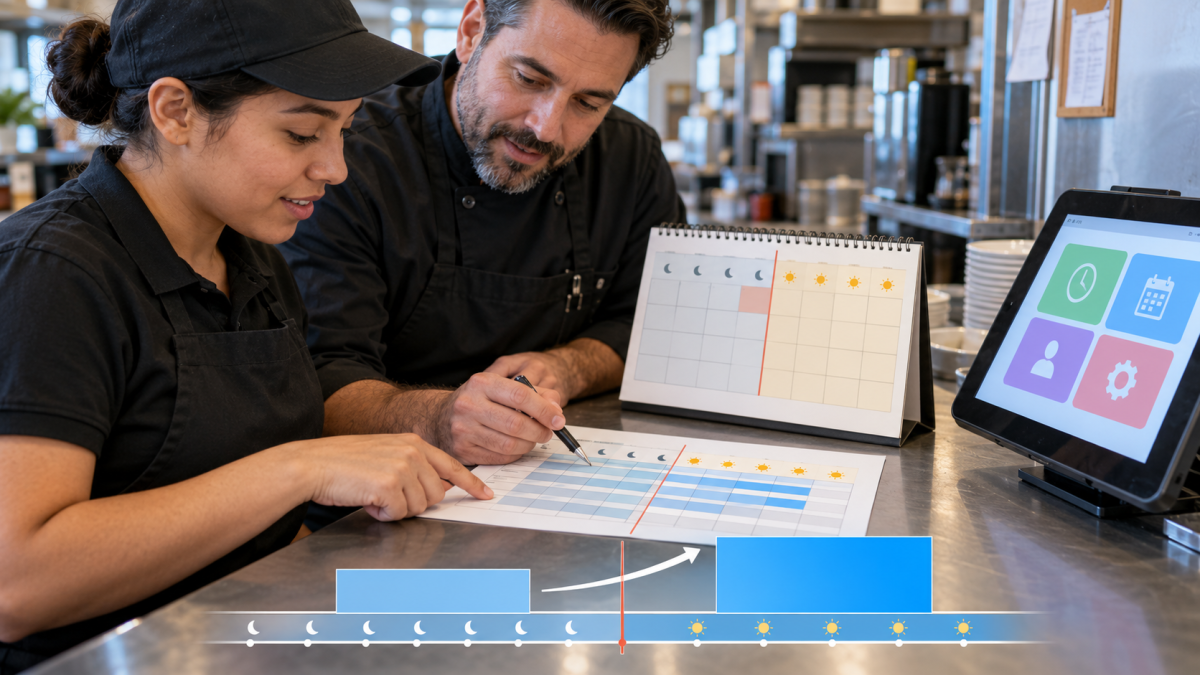
2027 Minimum Wage Increase: A UKG Payroll Cutover Checklist for January 1
Minimum wage rises on January 1, 2027 in Washington, California, Connecticut, Colorado, Michigan and Seattle. This dated UKG runbook shows what to map, load, test and verify, from November through the first payroll of the new year.
October 23, 2026
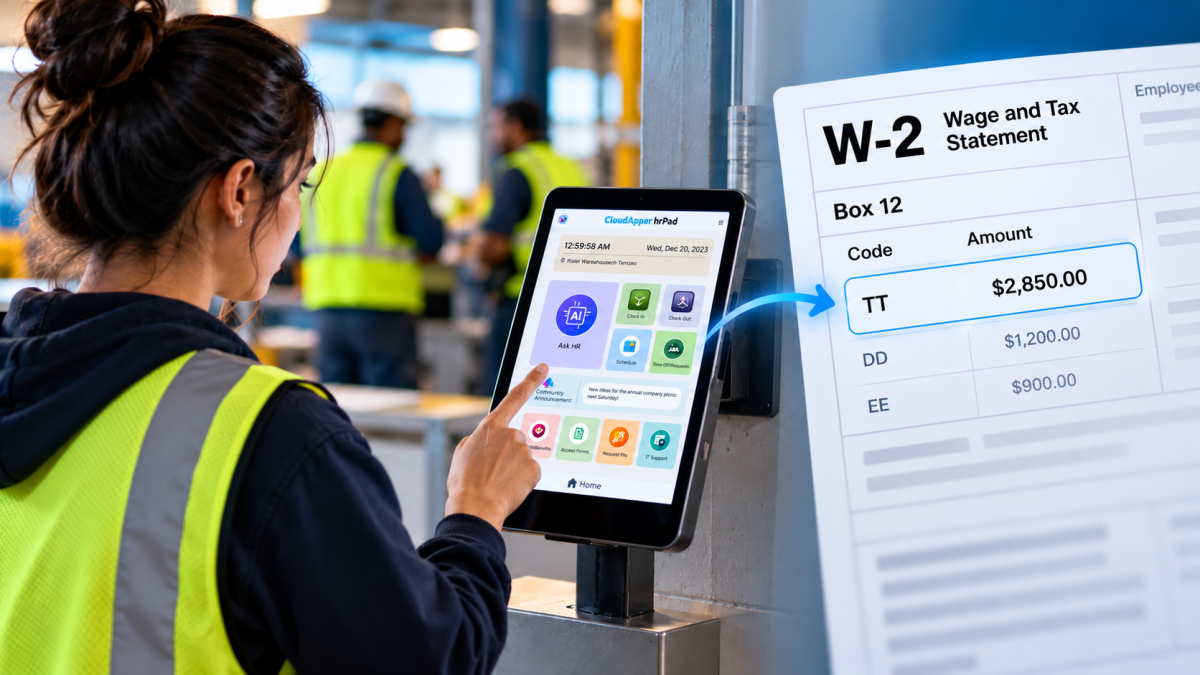
No Tax on Overtime: What It Means for Your UKG Payroll
Starting with 2026 wages, employers using UKG must report qualified overtime in W-2 Box 12 (code TT), and only part of the overtime you pay counts. hrPad by CloudApper AI helps capture the details at the time clock.