K-12 school districts running UKG manage hundreds of hourly paraprofessionals, custodians, and support staff across dozens of buildings — but only have Intouch hardware at a handful of locations. Here's how a tablet-based biometric time clock closes that multi-building coverage gap within district budgets.


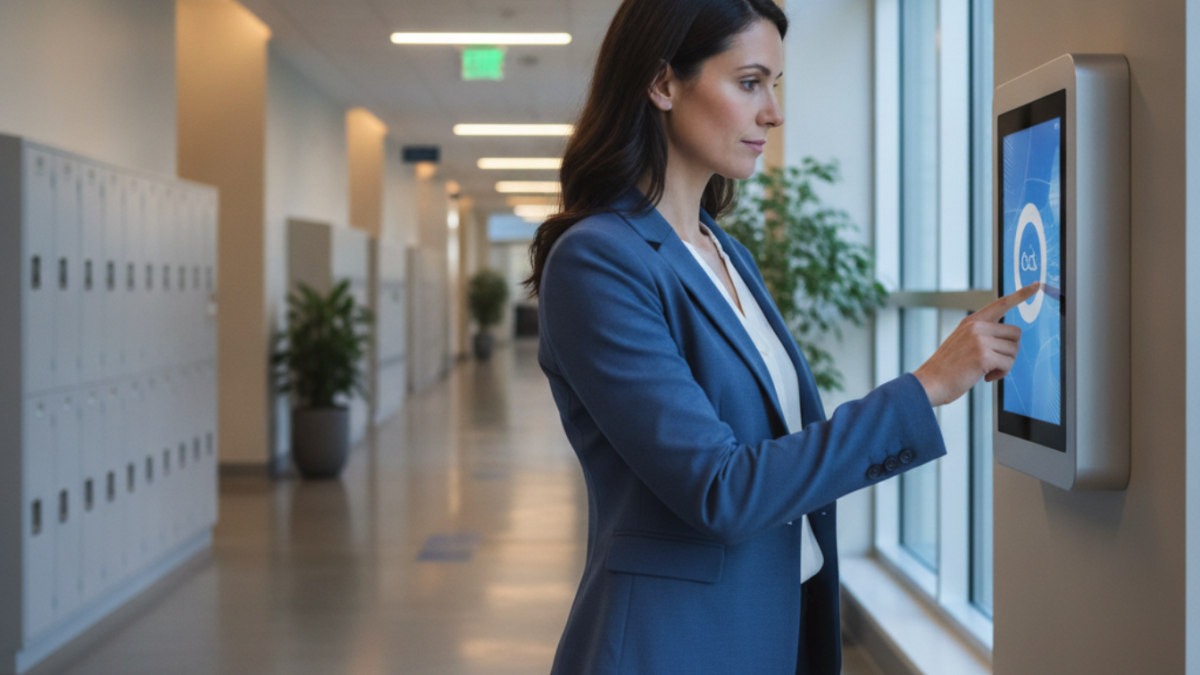
Table of Contents
- What UKG Ready Handles Natively for School District Time Tracking
- Where the Multi-Building Gap Opens Up
- What to Configure in UKG First
- Where the Native Coverage Ends
School districts can track paraprofessionals, custodians and other hourly support staff in UKG by putting a tablet time clock in every building instead of a terminal in a few. A typical district running UKG manages 300 to 500 hourly employees across 15 to 40 buildings: paraprofessionals, custodians, food service workers, bus drivers and facilities staff. Many never touch a UKG Intouch terminal, because few district budgets cover dedicated hardware for every building. They clock in on paper timesheets, shared office computers or whatever the front office has available, and the time data reaching UKG is only as accurate as that manual process. CloudApper AI TimeClock for UKG puts a biometric kiosk in every building at a fraction of the cost of dedicated terminals, with UKG remaining the system of record.
What UKG Ready Handles Natively for School District Time Tracking
UKG Ready WFM supports the configuration K-12 HR teams need: multiple pay classifications, shift differentials, separate accrual rules for instructional versus classified staff, and attendance reporting by cost center or building. Districts can configure different overtime policies for paraprofessionals, custodians, and food service employees and run exception reports by location. For staff assigned to a building that has Intouch hardware — the district office, the high school, or a large elementary — the native configuration works without modification. The problem is coverage.
Where the Multi-Building Gap Opens Up
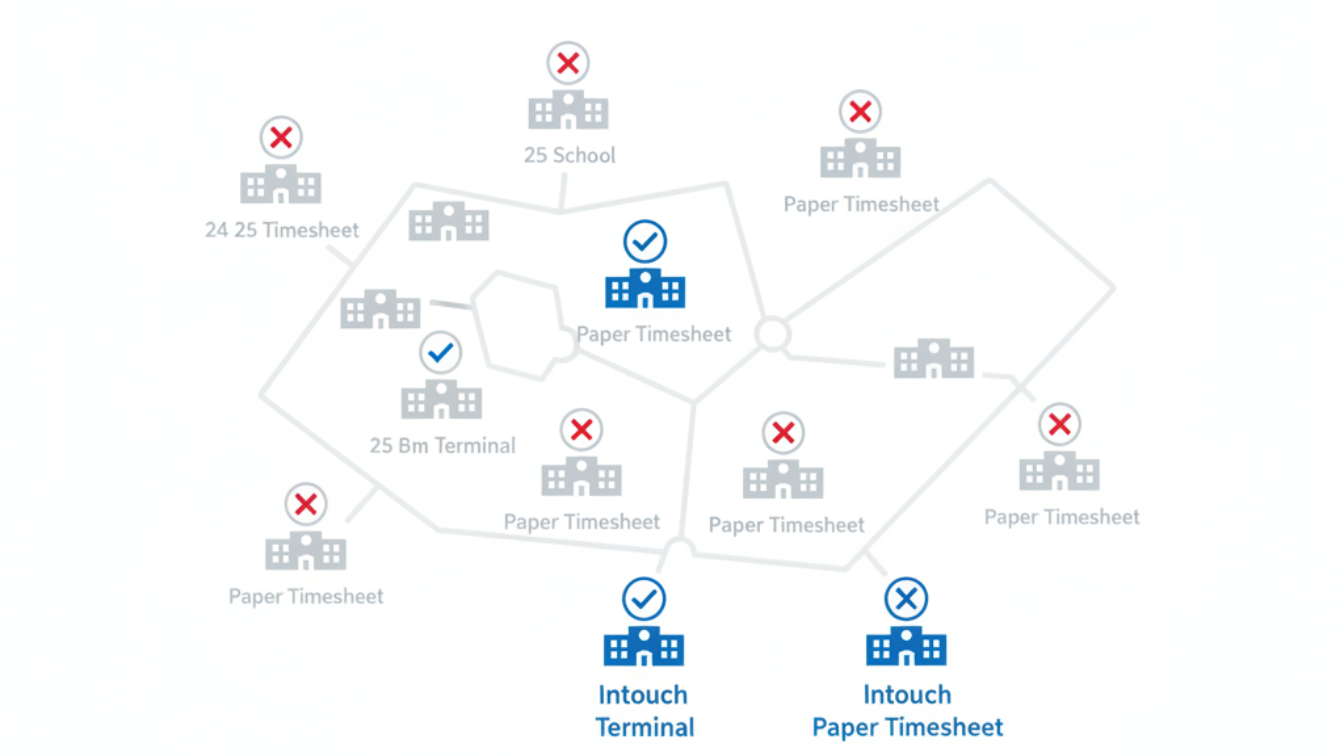
A 30-building district with Intouch terminals at five locations leaves 25 buildings without a verified punch point. Paraprofessionals at smaller schools, custodians on rotating building assignments, and food service staff at satellite kitchens are clocking in on paper or through a shared web login — both of which produce missed punches that land in UKG as manual corrections and create conditions for buddy punching on shared terminals with no biometric check.

The back-to-school hiring surge compounds this. When a district brings in 40–60 new paraprofessionals and custodial hires in the three weeks before September, the biometric enrollment challenge during high-volume hiring ramps becomes acute — new hires at buildings without Intouch terminals have no biometric verification during their first weeks on the job, which is precisely when buddy punching risk is highest.
What to Configure in UKG First
Before adding hardware, district HR teams have native levers worth pulling. Setting building-level cost centers and assigning employees to primary locations creates the reporting structure needed to identify which buildings have the highest missed punch and manual correction rates. Enabling web clock access through UKG Ready gives employees a backup path — though it reintroduces the identity verification gap. Configuring the mobile app with location restrictions adds a layer of GPS validation for employees with smartphones. These steps reduce noise at the margins; they don’t put a verified time capture point in every building.
Where the Native Coverage Ends
A web clock on a shared computer has no biometric layer. A mobile app punch requires employees to have personal smartphones with reliable data connectivity — a poor assumption for food service, custodial, and para staff populations. For districts with staff who don’t use smartphones for work, the app-based model creates a two-tier compliance environment: buildings with Intouch hardware have verifiable punch records; buildings without it have self-reported data. That gap shows up in payroll correction rates and becomes a liability in any wage-and-hour review.
CloudApper AI TimeClock for UKG in School Districts
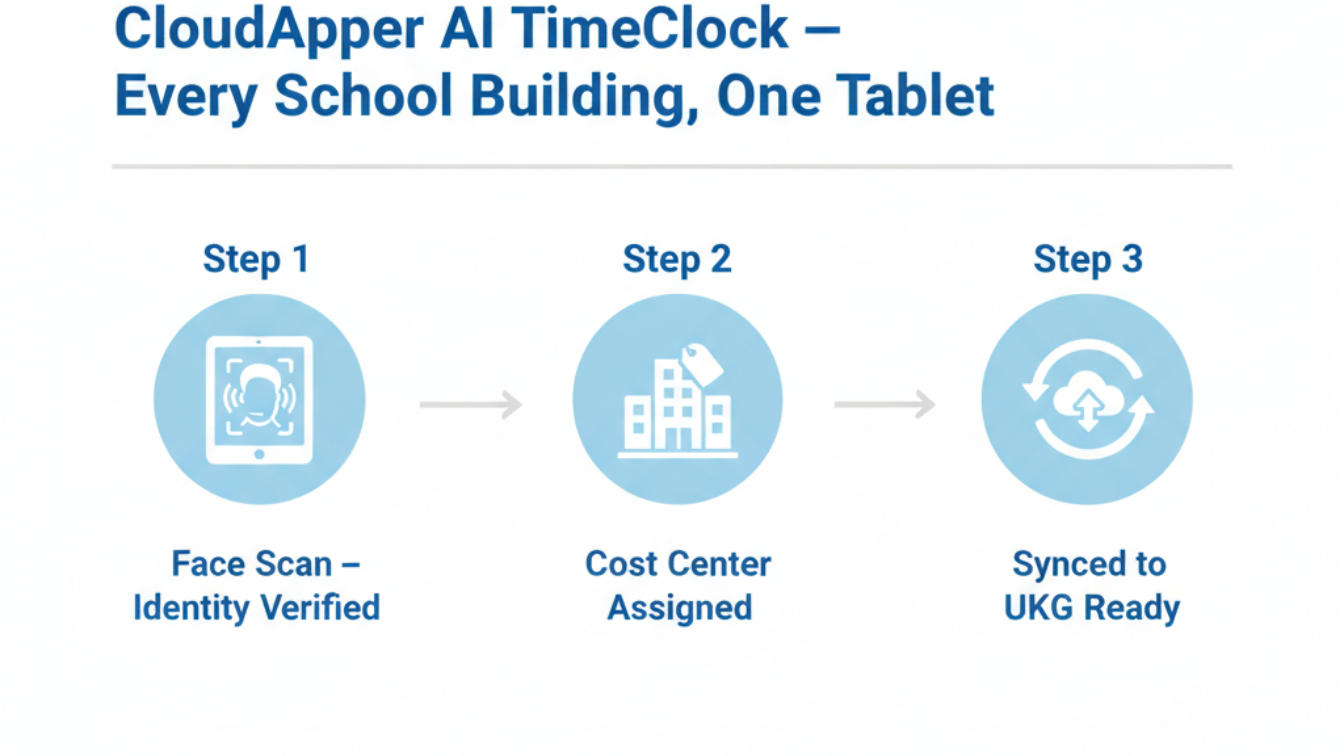
CloudApper AI TimeClock for UKG runs on any standard Android tablet mounted at a building entrance or check-in point — no proprietary hardware, no Intouch device to procure or service. A tablet at each of a district’s 30 buildings costs significantly less than five Intouch terminals, and every building gets the same biometric verification: facial recognition at clock-in, cost center assignment, and direct sync into UKG Ready WFM. For staff with split assignments — a paraprofessional working mornings at one school and afternoons at another — cost center selection happens at the punch point, with both records flowing into UKG without supervisor reconciliation.
The facial recognition layer eliminates the missed punch problem at the source rather than at payroll close. For district buildings with unreliable connectivity — rural elementaries, transportation depots, maintenance facilities — offline punch queuing holds records locally and syncs when connection returns. On hardware cost alone, a tablet-based UKG time clock deployment at 30 buildings typically runs at 25% of what equivalent Intouch hardware coverage would cost — without the proprietary service and maintenance contracts.
Frequently Asked Questions
Q: Does UKG Ready support time tracking for K-12 hourly staff like paraprofessionals and custodians?
Yes. UKG Ready WFM supports multiple employee classifications with separate pay rules, accrual tracking, and schedule types. K-12 districts can configure different overtime and break policies for instructional aide versus custodial classifications and report attendance by building or cost center. The gap is hardware coverage — not UKG’s software — at buildings that don’t have Intouch terminals.
Q: How do school districts handle biometric enrollment during the back-to-school hiring period?
Districts using Intouch terminals for biometric enrollment are limited to buildings that have the hardware. During peak hiring in August and September, new hires at other buildings start without biometric verification. A tablet-based solution like CloudApper AI TimeClock for UKG allows enrollment on any available tablet at any building, keeping biometric coverage current with incoming headcount throughout the ramp.
Q: Can a tablet replace a UKG Intouch terminal at a school building?
Yes. CloudApper AI TimeClock for UKG runs on any standard Android tablet and syncs directly with UKG Ready WFM. Punch records — including biometric verification, cost center, and timestamp — appear in UKG identically to Intouch terminal punches. No proprietary vendor service agreement is required for maintenance.
Q: How does the time clock handle paraprofessionals or custodians working at multiple buildings?
Staff with split assignments can punch in at whichever building they’re at, selecting the correct cost center at the point of punch. CloudApper AI TimeClock for UKG records each segment separately and syncs both into UKG Ready as standard time entries. No manual reconciliation by a supervisor is required.
Q: What happens if a school building has unreliable internet?
CloudApper AI TimeClock for UKG stores punches locally when connectivity drops and syncs automatically when the connection restores. For rural elementary schools, transportation depots, and maintenance facilities with intermittent signals, this offline queuing ensures a complete punch record without requiring staff to take any alternate action.
Q: What’s the cost difference between Intouch hardware and a tablet-based UKG time clock for a school district?
UKG Intouch terminals carry significant per-unit hardware costs plus installation, service, and refresh cycles. CloudApper AI TimeClock for UKG runs on standard Android tablets at roughly 25% of the per-unit cost of traditional UKG clocking hardware. For a 30-building district deploying one tablet per building, the capital difference is substantial — with no proprietary vendor contracts for ongoing maintenance.
K-12 districts running UKG are managing a time capture problem most HR teams treat as a budget constraint rather than a solvable configuration gap. A biometric, UKG-integrated tablet kiosk at every building is not only feasible within education budgets — it costs less than the partial Intouch deployment most districts are already running. Explore the full solution at ukg.cloudapper.ai.




October 16, 2026
Heat Illness Recovery Breaks in UKG for Construction and Logistics Crews
State heat rules in California, Washington and beyond require cool-down breaks that payroll must be able to prove. Learn how UKG Ready and UKG Pro WFM track recovery periods, and how CloudApper AI TimeClock captures them on an affordable jobsite tablet that works offline.
October 15, 2026
PUMP Act Lactation Breaks in UKG: Tracking Them Without Breaking Meal Rules
Lactation breaks protected by the PUMP Act often show up as meal break exceptions in UKG. Learn what federal law requires, how to configure UKG Ready and UKG Pro WFM pay codes, and how CloudApper AI TimeClock records these breaks privately on an affordable tablet clock.
October 14, 2026
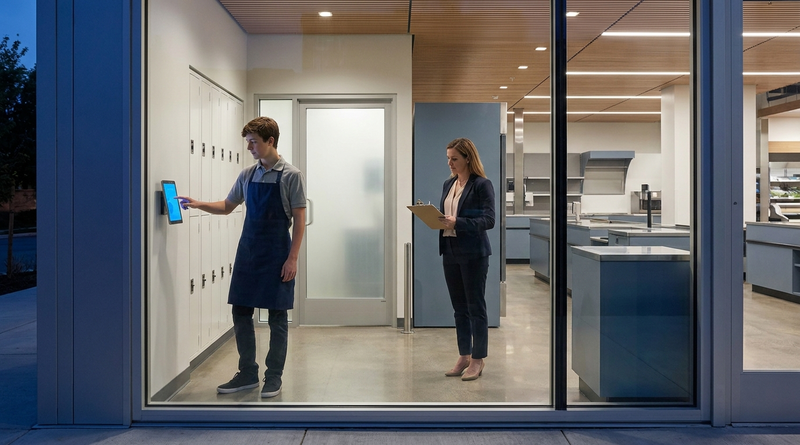
Enforcing Minor Work Hour Limits at the UKG Time Clock
Child labor hour limits are usually built into UKG schedules, but violations happen at the punch. Learn the federal rules for 14 to 17 year olds, how UKG Pro WFM and UKG Ready handle minor rules, and how CloudApper AI TimeClock adds age-based checks on an affordable tablet clock.
October 13, 2026
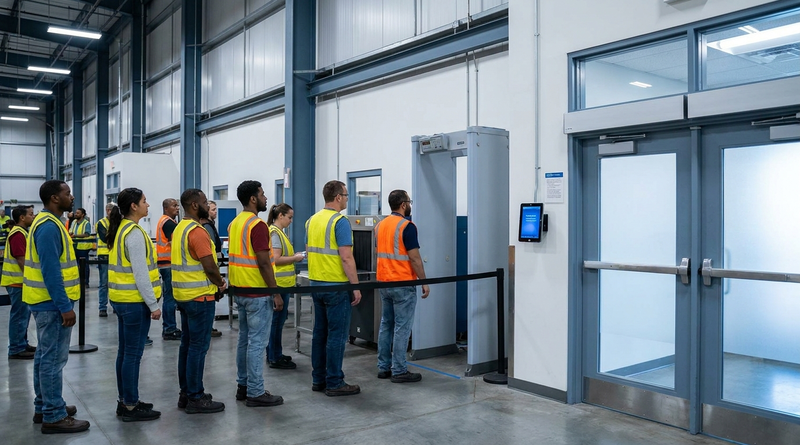
Security Screening and Bag Check Time in UKG: Where Post-Shift Minutes Become Payable
Exit bag checks and security screening can be paid time under California and Pennsylvania law. Learn how UKG Ready and UKG Pro WFM handle screening time, what to configure first, and how CloudApper AI TimeClock places an affordable tablet clock past every checkpoint.