UKG InTouch 9000 faces end of life at the beginning of 2027—ending support, repairs, and cloud compatibility. Avoid downtime, compliance risks, and rushed upgrades by preparing now. CloudApper AI TimeClock offers an affordable migration: transform tablets into smart clocks with facial recognition, geofencing, and direct UKG Pro/Ready integration.


Table of Contents
- TL;DR:
- Why the Sunsetting Matters: Real Pain Points for UKG Users
- Steps to Prepare: A Practical Roadmap
- A Reliable, Affordable Alternative: CloudApper AI TimeClock
Have you gotten that email from UKG about the InTouch 9000 time clocks reaching end of life, and suddenly felt the weight of figuring out what comes next?

If you’re running UKG Pro, Ready, or Pro WFM, you’re probably no stranger to reliable time tracking hardware like the InTouch 9000. Launched back in 2012, these devices have been workhorses for punching in and out, handling everything from basic clock-ins to more advanced features in busy environments like manufacturing or retail. But as UKG announced, support for the 9000 series is winding down, with full end of life hitting at the beginning of 2027. That means no more repairs, firmware updates, or technical help after that date—and crucially, they won’t play nice with UKG’s cloud solutions anymore. I’ve chatted with a few admins in similar boats, and the common thread is that initial “oh no” moment when realizing the clock is ticking on replacements.
TL;DR:
UKG InTouch 9000 time clocks reach full end of life at the beginning of 2027—no more repairs, updates, or cloud compatibility. Prepare by auditing devices, budgeting early, and migrating to alternatives like CloudApper AI TimeClock, which uses tablets with facial recognition, geofencing, and seamless UKG integration for cost-effective, compliant time capture without hardware hassles.
Why the Sunsetting Matters: Real Pain Points for UKG Users
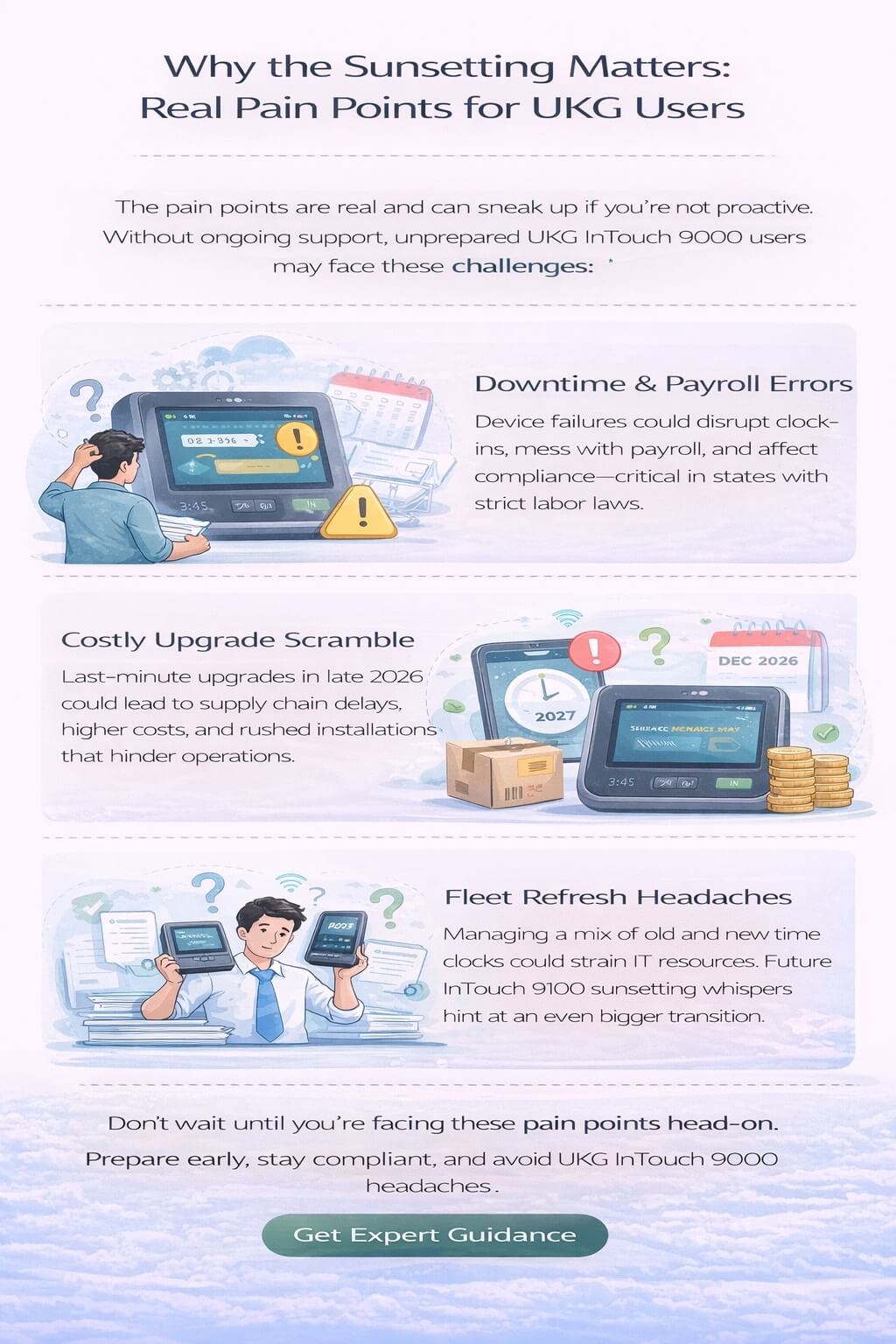
The pain points here are real and can sneak up if you’re not proactive. First off, without ongoing support, any hardware glitches could lead to downtime, messing with payroll accuracy and leaving employees frustrated if they can’t clock in properly. Imagine a shift starting late because a device fails, or worse, compliance issues piling up if time data isn’t captured right—especially in states with strict labor laws. Costs add up too: Scrambling for last-minute upgrades in late 2026 could mean dealing with supply chain backlogs, higher prices, or rushed installations that disrupt operations. And if your setup includes a mix of 9000 and newer 9100 models (which might face their own sunsetting soon, based on recent whispers), you’re looking at a broader fleet refresh that could strain budgets and IT resources. One HR lead I know shared how their team overlooked the timeline at first, only to face unexpected testing delays that threw off their quarterly goals. It’s not just about the hardware; it’s the ripple effect on daily workflows, employee satisfaction, and keeping everything compliant without extra headaches.
Steps to Prepare: A Practical Roadmap
Preparing doesn’t have to be overwhelming, though. UKG recommends starting early—ideally by Q3 2026—to order and test replacements like their InTouch DX series, giving you time for reconfiguration and smooth rollout. Check the UKG Trust Center or Community forums for the latest updates, and audit your current setup to see how many devices need swapping. Budgeting for this transition is key; factor in not just the hardware but training and integration to minimize disruptions.
A Reliable, Affordable Alternative: CloudApper AI TimeClock
This is where exploring alternatives can ease the burden, especially if you’re looking for something that fits seamlessly without breaking the bank. As a partner to UKG, CloudApper AI TimeClock steps in as a solid option that’s affordable, highly customizable, and quick to deploy. It’s built to integrate directly with UKG Pro, Ready, and Pro WFM, so you don’t lose that core functionality. Instead of shelling out for premium hardware upgrades, you can turn everyday Android or iOS tablets into smart time clocks—complete with features like facial recognition, geofencing to prevent off-site punches, and automated reminders for breaks or overtime rules. In setups I’ve seen, this means faster setup (often in days, not weeks), lower upfront costs, and the flexibility to tweak the interface for your specific needs, like adding custom prompts or reports. One customer switched over and mentioned how it cut their hardware expenses by half while keeping everything compliant and user-friendly—no big learning curve for the team.
The beauty is in the simplicity: CloudApper runs on devices you might already have, and its AI handles the heavy lifting for accurate tracking, reducing errors that could stem from manual entries during a transition. It’s not about ditching what works with UKG; it’s about enhancing it with a cost-effective layer that keeps your operations humming through the change.
FAQ:
When is the UKG InTouch 9000 end of life date?
Full end of life will be at the beginning of 2027. After this, UKG will provide no repairs, firmware updates, technical support, or compatibility with their cloud solutions.
What risks come with continuing to use UKG InTouch 9000 after EOL?
Hardware failures may cause downtime and payroll errors, compliance risks from inaccurate time data, higher last-minute upgrade costs, supply chain delays, and disruptions to operations and employee satisfaction.
How should organizations prepare for UKG InTouch 9000 sunsetting?
Start early (ideally Q3 2026): audit current devices, budget for replacements/training/integration, test new solutions like UKG InTouch DX or alternatives, and check UKG Trust Center for updates to avoid rushed implementations.
What is a good alternative to UKG InTouch 9000?
CloudApper AI TimeClock turns Android/iOS tablets into smart time clocks with facial recognition, geofencing, automated reminders, custom prompts, and direct integration with UKG Pro, Ready, and Pro WFM—offering quick deployment, lower costs, and enhanced accuracy.
Does CloudApper AI TimeClock integrate with UKG systems and ensure compliance?
Yes, it integrates seamlessly with UKG Pro, Ready, and Pro WFM for real-time syncing, reduces errors with AI-driven tracking, supports labor law compliance (e.g., breaks), and provides user-friendly features without expensive hardware.
Moving Forward Without the Stress
If the InTouch 9000 sunset has you rethinking your time tracking strategy, now’s the time to map out a plan. Starting small with a pilot or demo can show you the path forward without the stress. For more on how CloudApper AI TimeClock can slot right into your UKG ecosystem as an affordable alternative, take a look here: Affordable UKG Kronos Time Clock.




October 8, 2026
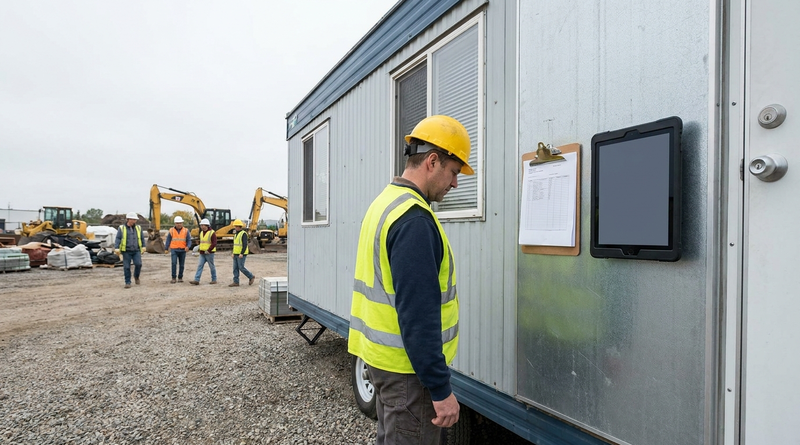
Locking a Tablet Down as a Dedicated UKG Time Clock: Kiosk Mode with Jamf, Intune, and Android Enterprise
IT's first objection to a tablet time clock is that someone will misuse it. Learn how to lock an iPad or Android tablet into a dedicated UKG time clock with Jamf, Intune, or Android Enterprise, a five-step day-one checklist, and what IT should manage after go-live alongside Intouch DX devices.
October 7, 2026
Moving Sites Off Paper Timesheets into UKG Without Buying Terminals
Some UKG sites still run on a clipboard because mobile punching and dedicated terminals never fit. Learn how to match each site to the right UKG capture method, why paper creates FLSA recordkeeping risk under 29 CFR 516, and a five-step cutover plan that includes a shared tablet kiosk option.
October 6, 2026
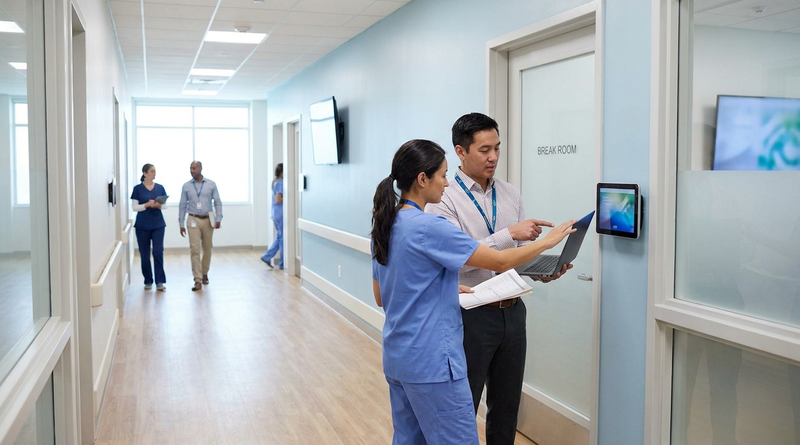
Does Your UKG Time Clock Vendor Need a BAA? HIPAA, Biometrics, and Healthcare IT Review
Healthcare procurement often attaches a BAA to every vendor by reflex, but for time clocks that can point at the wrong law. Learn why employee punches usually are not PHI, when patient data or biometric laws change the analysis, and the five-step review healthcare IT should run before deploying a UKG time clock.
October 2, 2026
How a UKG Admin Validates a Third-Party Time Clock Integration Before You Buy
A vendor demo proves one punch works. Before approving a third-party time clock, UKG admins should run a seven-step test script in a non-production tenant covering transfers, pay codes, attestation, offline replay, and failure handling, then reconcile results against UKG timecards. Here is the script, and how CloudApper AI TimeClock fits.