For field crews and remote-site operations, native UKG geofencing relies on individual smartphones without biometric verification. CloudApper AI TimeClock for UKG delivers GPS zone enforcement plus facial recognition from a managed tablet kiosk — syncing directly with UKG Ready and Pro WFM.


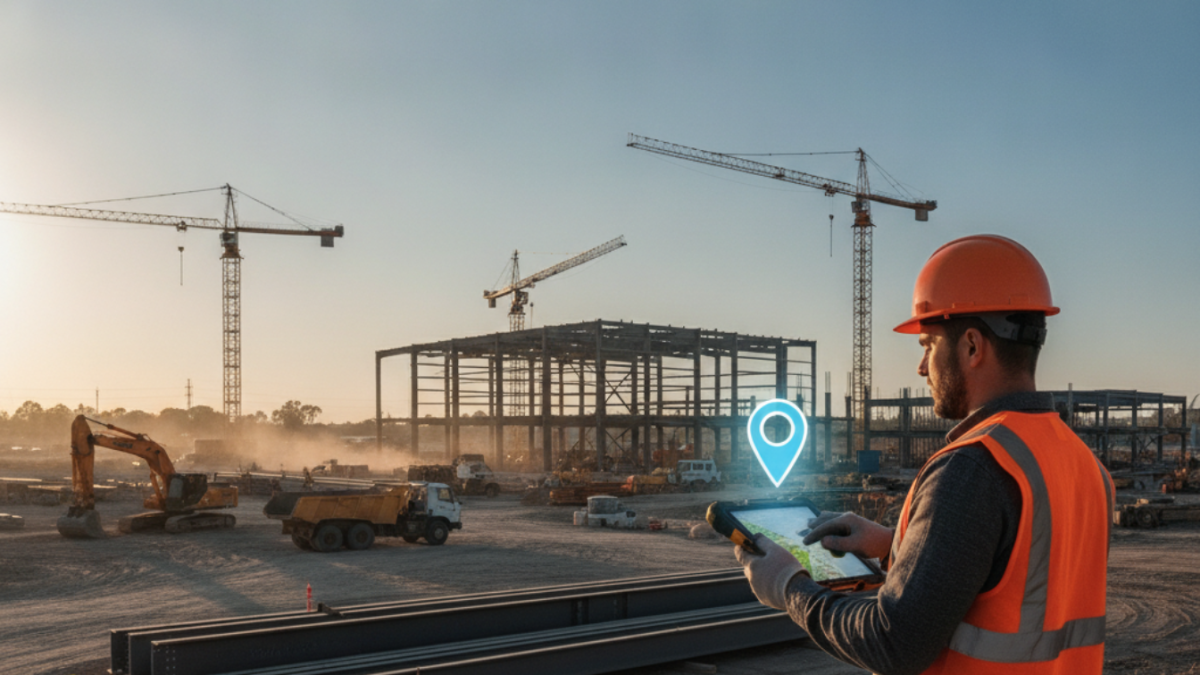
Table of Contents
- What UKG Does Natively for Location-Based Time Capture
- Where Native Geofencing Breaks Down for Field Operations
- What to Configure in UKG First
- Where the Native Model Runs Out
- CloudApper AI TimeClock for UKG: GPS Geofencing with Biometric Verification
- Frequently Asked Questions
A UKG geofencing time clock lets field crews punch in at the job site, with GPS confirming they are where they say they are, instead of driving to a fixed terminal or filling out paper. Consider a crew finishing a 10-hour shift 35 miles from the nearest UKG Intouch terminal. Until now they have clocked in on paper, or not at all, because a fixed-terminal model assumes workers come to the clock. For field crews, construction teams, service technicians and remote-site operations, the clock has to come to the worker. CloudApper AI Timeclock for UKG adds geofenced mobile punching that syncs directly into UKG.
What UKG Does Natively for Location-Based Time Capture
UKG Ready WFM does support geofencing configuration. Admins can define geographic zones tied to specific work locations, and when the UKG mobile app or web clock is used, the system can validate whether the punch originates inside an approved zone. For organizations with a stable set of fixed sites — offices, warehouses, manufacturing plants — this works well enough: employees use the mobile app, the GPS coordinate is checked at punch time, and out-of-zone attempts are flagged or blocked. Configuring geofencing in UKG Ready to define those zones is a straightforward admin task within the platform.

Where Native Geofencing Breaks Down for Field Operations
The native configuration assumes your workers have smartphones, that those phones have GPS enabled and accurate at the time of punch, and that a mobile app experience is appropriate for your workforce. In field-heavy industries — construction, landscaping, utilities, oil and gas, home services — none of those assumptions hold cleanly.

Workers may share a foreman’s device, use low-end phones with inconsistent GPS, or work in areas with poor signal that degrades location accuracy. The case for geofencing in UKG Ready and Pro WFM is well established — but the enforcement gap in field deployments is real and goes beyond what the native mobile app is designed to handle.
The second failure point is the lack of a managed kiosk environment. A worker clocking in on their own phone means you’re relying on their GPS, their app version, their internet connection, and their honesty about not clocking in from a parking lot two miles from the site. There’s no biometric verification, no tamper-proof record of who physically punched in, and no audit trail that holds up under a wage-and-hour review. Without biometric identity check at the point of the GPS punch, the geofence becomes a perimeter that a worker can breach from a car without leaving it. This is where CloudApper AI TimeClock for UKG addresses the enforcement gap — combining GPS zone validation with facial biometric verification at the kiosk level, not the individual phone level.
For multi-site operations adding new locations regularly, native geofencing also creates administrative burden: each new site requires a new zone definition in UKG, and any job site that moves (construction projects, event-based deployments) requires zone updates before workers arrive. Field service teams operating away from fixed terminals also lose punch capability entirely when connectivity drops — native UKG mobile punches require an active data connection to validate location and record the punch.
What to Configure in UKG First
Before looking outside the platform, UKG admins running field or multi-site operations have several native levers. Define geofenced zones in UKG Ready for all fixed or semi-permanent sites. Set punch restrictions so clock-ins are blocked outside approved zones for employees assigned to those locations. Enable GPS tracking on the mobile app and configure it to capture coordinate data at every punch — this creates a location audit log even if it doesn’t block out-of-zone attempts. For supervisors managing small crews, the UKG Ready time clock restriction settings allow location-based punch rules to be enforced at the employee or group level.
Where the Native Model Runs Out
The native configuration reaches its limit when: workers don’t have consistent smartphone access; the operation requires biometric identity verification at the punch point (not just location); job sites are temporary or move frequently; or connectivity at the site is unreliable. These are not edge cases — they describe the majority of field operations in construction, landscaping, utilities, and field services. Offline time capture for remote and on-site teams running UKG requires a solution that can queue punches locally and sync when connectivity returns — something the native mobile app was not designed to do reliably in low-signal environments.
CloudApper AI TimeClock for UKG: GPS Geofencing with Biometric Verification
CloudApper AI TimeClock for UKG runs on any standard Android tablet deployed as a managed kiosk at the job site — not on individual worker phones. The tablet handles GPS location validation (confirming the device is inside the approved job site zone), biometric facial recognition (confirming the identity of the person clocking in), and offline punch queuing (holding punches locally when connectivity drops and syncing to UKG Ready or Pro WFM when it’s restored). All three happen in a single clock-in interaction, in under five seconds.
For multi-site and rotating field operations, new job site zones can be configured in CloudApper without requiring changes to UKG’s native geofencing setup. A foreman deploying to a new site sets the GPS boundary in CloudApper, mounts the tablet at the site entrance, and workers punch in biometrically from day one. Punch records flow directly into UKG as standard time entries — no manual reconciliation, no secondary data entry, the same punch structure UKG admins see from a fixed Intouch terminal.
The facial recognition verification layer addresses what GPS alone cannot: it eliminates the possibility of a worker punching in for a colleague who hasn’t arrived at the site yet. Combined with geofencing, it creates a two-factor verification model — right place, right person — that holds up under payroll audit and DOL wage-and-hour review. For organizations where buddy punching on remote sites is a known problem, this is the only configuration that closes both the location gap and the identity gap simultaneously.

Frequently Asked Questions
Q: Does UKG Ready have native GPS geofencing for time clocks?
Yes. UKG Ready supports geofencing zone configuration that validates punch location against defined geographic boundaries when employees use the UKG mobile app or web clock. The admin defines zones by site, and out-of-zone punches can be flagged or blocked. The limitation is that enforcement relies on individual employee smartphones — it does not provide a managed kiosk environment with biometric identity verification.
Q: What’s the difference between UKG’s native geofencing and a GPS geofencing time clock like CloudApper?
UKG’s native geofencing validates location at the individual phone level using the UKG mobile app. CloudApper AI TimeClock combines GPS zone validation with biometric facial recognition at a managed tablet kiosk — so both the location and the identity of the worker are verified at the point of punch. For field operations where workers don’t have consistent smartphone access or where biometric verification is required, the managed kiosk model is the more enforceable solution.
Q: Can UKG time clocks work offline at remote job sites without internet?
Native UKG mobile app punches require an active data connection to validate location and record the punch. CloudApper AI TimeClock stores punches locally when connectivity drops and automatically syncs to UKG Ready or Pro WFM when the connection is restored. For remote sites with intermittent signal — construction, utilities, rural field service — this offline queuing capability is essential to maintaining complete punch records without manual corrections.
Q: How does CloudApper AI TimeClock handle temporary or moving job sites?
New job site GPS boundaries can be configured in CloudApper without requiring updates to UKG’s native geofencing configuration. A supervisor or admin sets the zone boundary for the new site, and the deployed tablet kiosk enforces it immediately. For construction projects that move phases, or for service companies deploying crews to rotating client sites, this flexibility is the key operational difference from fixed-zone native UKG geofencing.
Q: Does a GPS geofencing time clock integrate directly with UKG Ready and Pro WFM?
Yes. CloudApper AI TimeClock syncs directly with both UKG Ready WFM and UKG Pro WFM via native API integration. Punches recorded at a field site kiosk — including GPS location data — appear in UKG as standard time entries. The UKG admin sees the same punch structure as from a fixed Intouch terminal, with no middleware and no manual reconciliation required.
Q: What industries benefit most from GPS geofencing time clocks with UKG?
Construction, landscaping, utilities, oil and gas field services, home services, and any operation where workers report directly to job sites rather than a central office. These industries share the same constraint: workers are never near a fixed UKG Intouch terminal, smartphone-based geofencing lacks biometric verification, and remote sites often have unreliable connectivity. A tablet-based GPS geofencing time clock addresses all three constraints within a single UKG-integrated solution.
If your field crews are clocking in on paper, on personal phones with inconsistent GPS, or not at all because there’s no terminal within reach, the native UKG time clock model isn’t built for your environment. CloudApper AI TimeClock for UKG puts a biometric, GPS-enforced kiosk at the job site itself — wherever that site happens to be. Explore the full solution at ukg.cloudapper.ai.



November 5, 2026
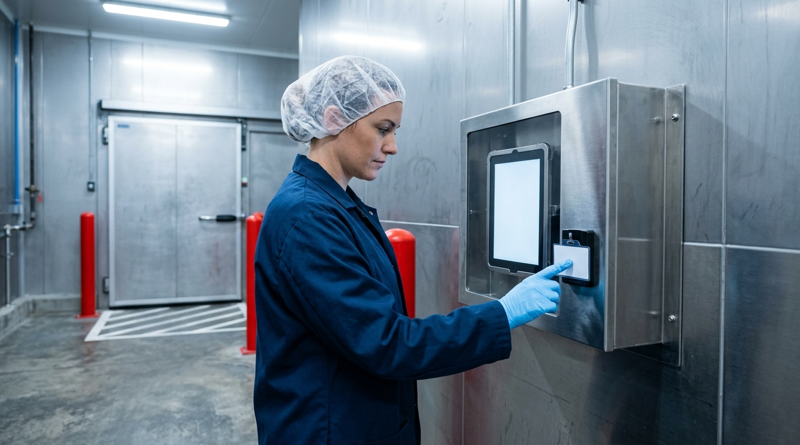
Tablet Time Clocks in Cold, Wet and Dusty Sites: Who Answers the Work Order When the Screen Fogs Over
Putting a tablet time clock in cold storage, a washdown line or a dusty dock works when ownership is settled first. This guide gives UKG admins placement rules, fallback punch options, a test plan and a named support owner for each site.
November 4, 2026
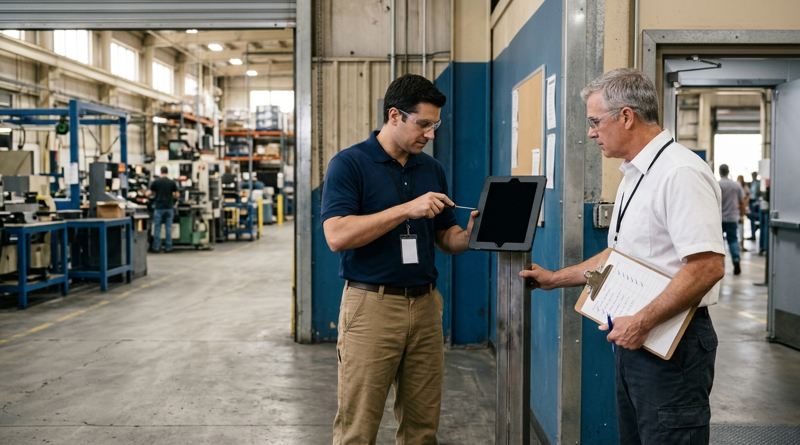
Weekend Cutover from Intouch DX to Tablet Time Clocks: The Rollback Rule to Agree Before Friday
A weekend swap from Intouch DX to tablet time clocks works only when the rollback rule is agreed first. This runbook gives UKG admins a Friday to Monday sequence, plant manager acceptance criteria, and a payroll-based trigger for reverting a site.
November 3, 2026
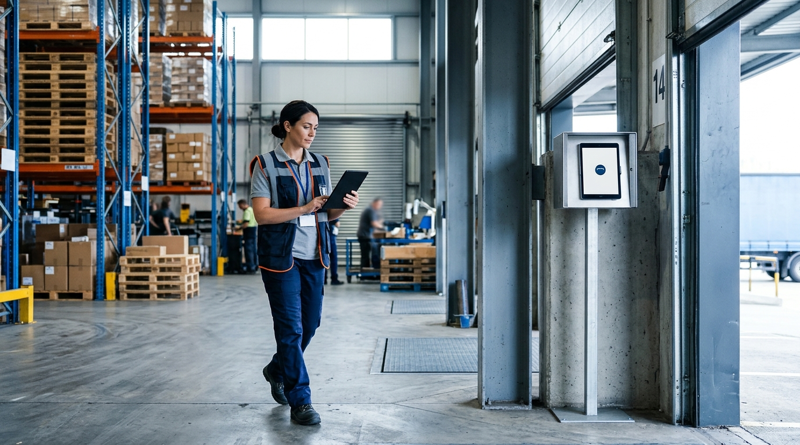
Wi-Fi Site Survey for UKG Tablet Time Clocks: Who Owns the Network Before the First iPad Is Mounted
Moving from wired UKG clocks to tablets shifts a hidden dependency onto your wireless network. This guide shows UKG admins and IT how to survey each clock position, test outage behavior, and assign ownership of access point fixes before go-live.
November 2, 2026
Changing the Time Clock in a Union Shop on UKG: What to Settle Before the First Tablet Ships
Changing the time clock in a union workplace is a labor relations task as much as an IT one. This checklist shows UKG admins and HR leaders what to settle first: agreement review, frozen pay rules, steward briefings, biometric consent alternatives, and a one-site pilot.