
Employees often forget or misreport break times, which leads to payroll issues and compliance risks. This guide shows how CloudApper AI TimeClock helps you verify work and break hours in real time, reduce corrections, and keep your UKG time data accurate from the start.



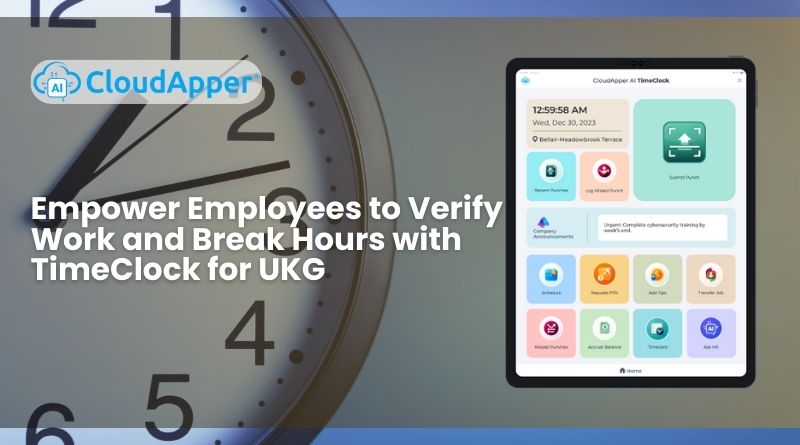
Table of Contents
If you manage a team inside UKG, you already know how messy things can get when employees do not verify work and break hours correctly. I have seen this problem over and over while helping UKG users streamline their daily time tracking. Sometimes an employee forgets to record a break. Sometimes a punch is off by just a few minutes. Sometimes a missed correction turns into a payroll dispute. These small issues pile up fast, and they create far more stress than they should.

That is why many teams I work with now rely on CloudApper AI TimeClock for UKG. It gives employees a simple way to verify work and break hours right at the tablet kiosk. No guesswork. No chasing people for edits. No surprises during payroll. When employees can review their hours in real time, accuracy improves immediately, managers stay in control, and your UKG workflow becomes smoother without changing the way you already operate.
TL;DR
-
CloudApper AI TimeClock gives employees an easy way to verify work and break hours directly at the kiosk, reducing mistakes and disputes.
-
Real time summaries, alerts, and correction requests keep UKG timecards accurate without extra admin work.
-
Break rules, timing windows, and compliance requirements are enforced automatically to prevent violations.
-
Biometric punches, geofencing, and audit trails protect accuracy and stop time theft.
-
When employees verify their hours daily, payroll becomes cleaner, faster, and far easier to manage in UKG.
Why Verifying Work and Break Hours Matters in UKG
Unverified break hours are one of the most common issues I see in UKG accounts. The schedule might be correct, but the punches do not match what actually happened during the shift. This creates problems like:
-
Breaks are recorded too early or too late
-
Missed breaks that were never corrected
-
Employees are taking longer breaks than allowed
-
Breaks showing up in payroll as paid time
-
Inaccurate work hours that lead to overtime questions
None of this happens because the system is wrong. It happens because employees do not always have a simple way to verify what they actually worked. Once you give them that control at the kiosk, accuracy improves almost instantly.
How Employees Can Verify Work and Break Hours Using CloudApper AI TimeClock
Here is how the process works for most teams I help. It stays simple and consistent across shifts.
Step 1: Clock in at the tablet
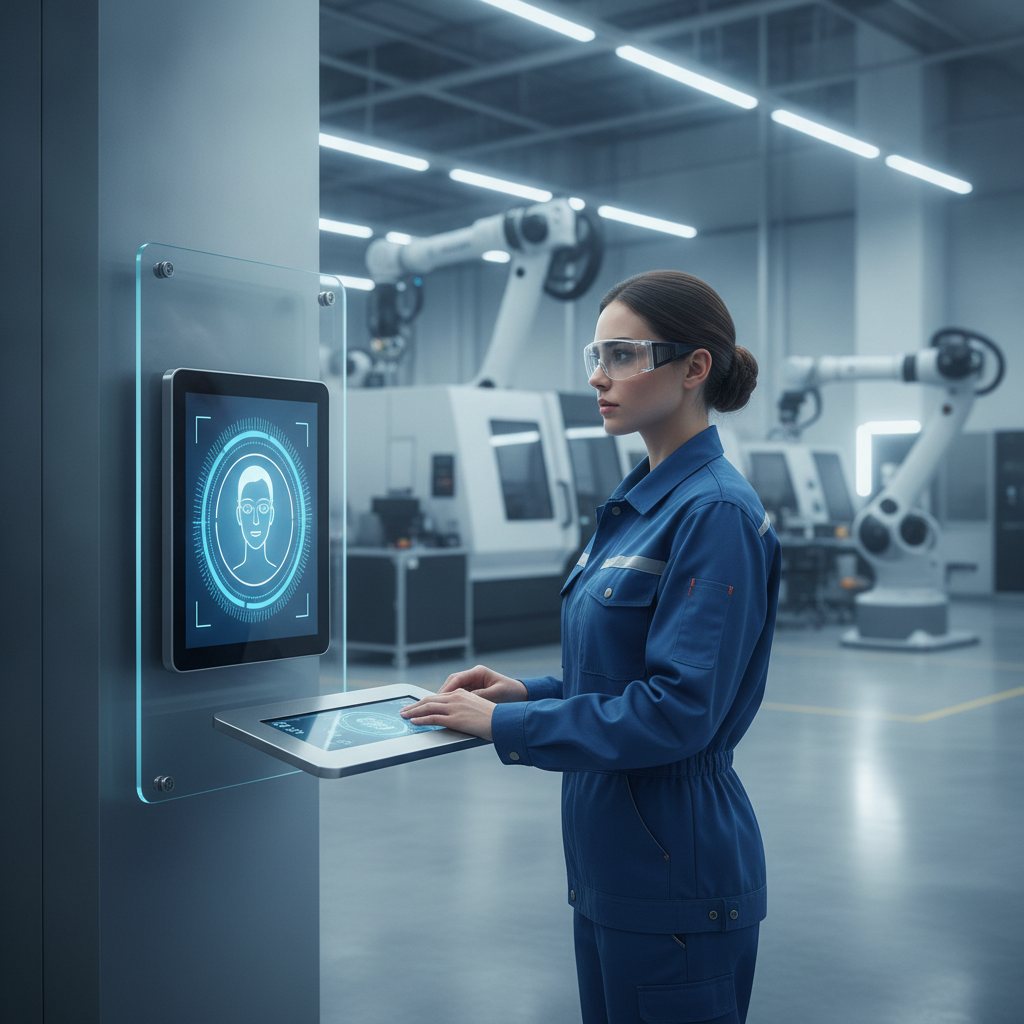
Employees start their shift by clocking in using facial recognition or barcode scanning. This prevents errors and confirms they are at the right site.
Step 2: Take breaks and record them
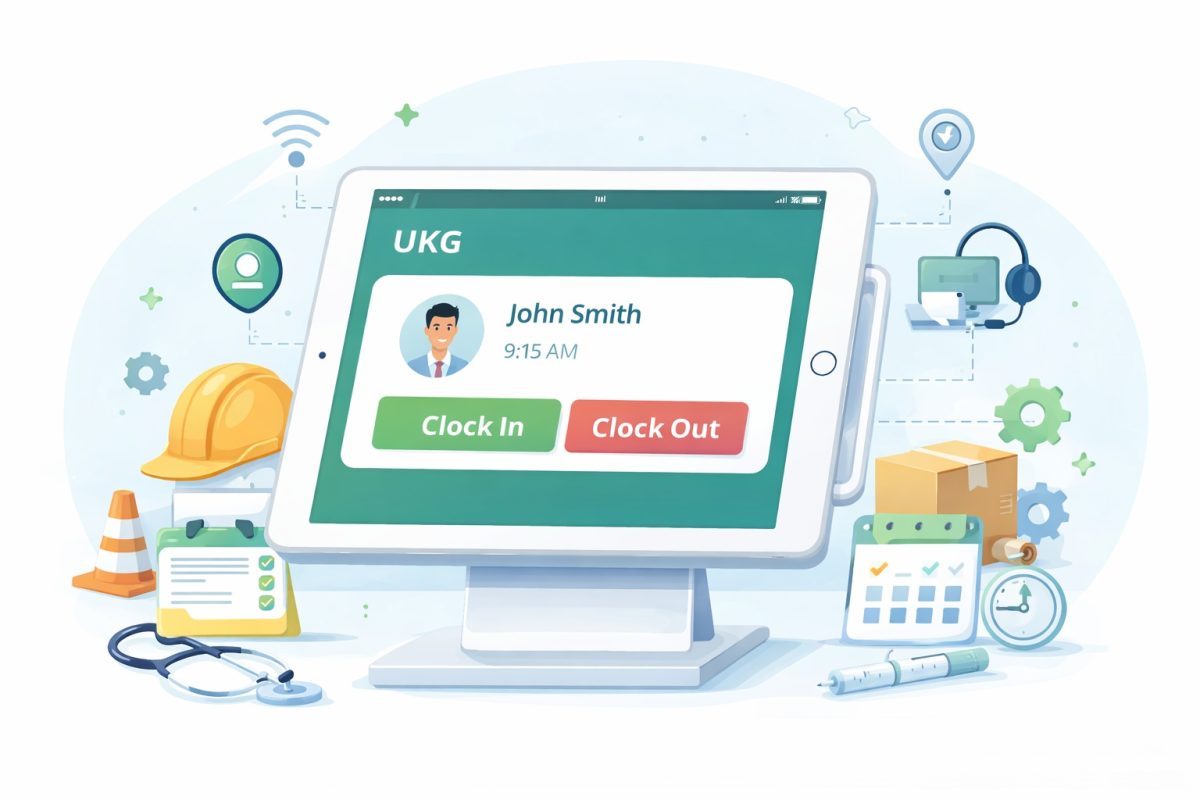
When employees start or end a break, they tap the break option on the tablet. The system records the exact time and keeps a clean log inside UKG.
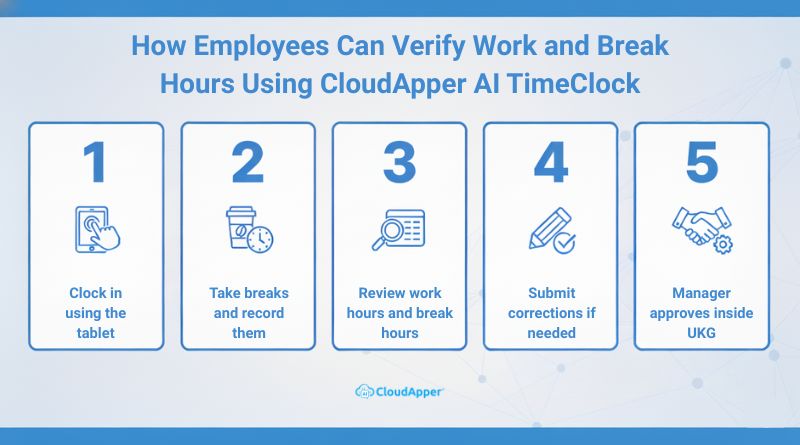
Step 3: Review work hours and break hours
Before ending the shift, employees see a clear summary of their:
-
Total work hours
-
Total break hours
-
Missed break alerts
-
Extended break warnings
This step alone reduces most corrections that usually show up during payroll.
Step 4: Submit corrections if something looks wrong
If an employee notices a missing break or an incorrect time, they can send a correction request right from the kiosk. Managers see it in real time inside UKG.
Step 5: Manager approves inside UKG
Supervisors receive the request and approve or adjust the hours. This creates an audit trail that protects both the employee and the company.
This entire flow prevents surprises at the end of the week and keeps your labor data clean.
You have already seen how simple verification becomes when employees handle it themselves. Now imagine this working across every shift, every location, every day.
Break Verification and Compliance for UKG Users
Break compliance is one of the biggest concerns for companies that follow strict labor rules. I often see issues like:
-
Missed meal breaks
-
Breaks taken too late
-
Breaks shorter than required
-
Breaks that do not match state laws
CloudApper AI TimeClock helps you prevent these problems before they grow.
How breaks are recorded
One of the biggest frustrations I hear from UKG users is uncertainty around break punches. Employees often take a break, return to work, and only later discover that the punch didn’t go through. That single missing punch creates a chain reaction for HR, payroll, and compliance.
With CloudApper AI TimeClock, the break punch happens instantly and visibly. The kiosk shows the recorded start and stop times immediately after the employee taps the break button. There is no guessing or hoping the punch saved. Employees see what the system captured in real time, which eliminates misunderstandings and prevents incorrect edits later. When people trust the clock, they stop double-punching, and timecards start clean.
How the system prevents break violations
Break violations usually happen because employees are unaware of specific timing rules inside UKG. They might take a break too early, too late, or return a few minutes short of the required duration without realizing it. These small timing errors turn into compliance issues and frustrate both employees and managers.
CloudApper AI TimeClock helps prevent violations by enforcing the break rules you already have in UKG. You can set minimum break length, maximum duration, required break windows, and meal break timing. The kiosk tracks these details in the background and notifies employees when they approach a boundary. Instead of discovering violations during payroll approval, employees stay aligned with the rules while working their shift. It is guidance, not policing, and it keeps your workforce compliant without adding extra work.
Real-time alerts for missed or late breaks
Missed breaks are one of the most common compliance issues in UKG timecards. Not because employees are ignoring policy, but because no one is watching break timing in real time. Supervisors are busy running operations. Employees often lose track of time. Break violations then appear at the end of the pay period, when it is too late to fix.
With CloudApper AI TimeClock, both sides get alerts before a problem forms. If an employee is approaching their break deadline, they receive a reminder. If they miss that window, the system notifies the supervisor so they can intervene quickly. These alerts help managers space out breaks properly, avoid crowding, maintain coverage, and protect compliance. Instead of dealing with violations at the end of the week, you prevent them during the shift when they are easiest to fix.
Automatic audit trail for compliance
One thing I see a lot in UKG environments is this pattern: everything looks fine during the week, but when an auditor, labor inspector, or internal HR review happens, no one can clearly explain why certain break or work hour edits were made. The data is there, but the story behind it is missing. That is where many teams get uncomfortable.
With CloudApper AI TimeClock, every action tied to work and break hours leaves a trace. Each punch stores the timestamp, location, device, and who made it. If an employee verifies their hours or submits a correction, that event is also logged. If a manager adjusts a break or approves a correction, that decision is recorded too. You don’t just see the final hours. You see how those hours came to be.
CloudApper AI TimeClock vs Manual Work & Break Hour Verification
| Feature | Manual Tracking | CloudApper AI TimeClock |
|---|---|---|
| Break verification | Often inaccurate | Real-time and confirmed |
| Compliance | High risk | Automatically enforced |
| Audit trail | None or partial | Full digital record |
| Punch accuracy | Easy to manipulate | Biometric and location-based |
This level of control is what improves accuracy most. When you verify break hours at the moment they happen, payroll becomes smooth and predictable.
Customization Options for UKG Workflows
Different industries follow different break rules. That is why CloudApper AI TimeClock offers a flexible configuration for UKG Pro Activities users. You can customize:
-
Break types
-
Attestation questions
-
Verification prompts
-
Location rules
-
Manager approval steps
This keeps the process simple for employees while fitting your exact requirements.
Enhanced Security for Work and Break Verification
Security matters for time tracking. That is why the timeclock includes:
-
Facial recognition
-
Barcode scanning
-
Geofencing
-
Device restrictions
This prevents time theft and keeps your work hour verification process trustworthy for everyone.
Final Thoughts
When employees verify work and break hours directly at the kiosk, your entire UKG workflow becomes easier to manage. You avoid disputes, reduce corrections, and keep your time data clean from the beginning. CloudApper AI TimeClock gives employees a simple way to confirm their hours while giving managers real time visibility into what actually happened during the shift.
If clean timecards, fewer corrections, and stress-free payroll are your goals, the next step is easy.
Frequently Asked Questions
- How can employees verify work and break hours in UKG? Employees can review and confirm their work and break hours directly at the CloudApper AI TimeClock kiosk before ending their shift.
- Does CloudApper AI TimeClock help prevent break violations? Yes. The system enforces UKG break rules, alerts employees about timing, and warns supervisors before missed or late breaks occur.
- Can employees request corrections for missing or incorrect break punches? Yes. Employees can submit correction requests from the kiosk, and managers receive them instantly inside UKG for approval.
- How does CloudApper AI TimeClock improve accuracy for break tracking? It records break punches in real time, validates locations, and provides a clear summary to eliminate guesswork and manual edits.
- Is CloudApper AI TimeClock secure for work and break verification? Yes. It uses facial recognition, barcode scanning, and geofencing to ensure only authorized employees verify and record hours.