UKG's time clocks keep timecards accurate, but many frontline teams also need equipment IDs, mileage readings and project codes at the punch. Here's how custom data capture at clock-in records those details with each punch, on iPads and Android tablets, without native hardware or IT development.



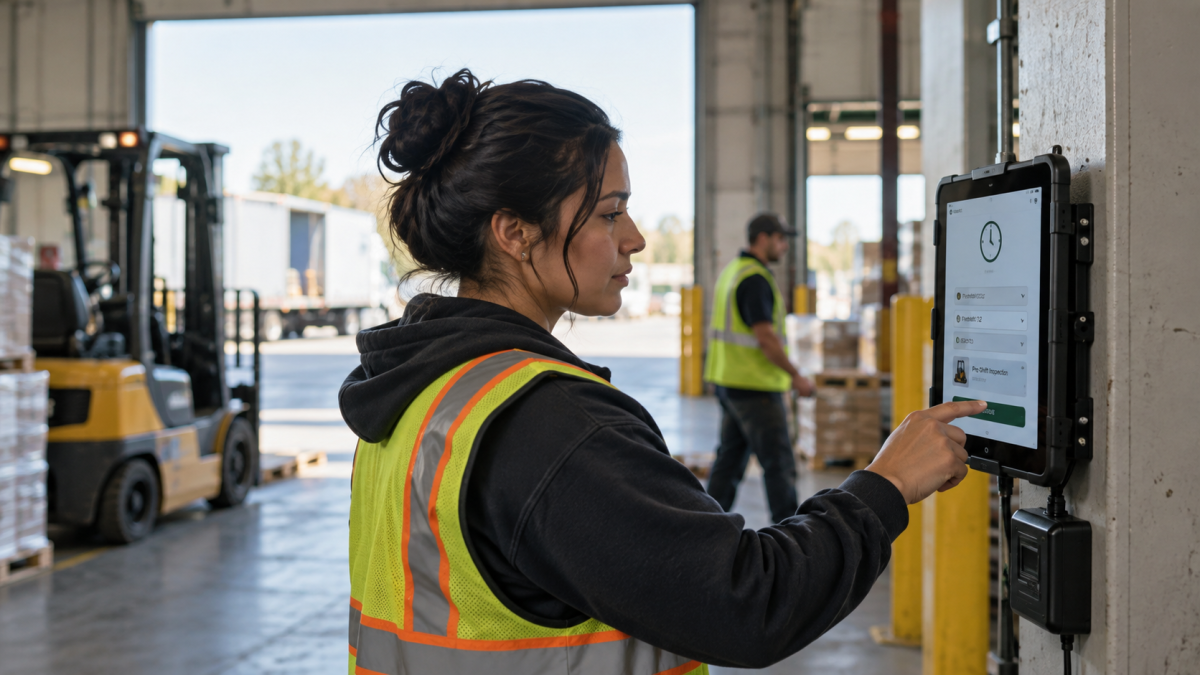
Table of Contents
- How UKG handles data at the punch, and where operational details fit
- Adding your own UKG custom fields
- How CloudApper AI’s employee time clock for UKG captures this data
- Capturing operational details at the punch
UKG Pro Workforce Management (WFM), UKG Pro and UKG Ready turn punches, transfers and attestation answers into accurate timecards, and UKG’s clocks handle that well. Many teams also need to log details at the punch, like which forklift was inspected or a driver’s starting mileage. Instead of paper or a separate app, CloudApper AI’s employee time clock for UKG keeps time and operational details together in one place. Employees answer UKG custom fields as they punch on iPads or Android tablets, with no code or native clock hardware needed, and everything still flows through your UKG setup.
How UKG handles data at the punch, and where operational details fit
UKG’s time clocks, including InTouch DX, are built to record time accurately. Depending on how your tenant is set up, employees identify, punch in or out, transfer to another job or cost center, and answer attestation questions. Each input connects to pay rules, labor tracking or a compliance workflow, which is what keeps timecards reliable.

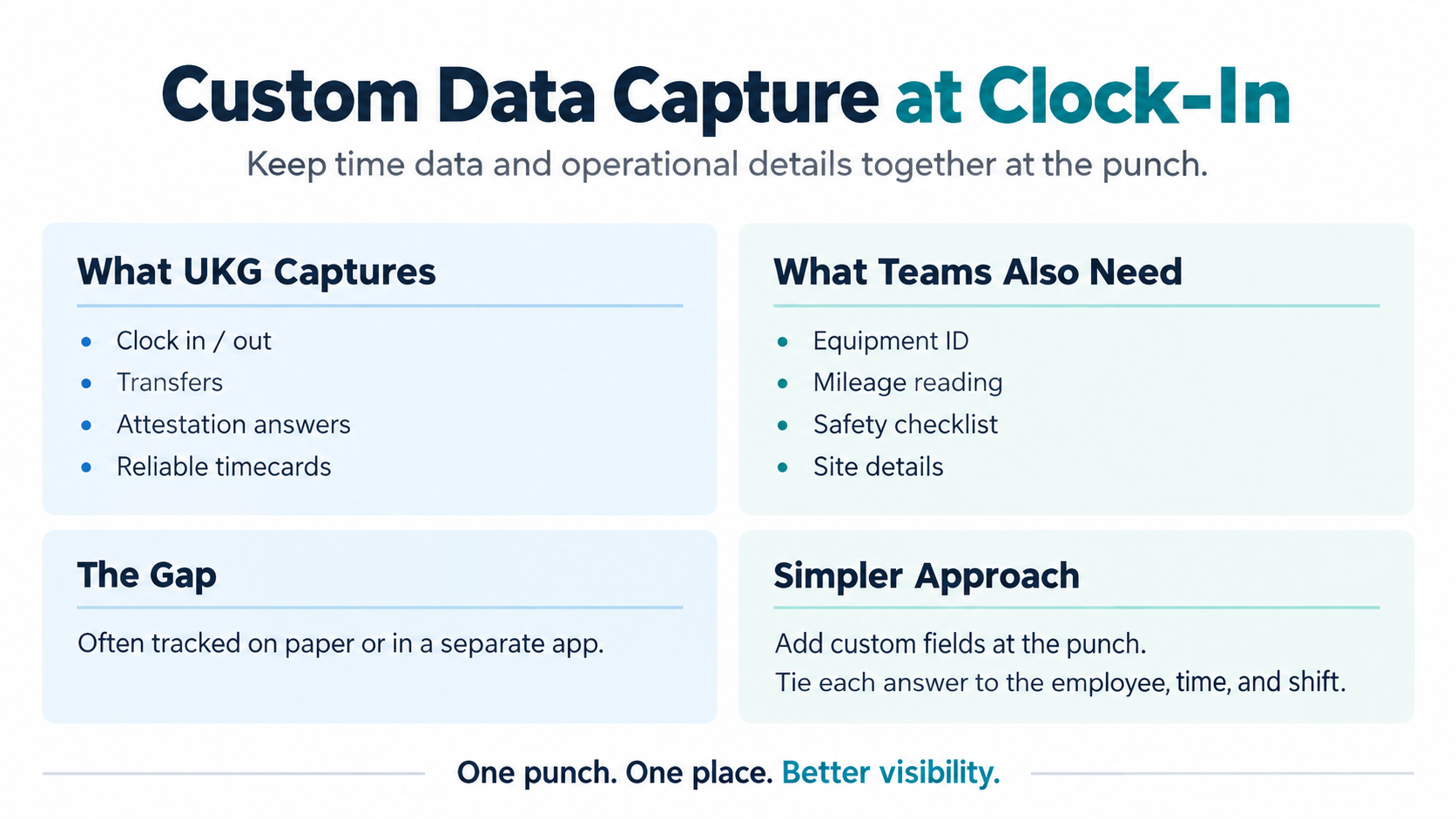
Many frontline teams also want to record operational details at the same moment. An equipment ID, a mileage reading or a safety checklist is about equipment and the job site rather than hours or pay, so it’s a different kind of record. Some teams set these up inside their time settings, and others keep them on paper or in a separate app. Either way, the goal is the same: capturing those details at the punch, tied to the employee and the shift. This is where custom data capture at clock-in comes in.
Adding your own UKG custom fields
Custom data capture at clock-in adds your own fields to the punch screen, like a project or job cost code, an equipment ID, a starting mileage reading, a geofenced site check or a condition note. Each answer carries a name and a timestamp, and transfers mapped to UKG labor categories or cost centers are still posted to UKG. That means fewer timecard and project code fixes later, and those add up. In a 2022 EY survey of 508 U.S. payroll professionals, missing and incorrect time punches were the most time-consuming payroll error to fix, at 26 minutes per employee, and each payroll error cost an average of $291.
| Field | Example | Typical team |
|---|---|---|
| Project or job cost code | Which project the crew is on | Construction, dock crews |
| Equipment ID | Which forklift was checked out | Warehouse, maintenance |
| Starting mileage | Odometer at shift start | Drivers, field service |
| Safety or equipment checklist | Pre-shift inspection passed | Manufacturing, warehouse |
| Geofenced site check | Confirms the employee is on site | Field and multi-site teams |
| Condition note | “Scanner cracked, reported” | Any team |
How CloudApper AI’s employee time clock for UKG captures this data
As teams add custom fields, the extra details often end up on paper forms or in separate files that someone has to collect and match to each shift later. CloudApper AI’s employee time clock for UKG keeps those details in your UKG environment instead. It runs on iPads and Android tablets, and CloudApper sets up the custom fields, so there’s no code to write and no dedicated clock hardware to install. Employees identify with facial recognition, a QR code or a PIN, then answer the questions for their site. A technician logs the equipment ID and its condition, a driver enters starting mileage, and a dock crew picks the project code. Each answer is timestamped, supervisors get notified when something needs follow-up, and geofencing confirms location.
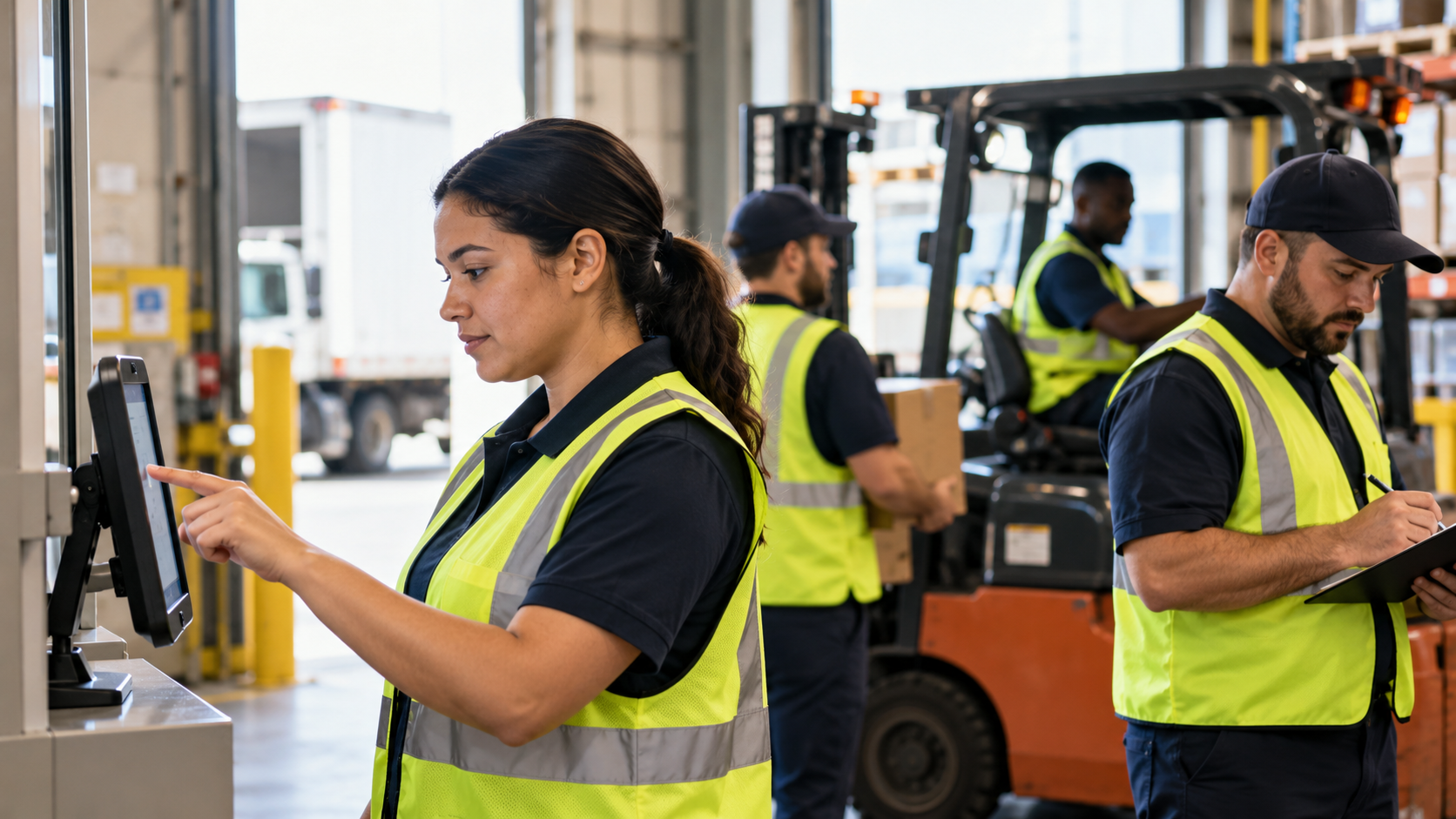
Punches, transfers, pay codes, tips, PTO and attestations sync with UKG Ready, UKG Pro and UKG Pro WFM, so your UKG setup works the way it always has. Offline time capture keeps recording when a site loses connection, and custom answers are available for review and reporting alongside each punch.
Capturing operational details at the punch
Frontline shifts often start with more than a punch: which equipment was checked out, what the mileage read, which project the crew is on. When those details are kept on paper or in a separate app, someone usually has to match them to the right shift later. Custom data capture at clock-in records time and operational details together in one step, with each answer tied to the employee, the time and the place. Because it runs on iPads and Android tablets without native hardware or IT development, it can go wherever the work begins and change as your operation does.
If your teams still track equipment IDs, project codes or site checks outside the punch, contact us to see how CloudApper AI’s employee time clock for UKG can bring them together.
Frequently asked questions
What is custom data capture at clock-in?
It adds your own fields to the punch screen, like an equipment ID, a mileage reading, a project code or a condition note. Employees answer as they punch, and each answer is tied to the employee, the time and the place.
What data can you capture at clock-in with UKG custom fields?
Common UKG custom fields include project or job cost codes, equipment IDs, starting mileage, safety or equipment checklists, geofenced site checks and condition notes. Each answer is timestamped and tied to the employee and the punch, and transfers mapped to UKG labor categories or cost centers still post to UKG.
Does this change how UKG works?
No. UKG keeps handling punches, transfers, pay codes and attestations the way it always has. Custom fields add operational details alongside each punch.
Does it require IT development or new hardware?
No. CloudApper sets up the custom fields, and the time clock runs on iPads and Android tablets, so there’s no code to write and no dedicated clock hardware to install.
Which UKG platforms does it work with?
It works with UKG Ready, UKG Pro and UKG Pro WFM (formerly UKG Dimensions).
Can different employees see different questions?
Yes. Questions can be set by punch type or site, so each employee sees only the fields that apply to their work.
Does it work when the internet connection drops?
Yes. It keeps recording punches and answers offline and syncs them when the connection returns.


October 19, 2026
Nurse Mandatory Overtime Limits in UKG: Documenting Voluntary Overtime at Clock-Out
New York, Pennsylvania and Washington restrict mandatory overtime for nurses, which makes documented consent the key record. Learn how UKG Pro WFM and UKG Ready separate voluntary and mandated overtime, and how CloudApper AI TimeClock captures consent on an affordable unit tablet.

October 16, 2026
Heat Illness Recovery Breaks in UKG for Construction and Logistics Crews
State heat rules in California, Washington and beyond require cool-down breaks that payroll must be able to prove. Learn how UKG Ready and UKG Pro WFM track recovery periods, and how CloudApper AI TimeClock captures them on an affordable jobsite tablet that works offline.
October 15, 2026
PUMP Act Lactation Breaks in UKG: Tracking Them Without Breaking Meal Rules
Lactation breaks protected by the PUMP Act often show up as meal break exceptions in UKG. Learn what federal law requires, how to configure UKG Ready and UKG Pro WFM pay codes, and how CloudApper AI TimeClock records these breaks privately on an affordable tablet clock.
October 14, 2026
Enforcing Minor Work Hour Limits at the UKG Time Clock
Child labor hour limits are usually built into UKG schedules, but violations happen at the punch. Learn the federal rules for 14 to 17 year olds, how UKG Pro WFM and UKG Ready handle minor rules, and how CloudApper AI TimeClock adds age-based checks on an affordable tablet clock.