Interview scheduling quietly absorbs recruiter hours and lets strong candidates slip away. For UKG Pro and UKG Ready teams, here is where scheduling time goes at scale, how to measure time-to-schedule, and what interview scheduling automation with CloudApper AI Recruiter recovers.



Table of Contents
- 01 What “Scheduling” Actually Costs at Scale
- 02 The Delay That Loses the Hire
- 03 Where UKG Recruiting Hands Off to Scheduling Coordination
- 04 What Interview Scheduling Automation Actually Changes
Most TA leaders can tell you their time-to-fill. Fewer can tell you how many of those days go to interview scheduling, and for teams running UKG Pro or UKG Ready the share is often larger than expected: a meaningful part of the hiring cycle is email back-and-forth about calendar availability rather than sourcing, screening or deciding.
The cause is the process, not recruiter performance. This article shows where interview scheduling time goes at scale and what scheduling automation inside UKG recovers.
01 What “Scheduling” Actually Costs at Scale
When you’re filling one or two roles a month, manual scheduling is annoying but manageable. An email here, a calendar invite there. When you’re running 30, 50, or 200 active requisitions, it becomes something else entirely.
The time is real even when nobody tracks it. In a Yello survey of 200 recruiting professionals, 59% of recruiters who use scheduling software said it saves them 2 to 10 hours a week. Spread across a team carrying dozens of active requisitions, that is a meaningful share of a coordinator’s week spent on calendar logistics rather than on candidates.
The hidden math: Run your own numbers. If a coordinator earning $55,000 a year spends 10 hours of a 40-hour week on interview logistics, about $13,750 of that salary goes to calendar management, work that produces no hiring decisions. Swap in your team’s actual hours and salaries for a figure your CFO will recognize.
And that’s before factoring in what the delays cost on the candidate side.
02 The Delay That Loses the Hire
Here’s the scenario that plays out constantly in high-volume recruiting: a strong candidate applies on Monday. They get screened on Tuesday. By the time a coordinator has gone back and forth enough times to land an interview time that works for the hiring manager, the panel, and the candidate — it’s Friday of the following week.
Day 1
Candidate applies & passes screeningReady for interview. Coordinator begins outreach.
Day 2–3
First email roundCoordinator emails hiring manager for availability. Waits for reply.
Day 4–5
Candidate responds — slots don’t matchBack to hiring manager. Second round begins. Panel member responds late.
Day 7
Interview finally confirmedCoordinator sends invite. No automated reminder set up.
Day 10
Candidate accepts another offerThey were in two processes. The other employer moved in 3 days. Your interview was tomorrow.
Strong candidates in healthcare, manufacturing, logistics and retail are often in more than one hiring process at once. A 7-to-10-day scheduling lag slows your process, and for the candidates with the most options it can end it.
03 Where UKG Recruiting Hands Off to Scheduling Coordination
UKG Pro and UKG Ready are strong platforms for managing the hiring pipeline — requisition tracking, candidate progression, offer management. That’s what they’re built for, and they do it well.
The layer that sits next to them is the real-time coordination that sits between “candidate passed screening” and “interview confirmed.” Syncing live calendar availability across multiple hiring managers. Sending a qualified candidate a self-booking link the moment they’re shortlisted. Firing automated reminders at 48 hours, 24 hours, and 2 hours before the interview. Handling rescheduling requests without the coordinator getting pulled back in.
That coordination work sits alongside the HCM platform, which is why many teams running UKG for recruiting still keep a coordinator in the loop for it. CloudApper AI Recruiter extends UKG with that coordination layer, so the pipeline in UKG and the calendar logistics move together.
04 What Interview Scheduling Automation Actually Changes
The premise of interview scheduling automation is straightforward: remove the human from the middle of the logistics loop, and let the calendar sort itself out.
In practice with CloudApper AI Recruiter for UKG, the moment a candidate clears pre-screening inside your UKG pipeline, they’re automatically sent a self-booking link. That link pulls live availability from your hiring team’s calendar — Google, Outlook, Calendly, whatever you’re already using. The candidate picks a slot, the event locks, confirmation goes out, and the interview is in the books without a coordinator touching it.
| Stage | Manual Process | With Scheduling Automation |
|---|---|---|
| Candidate cleared for interview | Coordinator manually reaches out | Self-booking link sent instantly |
| Finding a mutual time slot | 3–7 days, 4–9 emails | Under 10 minutes, 0 emails |
| Interview reminders | Manual, often skipped | Automated at 48h, 24h, 2h |
| Rescheduling | Coordinator re-enters the loop | Candidate self-reschedules via link |
| Data pushed to UKG | Manual update or forgotten | Automatic sync back to UKG record |
| No-show rate | Higher without reminders | Lower with automated reminders |
None of this requires changing how UKG works. Your recruiters still live in UKG — candidate data, interview status, pipeline progression all sync back automatically. The automation layer just handles the part your coordinators were doing manually.
05 The Broader Picture: What Coordinators Should Be Doing Instead
There’s a version of this conversation that’s purely operational — hours saved, cost recovered, time-to-fill reduced. All of that is real. But the more important point is what your coordinators and recruiters can actually do with that time.
Coordinators who aren’t managing email threads are building relationships with candidates who are on the fence. Recruiting teams who aren’t chasing calendar confirmations are running better interviews and making faster decisions. That’s not a small thing in a market where the gap between first-choice and second-choice hiring often comes down to who moves faster.
AI Recruiter for UKG Pro & Ready
Automated screening, self-booking, and reminders built around your UKG pipeline. See how it works →
High-Volume Hiring in UKG
How TA teams scale to hundreds of roles without scaling headcount. Full guide →
Reduce Candidate Drop-Off in UKG
Why candidates disengage mid-process — and how automation keeps them moving. Read more →
UKG Recruiting Customization
Build automations and workflows tailored to your exact UKG recruiting process. Explore CloudApper AI Platform for UKG →
A healthcare group using UKG Ready saw a 45% improvement in application completion and saved 8 recruiter hours weekly after integrating CloudApper AI Recruiter. Time-to-interview dropped from 12 days to 72 hours — with interview show-up rates rising from 40% to 70%.
06 One Number Worth Tracking
If you take one thing from this: measure your average time-to-schedule. Not time-to-fill, not time-to-hire — just the gap from “candidate shortlisted” to “interview confirmed.” Most teams have never looked at this number because the data is scattered across inboxes. When you pull it together, it’s usually somewhere between five and ten days. It should be under 24 hours.
That gap — between five days and 24 hours — is what interview scheduling automation closes. For UKG teams, it closes it without changing your system of record, without rebuilding your process, and without asking your recruiters to learn a new platform.
Take scheduling off your coordinators’ plates — without touching your UKG setup.
CloudApper AI Recruiter integrates directly with UKG Pro and Ready to automate the full scheduling loop: self-booking, reminders, rescheduling, and UKG sync. No rebuilds. No new ATS.
Frequently Asked Questions
What is interview scheduling automation?
Interview scheduling automation removes manual calendar coordination from the recruiting process. When a candidate advances to the interview stage, they automatically receive a self-booking link synced to the hiring team’s live availability. The candidate selects a time, the event confirms across all calendars, and reminders send automatically — with no recruiter or coordinator involved in the logistics.
Does interview scheduling automation work with UKG Pro and UKG Ready?
Yes. CloudApper AI Recruiter integrates with both UKG Pro and UKG Ready via API. When a candidate is shortlisted in UKG, the automation triggers automatically. All confirmed interview data syncs back into UKG, so your recruiters never have to leave the platform they’re already working in.
How much time does scheduling automation actually save?
It depends on volume, but the savings show up in recruiter hours. In a Yello survey of 200 recruiting professionals, 59% of recruiters using scheduling software reported saving 2 to 10 hours a week. One CloudApper customer using UKG Ready saved 8 recruiter hours per week after deployment, and its time-to-interview dropped from 12 days to 72 hours.
Can candidates reschedule without a coordinator stepping back in?
Yes. CloudApper’s scheduling automation includes self-service rescheduling. If a candidate needs to change their time, they use the same booking link to select a new slot from live availability. The calendar updates across all parties automatically, and a new confirmation sends — no manual intervention needed.
Does this change how UKG Pro or Ready works?
No. CloudApper operates outside UKG’s core, connecting via API. Your existing UKG configuration, data model, and workflows stay exactly as they are. Recruiters continue working in UKG; the automation layer simply handles the scheduling logistics that currently live in their email inboxes.



October 26, 2026
Candidate Disposition Automation in UKG Pro Recruiting: The Decision Layer Between the Requisition and the Hire
At a growing healthcare network, UKG Pro Recruiting handles posting and onboarding well, but screening, status changes and manager review pile up in the middle. This piece looks at 14 manual dispositions, missing drop-off data and clinical hiring managers, and how CloudApper adds a decision layer on top of UKG Pro Recruiting.
October 8, 2026
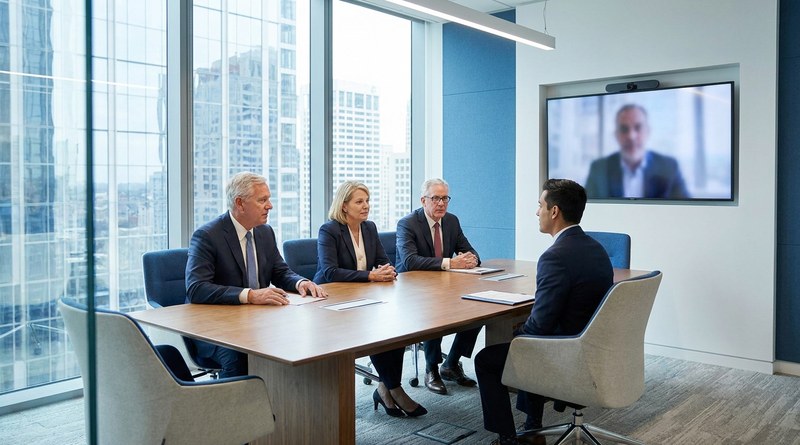
Multi-Round Interviews in UKG Pro Recruiting: Automating Executive Panel Scheduling for Fund Administrators
Senior hiring at a global fund administrator runs through many interview rounds and executive calendars across time zones. CloudApper AI Recruiter extends UKG Pro Recruiting to support every round, schedule executive panels through Outlook and Teams, and give recruiting leadership real-time KPIs on where each search stands.

September 15, 2026
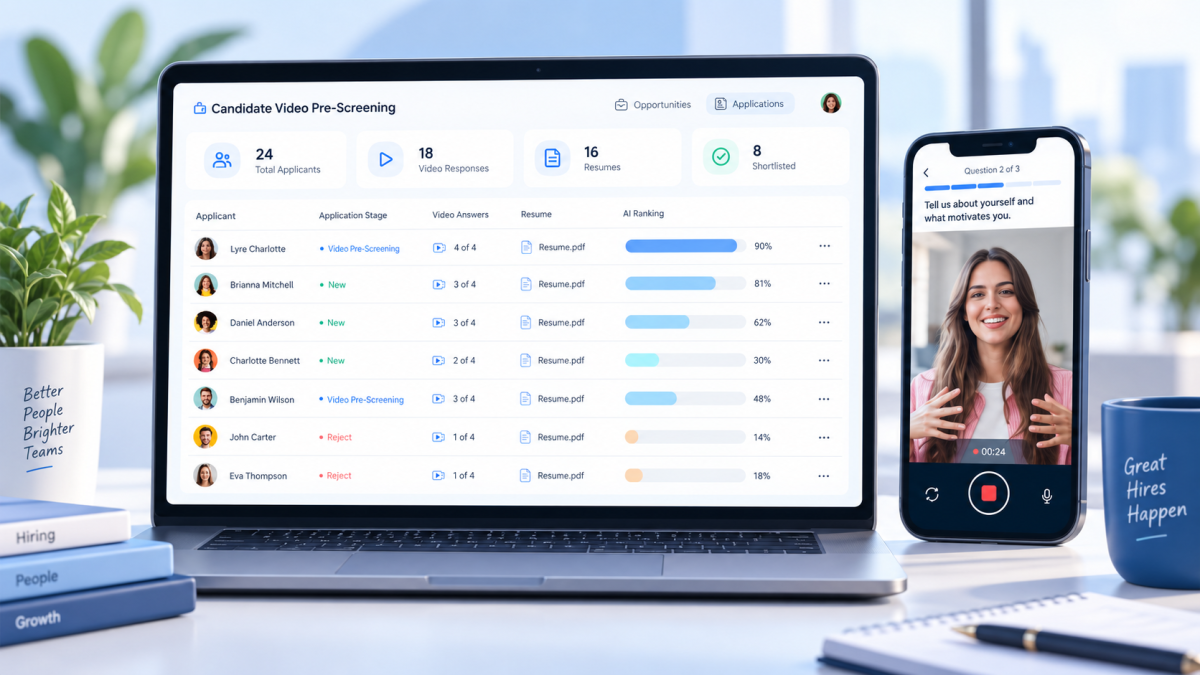
One-Way Video Interviews in UKG: Know Who’s Worth Interviewing Before the Interview
UKG video interviews let shortlisted candidates record answers on their phone, on their own time, so recruiters hear from a real person before booking any interview. The step runs alongside UKG Pro Recruiting or UKG Ready, and the ratings, transcripts, and recordings write back to the applicant record.

September 9, 2026
License-Based Onboarding in UKG Ready: Assigning Broker Forms by Line of Authority
An insurance brokerage's obligations start the moment a broker's hire record is created. Here is why license and location should decide each new broker's onboarding forms in UKG Ready, and how CloudApper derives that path from license data instead of relying on a choice among twenty static checklists.