With UKG InTouch 9000 and 9100 devices approaching end of support, many organizations are rethinking more than just hardware. This practical guide walks HR leaders through a low-risk, UKG-aligned transition strategy—covering device inventory, pilot planning, payroll parallel runs, and how modern self-service kiosks like hrPad can reduce HR friction while improving the frontline experience.


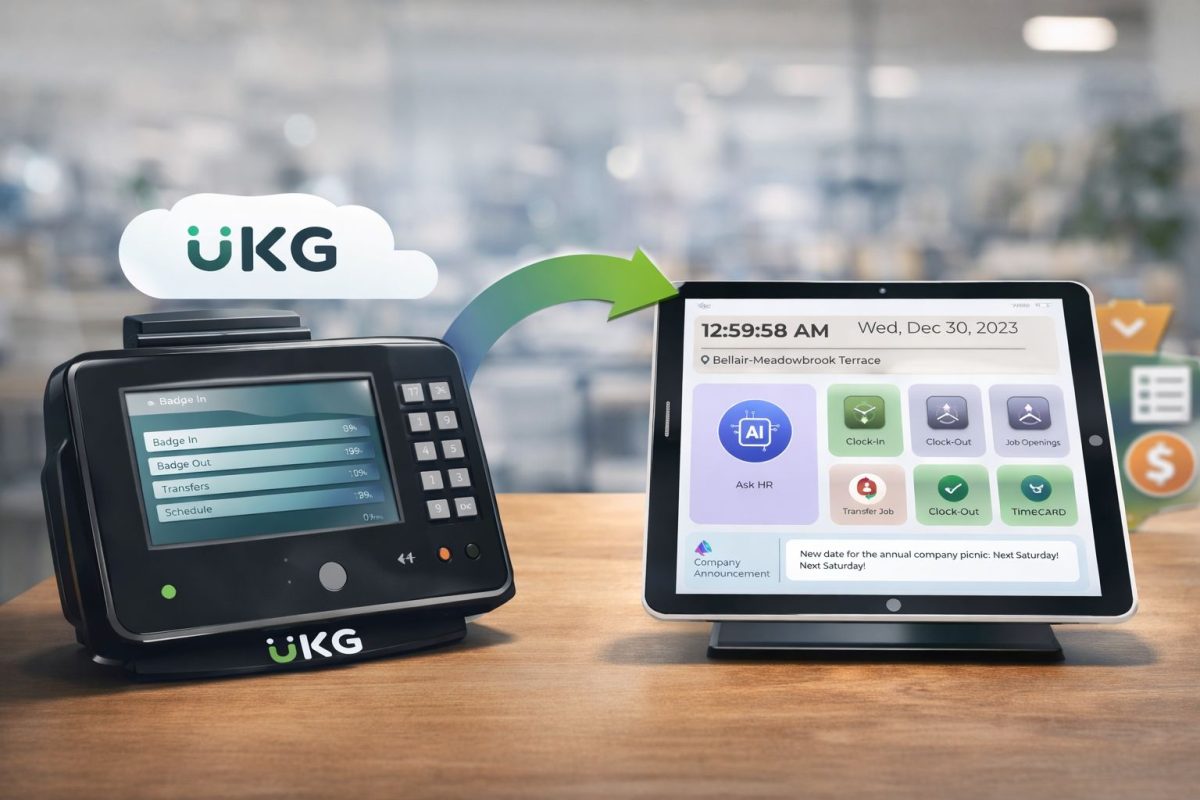
Table of Contents
- Step 1: Treat this like a payroll-risk project, not a hardware swap
- Step 2: Inventory what you actually have
- Step 3: Choose your UKG-aligned replacement strategy
- Step 4: Design the employee experience first
- Step 5: Run a pilot that measures exceptions, not vibes
- Step 6: Parallel-run payroll before you cut over
- Step 7: Scale rollout with a site playbook (and keep support simple)
- Step 8: Decommission old devices the right way (don’t leave “ghost risk” behind)
- Where hrPad naturally strengthens the transition
If you’re running a fleet of older time devices in a UKG environment, you’re not alone. Many organizations built dependable, long-lived clock strategies years ago, then watched the frontline reality change: more locations, higher turnover, tighter compliance pressure, and employees who expect self-service to be as simple as everything else in their day.

Now, device lifecycle planning has become part of workforce continuity planning.
Some teams are preparing after receiving communications that UKG InTouch 9000 and 9100 support will be discontinued at the beginning of 2027. Others are aligning broader “legacy device” refresh plans within the same window.
Either way, the goal is the same: transition without disrupting payroll, without frustrating employees, and without creating a new support burden for HR, IT, or operations.
This article lays out a practical, step-by-step plan HR leaders can run while staying fully aligned with the UKG ecosystem.
Step 1: Treat this like a payroll-risk project, not a hardware swap
In HR, we’ve all seen “simple device changes” turn into payroll fire drills. The difference between a smooth transition and a painful one is whether you design around outcomes:
- Payroll continuity: punches must land in UKG reliably, even during network hiccups.
- Employee experience: the process must be faster than what employees are used to.
- Manager workload: exceptions should go down, not up.
- IT maintainability: device management must be scalable across sites.
This framing also helps you get executive alignment quickly. You’re not asking for “new clocks.” You’re protecting pay accuracy, compliance, and operational stability.
Step 2: Inventory what you actually have
Before you choose a replacement path, build a real picture of frontline usage:
Where organizations get surprised:
- Clocks used as “HR help desks” (employees ask supervisors because the device can’t answer simple questions).
- High exception volume caused by missed punches, transfers, or confusing prompts.
- Multi-entity or multi-location setups where cost center accuracy matters as much as time.
Capture four inventory layers:
- Device layer: model, location, mounting, power/network type, spares, failure history.
- Workflow layer: punch types used, transfers, attestation prompts, break behavior.
- Population layer: volume by shift change, language needs, gloves/PPE, accessibility.
- Governance layer: who owns rules, who approves timecards, how exceptions are resolved.
This inventory becomes your requirements document.
Step 3: Choose your UKG-aligned replacement strategy
A UKG environment gives you multiple valid paths, and the best answer is often a blended approach.
Path A: UKG InTouch DX for modern hardware time capture
If you want a purpose-built, future-ready UKG time clock, UKG InTouch DX is designed for fast interactions and secure timekeeping, with optional UKG TouchFree ID for touch-free facial recognition.
This path is often best when:
- You prefer standardized, dedicated time clock hardware.
- You have high-throughput entrances and need purpose-built durability.
- You want tight alignment with UKG’s device ecosystem.
Path B: Add a frontline self-service layer that still feeds UKG cleanly
Here’s the blind spot many teams only notice mid-transition: replacing a clock doesn’t automatically reduce HR friction.
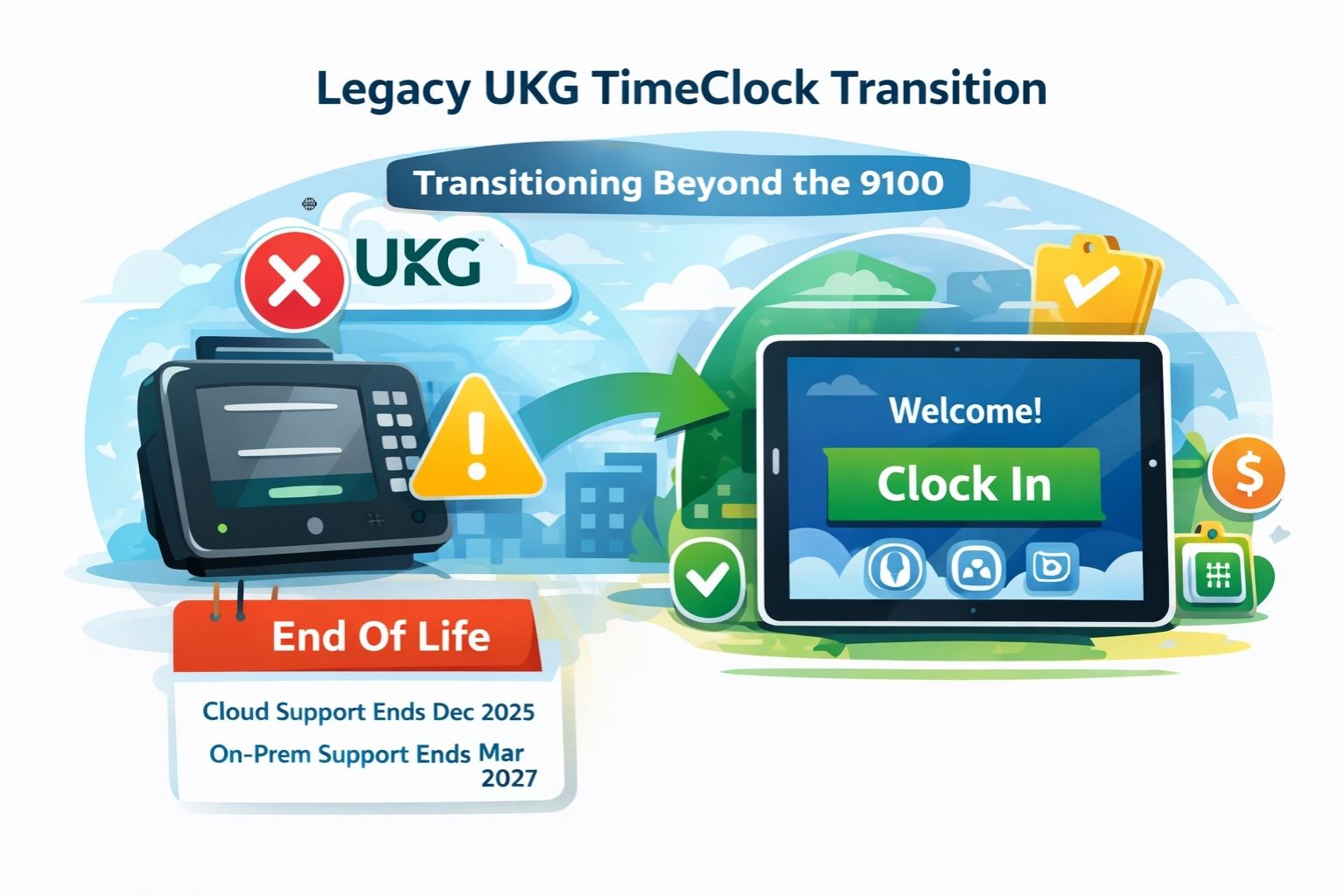
If your biggest pain is not just punching but the constant stream of frontline tasks (PTO balance checks, schedule questions, policy “quick asks,” shift changes), a tablet-based employee self-service kiosk can reduce human bottlenecks in time.
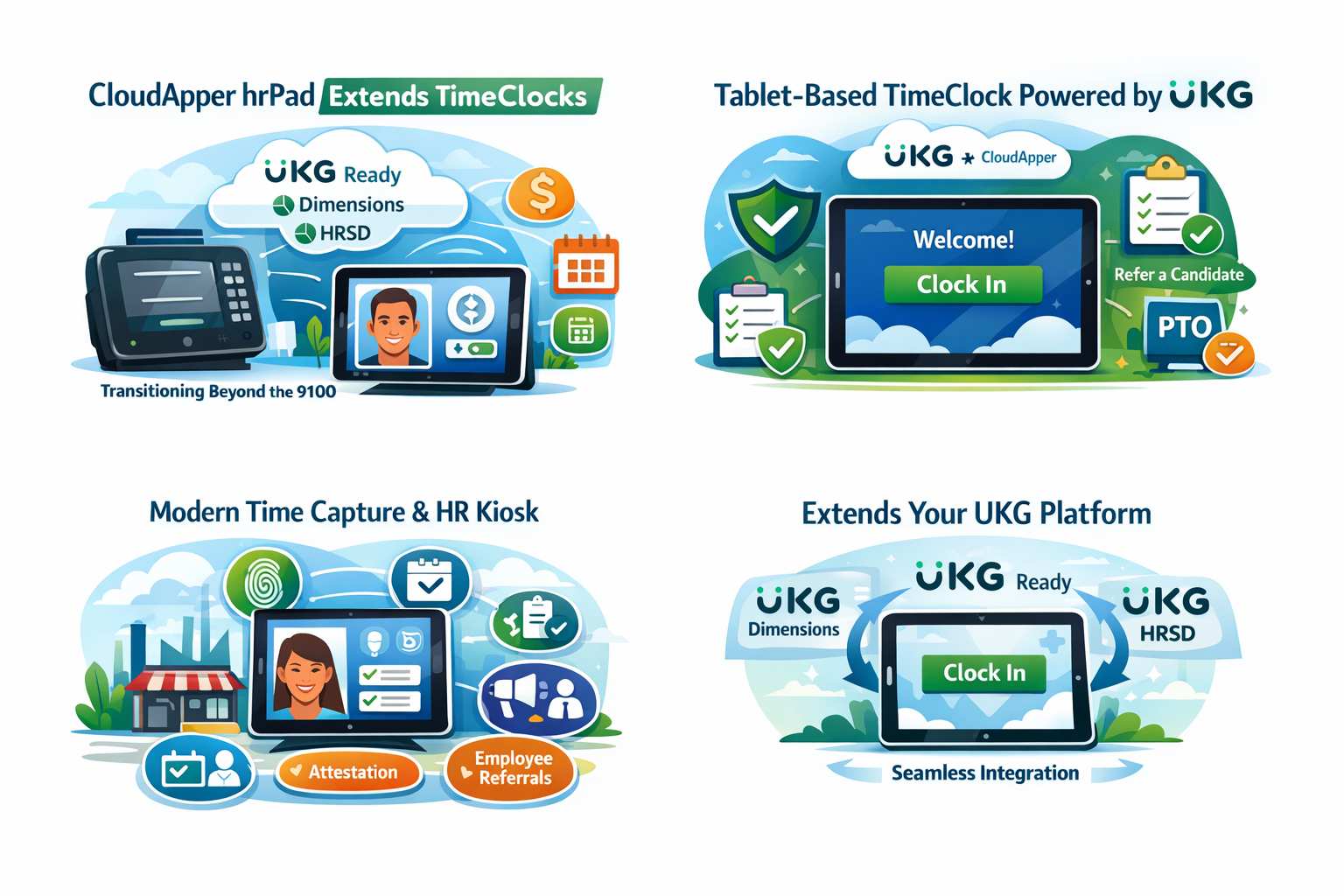
That’s where CloudApper hrPad fits naturally in a UKG ecosystem. hrPad turns standard iPads/tablets into an employee self-service kiosk that captures time and supports HR service delivery, with capabilities like Face ID check-in, geofencing, and a 24/7 AI assistant for HR questions—while integrating with UKG so punches and requests flow into the system of record.
This path is often best when:
- You want more than time capture: you want frontline self-service at the point of work.
- You’re scaling across many locations and want flexible device deployment.
- You want to reduce HR tickets and supervisor interruptions, not just modernize hardware.
Step 4: Design the employee experience first
HR leaders know this truth: if employees dislike the new experience, exceptions go up and compliance goes down.
Before you configure anything, decide:
- Authentication method: badge, PIN, Face ID/touch-free, or a combination.
- Transfer flow: when and how employees select job/cost center (and what guardrails exist).
- Prompts and attestations: what employees must confirm (breaks, meal compliance, etc.).
- Language and accessibility: the frontline experience must match your workforce.
If you’re adding hrPad in the mix, this is where it can pull double duty: employees can handle time-related actions and self-service HR tasks in the same place, reducing the “ask a supervisor” loop.
Step 5: Run a pilot that measures exceptions, not vibes
A pilot should be small enough to control and big enough to be real. Pick:
- 1–2 locations with high punch volume
- at least two shift changes
- a mix of power users and new hires
Track outcomes that matter:
- missed punches per 100 employees
- transfer errors
- timecard edits by supervisors
- payroll adjustments
- employee time-to-complete a punch/action
- HR ticket volume for basic questions (PTO, schedule, policy)
This is where you’ll prove the business case internally. And it gives you a clean narrative: “We improved time capture and reduced admin workload.”
Step 6: Parallel-run payroll before you cut over
In a UKG environment, the risk is rarely “device doesn’t turn on.” The risk is “punches don’t post correctly under edge cases.”
For one full pay cycle (sometimes two), parallel-run:
- validate punches arrive correctly
- validate transfers/cost centers
- validate rounding rules and break logic
- validate exception routing and approvals
This step makes your go-live boring, which is the highest compliment in payroll.
Step 7: Scale rollout with a site playbook (and keep support simple)
Once the pilot is stable, scale with a standard site checklist:
- network readiness and device placement
- MDM/kiosk lockdown and patching approach
- quick-start guides at the device
- supervisor training (focused on exceptions and approvals)
- escalation path for device issues vs UKG rule issues
If hrPad is part of your deployment, you’ll also want to standardize which self-service workflows you enable first (PTO requests and policy Q&A are usually quick wins).
Step 8: Decommission old devices the right way (don’t leave “ghost risk” behind)
Once sites cut over:
- remove old clocks from active configuration
- update documentation and site maps
- collect or securely dispose of devices
- close the loop on maintenance contracts and spare part storage
This step matters because “just in case” legacy devices sitting around often become security and support liabilities.
Where hrPad naturally strengthens the transition
If your transition plan is only “replace clock A with clock B,” you’ll modernize hardware but may not modernize the frontline experience.
hrPad is most valuable when you want the replacement program to also deliver:
- fewer repetitive HR questions (via kiosk-based self-service and AI assistance)
- cleaner transfer/accountability patterns (with geofencing where appropriate)
- a consistent employee experience across sites using standard tablets
In other words: it helps you turn a required transition into an employee-experience win.

January 27, 2026
How AI-Powered Self-Service Maximizes ROI in UKG Workforce Management Solutions
AI-powered self-service in UKG Workforce Management Solutions enhances ROI by automating HR tasks, reducing hidden costs, and improving employee satisfaction and operational efficiency.
January 27, 2026
Why CloudApper Stands Out Among UKG Integration Partners for Custom HR Workflows
CloudApper stands out among UKG Integration Partners by offering a no-code, AI-driven platform for custom HR workflows, enhancing flexibility and efficiency.
January 27, 2026
Revolutionizing UKG Dimensions Employee Login: Empowering Deskless Workers with Modern Solutions
Over 80% of the global workforce is deskless, yet many HR systems like UKG Dimensions are desktop-focused, causing inefficiencies for frontline workers. Solutions like CloudApper hrPad enhance accessibility, boosting productivity and employee satisfaction.
January 27, 2026
How to Transform UKG Time and Attendance into a Powerful Employee Self-Service Hub
Transform UKG Time and Attendance into a self-service hub, enhancing employee engagement and operational efficiency with AI-driven tools.