Frontline employees don’t work in dashboards—they work on the floor, in break rooms, and on shared devices. When access to UKG is inconvenient, HR service delivery breaks at the last mile. This article explains why HR self service kiosks help UKG frontline workers self-serve in the flow of work, reducing manager burden and payroll friction.



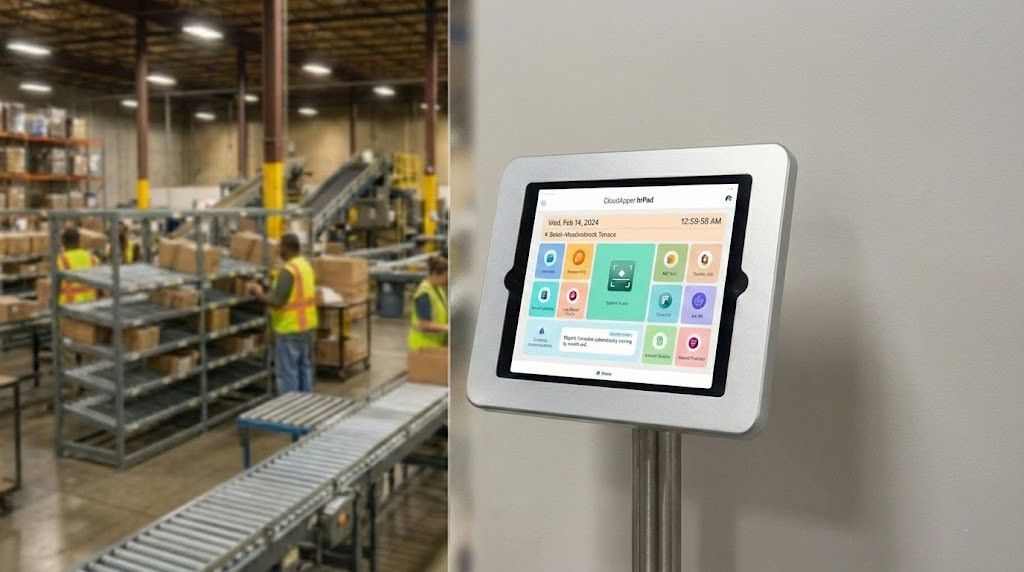
Table of Contents
Frontline employees don’t work in dashboards. They work on the floor, at entrances, and in break rooms—often with limited time, shared devices, and strict mobile policies. That is why many HR strategies fail at the last mile, even when the system of record is strong.
And it is not because UKG is missing anything.
When deskless employees are expected to “just log into UKG,” everyday HR tasks like timekeeping, PTO requests, and policy questions become inconvenient. As a result, tasks get delayed, managers become the workaround, payroll exceptions increase, and HR teams turn into help desks for issues that should be self-service.
This is why more HR leaders are pairing UKG with HR self service kiosks designed specifically for frontline and Kronos deskless employees. Not to replace UKG—but to extend it into the physical places where work actually happens.
CloudApper hrPad Employee Self Service Kiosk for UKG users is built for that exact purpose: making HR self-service accessible, fast, and usable in the flow of frontline work.
Why “just log in” is a mismatch for deskless reality
When I talk with other HR leaders, we all want the same thing: adoption, compliance, engagement, and fewer payroll surprises. We also want to respect how frontline work actually runs.
Here is what the deskless reality looks like:
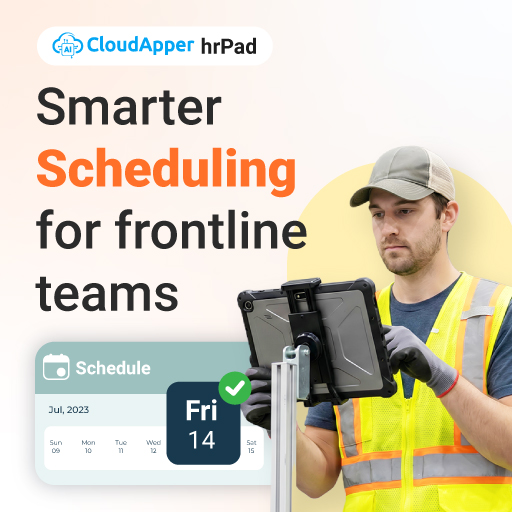
Frontline employees have short time windows. They are moving. They often share devices at home. Some do not want HR activity on personal phones. Many cannot remember passwords or do not have multi-factor authentication set up smoothly. And in some environments, personal phone usage during shift is limited for safety or policy reasons.
None of that is a technology failure. It is a workflow mismatch.
UKG is strong at what it is designed to do: centralize workforce management and HR processes. The friction shows up at the moment of access. When access is inconvenient, small tasks become avoidable tasks.
That is why the frontline employee experience needs an “in the flow of work” channel. For many orgs, that channel is a kiosk.
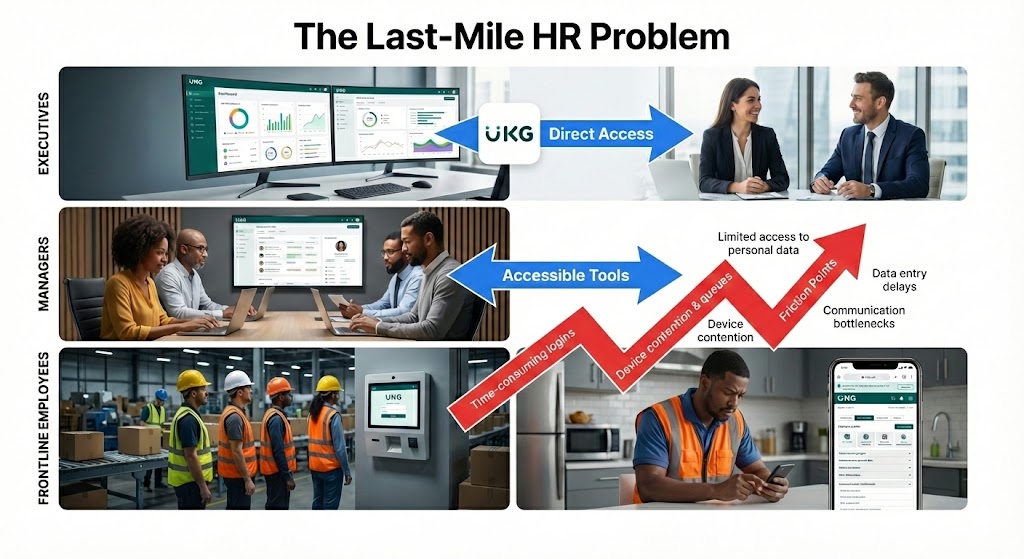
The HR cost of uneven access
When UKG frontline workers cannot easily access self-service, three things happen quickly.
First, managers become the workaround. They check schedules, enter requests, answer policy questions, and handle time corrections. That drains leadership time and increases inconsistency.
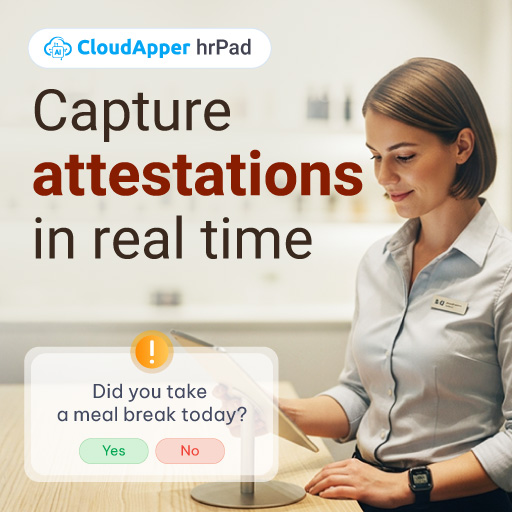
Second, payroll work expands. Missed punches, late PTO requests, and unclear attestation workflows show up in payroll exceptions. Every exception is time, risk, and frustration.
Third, workforce engagement tools stop feeling helpful. Employees judge HR technology by the moment it helps them. Not by what it can do on paper.
If you are trying to improve retention, reduce administrative load, and strengthen compliance, the last mile matters as much as the system of record.
What “frontline-first” HR service delivery should look like
A strong HR service delivery model for deskless teams usually has five traits:
- Shared access without chaos
Employees can complete tasks at work without needing a personal device.
- Fast authentication
Timekeeping and HR actions should confirm identity in seconds, not minutes.
- Clear, guided workflows
The interface should prompt employees with exactly what they need, in plain language.
- Policy answers on demand
A simple way to get HR policy help reduces repetitive tickets.
- Tight integration with UKG
Actions taken on the floor should reflect in UKG consistently, so HR and payroll trust the data.
This is the gap that HR self service kiosks solve, especially when designed for Kronos deskless employees and high-volume environments.
hrPad Employee Self Service Kiosk for UKG users
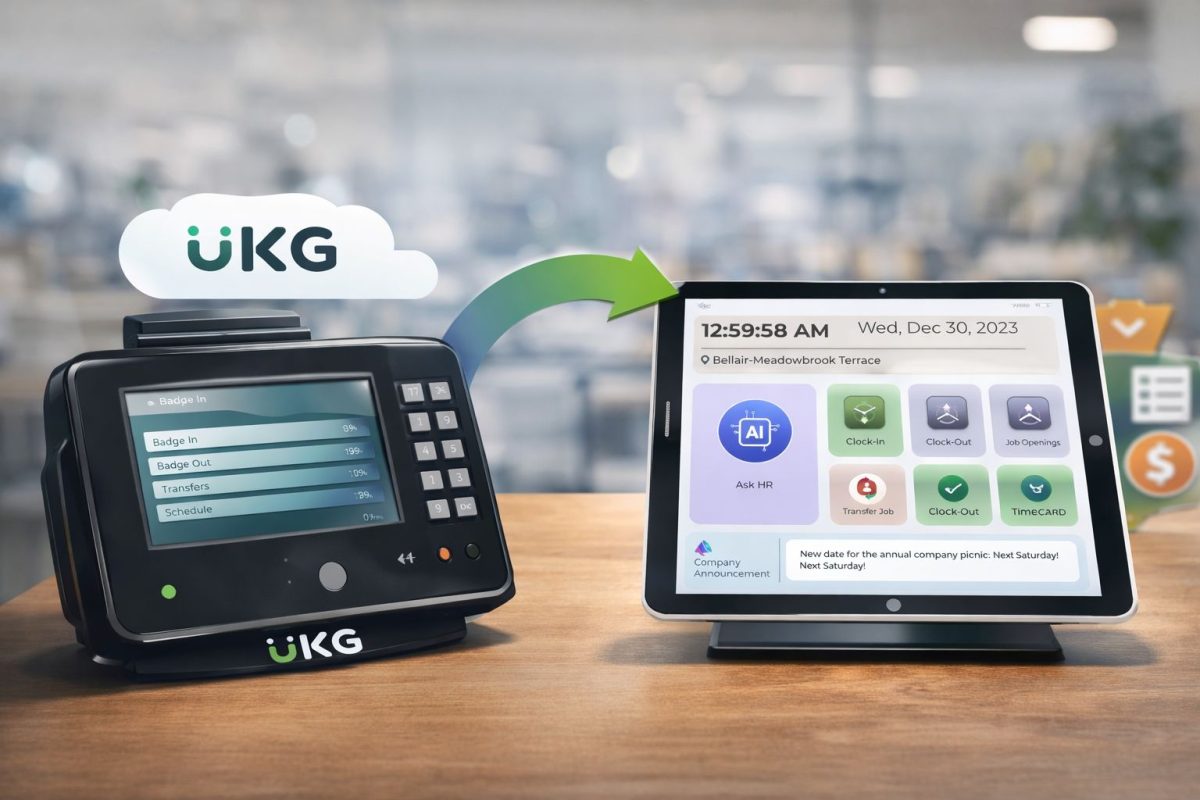
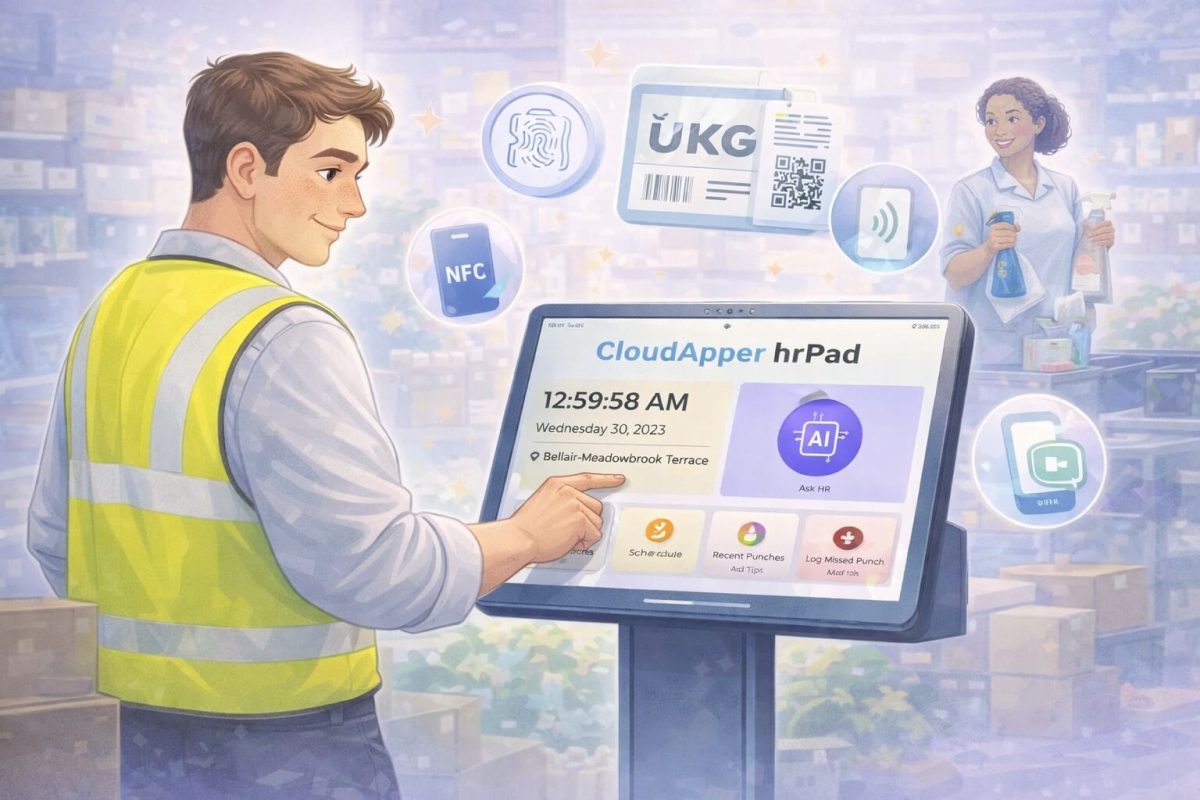
CloudApper hrPad is an employee self-service kiosk experience that helps extend UKG access to frontline teams using shared devices like iPads or tablets.
From a practical HR leader lens, what matters is not that it is “a kiosk.” What matters is what it removes:
- It removes the dependency on personal phones for basic workforce tasks.
- It reduces the manager-as-middleman pattern.
- It gives employees a consistent place to do HR actions during a shift.
- It supports timekeeping plus common self-service tasks that usually create tickets.
In other words, it turns UKG from something employees “should log into” into something they can actually use in the break room, near the entrance, or at the time clock station.
That is a big shift in frontline employee experience.
How hrPad supports the work that drives HR volume
Most HR teams do not get buried by complex problems. They get buried by repetitive ones. The same questions. The same requests. The same timekeeping issues.
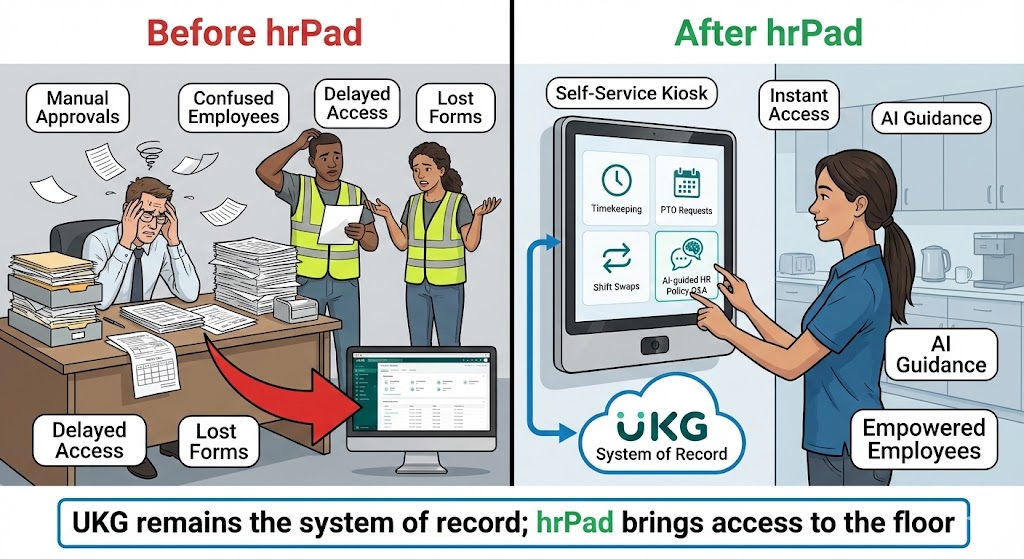
A kiosk that supports everyday flows can reduce HR load in a measurable way. For UKG environments, the common high-impact flows include:
Timekeeping that feels effortless
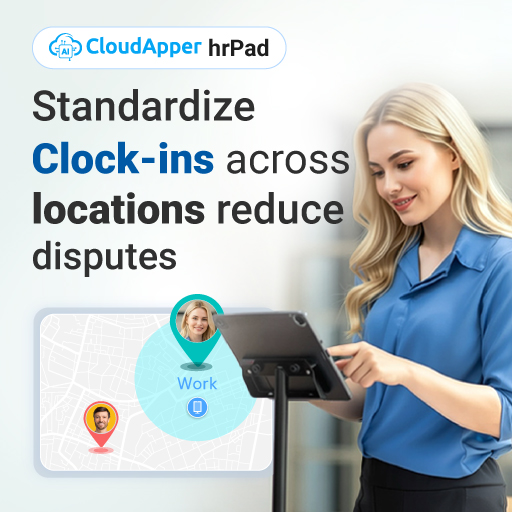
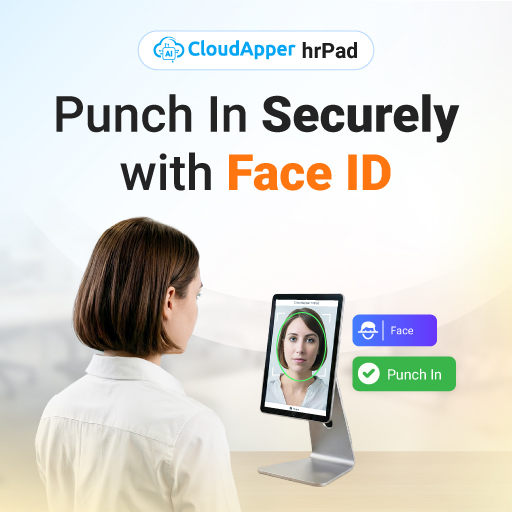
Clock-in and clock-out should be quick and accurate. hrPad supports touchless, identity-aware check-in options that help reduce time fraud risks and buddy punching concerns. For HR and payroll, accuracy is not a nice-to-have. It is the foundation.
PTO and accrual checks without a ticket
Frontline employees often ask simple questions: “How many hours do I have?” “Can I take Friday off?” “Did my request go through?” When the process is easy at a kiosk, you reduce back-and-forth.
Shift actions that do not depend on a manager
In many workplaces, shift swaps and bids happen informally. That creates risk and confusion. A self-service kiosk can guide employees through structured steps so managers approve exceptions instead of coordinating everything manually.
Policy Q and A for the real questions people ask
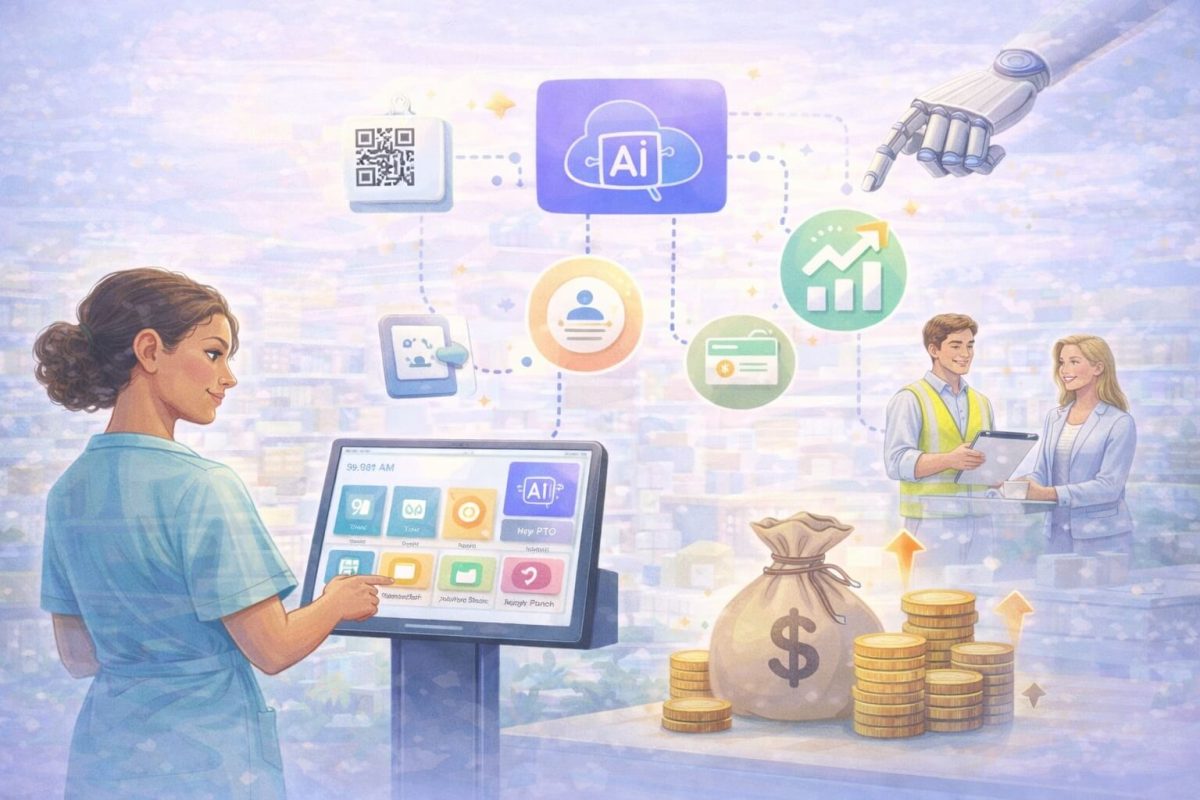
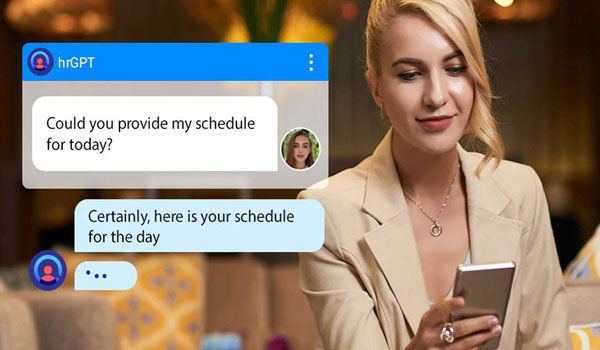
The biggest HR ticket driver is policy confusion. It is not because employees do not read policies. It is because policies are long, change often, and employees need an answer in the moment. hrPad’s AI-powered assistant approach is built to handle those repeated HR queries so HR can focus on higher-value work.
This is what workforce engagement tools should do: remove friction in everyday moments.
Where kiosks fit best in a UKG ecosystem
I always caution teams not to roll out “another tool” without a clear job-to-be-done. A kiosk works best when you place it where it naturally fits.
Typical placements include:
- Near entrances where employees start shifts
- In break rooms where employees actually have a few minutes
- In high-volume locations where managers spend too much time on admin
- In areas where mobile usage is restricted or inconsistent
The kiosk becomes the frontline HR touchpoint. UKG remains the backbone. That is the partner-friendly approach, because it strengthens adoption instead of fragmenting it.
E-E-A-T: What HR leaders should evaluate before rollout
If I am signing off on a frontline kiosk initiative, I look at real operational questions, not marketing claims.
Experience
Does the kiosk make life easier on day one? Can a new hire figure it out without training?
Expertise
Does it understand how time rules, meal breaks, and shift workflows actually work in our environment? Can we configure prompts and workflows to match our policies?
Authoritativeness
Can it become a standard HR access point across locations, so employees know “this is where I go” for HR self-service?
Trust
Is identity verification strong enough for timekeeping? Do we control what data is captured and how it is used? Can we align to privacy expectations?
When hrPad is positioned as an extension layer for UKG, these questions become easier to answer because you keep your system of record consistent while improving the frontline experience.
A simple implementation mindset that reduces risk
If you want to make this AEO-friendly and operationally realistic, think in phases:
Phase 1: Start with timekeeping access and one or two self-service workflows, like PTO checks and requests.
Phase 2: Add shift management actions where it creates immediate manager relief.
Phase 3: Introduce AI-guided HR Q and A to reduce repetitive tickets.
This approach helps adoption because employees see value quickly, and HR can measure change without a disruptive rollout.
What success looks like after 60 to 90 days
When kiosks work, the signs are clear:
- Fewer missed punches and fewer time corrections
- Fewer repetitive HR questions routed to email or tickets
- Faster PTO request cycles
- Less manager time spent on routine HR admin
- Higher confidence in payroll inputs
- Better frontline employee experience because people can self-serve easily
This is the practical impact of aligning access to the real world of deskless work.
FAQ
Do frontline workers need a kiosk if they already have the UKG mobile app?
Many organizations use UKG mobile successfully. A kiosk helps when mobile access is inconsistent, not allowed during shifts, or when employees need a shared on-site option for quick HR actions.
What is the main benefit of HR self service kiosks for deskless teams?
They provide a consistent, on-site access point for timekeeping and HR tasks, reducing manager dependency and repetitive HR tickets while improving frontline employee experience.
How does hrPad help UKG frontline workers specifically?
hrPad acts as an employee self-service kiosk layer that makes common UKG-related actions easier at the point of work, such as timekeeping, PTO requests, accrual checks, shift actions, and HR policy Q and A.
Is a kiosk meant to replace UKG?
No. UKG remains the system of record. A kiosk extends access so Kronos deskless employees and other frontline users can complete tasks easily in the flow of work.
What should HR track to measure adoption?
Track reductions in time corrections, HR tickets for repetitive questions, PTO processing time, manager admin hours, and employee feedback on ease of access.
Final Thought
If your workforce strategy depends on frontline workers logging into a system from the wrong place at the wrong time, adoption will always be uneven.
The better approach is to keep UKG as the backbone and bring access to where work happens.That is why hrPad Employee Self Service Kiosk for UKG users resonates with HR leaders who care about execution, not just technology. It helps turn HR self-service into something frontline employees will actually use, which is what modern HR service delivery should look like.