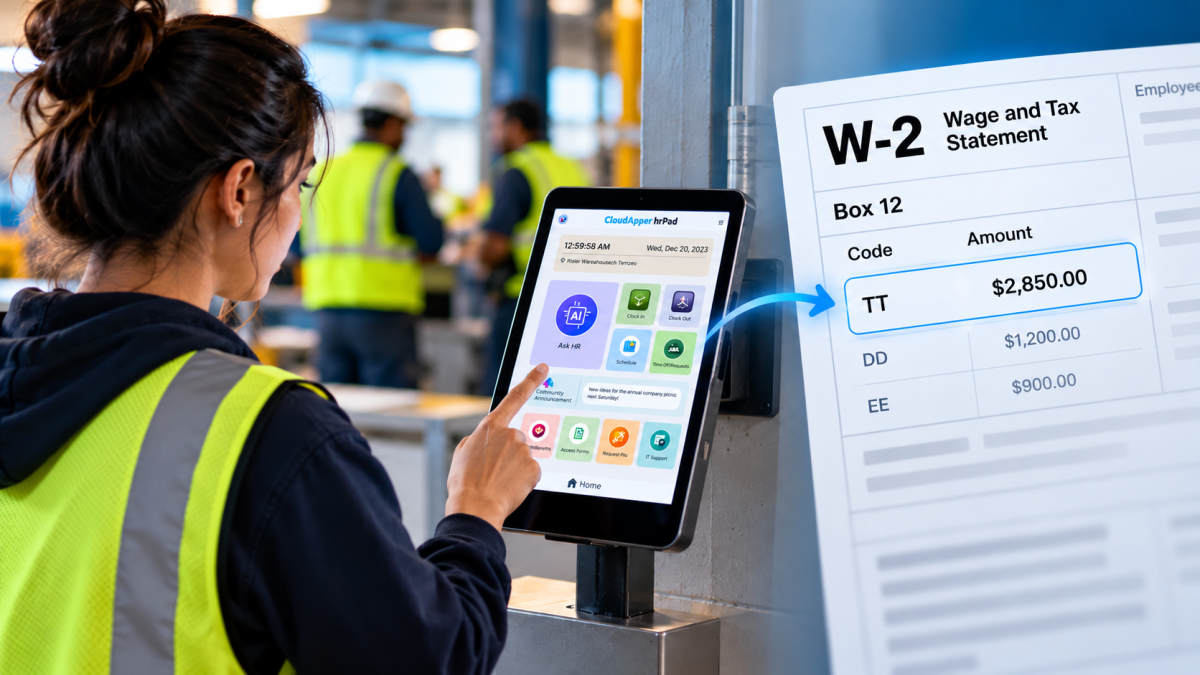
Past Date Clean-Up errors in UKG can feel invisible until they grind payroll to a halt. That’s exactly what happened when one retailer was asked to retire a closed store location but mistakenly used the wrong effective date. The result? A wave of Past Date Clean-Up validation errors that cascaded through job assignments, schedules, and punches—threatening to delay payroll just days before cutoff.
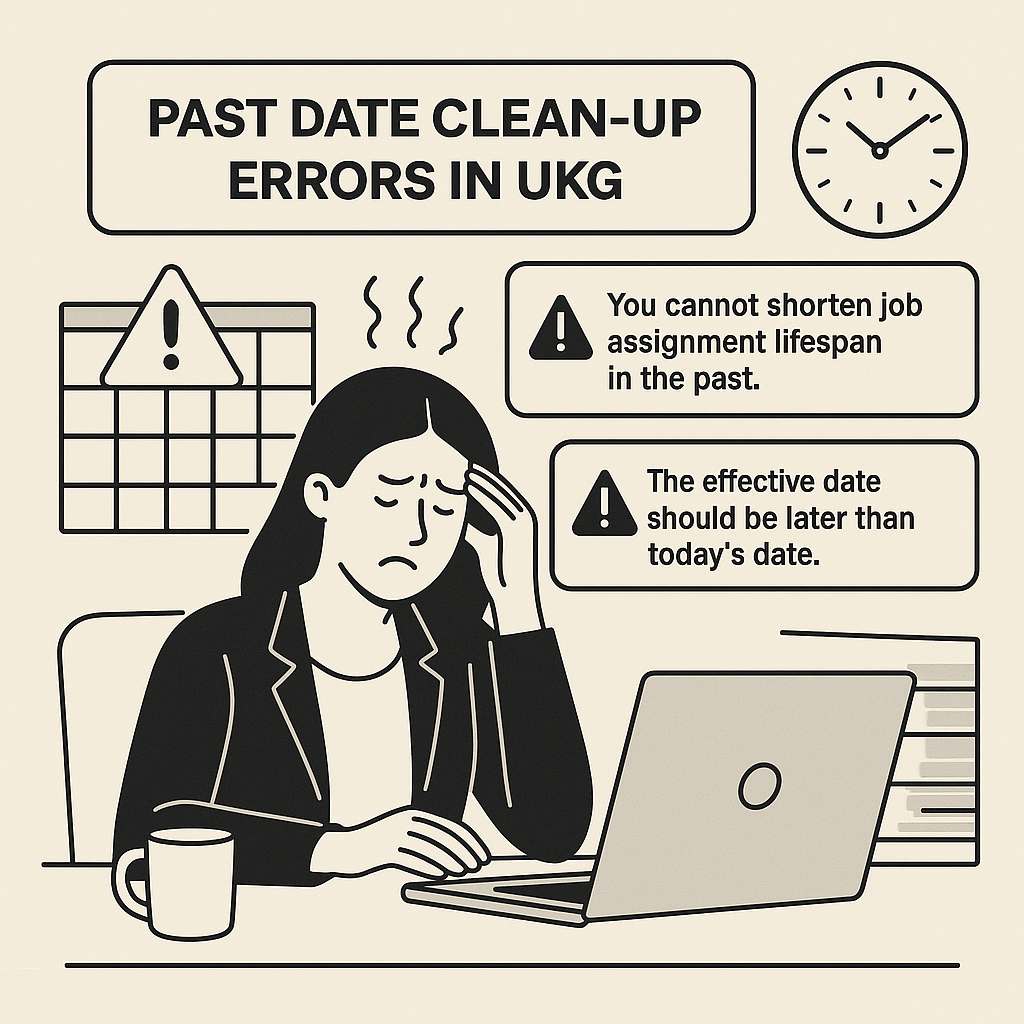
Instantly, UKG threw back two validation messages:
“You cannot shorten job assignment lifespan in the past.”
“The effective date should be later than today’s date.”
These errors didn’t just block one entry they spread. They triggered failed interface files, stuck schedules, and threatened delayed paychecks.
Racing Against Time: The Team’s Manual Fix Attempts
At 10:00 AM on Monday, the clock started ticking. The plan: remove the store code before the next nightly import. Payroll needed a clean master file by Wednesday. Meanwhile, IT warned that each looped error would add two hours to the posting process.
The team tried all the usual fixes:
-
They inspected Genies and closed open punches tied to Store 458.
-
They edited future schedules.
-
They manually removed the store code from inbound job files.
But each time they thought they’d fixed something, new errors bubbled to the surface. By Tuesday lunch, the list of tasks grew longer than the list completed. And they had less than 48 hours before payroll cutoff.
Turning to hrPad: A Same‑Day Rescue
During a status huddle, the HR technology manager recalled a session about CloudApper hrPad an add‑on that sits in front of UKG. Unlike scripts or manual mass updates, hrPad promises to automate the entire retirement flow. You pick the business structure code, set the earliest allowable cut‑off date (today plus one day), and let hrPad scan for references. The team had no better options, so they asked for a same‑day proof of concept.
By 3:00 PM, hrPad was connected to UKG via read‑only API credentials. The analysts selected Store 458 and set the cut‑off to midnight. The first scan uncovered:
hrPad organized these into a table showing object types, employee or file path, date of use, and a “Resolve” button. Analysts could bulk reassign schedules, close punches, and suppress references—all without leaving the screen. Each corrected row turned from red to green. By 5:00 PM, every cell showed “resolved.”
Then at 12:01 AM hrPad executed an API call that:
-
End‑dated the Store 458 record in UKG
-
Removed the code from manager drop‑downs
Wednesday morning arrived: no interface failures, no validation errors, no extra rework for payroll. The cleanup that had been forecast to take three days finished in less than four working hours.
Results at a Glance
| Metric |
Before hrPad |
After hrPad |
| Errors per inbound file |
Three nightly loops |
Zero |
| Analyst hours spent |
10 hours and rising |
4 hours total |
| Payroll delay risk |
High (two-day slip) |
Eliminated |
| Open manager tickets |
12 |
1 (informational only) |
Leadership immediately saw the impact: payroll closed on schedule, and store managers never lost access to time‑entry screens. The team then made a policy change: any location or job retirement must go through hrPad’s Date Wizard first. They also set up nightly scans to alert HR if a soon‑to-expire code reappears—turning this one-time rescue into an ongoing safeguard.
The Takeaway: Predictability Over Firefighting
In the end, “Past Date Clean‑Up Errors” became less of a caution and more a lesson. CloudApper hrPad didn’t change UKG’s validation rules. Instead, it turned them into a predictable process. By automating scans, bulk fixes, security updates, and the final API call, hrPad gave the retailer what mattered most: a reliable path from policy to payroll without crisis after crisis.
Next time a temporary store closes, the HRIS team will simply open a wizard, choose a date, and let the system handle the rest.