The default UKG Punch screen treats every employee the same but your workforce isn’t one-size-fits-all. Discover how CloudApper hrPad empowers organizations to customize the punch experience by role, location, and workflow — all without changing backend logic or disrupting compliance.


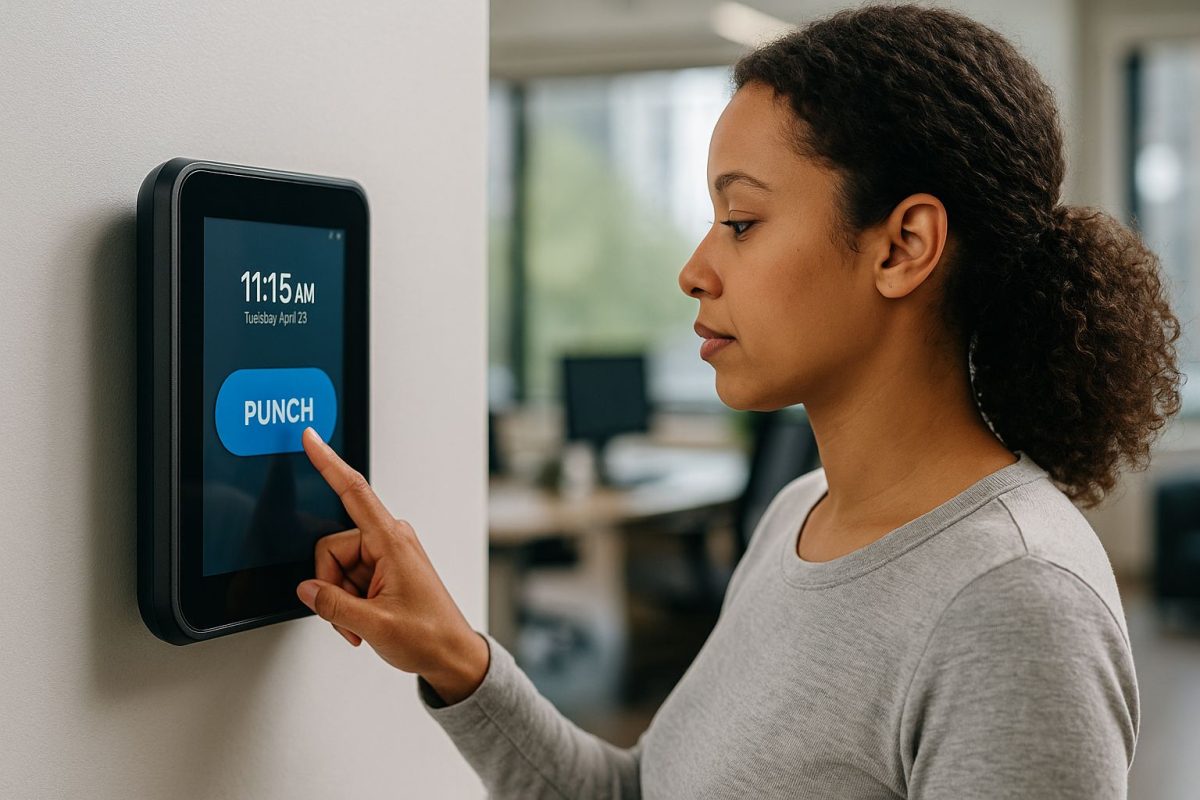
Table of Contents
- The Problem: One Punch Screen for Every User
- The Solution: A Flexible Front-End with CloudApper hrPad
- Customization Without Breaking What Works
- Real Results
For Rachel, the Director of Workforce Operations at a nationwide hospitality chain, the hardest part of rolling out UKG wasn’t the backend setup—it was the UKG Punch experience.

Within days of go-live, her inbox filled with questions:
-
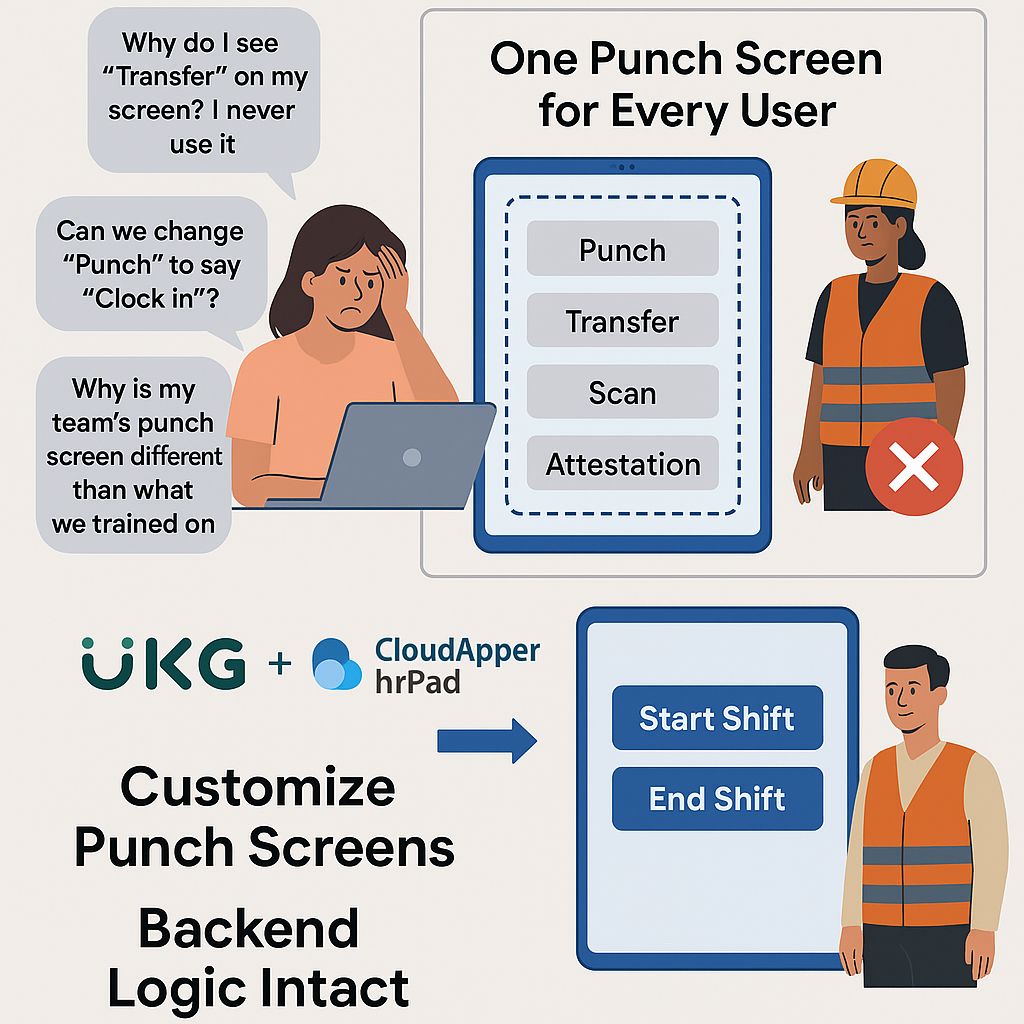
“Why do I see ‘Transfer’ on my screen? I never use it.”
-
“Can we change ‘Punch’ to say ‘Clock In’?”
-
“Why is my team’s punch screen different than what we trained on?”
Despite extensive training, the UKG Punch interface felt foreign and frustrating to many frontline workers—and fixing it wasn’t straightforward. Making changes meant working through UKG configuration, navigating permissions, and requesting IT support for every small adjustment.
Rachel realized something most teams eventually do: the punch interface might be the simplest part of UKG—but it’s also the most used, and the least flexible.
The Problem: One Punch Screen for Every User
UKG’s built-in punch tile is designed to be universal. It includes options like Transfer, Scan, Attestation, and more—regardless of whether the user needs them.
This approach may work in theory, but in practice, it creates clutter, confusion, and inefficiencies. Floor staff, part-time employees, managers—all faced the same punch interface, even though their needs were very different.
Rachel’s HR team began receiving more timekeeping-related support tickets than ever before. And her IT department couldn’t keep up with requests to customize punch layouts by location or department.
She needed a way to customize the UKG Punch experience—but without risking backend stability or creating compliance issues.
The Solution: A Flexible Front-End with CloudApper hrPad
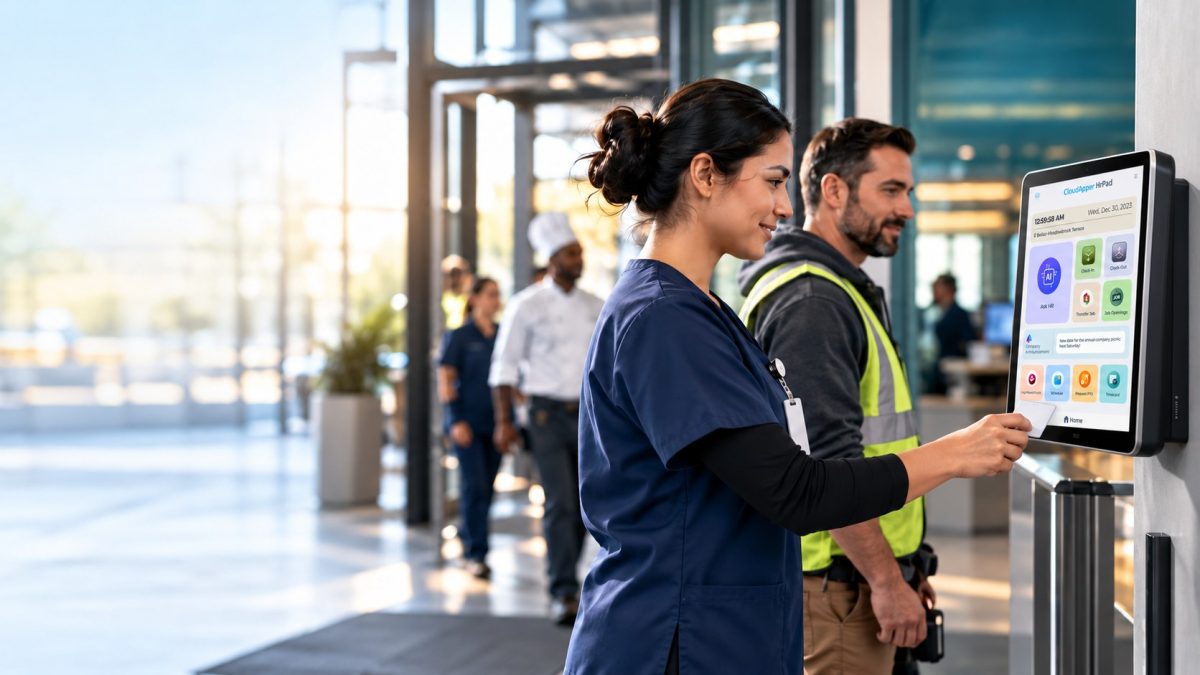
That’s when Rachel discovered CloudApper hrPad—a tablet-based time capture solution that works seamlessly with UKG Dimensions and UKG Ready. It didn’t replace her system; it enhanced it.
With hrPad, her team could finally design punch experiences that matched how people worked:
-
Warehouse workers saw only “Start Shift” and “End Shift”—no Transfers, no confusion
-
Retail staff could confirm their location with geofencing before punching in
-
Supervisors received custom attestation prompts to ensure compliance in real time
-
Frontline employees accessed the punch interface on low-cost tablets, not expensive clocks
“What used to take a support ticket and two weeks of IT work, we now do in a few clicks,” Rachel shared. “Our punch screens finally make sense to our users—and support volume has dropped dramatically.”
Customization Without Breaking What Works
One of the biggest concerns Rachel had was stability. Would customizing the punch experience interfere with UKG’s backend data?
Thankfully, hrPad was built with this in mind.
It works with UKG, not against it:
-
All punch data still flows into UKG in real time
-
No modifications to core UKG logic
-
Runs on any Android, iOS, or FireOS tablet
-
Fully compatible with UKG Dimensions and UKG Ready
That meant Rachel could customize the interface on the front end—while keeping all backend processes, compliance controls, and data integrity intact.
Real Results
Within a month of deploying hrPad across 70 locations:
-
Clocking errors dropped by 48%
-
Time-to-train new hires was cut in half
-
HR support requests related to punches fell by 62%
-
Managers reported higher confidence in compliance reporting
More importantly, frontline staff started clocking in and out without hesitation or confusion.
“We stopped forcing everyone into the same screen,” Rachel said. “And our workforce responded almost immediately. Simpler punch screens made people feel like the system was built for them—not just IT.”
Why Personalizing the UKG Punch Experience Matters
The punch screen may seem like a minor detail—but it’s the first interaction employees have with your HCM system every single day. When that experience is cluttered, irrelevant, or inconsistent, it causes friction at scale.
CloudApper hrPad fixes that by giving HR and ops leaders the power to design and deploy role-specific, location-specific, and workflow-specific punch screens—with no code and no disruption.
You don’t have to sacrifice user experience to maintain backend stability. With hrPad, you get both.
Ready to Personalize the UKG Punch Experience?
If your frontline workers are frustrated by confusing punch screens, or your HR team is overloaded with support requests, it might be time to reimagine what punch-in should look like.
With CloudApper hrPad, you can:
-
Customize punch screens by role, location, or department
-
Reduce training time, errors, and HR overhead
-
Keep your existing UKG configuration fully intact
-
Deploy updates quickly without relying on IT or developers


October 23, 2026
No Tax on Overtime: What It Means for Your UKG Payroll
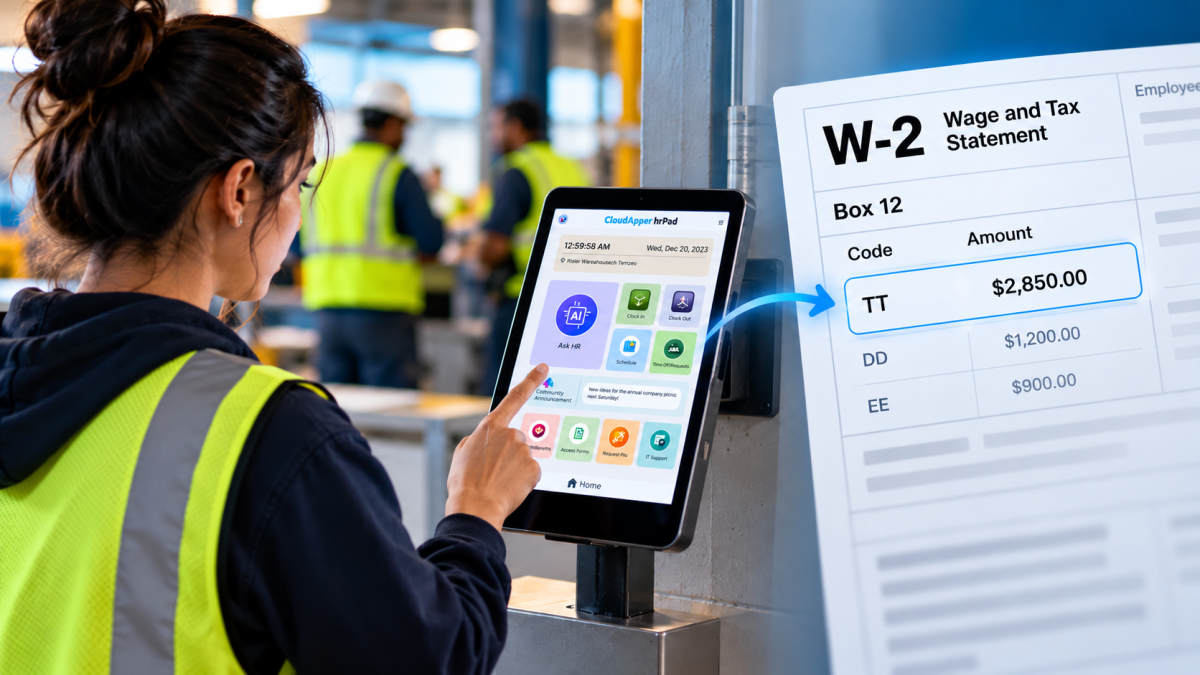
Starting with 2026 wages, employers using UKG must report qualified overtime in W-2 Box 12 (code TT), and only part of the overtime you pay counts. hrPad by CloudApper AI helps capture the details at the time clock.

October 23, 2026
Barcode Labor Tracking on UKG Ready: Two Clocks, One Labor Record, and an ERP-Validated Hierarchy
Some plants keep attendance on the clocks at the door and capture job labor at the workstation. This piece looks at that two-clock model on UKG Ready: scan-only capture for gloved operators, work orders validated against the ERP, and how CloudApper adds that layer using the PCs and scanners already on the line.
October 13, 2026
Paperless HR for Rural Hospitals on UKG: Extending One Kiosk to Documents, E-Signatures and Benefits Data
A rural hospital using CloudApper hrPad as its UKG time clock still handled much of HR on paper. Its next step is extending the same kiosk to documents, e-signatures and transfers, with CloudApper iPaaS moving benefits data to providers, all within network rules that block external AI services.
October 7, 2026
Shared Tablet SSO in UKG: One Time Clock for Every Login Type
Hourly staff on basic UKG logins and managers on SSO can share one tablet time clock without login mix-ups. This guide explains each login type in plain English, compares three shared-tablet setups and shows how hrPad by CloudApper AI makes it work.