Starting with 2026 wages, employers using UKG must report qualified overtime in W-2 Box 12 (code TT), and only part of the overtime you pay counts. hrPad by CloudApper AI helps capture the details at the time clock.


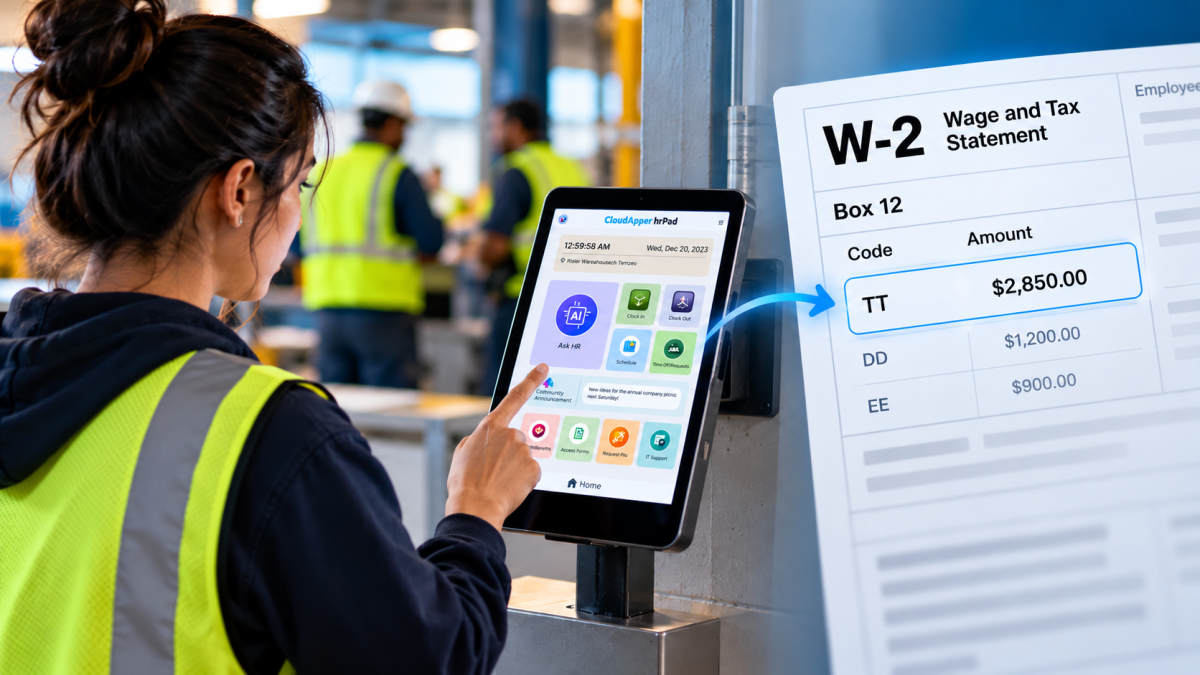
Table of Contents
- What counts as qualified overtime
- Where payroll teams usually get stuck
- A checklist before your first 2026 W-2 run
- How hrPad by CloudApper AI helps
Every January, employers send each employee a W-2, the yearly summary of what they were paid and what was withheld. Box 12 is the part of that form for extra items, each tagged with a short code. Starting with 2026 wages there is a new one, code TT, which tells the IRS how much of an employee’s overtime pay qualifies for a new tax break.

That break is the “No Tax on Overtime” deduction: employees can deduct up to $12,500 a year ($25,000 for joint filers), phasing out above $150,000 of modified adjusted gross income ($300,000 joint), for tax years 2025 through 2028. The IRS excused separate reporting for 2025. Its guidance says that relief ends with 2025, and employees can only claim amounts that appear in Box 12 code TT on a W-2 you furnish.
The code TT number is narrower than the overtime you pay. UKG calculates overtime from the rules and pay codes you configure, and many employers pay more than federal law requires. Only the part the Fair Labor Standards Act (FLSA) requires counts as qualified overtime, so someone has to separate it.
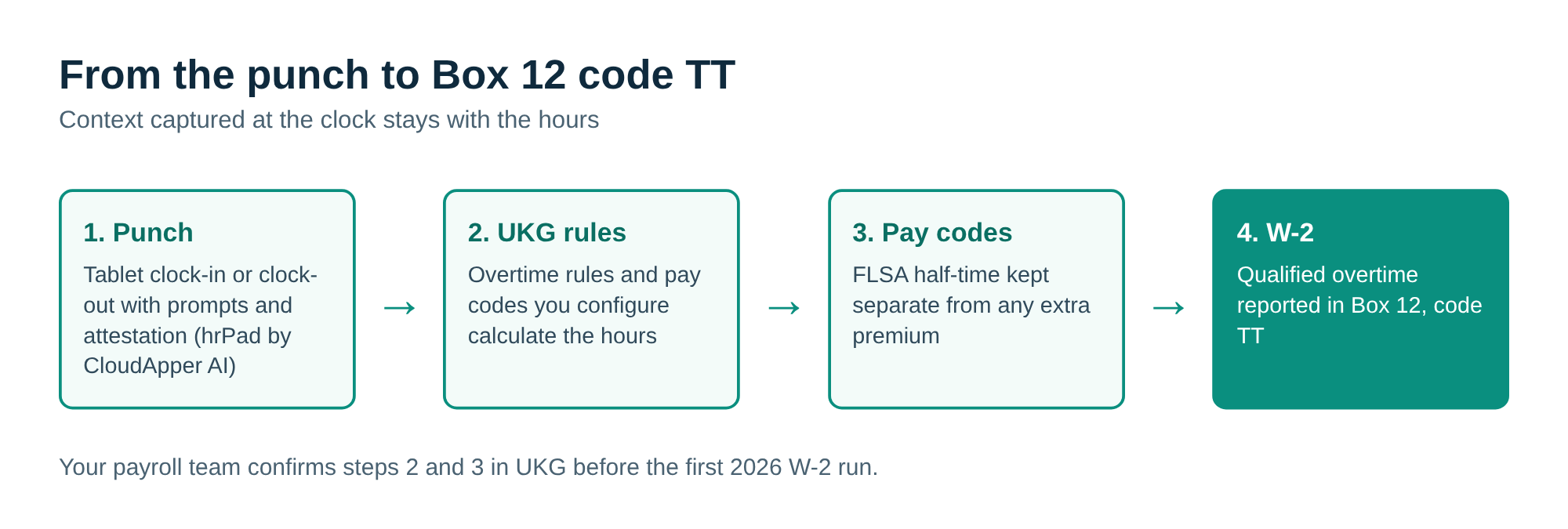
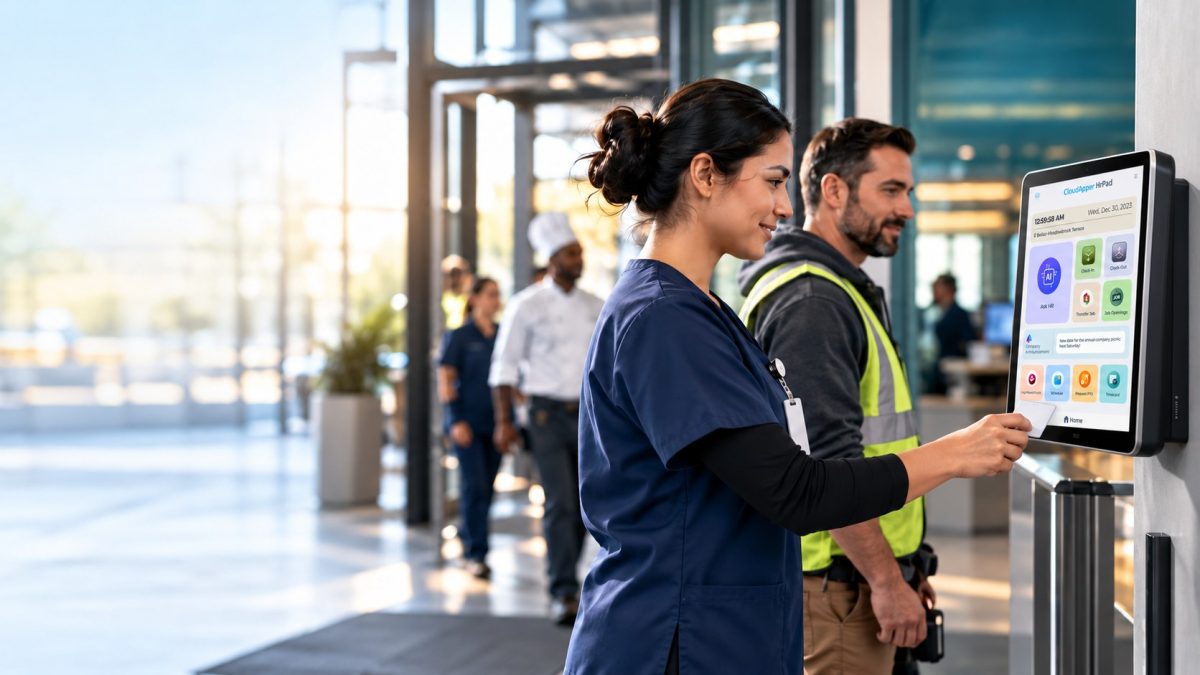
That separation is where hrPad by CloudApper AI fits. hrPad is a time clock and self-service kiosk that runs on tablets you already own and syncs with UKG. You can customize the punch screen and add attestation at clock-out, so the reason for extra hours (approved overtime, a covered shift, comp time) is captured when it happens and reaches UKG with the punch, instead of being reconstructed in January.
What counts as qualified overtime
Qualified overtime is the extra half in “time and a half” for hours over 40 in a workweek. The IRS formula is hours over 40, times one-half, times the employee’s FLSA regular rate. The regular rate generally includes pay such as shift differentials and nondiscretionary bonuses, not just the base wage.
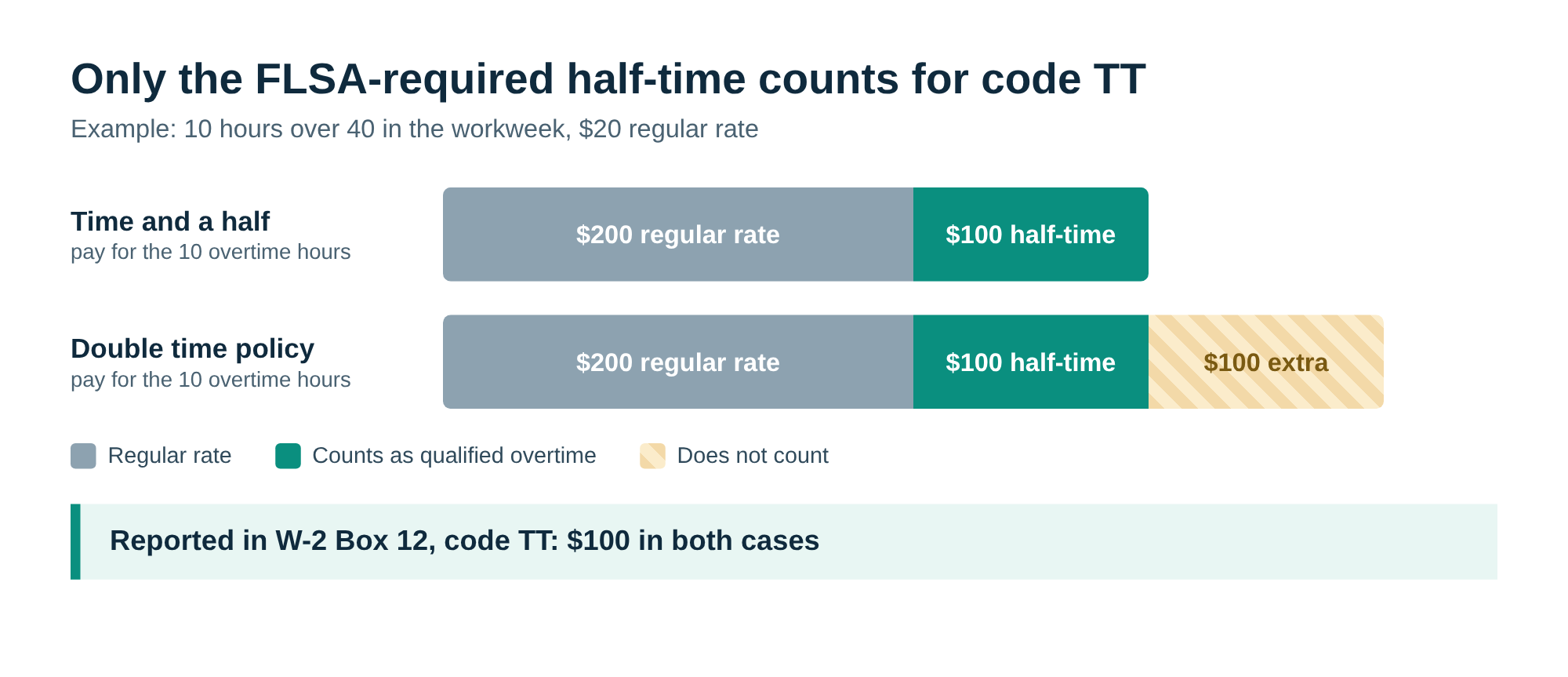
If your policy pays more than the FLSA requires, only the required amount counts. A $200 premium where the FLSA requires $100 adds $100 to Box 12. Double time beyond the half-time portion, daily overtime under state rules, and richer union-contract premiums count only up to what the FLSA would have required anyway. Overtime paid to exempt employees is out entirely. You report the full qualified total even when the employee’s deduction is capped; the IRS example reports $30,000 against a $12,500 limit.
Where payroll teams usually get stuck
Most problems are setup questions. UKG applies the overtime rules you give it. Trouble starts when the FLSA half-time and any extra premium post to the same pay code, when sites in different states run different daily rules, or when retro pay and timecard edits change hours after the fact. Our guide to configuring overtime rules in UKG Pro WFM shows where those settings live.
A checklist before your first 2026 W-2 run
- List every overtime rule you run, by state, site and union, and note which part the FLSA requires.
- Confirm your regular rate includes shift differentials and nondiscretionary bonuses.
- Make sure the FLSA premium can be separated from extra premium in a pay code or report.
- Test how timecard edits and retro pay recalculate overtime.
- Compare your projected code TT totals to the payroll register before year end.
How hrPad by CloudApper AI helps
With hrPad, a punch can carry the prompts and attestations you decide matter, employees can check schedules and pick up or swap shifts from the same kiosk. CloudApper’s team can also review your overtime setup with you.
This article is general information based on publicly available guidance, not tax or legal advice. Check with your payroll provider or a tax advisor about how this applies to your business.
Want a second set of eyes on your setup?
Contact CloudApper and we’ll look at how overtime is paid and tracked in UKG today, tell you what needs to change before your first 2026 W-2 run, and show you where hrPad by CloudApper AI can help.
Common questions
What are Box 12 and code TT on a W-2?
Box 12 is a section of the W-2 where employers report certain extra amounts, each marked with a short letter code. Code TT marks the portion of an employee’s overtime pay that qualifies for the new No Tax on Overtime deduction. Employees use that number when they file, which is why it has to be on the form.
What do employers have to report for the No Tax on Overtime deduction?
Starting with 2026 wages, the total qualified overtime compensation paid to each employee goes in Box 12 of the W-2 with code TT. If you employ tipped workers, they have their own Box 12 code, TP, for qualified tips.
Is all the overtime I pay qualified overtime?
No. Only the premium the FLSA requires counts, which is the extra half-time on hours over 40 in a workweek. Double time beyond that portion, daily overtime under state rules, and contract premiums above the FLSA amount do not count, and overtime paid to exempt employees does not qualify.
Do I report the full amount if an employee is over the deduction cap?
Yes. The deduction cap applies on the employee’s tax return, not on your W-2. You report the full qualified overtime you paid, and the employee claims what the limits allow.
Did we have to report overtime separately for 2025?
No. For 2025 the IRS did not require separate reporting on the W-2, and employees without a statement were pointed to the Schedule 1-A instructions to work out the amount. That relief ended with 2025, so 2026 W-2s need code TT.
What happens if the code TT amount is wrong?
You file a Form W-2c with the Social Security Administration and give a copy to the employee promptly. Incorrect forms can bring penalties under sections 6721 or 6722 of the Internal Revenue Code, and timely corrections can reduce them.
Does UKG report code TT automatically?
UKG provides the payroll engine and applies the overtime rules you configure. How code TT shows up on your 2026 W-2 depends on your UKG product, version and setup, so confirm it with your UKG representative and test before year end. What usually needs attention on your side is separating the FLSA-required premium from any extra premium pay.
Where does hrPad by CloudApper AI fit in?
hrPad captures context at the time clock, such as custom prompts and attestations at punch and clock-out, and syncs it with UKG. The overtime calculation and the W-2 stay in UKG; hrPad helps make sure the records behind them are complete and explain why the hours were worked.




October 23, 2026
Barcode Labor Tracking on UKG Ready: Two Clocks, One Labor Record, and an ERP-Validated Hierarchy
Some plants keep attendance on the clocks at the door and capture job labor at the workstation. This piece looks at that two-clock model on UKG Ready: scan-only capture for gloved operators, work orders validated against the ERP, and how CloudApper adds that layer using the PCs and scanners already on the line.
October 13, 2026
Paperless HR for Rural Hospitals on UKG: Extending One Kiosk to Documents, E-Signatures and Benefits Data
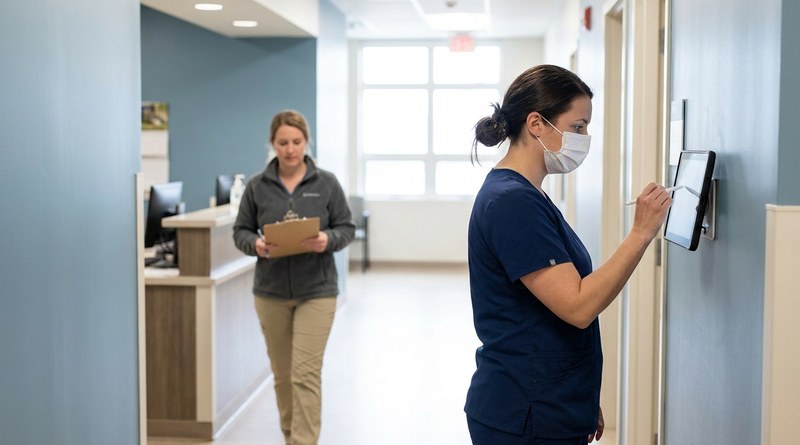
A rural hospital using CloudApper hrPad as its UKG time clock still handled much of HR on paper. Its next step is extending the same kiosk to documents, e-signatures and transfers, with CloudApper iPaaS moving benefits data to providers, all within network rules that block external AI services.

October 7, 2026
Shared Tablet SSO in UKG: One Time Clock for Every Login Type
Hourly staff on basic UKG logins and managers on SSO can share one tablet time clock without login mix-ups. This guide explains each login type in plain English, compares three shared-tablet setups and shows how hrPad by CloudApper AI makes it work.

October 5, 2026
Why Is My Paycheck Wrong? Tracing UKG Payroll Errors to Six Upstream Causes
Most UKG payroll questions start upstream of payroll: in employee details, attendance, deductions, approvals, compliance or reconciliation. hrPad by CloudApper AI catches each one at the time clock.