Customizing UKG Punch with CloudApper hrPad offers organizations enhanced control and flexibility, allowing personalized time-tracking experiences tailored to unique workflows, improving usability, and reducing errors.


Table of Contents
- Going Beyond the Basics of UKG Configuration
- What CloudApper hrPad Brings to the Table
- Real-World Use Case
- Why This Matters for UKG Users
Customizing UKG Punch is a growing need for organizations that want more flexibility and control over how employees interact with time-tracking tools. While UKG offers some customization through internal configurations, many users still find limitations when it comes to personalizing the Punch tile on the homepage. Whether it’s hiding “Add Transfer” or “Scan” sections or renaming the Punch tile entirely, Customizing UKG Punch to match your unique workflows often requires a deeper level of control. That’s where CloudApper hrPad comes in—not as a replacement, but as an extension that adds visual and functional customization tailored to your workforce needs.
Going Beyond the Basics of UKG Configuration
UKG allows organizations to remove certain Punch tile options through function access profiles. For example, disabling QR code scanning or restricting transfers can clean up the interface. But what if you want to do more—like completely rename the Punch tile, rearrange what employees see, or replace default actions with role-specific alternatives?

This is where many UKG users hit a wall. The system is powerful but intentionally structured to serve a wide range of industries, which can sometimes limit front-end flexibility for niche operational needs. That’s why organizations looking for a more refined and employee-friendly experience are turning to CloudApper hrPad.
What CloudApper hrPad Brings to the Table
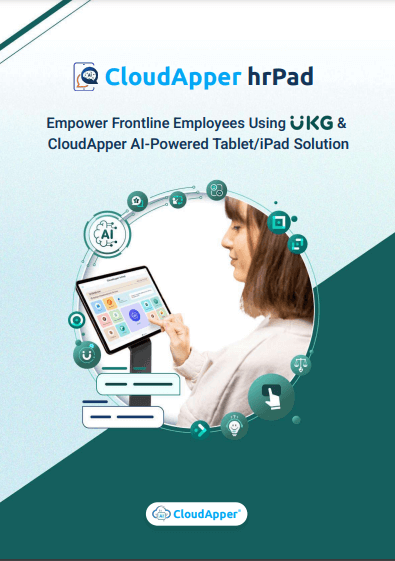
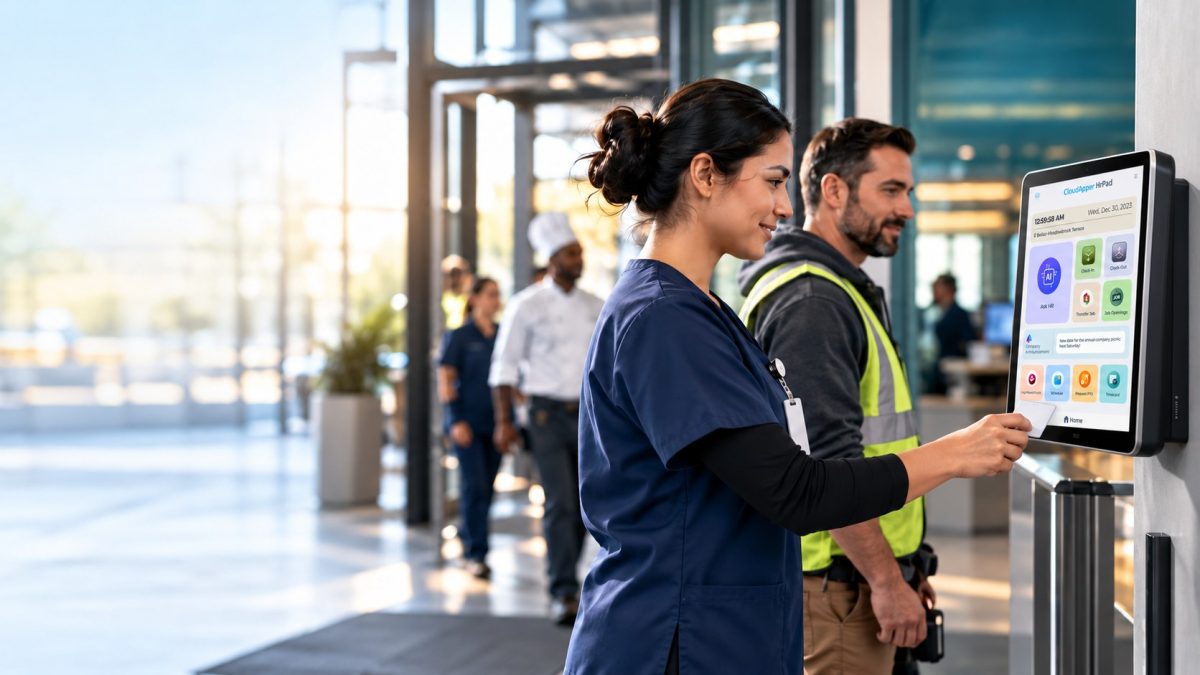
CloudApper hrPad is a customizable tablet-based interface that works hand-in-hand with UKG. It does not override UKG logic—instead, it connects with it to enhance the employee experience. Here’s how it specifically solves the Punch customization challenge:
- Custom Labels: Rename the Punch tile to better reflect your organization’s terminology, such as “Start Shift,” “Clock In,” or “Time Entry.”
- Remove Unused Sections: Hide features like “Add Transfer,” “Recent Transfers,” or “Scan” based on your business needs or user permissions.
- Role-Based Views: Display different Punch options depending on the employee’s department, shift type, or location.
- Biometric Validation: Add facial recognition or camera-based photo capture to validate each punch.
- Custom Buttons and Workflows: Introduce new workflows such as “Submit Health Check” or “End Break” alongside or instead of standard punch options.
This level of customization not only improves usability but also minimizes employee errors and reduces the need for ongoing HR support around time capture.
Real-World Use Case
A multi-location retail chain needed to streamline time capture across stores. While UKG Pro WFM handled backend tracking efficiently, frontline employees found the standard Punch tile confusing. Many didn’t use transfers, and the scan option wasn’t relevant to their workflow. Instead of requesting complex reconfigurations, the company deployed CloudApper hrPad.
With hrPad, they removed unnecessary sections from the Punch interface, renamed the tile to “Shift Clock,” and even configured location-aware punch buttons that changed based on the store. The result? Fewer errors, faster adoption, and improved accountability.
Why This Matters for UKG Users
Every second spent navigating an overly complex punch interface adds up—especially for distributed workforces or high-turnover industries. Customization isn’t just a preference—it’s a necessity for clarity, compliance, and operational efficiency.
CloudApper hrPad allows organizations to bridge the gap between standard UKG functionality and unique user needs without compromising the system’s integrity. It enhances the visual experience, adds context to every punch interaction, and ensures employees only see what they need—nothing more, nothing less.
Conclusion
Customizing UKG Punch doesn’t have to stop at basic visibility settings or access profiles. With CloudApper hrPad, organizations can fully personalize how time is captured, displayed, and verified—all while staying within the UKG ecosystem. By giving users more control and creating a more intuitive employee experience, hrPad helps teams punch in faster, smarter, and with fewer mistakes.


October 23, 2026
No Tax on Overtime: What It Means for Your UKG Payroll
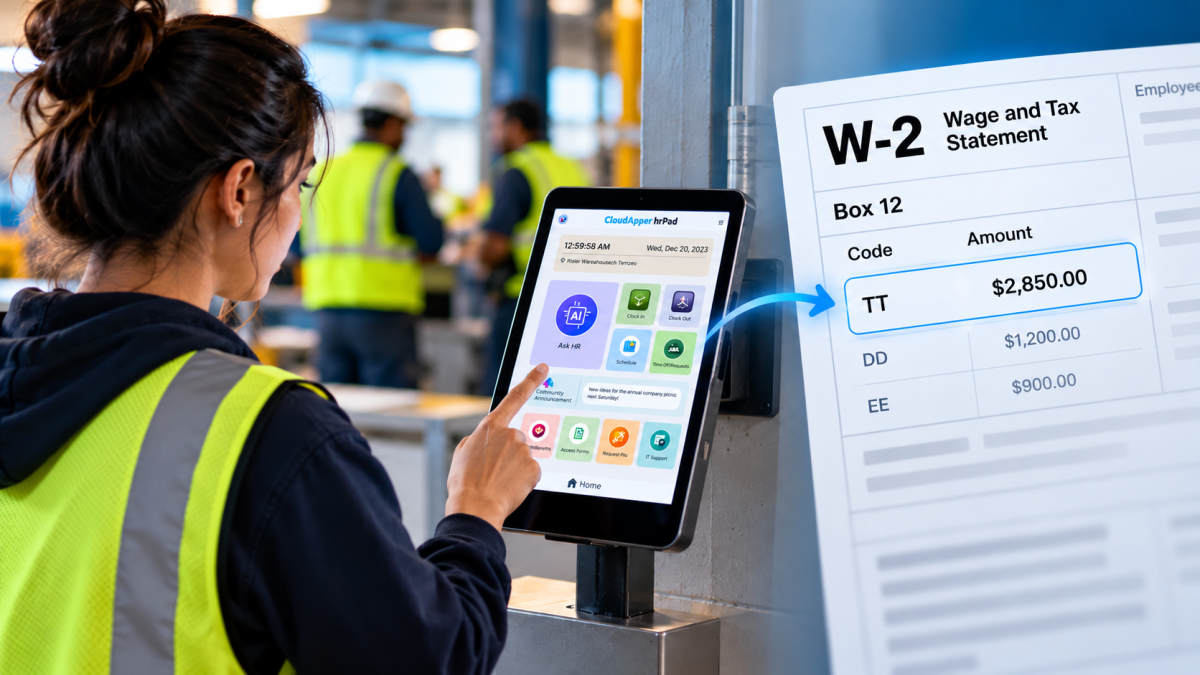
Starting with 2026 wages, employers using UKG must report qualified overtime in W-2 Box 12 (code TT), and only part of the overtime you pay counts. hrPad by CloudApper AI helps capture the details at the time clock.

October 23, 2026
Barcode Labor Tracking on UKG Ready: Two Clocks, One Labor Record, and an ERP-Validated Hierarchy
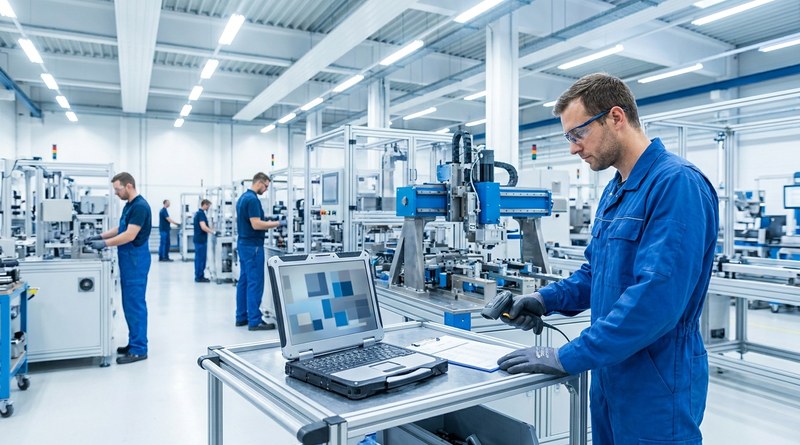
Some plants keep attendance on the clocks at the door and capture job labor at the workstation. This piece looks at that two-clock model on UKG Ready: scan-only capture for gloved operators, work orders validated against the ERP, and how CloudApper adds that layer using the PCs and scanners already on the line.
October 13, 2026
Paperless HR for Rural Hospitals on UKG: Extending One Kiosk to Documents, E-Signatures and Benefits Data
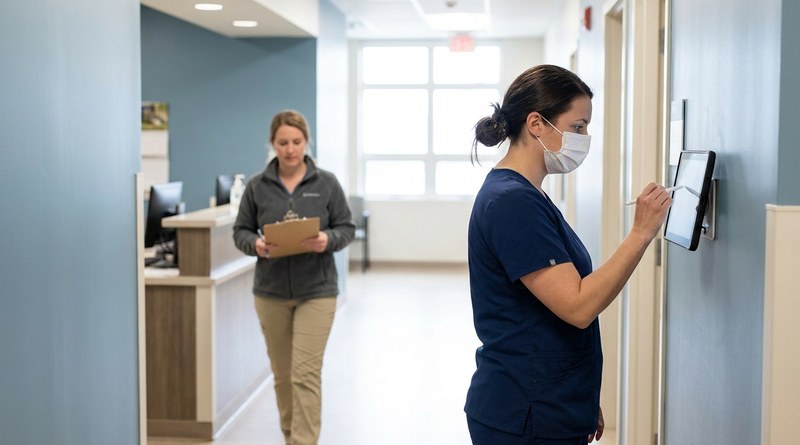
A rural hospital using CloudApper hrPad as its UKG time clock still handled much of HR on paper. Its next step is extending the same kiosk to documents, e-signatures and transfers, with CloudApper iPaaS moving benefits data to providers, all within network rules that block external AI services.
October 7, 2026
Shared Tablet SSO in UKG: One Time Clock for Every Login Type
Hourly staff on basic UKG logins and managers on SSO can share one tablet time clock without login mix-ups. This guide explains each login type in plain English, compares three shared-tablet setups and shows how hrPad by CloudApper AI makes it work.



