Facial recognition isn't legal everywhere your UKG sites operate. CloudApper AI's Employee Time Clock lets restricted locations switch to PIN and photo capture while other sites keep face matching, all on one platform. No separate vendor, no new hardware, no gap in your audit trail.



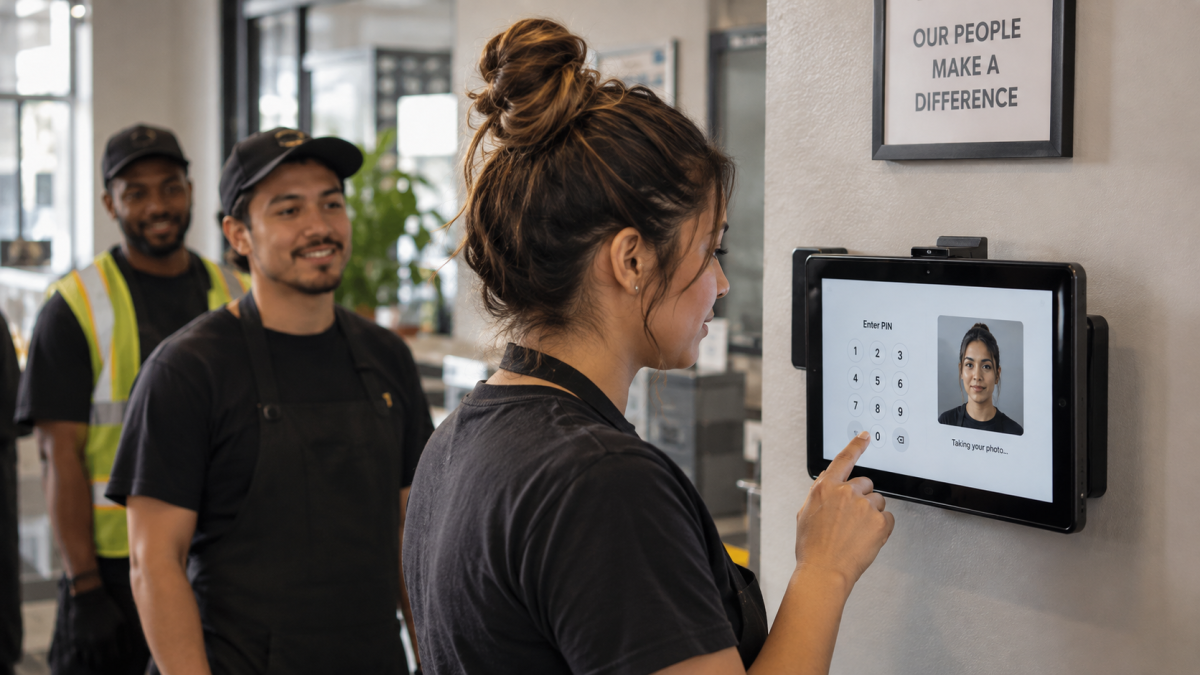
Table of Contents
- Why the Same UKG Time Clock Setup Can Be Legal in One State and Not the Next
- Why a Photo Isn’t Always the Same as a Face Scan
- One Platform, Every Site’s Rules Covered: Face Matching or PIN and Photo
- Configuring This Across a Multi-Site UKG Deployment
The same time clock setup can be legal at one location running UKG and restricted at the next, for reasons that have nothing to do with UKG itself. Some states require consent before biometric data gets collected, and let employees sue over violations. Other jurisdictions have banned private-sector facial recognition outright, though those bans don’t always stay in effect. Some union contracts go further and require bargaining before any biometric data gets collected. None of that means a restricted site has to give up buddy-punching protection or move to a separate system. CloudApper AI’s employee time clock for UKG already runs PIN codes, QR/barcode, photo capture, and face matching side by side. A restricted location can switch to a PIN and photo time clock setup while every other site keeps face matching, all in the same platform.
Why the Same UKG Time Clock Setup Can Be Legal in One State and Not the Next
Illinois’ BIPA and Texas’ CUBI both regulate biometric identifiers: scans of retina, iris, fingerprint, voiceprint, or hand and face geometry collected to identify someone. Some union contracts go further and bar biometric capture altogether, regardless of what state law allows. Run UKG across multiple states and you can end up with one site legally cleared for facial recognition and a neighboring one that isn’t, even though company policy treats them the same. The stakes are real: BIPA lets employees sue for $1,000 per negligent violation and $5,000 per intentional or reckless one.
Why a Photo Isn’t Always the Same as a Face Scan
A photograph and a face scan aren’t the same thing under every law. Illinois’ BIPA spells it out: its definition of a biometric identifier specifically excludes photographs and covers scans of face geometry instead, which is what facial recognition does. So a photo taken at the punch, and reviewed by a person only if there’s a dispute, is treated differently from an automated face match. Texas’ CUBI and other state laws don’t use the same wording, so check what applies at each location before assuming photo capture is cleared everywhere.
One Platform, Every Site’s Rules Covered: Face Matching or PIN and Photo
CloudApper AI’s Employee Time Clock Software runs on a standard tablet and connects to whatever UKG system a company already has, syncing punches in real time so nothing on the HCM side has to change. Inside the same app, a site can clock in with a PIN, barcode/QR, photo capture, or face matching, whichever method its state or contract allows.

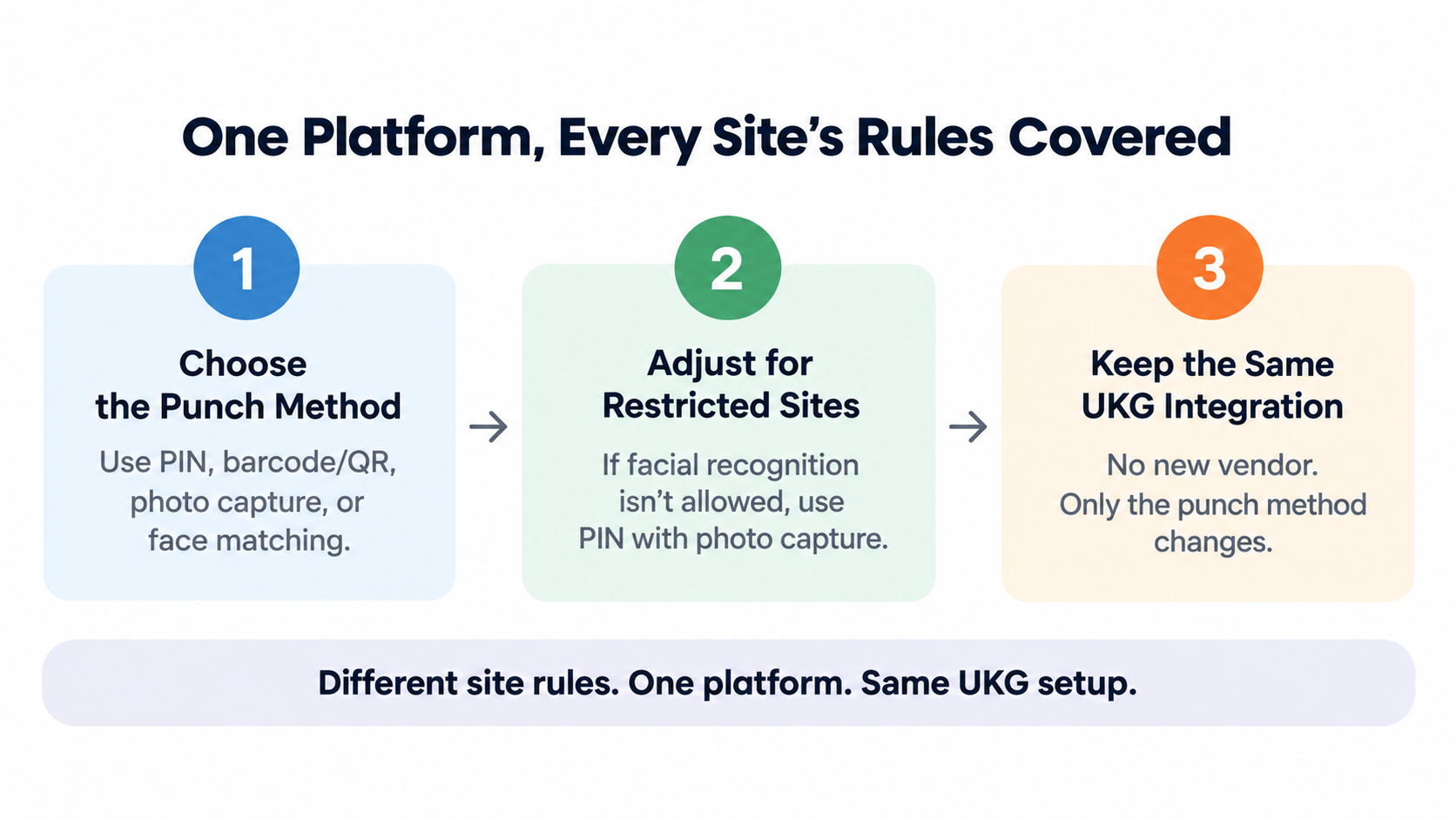
That’s the fix for a site that can’t run facial recognition: switch it to PIN entry with photo capture. The employee enters a PIN, the tablet photographs the punch, and an administrator has an image to check if it’s disputed. Not an automated match, but enough to kill the anonymity buddy punching depends on.
No new vendor needed just because one site sits under BIPA, CUBI, or a union contract that rules out biometrics. The UKG setup underneath stays exactly the same. Only the punch method at that one location changes.
Configuring This Across a Multi-Site UKG Deployment
The punch identification method and the optional photo-capture add-on both get set during implementation, not baked into the platform the same way for every UKG customer. That means CloudApper’s team can configure a PIN and photo time clock at your restricted locations and leave face matching running everywhere else, with every site still feeding punches into the same UKG integration. IT isn’t stuck managing two systems, and HR isn’t explaining two different policies to one workforce.
Ready to eliminate time tracking errors at the sites where facial recognition isn’t an option? Learn more today or contact us.
PIN and Photo Time Clock FAQs
Is a time clock photo considered biometric data?
Under Illinois’ BIPA specifically, no. The statute’s definition of biometric identifier excludes photographs and covers scans of face geometry instead, so a stored image reviewed by a person doesn’t trigger the same requirements as a facial recognition scan. Other states draw this line differently. Texas’ CUBI and California’s CCPA don’t use identical wording, so confirm the specific statute, and any applicable union agreement, before treating photo capture as automatically compliant everywhere.
Can a PIN and photo time clock prevent buddy punching as well as face matching?
Not exactly the same way. Face matching auto-matches a face against an enrolled template, so it catches an attempted buddy punch the moment it happens. PIN and photo instead gives you a timestamped photo tied to every punch, which an administrator or supervisor can review if something looks off. It’s a real gap closed, just not the same automated coverage, and it relies on someone actually reviewing flagged punches rather than a system catching it instantly, which is the tradeoff for staying compliant at restricted sites.
Do restricted and unrestricted UKG sites need different hardware?
No. The same tablets support PIN, barcode/QR, and face matching. CloudApper’s team sets which method or methods apply during implementation, so a restricted site and an unrestricted site can run identical hardware with different configurations instead of needing separate equipment or a separate rollout.
Does photo capture work with UKG Ready and UKG Pro WFM?
Yes. CloudApper AI’s Employee Time Clock Software already supports optional photo capture as an add-on to punch methods that don’t use face matching, like barcode and QR scanning, and that capability carries across UKG Ready and UKG Pro WFM (formerly UKG Dimensions) rather than being limited to one product.


October 19, 2026
Nurse Mandatory Overtime Limits in UKG: Documenting Voluntary Overtime at Clock-Out
New York, Pennsylvania and Washington restrict mandatory overtime for nurses, which makes documented consent the key record. Learn how UKG Pro WFM and UKG Ready separate voluntary and mandated overtime, and how CloudApper AI TimeClock captures consent on an affordable unit tablet.

October 16, 2026
Heat Illness Recovery Breaks in UKG for Construction and Logistics Crews
State heat rules in California, Washington and beyond require cool-down breaks that payroll must be able to prove. Learn how UKG Ready and UKG Pro WFM track recovery periods, and how CloudApper AI TimeClock captures them on an affordable jobsite tablet that works offline.
October 15, 2026
PUMP Act Lactation Breaks in UKG: Tracking Them Without Breaking Meal Rules
Lactation breaks protected by the PUMP Act often show up as meal break exceptions in UKG. Learn what federal law requires, how to configure UKG Ready and UKG Pro WFM pay codes, and how CloudApper AI TimeClock records these breaks privately on an affordable tablet clock.
October 14, 2026
Enforcing Minor Work Hour Limits at the UKG Time Clock
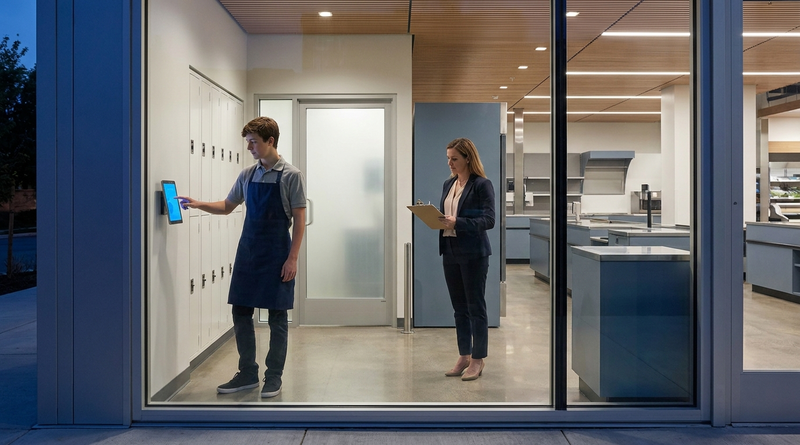
Child labor hour limits are usually built into UKG schedules, but violations happen at the punch. Learn the federal rules for 14 to 17 year olds, how UKG Pro WFM and UKG Ready handle minor rules, and how CloudApper AI TimeClock adds age-based checks on an affordable tablet clock.