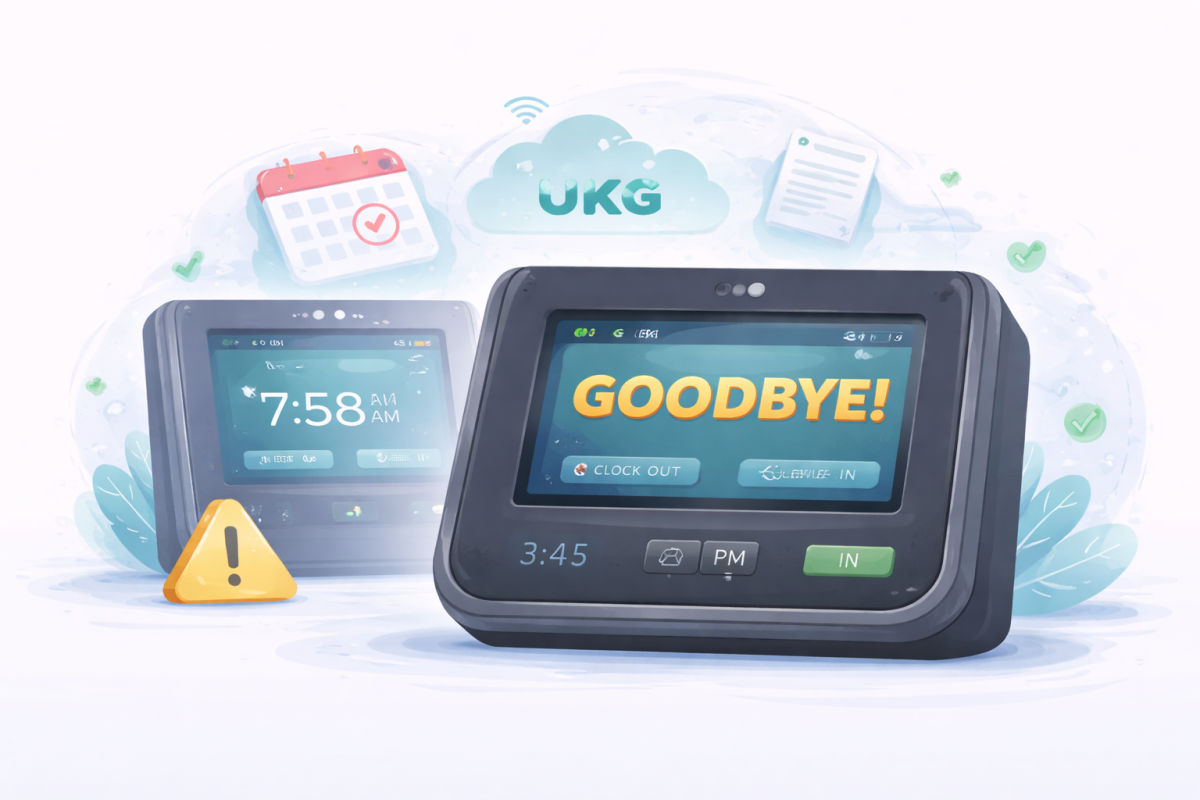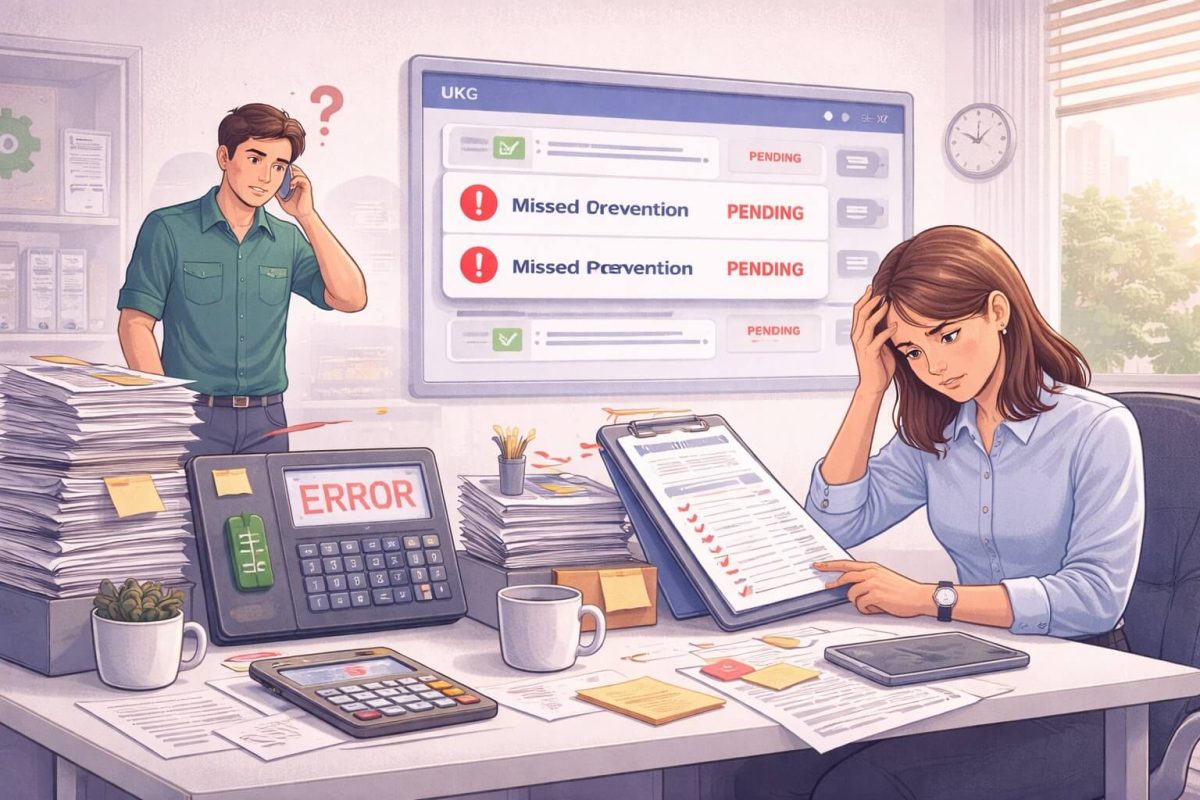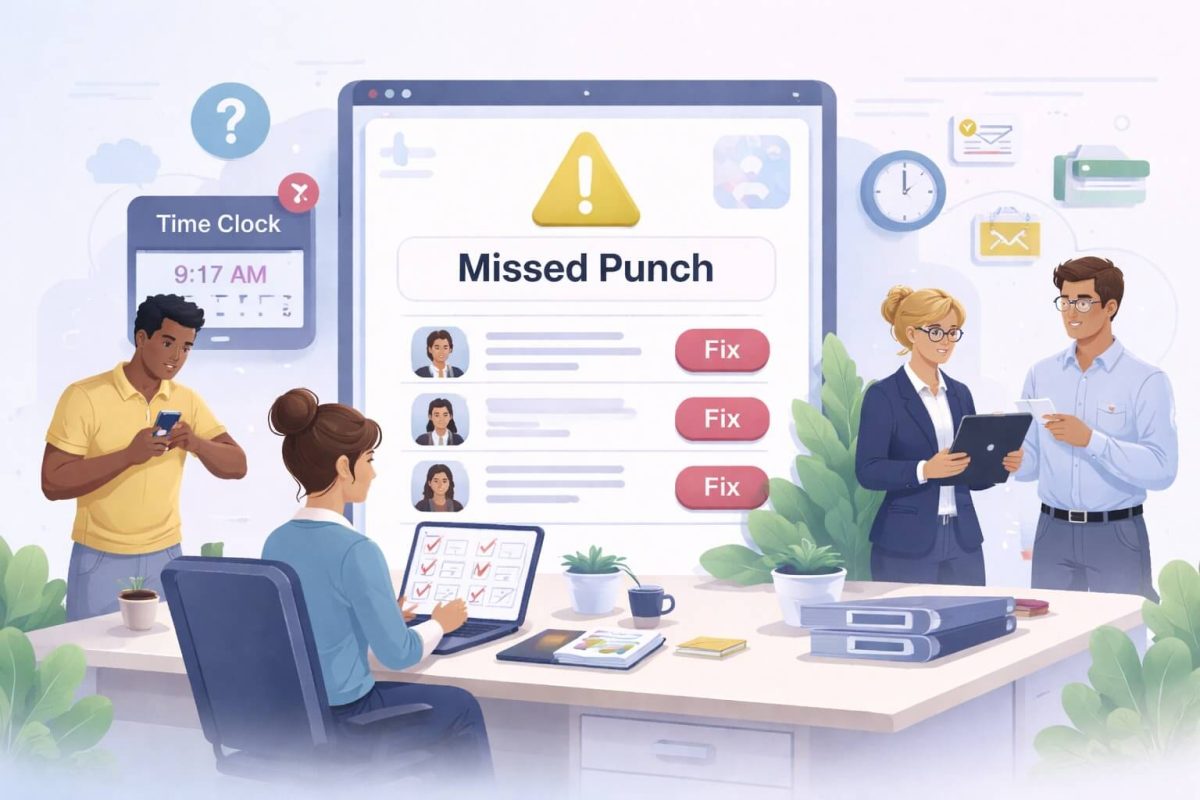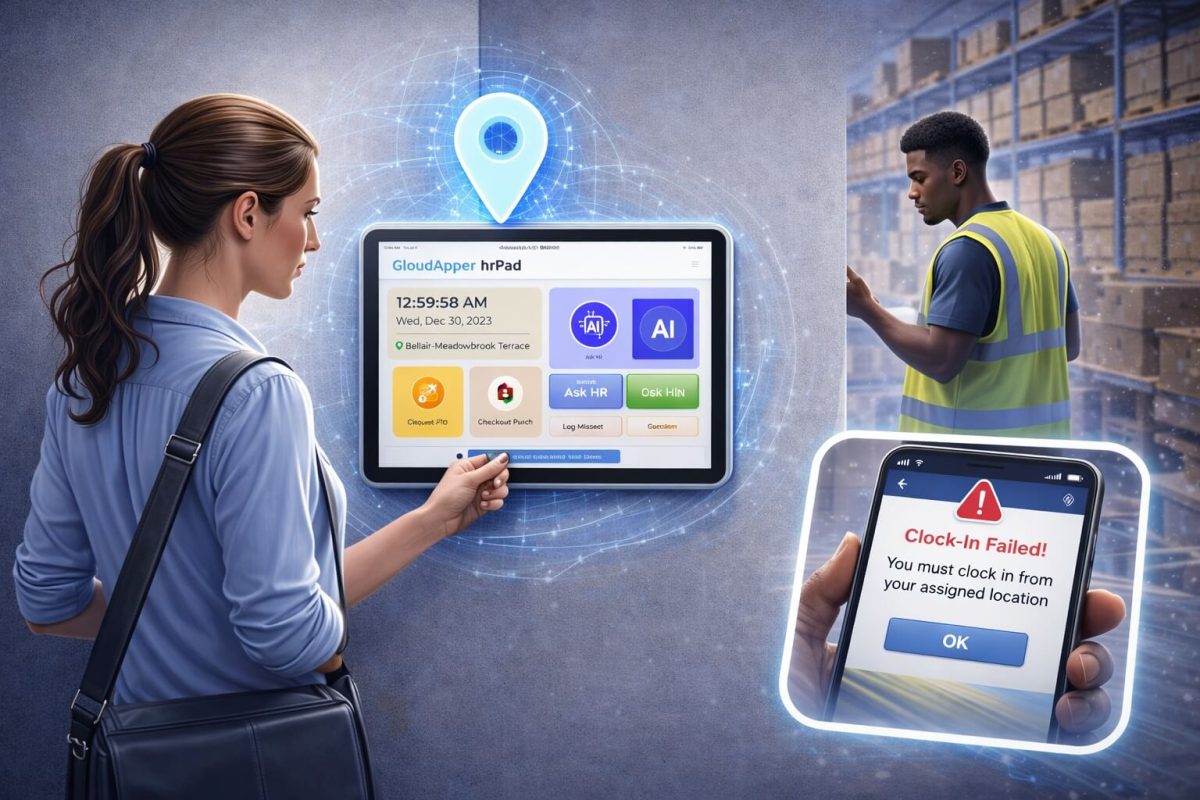
Ensuring employees clock in/out only from assigned time clocks in UKG Ready is critical to prevent inaccurate job costing, safety risks, and labor leakage. CloudApper hrPad enforces this through device restrictions, biometric verification, geofencing, and AI attestations—delivering accurate, real-time data sync for better compliance and oversight.



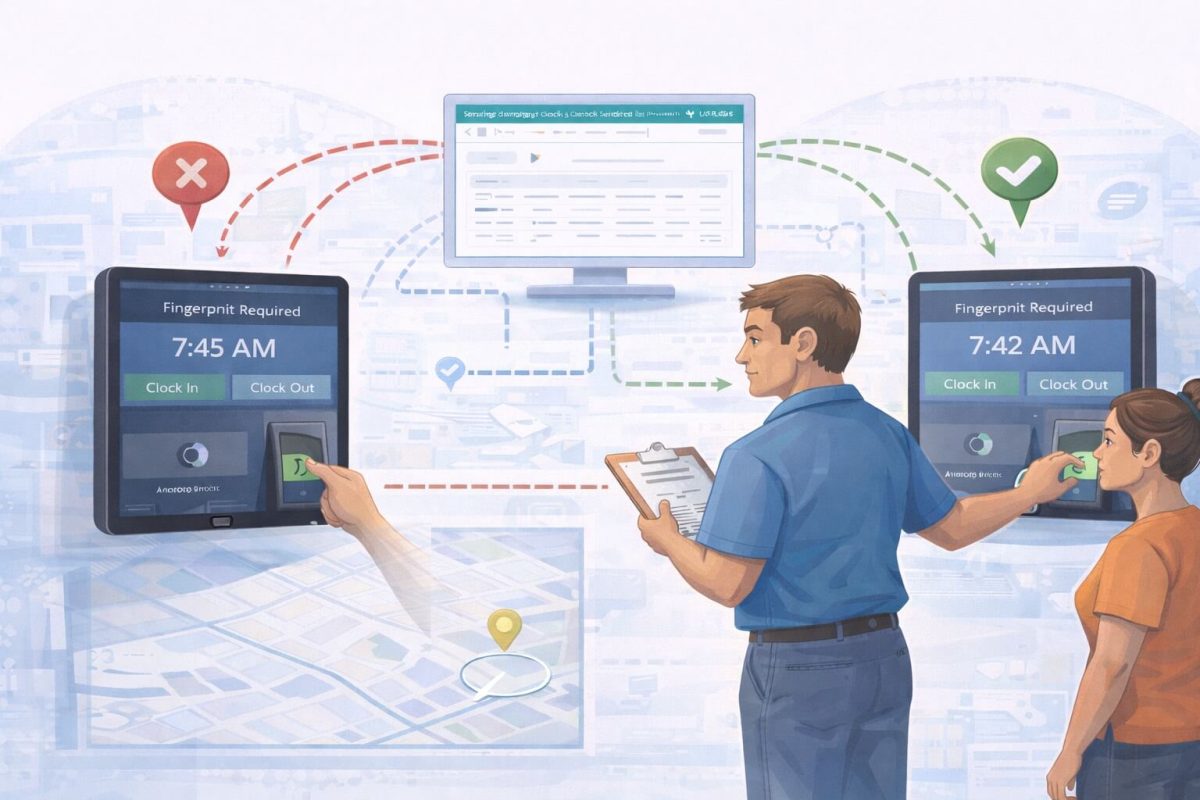
Table of Contents
In large-scale operations—from sprawling manufacturing plants to multi-site retail chains—maintaining precise labor data is essential. For many organizations using UKG Ready, a common operational goal is ensuring that employees use their specifically assigned time clocks. Whether it is to ensure safety, manage department-level job costing, or simply to streamline foot traffic during shift changes, “geofencing” the punch process to a specific device is a high priority for HR leaders.
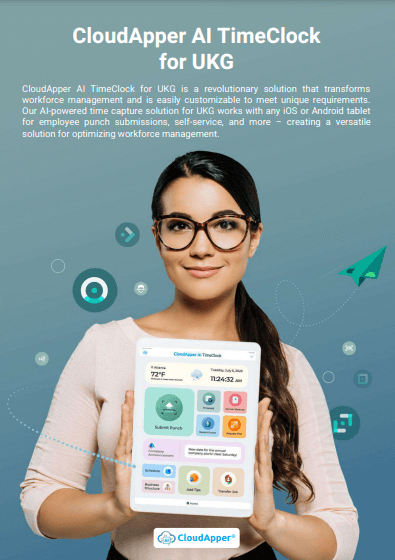
As a UKG Technology Partner, CloudApper works alongside UKG to extend the power of your HCM. By integrating CloudApper hrPad, an AI-powered tablet solution, UKG Ready customers can achieve unprecedented control over where and how employees record their time—all while enhancing the employee experience.
TL;DR:
UKG Ready customers can use CloudApper hrPad to restrict punches to specific assigned tablets. This solution uses biometrics and AI to ensure employees are at the correct job site, eliminating data errors and “labor leakage.”
The Strategic Importance of UKG Ready Clock In and Out From Assigned Time Clocks
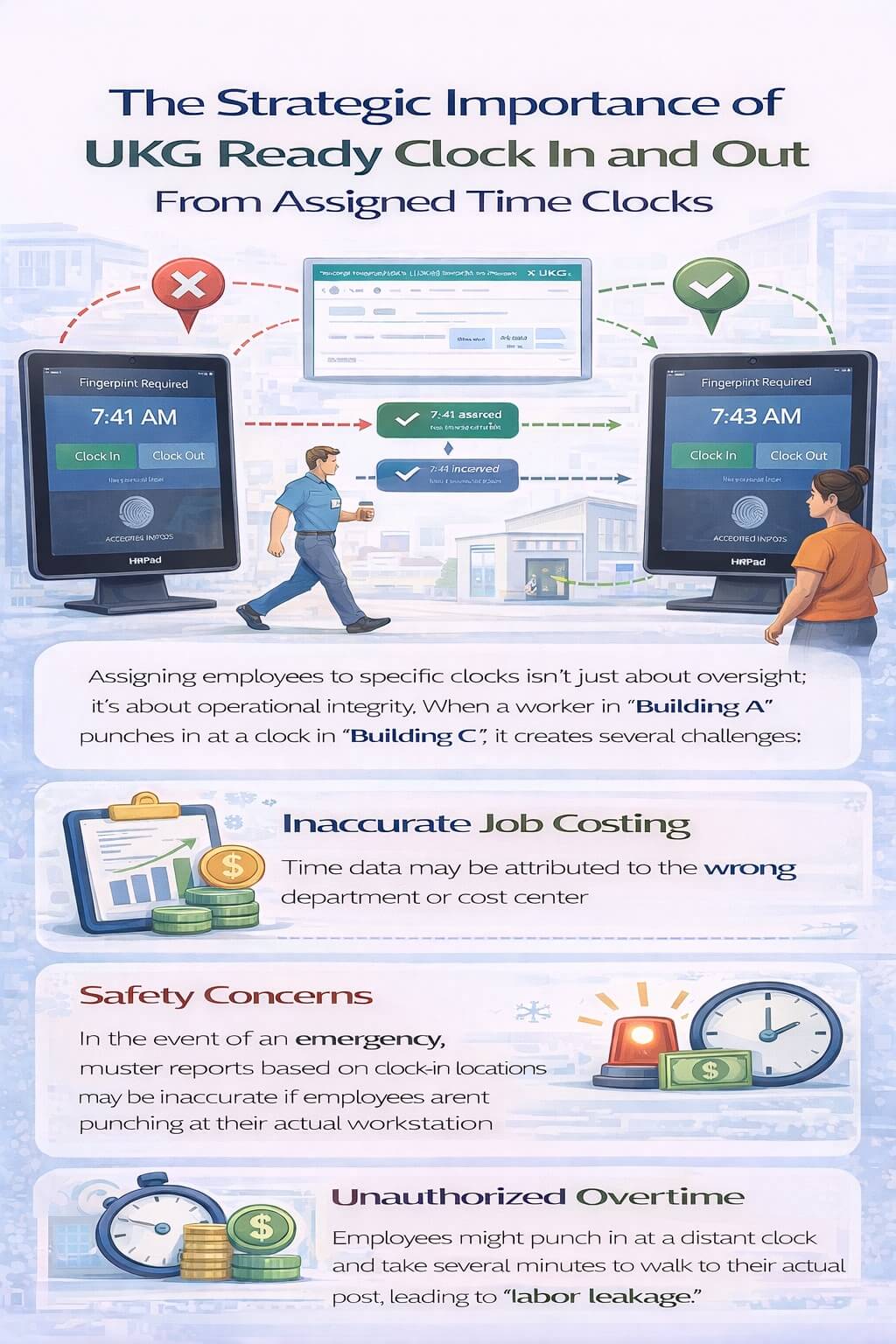
Assigning employees to specific clocks isn’t just about oversight; it’s about operational integrity. When a worker in “Building A” punches in at a clock in “Building C,” it creates several challenges:
-
Inaccurate Job Costing: Time data may be attributed to the wrong department or cost center.
-
Safety Concerns: In the event of an emergency, muster reports based on clock-in locations may be inaccurate if employees aren’t punching at their actual workstation.
-
Unauthorized Overtime: Employees might punch in at a distant clock and take several minutes to walk to their actual post, leading to “labor leakage.”
Enhancing UKG Ready Clock In and Out with CloudApper hrPad
While UKG Ready provides a robust foundation for time and attendance, CloudApper hrPad serves as an intelligent hardware layer that makes assigned clock-ins seamless and automated.
1. Intelligent Device Restrictions
With hrPad, you can configure your tablets to only accept punches from specific employee groups. Because hrPad syncs in real-time with your UKG Ready database via API, it “knows” which employees belong to which terminal. If an employee tries to clock in at an unassigned location, the AI assistant can politely guide them to the correct station, ensuring your data remains clean from the start.
2. Biometric Verification for 100% Accuracy
To ensure the right person is at the right clock, hrPad utilizes FaceID and biometric verification. This eliminates “buddy punching” and ensures that the employee physically stood in front of their assigned station to record their shift.
3. Real-Time Geofencing for Mobile Teams
For organizations with outdoor sites or construction zones, “assigned clocks” aren’t always physical walls—they are geographic zones. hrPad can be deployed on mobile tablets with GPS-based geofencing. This ensures that employees can only clock in or out when they are physically within the boundaries of their assigned job site.
4. Custom Punch Attestations
One of the most powerful features of the hrPad solution is the ability to trigger Conditional Attestations. If an employee is punching at a clock outside their usual routine, the AI can ask: “We noticed you are at the North Warehouse today. Are you floating for this shift?” The employee’s answer is captured as a comment and pushed directly into UKG Ready, giving managers the context they need without manual follow-up.
Why Customers Choose CloudApper hrPad for UKG Ready Clock In and Out
Beyond just restricting locations, hrPad transforms the time clock into a Multi-Functional HR Kiosk.
-
Cost-Effective Scalability: Use off-the-shelf iPads or Android tablets instead of expensive, proprietary hardware. This allows you to place more clocks in more locations, reducing wait times.
-
Employee Self-Service (ESS): In addition to clocking in, employees can use hrPad to view schedules, request PTO, and check pay stubs—all at their assigned workstation.
-
24/7 AI Assistant: The built-in AI handles common HR questions, reducing the burden on your administrative staff.
Clean Data Starts at the Point of Entry
Maximizing your investment in UKG Ready requires high-quality data. By ensuring employees clock in and out from their assigned locations, you protect your payroll integrity and improve site safety.
CloudApper hrPad provides the flexibility, intelligence, and security needed to manage a modern, mobile, or multi-site workforce. As your UKG partner, we help you turn “time tracking” into a strategic advantage.
Ready to streamline your UKG Ready clock-in process? Learn how CloudApper hrPad can modernize your workforce management today.