New York and California require a written pay rate change notice when certain pay details change, but frontline workers rarely check a company inbox. See how HR can collect signed acknowledgments at the UKG time clock, with every answer time-stamped and ready for an audit.



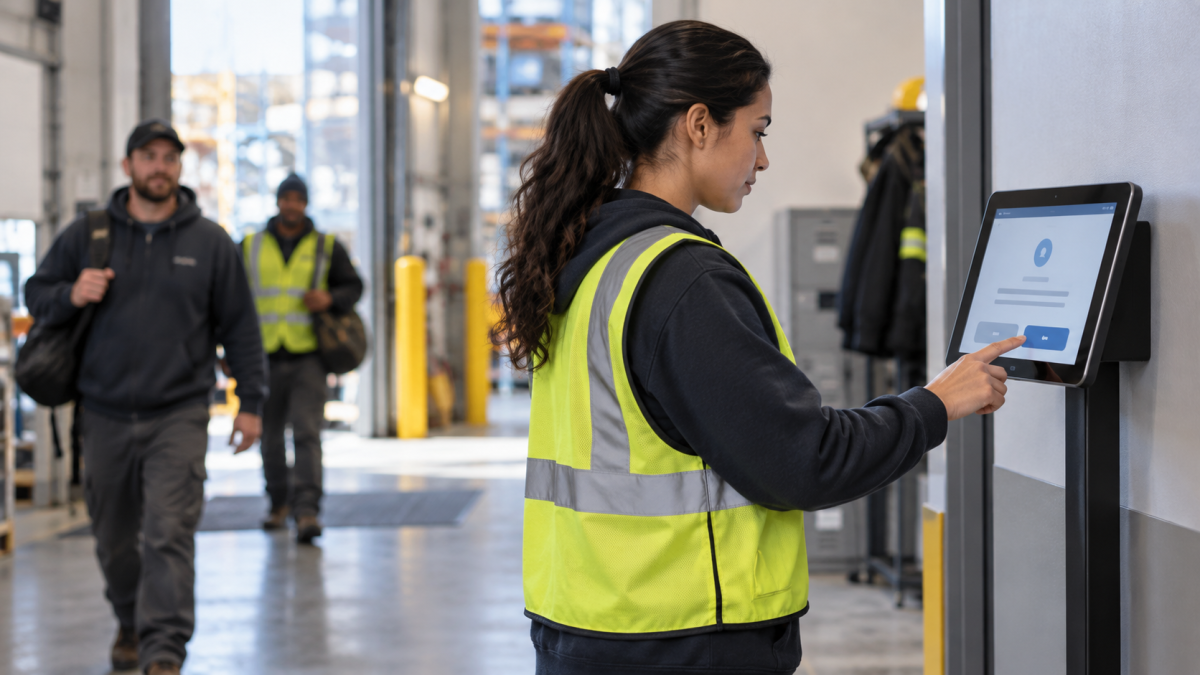
Table of Contents
- Why pay rate notice acknowledgments in UKG stall for frontline teams
- Why a missing pay rate change acknowledgment matters
- How an Employee Self-Service Kiosk for UKG collects acknowledgments at the clock
- Where this fits with your UKG setup
New York and California require employers to give workers a written pay rate change notice, a short document that lists their hourly rate, overtime rate, payday, and any tips or meals counted toward wages. In New York, employees also have to sign an attestation confirming they received the notice and understand how they’ll be paid, and employers must keep that signed record in case of an audit or wage dispute. Most teams handle this in UKG during onboarding, but the notice has to go out again after every raise, promotion, transfer, or rehire, and frontline workers who spend their shifts on the floor rarely see a company inbox. That leaves HR printing forms and chasing signatures. CloudApper’s Employee Self-Service Kiosk for UKG moves the whole process to the time clock, so employees review the notice and sign their attestation when they clock in, the one step they complete every shift.
Why pay rate notice acknowledgments in UKG stall for frontline teams
New York Labor Law 195 and California Labor Code 2810.5 both require employers to give employees a written notice of their pay rate and related pay details. The notice is given at hire, and both laws also cover notices when certain pay details change. New York also asks employers to request a signed acknowledgment of the notice. The exact requirements vary by state and situation, so most HR and payroll teams confirm the specifics with employment counsel. In practice, the challenge is the same in both states: the notice has to reach every worker, and the employer needs a record showing it did.

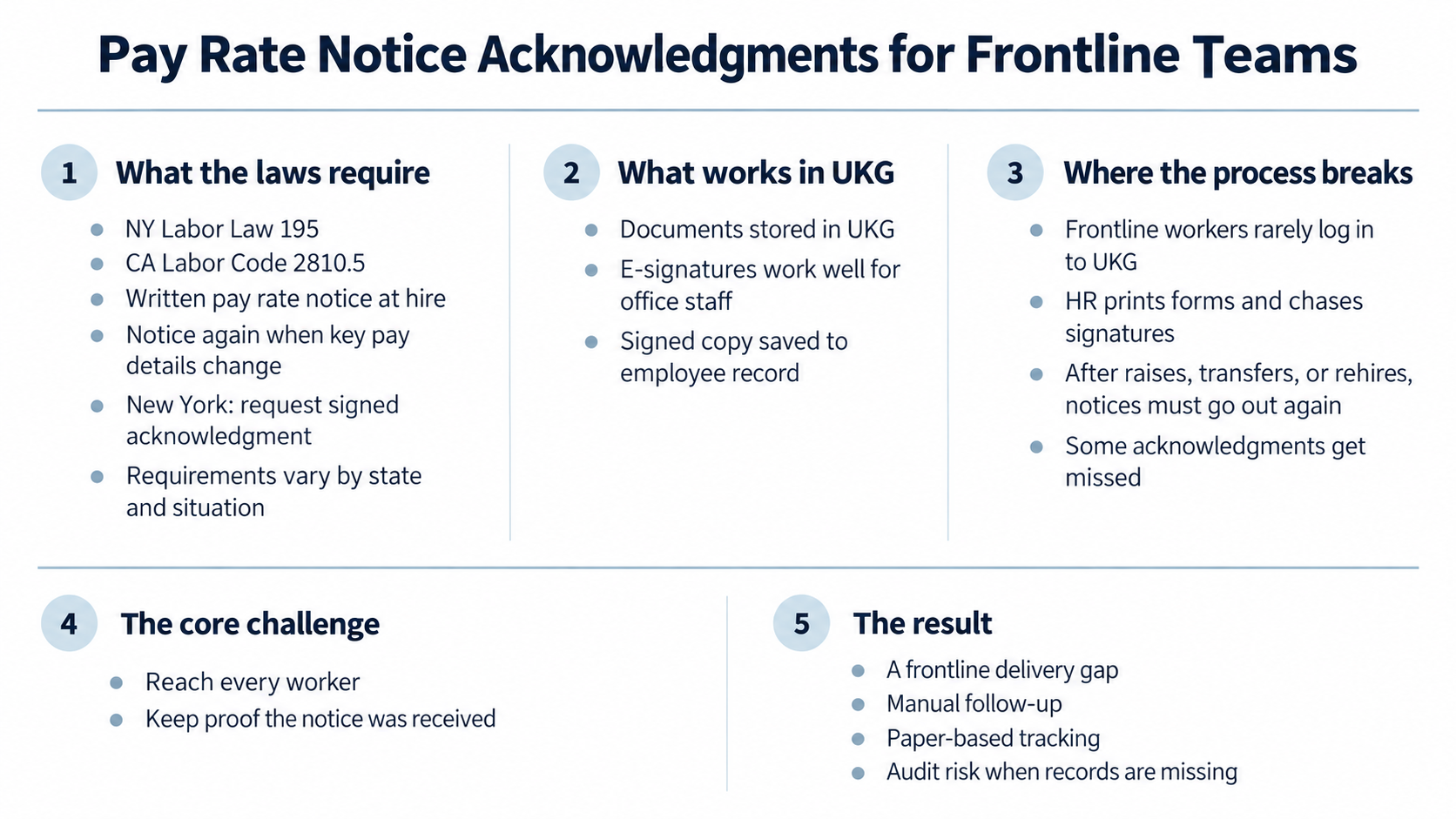
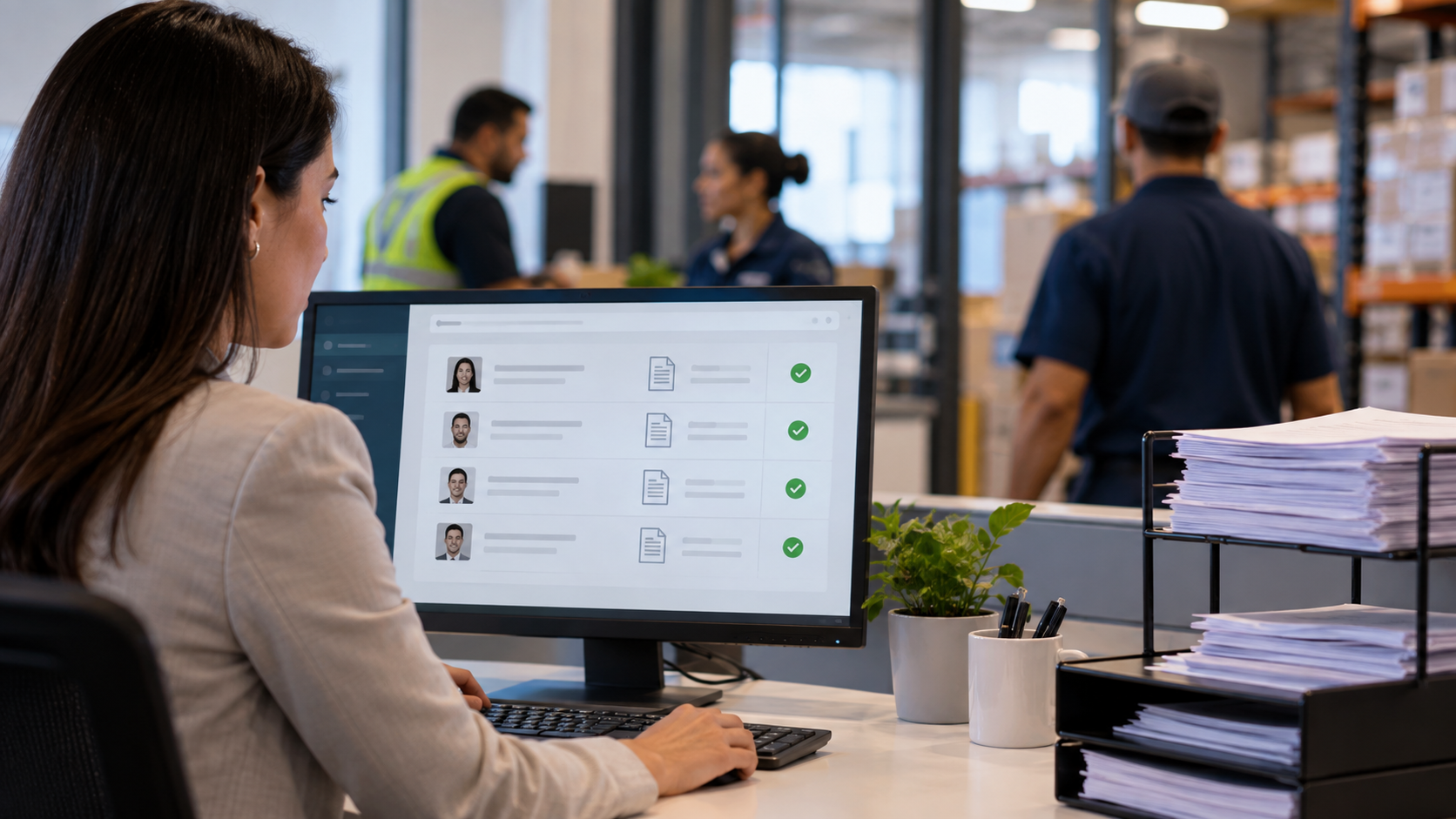
UKG handles document storage and e-signatures well. Office staff can open the notice in their portal, sign it online, and the signed copy is saved to their record. But a warehouse associate or line cook or many other frontline workers usually never logs in to UKG. They sign a paper notice on their first day, and HR files it or scans it into UKG. When their pay changes later, HR has to print a new notice, track the employee down on the floor, get a signature, and upload it again. With frequent raises, transfers and rehires, some of those signatures get missed. This is a frontline delivery gap.
Why a missing pay rate change acknowledgment matters
A missing pay notice acknowledgment usually goes unnoticed until someone asks to see it, most often when an employee files a wage claim or the state labor department audits the company’s pay records. At that point, HR has to show that each employee received a notice at hire and after every pay change. In New York, employers have to keep these signed acknowledgments for six years, and a missing notice can lead to penalties. The NY DOL covers these rules in its FAQ on the Wage Theft Prevention Act. If every acknowledgement is saved in one place with the date and time it was signed, HR can pull the record in minutes instead of digging through paper files.
How an Employee Self-Service Kiosk for UKG collects acknowledgments at the clock
The Employee Self-Service Kiosk for UKG by CloudApper turns an iPad or Android tablet into a shared self-service station that connects to UKG Pro, UKG Pro WFM (formerly UKG Dimensions), or UKG Ready. Frontline workers use it at the start and end of every shift to clock in, check their schedules and timecards, and answer compliance questions. They don’t need a UKG login or a company email address. To collect pay rate notice acknowledgments, payroll adds a short confirmation question to the kiosk and chooses which roles see it. No coding is needed.
Here’s how it works for the worker. Say an employee reaches a pay rate threshold and moves up to the next pay step. The next time they walk up to the kiosk to clock in or out, they identify themselves with their face, a unique QR code or a PIN. Before the punch goes through, hrPad shows a short message about their new pay rate and asks them to confirm it with a simple Yes or No. If payroll has turned on the comment field, they can also type a note when something about the change doesn’t look right. Their answer then syncs straight to UKG. Since each worker has already verified who they are, every acknowledgment is linked to the right person and the right pay change.
Every answer is saved with the date and time, so HR has a complete record. Managers can see at a glance who hasn’t confirmed yet. Workers who want to understand their pay can ask the kiosk’s built-in HR assistant, which answers from your company’s own policies and flags anything it can’t answer to HR.
Where this fits with your UKG setup
UKG stays your system of record. Pay rates, employee data and documents all remain in UKG, and you keep using the same notice templates and the same process for issuing notices. The kiosk takes care of the step UKG can’t reach: confirming that frontline workers actually got their notice. Each time you issue one, whether at hire or after a raise, transfer or rehire, the worker completes a short attestation the next time they clock in. They verify who they are with their face, a QR code or a PIN, then confirm on screen that they received their pay rate notice. That confirmation is saved with their name, the date and the time, which gives HR a signed record for every notice without printing a single form. CloudApper works as the process layer between UKG and the work happening on the floor, so HR stops chasing paper and every worker has a clear record of the pay they were told about. Notice requirements vary by state and situation, so review your process with employment counsel as you set this up.
Want to see how this would work for your team? Contact us to book a live demo, and we’ll walk through the options that fit your setup.
Frequently Asked Questions
Does New York require employees to sign the pay notice?
New York asks employers to request a signed acknowledgment of the pay notice. If a worker declines to sign, the employer should still provide the notice and note the refusal on its copy.
Can workers without a UKG login or company email acknowledge their notice?
Yes. Workers are identified at the kiosk by facial recognition, QR code, or PIN, so they don’t need a UKG login, a company email, or a personal device.
What happens if a worker doesn’t respond to the acknowledgment prompt?
The prompt returns at the worker’s next punch, and managers can see which workers still haven’t acknowledged their notice.

October 23, 2026
No Tax on Overtime: What It Means for Your UKG Payroll
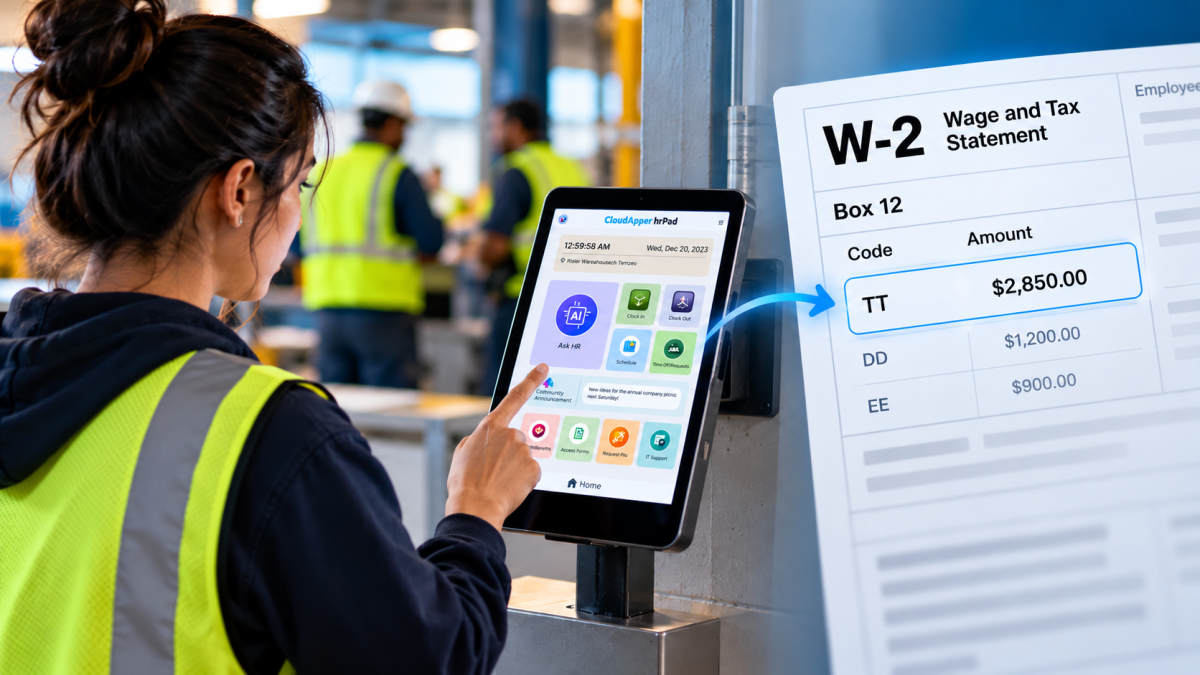
Starting with 2026 wages, employers using UKG must report qualified overtime in W-2 Box 12 (code TT), and only part of the overtime you pay counts. hrPad by CloudApper AI helps capture the details at the time clock.

October 23, 2026
Barcode Labor Tracking on UKG Ready: Two Clocks, One Labor Record, and an ERP-Validated Hierarchy
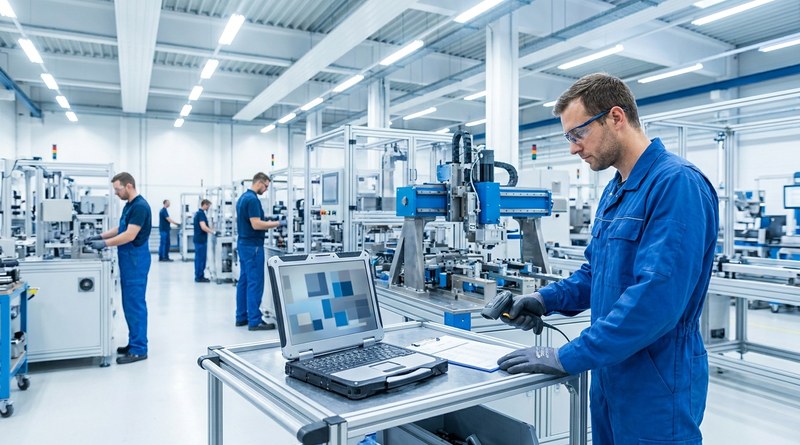
Some plants keep attendance on the clocks at the door and capture job labor at the workstation. This piece looks at that two-clock model on UKG Ready: scan-only capture for gloved operators, work orders validated against the ERP, and how CloudApper adds that layer using the PCs and scanners already on the line.
October 13, 2026
Paperless HR for Rural Hospitals on UKG: Extending One Kiosk to Documents, E-Signatures and Benefits Data
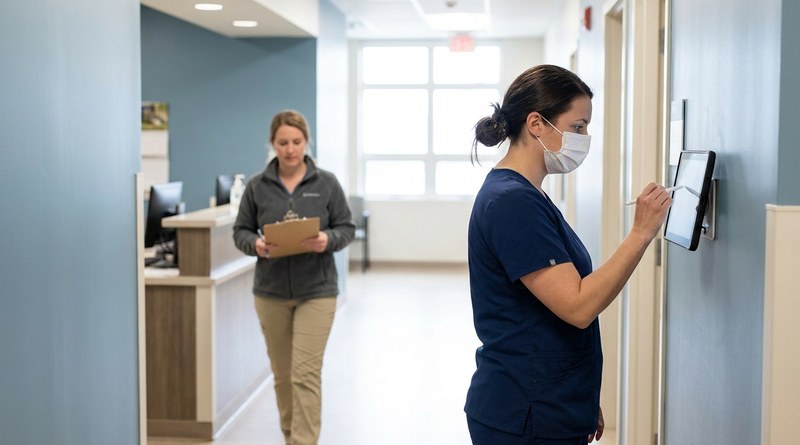
A rural hospital using CloudApper hrPad as its UKG time clock still handled much of HR on paper. Its next step is extending the same kiosk to documents, e-signatures and transfers, with CloudApper iPaaS moving benefits data to providers, all within network rules that block external AI services.
October 7, 2026
Shared Tablet SSO in UKG: One Time Clock for Every Login Type
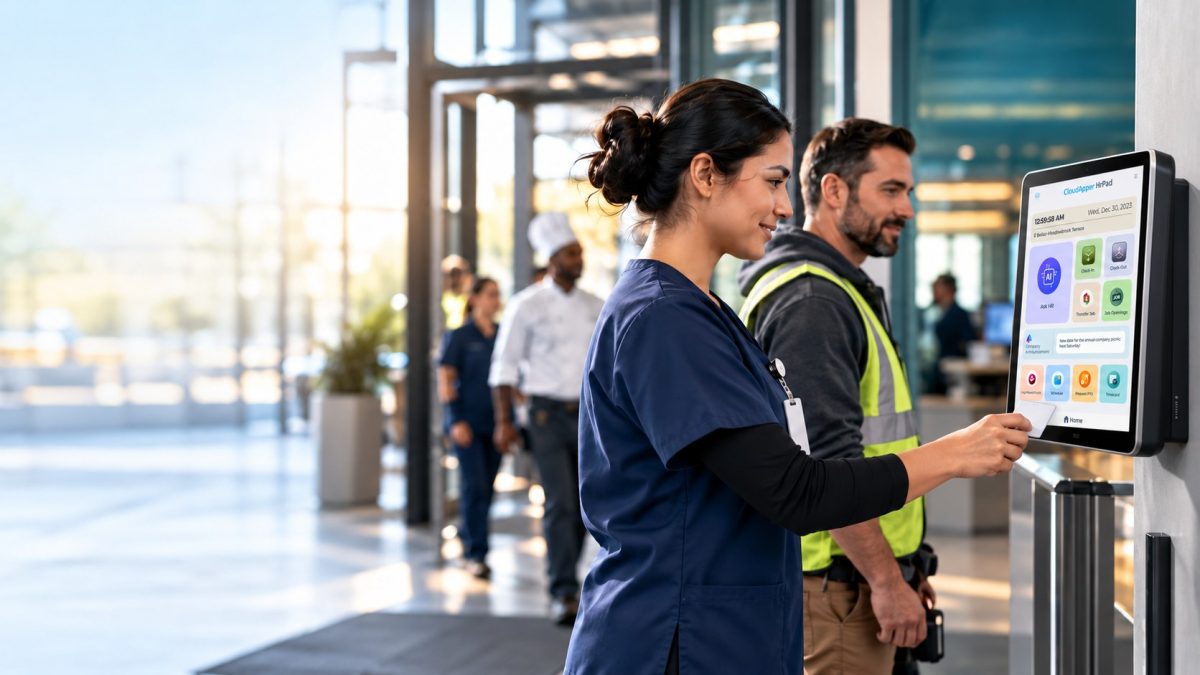
Hourly staff on basic UKG logins and managers on SSO can share one tablet time clock without login mix-ups. This guide explains each login type in plain English, compares three shared-tablet setups and shows how hrPad by CloudApper AI makes it work.
