When personal phones stay out of work areas, the shared time clock becomes a practical place to share HR policy. A UKG time clock AI assistant answers employee policy questions in plain language, while decisions like time-off approvals and policy exceptions stay with HR and managers.



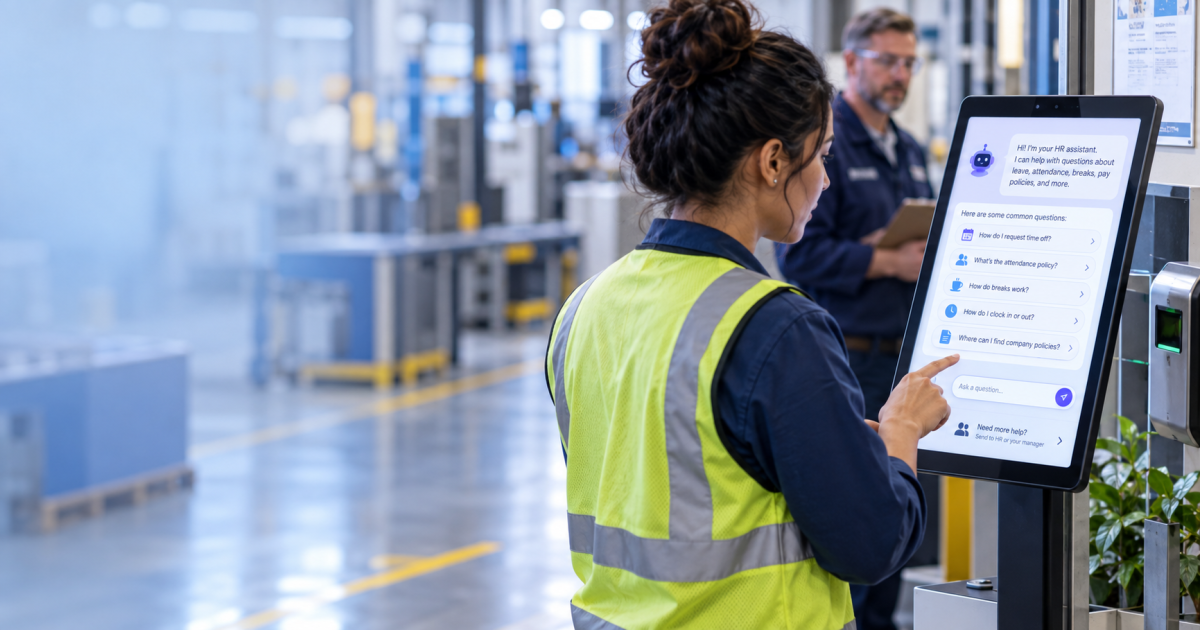
Table of Contents
- Why can’t some hourly workers check HR details on their phones?
- What happens when an HR question comes up mid-shift?
- How does a UKG AI HR assistant keep HR in the loop?
- How the Employee Self-Service Kiosk for UKG supports shift workers
Many employers keep personal phones off the production floor. HR questions still come up during those shifts, and most of them are specific. Employees want to know how a leave policy applies to them, whether leaving early affects attendance, or what to record at the clock. UKG Pro Workforce Management and UKG Ready run the timekeeping, accruals, and attendance behind those shifts. CloudApper hrPad, the Employee Self-Service Kiosk for UKG, adds a UKG AI HR assistant to the shared time clock. It explains the company’s policies in plain language, right where employees clock in.
Why can’t some hourly workers check HR details on their phones?
Food processing plants and pharmaceutical cleanrooms often keep personal devices out of production areas for hygiene and safety reasons. Policies like this don’t change how many HR questions employees have. They change where employees can ask them. On these sites, the shared time clock is often the one HR screen employees use every shift. Many employers already use it for clock-in messages. The same screen can also answer questions about company policy.

What happens when an HR question comes up mid-shift?
Most mid-shift HR questions are about policy. An employee may want to know whether sick time covers caring for a family member, or how leaving early fits the company’s attendance points policy. Those answers usually sit in the employee handbook.
Common mid-shift questions include:
- Does my sick time cover caring for a family member?
- How many attendance points do I get for leaving early?
- How long is my meal break, and do I clock out for it?
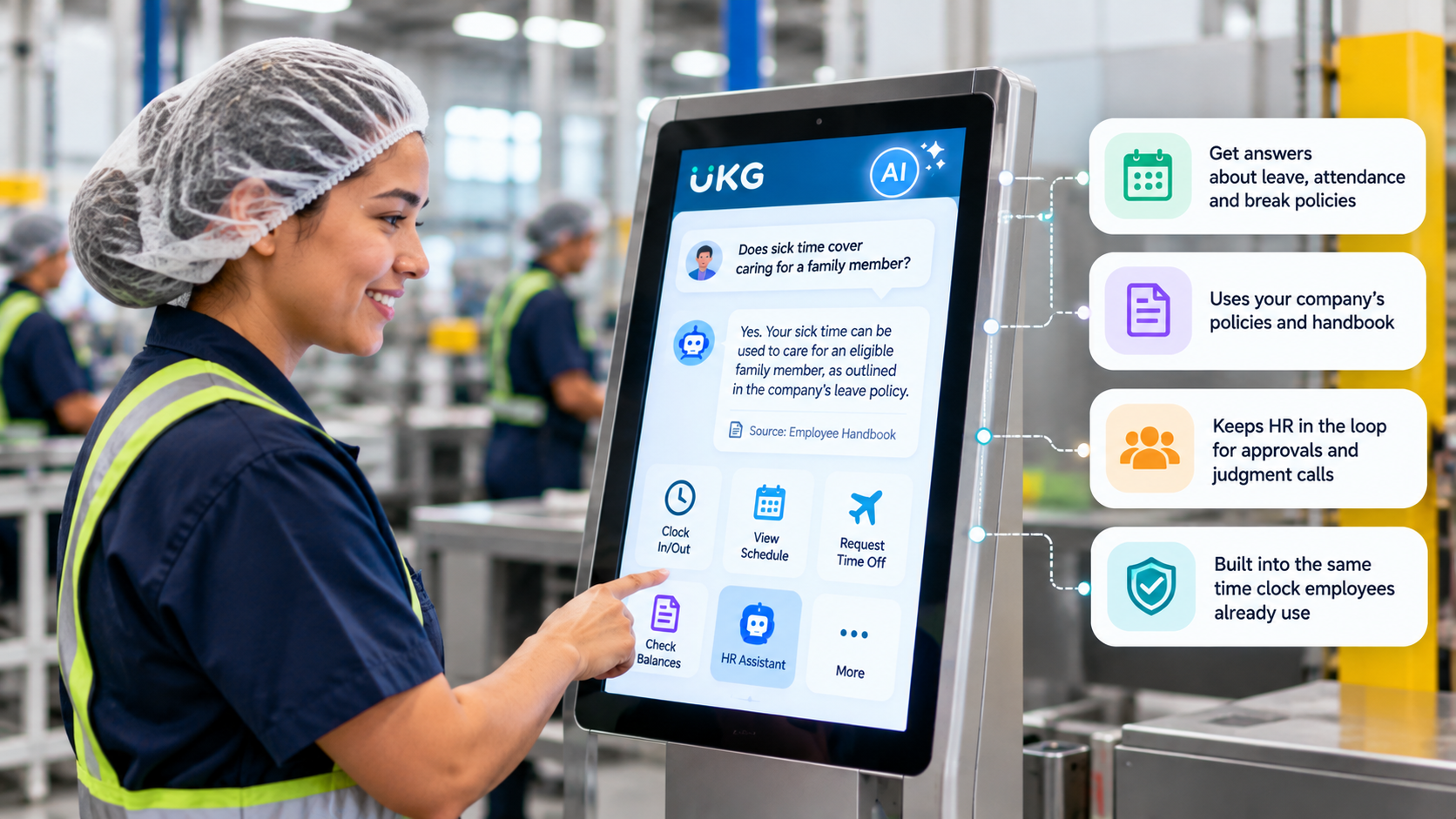
Handbooks are often shared as a PDF or an intranet page. Employees without phone or computer access on shift can’t open them from the floor. HR offices often keep daytime hours, and supervisors are focused on running the line.
This applies to a large share of the workforce. The O.C. Tanner Institute’s 2024 Global Culture Report found that 80 percent of the world’s workforce does not work at a desk. The report defines this group partly by limited access to standard workplace tools, such as email and HR systems. For employers, the shared time clock is one practical place to reach these employees.
How does a UKG AI HR assistant keep HR in the loop?
Employees ask questions in their own words, and the assistant answers in plain language using the policies your HR team provides. Its role is to share policy information. It explains how a leave, attendance, or break policy applies, using the same details your handbook already contains. That supports HR with the routine requests employees often bring to them.

Decisions stay with people. Time-off approvals, policy exceptions, timecard or pay changes, accommodation requests, and legal questions all go to your HR team and managers. When a question needs a decision, the assistant points the employee to the right person.
How the Employee Self-Service Kiosk for UKG supports shift workers
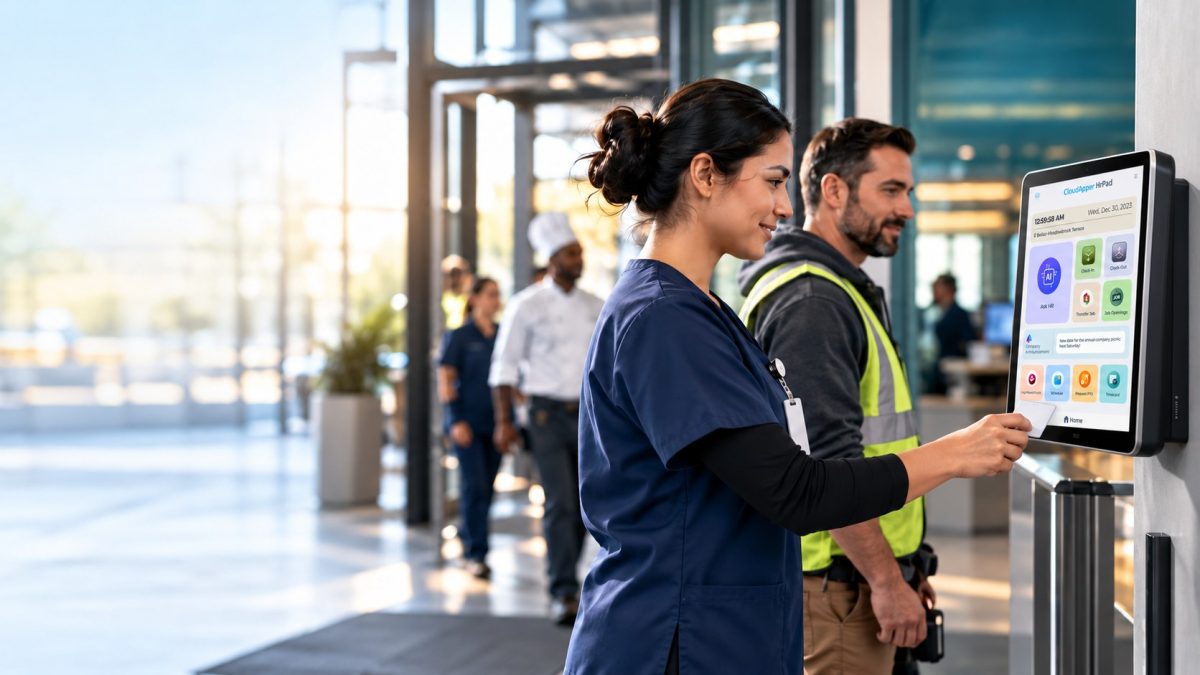
The Employee Self-Service Kiosk for UKG from CloudApper AI runs on an iPad, Android, or Windows tablet. It connects to UKG Pro, UKG Pro Workforce Management, and UKG Ready, with no changes to your UKG configuration. Employees sign in with Face ID, a PIN, or a QR code. From there, they can punch in and out, check PTO balances, view schedules, request time off, and answer attestation questions. The AI assistant is part of the same screen. For employers with phone-free floors, the kiosk gives hourly staff self-service access right at the time clock.
Bringing HR policy to the shared time clock
Mid-shift HR questions are rarely about a single number. They’re about what a policy means for one person, at one moment. An AI assistant at the time clock explains the policy and leaves judgment calls with HR. To see how the Employee Self-Service Kiosk for UKG could work on your floor, contact us.
Frequently asked questions
What can a UKG time clock AI assistant answer?
It answers routine HR questions in plain language, such as how a leave or attendance policy applies to a situation. Answers are based on the employer’s own policies.
Does the AI assistant replace HR?
No. It handles routine questions. Matters that need judgment, such as accommodation requests or pay disputes, go to HR.
Which UKG products does the Employee Self-Service Kiosk for UKG work with?
It works with UKG Pro, UKG Pro Workforce Management, and UKG Ready.
How do employees sign in on a shared kiosk?
Employees can sign in with Face ID, a PIN, or a QR code.
What is a UKG AI HR assistant?
A UKG AI HR assistant is an HR assistant built into the Employee Self-Service Kiosk for UKG. Employees ask policy questions in their own words at the time clock, and the assistant answers in plain language using the policies the employer’s HR team provides.
Do employees need a personal phone to use the assistant?
No. The assistant runs on the shared time clock kiosk, so employees can use it on sites where personal phones stay out of work areas.

October 23, 2026
No Tax on Overtime: What It Means for Your UKG Payroll
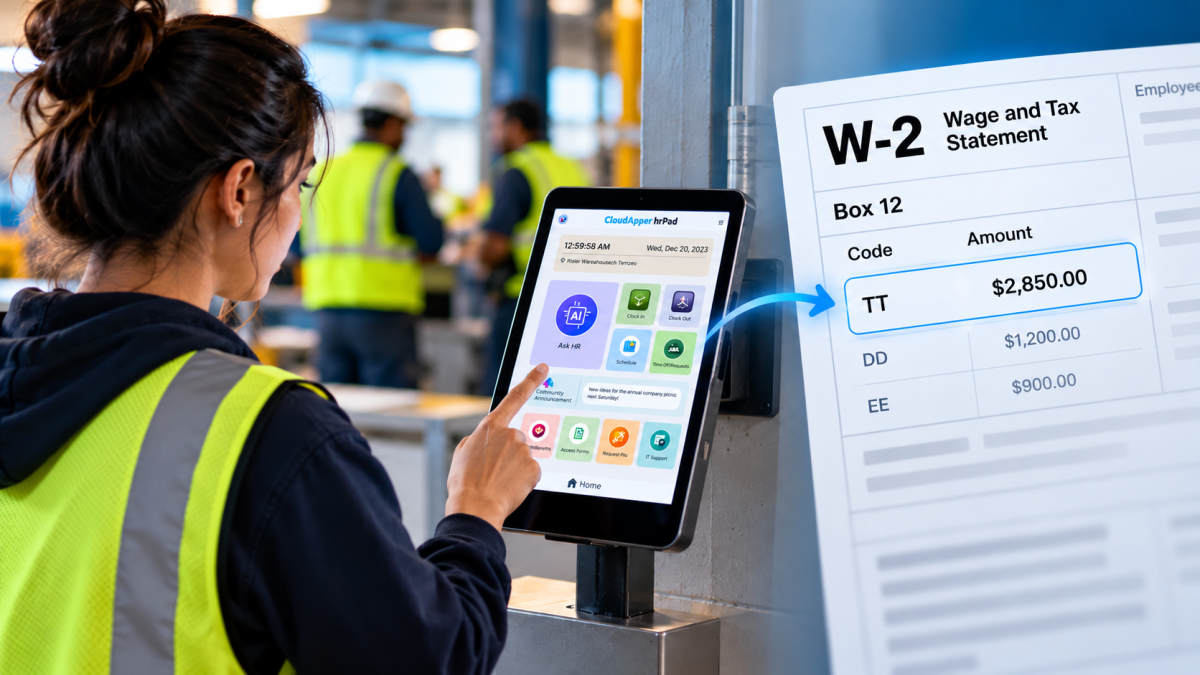
Starting with 2026 wages, employers using UKG must report qualified overtime in W-2 Box 12 (code TT), and only part of the overtime you pay counts. hrPad by CloudApper AI helps capture the details at the time clock.

October 23, 2026
Barcode Labor Tracking on UKG Ready: Two Clocks, One Labor Record, and an ERP-Validated Hierarchy
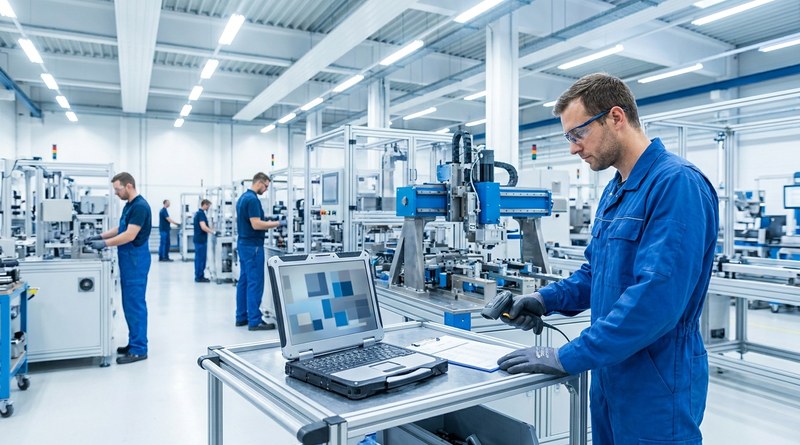
Some plants keep attendance on the clocks at the door and capture job labor at the workstation. This piece looks at that two-clock model on UKG Ready: scan-only capture for gloved operators, work orders validated against the ERP, and how CloudApper adds that layer using the PCs and scanners already on the line.
October 13, 2026
Paperless HR for Rural Hospitals on UKG: Extending One Kiosk to Documents, E-Signatures and Benefits Data
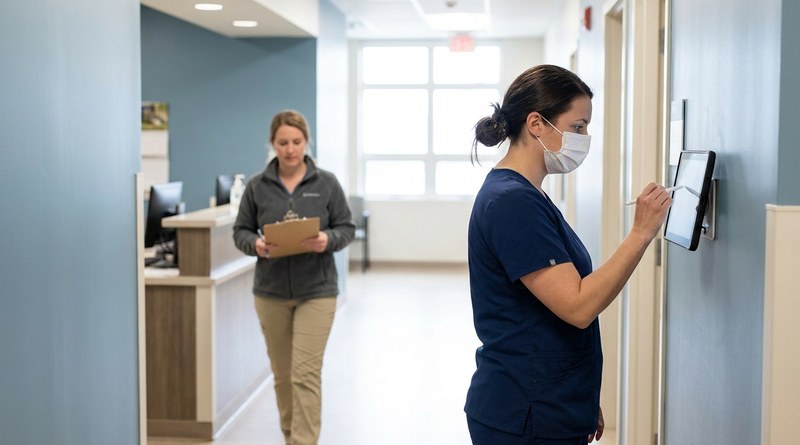
A rural hospital using CloudApper hrPad as its UKG time clock still handled much of HR on paper. Its next step is extending the same kiosk to documents, e-signatures and transfers, with CloudApper iPaaS moving benefits data to providers, all within network rules that block external AI services.
October 7, 2026
Shared Tablet SSO in UKG: One Time Clock for Every Login Type
Hourly staff on basic UKG logins and managers on SSO can share one tablet time clock without login mix-ups. This guide explains each login type in plain English, compares three shared-tablet setups and shows how hrPad by CloudApper AI makes it work.