

- The Problem: Long Lists, Slower Punches, and Selection Mistakes
- The Solution: Smart Activity Filtering at the Clock with hrPad
- Real-World Benefits for HR and Operations
- Use Case: Smart Filtering in Healthcare Environments
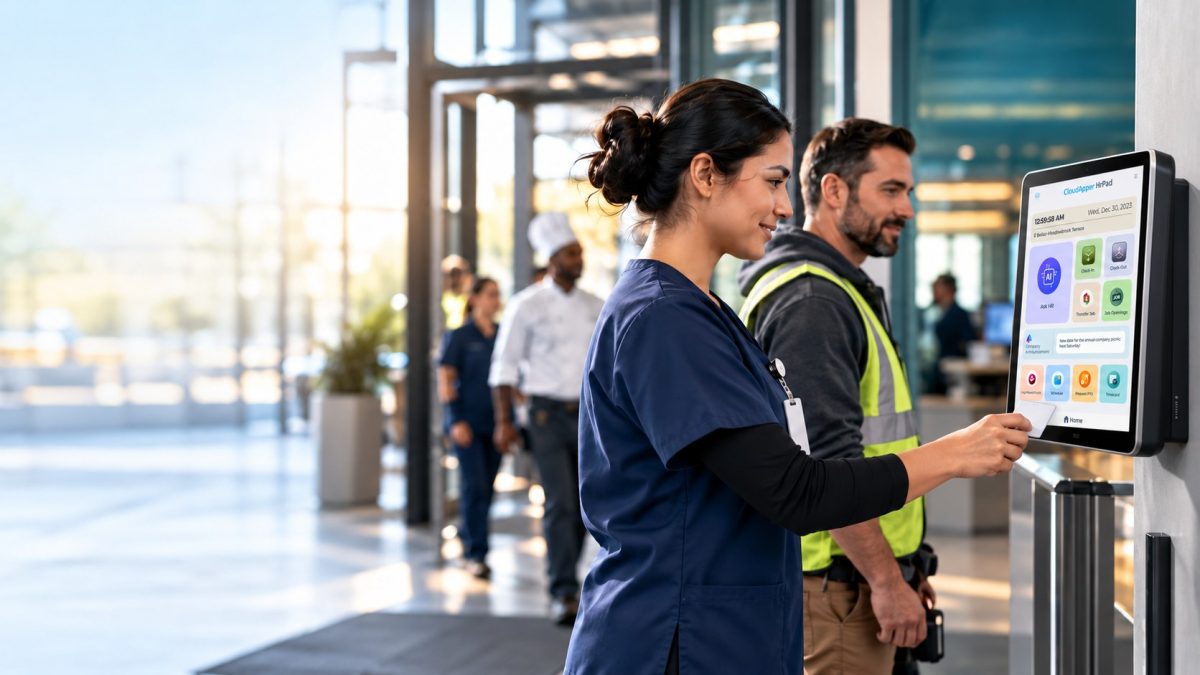
When frontline employees approach a shared time clock, the goal is simple: clock in quickly, accurately, and get to work. But in high-volume, multi-department environments—like hospitals, manufacturing plants, or large retail chains—employees often face a frustrating challenge: scrolling through an unfiltered list of cost centers or activities just to submit a punch.

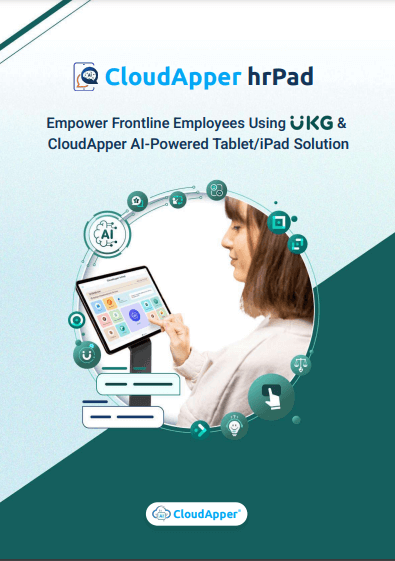
This isn’t a flaw in the system—it’s a result of organizational complexity. Fortunately, there’s a way to simplify the experience. CloudApper hrPad, an AI-powered self-service kiosk that integrates with UKG, offers smart activity filtering that ensures employees only see the cost centers relevant to them—making punches faster, more accurate, and less prone to error.
The Problem: Long Lists, Slower Punches, and Selection Mistakes
Organizations with diverse departments, shared time clocks, and flexible scheduling often face this common operational bottleneck:
- Nurses have to scroll through every unit in the hospital, not just their assigned floor.
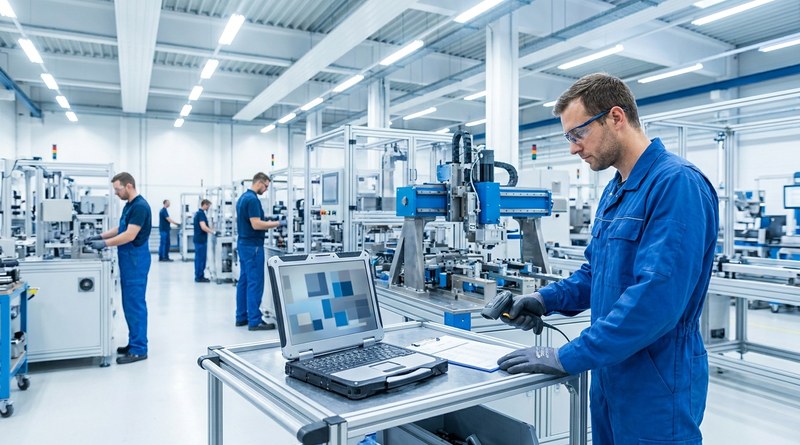
- Warehouse workers see shipping, receiving, and quality assurance—even when they work in just one area.
- Associates at retail stores encounter dozens of departments they don’t work in.
The result?
- Delays at the device
- Selection mistakes requiring payroll corrections
- Frustrated employees and reduced confidence in time capture workflows
While UKG time tracking is robust and scalable, the default front-end filtering isn’t always tailored to these scenarios. That’s where CloudApper hrPad steps in.
The Solution: Smart Activity Filtering at the Clock with hrPad
hrPad by CloudApper enhances UKG environments by making activity selection contextual, personalized, and efficient.
What is Smart Activity Filtering?
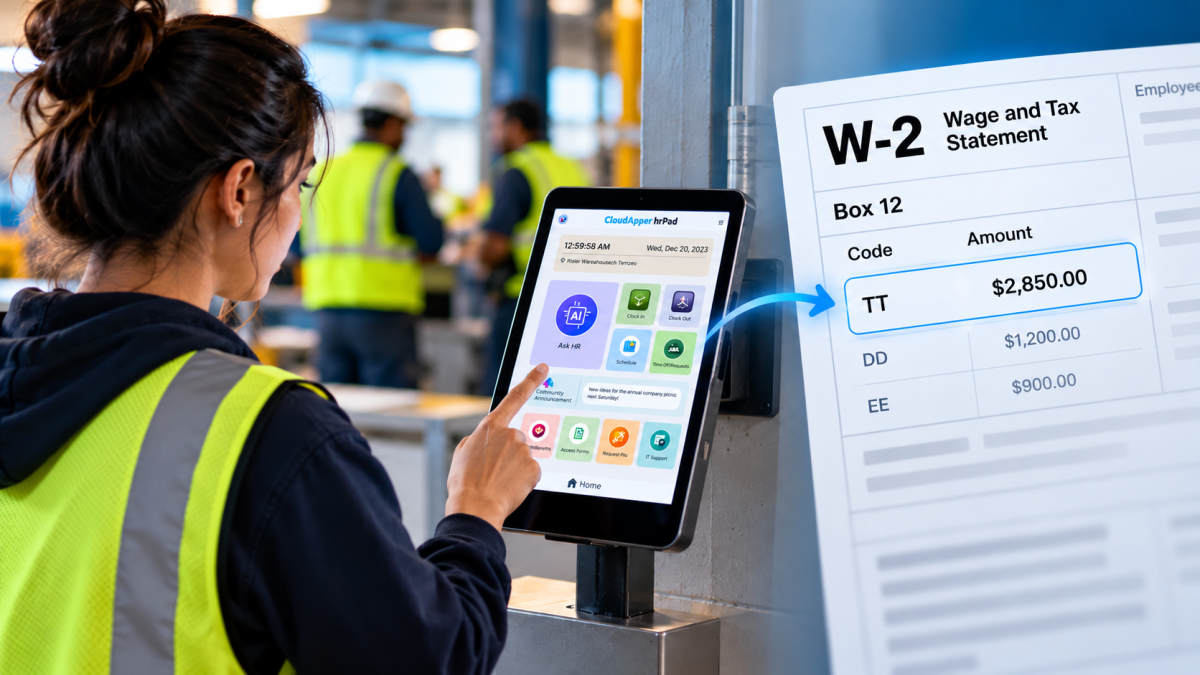
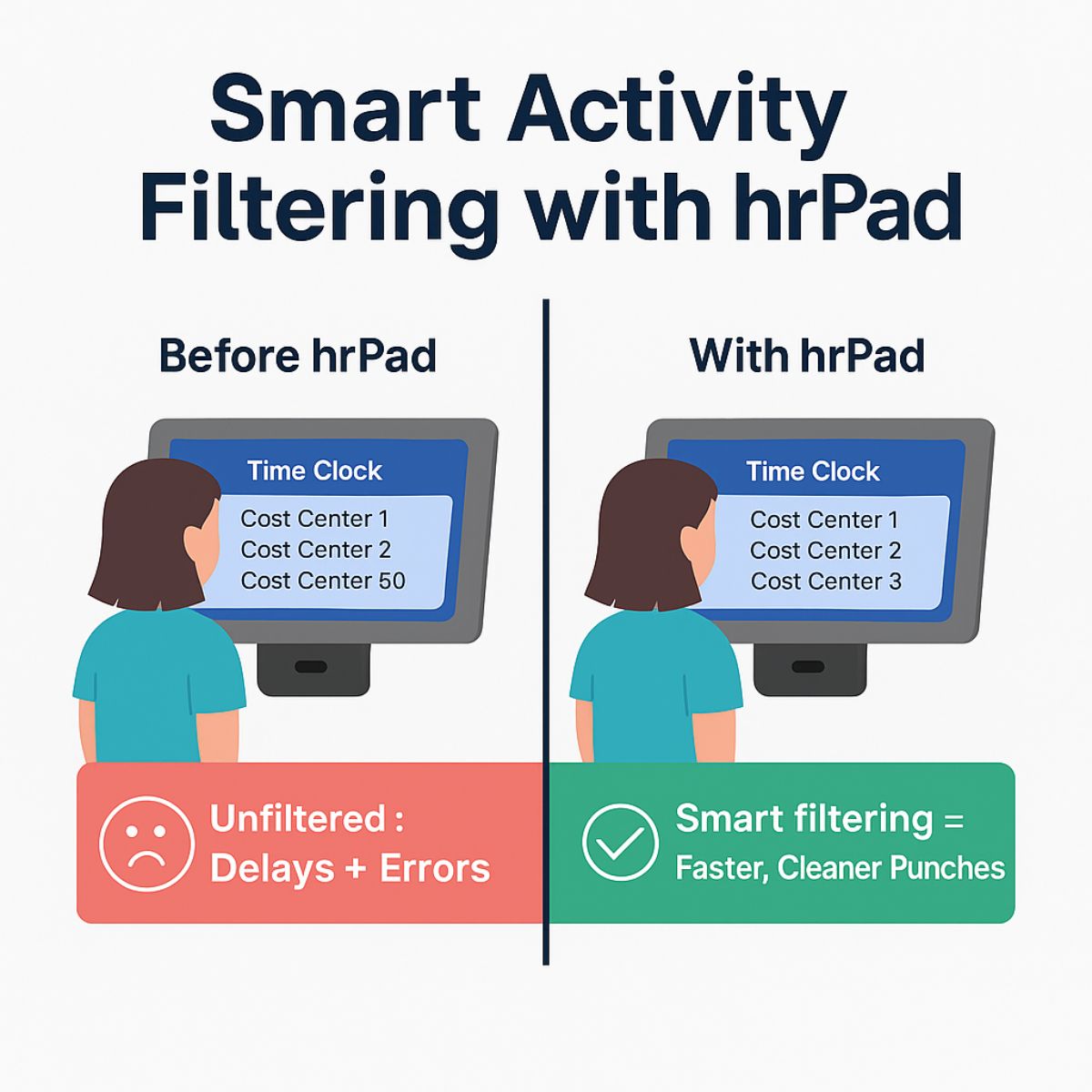
hrPad enhances UKG environments by making activity selection contextual, personalized, and efficient. Smart filtering uses employee-specific attributes—like department, job code, or work location—to display only the relevant cost centers or activities during punch submission.
This small adjustment reduces scrolling, minimizes mistakes, and boosts employee confidence in time clock activities.
How It Works
The smart filtering workflow on hrPad is seamless:
- An employee walks up to the hrPad device (iPad, Android, or Windows tablet).
- They identify themselves via PIN, badge scan, or facial recognition.
- hrPad uses their assigned role or location (as configured via UKG or CloudApper’s no-code backend) to dynamically filter activity options.
- The employee selects from a short, relevant list.
- Their punch and activity data are securely submitted and synced with UKG’s WFM system.
The result is a streamlined experience that removes the mental burden from employees and operational headaches from HR and payroll teams.
Real-World Benefits for HR and Operations
Implementing smart activity filtering offers measurable value across departments:
Faster Clock-Ins
Employees no longer waste time scrolling through unrelated cost centers. The clock-in experience becomes quick and friction-free—even during shift changes.
Greater Data Accuracy
By limiting choices to only relevant activities, hrPad dramatically reduces the likelihood of mis-punches or cost center mix-ups—saving time and reducing payroll corrections later.
Streamlined Compliance and Reporting
Because the right data is captured at the source, HR and compliance teams benefit from more accurate labor tracking and time reporting.
Improved Employee Experience
A simplified punch process makes employees feel supported and sets the tone for the rest of their shift—especially important for frontline teams.
Seamless Compatibility with UKG
CloudApper hrPad doesn’t replace UKG—it enhances it. All activity data captured through hrPad is securely pushed to UKG systems in real time, supporting compliance and timekeeping accuracy.
Use Case: Smart Filtering in Healthcare Environments
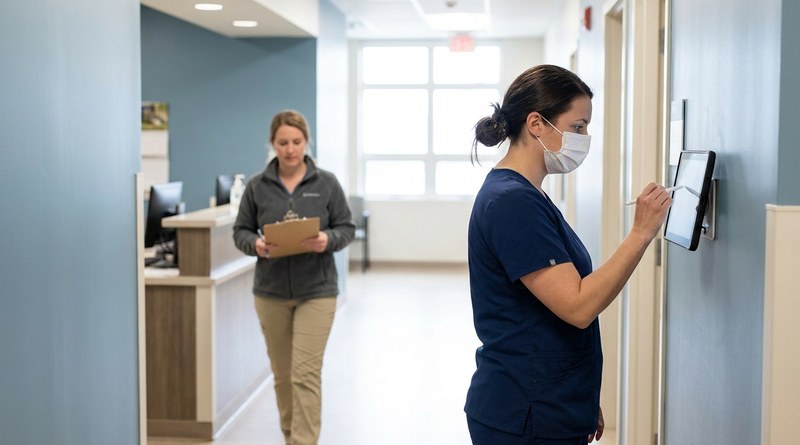
Let’s say a hospital uses shared hrPad kiosks at each unit. Without filtering, a nurse might scroll through 50+ cost centers to find “Cardiology – Night Shift.”
With hrPad’s smart filtering:
- The nurse clocks in on a tablet.
- hrPad recognizes their assigned department (Cardiology).
- Only Cardiology-related activities appear in the list.
- The nurse selects “Night Shift” and submits the punch.
There’s no confusion, no errors, and no delay—just clean, fast time capture optimized for the hospital’s workflow.
One Small Change That Makes a Big Difference
Smart activity filtering may sound like a small upgrade, but for organizations with complex cost center structures, it can dramatically improve the daily clock-in experience, reduce labor errors, and support workforce accuracy across the board.
CloudApper hrPad is fully compatible with UKG and designed to enhance timekeeping workflows without disrupting existing systems. It’s just one example of how a thoughtful enhancement can reduce friction, boost compliance, and empower both employees and administrators.
Ready to simplify cost center selection at the clock? Explore hrPad’s capabilities for UKG time tracking.