
Shift changes should not cause late punches, missed time, or payroll stress. Learn what makes manufacturing time tracking hard, what to expect from a time clock, and how CloudApper AI TimeClock for UKG helps you fix issues at the source.




Table of Contents
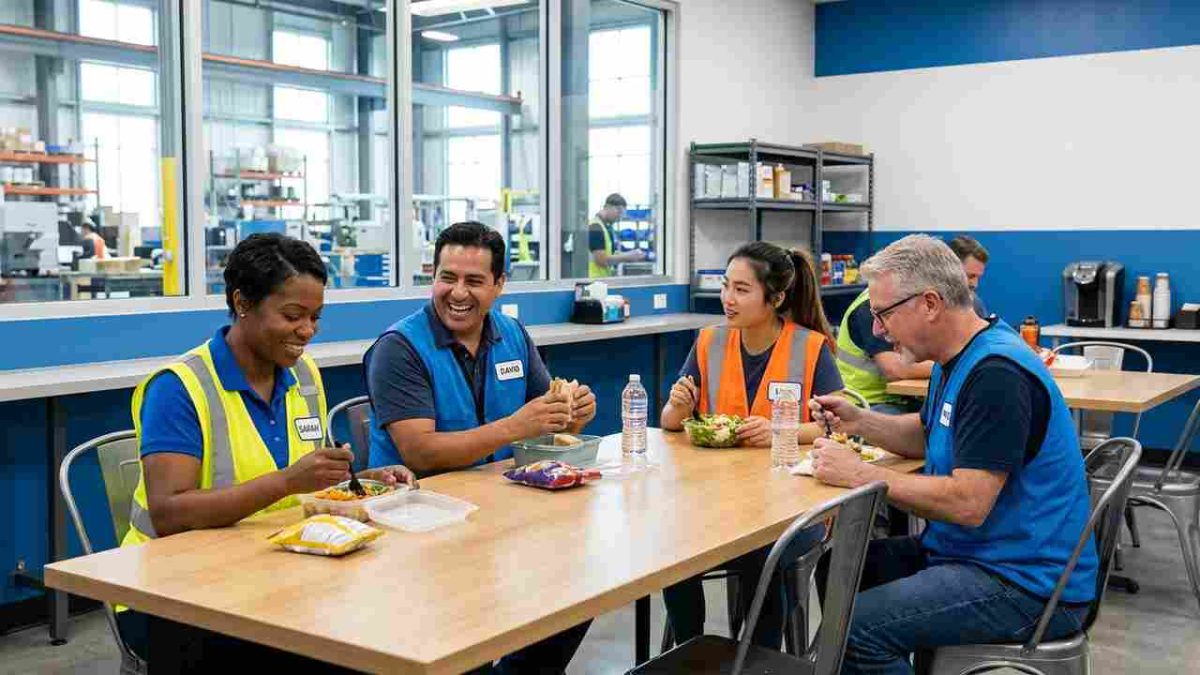
If you run a manufacturing floor, you have seen this play out again and again. A shift is about to start. Employees line up at the time clock. Someone forgot a badge. A punch does not register. The line slows down, and a few people clock in late even though they arrived on time. By the end of the shift, supervisors start adjusting punches just to keep things moving.

A week later, an employee questions their paycheck. You pull up time cards and try to reconstruct what happened during that shift change. I have helped many manufacturing teams using UKG, and this situation comes up constantly. Time tracking should be routine, but in manufacturing, it often becomes a repeated source of friction between employees, supervisors, HR, and payroll.
That is why many teams turn to CloudApper AI TimeClock for UKG. It works with your existing UKG setup to address the root causes behind missed punches, long lines, and payroll corrections. Instead of fixing problems after they occur, you put controls in place that match how your manufacturing floor actually operates.
TL;DR
-
Manufacturing time tracking fails most during shift changes, when high punch volume and shared devices create delays and missed punches.
-
A solid manufacturing time clock should support fast punch-ins, strong identity checks, policy-based mobile options, and clean data flowing into UKG.
-
The most common plant problems are punch-in lines, missed punches, supervisor time-card edits, payroll rechecks, and employee pay disputes.
-
CloudApper AI TimeClock for UKG fixes issues at the point of punch-in with quick kiosks, facial recognition, approved mobile punches, and real-time sync into UKG.
-
When time data becomes reliable, you reduce corrections and disputes, speed up payroll review, and gain clearer attendance and labor costing.
Why Manufacturing Time Tracking Works Differently
Manufacturing time tracking breaks down under pressure. Shift changes happen all at once. Dozens or even hundreds of employees need to punch in within a short window. When your system cannot handle that volume, small delays ripple outward.
Shared devices add another layer of difficulty. One slow punch affects everyone behind it. Gloves, safety gear, and loud environments increase the chance of failed punches. When that happens, employees assume the issue will be fixed later and move on.
Those fixes always land on supervisors and payroll. Over time, teams stop trusting punch data because they expect errors. This is not a discipline issue. It is a system design issue. A manufacturing time clock must work reliably during peak pressure, not just during quiet moments.
What You Should Expect from a Manufacturing Time Clock
When you look at your current time clock, ask yourself one question. Does this tool make shift changes easier or harder.
A manufacturing time clock should support fast punch-ins without forcing employees to slow down or troubleshoot. Identity confirmation should happen automatically, not through badges that get lost or shared.
Flexibility matters as well. Some roles require fixed kiosk punch-ins. Others may need mobile options based on location or policy. The system should support both without creating confusion or gaps in data.
Most importantly, punch data must flow directly into UKG without manual handling. Each manual step introduces risk. Over time, those risks turn into accepted workarounds that undermine trust in the system.
Common Time Clock Problems You May Be Dealing With
Although every manufacturing plant has its own set of unique problems, I have seen some common patterns.
Punch-in Lines Delay Production Starts
When many employees punch in at the same time, even a short delay becomes a bottleneck. One slow interaction creates a backup. That backup pushes start times and forces supervisors to choose between enforcing time rules and starting production.
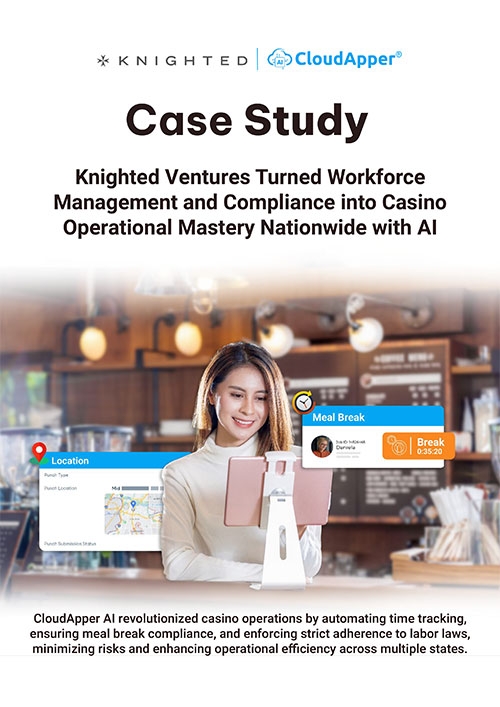
Over time, this creates a pattern. Employees arrive on time but clock in late. Supervisors approve exceptions. The system stops reflecting reality, and credibility fades.
Missed Punches Create Daily Cleanup Work
Missed punches often go unnoticed in the moment. An employee assumes the punch worked and begins their shift. The issue surfaces later, often during supervisor review or payroll processing.
At that point, the fix depends on memory. Employees and supervisors guess instead of relying on data. What should have taken seconds turns into repeated follow-ups.
Supervisors Spend Too Much Time Correcting Time Cards
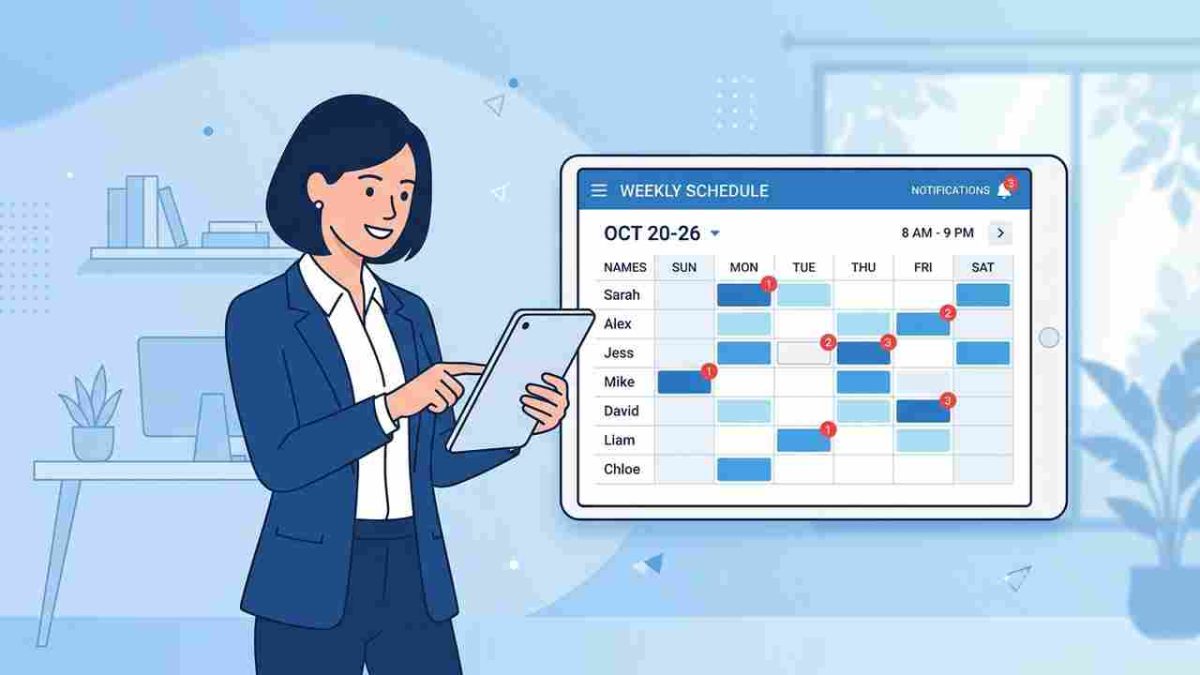
When punch data is unreliable, supervisors become the safety net. They spend time reviewing, editing, and approving time cards instead of managing teams and production goals.
This work grows quietly. A few corrections per person each week quickly become hours of administrative effort. Inconsistency also increases because each supervisor handles corrections differently.
Payroll Teams Double-Check Data Every Cycle
Payroll teams adapt to unreliable systems by slowing down. They review reports carefully. They flag exceptions. They ask for confirmation before finalizing pay.
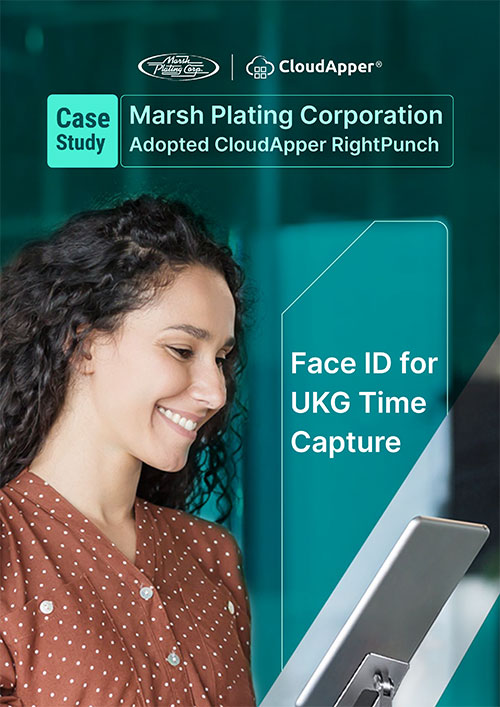
This protects employees, but it adds stress and time. Payroll becomes reactive instead of predictable. Deadlines feel tighter even when staffing levels remain steady.
Employees Question Pay-Accuracy More Often
When errors happen frequently, trust erodes. Even correct paychecks get questioned. Each question leads to another review and more frustration.
Over time, employees feel they must monitor every paycheck. HR and payroll feel defensive instead of supportive. All of this begins with time data that employees do not trust.
How CloudApper AI TimeClock for UKG Solves These Problems
CloudApper AI TimeClock for UKG focuses on fixing time tracking issues where they actually begin. Not at payroll review. Not during audits. Right at the moment an employee punches in or out.
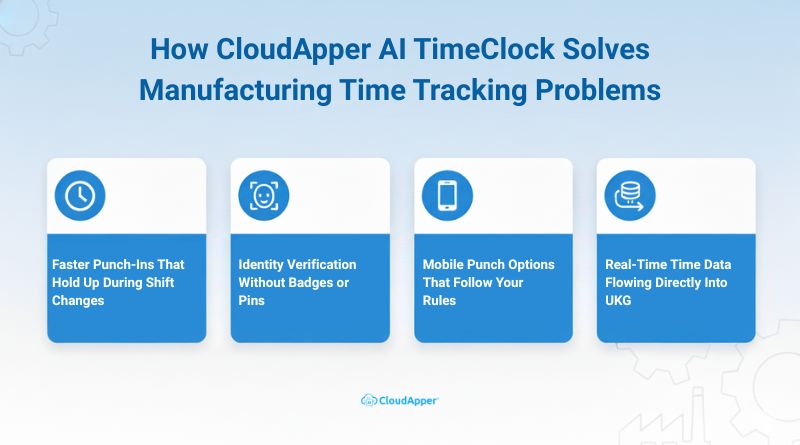
Faster Punch-Ins That Hold Up During Shift Changes
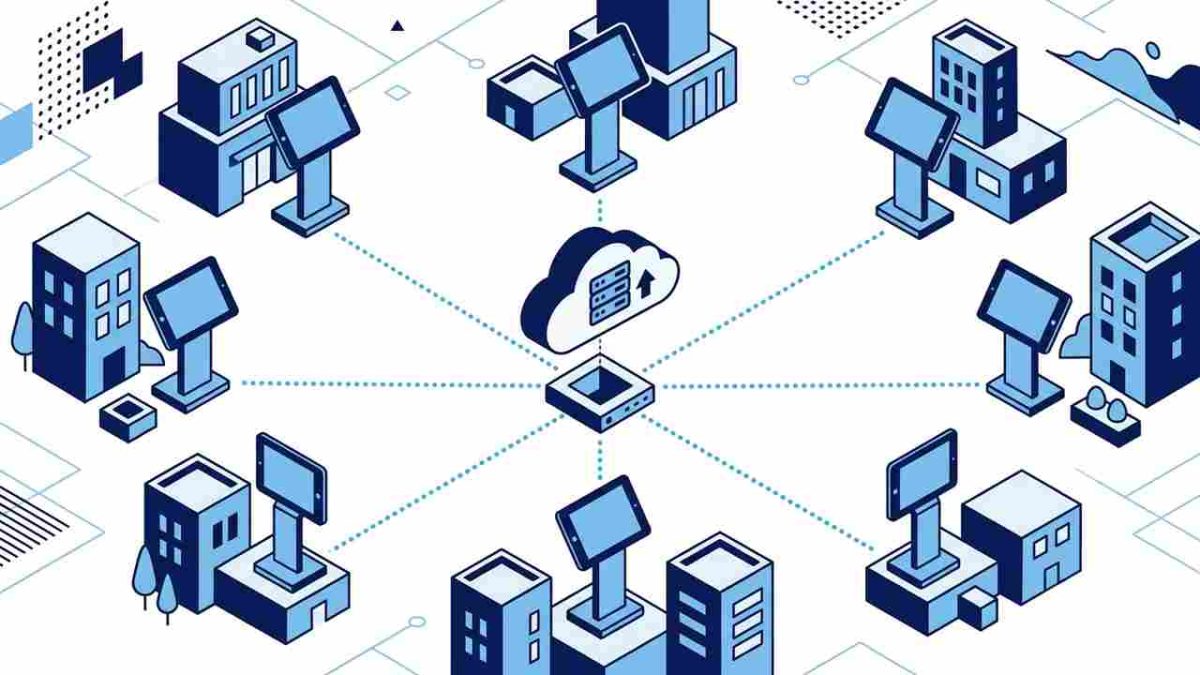
On a manufacturing floor, time clocks fail most often during peak traffic. CloudApper AI TimeClock for UKG is designed to handle high-volume punch activity without slowing employees down. Tablet-based kiosks respond quickly, even when many employees punch in at the same time. This keeps lines moving and prevents late punches caused by system delays.
When punch-ins happen smoothly, supervisors no longer need to approve exceptions just to keep production running. Start times become more consistent because the system does not create bottlenecks.
Identity Verification Without Badges or Pins
Badge-based systems break down in manufacturing environments. Badges get lost, shared, or damaged. PINs get passed around. That is how buddy punching quietly becomes accepted behavior.
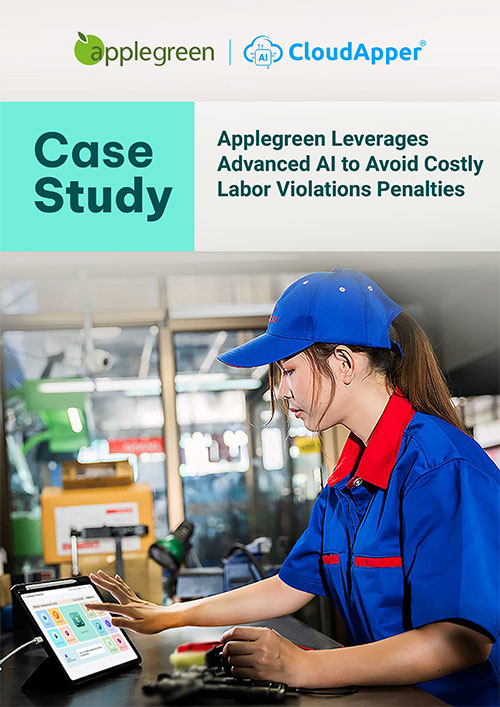
CloudApper AI TimeClock for UKG uses facial recognition to confirm identity instantly at the point of punch-in. Employees do not need to carry anything or remember codes. The system verifies the right person every time without adding steps or slowing the process.
This protects time accuracy while keeping the experience simple for employees who just want to start their shift and get to work.
Mobile Punch Options That Follow Your Rules
Some manufacturing roles require flexibility. Maintenance teams, supervisors, or employees working across large facilities may not always be near a fixed kiosk.
CloudApper AI TimeClock for UKG supports mobile punch-ins when your policies allow it. These options follow location and security rules you define. You decide who can use mobile punches and when. The system enforces those rules automatically.
This reduces congestion at kiosks while keeping control firmly in your hands.
Real-Time Time Data Flowing Directly Into UKG
One of the biggest improvements comes from real-time data flow. Punches sync into UKG as they happen. Supervisors see accurate time records the same day, not days later.
This changes how issues get handled. Missing punches get resolved immediately while details are fresh. Patterns appear early instead of hiding until payroll review. Payroll teams stop discovering problems at the last minute.
The result is fewer corrections, faster reviews, and more predictable payroll cycles.
A Real Manufacturing Example from the Floor
One manufacturing company I worked with operated three shifts and employed a large hourly workforce. Shift changes caused regular congestion at the time clocks. Missed punches were common during busy periods.
Supervisors corrected time cards daily. Payroll teams spent hours validating entries each cycle. Employees often questioned pay accuracy.
After implementing CloudApper AI TimeClock for UKG, punch-ins became faster and more consistent. Facial recognition reduced identity issues. Mobile punch options helped relieve kiosk congestion.
Within weeks, payroll corrections dropped. Supervisor workload eased. Employee complaints declined because recorded hours matched reality. Confidence returned across teams.
If your plant feels familiar to this story, your time clock problems are already costing you more than you think.
Why Real-Time Data Makes a Difference
Delayed visibility creates hidden risk. When you only review punches at payroll time, every issue feels urgent. Memory replaces data. Accuracy suffers.
Real-time punch visibility changes behavior. Missing punches get fixed immediately. Patterns appear instead of staying hidden. Supervisors act early instead of reacting late.
When employees see consistent results, they trust the system. When payroll trusts the data, reviews speed up. Stability replaces stress.
How This Improves Workforce Management Over Time
Reliable time tracking improves more than payroll accuracy. Over time, it changes how your entire workforce operates.
-
Clearer attendance patterns you can actually act on: When punch data is consistent, you can spot trends without digging. You see who is late, who misses shifts, and where attendance issues repeat. This helps you address problems early instead of reacting after they impact production.
-
More reliable labor costing for planning and reporting: Accurate punch data flows into UKG without constant corrections. That means labor costs reflect real work hours. You can trust reports when planning staffing levels, overtime, and budgets.
-
More time for supervisors to lead, not edit time cards: When punches are accurate at the source, supervisors stop spending hours fixing exceptions. They spend more time coaching employees, monitoring safety, and keeping production on track.
-
HR teams focus on people, not cleanup work: With fewer time disputes and corrections, HR shifts attention to hiring, training, and retention. Instead of resolving payroll questions, they support employees more proactively.
These improvements build on each other. Fewer errors lead to fewer disputes. Fewer disputes lead to stronger trust. Over time, your workforce management process becomes calmer, more predictable, and easier to run.
Final Thoughts
If your manufacturing operation struggles with punch errors, long lines, or payroll corrections, the issue is not effort or discipline. It is process design.
A manufacturing time clock should reflect how your floor operates. It should work with UKG, not against it. It should reduce friction for employees and confidence gaps for payroll.
CloudApper AI TimeClock for UKG was built around these realities. When time tracking becomes reliable, everything else in workforce management becomes easier.
When time tracking fits how your floor operates, payroll and workforce management finally get easier.
Frequently Asked Questions
-
What makes a manufacturing time clock different from an office time clock?
Manufacturing floors have peak punch traffic at shift changes, shared devices, and harsh conditions like gloves and noise. Your time clock must stay fast, accurate, and consistent when many employees punch at the same time. -
How can you reduce long punch-in lines during shift changes?
Use fast kiosk punch-ins, reduce steps at the clock, and add approved mobile punch options for roles that need it. The goal is to prevent bottlenecks that cause late punches and daily cleanup work. -
How do you prevent buddy punching without slowing people down?
Identity checks at the moment of punch-in help. Facial recognition can confirm the right employee quickly so you avoid shared badges and passed-around PINs, while keeping the punch process simple. -
How does CloudApper AI TimeClock for UKG work with UKG?
It works with your existing UKG setup and policies. It captures punches accurately at kiosks or approved mobile devices and syncs time data into UKG in real time, which reduces missed punches and payroll corrections. -
What workforce management improvements should you expect after fixing time tracking?
You should see fewer punch disputes, fewer supervisor edits, faster payroll review, clearer attendance patterns, and more reliable labor costing. Over time, teams trust the data more and spend less time reacting to exceptions.