
Syncing UKG with QuickBooks eliminates payroll delays and errors. Automate data flow for efficiency, accuracy, and growth in small businesses.



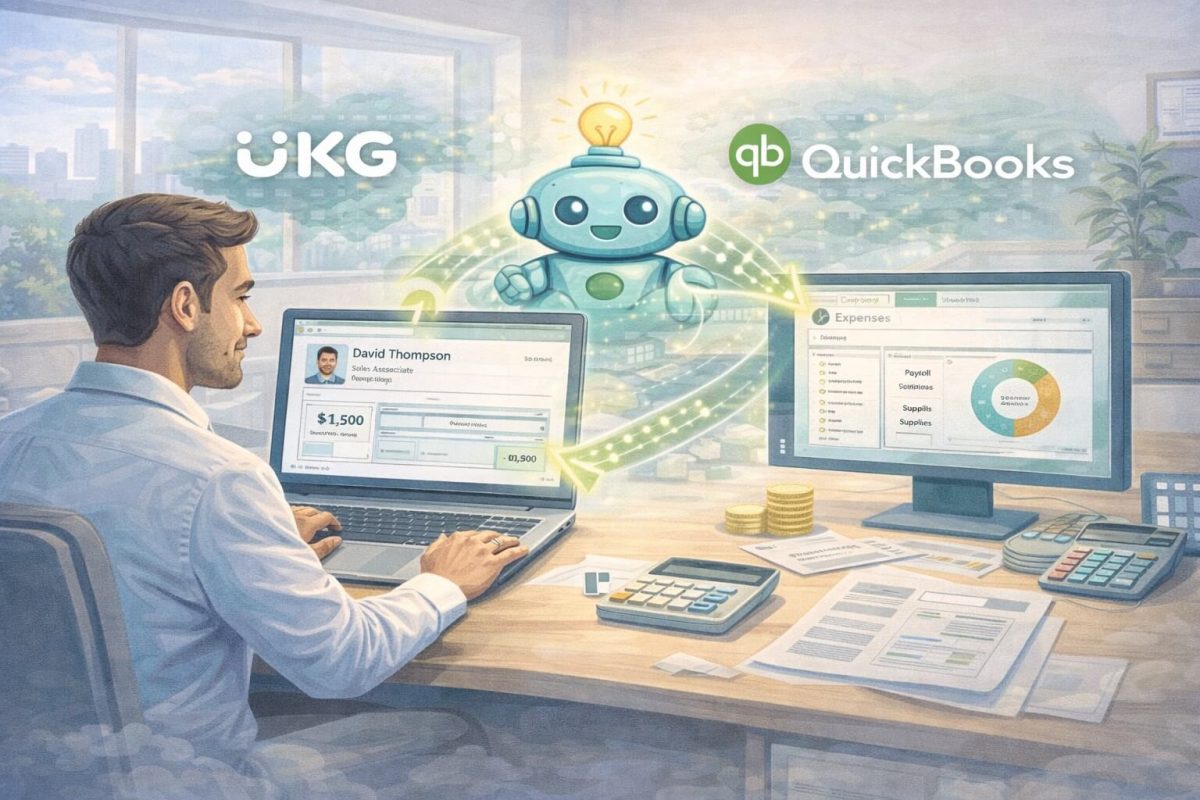
Table of Contents
Why does adding a new employee to your payroll system still feel like it’s stuck in 2010?
If you’re running payroll for a small or mid-sized business, you know exactly what I’m talking about. Someone new joins your team, you enter all their information into UKG, and then… you have to do it all over again in QuickBooks. Export a CSV file, clean up the formatting, import it into QuickBooks, double-check everything didn’t break, and hope you didn’t accidentally create a duplicate employee record or mess up someone’s pay rate.
It’s frustrating, time-consuming, and honestly, a waste of your day. You didn’t get into HR or accounting to spend hours wrestling with spreadsheets and data transfers. But for many businesses, this is still the reality—manually moving employee data between systems because there’s no better way.
Here’s the thing: there is a better way. When you sync UKG with QuickBooks automatically, all that manual work disappears. A new hire gets added to UKG? Their information flows directly into QuickBooks—no export, no import, no spreadsheet gymnastics. Pay rates change? It updates everywhere instantly. Someone leaves the company? One entry, and both systems know.
The goal of syncing UKG with QuickBooks isn’t to replace your software—it’s to make it actually work together. For growing businesses, this kind of automation isn’t just convenient; it’s essential. When your systems talk to each other automatically, you avoid payroll errors, stay compliant, and give your team back the time they need to focus on actually growing the business instead of babysitting data transfers.
What Are the Main Challenges in Syncing UKG with QuickBooks?
One of the biggest challenges in syncing UKG with QuickBooks is the reliance on manual data entry. Small to mid-market enterprises often lack the IT resources for complex integrations, leading to time-consuming CSV uploads that are prone to mistakes. These errors can result in payroll discrepancies, where hours worked or employee benefits aren’t accurately reflected, potentially leading to overpayments or underpayments.
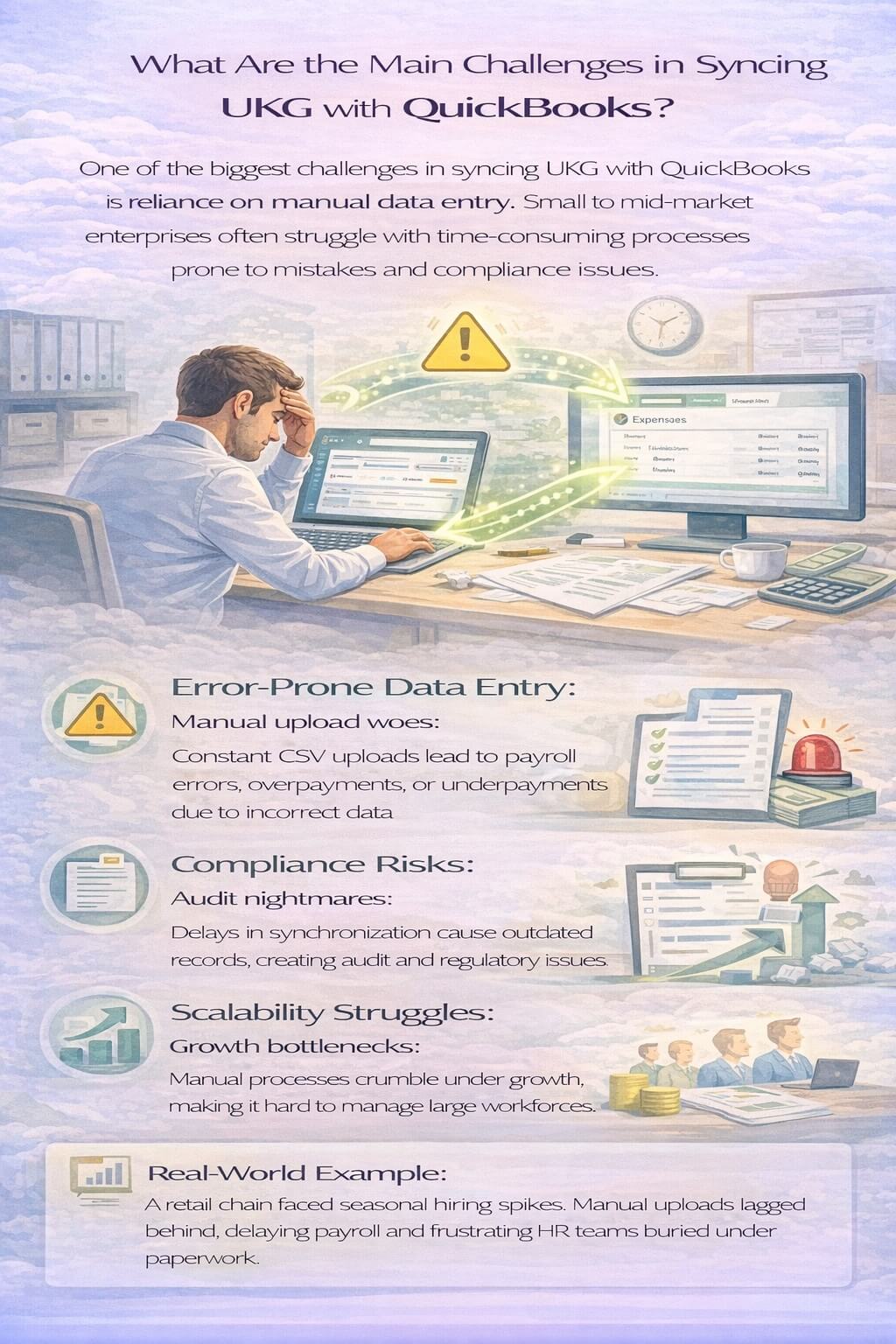
From my perspective, this manual approach also exacerbates compliance issues. Regulations around payroll and employee data require precise record-keeping, and any delay in synchronization can create audit nightmares. I’ve consulted with numerous businesses where outdated data led to fines or operational slowdowns, underscoring the need for a more reliable method to sync UKG with QuickBooks.
Moreover, as enterprises grow, scalability becomes a critical factor. What works for a team of 50 may falter with 200 employees, especially during peak hiring seasons. Without real-time sync, HR managers spend hours reconciling data, diverting attention from strategic initiatives like talent development or retention strategies.
A real-world example illustrates this: A mid-sized retail operation I worked with faced seasonal hiring spikes. Manual uploads meant payroll was always a step behind, causing delays in onboarding and payment processing. The frustration was palpable, with HR teams bogged down in administrative tasks rather than supporting business expansion.
Why Choose Real-Time Sync for UKG and QuickBooks Integration?
Real-time sync for UKG and QuickBooks offers transformative benefits, starting with unparalleled data accuracy. When changes in UKG—such as a new hire or updated time punches—are instantly mirrored in QuickBooks, the risk of errors drops dramatically. This bidirectional flow ensures that payroll is always based on the latest information, fostering trust in your financial processes.
In terms of efficiency, automating the sync UKG with QuickBooks process frees up HR and finance teams. No more late nights formatting spreadsheets or troubleshooting import failures. Instead, resources can be redirected toward high-value activities, like analyzing workforce trends or optimizing budgets.
Compliance is another key advantage. With audit-ready records maintained automatically, businesses minimize risks associated with regulatory changes. This is particularly vital for small to mid-market enterprises operating in dynamic environments, where staying compliant can be the difference between smooth operations and costly penalties.
Scalability shines through as well. As your business expands, a robust integration platform adapts without requiring overhauls. Imagine handling a sudden influx of hires without payroll lags—this level of agility positions enterprises to seize opportunities in competitive markets.
Drawing from industry insights, companies that implement real-time sync often report significant time savings. For instance, a service-based firm reduced payroll processing time by focusing on automated workflows, allowing them to scale operations without proportional increases in administrative overhead.
How Does CloudApper iPaaS Simplify Syncing UKG with QuickBooks?
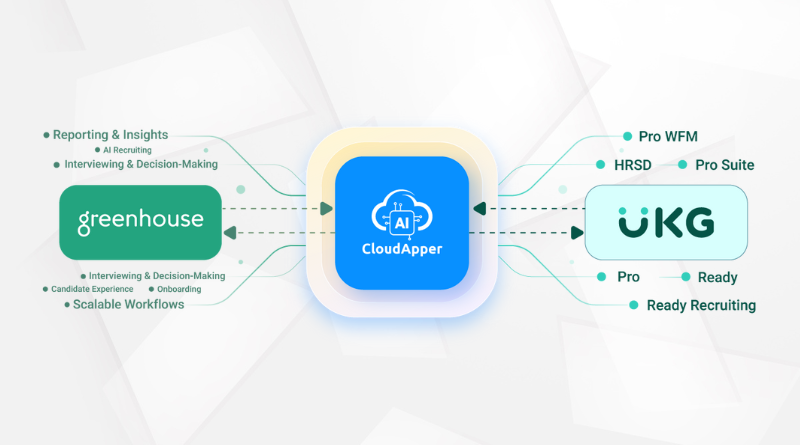
CloudApper iPaaS for UKG stands out as a no-code, fully managed integration platform that makes syncing UKG with QuickBooks effortless. Designed specifically for connecting UKG with third-party applications like QuickBooks, it automates data synchronization, banishing manual CSV uploads for good.
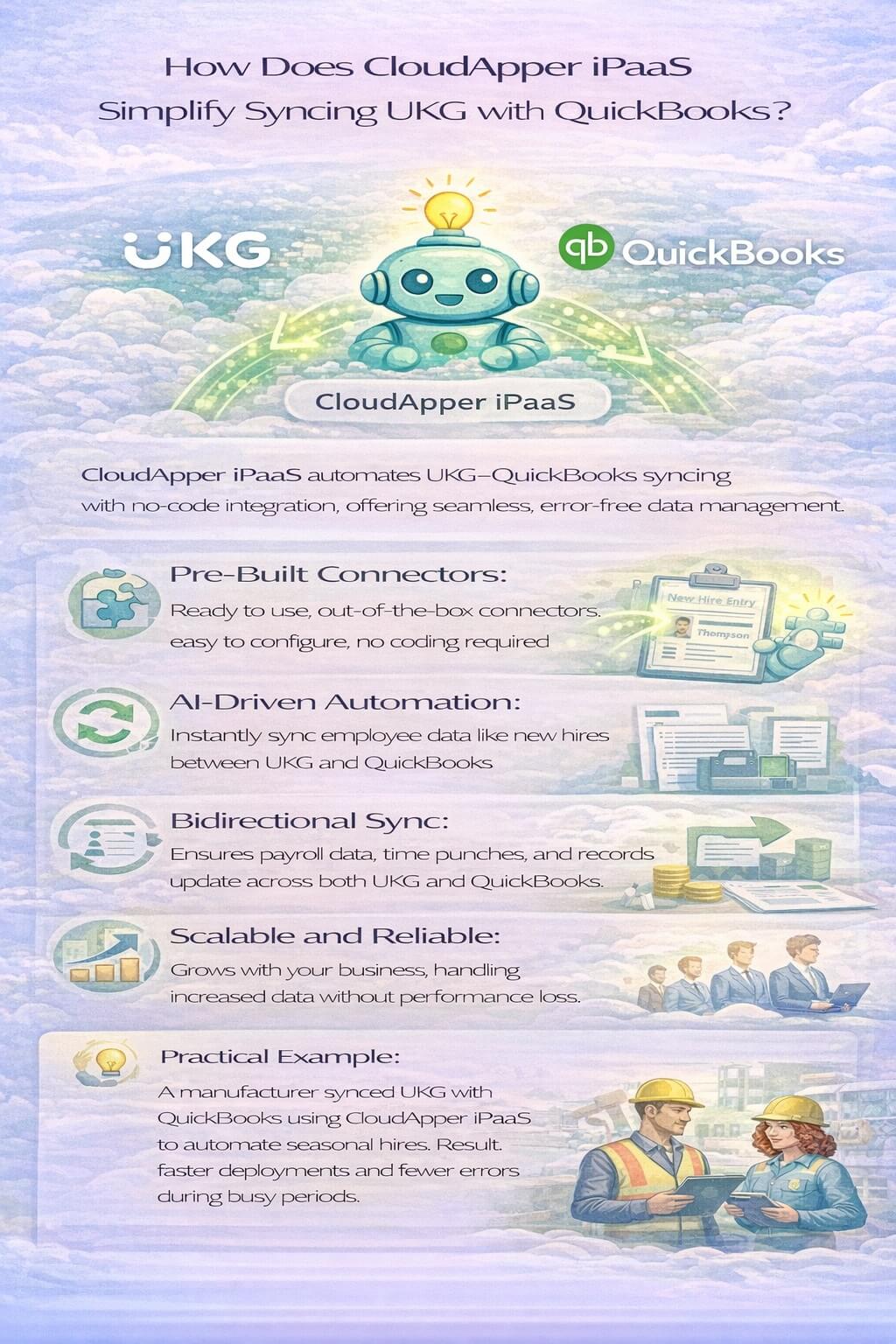
At its core, CloudApper iPaaS features pre-built connectors that link systems seamlessly. You don’t need coding expertise to set up workflows—simply select the connectors and customize them to your needs. For example, configure an AI-driven automation that creates a ‘New Hire’ entry in QuickBooks the instant an employee is added to UKG. This ensures payroll is never delayed, keeping your operations running smoothly.
The bidirectional sync capability is a game-changer, maintaining consistency across platforms. Whether it’s updating employee records, time punches, or payroll data, everything stays accurate and up-to-date. This not only enhances efficiency but also supports compliance by keeping records audit-ready at all times.
One of the standout values of CloudApper iPaaS is its scalability. As small to mid-market enterprises grow, the platform handles increased data volumes without performance issues. It’s a future-proof investment that evolves with your business, avoiding the need to replace core systems like UKG.
In a practical scenario, a manufacturing business used CloudApper iPaaS to sync UKG with QuickBooks, automating seasonal hires and cutting down on errors. The result? Faster deployments and a more agile workforce, all without straining limited resources.
What Features Make CloudApper iPaaS Ideal for UKG and QuickBooks Sync?
CloudApper iPaaS boasts no-code customization, allowing you to build tailored workflows for HR and payroll processes. This means you can automate specific tasks, like syncing employee benefits or deductions, without technical hurdles.
Its AI-driven workflows take automation to the next level, intelligently handling data flows such as immediate ‘New Hire’ creation. This minimizes human intervention, reducing errors and speeding up processes.
Pre-built connectors ensure quick setup, while managed services handle the heavy lifting, making it accessible for businesses without dedicated IT teams. The emphasis on data accuracy and compliance means your sync UKG with QuickBooks efforts yield reliable, error-free results.
From an expert viewpoint, these features solve common pain points effectively. Manual data entry is eliminated, payroll delays are prevented, and compliance risks are reduced— all contributing to a more efficient operation.
Can Syncing UKG with QuickBooks Boost Business Growth?
Absolutely, syncing UKG with QuickBooks via a platform like CloudApper iPaaS can accelerate business growth. By automating routine tasks, enterprises gain the bandwidth to innovate and expand. Accurate data empowers better decision-making, from forecasting labor costs to optimizing staffing levels.
Thoughtful analysis reveals that this integration fosters a proactive HR environment. Instead of reacting to data inconsistencies, teams can anticipate needs, such as scaling for market demands. Examples abound: A tech startup leveraged real-time sync to manage rapid hiring, maintaining payroll accuracy amid expansion and attracting top talent with efficient onboarding.
The value extends to cost savings. Reducing errors and delays prevents financial losses, while scalability ensures long-term viability. In competitive landscapes, this edge can mean the difference between stagnation and thriving.
How to Get Started with Syncing UKG and QuickBooks Today
Getting started is straightforward with CloudApper iPaaS. Sign up, choose your connectors, and customize workflows to sync UKG with QuickBooks. Test with sample data to ensure everything aligns, then deploy for immediate benefits.
Insights from implementations show that starting small—perhaps with new hire automations—builds confidence before full rollout. This approach minimizes disruptions and maximizes ROI.
In reflecting on industry trends, embracing such automation is essential for small to mid-market enterprises. It positions your business to handle complexities with ease, driving sustained success.
Don’t let manual processes hold you back any longer. Explore CloudApper iPaaS for UKG today and unlock the full potential of seamless HR and payroll integration. Take the first step toward real-time efficiency—your team and your bottom line will thank you.
Frequently Asked Questions
Why should I sync UKG with QuickBooks?
Syncing UKG with QuickBooks eliminates manual data entry, reduces errors, and ensures compliance by maintaining audit-ready records. It streamlines the payroll process, saving time and allowing your business to focus on growth. Learn more about the benefits of syncing your systems.
How does CloudApper iPaaS simplify integration?
CloudApper iPaaS offers pre-built connectors and a no-code interface, allowing users to easily set up workflows for real-time data syncing between UKG and QuickBooks without needing technical expertise. Explore CloudApper's integration capabilities here.
What are the challenges faced with manual HR and payroll processes?
Manual processes often lead to errors and delays in data syncing, resulting in payroll discrepancies and compliance issues. Automating these processes with integration tools can optimize efficiency and accuracy. Read more on the challenges of manual HR processes.
Can the integration handle large volumes of data?
Yes, CloudApper iPaaS is designed to scale with your business, managing increased data volumes efficiently without performance loss, which is ideal for growing enterprises. Find out more about data scalability with CloudApper.
What should I do before deploying the integration?
It is recommended to start with a small dataset to verify the integration's accuracy before full deployment, ensuring a smooth transition and operation. Get tips on deploying your integration effectively.
How do I start using CloudApper iPaaS for integration?
To start using CloudApper iPaaS, sign up on the platform, select the pre-built UKG and QuickBooks connectors, and customize your workflows using the no-code interface. View the step-by-step guide to get started.