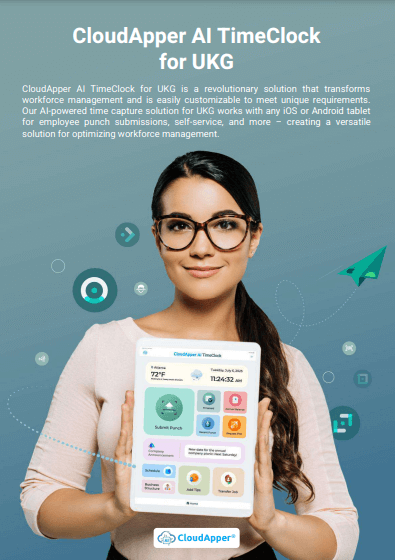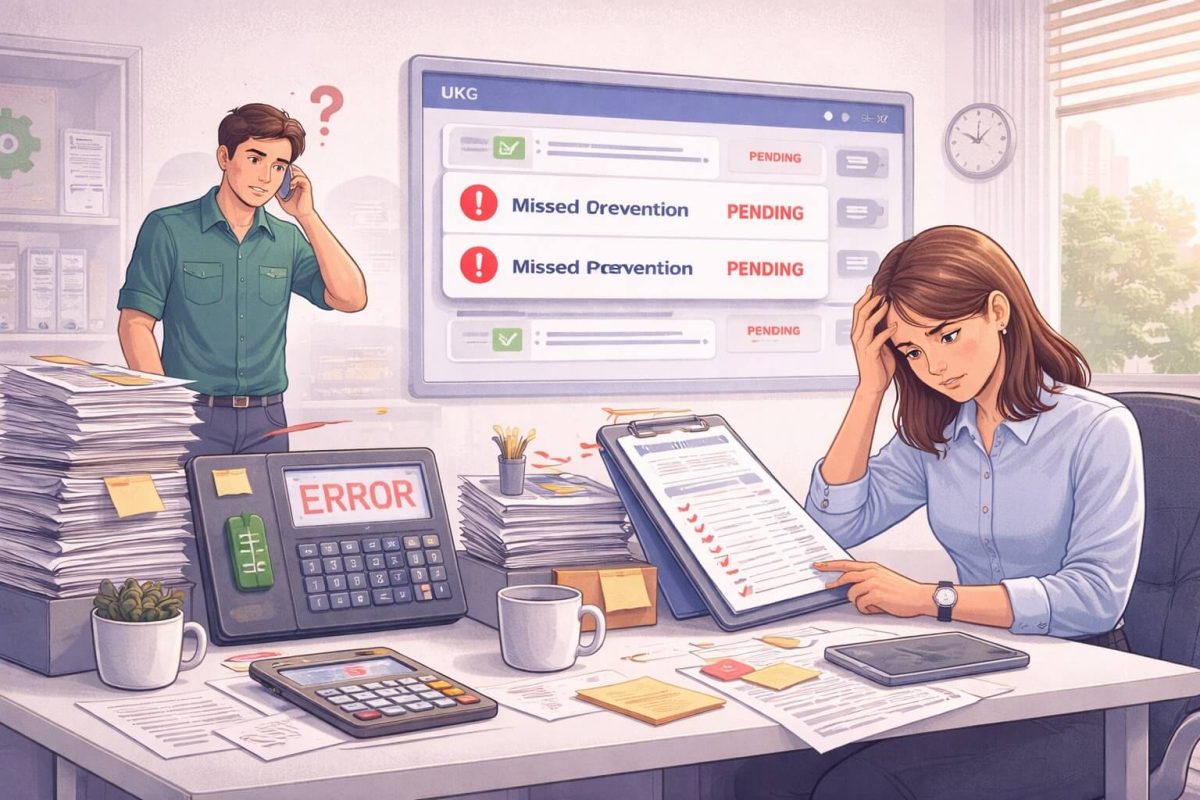

UKG Ready & Pro WFM (Dimensions) caps reports at 365 days, killing audits and costing thousands in wasted time. CloudApper AI TimeClock removes the limit forever — unlimited historical data, mobile self-service, auto-compliance alerts. Most teams save 30–60 hours/month and go live in under a week.




Table of Contents
TL;DR
UKG’s 365-day historical data filter blocks audits, compliance, and smart decisions. CloudApper AI TimeClock eliminates the limit in days — giving unlimited date-range reports, mobile access to old punches, and automatic state-law compliance while keeping 100% of your existing UKG setup. Most customers save $15k–$50k+ the first year.
How to Access Years of Data Instantly (and Save Thousands Every Year)
You’re in the middle of a payroll audit. The state of California just asked for four years of timecard records for 200 employees. You open UKG Ready or UKG Pro WFM (Dimensions), type in the date range… and get slapped with the message everyone dreads:
“Date range cannot exceed 365 days.”
Cue panic, overtime, and a weekend spent exporting hundreds of CSVs that nobody can read.
If you manage hourly workers in retail, healthcare, manufacturing, hospitality, or any high-volume industry, you’ve lived this nightmare. That built-in 365-day filter isn’t just annoying — it’s quietly costing your company thousands of dollars a year in wasted time, compliance risk, and bad decisions.
The good news? You can remove that limit forever in less than a week — without ripping out UKG, without custom coding, and without breaking the bank.
Here’s the complete, no-fluff guide every UKG user has been searching for.
What Exactly Is the 365-Day Limit (and Why Does UKG Do It)?
UKG Ready, UKG Pro, and UKG Pro WFM (formerly Dimensions) cap most time-and-attendance reports and filters at 365 days. It’s a performance choice: keeping giant databases lightning-fast for day-to-day use.
But real life doesn’t stop at 365 days.
- California requires four years of payroll records
- Illinois and New York want three to four years for wage claims
- DOL or IRS audits can go back three to six years
- Employees file disputes over old overtime or leave balances
- You simply want to compare this year’s holiday overtime to 2022 or 2023
When the system says “no,” you’re forced into slow, painful workarounds: scheduled exports, support tickets, or praying the data still exists in an archive somewhere.
The Real Cost of Living with the 365-Day Limit
Most leaders underestimate how much this “little” limitation actually costs. Here’s the math we see with almost every new customer:
| Pain Point | Hours Lost Per Month | Cost at $30/hr | Yearly Hit |
|---|---|---|---|
| Manual historical data pulls | 15–25 | $450–$750 | $5,400–$9,000 |
| Payroll adjustments from old errors | 8–12 | $240–$360 | $2,880–$4,320 |
| Audit prep & compliance fixes | 20–40 (per audit) | $600–$1,200 | $7,200+ |
| Total per admin | 43–77 | $1,290–$2,310 | $15,480–$27,720 |
Multiply by the number of payroll/HR people touching the data and you’re easily looking at $50k–$150k a year in hidden waste — just because of a date filter.
And that’s before you count fines, lawsuits, or the cost of losing good employees who get mad when you can’t fix their 18-month-old paycheck mistake.
The Workaround That Actually Works: CloudApper AI TimeClock
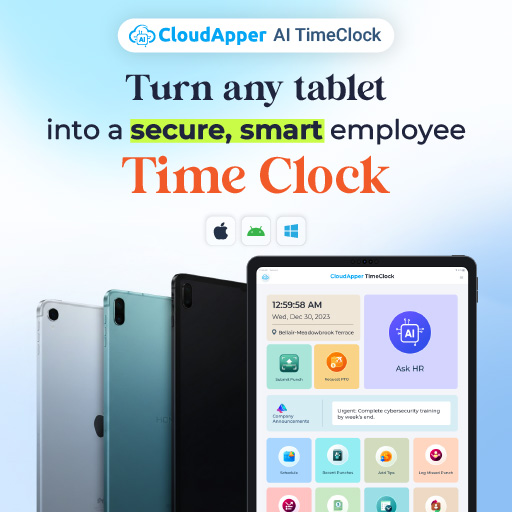
CloudApper AI TimeClock was built for exactly this problem. It sits on top of UKG Ready, Pro, and Dimensions like a turbocharger — same engine, way more power.
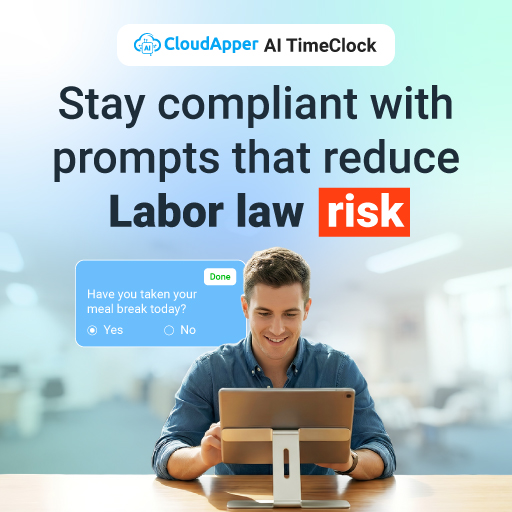
Once connected (secure API, no middleware mess), the 365-day wall vanishes. You get:
- Unlimited date-range searches — 2 years, 4 years, 10 years… whatever you need
- One-click reports that used to take hours
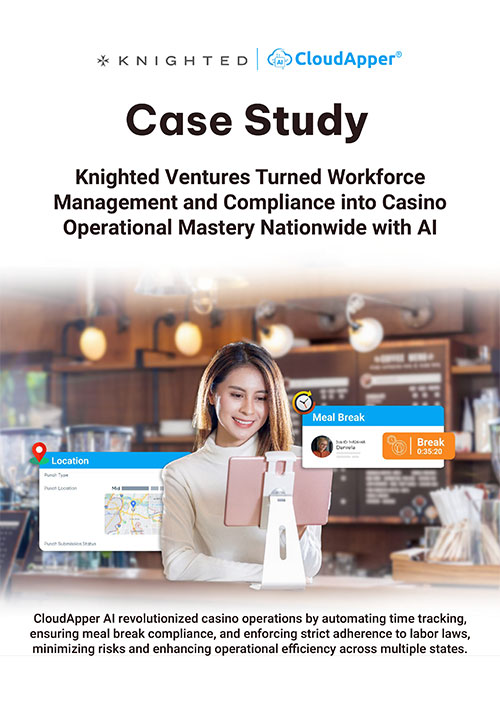
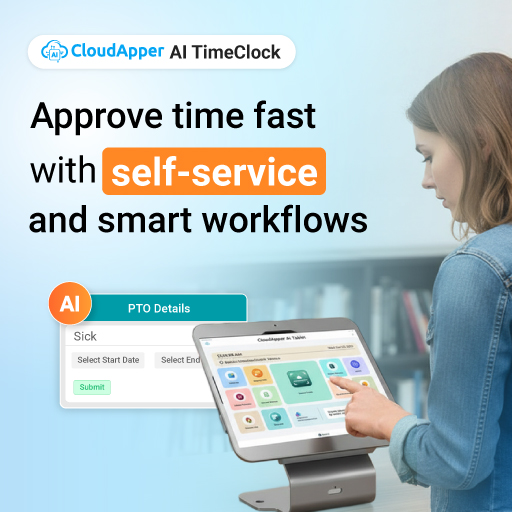
- Mobile app so employees and managers can view or correct punches from 2021 on their phone
- Automatic compliance checks for every state’s record-keeping law
- Real-time punches flow into UKG exactly as before — nothing changes for payroll
No data migration. No duplicate databases. No “shadow system” headaches.
How Fast Can You Really Kill the 365-Day Limit?
Most companies are fully live in 3–7 business days. Here’s the exact timeline we follow with every UKG customer:
Day 1 → 30-minute discovery call (we map your pain points)
Day 2 → You approve API access (takes 2 clicks in UKG)
Day 2–4 → CloudApper team builds your custom rules, branding, and unlimited filters (you do nothing)
Day 5 → Live pilot with 10–20 employees — watch four-year reports load in seconds

Day 6–7 → Company-wide rollout + 5-minute training video
That’s it. Most customers tell us it’s the easiest integration they’ve ever done.
Real-Life Wins from UKG Users (Names removed for privacy)
Retail chain (4,200 hourly employees)
→ Saved 42 admin hours/month
→ Cut payroll adjustments by 87%
→ Passed California DLSE audit with zero findings
Healthcare system (9 locations)
→ Gave nurses mobile access to punches from 2022
→ Reduced grievance filings by 63%
→ ROI in under 90 days
Distribution center (1,100 pickers & packers)
→ Finally compared Black Friday overtime 2021 vs 2024
→ Adjusted staffing plan and saved $94k in overtime this year
Frequently Asked Questions (The Ones You’re Actually Googling)
Why does UKG Ready have a 365-day limit in the first place?
It keeps everyday reports fast and the database healthy. It’s a design choice, not a bug — but it doesn’t match real-world compliance needs.
Is there a native way in UKG to remove the 365-day restriction?
Not directly in the standard interface. Some customers use scheduled exports or UKG analytics add-ons, but those are slow, manual, and still limited.
Will CloudApper mess with our existing UKG data or payroll?
Never. It’s read-and-write through official APIs. Punches and hours flow exactly the same way they do today — we just add the unlimited history layer on top.
Do we need IT or a consultant to set this up?
Nope. Our team does 95% of the work. You just approve access and test.
How much does this help with California four-year record laws?
You get instant four-year (or longer) views and downloadable reports. Auditors love it because everything is timestamped and uneditable.
What if we also use UKG Pro Workforce Management (Dimensions)?
Works perfectly — CloudApper supports Ready, Pro, and full Dimensions environments.
Ready to make the 365-day message disappear forever? Book a 15-minute demo and we’ll show you your four-year dashboard live →