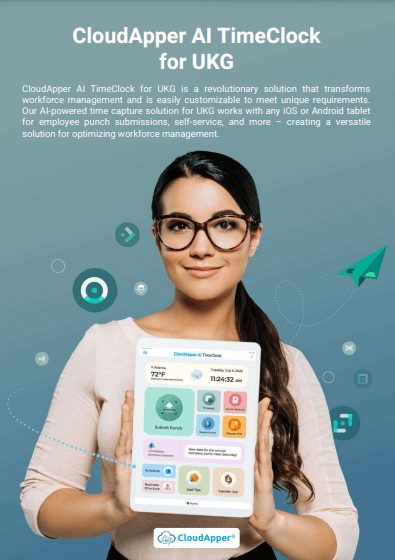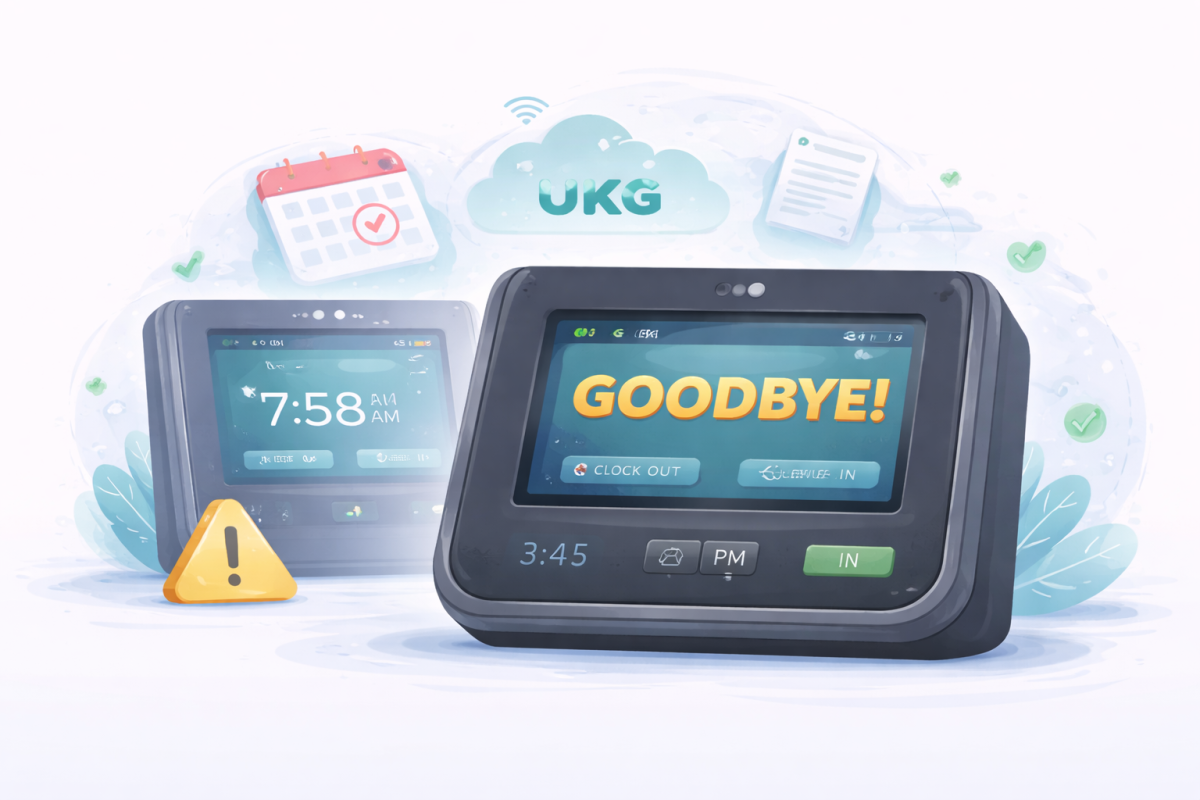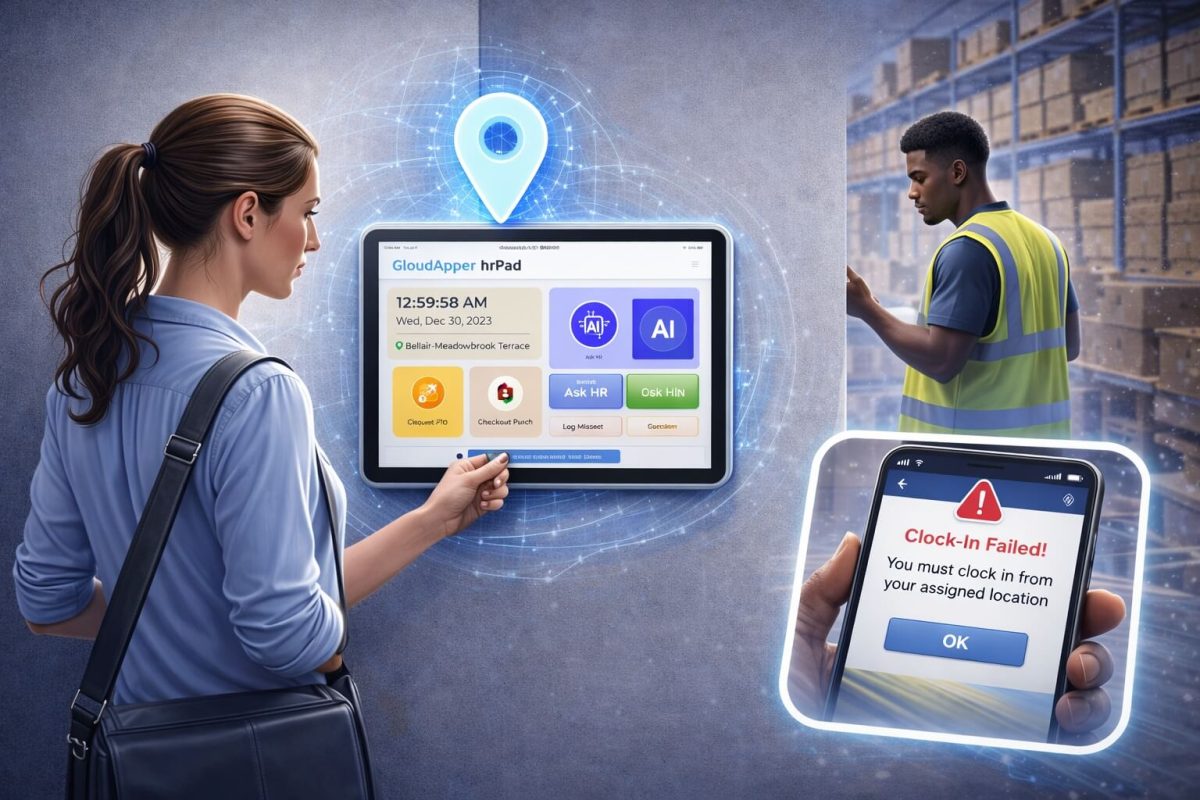

Improving the Kronos punch in and out process does not require a new system. This article shows how you can customize it with CloudApper AI TimeClock to reduce delays, prevent errors, and make daily workflows easier for both employees and HR.



Table of Contents
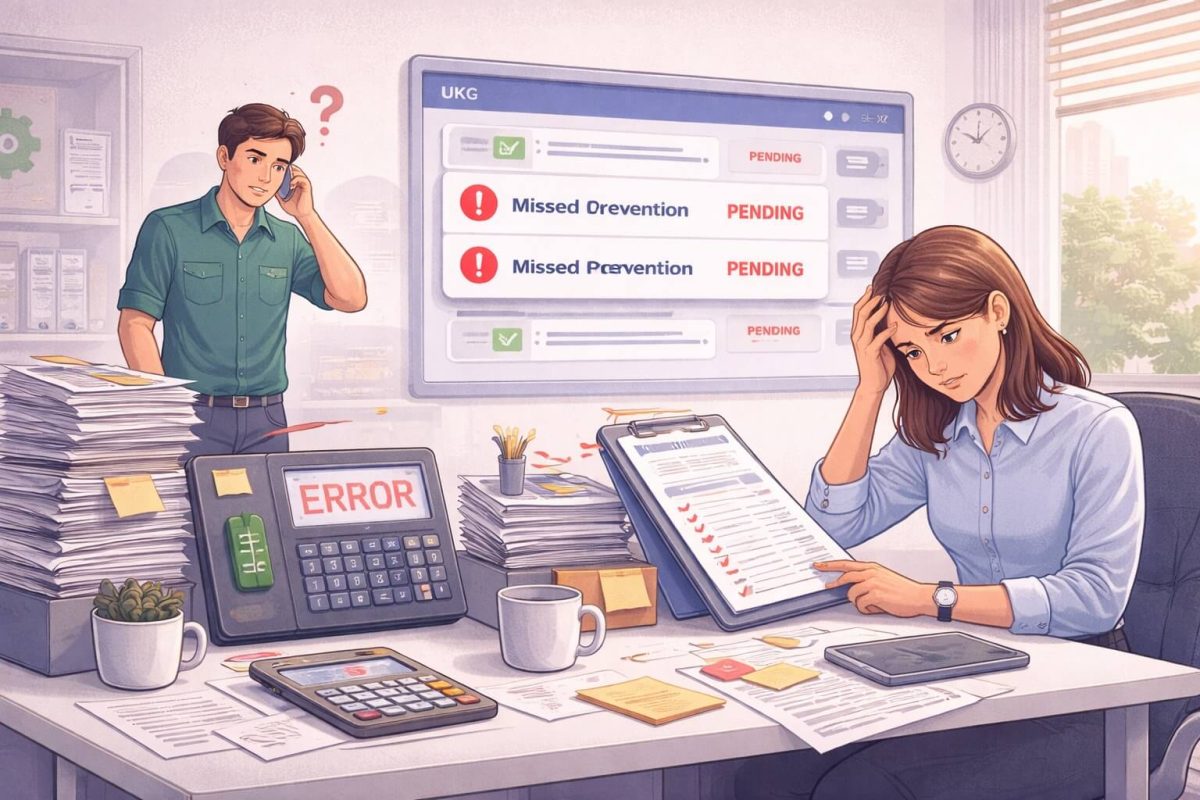
Over the past few years, I have spoken with UKG users from manufacturing floors, hospitals, retail stores, warehouses, and even construction sites. No matter the industry, they all told me the same thing in different words. They do not want a new HCM system. They just want the Kronos punch-in and out process to run smoothly so employees do not wait in line, job codes are selected correctly, and HR does not spend time fixing punch errors later.
Once I realized this, the pattern became clear. The punch process isn’t just about time capture. It affects payroll accuracy, compliance, scheduling decisions, and even how employees feel at the start of their shift. That is why many UKG customers now use CloudApper AI TimeClock to improve the punch process instead of replacing their system.
TL;DR
-
You do not need a new HCM system to fix punch issues. You can customize the Kronos punch in and out process using CloudApper AI TimeClock without disrupting UKG.
-
Attestations, job transfers, face ID, offline punches, and self-service tools can all be added directly to the punch workflow.
-
Cleaner punch data leads to faster payroll approvals and fewer correction requests from HR.
-
Real-world teams across manufacturing, healthcare, retail, construction, and logistics already use this approach successfully.
-
The setup is simple: discuss your workflow, configure the punch screen, test with one site, then roll it out across locations.
How CloudApper AI TimeClock Customizes the Kronos Punch In and Out Process
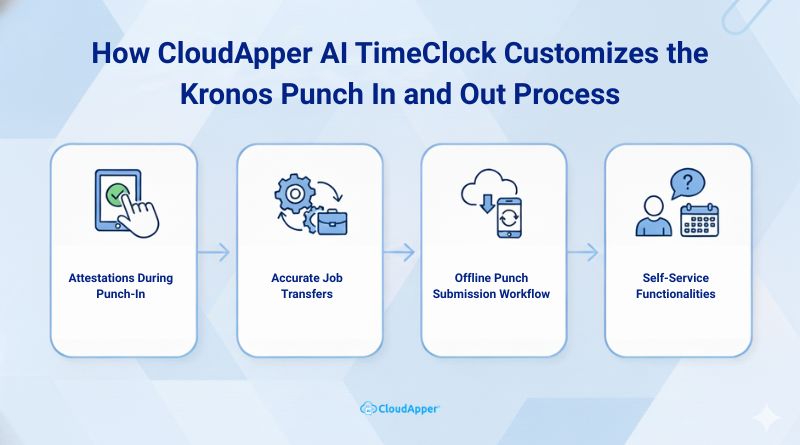
Once teams try CloudApper AI TimeClock, the punch process starts feeling less like a task and more like a guided workflow. It works directly with UKG, so nothing feels unfamiliar to employees — but the experience becomes smoother and more structured. Here is what UKG customers are already doing with it:
1. Attestations During Punch-In
Organizations can collect meal-break confirmations, safety checks, health screenings, or policy acknowledgments right during punch-in. Employees simply tap to confirm, and the record is stored automatically. This helps with audits and keeps HR from chasing paperwork later.
2. Accurate Job Transfers
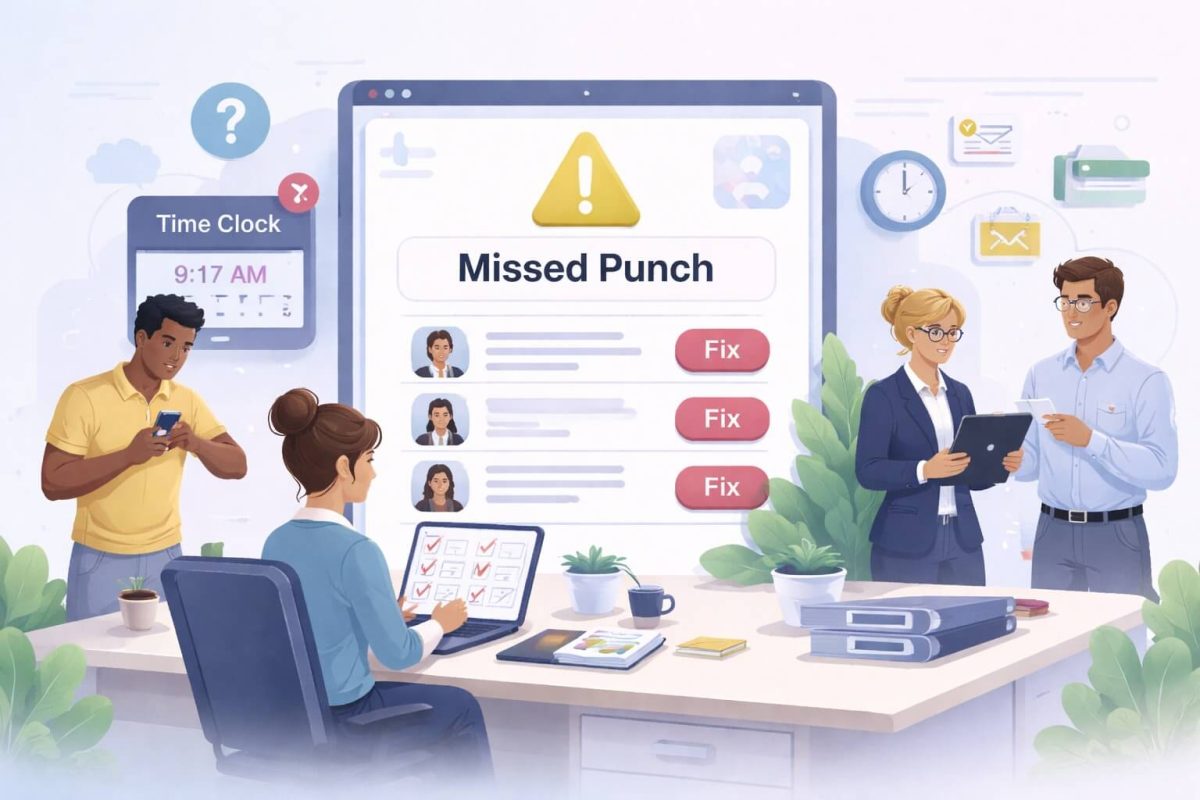
Job codes and department changes are often the biggest reason payroll teams spend time fixing data. With CloudApper AI TimeClock, employees can select job codes at punch-in instead of reporting them later. UKG receives the exact record, and payroll teams finally get clean data without manual edits.
3. Field Workforce? No Problem
Many of the UKG users I spoke to had employees who worked off-site. Network issues often affected punches. With this solution, punches are captured offline and synced automatically once the connection returns. No more spreadsheets. No more lost time logs.
4. Self-Service Built Into the Clock
Employees can view schedules, check PTO balances, request time off, or ask HR-related questions using the AI assistant directly from the clock. That reduces interruptions for HR and helps employees get answers quicker.
Why Teams Struggle With the Default Kronos Punch In and Out Process
After working with multiple teams across industries, the same challenges came up again and again:
| Common Challenge | Real Impact |
| Missed punches | Payroll delays and manual edits |
| Buddy punching | Labor costs go up unnecessarily |
| No compliance record | Risk during audits |
| Slow punch hardware | Queues during shift changes |
| No employee feedback | HR stays unaware of problems |
| No self-service | Employees depend on HR for simple tasks |
A lot of teams think they need to change the entire system to fix this. They do not. They just need better tools within the process they already use.
Customized Punch In/Out Use Cases Across Industries
| Industry | How Teams Use the Kronos Punch In and Out Process With CloudApper AI TimeClock |
| Manufacturing | Safety reminders appear during punch-in, and employees must acknowledge them before starting work. If procedures change or new equipment is in use, the message can update automatically so nothing is missed across shifts or locations. |
| Healthcare | Nurses and clinicians often move between departments. During punch-in, they can select the right job code, receive unit-specific guidelines, or confirm shift-related protocols. This reduces confusion and keeps records accurate for payroll and compliance. |
| Retail | During high-traffic seasons, stores can display sales targets, push customer service reminders, or highlight staffing needs. Employees see it before they even step onto the floor, which keeps everyone aligned without relying on emails or meetings. |
| Construction | Each job site can have different safety rules. TimeClock can show site-specific instructions, equipment use guidelines, or weather advisories. For crew-based teams, group punching can track time accurately without slowing down entry to the job site. |
| Logistics & Warehousing | Warehouse teams often react to fast-changing priorities. Clock-in popups can show updated delivery routes, load priority, cutoff times, or safety reminders. It helps workers adjust before starting their shift rather than finding out too late. |
Want to see how this would work with your punch flow?
Kronos Punch In and Out Process: Real Results Teams Have Seen
Here is what happened after implementation across different UKG customers:
- Payroll correction time reduced by 60%
- Punch approval became faster because the data was cleaner
- Compliance records were easier to retrieve during audits
- HR stopped chasing employees for missing information
- Employees felt more informed at the start of their shift
- Supervisors spent less time explaining shift expectations
One customer told me, “We did not change UKG at all. We just fixed the punch process, and everything felt smoother right away.”
How to Customize the Kronos Punch In and Out Process With CloudApper AI TimeClock
You do not need to rebuild your UKG system or change your workflow. Most UKG customers complete the setup in a few simple steps:
- We listen to your punch process challenges: You explain how employees punch in, what needs to change, and what HR struggles with most.
- Our team builds a tailored version for you: Using the CloudApper Agentic AI platform, the punch screen, data capture fields, and workflows are customized quickly.
- We map it to your UKG system: No manual syncing. All data flows into UKG exactly where it should.
- Test run with one site or team: Most customers launch with a single department first. This helps validate the workflow and spot any issues.
- Deploy across shifts and locations: Once approved, it rolls out across all devices. Employees keep using UKG but experience a smoother punch process.
Final Thought
The punch process happens every day. If it causes friction, it slows everything down. Most UKG users do not need a new system. They just need a smoother Kronos punch-in and out process that mirrors how employees actually work.
That is exactly what CloudApper AI TimeClock does. It works with UKG. It improves the workflow you already have. And it makes life easier for both HR and employees.
The punch process affects everything. Payroll, compliance, morale. You don’t have to leave it as it is.
Frequently Asked Questions
-
How can I customize the Kronos punch in and out process without changing UKG?
You do not need to replace UKG. With CloudApper AI TimeClock, you can customize the punch screen, add extra data fields, collect attestations, and manage job transfers while still sending all time data directly into your existing UKG system.
-
What types of customizations are possible with CloudApper AI TimeClock?
You can add meal and safety attestations, enable face ID, support offline punches, capture job transfers, set location-based rules, show shift messages, and allow basic self-service like viewing schedules or requesting PTO during the punch process.
-
Will customizing the Kronos punch in and out process affect payroll accuracy?
It usually improves payroll accuracy. By capturing the right job codes, locations, and attestations at punch time, CloudApper AI TimeClock sends cleaner data into UKG so payroll teams spend less time fixing missing or incorrect punches.
-
Does CloudApper AI TimeClock work for field or offline employees?
Yes. Employees can punch in and out even when there is no internet connection. The app stores punches locally and syncs them to UKG once the network is available, which helps avoid manual time sheets or lost hours.
-
How long does it take to roll out a customized punch in and out process?
Most teams start with one site or department. After CloudApper configures the workflow and maps it to UKG, a test run is done. Once you are happy with the results, the same setup can be rolled out across locations with minimal disruption.