Tired of manual time tracking processes and payroll errors? Discover how CloudApper AI TimeClock is transforming time tracking for UKG Pro Timekeeping users. This digital solution automates time collection, ensuring accuracy and reducing costly mistakes. It streamlines HR operations, empowering teams to focus on strategic initiatives.



Table of Contents
Accurate time capture sits at the center of payroll, attendance, compliance, and workforce productivity. For organizations using UKG Pro Timekeeping, the goal is not just to record punches. It is to make time capture easier for employees, cleaner for HR, and more dependable for payroll. That is where CloudApper AI TimeClock adds value.
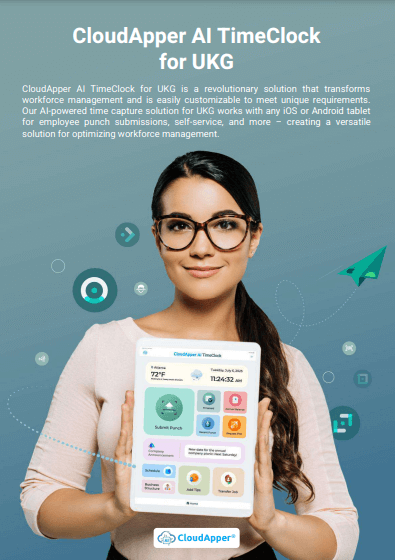
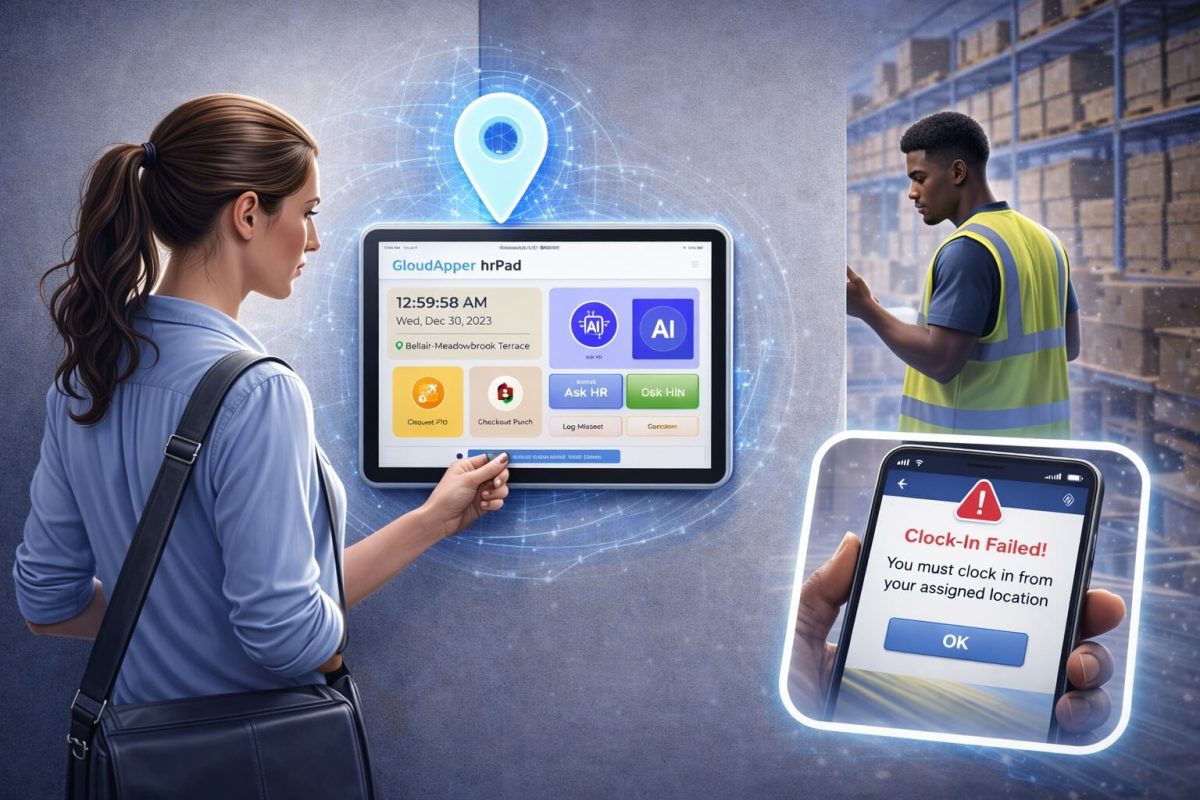
CloudApper AI TimeClock is a tablet-based and mobile-friendly time clock solution that works with UKG Pro Timekeeping to simplify how employees clock in and out, review schedules, check balances, and complete common time-related tasks. Instead of depending on manual steps or rigid hardware setups, organizations can use iPads, Android tablets, or other supported devices to create a more flexible and employee-friendly time capture experience.
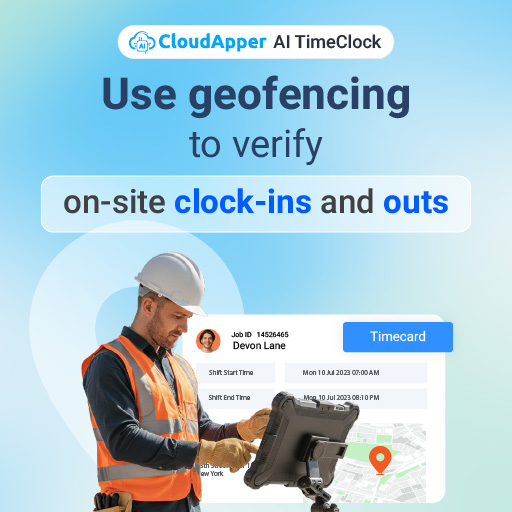
For HR and operations teams, that matters. Timekeeping errors can create payroll rework, employee frustration, and added administrative effort. Accurate recordkeeping is also important from a compliance standpoint. The U.S. Department of Labor requires employers covered by the Fair Labor Standards Act to maintain accurate records of hours worked and wages earned, and to retain payroll and related time records for defined periods. When time data is easier to capture correctly at the source, everything downstream becomes easier too.
CloudApper AI TimeClock is designed to support that outcome by making time capture faster, more accessible, and more connected to the HR and payroll ecosystem teams already use.
Why time capture still becomes a bottleneck
Many organizations do not struggle because they lack a timekeeping platform. They struggle because the daily experience of collecting time can still be more manual than it should be.
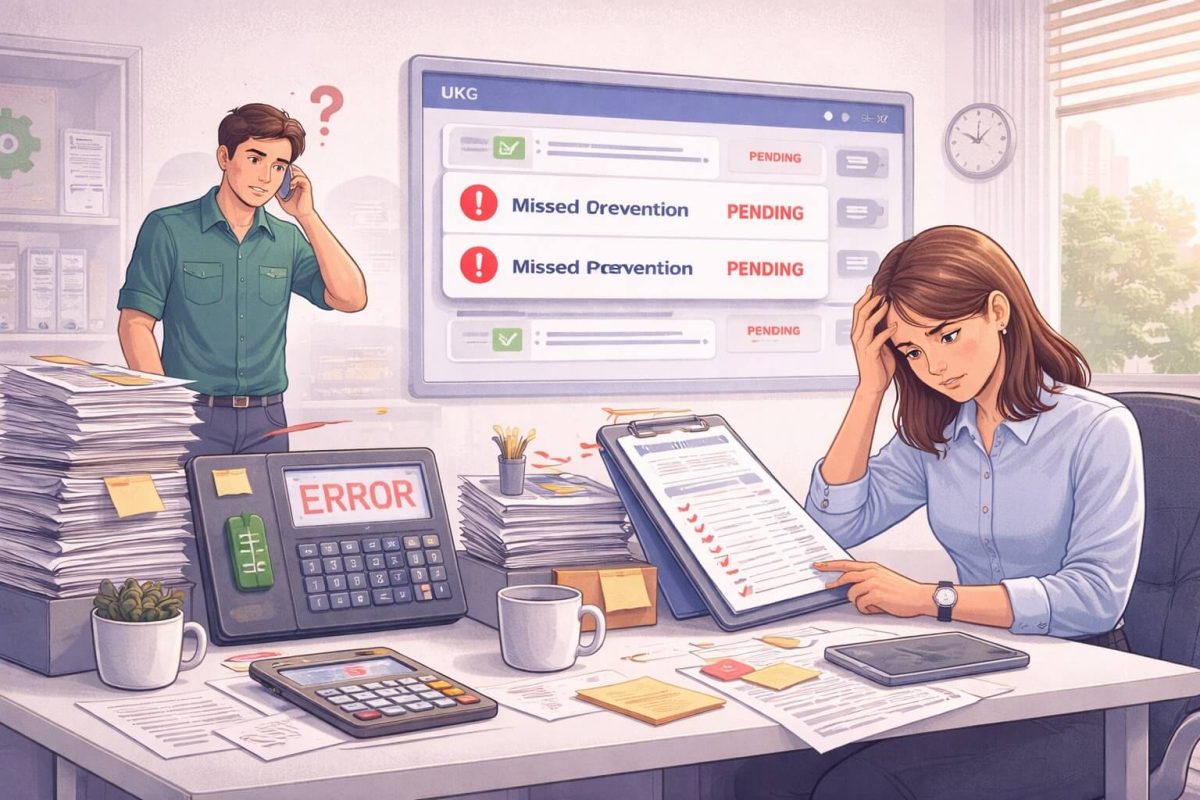
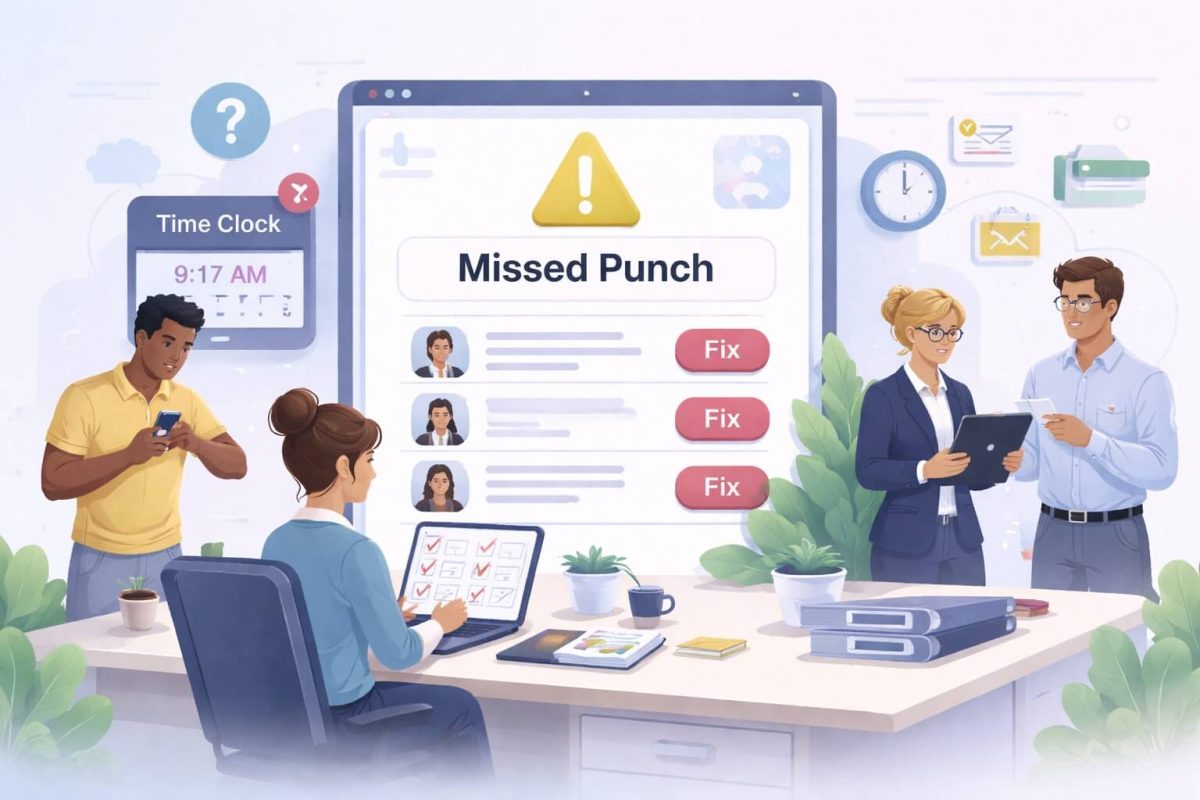
In practice, common issues often look like missed punches, long lines at shared devices, manual corrections, limited device flexibility, repetitive employee questions, and extra effort from HR or supervisors to resolve basic time-related issues. Even small friction points can add up fast when they happen every day across multiple shifts, locations, or teams.
For organizations with frontline, field, or distributed workers, the challenge becomes even more visible. Employees may need a fast way to punch in on a shared tablet, verify identity, review schedules, or submit requests without logging into a full desktop workflow. In some environments, connectivity can also be inconsistent, which makes reliable offline capture important for continuity.
This is why the conversation around timekeeping has shifted from simply recording hours to improving the entire time capture experience. The more intuitive and accessible the process is, the more likely organizations are to reduce exceptions, improve payroll readiness, and give HR teams more time for higher-value work.
What CloudApper AI TimeClock does for UKG Pro Timekeeping users
CloudApper AI TimeClock extends and simplifies the time capture experience for organizations using UKG Pro Timekeeping. It provides a modern, device-flexible way for employees to interact with timekeeping and related HR workflows while keeping UKG Pro as the core system of record.
At a practical level, this means employees can clock in and out using methods such as Face ID, QR codes, barcodes, PINs, or NFC, depending on the organization’s setup. Instead of relying on a one-size-fits-all experience, employers can configure a model that fits their environment, workforce, and security needs.
Because the solution works on standard iPads and Android tablets, companies can avoid being boxed into expensive proprietary hardware. That gives teams more deployment flexibility across entry points, warehouses, plant floors, break rooms, healthcare stations, hospitality environments, and field locations.
The result is a cleaner time capture workflow that feels easier for employees and more manageable for HR.
A more accurate start to payroll
Payroll accuracy starts with time accuracy. If punches are missed, duplicated, or entered incorrectly, payroll teams often end up spending time on adjustments, approvals, and follow-up. Even when the correction itself is simple, the process around it takes time.
CloudApper AI TimeClock helps reduce that friction by supporting more reliable punch collection at the point of entry. Employees can use secure and fast punch methods, and organizations can align the setup with their attendance policies and operational requirements. When time capture is more structured and less manual, payroll data becomes easier to review and process.
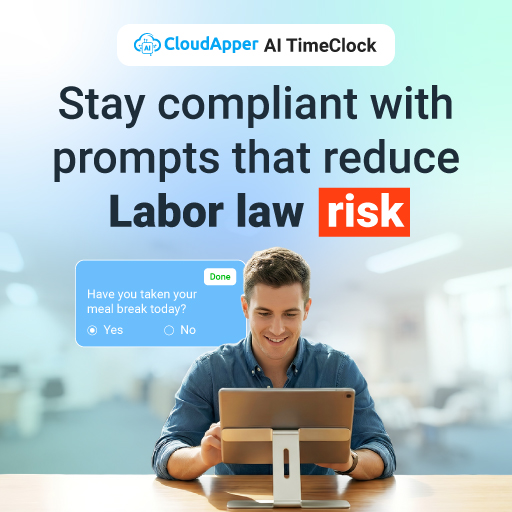
That matters because payroll mistakes are not just inconvenient. They can affect employee trust, increase administrative work, and create unnecessary back-and-forth between managers, HR, and payroll. Payroll professionals also continue to emphasize the need for accurate recordkeeping and controlled payroll workflows because even small errors can be costly when scaled across a workforce.
For UKG Pro Timekeeping users, the advantage is not replacing the core system. It is improving how accurate, complete, and timely data reaches it.
A better employee experience at the clock
One of the biggest opportunities in workforce technology is removing unnecessary effort from routine employee tasks. When employees can quickly punch in, check schedules, view balances, or get answers to common questions on their own, the experience feels smoother and support teams feel less pressure.
That is where CloudApper AI TimeClock becomes more than a time clock. It also supports employee self-service and AI-assisted interactions, helping workers access common information without needing HR to manually answer every question.
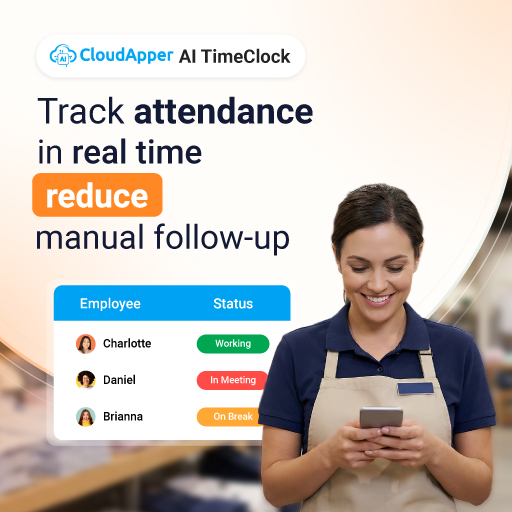
This aligns with a broader HR technology trend. SHRM notes that employee self-service portals help organizations handle many HR transactions that used to require paper-based or staff-assisted processes, which can improve efficiency and reduce routine administrative workload.
For organizations using UKG Pro Timekeeping, this kind of self-service layer can make everyday workforce interactions more practical, especially for frontline teams who are not sitting at desks all day.
Why tablet-based time clocks are gaining traction
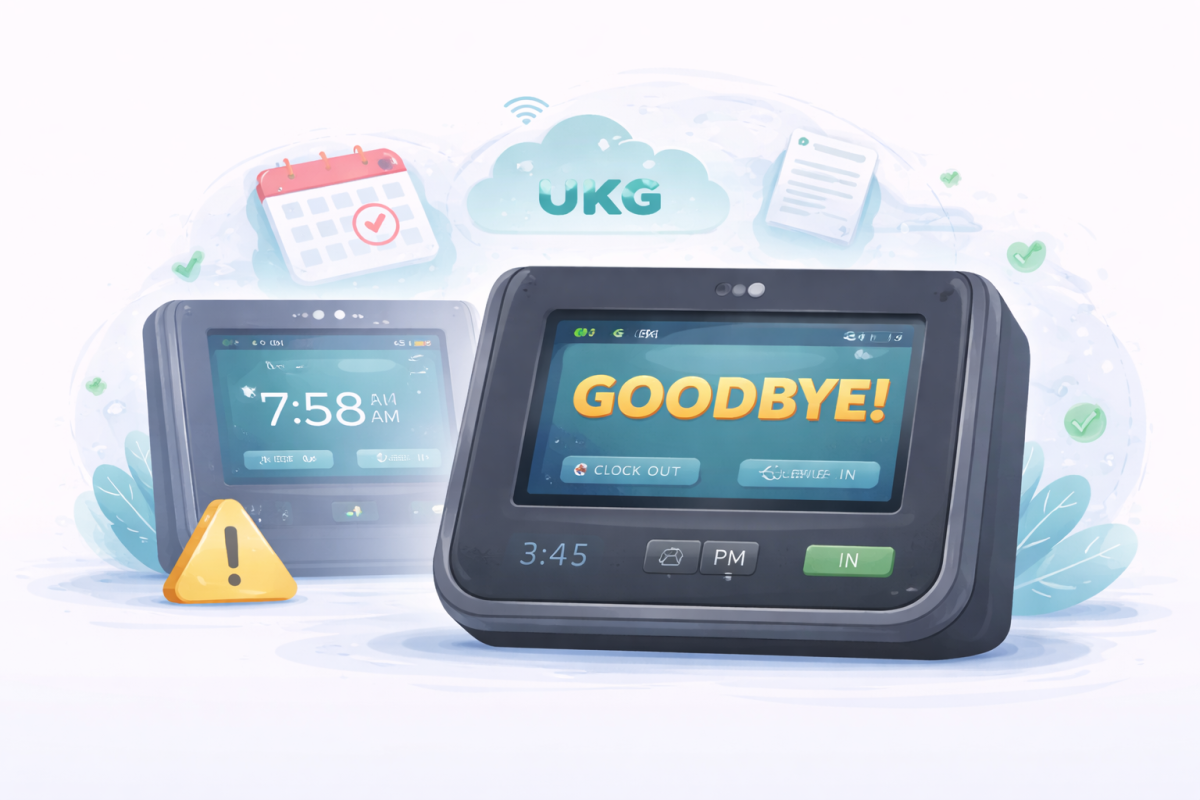
Traditional time clock setups can be limiting when organizations want a more modern and flexible deployment model. Tablet-based time clocks give teams more freedom in how and where they deploy workforce technology.
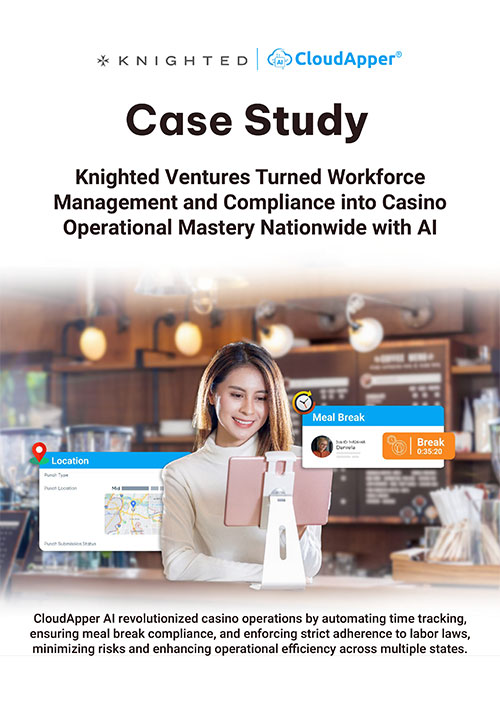
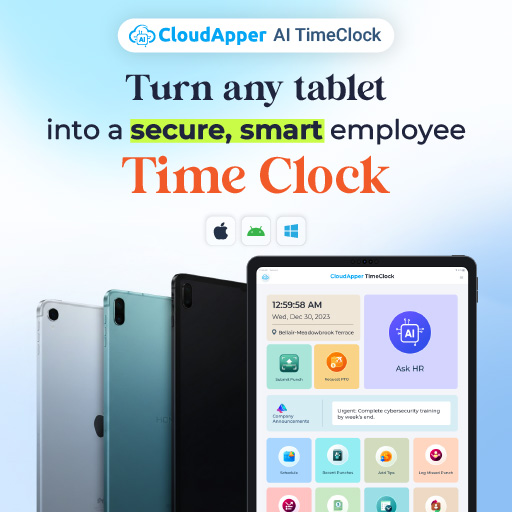
With CloudApper AI TimeClock, an organization can turn an iPad or Android tablet into a smart time clock that also supports AI-powered HR interactions, schedule visibility, and self-service workflows. That creates a more versatile station than a basic punch terminal.
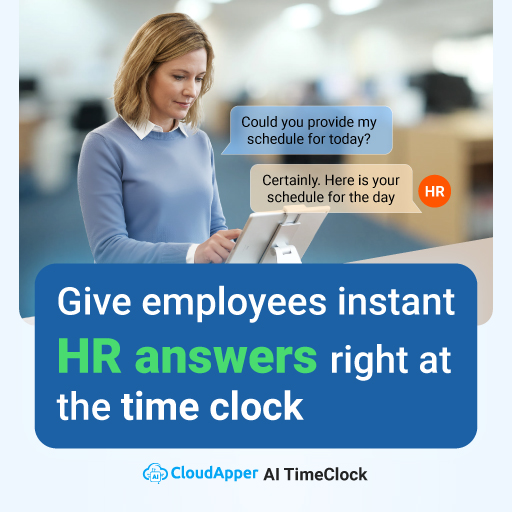
The appeal is straightforward. Tablets are familiar, easier to deploy, and adaptable to different physical environments. They can support a cleaner user experience while helping organizations standardize time capture across multiple sites. For employers looking for flexibility without unnecessary hardware complexity, that can be a meaningful advantage.
This is especially useful in industries such as manufacturing, hospitality, retail, healthcare, logistics, and field services, where employees need quick access and simple workflows, not complicated interfaces.
Offline time capture for real-world work environments
Not every work environment has perfect connectivity. Construction sites, transportation settings, agricultural operations, remote facilities, and mobile field teams often need time capture that continues working even when the network does not.
CloudApper AI TimeClock supports offline time capture, allowing punches and related workflows to continue and then sync when connectivity is restored. This helps organizations maintain continuity and reduce the risk of missing or delayed records in environments where internet access is inconsistent.
That kind of resilience matters operationally. It can help reduce manual back-entry, improve reporting continuity, and keep the employee experience consistent across locations. For organizations with remote or field-based teams, offline support is not just a convenience. It is part of building a timekeeping process that works in real conditions.
How the UKG Pro integration adds value
The value of CloudApper AI TimeClock for UKG Pro users comes from fit, not friction. UKG Pro Timekeeping remains central to workforce management and payroll operations. CloudApper AI TimeClock enhances the employee-facing experience around time capture and self-service while integrating with the broader HR and payroll workflow.
That matters because disconnected tools can create duplicate entry and process gaps. When time capture is aligned with the existing system of record, teams can simplify operations without introducing unnecessary complexity.
For employers, this means they can modernize the clock experience while still supporting consistency in payroll preparation, attendance workflows, and workforce visibility. It is an approach that respects the value of the existing UKG environment while improving how employees and administrators interact with it day to day.
Practical use cases where CloudApper AI TimeClock stands out
The strongest workforce technology stories are usually practical ones. CloudApper AI TimeClock is especially useful in situations where employee access, hardware flexibility, or process simplicity matter most.
A manufacturing employer may want a shared tablet at the entry point with Face ID or barcode punching to make shift start faster and more secure. A healthcare organization may want a simple self-service screen where staff can punch in, review schedules, and check accrual-related information without extra help. A field operation may need offline punching and group time capture when teams are working in locations with weak connectivity. A multi-site retailer may want a standardized tablet experience that is easier to deploy and scale across stores.
These are not edge cases. They are common workforce realities, and they are exactly where a flexible time clock layer can make a measurable difference.
Cost efficiency without compromising usability
Organizations often want to modernize time capture without taking on unnecessary hardware cost or complicated rollouts. One of the practical benefits of CloudApper AI TimeClock is that it can work with existing or off-the-shelf tablet devices, which helps organizations control deployment costs while still improving the user experience.
That cost flexibility matters more when organizations are scaling across multiple locations. A solution that is easier to deploy, easier to train on, and easier to maintain can reduce friction not just for HR, but also for IT and operations.
Research on HR automation also continues to show that automation and better workflow design can improve productivity and reduce administrative effort. For example, a January 2026 Nucleus Research study cited productivity gains and significant reductions in payroll processing time in organizations that automated HR and payroll workflows more effectively. While each organization’s results will vary, the broader lesson is consistent: cleaner, more connected workflows save time.
Why this matters for HR teams
For HR leaders, the real benefit is not just a new interface for punches. It is the chance to spend less time on avoidable administrative work.
When employees can handle more routine actions through self-service, when time records are easier to collect accurately, and when workforce data flows more smoothly into payroll processes, HR teams get breathing room. That can mean fewer manual corrections, fewer repetitive questions, and more time to focus on employee support, workforce planning, compliance readiness, and strategic initiatives.
In other words, CloudApper AI TimeClock helps improve one of the most operational parts of workforce management so HR can spend more energy on the human side of work.
Is CloudApper AI TimeClock a good fit for UKG Pro Timekeeping users?
For organizations using UKG Pro Timekeeping and looking for a more flexible, employee-friendly, and AI-enabled time capture experience, CloudApper AI TimeClock is a strong fit.
It is especially relevant for employers that want to:
A modern version would likely avoid bullets here, but this is one of the few places where a short list improves clarity.
-
use tablets instead of proprietary time clock hardware
-
support secure punch methods like Face ID, PIN, QR, barcode, or NFC
-
improve self-service for frontline employees
-
reduce manual timekeeping effort for HR and managers
-
support offline time capture in field or remote environments
-
extend the employee experience while continuing to use UKG Pro Timekeeping as the system of record
Final takeaway
CloudApper AI TimeClock helps UKG Pro Timekeeping users modernize time capture without disrupting the broader workforce management ecosystem. It gives organizations a more flexible way to collect time, support employees, improve payroll readiness, and reduce day-to-day administrative burden.
For companies looking to make timekeeping easier for employees and more efficient for HR, the value is clear. Better time capture is not just about recording hours. It is about creating a smoother workforce experience from punch to payroll.