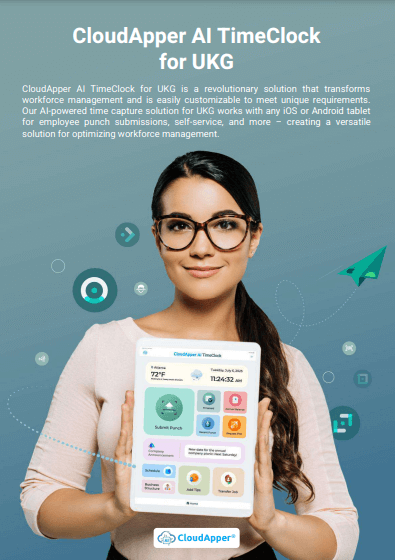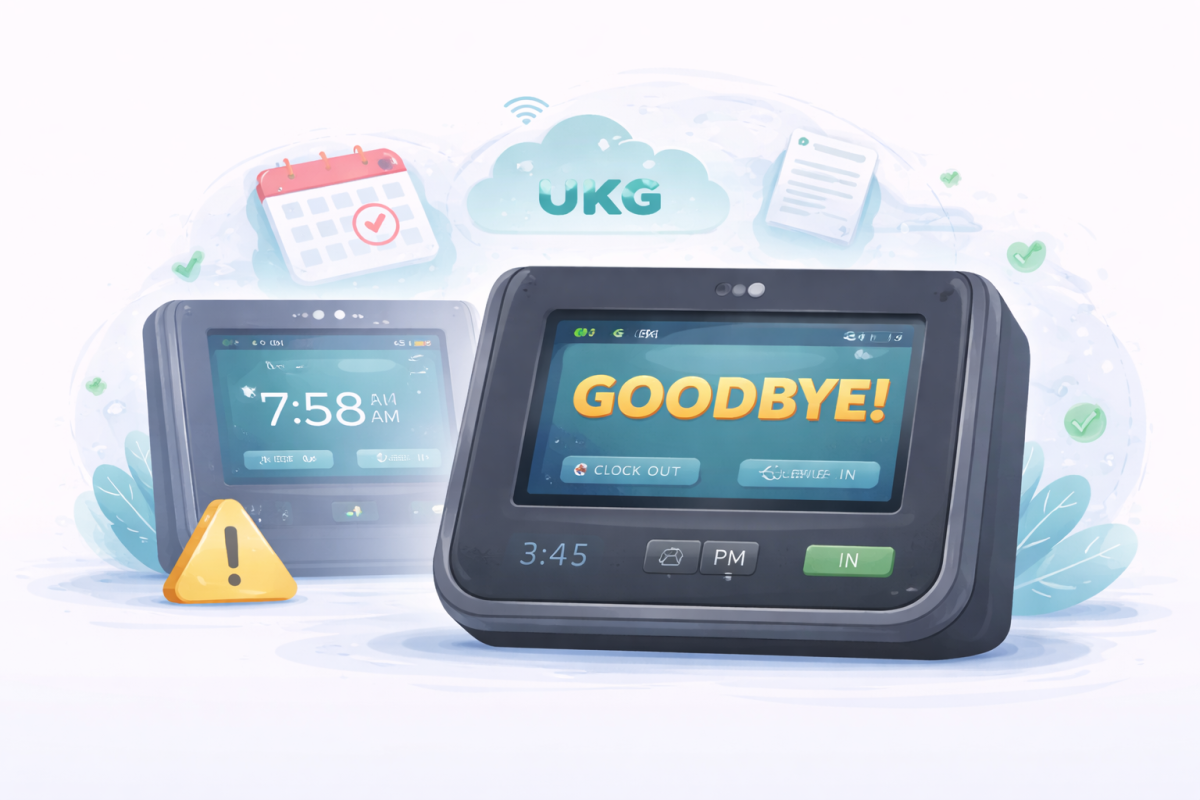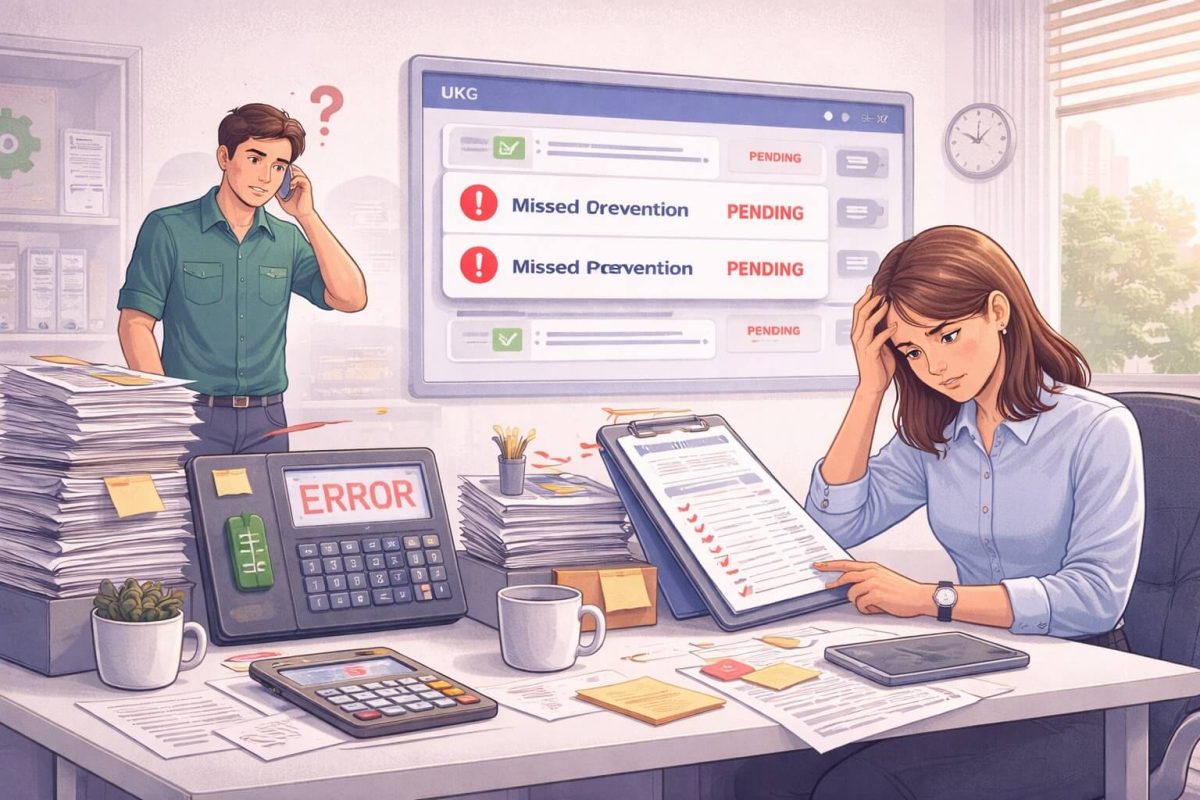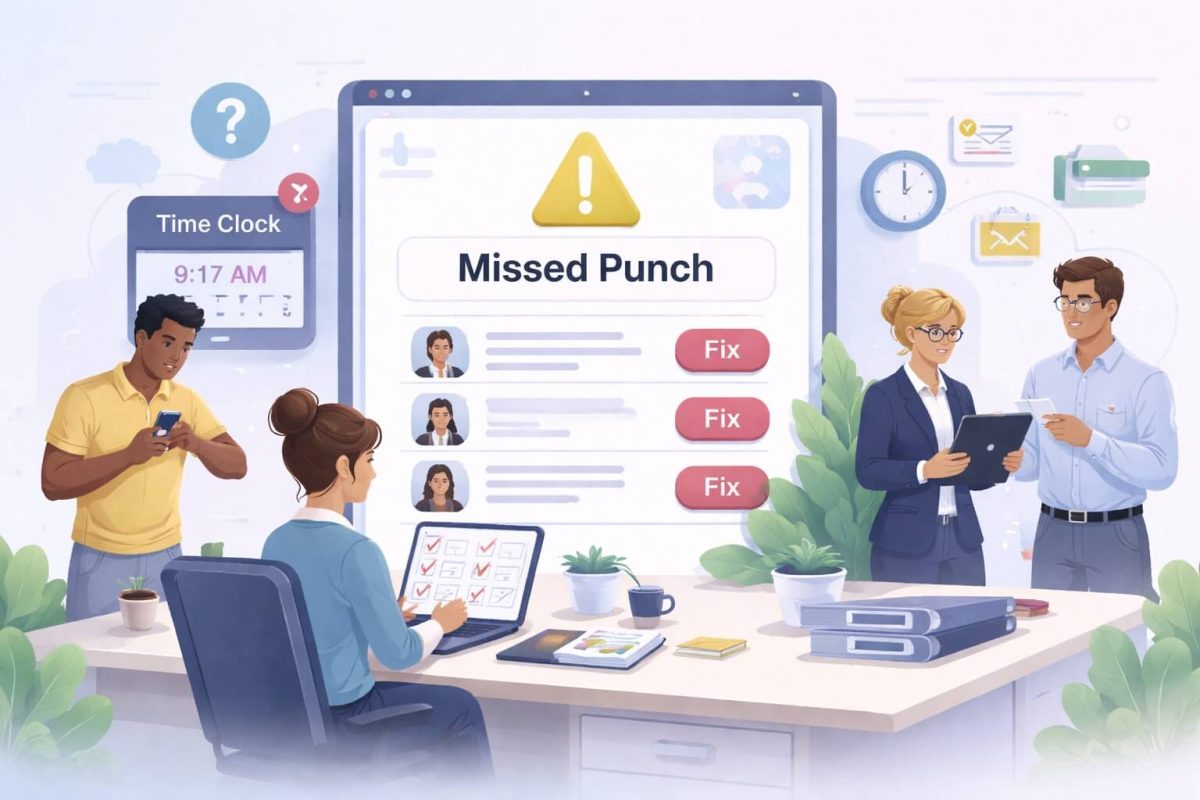
CloudApper AI TimeClock empowers UKG Ready users with simple, self-service shift change requests right from the time clock tablet or mobile app. Employees select shifts, propose swaps, and track approvals in real time—eliminating paperwork, speeding up scheduling decisions, and ensuring seamless data sync to UKG Ready.



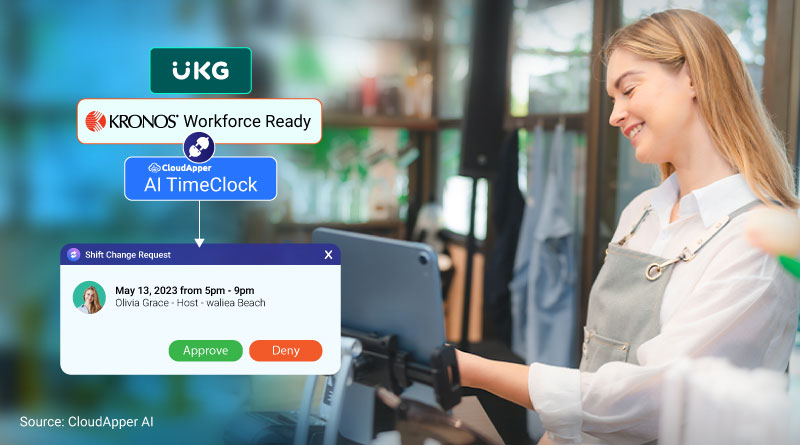
Table of Contents
Managing employee shifts efficiently is crucial for any organization to ensure smooth operations and high employee satisfaction. For businesses using UKG/Kronos Workforce Ready, having a reliable system for submitting and managing shift change requests is essential. CloudApper AI, an official UKG partner, offers an affordable, AI-powered Time Clock solution that runs on any iPad or tablet device, making shift change requests and management easier than ever. This article explores how CloudApper AI TimeClock streamlines the process of submitting shift change requests, ultimately reducing administrative burdens and enhancing workforce productivity.
TL;DR
CloudApper AI TimeClock adds intuitive shift change request functionality to UKG Ready. Employees submit swap or change requests directly at the clock or via mobile, with customizable rules, manager notifications, and automatic sync to UKG—streamlining approvals, reducing scheduling delays, and boosting employee satisfaction without extra admin effort.
Submit Shift Change Requests in UKG Ready with CloudApper AI TimeClock
CloudApper AI TimeClock is specifically designed to meet the diverse needs of businesses using UKG/Kronos Workforce Ready. Its customizable features ensure that companies can tailor the system to their unique requirements, enhancing efficiency and user satisfaction. Here’s how CloudApper AI TimeClock can transform your shift change request process:
Self-Service Options for Employees
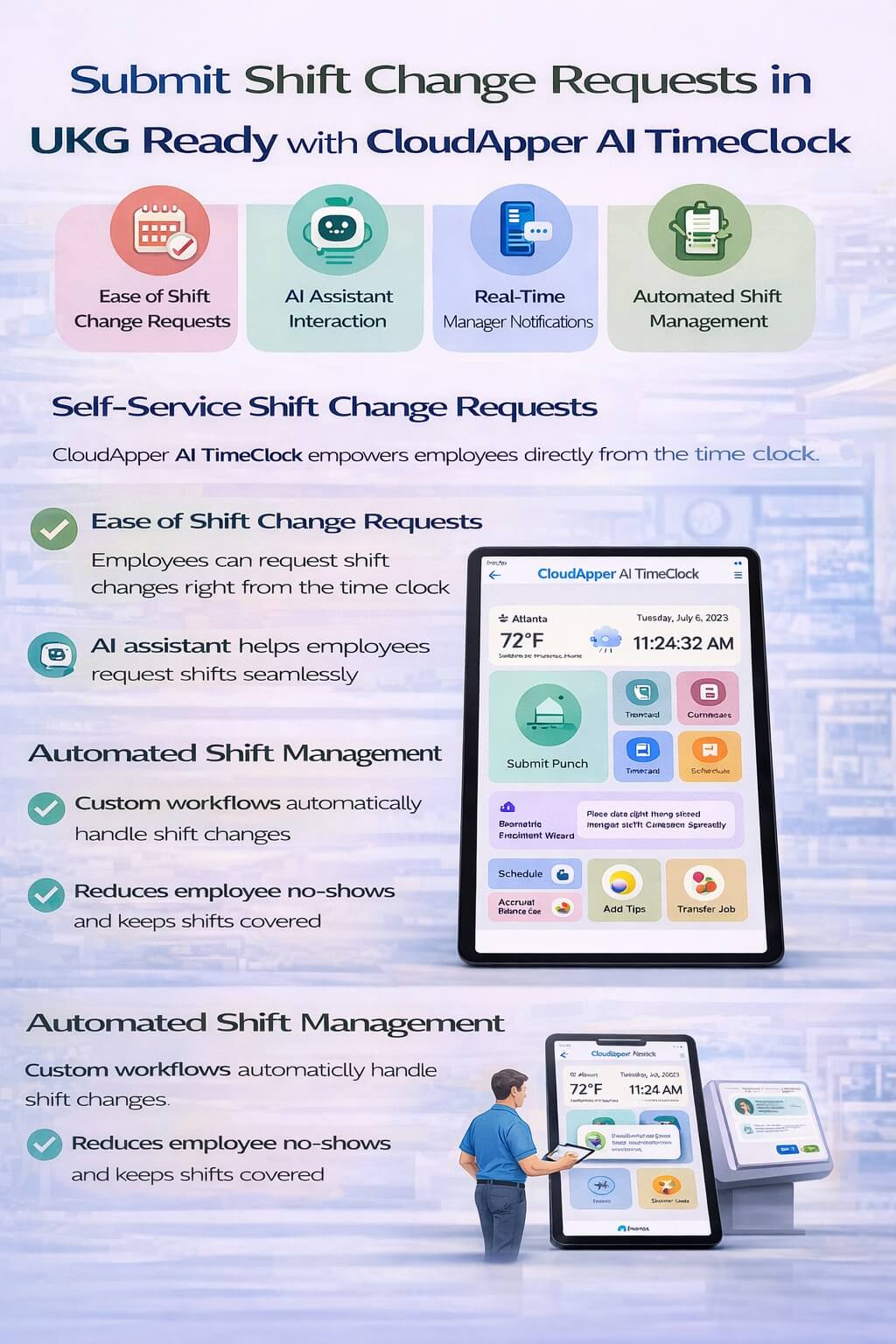
One of the standout features of CloudApper AI TimeClock is its self-service capability. This feature allows employees to easily request shift changes directly from the time clock. By empowering employees with self-service options, businesses can significantly reduce the administrative workload on HR and management. Here’s how it works:
- Ease of Shift Change Requests: Employees can request shift changes directly from the time clock using a user-friendly interface. This process is simple and quick, ensuring that employees can manage their schedules with minimal hassle.
- AI Assistant for Seamless Interaction: The AI Assistant feature allows employees to chat and submit shift change requests through a conversational interface. This AI-driven interaction makes the process even more intuitive and efficient.
- Real-Time Notifications for Managers: Managers receive instant notifications for shift change requests, enabling them to approve or deny requests promptly. This real-time communication reduces delays and ensures that the team is always informed about staff availability.
Automated Shift Management with Custom Workflows
The integration of CloudApper AI TimeClock with UKG/Kronos Workforce Ready significantly enhances shift management through automation. Here’s how:
- Automated Employee Shift Management: CloudApper AI TimeClock utilizes custom workflows and rule sets to manage shift changes automatically. The system sends requests to fill open shifts to other employees based on their availability, eligibility, and qualifications, directly from the time clock.
- Reduction in Employee No-Shows: By automating the shift change process and ensuring that open shifts are filled promptly, businesses can reduce the incidence of employee no-shows, maintaining optimal staffing levels at all times.
- Streamlined Shift Management: The automation of shift management processes reduces the administrative burden on HR and managers. This streamlined approach ensures that shifts are managed efficiently and accurately.
AI TimeClock for UKG
US Fuel Forecourt Merchant Deployed Affordable UKG Pro Time Clock
Benefits of Submitting UKG/Kronos Workforce Ready Shift Change Request With CloudApper AI TimeClock
Integrating CloudApper AI TimeClock with UKG/Kronos Workforce Ready for submitting UKG/Kronos Workforce Ready shift change request offers several key benefits:
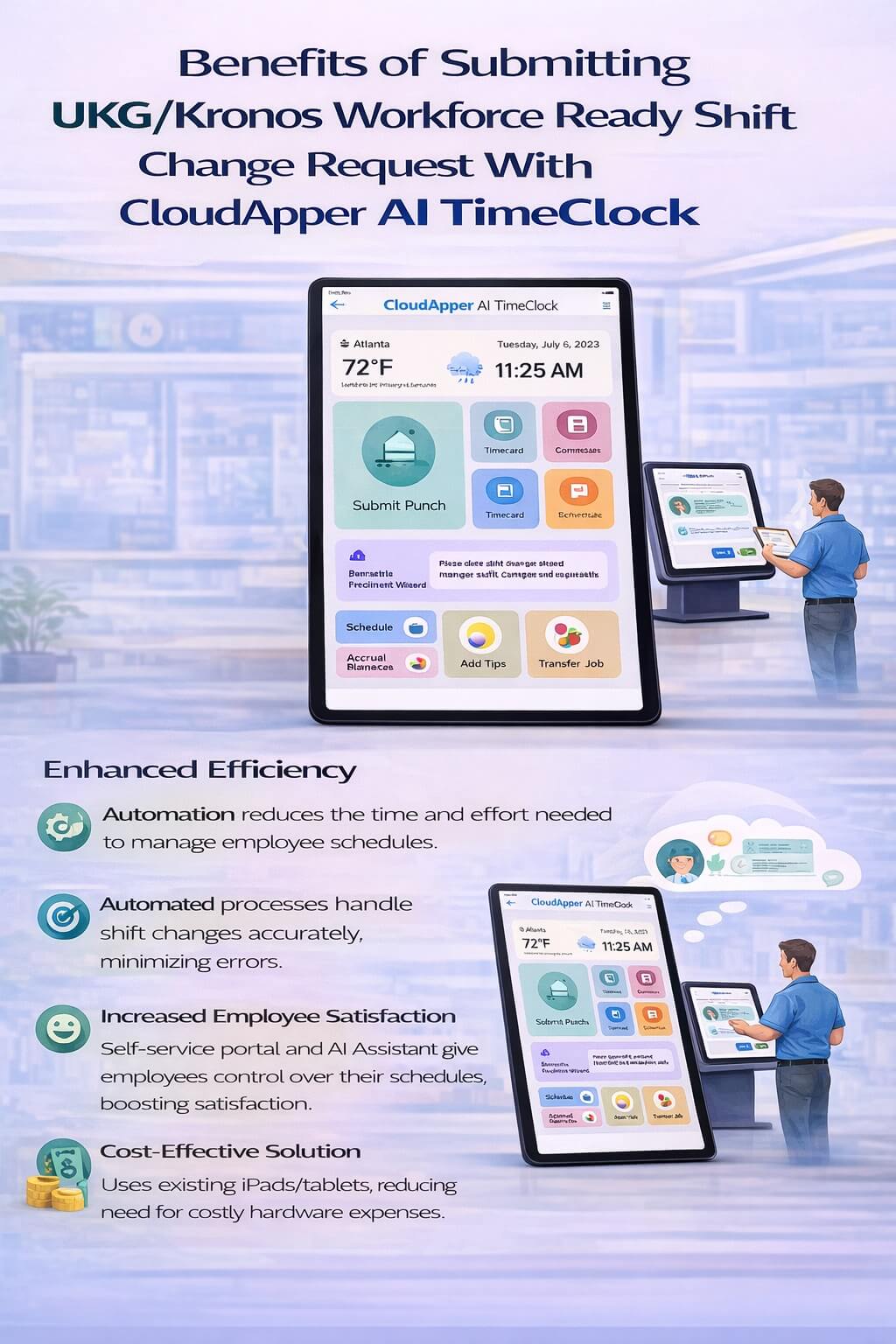
- Enhanced Efficiency: The automation of shift change requests and management reduces the time and effort required to manage employee schedules.
- Improved Accuracy: Automated processes ensure that shift changes are handled accurately, reducing the risk of errors.
- Increased Employee Satisfaction: By providing a user-friendly self-service portal and AI Assistant, employees have more control over their schedules, leading to higher satisfaction and engagement.
- Cost-Effective Solution: Utilizing existing iPads or tablets reduces the need for expensive hardware investments, making it a cost-effective solution for businesses of all sizes.
Success Story: Improving Shift Management in the Retail Industry
A prominent retail chain faced challenges with managing shift change requests due to high employee turnover and varied shift patterns. By implementing CloudApper AI TimeClock, they automated the process of submitting and managing shift changes. The ability to handle shift change requests directly from the time clock reduced the administrative burden on HR and managers by 35%. The automated notifications enabled managers to respond to requests promptly, resulting in a 20% reduction in employee no-shows. This enhanced efficiency allowed the retail chain to maintain optimal staffing levels and improve customer service.
Disclaimer: Due to privacy reasons, the identity of the person or organization is hidden.
Key Takeaway
Integrating CloudApper AI TimeClock with UKG/Kronos Workforce Ready offers a comprehensive solution for managing shift change requests efficiently. Its self-service features, AI Assistant, and automated shift management capabilities reduce administrative burdens, improve staffing levels, and enhance employee satisfaction. For businesses seeking a customizable, affordable, and effective time clock solution, CloudApper AI TimeClock stands out as the ideal choice.
For more information on how CloudApper AI TimeClock can revolutionize your shift management and overall workforce processes, visit our UKG/Kronos Time Clock page.
FAQ
1. How do employees submit a shift change request using CloudApper AI TimeClock?
Employees clock in, navigate to the self-service menu, select “Shift Change Request” or “Shift Swap,” choose the desired shift, add optional notes, and submit. The request routes instantly to the designated manager for approval.
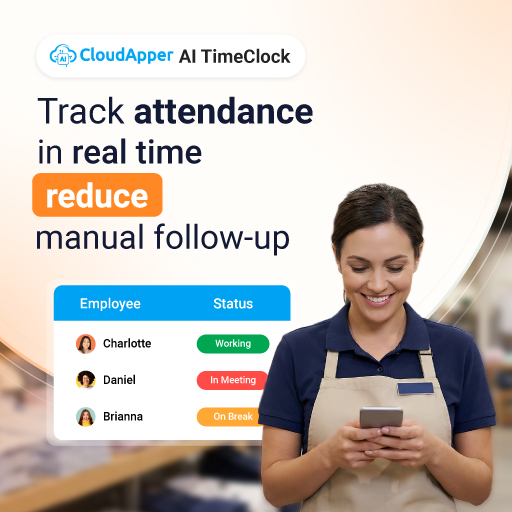
2. Does the shift change request integrate directly with UKG Ready?
Yes—approved requests automatically update schedules and timecards in UKG Ready via real-time API sync, ensuring payroll accuracy and eliminating manual adjustments.
3. Can managers approve or deny requests from the time clock?
Yes, managers with elevated permissions can review, approve, or reject pending requests directly on the shared tablet, with notifications sent to employees instantly.
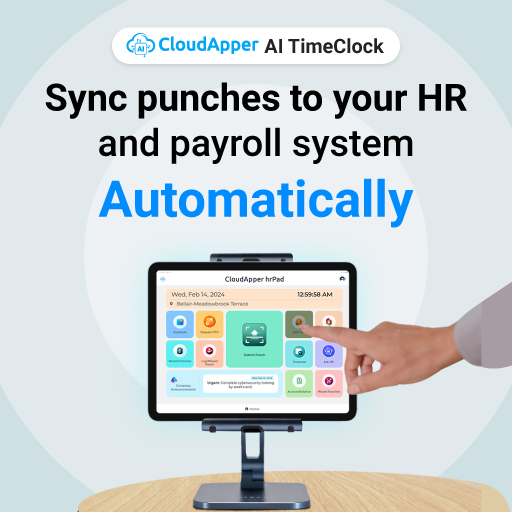
4. Is the shift change feature mobile-friendly?
Absolutely—employees can submit and track requests via the CloudApper mobile app on iOS or Android, making it convenient for off-site or remote workers.
5. Can organizations customize shift swap rules in CloudApper AI TimeClock?
Yes, admins configure rules such as seniority-based priority, skill matching, maximum swaps per period, and required approvals using the no-code platform.
For further details on how CloudApper AI TimeClock can streamline your shift management and enhance your overall workforce processes, visit our UKG Time Clock or Kronos Time Clock page.