CloudApper AI TimeClock seamlessly integrates with UKG to streamline shift cover requests. Its personalized criteria, proactive matching, real-time communication, and mobile access enhance efficiency and employee satisfaction while reducing costs. Together, they empower the workforce and optimize operations for success.


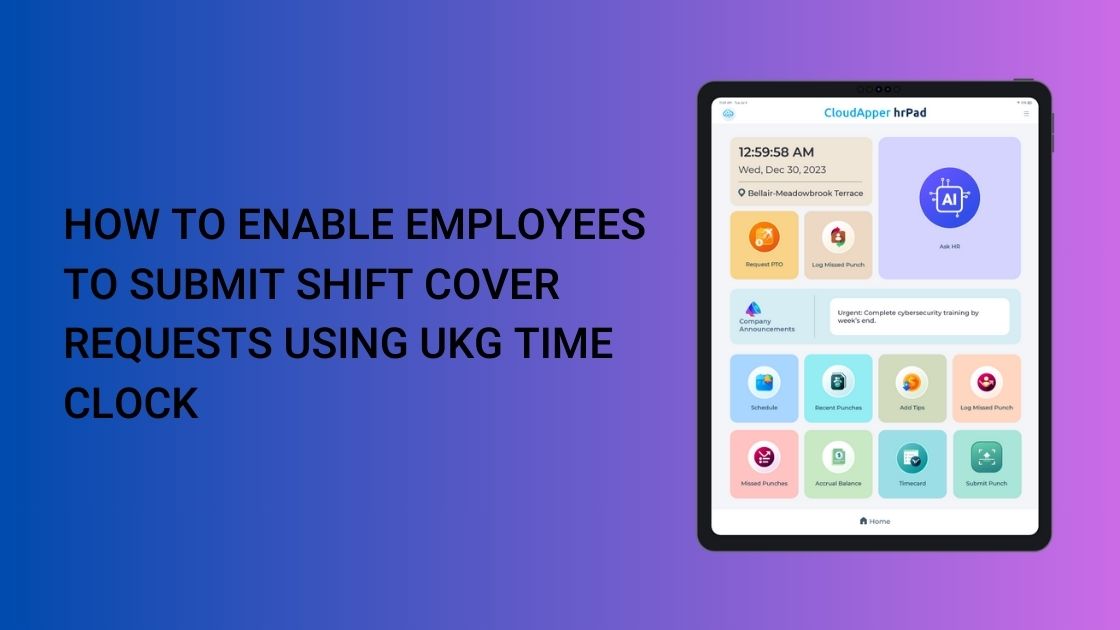
Table of Contents
- UKG Shift Cover Request with CloudApper AI TimeClock
- Step-by-Step Guide for UKG Shift Cover Requests
- Benefits of using CloudApper AI TimeClock for employee shift management in UKG
- Best Practices for UKG Shift Cover Request Management
Sustaining optimal staffing levels can be a formidable task in today’s ever-changing contemporary work environment. Employee preferences for flexibility, unanticipated absences, and fluctuating demand all necessitate effective shift cover request management. CloudApper AI TimeClock is an easy and affordable way to manage shift cover requests in UKG. It facilitates staff members to locate replacements from within their respective teams, enhances employee satisfaction, reduces absenteeism, and improves overall workforce engagement.
UKG Shift Cover Request with CloudApper AI TimeClock
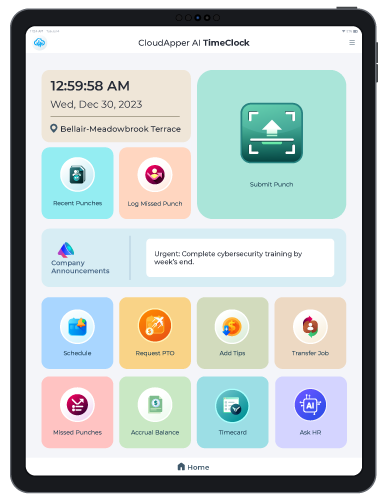
Seamlessly integrated with UKG Ready & UKG Pro WFM (Dimensions), CloudApper AI TimeClock offers enhanced shift cover request functionalities:

- Personalized request criteria: Define criteria based on individual needs, qualifications, and shift types.
- Proactive matching: Intelligent algorithms automatically match requests with suitable substitutes, saving time and effort.
- Real-time communication: Bi-directional notifications update all parties instantly, ensuring transparency and prompt responses.
- Mobile access: Employees can submit and respond to requests on their mobile devices, enhancing accessibility and flexibility.
- Automated workflows: Streamline approvals and shift assignments, minimizing manual intervention.
- Advanced analytics: Gain valuable insights into shift coverage trends and identify areas for improvement.
CloudApper hrPad for UKG
Group of Amusement Centers Chose AI hrPad for UKG Pro WFM
Step-by-Step Guide for UKG Shift Cover Requests
Submitting Shift Cover Requests via CloudApper AI TimeClock
Employees can easily submit shift cover requests using the CloudApper AI TimeClock app. Follow these steps for guidance:
- Navigate to Shift Management: From the dashboard, select the “Shift Management” or “My Schedule” option.
- Identify the Shift to Cover: Locate the shift you need to cover or swap by selecting the date and shift details.
- Submit a Cover Request: Tap “Request Shift Cover,” enter the reason (e.g., vacation), and define criteria (e.g., qualifications, availability) for a substitute.
- Review and Send: Preview the request, then tap “Submit.” The app will notify potential substitutes via real-time alerts.
- Track Status: Monitor the request status under “Pending Requests” until a match is found or approved.
Manager Approval Process
Managers can approve shift cover requests efficiently using the same app. Follow these steps:
- Receive Notification of Shift Cover Request: Get an alert via the app or email when a shift cover request is submitted.
- Go to Approval Queue: Navigate to the “Approvals” or “Shift Management” section to view pending cover requests.
- Review Request Details: Select a request to see the employee’s reason, proposed substitute, and shift details.
- Approve or Decline: If suitable, tap “Approve” to confirm the swap; if not, select “Decline” and provide feedback for resubmission.
- Notify Parties: Once approved, the system sends instant notifications to the employee, substitute, and UKG system for updates.
- Monitor Changes: Check the updated schedule under “Approved Shifts” to ensure seamless integration.
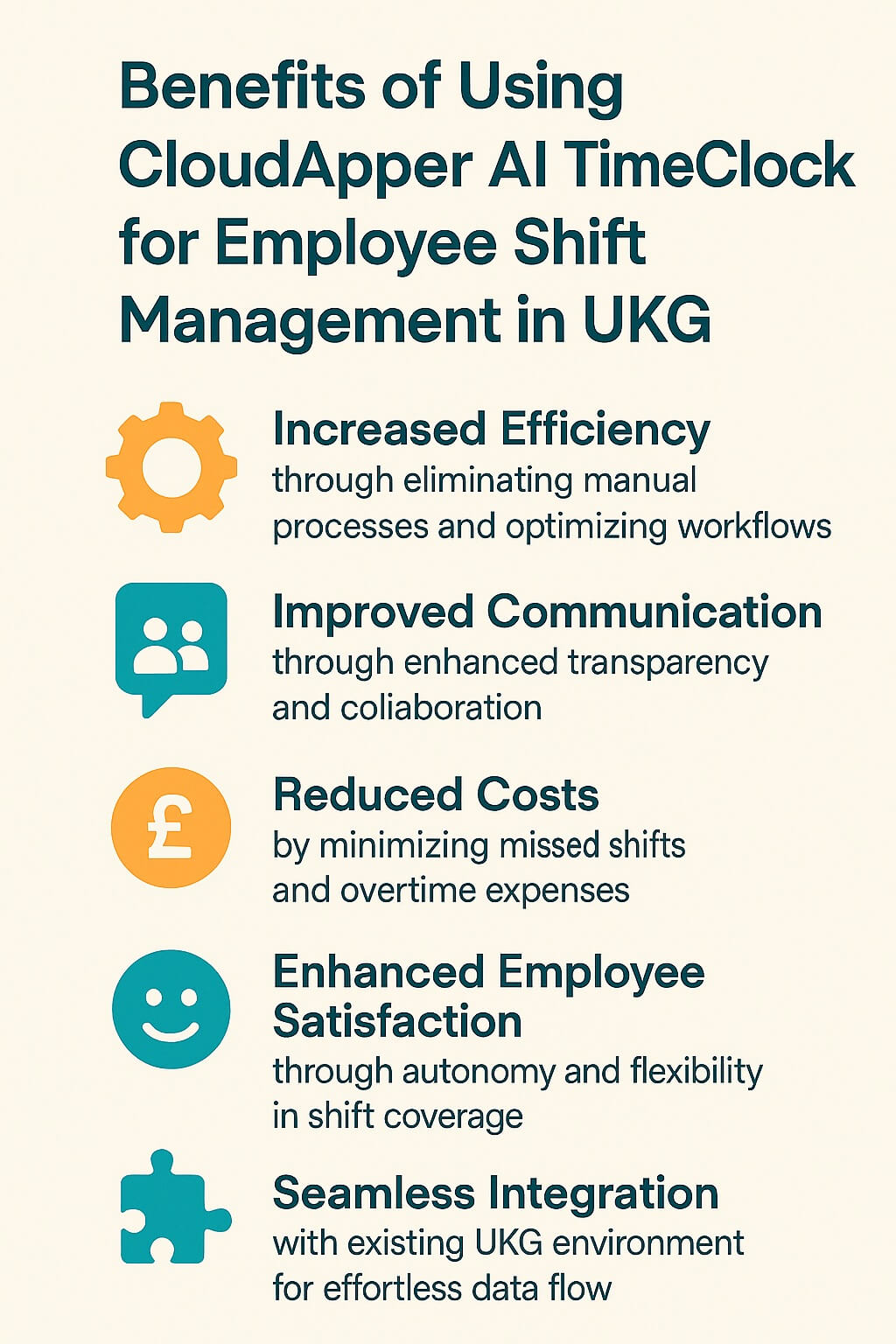
Benefits of using CloudApper AI TimeClock for employee shift management in UKG
- Increased efficiency through eliminating manual processes and optimizing workflows.
- Improved communication through enhanced transparency and collaboration.
- Reduced costs by minimizing missed shifts and overtime expenses.
- Enhanced employee satisfaction through autonomy and flexibility in shift coverage.
- Seamless integration with existing UKG environment for effortless data flow.
Best Practices for UKG Shift Cover Request Management
To maximize the effectiveness of CloudApper AI TimeClock for shift cover requests with UKG, consider these best practices:
- Clear Communication of Shift Cover Policies: Ensure all employees understand the process, eligibility, and timelines for submitting shift cover requests to maintain consistency.
- Using Automated Tools to Reduce Manual Workload: Leverage CloudApper’s automated workflows and matching algorithms to streamline request handling and minimize administrative effort.
- Encouraging Employee Flexibility and Engagement: Promote a culture where employees volunteer for shifts, fostering teamwork and reducing reliance on last-minute covers.
- Manager Approval Workflows for Shift Changes: Implement a structured approval process to review and authorize shift swaps, ensuring compliance and operational efficiency.
A Unified Approach
UKG’s shift cover request experience is enhanced by CloudApper AI TimeClock. The seamless incorporation of its advanced functionalities with UKG enables your workforce to be empowered, streamlines operations, and strategically positions your business to thrive in the ever-changing work environment.
FAQ Section
How to submit a shift cover request?
Open the CloudApper AI TimeClock app, navigate to “Shift Management” or “My Schedule,” select the shift, tap “Request Shift Cover,” enter details (e.g., reason, criteria), and submit. Track status under “Pending Requests.”
Can partial shifts be covered?
Yes, employees can request coverage for part of a shift by specifying the time range in the request, subject to manager approval.
How are notifications sent for shift cover requests?
Notifications are sent via real-time bi-directional alerts through the app or email to employees and managers instantly.
What happens after manager approval?
The shift swap is updated in the UKG system, notifications are sent to all parties, and the new schedule is reflected for payroll and tracking.



October 23, 2026
New York Spread of Hours Pay in UKG: Catching the 10-Hour Span Before Payroll Does
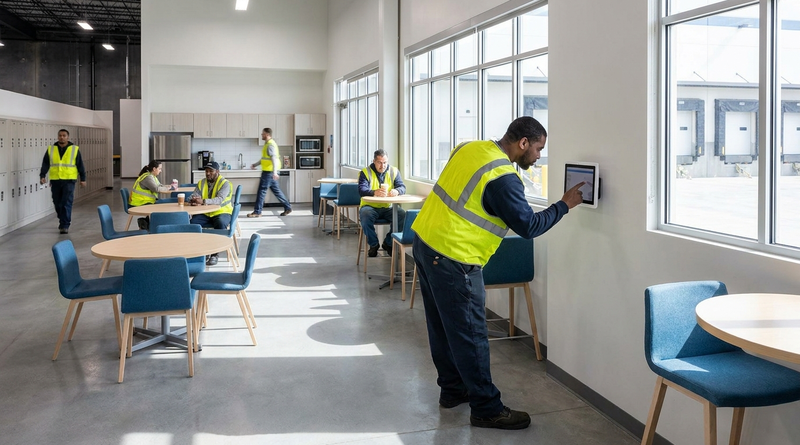
New York owes an extra hour of pay when a workday spans more than 10 hours or includes a split shift. Learn how UKG Pro WFM and UKG Ready calculate the premium, why missed split-shift punches hide it, and how CloudApper AI TimeClock keeps punches accurate on affordable tablets.
October 22, 2026
Illinois One Day Rest in Seven Act: Configuring UKG for Meal and Seventh-Day Rest Rules
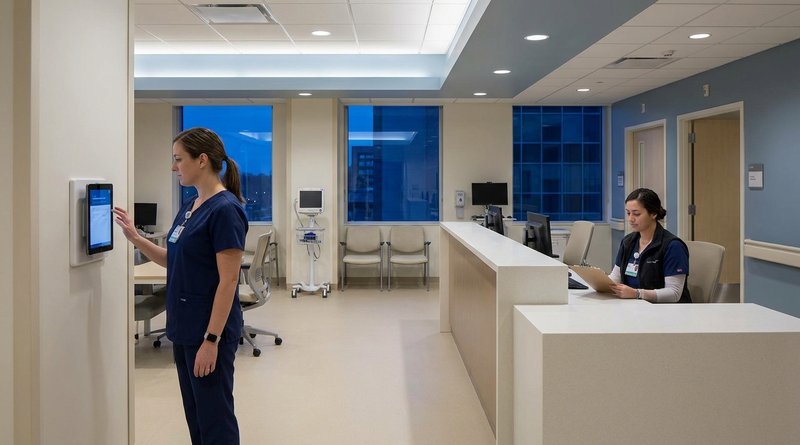
Since 2023, Illinois requires 24 hours of rest in every rolling seven-day period and earlier, more frequent meal periods. Learn how UKG Pro WFM and UKG Ready can enforce ODRISA rules, and how CloudApper AI TimeClock adds seventh-day and meal checks on an affordable tablet.
October 19, 2026
Nurse Mandatory Overtime Limits in UKG: Documenting Voluntary Overtime at Clock-Out
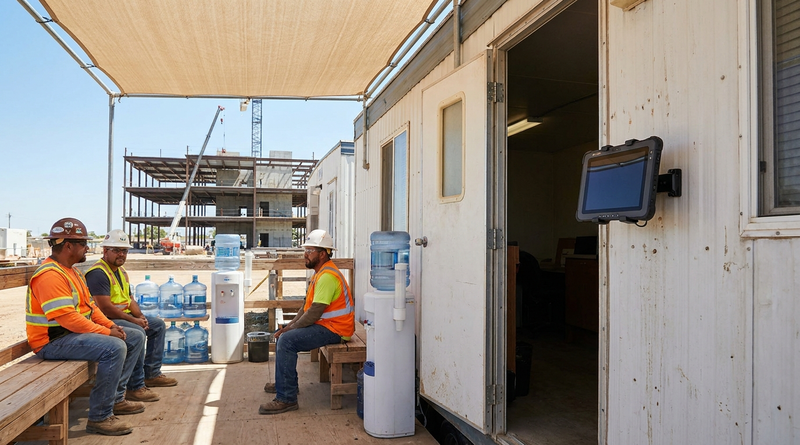
New York, Pennsylvania and Washington restrict mandatory overtime for nurses, which makes documented consent the key record. Learn how UKG Pro WFM and UKG Ready separate voluntary and mandated overtime, and how CloudApper AI TimeClock captures consent on an affordable unit tablet.
October 16, 2026
Heat Illness Recovery Breaks in UKG for Construction and Logistics Crews
State heat rules in California, Washington and beyond require cool-down breaks that payroll must be able to prove. Learn how UKG Ready and UKG Pro WFM track recovery periods, and how CloudApper AI TimeClock captures them on an affordable jobsite tablet that works offline.