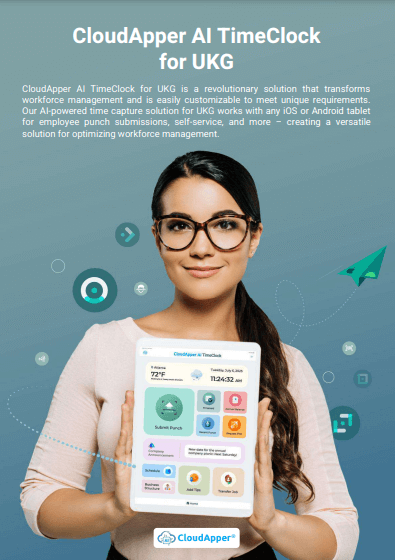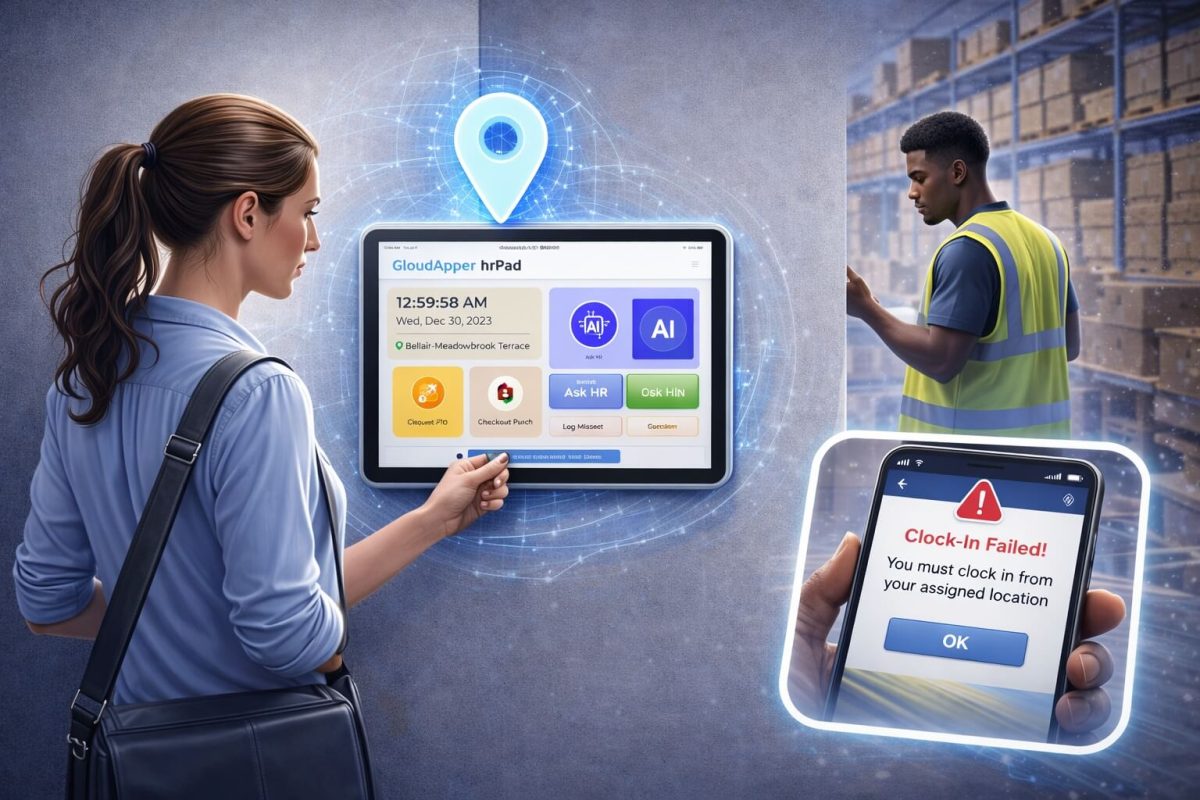

Revolutionize how you check recent punches in UKG with CloudApper AI TimeClock. It offers seamless self-service on Android/iOS devices, AI Assistant guidance, real-time UKG integration, and insightful analytics, it transforms timekeeping into a smooth, user-friendly experience.



Table of Contents
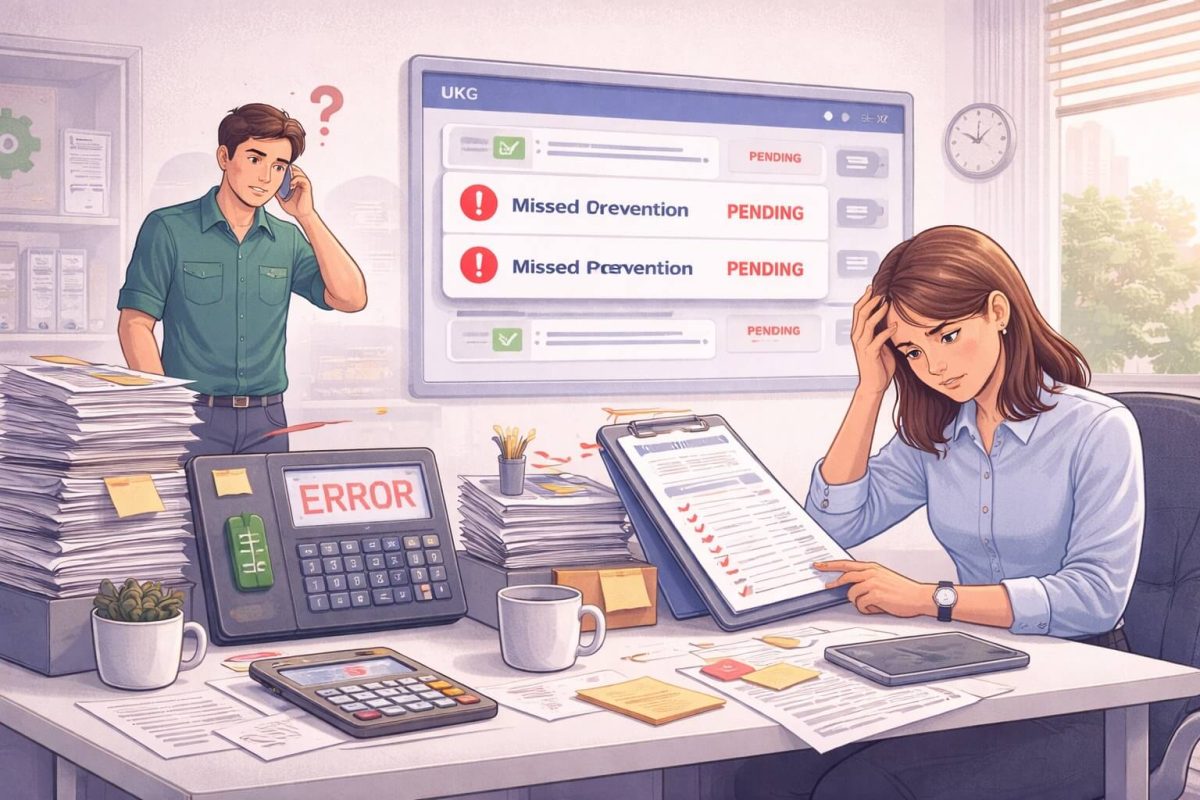
If you need to check recent punches in UKG Ready, you’re not alone. Employees want to confirm their work hours, managers want accurate records, and HR wants fewer questions hitting their inbox. Normally, teams depend on the InTouch DX TimeClock or log into UKG Ready to view their punches. These methods work well, but they still come with some limitations—like hardware dependency, access restrictions, and the need for manual navigation.
But here’s the good news: you can check recent punches in UKG Ready from any Android or iOS device, using an AI assistant that gives you the answer instantly.
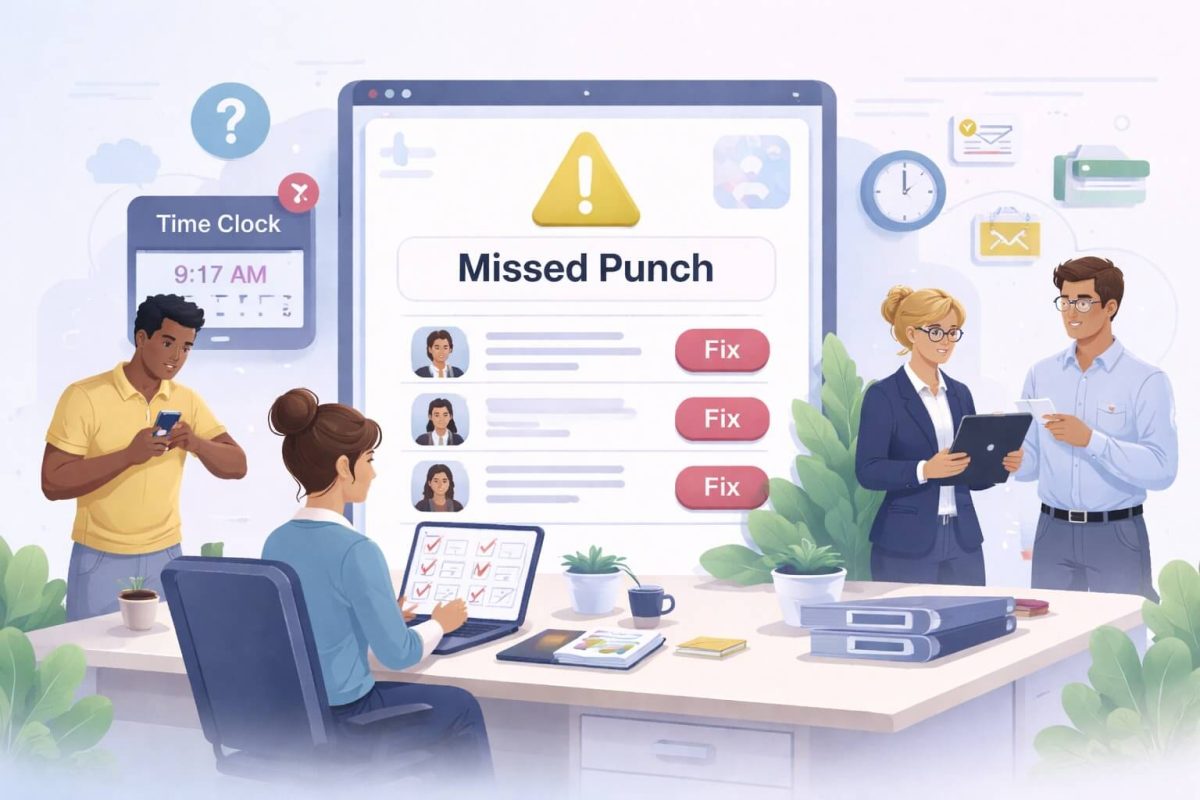
That’s exactly what CloudApper AI TimeClock delivers. It extends UKG Ready with a simple, conversational way to check punches, review schedules, fix missed punches, and access timekeeping details—without depending on a physical clock.
Why Employees and Managers Need a Faster Way to Check Punches
In real work environments, the need to look up punches is constant:
- Employees want to confirm their clock-ins before the pay period closes
- Managers want to verify team attendance in real time
- HR wants fewer punch-related emails and support tickets
- Multi-site employees want flexibility without hunting for hardware
While UKG TimeClocks are reliable, CloudApper removes that barrier and gives employees access wherever they are.
CloudApper AI TimeClock: The Easiest Way to Check Recent Punches in UKG Ready
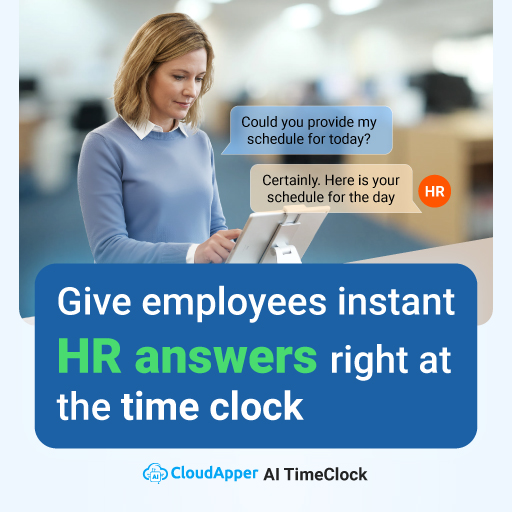
CloudApper makes punch-checking incredibly simple. Instead of walking to a clock or navigating menus, employees can open the app or ask the AI Assistant something as simple as, “What was my last punch?” The assistant responds immediately because it pulls data directly from UKG Ready in real time.
This eliminates confusion, reduces back-and-forth communication, and gives everyone a clearer view of their work hours.
CloudApper’s self-service approach changes everything. Employees no longer need to request reports from HR or rely on a supervisor to verify their punches. They can see their history, schedules, time-off requests, and even missed punches from their phone or tablet. Everything is organized clearly and updated automatically.
Hardware dependency also disappears. Instead of relying on a single clock in one location, CloudApper works on any device you prefer—an iPad, Android tablet, personal phone, or a shared kiosk. Timekeeping adapts to your workflow instead of forcing you to adjust to a device.
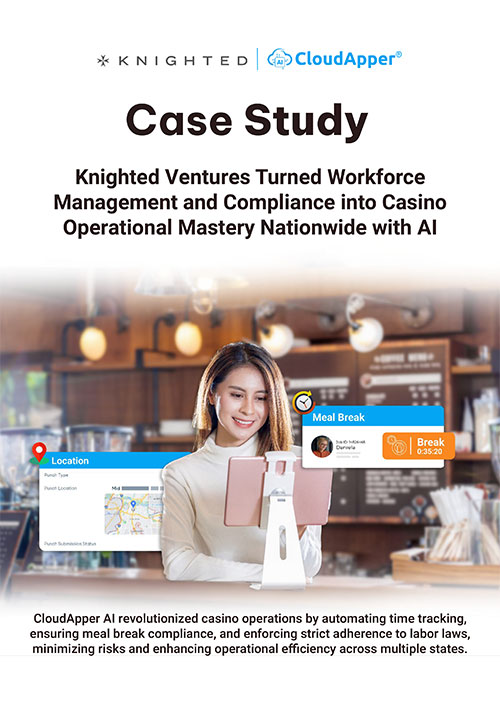
And the AI Assistant brings a level of convenience that traditional clocks simply can’t match. It functions like a virtual HR helper you can talk to at any time. Need to confirm your last punch, request time off, or check your shift tomorrow? Just ask. The assistant guides you through the process and keeps everything simple.
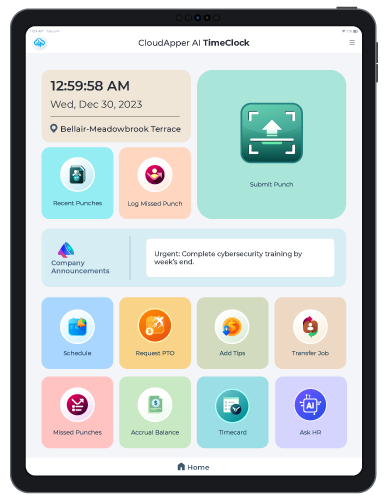
AI TimeClock for UKG
US Fuel Forecourt Merchant Deployed Affordable UKG Pro Time Clock
More Than Punches: How CloudApper Improves Everyday Timekeeping
Checking punches is just one part of what CloudApper streamlines. The platform also gives teams a more modern, flexible, and accurate timekeeping experience overall.
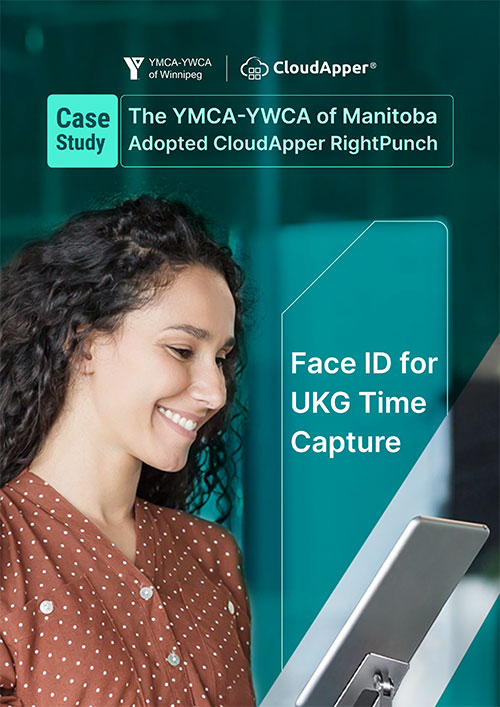
Employees can authenticate however they prefer—face recognition, PIN, QR code, barcode scanning, or even NFC. This keeps time tracking secure while offering convenience at the same time.
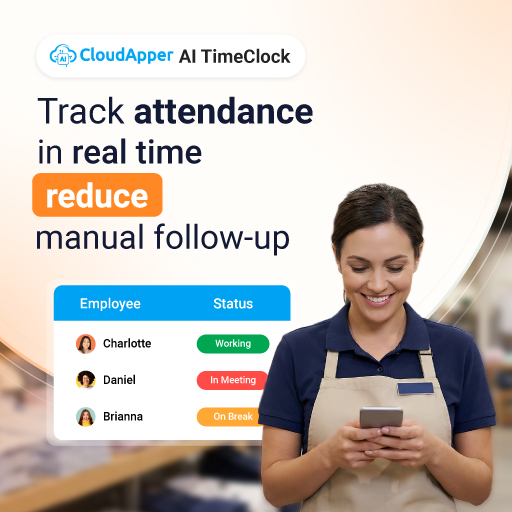
Punch data also updates in real time. This means no waiting for syncs, no outdated timesheets, and fewer surprises on payroll day. Because CloudApper integrates seamlessly with UKG Ready, punches always reflect accurately in your HR and payroll applications.
Managers also gain clarity. Instead of digging through reports or switching between screens, CloudApper provides clear insights about attendance patterns, overtime risks, late punches, and potential compliance issues. This helps leaders plan scheduling more effectively and address issues before they become problems.
A Practical Example
Picture a team member who works across multiple retail locations. They clock in at one site, move to another for part of their shift, and finish their day somewhere else. If they want to check their punches at the end of the day, they’d normally have to return to the specific clock they used—or wait until their next shift.
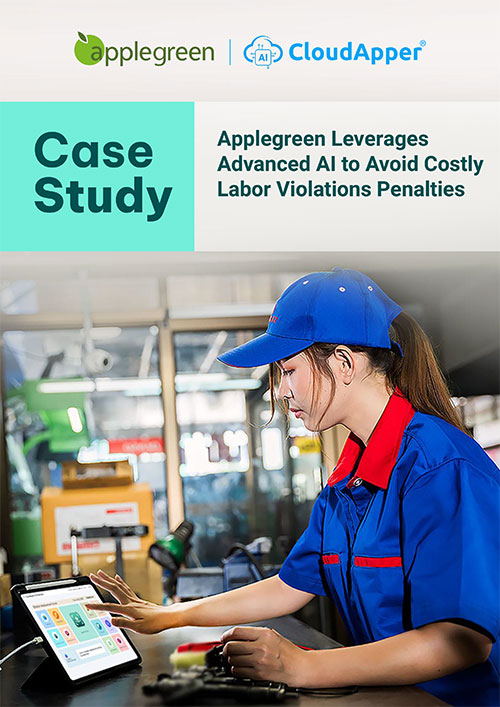
With CloudApper, they simply open their phone and see everything immediately. There’s no guesswork, no extra steps, and no frustration. The information is always available, wherever the employee is.
Final Thoughts
Checking recent punches in UKG Ready shouldn’t be complicated, and it certainly shouldn’t depend on standing in front of a single device. The UKG TimeClock will always be a reliable option, but CloudApper AI TimeClock gives employees and managers a far more flexible and modern way to manage timekeeping tasks.
With real-time access, intuitive self-service tools, and an AI assistant that answers questions instantly, CloudApper removes the barriers that slow down everyday workflows. If your organization wants a smoother, quicker, and more accessible way to check punches in UKG Ready, this is one of the easiest upgrades you can make.
Just open the app, ask the assistant your question, and everything you need is right there—simple, accurate, and always accessible.