CloudApper AI TimeClock offers a flexible and efficient timekeeping solution for construction companies, utilizing Android or iOS devices for clocking in and out at various locations. It features offline functionality, GPS tracking, and integrates seamlessly with UKG for streamlined payroll processing, enhancing efficiency and employee satisfaction.



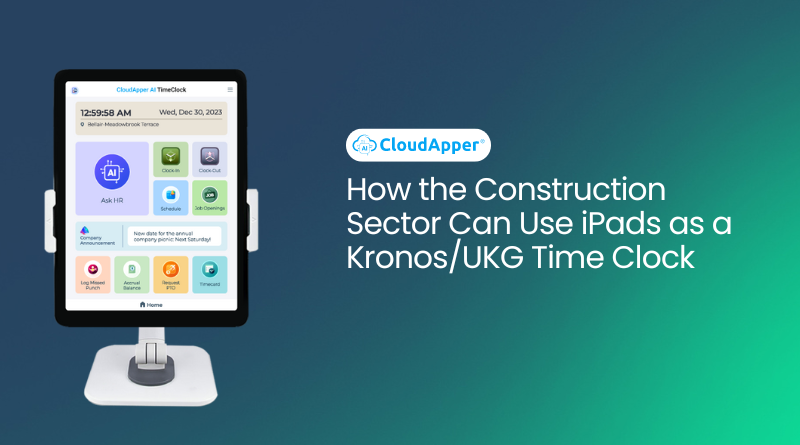
Table of Contents
Mobile time tracking for construction crews doesn’t have to mean chasing paper timesheets, deciphering handwriting, or guessing which job a worker was actually on. For crews spread across multiple sites, standard wall-mounted clocks and punch cards simply cannot keep up—and that’s where CloudApper AI TimeClock for UKG/Kronos changes the game.

In simple terms, the most reliable way to track time for construction workers across different job sites is to use a mobile, tablet-based time clock that works offline, captures GPS, and syncs directly with your UKG/Kronos system. CloudApper AI TimeClock does exactly that, giving you accurate hours, cleaner payroll, and better job costing without adding admin work for HR or foremen.
Why Traditional Time Tracking Fails on Construction Sites
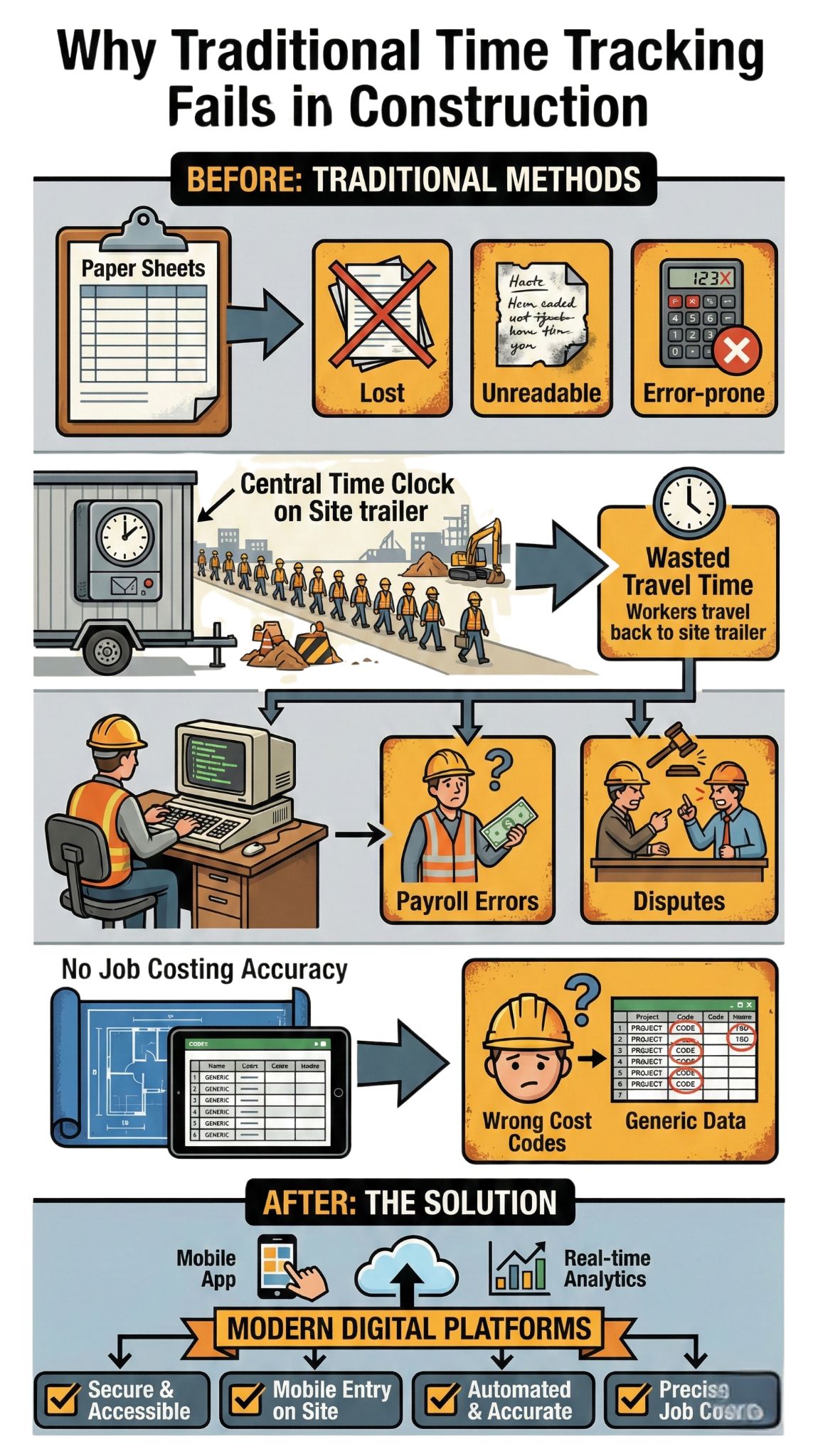
Construction is not an office job. Crews move between sites, shifts change at the last minute, and weather or inspections can disrupt plans in an instant. When time tracking still depends on a central punch clock, sign-in sheet, or end-of-week spreadsheet, several problems appear immediately:
- Workers forget to clock in or out when they’re rushing between locations.
- Supervisors end up correcting time by memory, which introduces errors.
- Hours get recorded against the wrong job, wrecking cost allocation.
- The door is wide open for time theft and buddy punching.
Time theft alone is a massive hidden cost. Multiple studies estimate that businesses lose around 4.5 hours per week per employee to inflated timesheets, rounding, extended breaks, and buddy punching. In industries like construction, where most workers are hourly and spread across sites, those lost hours quickly turn into thousands of dollars in unnecessary labor spend.
On top of that, modern construction firms face complex payroll rules—different rates by job, overtime rules, union agreements, prevailing wage requirements, and strict documentation. Manual tracking or disconnected apps make it hard to stay accurate and compliant. Recent industry commentary consistently highlights manual construction time tracking as a leading cause of payroll mistakes, disputes, and inaccurate job costing.
AI TimeClock for UKG
US Fuel Forecourt Merchant Deployed Affordable UKG Pro Time Clock
What Construction Companies Really Need from a Time Clock
For construction, a timekeeping system only works if it fits how crews actually operate: outdoors, in motion, sometimes in remote areas with poor connectivity. At a minimum, a modern solution should:
- Work on mobile devices crews already use (iPad, Android, iPhone).
- Capture accurate timestamps even without a stable internet connection.
- Attach each punch to a job, site, or cost code for clean job costing.
- Reduce time theft by tying punches to the worker and the location.
- Sync automatically with UKG/Kronos so payroll doesn’t re-key anything.
CloudApper AI TimeClock is built around exactly these needs.
How CloudApper AI TimeClock Fits the Real World of Construction
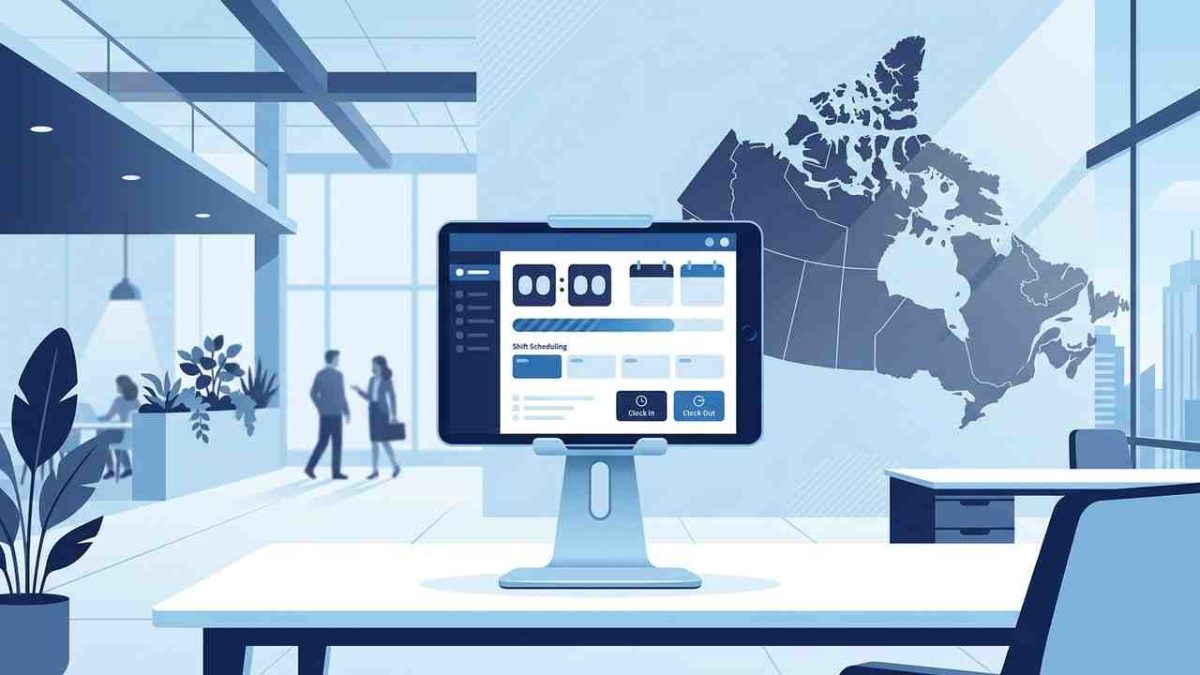
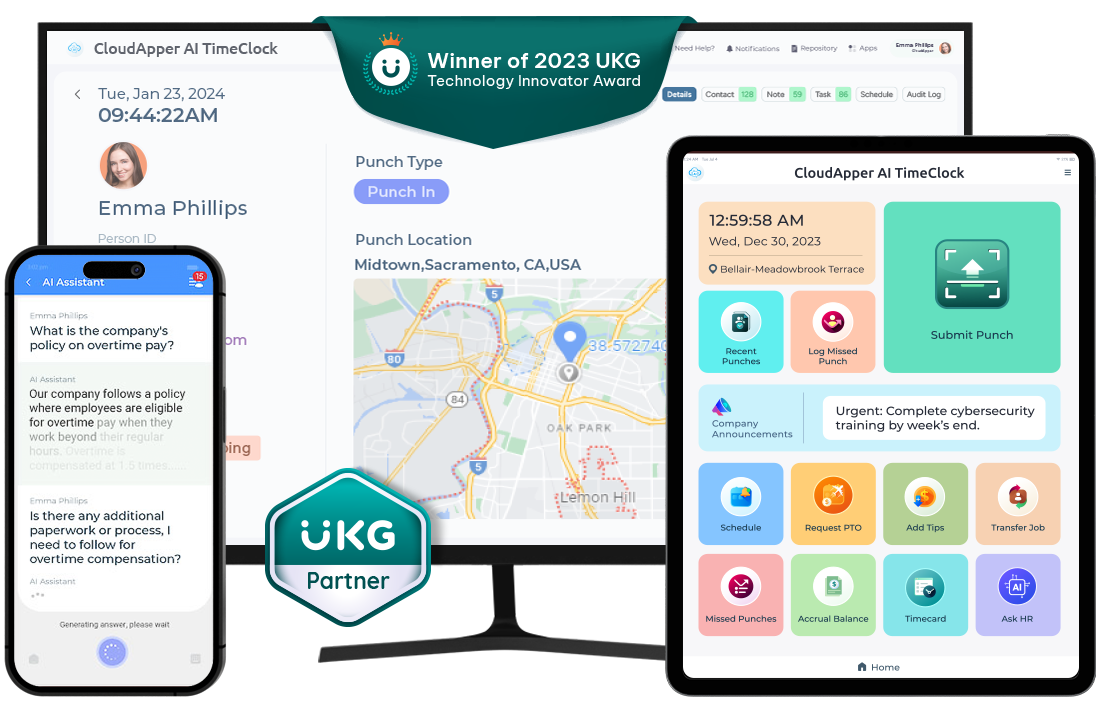
CloudApper AI is an tablet based time clock solution that integrates seamlessly with UKG/Kronos. Instead of forcing workers to travel back to the office to punch in, you can turn any tablet or supported mobile device into a job-site time clock.
Mobile Time Clocks at Every Job Site
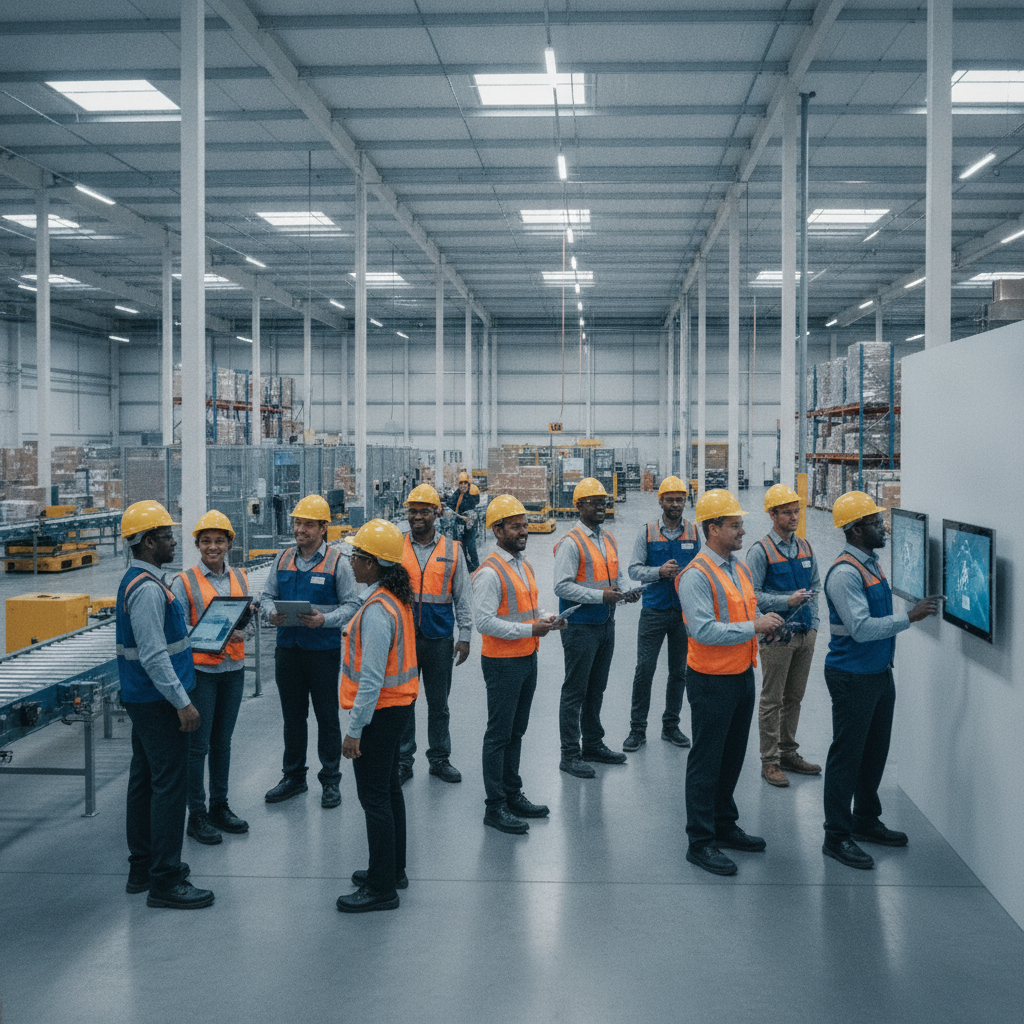
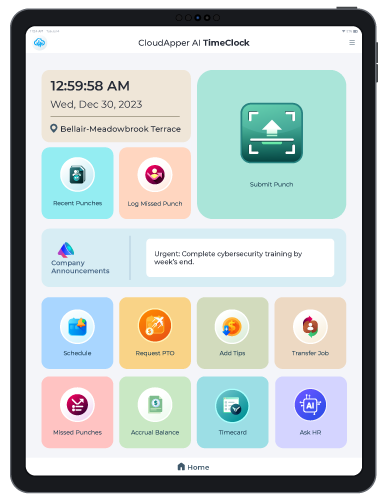
Foremen or site leads can place an iPad or Android tablet in the trailer, at the gate, or in a secure area on-site. Crew members simply clock in and out at that device when they arrive or leave. Because the interface is designed for field workers—large, clear buttons and simple workflows—it doesn’t slow them down.
If your crews move between multiple jobs in a single day, CloudApper can prompt them to select the correct job, site, or cost center as they punch. This ensures that hours are tagged properly the first time, rather than being “fixed” by someone in payroll days later.
Offline Punching When Connectivity Is Unreliable
Remote sites, new developments, and industrial areas often have spotty or unreliable connectivity. That’s not a problem for CloudApper AI TimeClock. It supports offline punching, which means employees can clock in and out even when there is no internet at all.
The time clock securely stores all punches and syncs them automatically when a connection is restored. This eliminates the classic “we couldn’t track time because the network was down” excuse and gives HR confidence that no hours are lost—or invented—because of connectivity issues.
GPS-Backed Punches for Better Control and Job Visibility
CloudApper can capture GPS location when workers punch in and out. This doesn’t mean constant tracking; it simply anchors each punch to a location. For construction companies, this has several advantages:
- Confirms that punches are made on-site, not from home or from the wrong project.
- Helps validate project billing and supports clearer documentation.
- Improves scheduling decisions when management can see where crews are actually working.
In a sector where wage theft, off-the-books work, and misclassification have been flagged as widespread issues, accurate location-linked timekeeping becomes an important part of running a compliant and transparent operation.
Employee Self-Service Right at the Clock
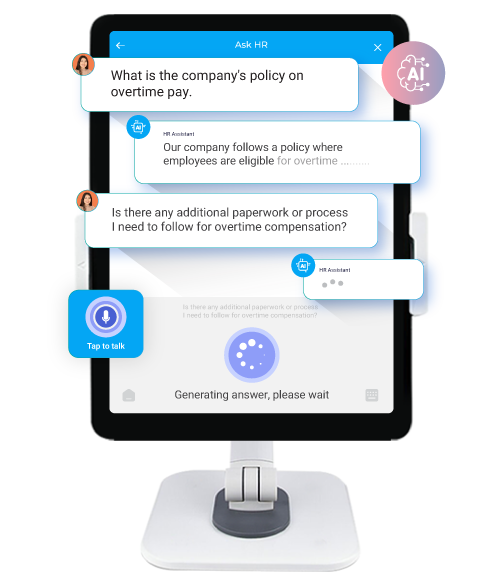
CloudApper AI TimeClock also acts as an employee self-service hub. From the same device they use to punch, construction workers can:
- Review their recent timesheets.
- See pay information that has been shared from your UKG system.
- Request time off or submit basic HR requests.
This reduces pressure on your HR team and site managers. Instead of answering basic “how many hours did I get last week?” questions over and over, they can focus on higher-value tasks while employees get the transparency they expect.
Seamless UKG/Kronos Integration: No More Manual Data Entry
One of the biggest risks in construction payroll is manual data handling. When time is collected on paper or in a separate system, someone has to re-enter it into UKG/Kronos. That is slow, repetitive work, and every keystroke is an opportunity for another error.
CloudApper AI TimeClock connects directly with UKG solutions (such as UKG Pro, UKG Ready, and UKG Pro WFM) to automate this flow. Time captured on job sites:
- Is validated at the clock (correct worker, job, and schedule).
- Is stored securely and synced—even from offline sites.
- Flows into UKG/Kronos without re-keying.
This automated bridge:
- Reduces payroll discrepancies and dispute risk.
- Speeds up the payroll run for weekly or bi-weekly cycles.
- Keeps job costing, overtime, and compliance calculations aligned with the rules you already manage in UKG/Kronos.
For construction companies dealing with complex overtime, union rules, or government contracts, having time automatically land in the right place inside UKG is a major advantage.
Real-World Scenario: A Day in the Life of a Construction Crew Using CloudApper
Imagine a general contractor managing three active job sites in different parts of the city:
-
At 6:45 AM, the first crew arrives at Site A and punches in on a shared iPad mounted in the site trailer. Each worker selects their job phase or cost code from a simple list.
-
Another crew starts at Site B, a new project with weak cellular signal. They still clock in offline. Their punches are stored locally until the tablet reconnects at lunch, then everything syncs automatically.
-
Around noon, a few workers from Site A are reassigned to Site C to help pour concrete. When they arrive, they punch into Site C’s tablet, switching job codes so their hours are billed correctly to the new project.
-
Throughout the day, GPS-backed punches give the office accurate visibility into which crews are where, without constant phone calls.
-
At the end of the week, all hours for Sites A, B, and C are already sitting cleanly inside UKG/Kronos—no spreadsheets, no manual import, no guessing which hours belong to which job.
The result is fewer payroll corrections, fewer arguments about hours, and more precise project costing.
Building Trust with Accurate Timekeeping and Transparent Data
Construction is a relationship-based industry. Workers want to trust that they’re being paid correctly for the hours they put in, and clients expect accurate billing tied to real labor. Poor time tracking undermines both.
By combining tablet-based time clocks, offline reliability, GPS validation, and direct UKG/Kronos integration, CloudApper AI TimeClock helps construction companies:
- Cut down on time theft, manual corrections, and payroll disputes.
- Get a far clearer view of labor costs by job, site, or phase.
- Support fair, compliant pay practices backed by clean audit trails.
- Give employees self-service access that improves transparency and satisfaction.
Is CloudApper AI TimeClock Right for Your Construction Company?
If your crews are still signing paper timesheets, calling in hours, or driving back to the office to punch in, you are almost certainly leaving money on the table—and adding stress for your payroll team. A mobile, UKG-connected solution like CloudApper AI TimeClock is designed specifically to solve these problems for dynamic, multi-site workforces.
By leveraging the devices you already own, supporting offline punching in remote areas, capturing GPS with each punch, and sending clean data straight into UKG/Kronos, CloudApper AI TimeClock gives construction companies a practical, field-ready way to track time accurately and efficiently. Contact CloudApper AI today to learn more about how CloudApper AI TimeClock can improve your company’s efficiency, accuracy, and employee satisfaction.