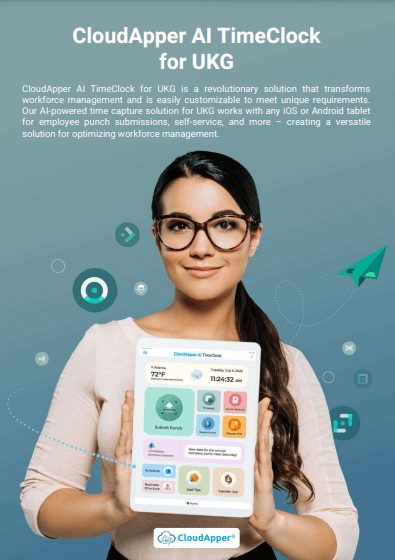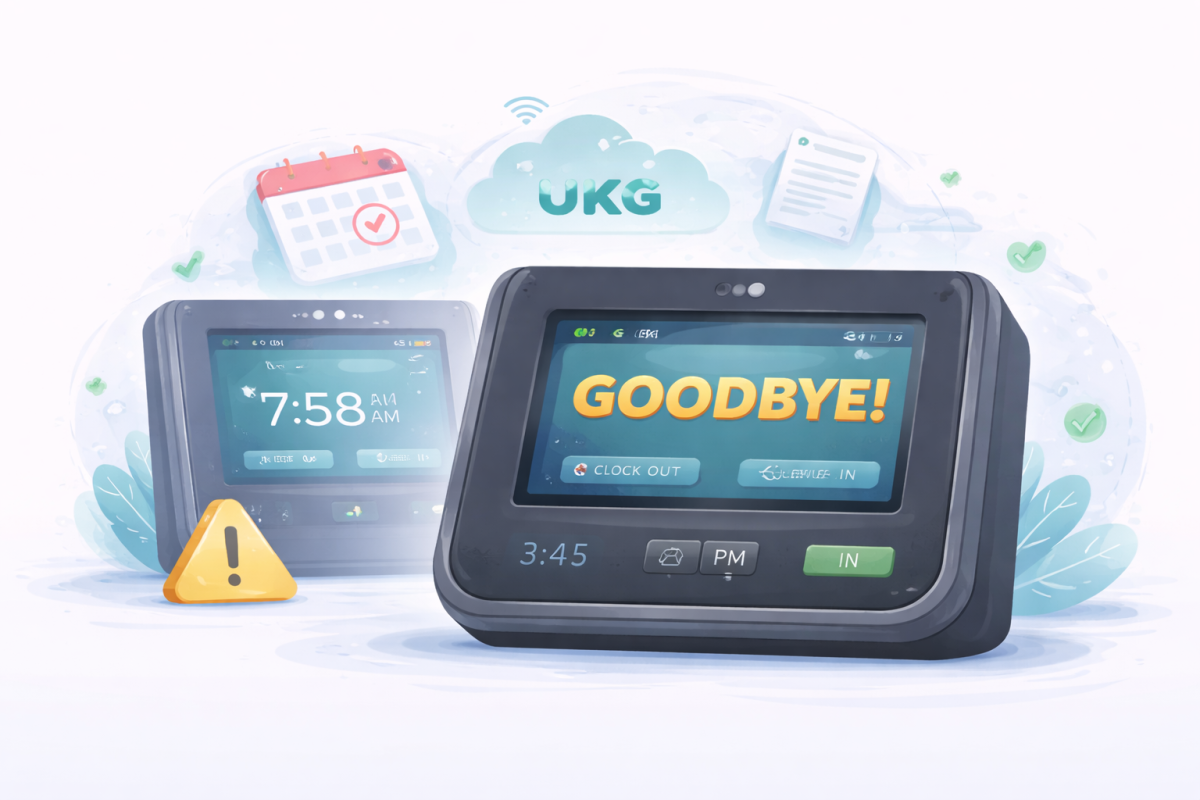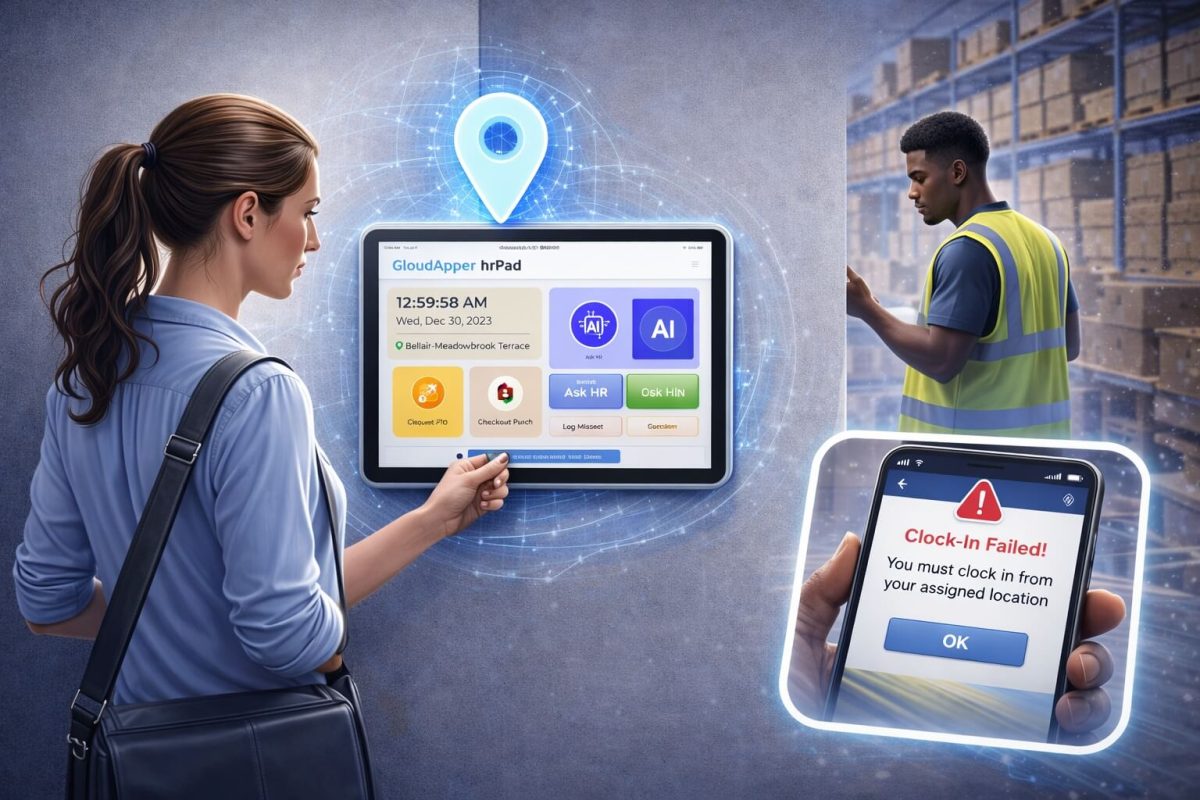
Use tablets as a Time Clock for Manufacturing to simplify UKG/Kronos time tracking. CloudApper AI TimeClock reduces punch errors, speeds up shifts, and gives employees instant access while helping HR and supervisors stay ahead of staffing and compliance needs.



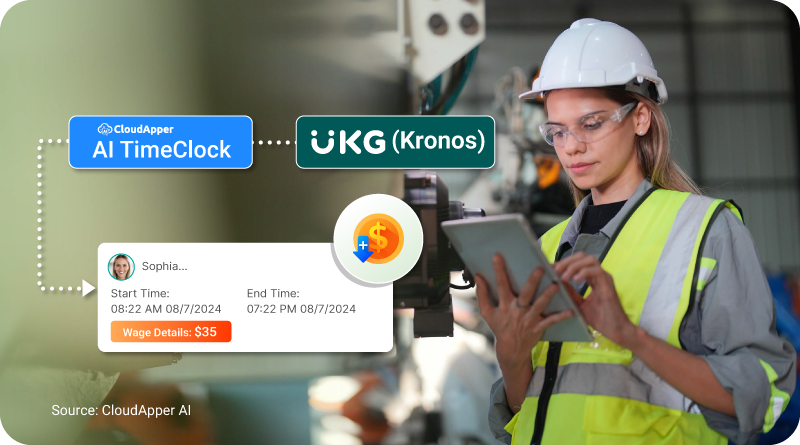
Table of Contents
If you run a manufacturing facility, you already know that time tracking affects more than just clock-ins. It drives payroll accuracy, overtime control, staffing decisions, and compliance. But most industrial time clock systems were built for predictable environments, not busy shop floors where shifts rotate, schedules change, and employees need fast access without waiting in line or logging into complex systems.
Based on my work with UKG users in manufacturing, I’ve seen a growing shift toward time tracking that works closer to where the actual work happens. That’s where CloudApper AI TimeClock for UKG makes a real impact. It turns tablets like iPads into reliable time clocks that sync directly with UKG/Kronos without forcing you to change your core system. Employees clock in faster. HR teams spend less time fixing errors. And supervisors get the visibility they need to stay ahead of staffing gaps.
TL;DR
-
Tablets can work as a practical Time Clock for Manufacturing, reducing punch delays and long lines on the shop floor.
-
CloudApper AI TimeClock integrates seamlessly with UKG/Kronos, so you don’t need to change your system.
-
Employees get instant access to their punch history and shift details, which lowers HR support requests.
-
HR teams spend less time fixing errors because hours are calculated automatically based on shift rules.
-
Using tablets lowers hardware costs and makes time tracking easier to manage across departments.
Why Traditional Industrial Time Clocks Are Hard to Maintain
Based on real conversations with HR and plant managers, here’s where traditional systems slow things down:
| Problem in Manufacturing Floors | Why It Causes Issues |
|---|---|
| Employees wait to punch in | Increases late punches and line delays |
| Hardware repairs take time | Causes untracked hours and manual logs |
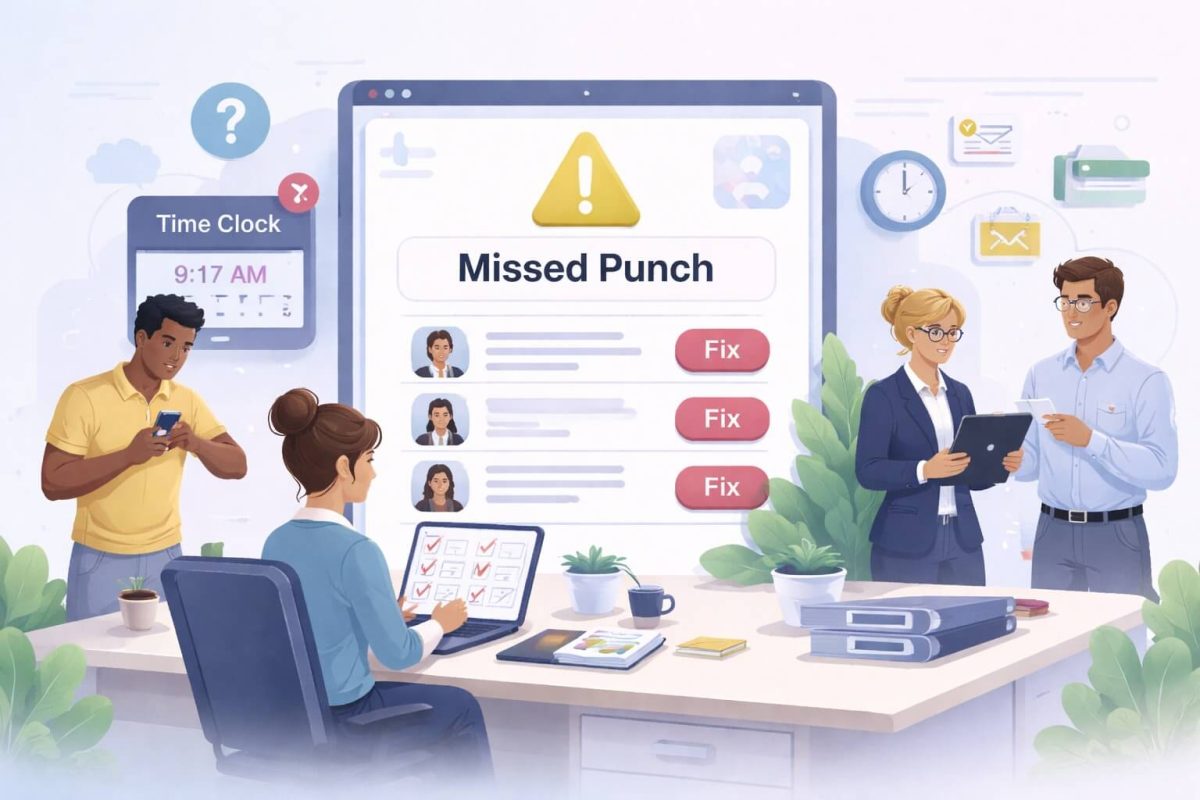
| HR must fix punch errors manually | Time loss during payroll prep |
| Overtime visibility arrives late | Budget and compliance risks |
| No self-service access for workers | Generates extra support calls |
| Compliance requires manual checks | Unnecessary workload for HR |
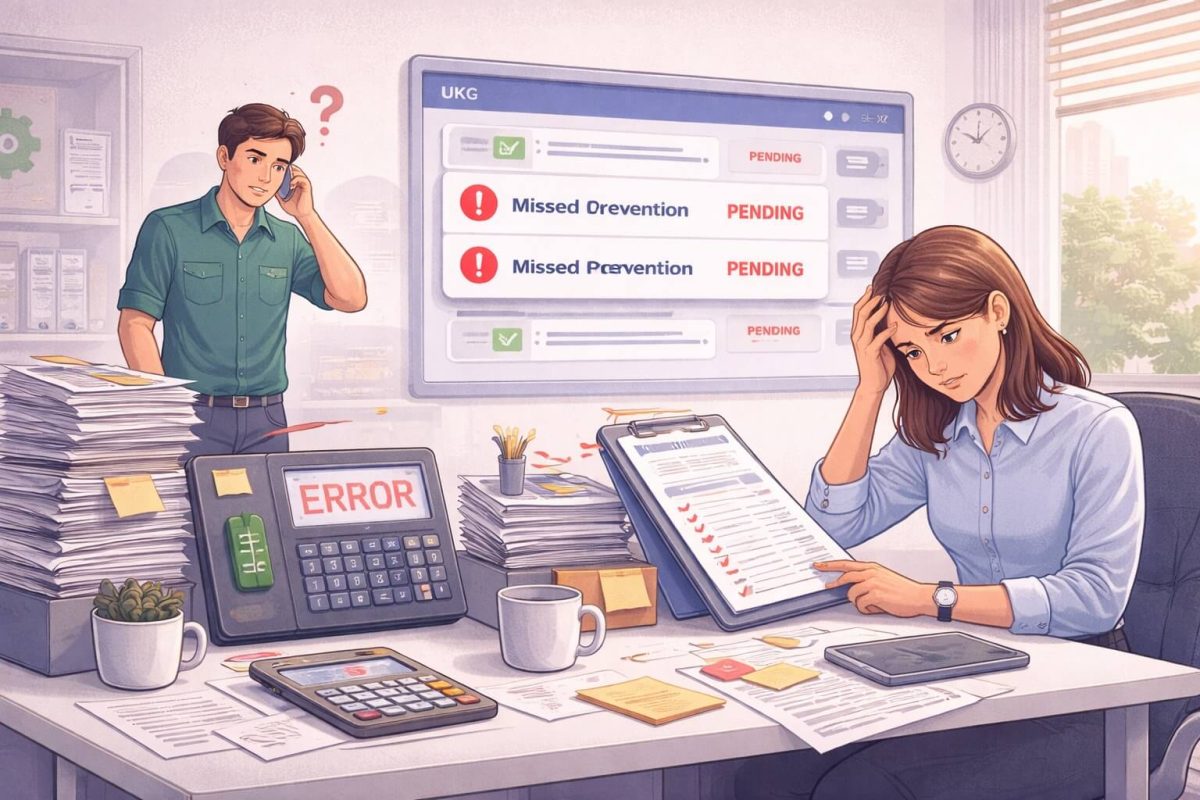
I have seen HR teams stay late just to clean up timecard issues before payroll runs. Most of those issues come from missing data or scattered communication about punch corrections. When timekeeping becomes reactive, everything becomes slower, including payroll and staffing.
That is one reason tablet-based time clocks have started replacing outdated setups in manufacturing environments. The goal is not to disrupt existing systems but to reduce the workload that causes delays and confusion.
A More Practical Approach: Tablets + CloudApper AI TimeClock for Manufacturing
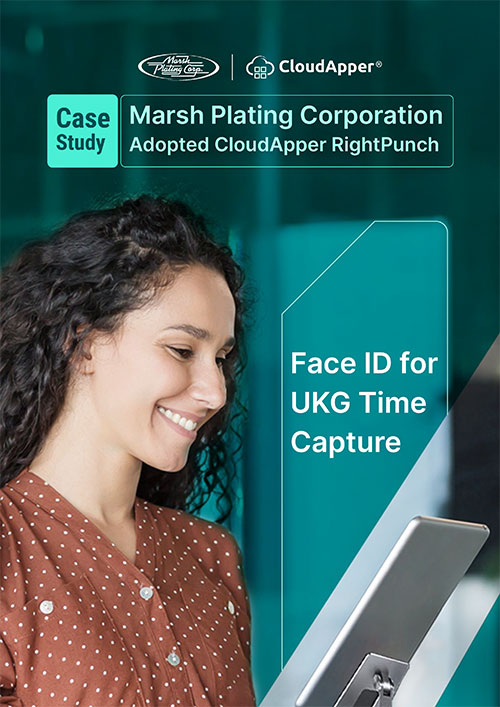
CloudApper AI TimeClock doesn’t change how UKG or Kronos works. It simply removes friction from the time capture process and gives employees a cleaner way to log their hours.
Once time tracking becomes easier, timecard errors reduce on their own. That alone improves overall reliability without needing to redesign your workflows.
Why Tablets Make Sense in Manufacturing
| Benefit | Impact on Manufacturing Teams |
|---|---|
| Portable | Can be moved near any work area |
| Familiar interface | Easy adoption for employees |
| Lower cost than fixed clocks | No hardware lock-in |
| Fast rollout | Works within hours, not months |
| Easy to maintain | No vendor dependency for repairs |
One HR manager told me they saved thousands in hardware maintenance simply by using tablets already available in their IT inventory. That alone covered the cost of deployment.
Real Scenarios From Manufacturing Floors
Here’s how tablet-based time clocks for manufacturing helped real teams improve their daily workflow:
| Situation | How CloudApper Solved It |
|---|---|
| First shift starts early | Workers clock in from the station itself |
| Break time enforcement | Alerts show when breaks exceed time limits |
| Multiple punch corrections | Employees can view and confirm changes instantly |
| Mixed shift lengths | AI calculates hours based on shift structure |
| Supervisor reviews | Managers see pending approvals at a glance |
When employees have access to their own punch history and shift details, they stop asking HR for confirmations. That alone frees up time for more productive tasks.
How Tablet Time Clocks Work With UKG/Kronos
This is usually the first question I get from HR teams. Most think they’ll need new servers or middleware. In reality, the setup is straightforward.
How It Works
-
The tablet turns into a secure punch device
-
HR can choose authentication types
-
Punches sync live into UKG/Kronos
-
Employees can view hours before payroll
-
Supervisors get alerts for review requests
Authentication Options
-
Facial recognition
-
QR code
-
PIN
-
Barcode
Using multiple authentication options helps reduce disputes and makes clocking in faster during peak shift changes.
Your employees already work hard. Time tracking should not make their day harder.
Time Tracking in Manufacturing: Why Accuracy Matters
In factories, even five untracked minutes per employee per shift can turn into thousands of dollars in payroll adjustments. I’ve seen teams discover this only after switching to precise tracking.
Here’s what changes when timekeeping becomes accurate:
| Before Tablet-Based Time Tracking | After Tablet-Based Time Tracking |
|---|---|
| Frequent punch corrections | Punches are verified at the clock |
| Late overtime alerts | Overtime shows up instantly |
| HR depends on spreadsheets | UKG/Kronos receives data automatically |
| Approval delays | Managers receive real-time requests |
| Workers are unsure if the punch worked | Instant punch confirmation on-screen |
Once time capture becomes clear, compliance becomes easier too. You don’t need to rely on end-of-month reviews because you see issues as they happen.
Cost Efficiency Without Hardware Hassles
Many manufacturing companies ask me how they can reduce clock maintenance costs. The answer is simple: avoid proprietary hardware.
With tablets and CloudApper AI TimeClock:
-
You don’t buy special hardware
-
You don’t depend on vendors for repairs
-
You can scale with your workforce as needed
-
You can move devices between departments easily
This approach works well in real-world facilities where workstations change, and temporary staff come and go.
Conclusion
If your manufacturing operation still depends on fixed clocks and manual corrections, you are likely spending more time fixing timecards than managing your workforce. Fortunately, you don’t need to overhaul your systems to improve efficiency. You just need to make time tracking clearer and more accessible.
If fixing timecards takes longer than managing your team, it’s time for a better approach.
Frequently Asked Questions
- How does the CloudApper AI TimeClock improve time tracking in manufacturing? The system lets employees clock in from tablets placed near work areas, reducing delays and punch errors while syncing directly with UKG/Kronos.
- Can employees view their punch history before payroll approval? Yes, employees can review their hours and request corrections right from the tablet, reducing follow-up emails and manual edits for HR.
- Is the CloudApper AI TimeClock compatible with UKG/Kronos? Yes, it integrates smoothly with UKG and Kronos HCM without replacing existing systems or workflows, making adoption easy for manufacturing teams.
- What authentication options are available for employees? Employees can clock in using facial recognition, QR code, PIN, or barcode, ensuring fast and secure access across shifts.
- Can tablets replace traditional industrial time clocks? Yes, tablets offer a cost-effective and flexible alternative that avoids hardware dependence and makes time tracking easier to maintain.