UKG leave management becomes easier when employee time off is captured correctly at the clock. This article explains how clean leave data, real-time absence tracking, and vacation balances help payroll, HR, and managers reduce errors and keep operations running smoothly.



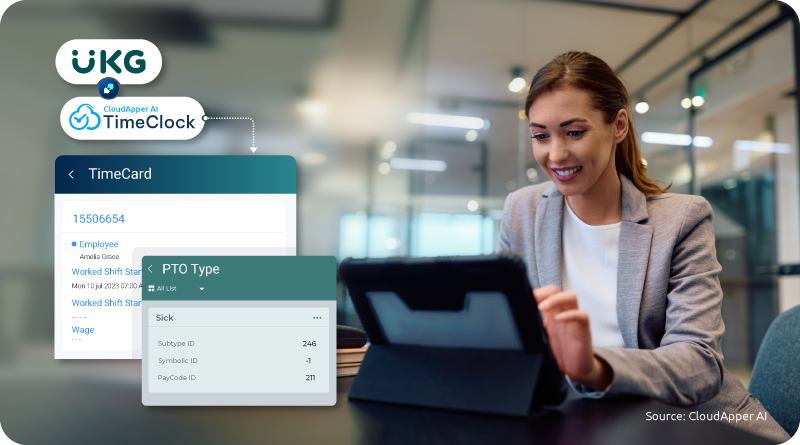
Table of Contents
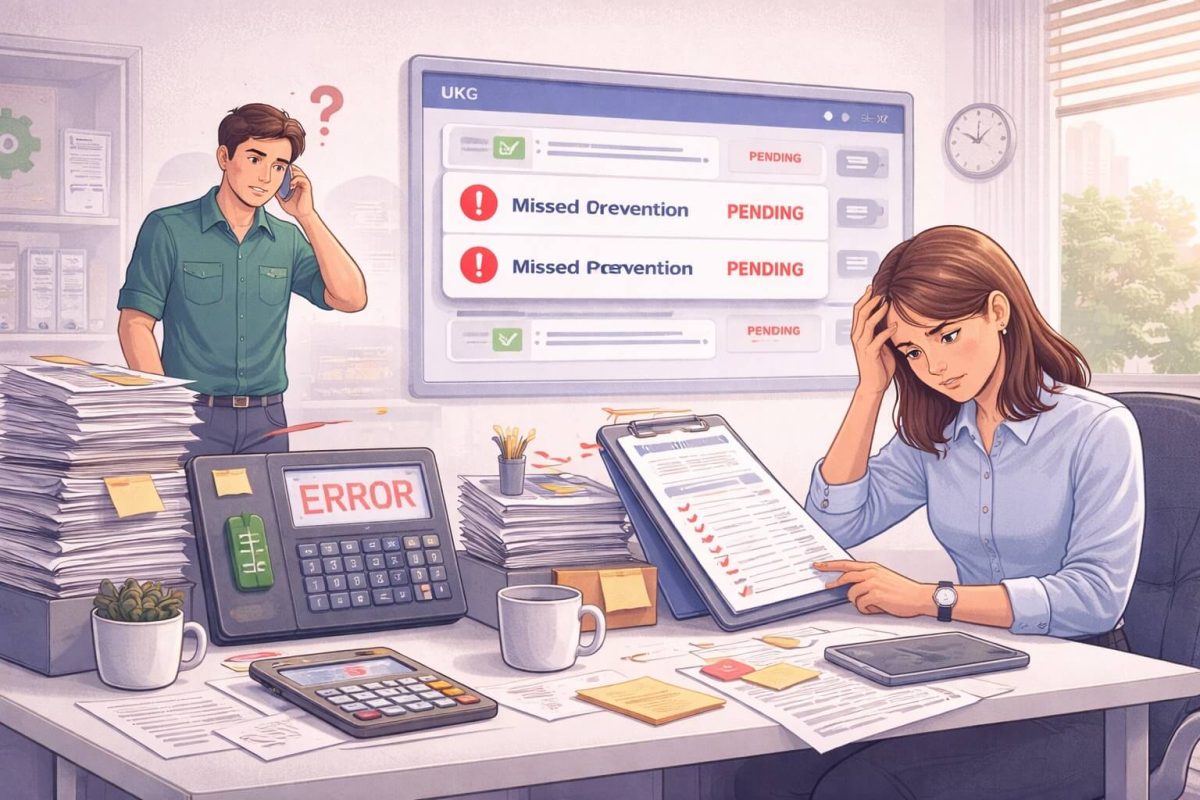
Tracking employee leave inside UKG looks simple on paper. In reality, you know how messy it can get when vacation balances are wrong, absences are misreported, and payroll corrections show up at the last minute. I see this pattern a lot when I work with UKG users who rely on spreadsheets, emails, or late updates to handle time off.
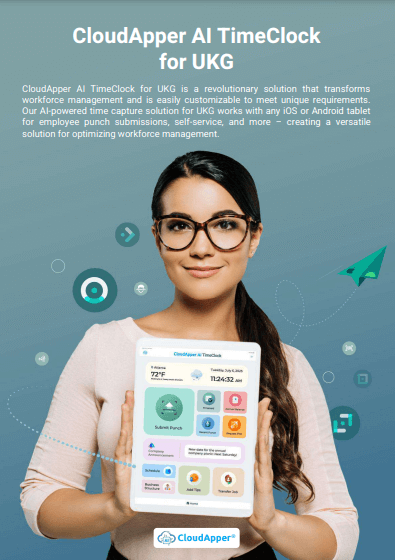
This is where UKG Leave Management works best when leave data is captured correctly at the time clock instead of being patched later. When you connect CloudApper AI TimeClock for UKG to your UKG environment, leave tracking, vacation requests, and absences become much easier to manage. You get fewer surprises during payroll, clearer records, and a smoother experience for both HR and employees.
TL;DR
-
What is UKG leave management? It is how you track employee time off, absences, and vacation balances inside UKG to keep payroll and records accurate.
-
Why do leave issues happen? Most problems come from late, manual, or scattered leave requests that enter UKG too late.
-
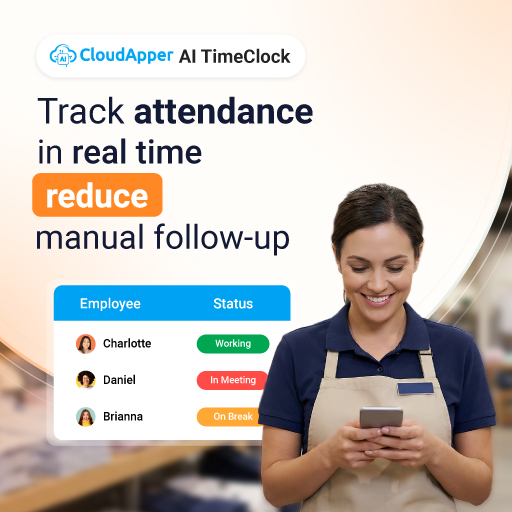
How does CloudApper AI TimeClock help? It captures leave and attendance directly at the clock and syncs the data into UKG in real time.
-
What improves for payroll and HR? Fewer corrections, cleaner pay runs, and less manual data entry.
-
How does this help compliance? Accurate, time-stamped leave records make it easier to prove policies were followed during audits.
Where Traditional Leave Management Breaks Down
UKG gives you a solid system for workforce management and people management. The problems usually appear at the edges, in the day-to-day leave details that never make it into the system cleanly.
Here is where I see traditional Leave Management struggle most in real workplaces:
-
Leave requests arrive through too many channels: Some employees ask for time off at the clock, some by email, and some verbally. HR then has to chase down details and manually update records. This is where mistakes begin.
-
Vacation balances are not always up to date: When balances are adjusted manually or only at payroll time, employees lose trust in what they see. You end up answering the same questions about time off again and again.
-
Absences do not sync cleanly with schedules: Managers sometimes learn about an absence only when a shift is already missed. This hurts staffing, coverage, and sometimes customer service.
-
Leave and pay are not tightly connected: If leave types are not recorded correctly, payroll teams need to fix pay after the fact. That means overrides, off-cycle payments, and extra time spent reconciling numbers.
-
Compliance with leave records feels fragile: When leave tracking is scattered, it is harder to prove that rules were followed. This becomes stressful during audits or disputes.
How CloudApper AI TimeClock for UKG Fixes Leave Management at the Source
From my experience working with UKG users, the biggest gains in UKG Leave Management come from fixing how leave is captured. When CloudApper AI TimeClock sits at the front of the process and connects directly to UKG, the system starts with clean data instead of trying to correct it later.
Here is how that looks in practice.
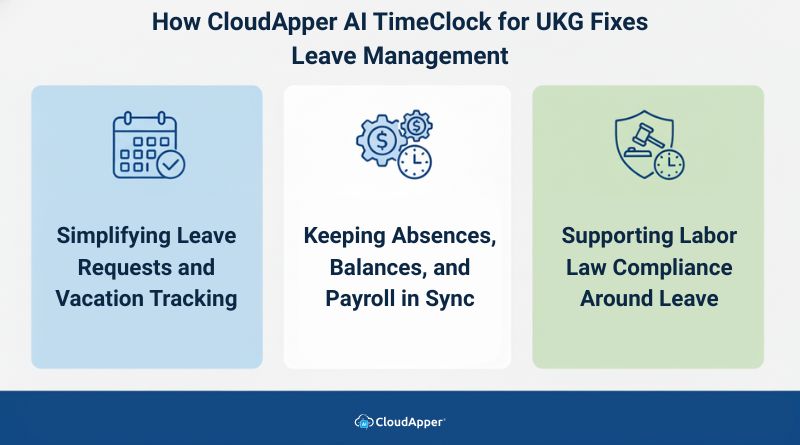
Simplifying Leave Requests and Vacation Tracking
Most leave problems start with the request itself. If employees do not have a simple, trusted way to request time off, they will use whatever is easiest. That usually means messages, calls, or paper.
With CloudApper AI TimeClock connected to UKG:
-
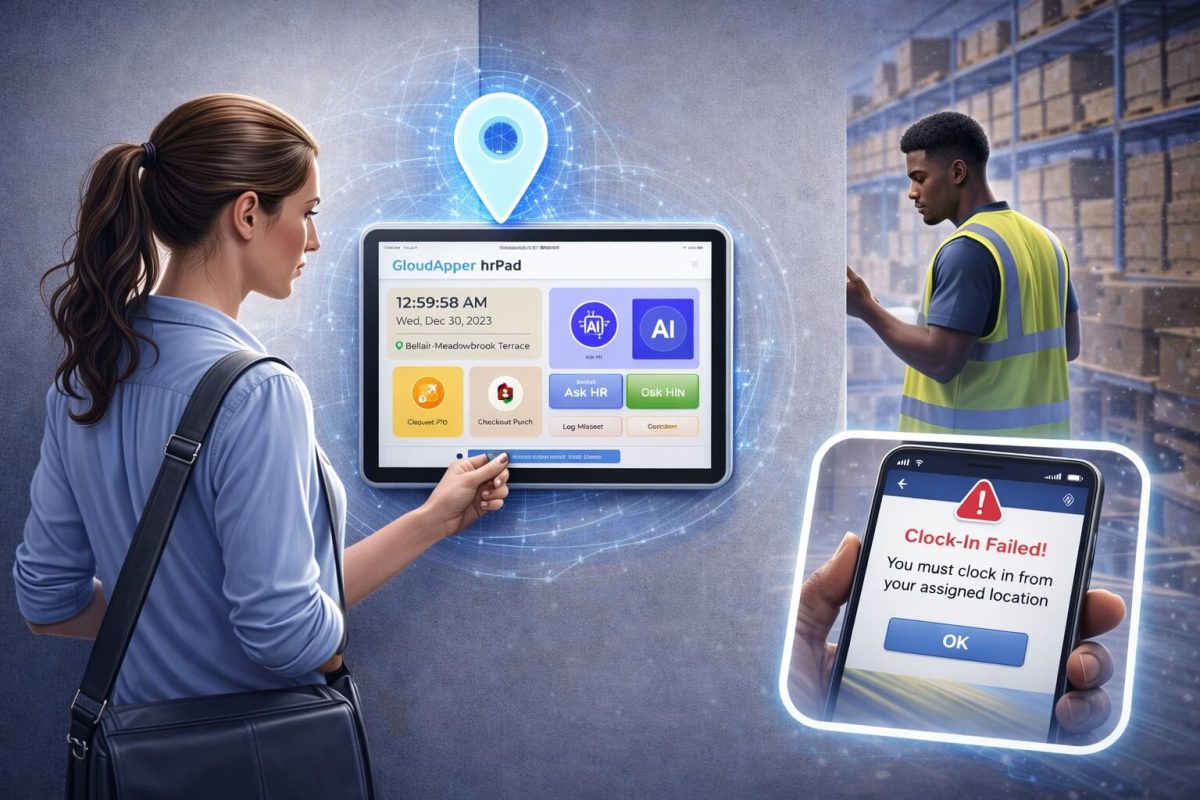
Employees can submit leave and vacation requests directly from the time clock or tablet.
-
Requests go into the system in a consistent format instead of scattered notes.
-
Managers see and approve requests using the same UKG environment they already know.
-
Vacation tracking becomes part of daily workforce time tracking instead of a side process.
This reduces confusion about who asked for what and when. It also gives employees more confidence because they can see that their requests actually exist in the system, not just in someone’s inbox.
Keeping Absences, Balances, and Payroll in Sync
Leave management is not just about approving days off. It is about making sure that time off, balances, and pay all line up.
When CloudApper AI TimeClock feeds leave data into UKG in real time:
-
Absences show up in UKG as they happen rather than days later.
-
Leave balances adjust as requests are approved and used.
-
Payroll teams see accurate leave records when they run pay, not after.
-
The need for manual corrections and retro pay drops noticeably.
This is where UKG Leave Management starts to feel stable instead of fragile. You are not chasing missing information at the end of the pay period. You are working with clean data that flows in as employees use their time off.
Supporting Labor Law Compliance Around Leave
Leave rules are often connected to labor regulations. That might include sick leave, paid time off, unpaid time, or protected leave. If your leave tracking is loose, your compliance posture feels shaky.
With CloudApper AI TimeClock and UKG working together:
-
Leave types can align with your policies and local rules.
-
Records show clearly when leave was requested, approved, and taken.
-
You have a reliable trail if you ever need to show how leave was handled.
In practice, this makes UKG Leave Management much safer from a compliance point of view. You are not relying on memory or scattered notes. You have structured, time-stamped records that match how people actually worked and took time off.
If you are tired of fixing leave issues after payroll runs, this is the point where you can start preventing them instead.
The Day-to-Day Benefits for HR, Payroll, and Managers
Once leave tracking is clean at the time clock level, daily life improves for everyone who touches the process.
For HR teams:
-
Less time spent keying in leave from emails or paper.
-
Fewer disputes about who requested what.
-
More time for real people management and workforce planning.
For payroll teams:
-
Fewer leave-related adjustments after payroll runs.
-
Cleaner records when you review exceptions.
-
Less stress during pay periods with high vacation use.
For managers:
-
Clearer view of who is available and who is off.
-
Better ability to plan staffing around known absences.
-
Fewer surprises on the day of the shift.
For employees:
-
A simple way to request and track time off.
-
More trust in their leave balances.
-
Less need to chase HR for updates.
All of this comes from improving how UKG Leave Management uses employee time clock data, not from replacing systems you already rely on.

Before vs After Using CloudApper AI TimeClock with UKG Leave Management
| Area | Before UKG Leave Management with Time Clock | After CloudApper AI TimeClock + UKG |
|---|---|---|
| Leave Requests | Email, paper, or verbal requests that need manual entry | Digital requests entered directly at the clock and synced to UKG |
| Vacation Tracking | Balances updated late or by hand | Balances updated as leave is approved and used |
| Absence Visibility | Managers often learn about absences too late | Absences show up in UKG as they are recorded |
| Payroll Accuracy | Frequent leave-related corrections and overrides | Cleaner pay runs with fewer adjustments |
| HR Workload | Heavy effort spent on data entry and fixing mistakes | More time for higher value HR work |
| Compliance Confidence | Harder to prove how the leave was handled | Clear records of leave requests, approvals, and usage |
This is the kind of practical change that I see move teams from reactive mode into controlled, steady operations.
Conclusion
In the end, UKG Leave Management works as well as the data it receives. UKG already gives you the backbone for workforce management, workforce time tracking, and people management. When you pair that with clean leave and absence data from CloudApper AI TimeClock for UKG, you turn leave tracking from a source of tension into a reliable part of your daily process.
From working with many UKG users, I can say the biggest improvements do not come from ripping out systems. They come from strengthening the first step, where employees record time and leave. When that step is simple and accurate, everything that follows becomes easier. Payroll runs smoother. Compliance feels safer. Managers plan with confidence. Employees trust what they see.
If you want to stop chasing leave corrections and start trusting what you see in UKG, it begins with how time off is captured.
Frequently Asked Questions
-
What is UKG leave management?
UKG leave management is the process of tracking employee time off, vacations, sick days, and absences inside the UKG system while keeping payroll and workforce records accurate and aligned.
-
Why do vacation balances become inaccurate in UKG?
Vacation balances often become inaccurate when leave requests are submitted through emails, paper forms, or verbal approvals instead of being captured directly in the system in real time.
-
How does CloudApper AI TimeClock support UKG leave management?
CloudApper AI TimeClock connects directly with UKG to capture leave and attendance at the time clock and sync it in real time, reducing manual entry, payroll corrections, and HR workload.
-
Can a time clock handle both attendance and vacation tracking?
Yes, an employee time clock can manage both attendance and vacation tracking by recording worked hours, approved time off, and absences in one connected system.
-
How does accurate leave tracking improve payroll and compliance?
Accurate leave tracking ensures that pay is calculated correctly, absences follow policy rules, and clear records are available during audits or employee disputes.