UKG Workforce Central is approaching end of life, and many organizations now need a reliable, low-disruption way to transition their timekeeping workflows. This article explains how CloudApper AI TimeClock helps UKG users migrate smoothly by replacing legacy clocks with flexible tablet-based time capture, improving accuracy, reducing payroll errors, and enhancing the employee self-service experience—all while integrating seamlessly with UKG Pro WFM (Dimensions), Pro, and Ready.



Table of Contents
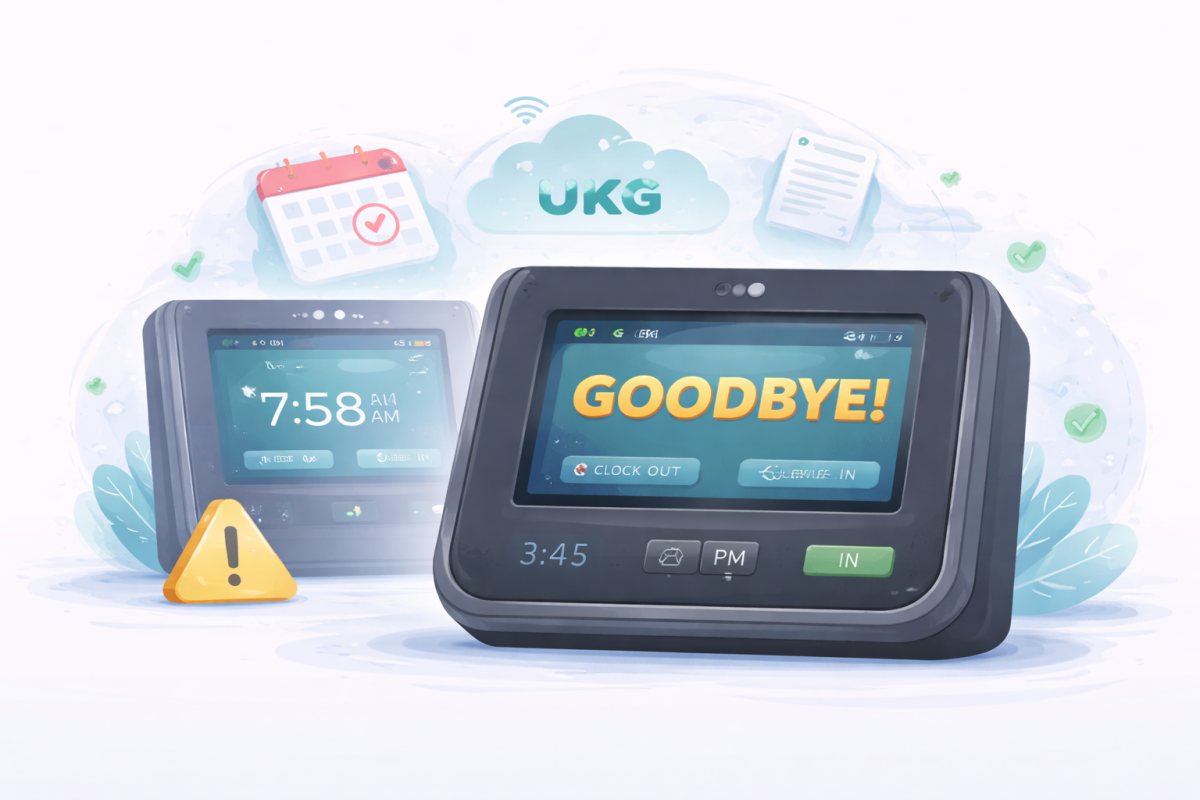
For years, many organizations have relied on UKG Workforce Central (WFC) to handle time and attendance, absence management, and payroll-related processes. It has been a rock-solid system in thousands of workplaces. But UKG has now set clear retirement dates: Kronos Private Cloud (KPC) and hosted WFC environments end on December 31, 2025, and on-premise WFC reaches end of life on March 31, 2027.
If you’re still on WFC, the core question is simple:
How do you move off WFC without disrupting your workforce, rewriting every process, or buying a warehouse full of new clocks?
In practical terms, most organizations will:
-
Move their core workforce management to UKG Pro WFM (Dimensions), UKG Pro, or UKG Ready.
-
Modernize their time collection layer with something flexible, affordable, and easy to roll out.
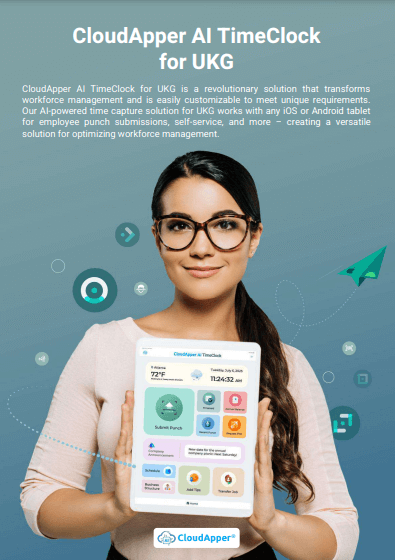
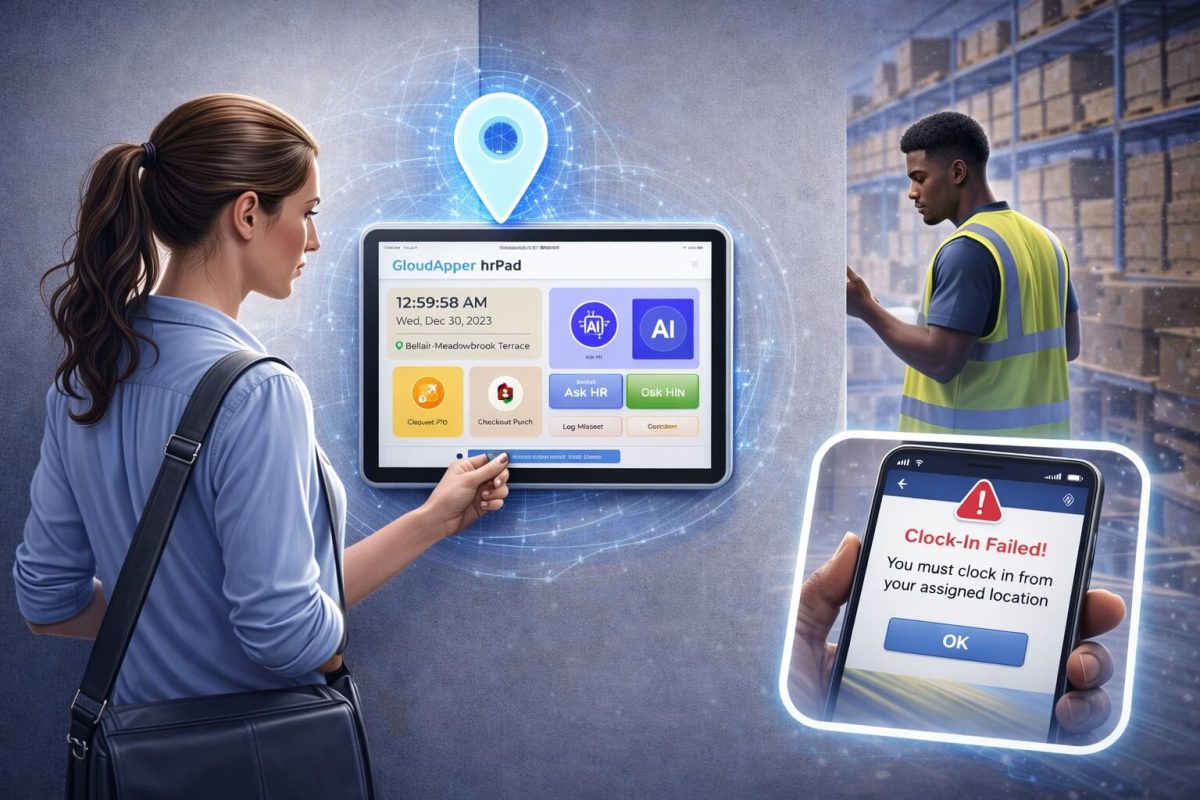
That second part is where CloudApper AI TimeClock comes in. It gives you a modern, tablet-based time clock and self-service hub that plugs into UKG Pro WFM (Dimensions), Pro, and Ready—so you can move off WFC smoothly while improving the day-to-day experience for your employees.
What the UKG WFC End of Life Really Means for You
UKG’s decision to phase out WFC is a natural life-cycle move, not a failure of the product. The system has been around for many years, and UKG is focusing its innovation on UKG Pro WFM and the broader UKG suite.
For you, though, it raises some urgent questions:
- How do you protect your current processes and historical data?
- How do you keep time tracking reliable while you move to newer UKG platforms?
- How do you avoid a costly, rushed hardware refresh for legacy clocks that are tied to WFC?
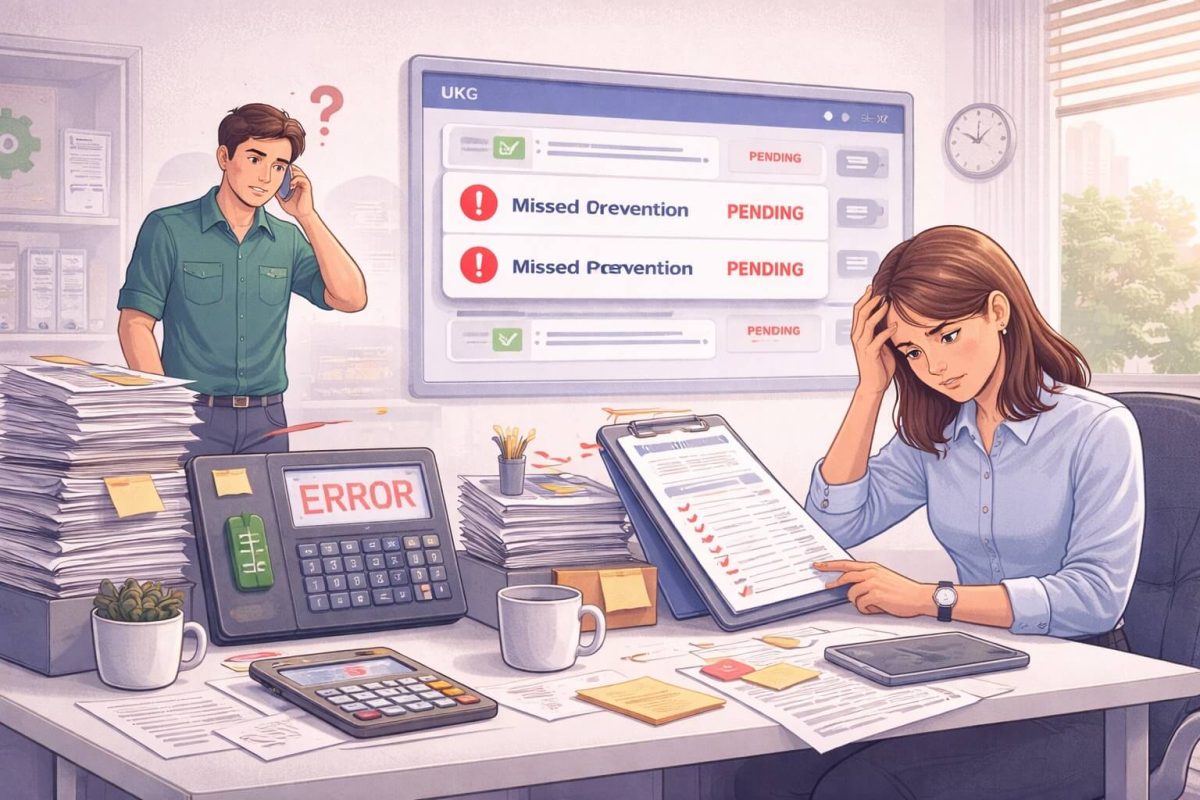
A rushed migration or poorly planned clock strategy can cause:
- Payroll errors and rework
- Confusion at the clock for employees
- Extra pressure on HR, payroll, and IT
- Unplanned capital spend on new proprietary devices
The opportunity here is to treat this as more than a forced upgrade. You can use the WFC sunset to redesign how time is captured, validated, and sent into UKG—without starting from scratch.
Where CloudApper AI TimeClock Fits in Your UKG Roadmap
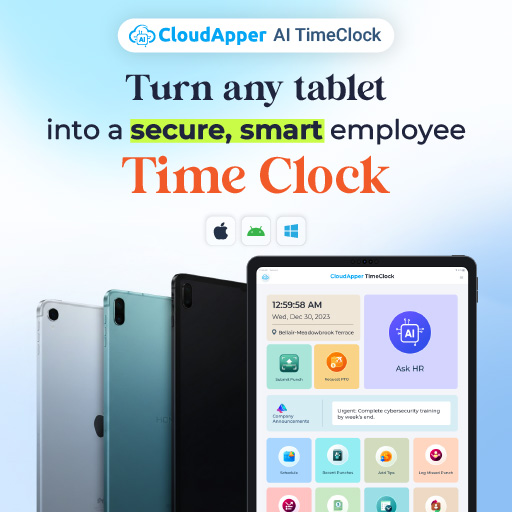
CloudApper AI TimeClock is a tablet-based time clock and self-service hub that integrates with:
- UKG Pro WFM (Dimensions)
- UKG Pro
- UKG Ready
Instead of replacing UKG, it extends your UKG environment. You keep UKG as your system of record, while CloudApper handles how employees actually interact with timekeeping and key HR workflows.
In a typical migration from WFC, organizations will:
- Move scheduling, time, and absence to UKG Pro WFM (Dimensions) or another UKG platform.
- Replace aging WFC-linked clocks with CloudApper running on iOS or Android tablets.
- Map existing pay rules, pay codes, and punch types into CloudApper so data flows cleanly into UKG.
Because CloudApper connects directly to UKG APIs, you don’t have to reinvent your core logic—a huge win for HRIS and payroll teams that already spent years tuning WFC and now Pro WFM / Pro / Ready.
Seamless Integration With UKG: Less Disruption, More Control
One of the biggest risks during any WFM change is breaking integrations. When time data stops flowing cleanly, everything downstream feels it—payroll, analytics, compliance, and employee trust.
CloudApper AI TimeClock is explicitly built to speak UKG. It can:
-
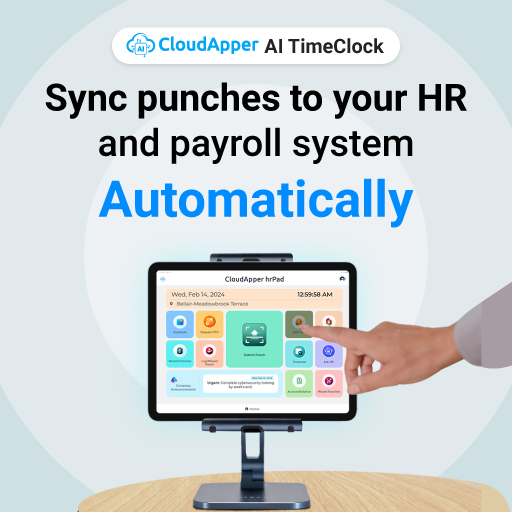
Capture punches on tablets and send them to UKG with the correct employee, location, job, and labour mapping.
-
Pull schedules, accrual balances, and timecard information back from UKG so employees see real-time information at the clock.
-
Respect your existing pay rules and approval workflows in UKG rather than duplicating logic outside the system.
Research on integrated time and attendance shows why this matters. Companies that automate and integrate time tracking with their HR systems see dramatic improvements—studies report reductions of 33–56% in payroll processing time and 25–50% in payroll errors when moving away from manual or fragmented systems.
When you tie a modern time clock layer like CloudApper into UKG, you get those integration benefits without a painful cut-over.

CloudApper hrPad for UKG
Group of Amusement Centers Chose AI hrPad for UKG Pro WFM
Cost-Conscious Modernization: Reuse Tablets, Not Just Buy New Clocks
A big concern for WFC customers is hardware. Legacy clocks are tied to WFC and the Kronos Private Cloud retirement. Many organizations assume they must buy an entirely new fleet of proprietary devices.
CloudApper AI TimeClock takes a different approach:
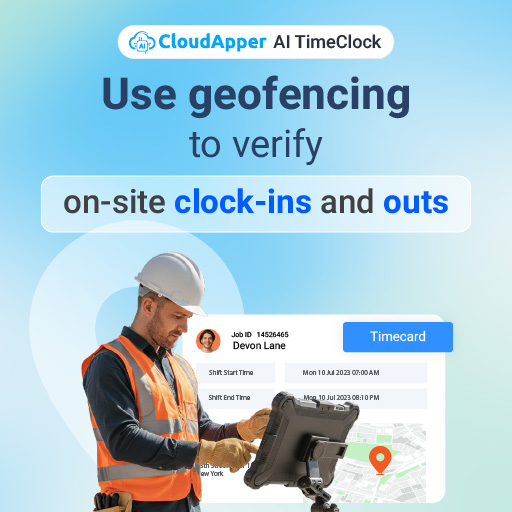
- You can use off-the-shelf Android or iOS tablets.
- Tablets can be wall-mounted or used on stands in high-traffic areas.
- If you already own tablets for operations, training, or kiosks, you can often repurpose them.
From a cost perspective, this matters. Even a modest reduction in hardware spend per location, multiplied across dozens or hundreds of sites, can free up serious budget. And because you manage these devices like any other tablet, you avoid the lock-in and long replacement cycles of traditional clocks.
Meanwhile, the ROI of automated time and attendance is well-documented. Industry analysis from the American Payroll Association and others shows that manual time tracking can introduce 0.5–2% payroll error, while automated systems can reduce errors to near 0.1%. Even a 0.5% reduction on a $5M payroll can save around $25,000–$50,000 per year.
CloudApper helps you capture those gains while keeping hardware costs under control.
Turning the Clock Into a Self-Service Hub
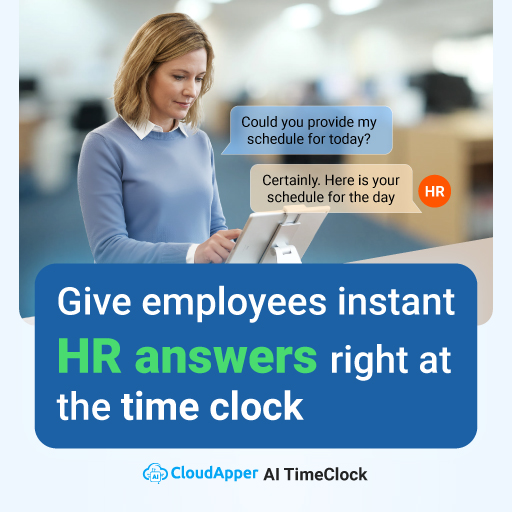
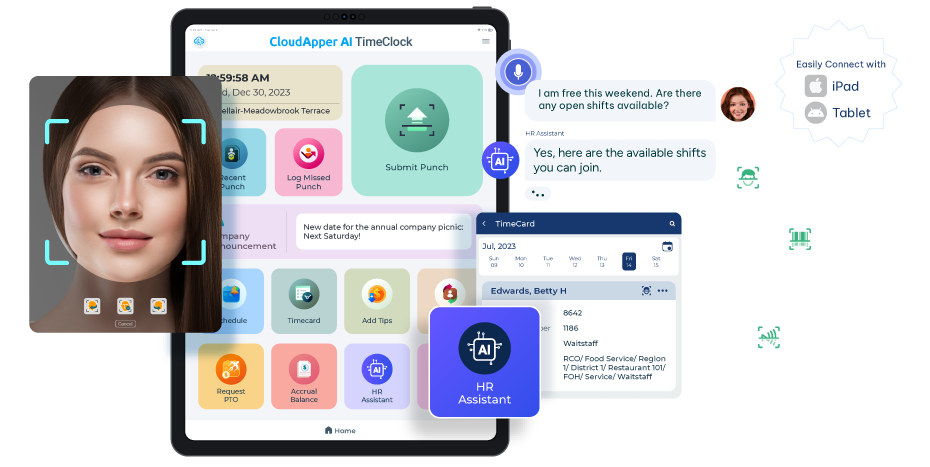
With WFC, many employees saw the clock as a simple punch in / punch out device. CloudApper AI TimeClock turns that moment into a self-service interaction that reduces HR workload and gives employees more control.
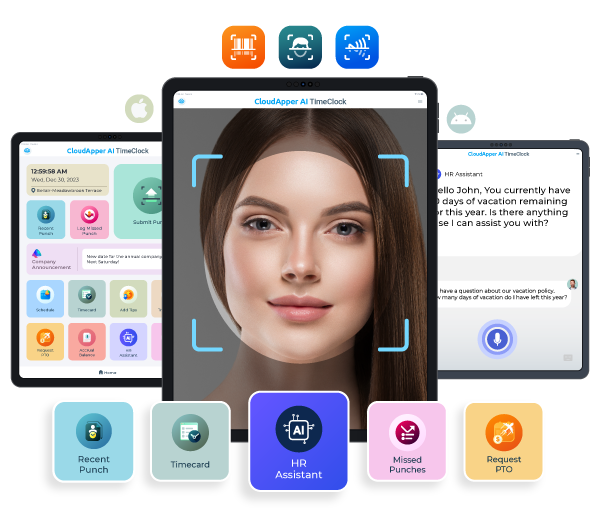
Punch Submission That Fits Your Workflows
Employees can record time in ways that match your environment:
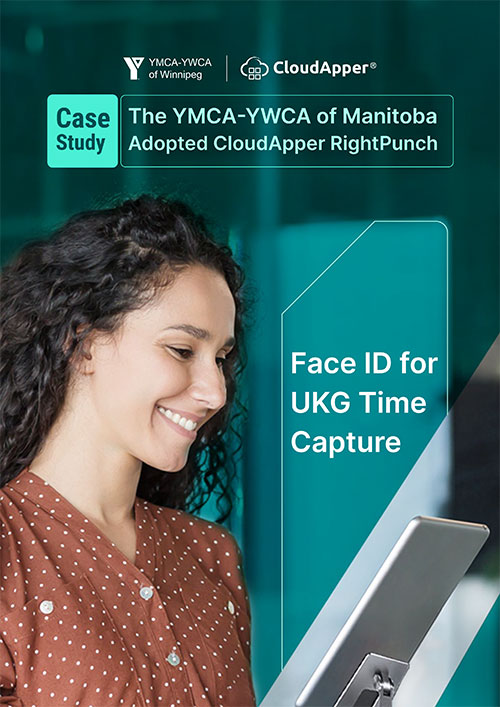
- Face matching for quick, hands-free identification in busy or shared environments.
- QR or barcode scanning for employees with badges or printed codes.
- PIN entry for sites where you want a simple, low-friction method.
Each punch is tied to the right person, right job, and right location, helping cut down on buddy punching and time theft without adding friction.

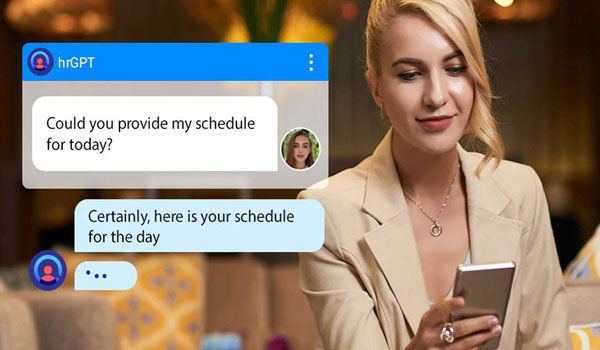
Real-Time Schedule Visibility
Instead of guessing what they’re working next, employees can walk up to the clock and see:
- Today’s shift and break windows
- Upcoming shifts
- Location or department assignments
When schedules are pulled directly from UKG, you avoid the confusion of multiple versions of the truth. Employees know exactly where they should be and when.
Timecard Transparency
CloudApper AI TimeClock lets employees review their timecards in near real-time. That small capability has a big impact:
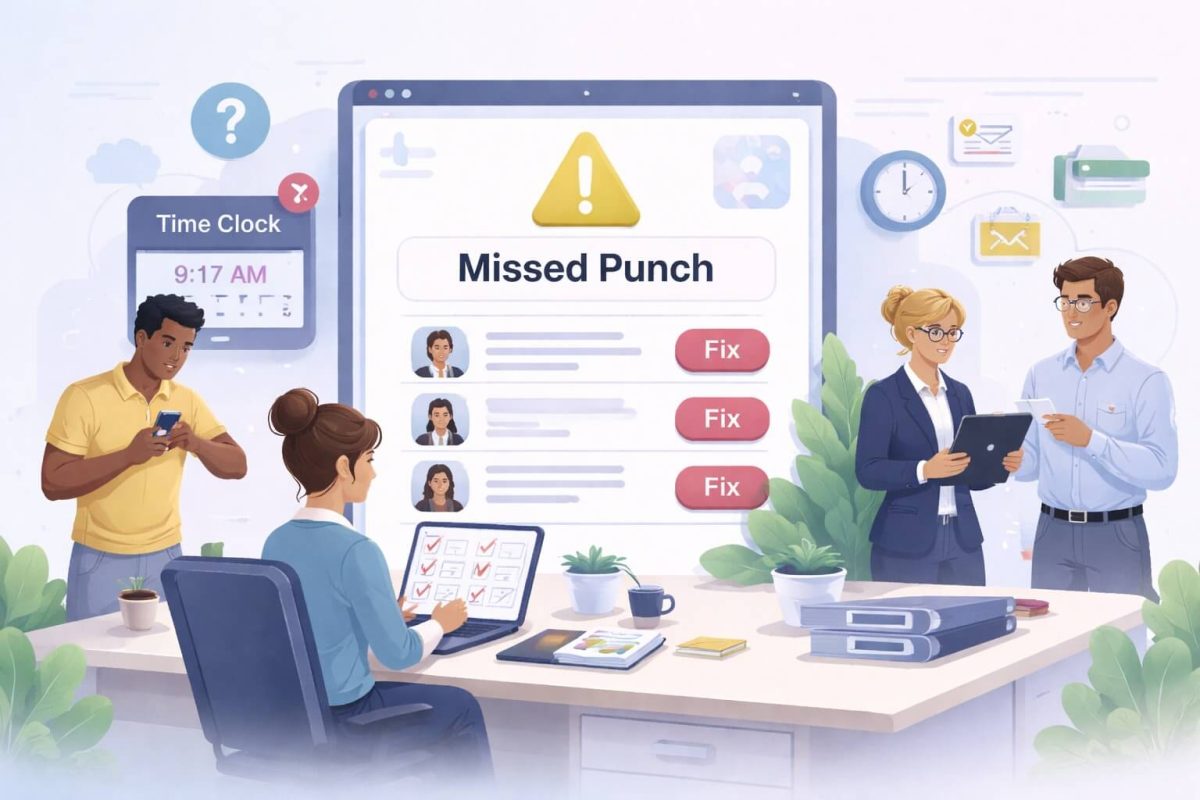
- They catch missing punches early, not at the end of the pay period.
- Supervisors spend less time fixing historical errors.
- Payroll gets cleaner data, which means fewer adjustments and fewer paycheck disputes.
Accrual and PTO Visibility
Accrual balances are among the most common questions HR teams receive. When those balances are visible on the clock—pulled from UKG—employees don’t need to email HR or log in to a separate portal just to see how much time off they have.
From there, they can request PTO directly at the tablet. Requests go into your existing UKG approval workflows so managers can review them the way they do today, just with less manual back-and-forth.
Tip Submission for Hospitality and Service Teams
For restaurants, hotels, casinos, and other hospitality environments, tips are a critical part of compensation and compliance. CloudApper AI TimeClock lets employees record tips at the time of punch, with timestamps and context that you can send into payroll and reporting.
This gives finance and HR better visibility into tip volumes and supports accurate reporting for tax and labor compliance.
A Practical Path From WFC to a Better Day-to-Day Experience
The smartest WFC migrations are the ones that combine stability with incremental improvement. Here’s how many organizations structure the journey:
-
Stabilize your future UKG environment
Move to UKG Pro WFM (Dimensions), Pro, or Ready and confirm that your pay rules, schedules, and accruals behave as expected. -
Introduce CloudApper AI TimeClock in a pilot group
Start with one or two locations. Use existing tablets where possible. Let employees test self-service functions and gather feedback. -
Refine workflows with HR and operations
Adjust punch types, self-service options, and on-screen messages to fit how your teams actually work on the floor. -
Roll out in waves instead of a “big bang”
Expand to more sites once your pilot is stable. Because CloudApper uses tablets, scaling is often as simple as shipping devices and assigning them to the right locations. -
Retire WFC and legacy clocks on your terms
When UKG WFC reaches end of life for your environment, you’re already live on UKG Pro WFM/Pro/Ready with CloudApper as the front door for timekeeping and self-service.
This approach minimizes risk, reduces change fatigue, and lets you collect quick wins—like fewer payroll corrections and fewer “What’s my schedule?” questions—while you’re still in transition.
Why This Transition Is an Upgrade, Not Just a Replacement
The retirement of UKG Workforce Central can feel like a deadline, but it’s also a chance to:
- Modernize how employees interact with your HR and WFM systems
- Free yourself from rigid, proprietary clock hardware
- Improve data quality and reduce payroll errors
- Give HR, payroll, and IT teams a simpler, more flexible setup
CloudApper AI TimeClock doesn’t replace UKG. It amplifies your investment by turning any tablet into a smart, integrated time clock and HR service point that meshes with UKG Pro WFM (Dimensions), Pro, and Ready.
As WFC reaches the end of its lifecycle, you don’t just need a new clock—you need a better experience at the edge of your workforce management system. That’s exactly what CloudApper AI TimeClock is designed to deliver.