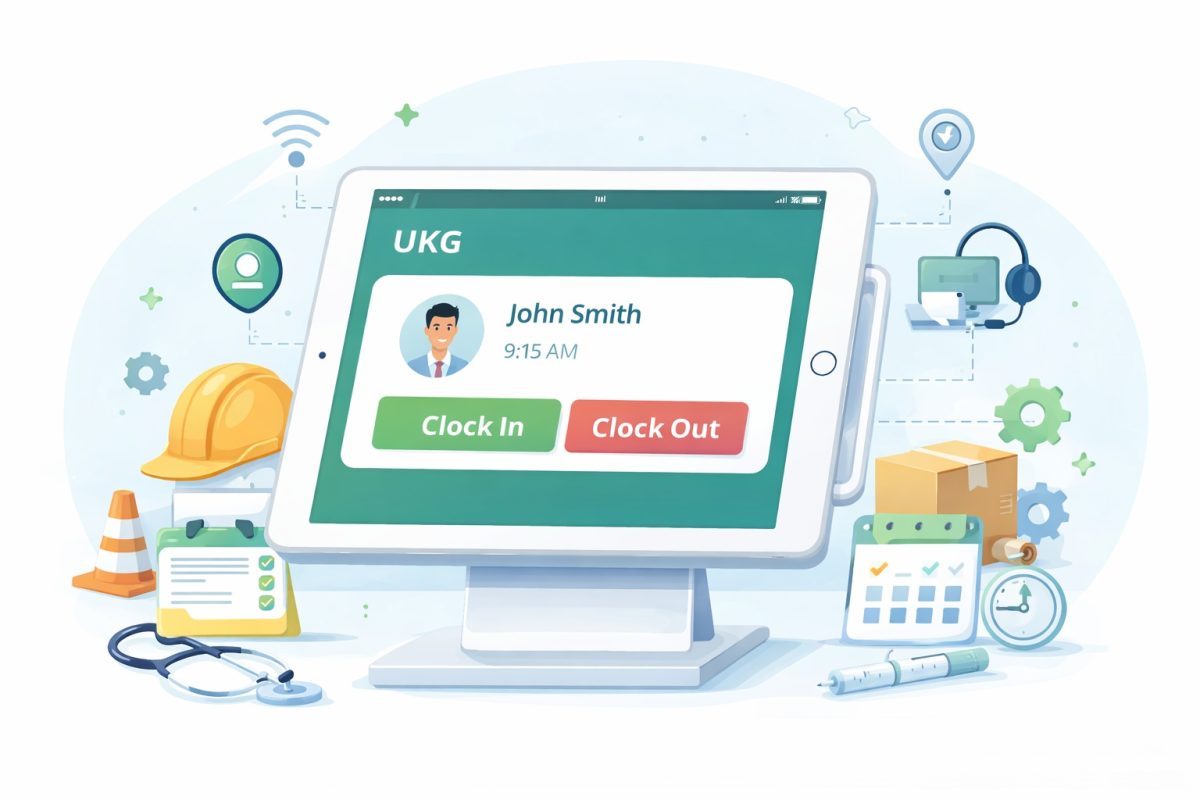

CloudApper AI TimeClock simplifies schedule editing in UKG Pro WFM, empowering managers to make quick adjustments through a familiar interface. It enhances efficiency, reduces errors, and promotes transparency, benefiting both managers and employees.



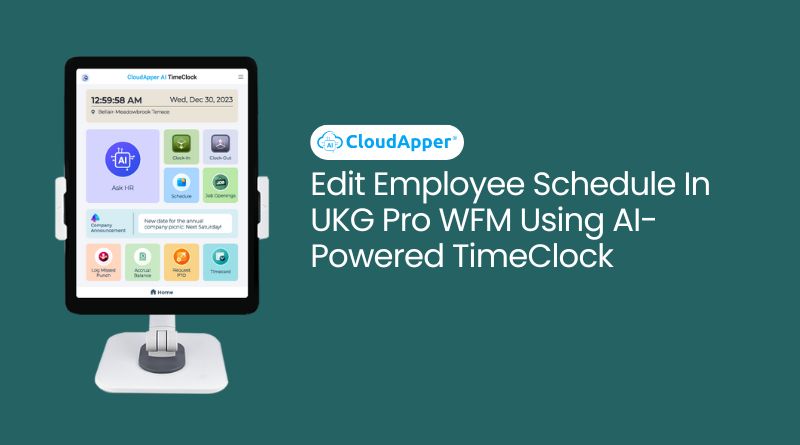
Table of Contents
Managing a dynamic workforce requires more than just creating a schedule—it requires the ability to update that schedule quickly when things change. Employees call in sick, shift priorities change, coverage needs shift between departments, and labor rules need to be respected. For organizations using UKG Pro WFM, those adjustments often turn into time-consuming administrative work for managers.

CloudApper AI TimeClock changes that. Instead of forcing managers back to a desktop every time a schedule changes, it lets them edit Employee Schedules in UKG Pro WFM directly from the CloudApper interface. Schedules stay in sync, employees stay informed, and HR gets cleaner data—with far less manual effort.
In this article, we will explore how CloudApper makes schedule editing easier, what this means for managers and employees, and why it matters for overall workforce management efficiency.
Why Schedule Editing in UKG Pro WFM Needs to Be Faster and Simpler
In most organizations, scheduling and rescheduling consume more time than leaders expect. Managers are not just building schedules; they are constantly adjusting them. Someone swaps a shift, a team needs extra coverage, a project runs late, or a frontline worker requests last-minute time off.
When these changes require:
- Logging into a desktop system
- Navigating multiple screens
- Manually informing employees
…they can easily pile up.
Studies in workforce management repeatedly show that inconsistent or unclear scheduling contributes to higher absenteeism, increased overtime, and lower employee satisfaction. Even a small delay in communicating a schedule change can cause confusion, missed shifts, or unnecessary call-ins.
By enabling managers to edit Employee Schedules in UKG Pro WFM from a simple time clock interface—where they already manage punches and day-to-day activity—CloudApper closes this gap between decision and action.
How CloudApper AI TimeClock Streamlines Schedule Editing in UKG Pro WFM
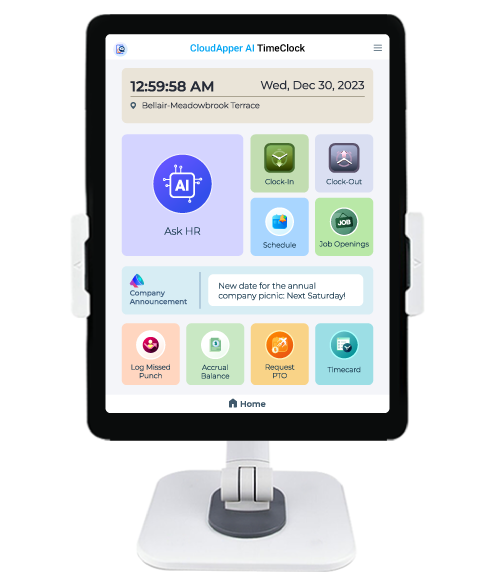
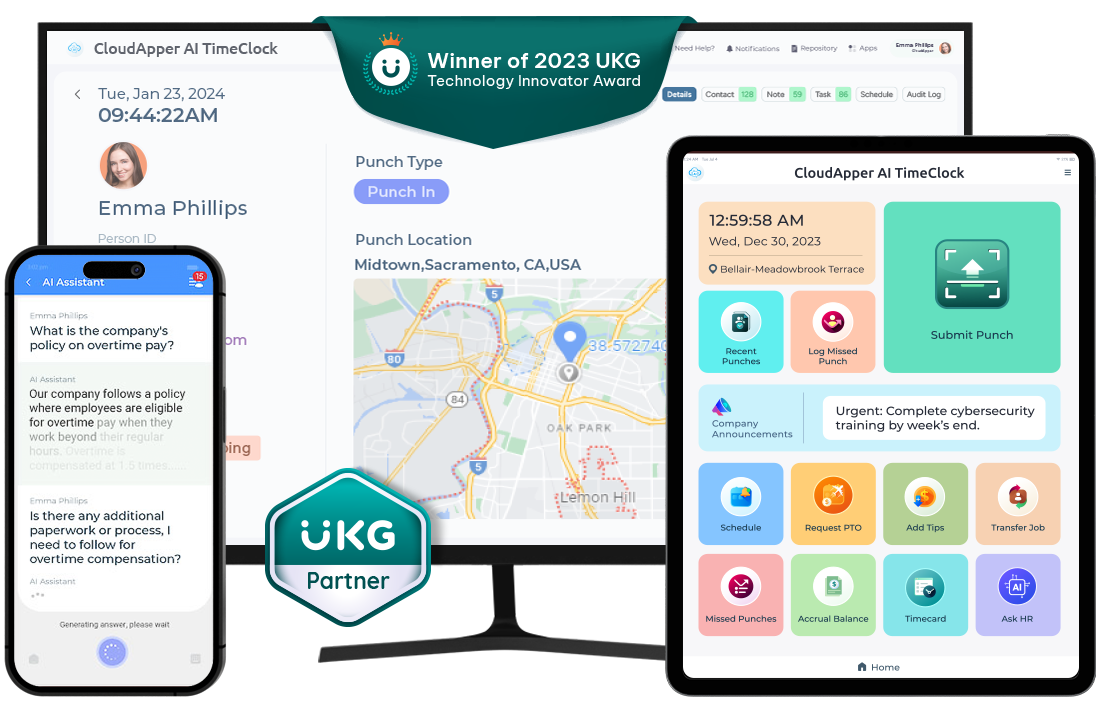
CloudApper AI TimeClock is designed to work with UKG Pro WFM, not replace it. UKG remains the system of record for time and schedules, while CloudApper provides a more accessible, flexible way to interact with that data.
Intuitive, Time Clock–Based Schedule Editing
Managers can log into the CloudApper AI TimeClock interface—on a tablet, kiosk, or browser—and quickly:
- View an employee’s schedule
- Adjust start or end times
- Change the assigned shift
- Update the schedule for a specific day or range
Because the interface is built to resemble the familiar time clock environment, managers do not need to learn an entirely new system. This reduces training time and helps new supervisors become productive faster.
Real-Time Synchronization with UKG Pro WFM
Every change made in CloudApper is synchronized back to UKG Pro WFM in real time. That means:
- UKG remains the single source of truth for schedules
- Reports, timesheets, and approvals in UKG always reflect the latest data
- HR and payroll teams do not need to reconcile conflicting records
For organizations with multiple locations or rotating shifts, this real-time sync is key to avoiding misaligned data and manual corrections at the end of the pay period.
Automatic Employee Notifications for Every Schedule Change
Once a manager edits an Employee Schedule in UKG via CloudApper, the system can automatically notify the affected employee. This may be through in-app messages, email, or other configured channels, depending on how the organization sets it up.
The result:
- Employees do not have to “discover” changes on a printed schedule board
- There is less back-and-forth asking, “Did my shift change?”
- Communication is consistent instead of dependent on each manager’s habits
When employees know about changes quickly and clearly, they can plan their personal lives better—a critical factor in engagement and retention.
Benefits for Managers: Less Admin, More Control
From a manager’s perspective, editing Employee Schedules in UKG via CloudApper AI TimeClock delivers several tangible benefits.
More Time for Leadership, Less Time on Screens
Instead of spending extra time navigating complex scheduling views, managers can make adjustments in seconds from the same interface where they already interact daily. Over a week or month, this adds up to hours saved—time that can be reallocated to coaching, quality checks, or customer service.
Fewer Errors and Duplicate Entries
Because schedule edits flow directly from CloudApper into UKG Pro WFM, there is no need to key the same information into multiple systems. That reduces the risk of:
-
Incorrect shift times
-
Overlapping assignments
-
Mismatched schedules between locations or departments
Cleaner data leads to fewer payroll disputes, fewer corrections, and more trust in the system.
Better Coverage and Faster Response to Change
When schedules are easier to edit, managers are more willing to adjust them proactively. If demand spikes, a manager can pull up CloudApper, shift coverage, and notify staff—all from a single interface. If someone calls out, a replacement can be assigned and notified without waiting to get back to a desk.
This agility becomes especially valuable in industries like retail, manufacturing, healthcare, hospitality, and logistics where same-day changes are common.
Benefits for Employees: Clarity, Transparency, and Better Work-Life Balance
Employees feel the impact of smarter schedule editing just as much as managers do.
Instant Visibility into Shift Changes
Instead of hearing about changes secondhand or noticing them only when they arrive, employees receive direct, timely notifications whenever their schedule is updated. They can verify:
- Which days they are scheduled
- Updated start and end times
- Any changes in location or department
That level of clarity reduces anxiety and eliminates guesswork.
Support for Work-Life Balance
When employees get earlier notice of changes, they can adjust childcare, transport, or personal appointments more easily. In a competitive labor market, this kind of predictability is a meaningful advantage. It signals that the company respects employees’ time and personal commitments.
Fewer Surprises, Fewer Conflicts
Transparent schedule updates also reduce conflicts like double-booking, missed shifts, or unexpected overtime. When the schedule in UKG Pro WFM matches what employees see via notification, trust in the system increases—and escalations to HR decrease.

Real-World Impact: Why Smarter Schedule Editing Matters
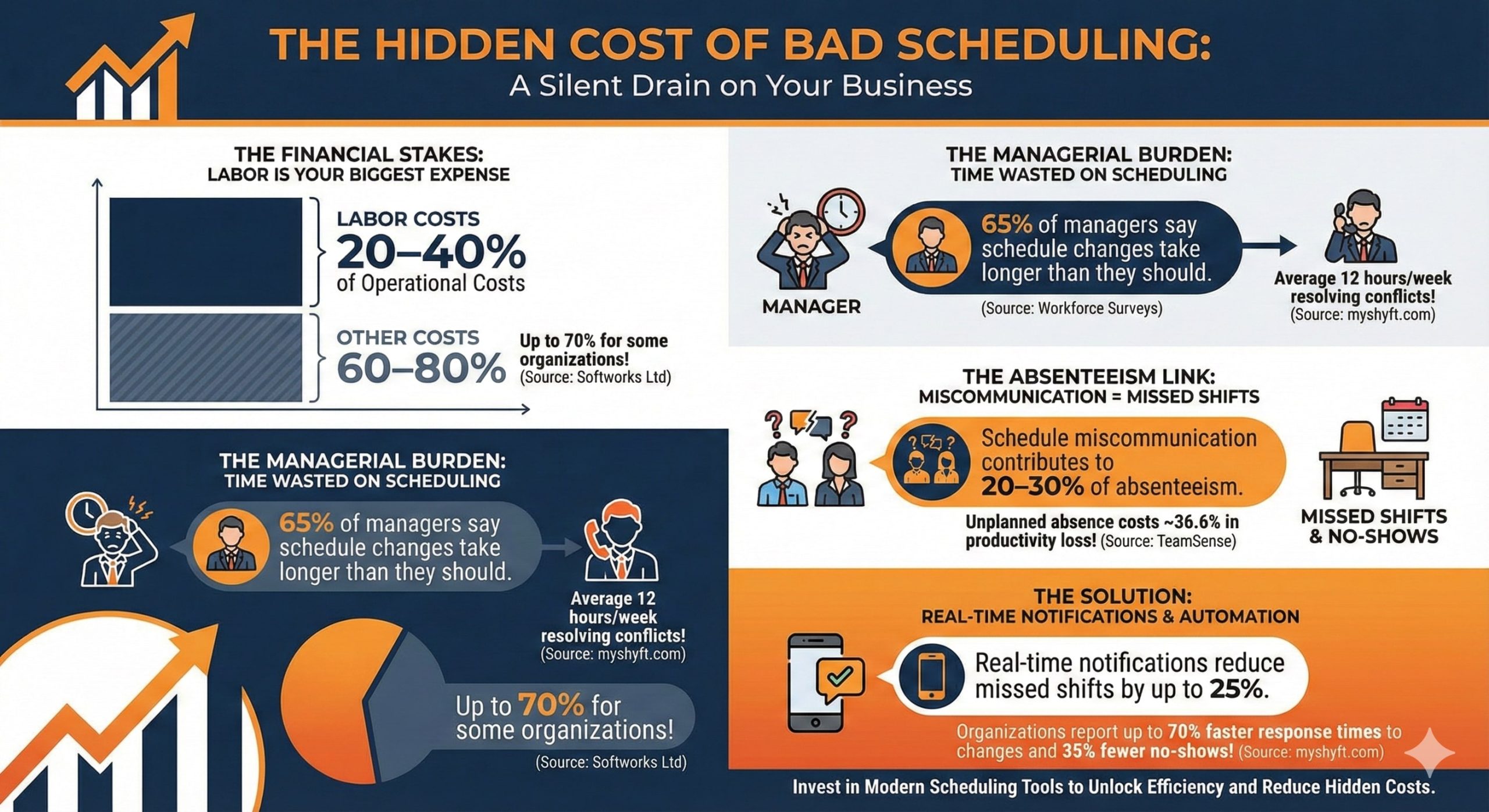
Across industries, labor cost is often one of the largest expenses, sometimes representing 20–40% of total operating costs. Small scheduling inefficiencies—unnecessary overtime, understaffing, or overstaffing—can significantly impact margins over time.
By making it easier to edit Employee Schedules in UKG Pro WFM, CloudApper AI TimeClock helps organizations:
-
Reduce last-minute overtime caused by schedule misalignment
-
Improve adherence to labor and break rules by keeping schedules accurate
-
Ensure staffing matches actual demand more closely
-
Maintain a clean audit trail of who changed what and when
In short, CloudApper doesn’t just make schedules easier to edit—it helps turn schedule management into a more precise, data-driven process.
How CloudApper Fits into a Modern UKG Workforce Management Strategy
CloudApper AI TimeClock is designed for organizations that already trust UKG Pro WFM as their core workforce management system. Rather than replacing UKG, CloudApper extends and personalizes it by:
-
Providing a more accessible, manager-friendly layer for schedule editing and time-related workflows
-
Running on tablets, kiosks, or shared devices—perfect for frontline and deskless environments
-
Keeping all data synchronized so HR, operations, and payroll remain aligned
For UKG customers, this approach protects existing investments while unlocking new levels of flexibility and usability.
Embrace Efficient Schedule Editing in UKG Pro WFM with CloudApper AI TimeClock
If editing Employee Schedules in UKG Pro WFM still feels like a slow, desktop-only process in your organization, it is likely holding back both managers and employees. CloudApper AI TimeClock offers a simpler, more agile way forward:
-
Managers edit schedules directly from a familiar time clock interface
-
UKG Pro WFM stays fully synchronized as the system of record
-
Employees receive timely updates and enjoy better visibility into their shifts
The result is a more efficient, transparent, and employee-friendly scheduling process—without disrupting how UKG is already configured.
If you are ready to reduce scheduling friction and give your managers and employees a better experience, explore how CloudApper AI TimeClock can help you edit Employee Schedules in UKG Pro WFM more efficiently and support a more agile workforce.