
CloudApper AI TimeClock turns any tablet into a smart hospital time clock that integrates with UKG, helping healthcare teams manage shifts, track departments, access schedules, and handle payroll smoothly while reducing errors and improving staff efficiency.



Table of Contents
Running a hospital means dealing with constant shift changes, last-minute callouts, and complex scheduling. I’ve worked with dozens of healthcare facilities using UKG, and time tracking in hospitals is uniquely challenging. You’re managing 24/7 operations, multiple departments, and strict labor rules all at once. What you really need is an AI-powered hospital time clock.

The good news? CloudApper AI TimeClock transforms any iPad or tablet into a smart time clock that integrates directly with your UKG system. It combines facial recognition, schedule access, and employee self-service into one affordable solution. No expensive hardware. No complicated setup. Just a straightforward way to handle time tracking for your hospital staff.
TL;DR
-
Hospitals need more than a generic punch system. Time tracking must handle departments, shift changes, and labor rules accurately.
-
CloudApper AI TimeClock turns any tablet into a hospital time clock that integrates directly with UKG Ready and UKG Pro.
-
Staff can access schedules, request changes, track departments, and get AI assistance—all from the same device they clock in with.
-
Features like facial recognition, job transfers, offline mode, and shift swapping remove manual work and prevent time theft.
-
Hospitals using CloudApper have reduced payroll fixes, gained true cost visibility, and saved hours every week.
Why Hospitals Need Specialized Time Clock Systems
Generic time clocks don’t work in healthcare. Your staff works around the clock. Nurses start shifts at 7 AM, 3 PM, and 11 PM. Your ER team never knows when their shift will end. This complexity creates real problems.
I’ve seen hospitals struggle with buddy punching issues, manual schedule adjustments, and department tracking headaches. When a nurse floats from the ICU to the medical-surgical unit, tracking which department to charge becomes a nightmare. Shift differentials for nights, weekends, and holidays add more complexity.
You need a hospital clock system that understands healthcare operations. Most importantly, it needs to sync perfectly with UKG so your time clock data flows directly into payroll without manual entry.
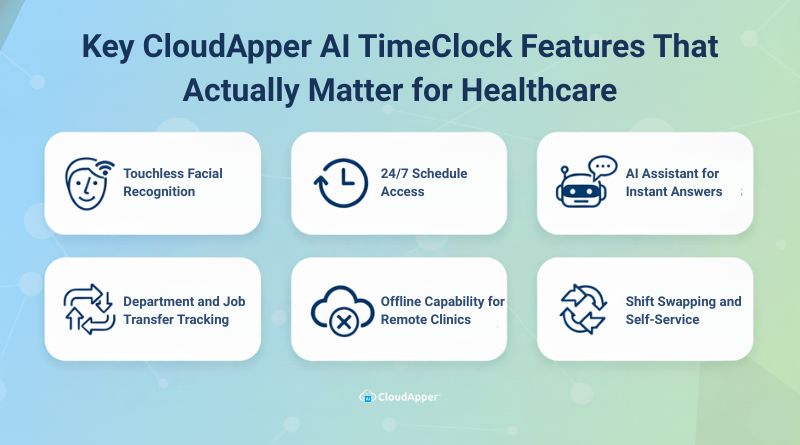
Key CloudApper AI TimeClock Features That Actually Matter for Healthcare
Let me show you the hospital time clock features that solve real problems I see in healthcare organizations every day.
Touchless Facial Recognition
Your staff shouldn’t touch shared devices dozens of times per shift. A nurse walks up to the tablet, the camera recognizes her face instantly, and she’s clocked in within two seconds. No badges to forget. No PINs to remember.
This employee time clock for medical facilities also stops buddy punching completely. Each person must physically be present to clock in. I’ve watched hospitals reduce time theft by 80% after implementing facial recognition.
You also get backup options. Staff can use QR codes, barcodes, or NFC cards if facial recognition doesn’t work in certain situations.
24/7 Schedule Access
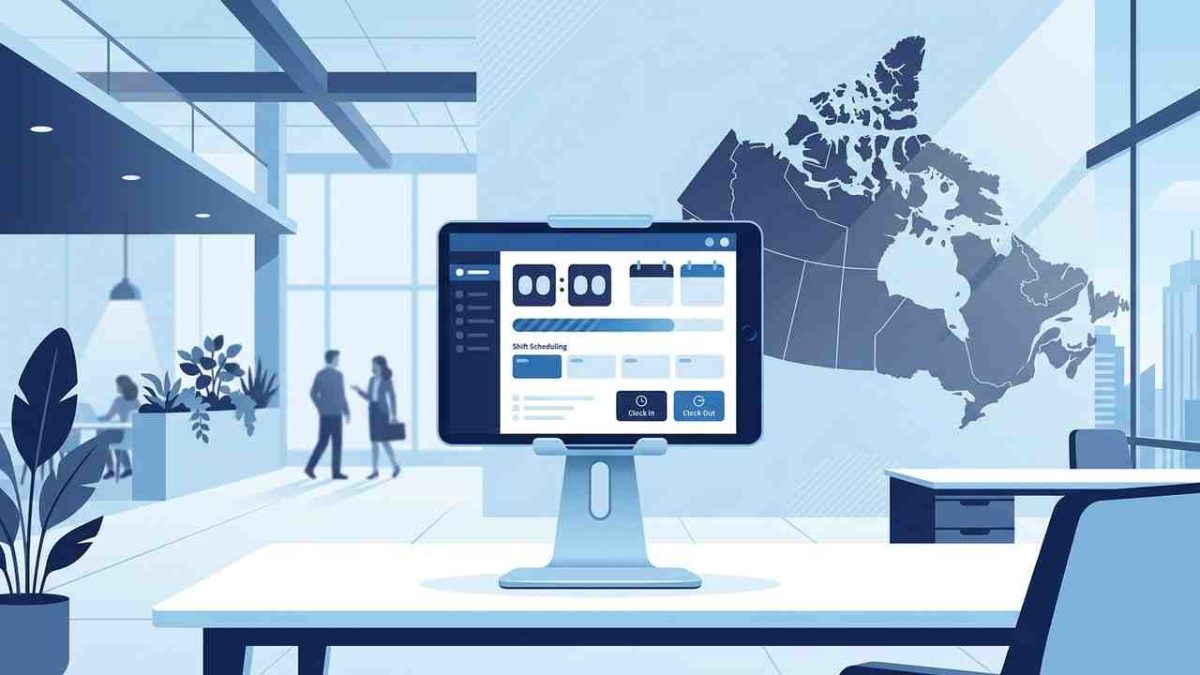
Your time clock becomes more than just a punch system. A nurse finishes her shift at 7 PM, taps the tablet to check next week’s schedule, and sees her upcoming shifts. She notices she has 40 hours of PTO available and submits a time-off request right there. Her manager gets notified instantly.
This transparency changes everything. Your staff can plan their personal lives better and stop constantly asking managers about schedules.
AI Assistant for Instant Answers
The 24/7 AI assistant handles routine questions that used to flood your HR team. A lab technician working at 11 PM can ask about holiday pay and get an accurate answer instantly from your hospital’s actual policies.
Common questions it handles include PTO balances, upcoming shifts, shift swap procedures, overtime policies, and paystub access. Your HR team stops answering the same questions repeatedly.
Department and Job Transfer Tracking
This feature saves massive time for multi-department hospitals. Your respiratory therapist starts in the ICU, gets called to the ER for an emergency, and then helps in pediatrics. She indicates the department each time she moves, and the system tracks exactly how much time she spends in each area.
This data flows automatically into UKG with the correct department codes. Your finance team gets accurate cost allocation. I’ve seen hospitals discover they were misallocating hundreds of thousands of dollars annually because their old system couldn’t track this properly.
The same applies to different job codes. A nurse switches to preceptor duties, trains new staff, selects the appropriate pay code at the clock, and the system records it automatically. No manual payroll adjustments needed.
Offline Capability for Remote Clinics
Many hospital systems operate satellite clinics with unreliable internet. CloudApper handles this smoothly. Your remote staff continue clocking in and out even when the internet drops. The app stores punch data locally and syncs automatically when connectivity returns.
I’ve worked with regional healthcare systems in rural areas with spotty service. They never lose time data, and their staff get paid accurately.
Shift Swapping and Self-Service
Shift swaps happen constantly in healthcare. An employee requests a swap directly through the time clock. The system notifies eligible staff who might want that shift. When someone accepts, the request goes to the manager for approval. Once approved, the schedule updates automatically in UKG.
I’ve seen this reduce manager time spent on shift swaps by 75%. Your charge nurses love this feature.
Your team shouldn’t struggle with time tracking when a better way is already available.
UKG Integration That Just Works
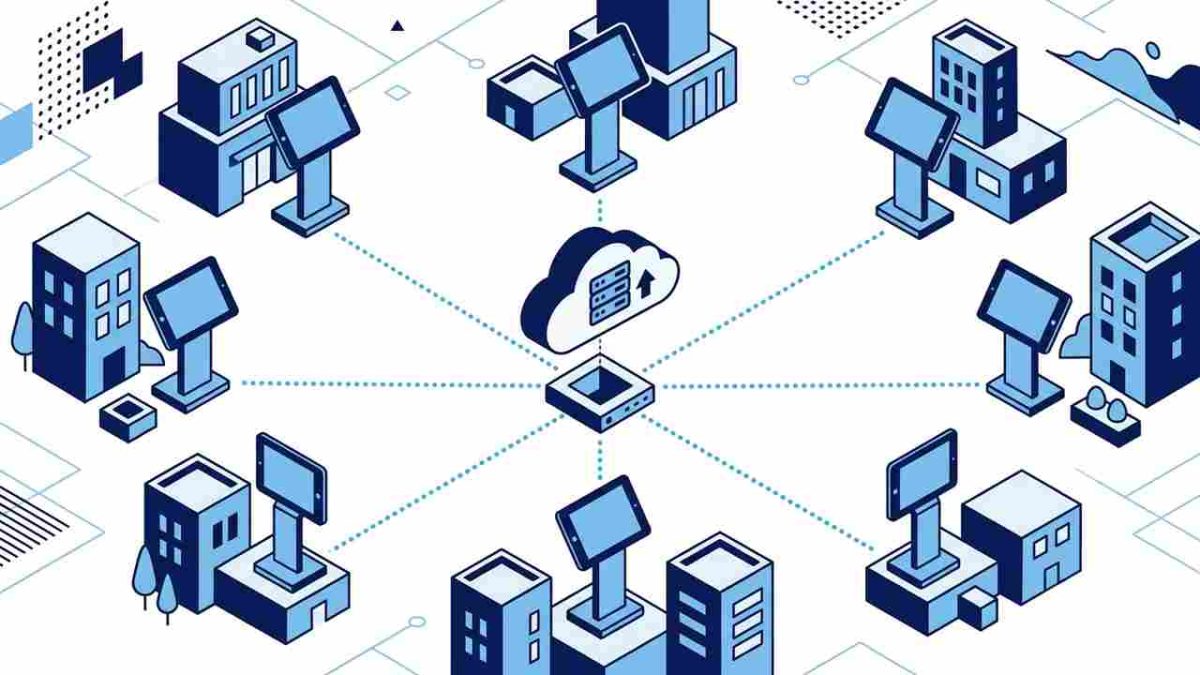
Every punch flows directly into UKG in real-time. Clock in at 7:00 AM, and that punch appears in your UKG system immediately. Department transfers sync. Pay code changes sync. PTO requests sync. Schedule changes sync.
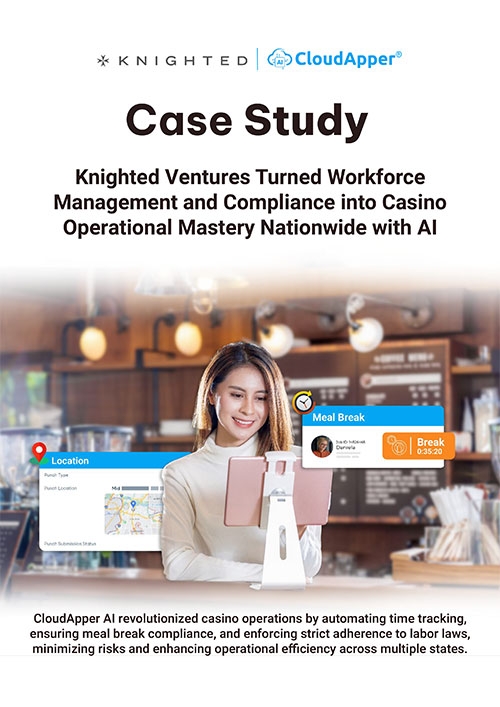
You’re not exporting files or running nightly batch jobs. CloudApper works with both UKG Ready and UKG Pro. Your existing configuration stays intact. Your pay rules continue working exactly as they are now.
When you run payroll, everything is already there. The system has applied your hospital’s pay rules. Night differentials are calculated. Weekend premiums are included. Overtime is tracked correctly. I’ve watched payroll processing time drop from days to hours after hospitals implement this.
Setting Up AI-Powered Hospital Time Clock
Implementation happens in four simple steps that make the process smooth and risk-free.
Step 1: Discovery Call
You talk with our solution experts about your specific requirements. We discuss how your workforce operations work, what challenges you’re facing, and what features matter most to your facility.
Step 2: Custom Development
Our solution experts develop the system based on your custom requirements. This includes configuring features, setting up UKG integration, and tailoring the interface to match your workflows.
Step 3: Department Trial Run
We deploy the solution in a single department first. This trial run lets you test everything in a real-world setting and catch any issues or bugs before going wider. Your staff in that department provides feedback, and we make adjustments as needed.
Step 4: Organization-Wide Deployment
Once the trial department confirms everything works smoothly, we roll out across your entire organization. Tablets get mounted near nurses’ stations, in break rooms, and at clinic entrances. Training is minimal because the system is intuitive. Most hospitals are fully operational within 2 to 4 weeks from initial contact.
Real Results I’ve Seen
One nurse manager told me she used to spend 10 hours per week on schedule tasks. After implementing CloudApper AI TimeClock, it dropped to 2 hours. She now spends that time on patient care initiatives.
Hospitals reduce payroll correction tickets by 90% because automated tracking with proper department and pay code capture eliminates most errors. Staff satisfaction improves because they have direct schedule access and don’t chase managers for simple questions.
Finance teams gain visibility they’ve never had. They can see true labor costs by department, shift, or any metric that matters. This helps with budgeting and staffing decisions.
Take the Next Step
If you’re frustrated with your current hospital clock system or still using outdated time tracking methods, CloudApper AI TimeClock offers a practical solution. You get modern technology without traditional cost barriers. You empower your staff with schedule access and self-service tools. You integrate seamlessly with UKG. You see ROI quickly through reduced time theft and improved efficiency.
The right time clock doesn’t add work to your day. It gives time back to it.
Questions I Get Asked The Most
-
What is a hospital time clock and how does CloudApper AI TimeClock fit in?
A hospital time clock is the system your staff uses to clock in, clock out, and track shifts. CloudApper AI TimeClock turns any iPad or tablet into a smart hospital time clock that uses face recognition, supports department transfers, and syncs directly with your UKG system.
-
How does CloudApper AI TimeClock integrate with UKG for hospitals?
CloudApper AI TimeClock connects with UKG so that punches, department transfers, job codes, and PTO requests flow straight into your existing UKG environment. Your current pay rules stay in place, and payroll teams see updated time data in real time.
-
Can CloudApper AI TimeClock handle multiple departments and shift differentials?
Yes. Staff can select departments and job codes at the clock when they float between units. Those punches are tagged correctly and sent to UKG, helping your team track labor by department and apply night, weekend, or holiday differentials correctly.
-
How does facial recognition help hospital workforce management?
Facial recognition makes clocking in touchless and secure. Each employee must be physically present to punch, which reduces buddy punching and time theft. It also speeds up clock-ins for busy clinical staff who do not want to manage badges or PINs.
-
What happens if our hospital or remote clinics lose internet connectivity?
CloudApper AI TimeClock works offline when needed. Staff can still clock in and out on the tablet, and the app stores those punches locally. Once the connection returns, all data syncs automatically with UKG so no hours are lost.