Frontline sites with little or no internet leave employees unable to reach HCM self-service. With offline self-service, CloudApper AI's hrPad lets workers submit requests from any iPad or Android tablet, keeps the time each request was made, and syncs it to UKG Ready for HR approval once connected.




Table of Contents
Many frontline employees work where there is little or no internet, so they can’t reach HCM self-service when they need to submit a request. Mines and pipeline spreads sit in cellular dead zones, steel warehouses and freezer rooms block the signal, hospital basements and rural clinics run on weak or single-line connections, and construction trailers rely on a hotspot. Workers at these sites fall back on paper forms and texts to supervisors.

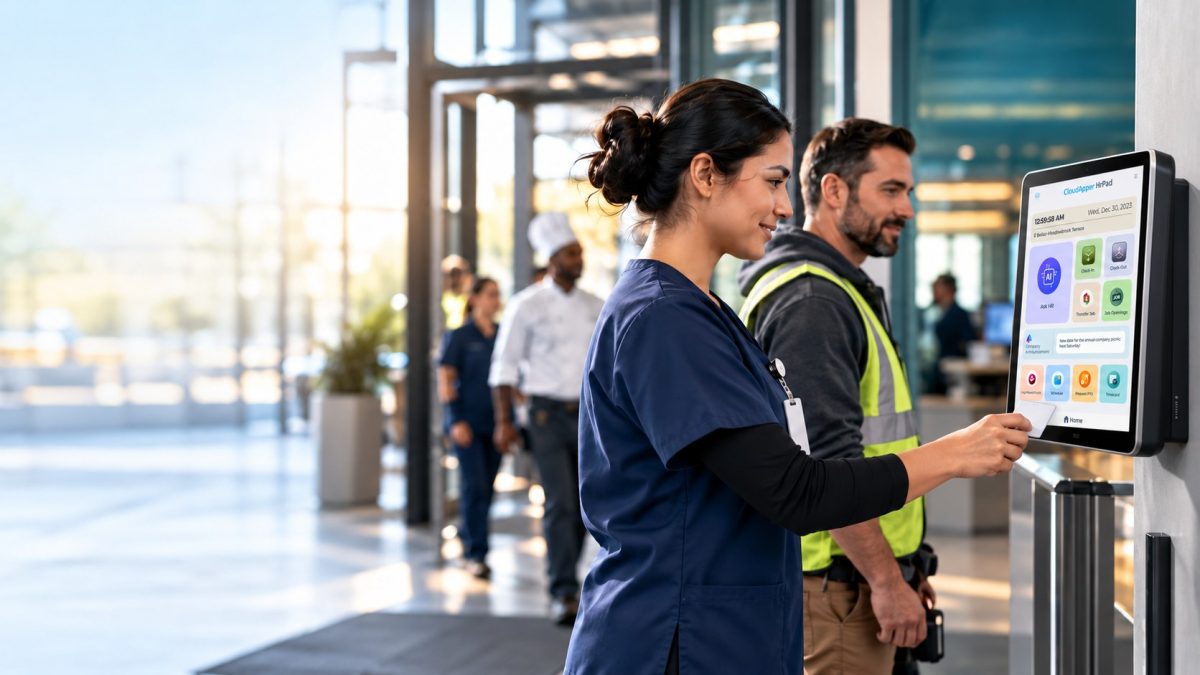
Offline self-service closes that gap. CloudApper AI’s hrPad turns any iPad or Android tablet into an Employee Self-Service Kiosk that works without the internet. It accepts requests on site, queues them with the time they were made, and sends them once a connection is available. hrPad is fully compatible with UKG Ready.
Why sites without internet need offline self-service
HCM self-service is built for a live connection, whether employees use a web portal or a mobile app, and many hourly sites go hours or days without one. That’s why usually on site employees end up improvising when sending in their requests. They fill in paper forms, text supervisors, or wait until they drive back into coverage and hope they remember. Every one of those leave requests now lives outside the system of record, where management can’t see it, route it or approve it.
A supervisor re-keys the request days after being informed, and the original request time is gone, so the conversation of who requested for a time off first can turn into an argument. The root cause is the lack of network coverage at the site itself, and the FCC’s National Broadband Map shows how quickly service thins out away from towns and cities.
How CloudApper AI’s hrPad queues and syncs requests
You turn on offline sync per kiosk, on any tablet, and employees sign in with Face, QR or PIN, so a stored request belongs to the right person on a shared device. With no connection, the employee picks the dates and the leave type, then taps submit, and the screen reads “Request saved, will send when connected.” That one message stops double submissions. The request then sits on the tablet in order, stamped with the time the employee made the request rather than the time it synchronizes.
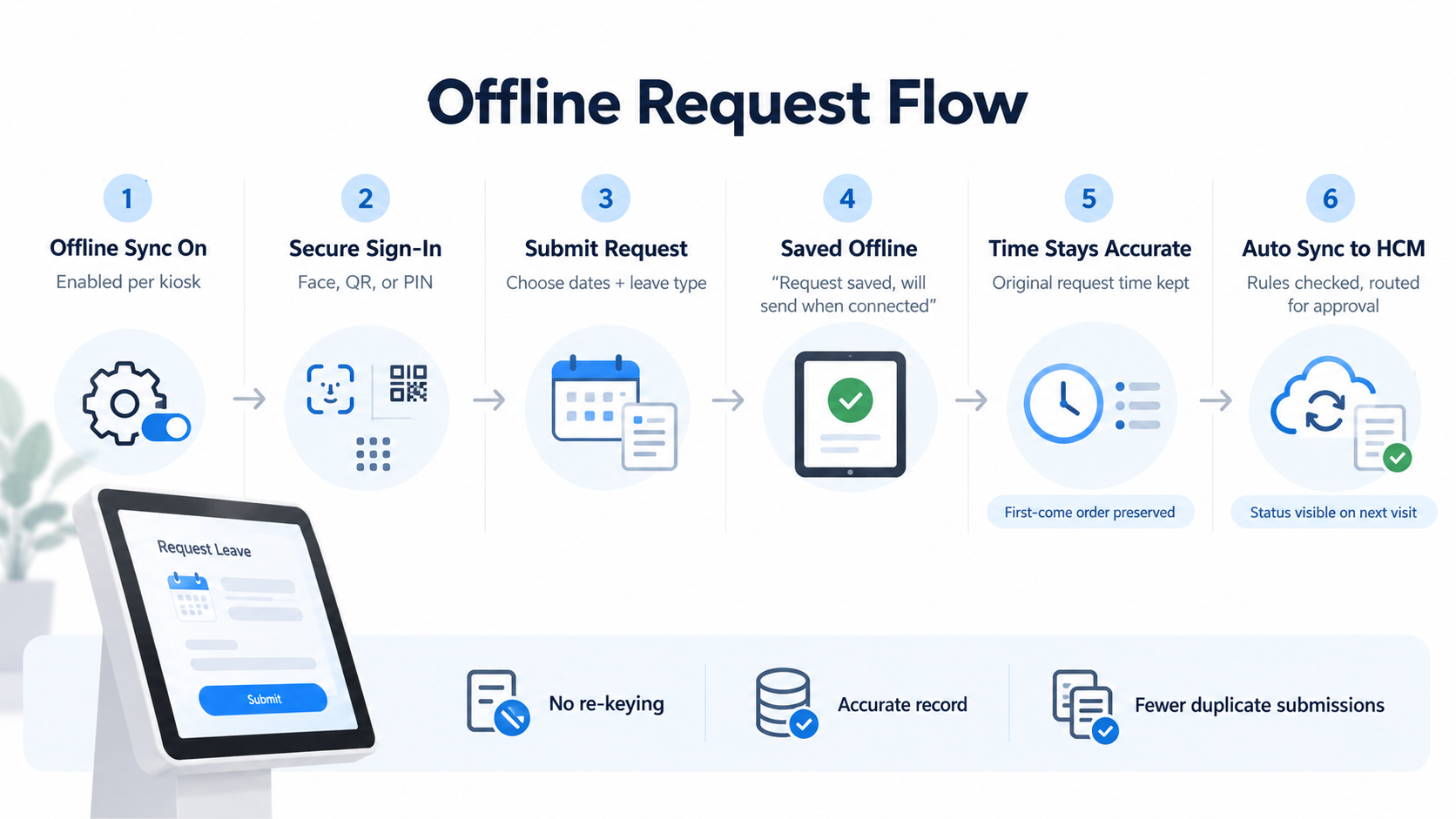
With offline self-service, first-come order survives the outage and HR gets an accurate record, which fixes the ordering error that happens with sync delays. When the signal returns, the queue sends itself, with no re-keying. Your HCM checks each request against its own rules, like leave balances and eligibility, and routes it to the approver. After the synchronization, the employee sees the status of their request at their next kiosk visit.
Keep requests moving when the connection doesn’t
A request made offline either sits on paper or waits in a queue. Only the queue keeps the original time and reaches your approval workflow on its own, so you skip the re-keying, the disputes and the late answers. hrPad brings offline self-service to UKG Ready sites that have little or no internet. If you are currently facing issues with this, and need offline ready services for managing front line employees contact us today.
Frequently asked questions
What is offline self-service on a kiosk?
It lets employees submit requests at a shared tablet with no internet connection. The kiosk saves each request and sends it to your HCM once the connection returns.
What does the employee see when a request is saved offline?
A confirmation that reads “Request saved, will send when connected,” so they know it went through and don’t submit it again.
Does a queued request keep the time it was made?
Yes. Each request keeps the time the employee submitted it, not the time it synced, so first-come order holds.
Who approves a request that was submitted offline?
The same people who approve it today. Once it syncs, your HCM applies its rules and routes it to HR or the manager, and the employee sees the decision at the kiosk after the next sync.

October 23, 2026
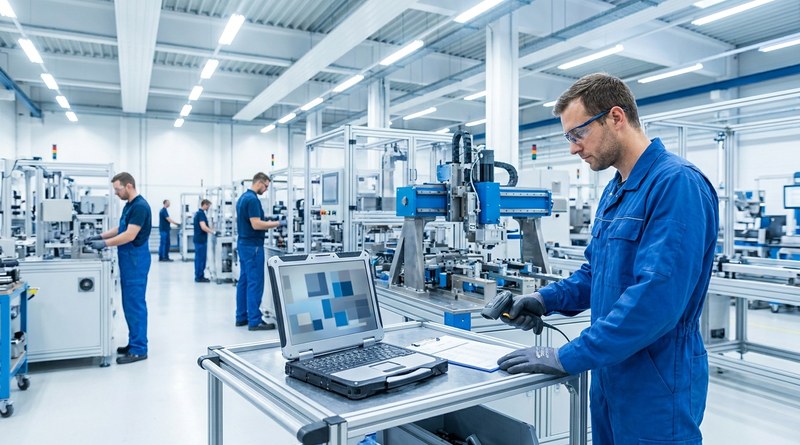
Barcode Labor Tracking on UKG Ready: Two Clocks, One Labor Record, and an ERP-Validated Hierarchy
Some plants keep attendance on the clocks at the door and capture job labor at the workstation. This piece looks at that two-clock model on UKG Ready: scan-only capture for gloved operators, work orders validated against the ERP, and how CloudApper adds that layer using the PCs and scanners already on the line.
October 13, 2026
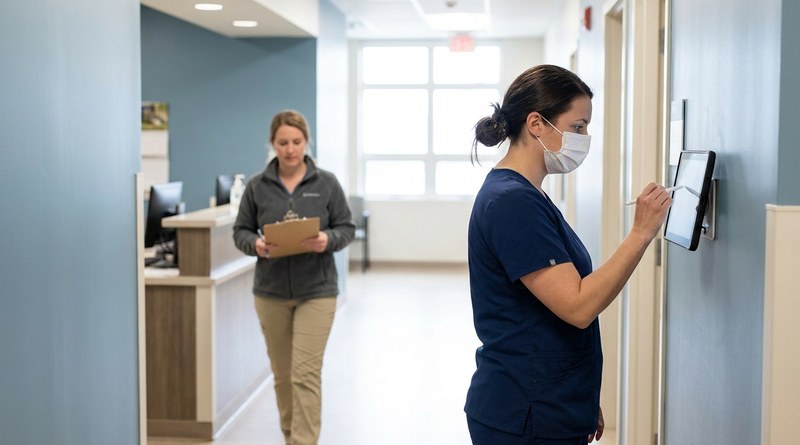
Paperless HR for Rural Hospitals on UKG: Extending One Kiosk to Documents, E-Signatures and Benefits Data
A rural hospital using CloudApper hrPad as its UKG time clock still handled much of HR on paper. Its next step is extending the same kiosk to documents, e-signatures and transfers, with CloudApper iPaaS moving benefits data to providers, all within network rules that block external AI services.

October 7, 2026
Shared Tablet SSO in UKG: One Time Clock for Every Login Type
Hourly staff on basic UKG logins and managers on SSO can share one tablet time clock without login mix-ups. This guide explains each login type in plain English, compares three shared-tablet setups and shows how hrPad by CloudApper AI makes it work.
October 5, 2026
Why Is My Paycheck Wrong? Tracing UKG Payroll Errors to Six Upstream Causes
Most UKG payroll questions start upstream of payroll: in employee details, attendance, deductions, approvals, compliance or reconciliation. hrPad by CloudApper AI catches each one at the time clock.